
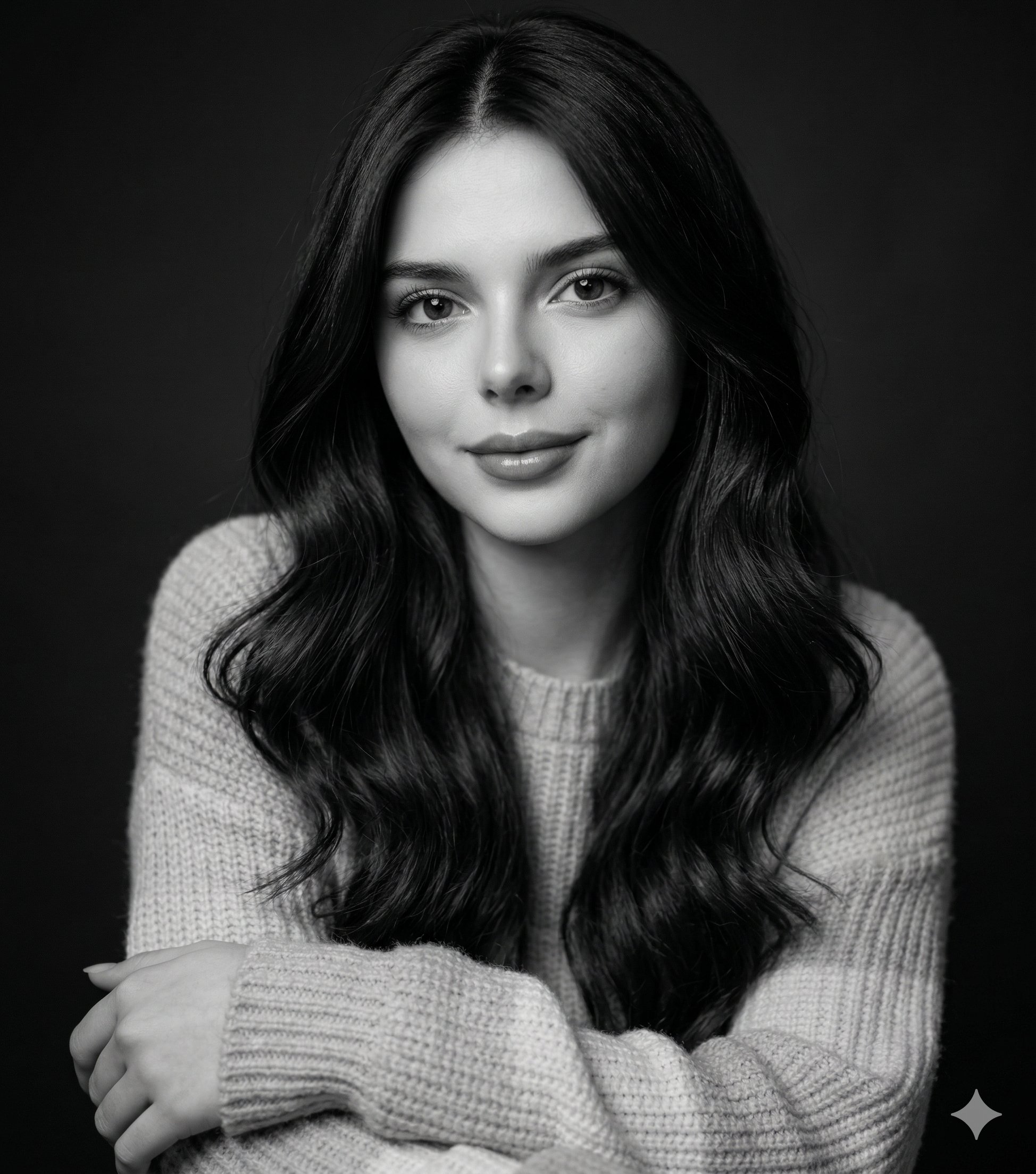
Cinematic Editorial Portrait
A highly detailed prompt for photorealistic cinematic portraits, including skin texture, lighting, and camera settings, styled for high-end fashion magazines like Vogue.
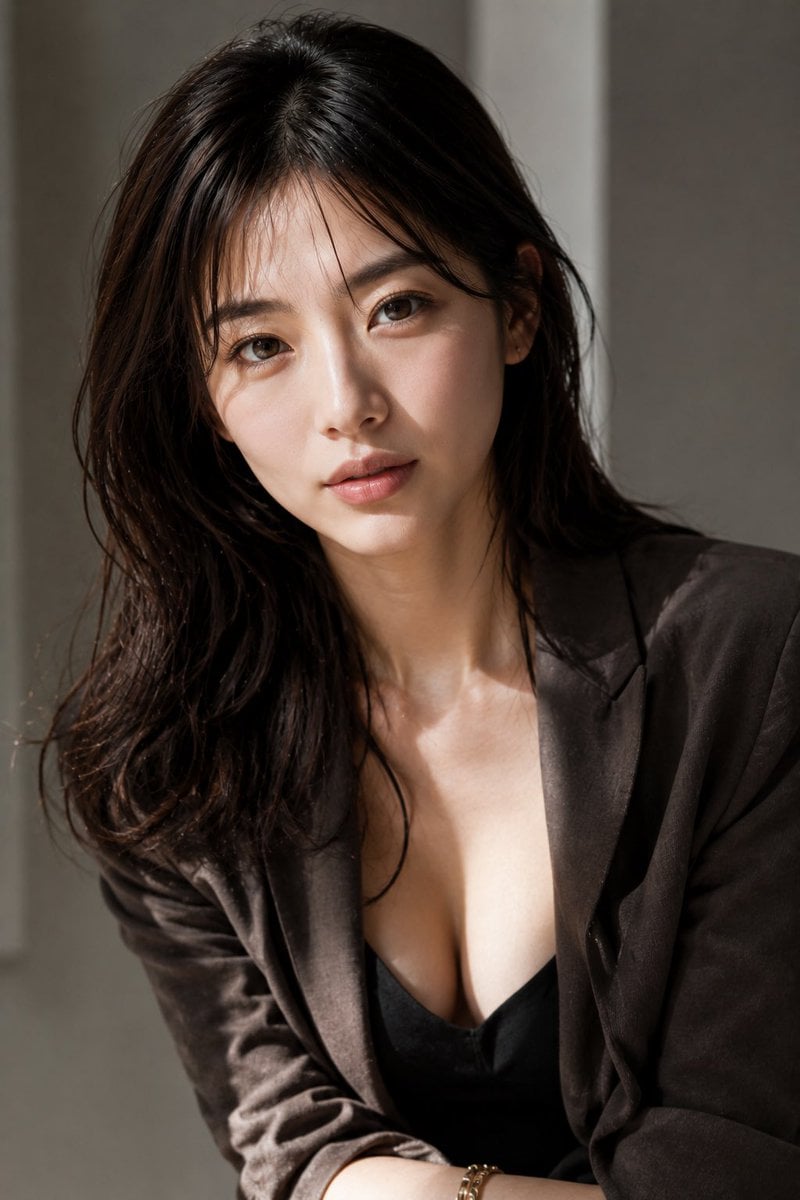
- Prompt included
- Model and format preset
- Free template
The prompt behind this image
Copy the exact prompt behind Cinematic Editorial Portrait, or open it in the studio and make it yours.
フォトリアリスティック、超高精細なシネマティック・ポートレート写真。 柔らかな自然光によるライティング。 現実的な陰影の落ち方と、前方からの控えめなレフ板による補助光。 毛穴や微細な肌の質感を含むリアルな肌表現。 細かな毛束まで描写された高精細な髪。 物理的に正確な布地の質感とシワ表現。 自然なカラーグレーディング。 リアルなダイナミックレンジ。 物理的に正確な反射表現。 フルサイズカメラと85mmポートレートレンズで撮影したような描写。 被写界深度は浅めだが、目と顔にはシャープにピントを合わせる。 自然なボケ表現。 繊細なフィルムグレイン。 実写らしいレンズ描写。 人体は完全に正確な解剖学構造。 手指の破綻なし。 余分な指なし。 変形した人体なし。 アニメ調禁止。 イラスト調禁止。 ゲームCG調禁止。 プラスチックのような肌質禁止。 文字、ロゴ、ウォーターマーク禁止。 高級ファッション誌风のエディトリアル・ファッションフォト。 Vogue系の洗練されたポートレートスタイル。 プロフェッショナルなモデルポージング。 洗練された姿勢と上品なボディライン。 自信を感じさせる知的で高級感のある表情。 スタジオ品質の柔らかなビューティーライティングと、映画的な自然光ライティングの組み合わせ。 肌・髪・衣装に上品なハイライト。 落ち着いた高級感のあるカラーグレーディング。 深みのあるコントラストと柔らかなハイライト。 仕立ての良いハイファッション衣装。 高品質な布・革・アクセサリーの質感表現。 ファッション誌のような構図。 余白を活かしたエディトリアル構成。 {argument name="年齢" default="25歳"}の{argument name="性別" default="日本人の女性"}のバストアップ構図で、2:3比率フレームで画像生成。
How to use Cinematic Editorial Portrait in 3 steps
- 1
Open
The prompt is already in the box next to the preview, with the template's model and format selected.
- 2…a portrait of your subject in softgolden-hour light, 85mm…
Personalize
Edit the subject and creative details for your destination.
- 3Generate
Generate
Press Generate — your image is created in PicX Studio, so you can compare it with the original and refine one variable at a time.
More like this
Templates with the same subject, style or setup. Open one to see its prompt.
untitled
Gpt Image 2 Fashion Portrait
Caution Tape Fashion — Industrial Editorial
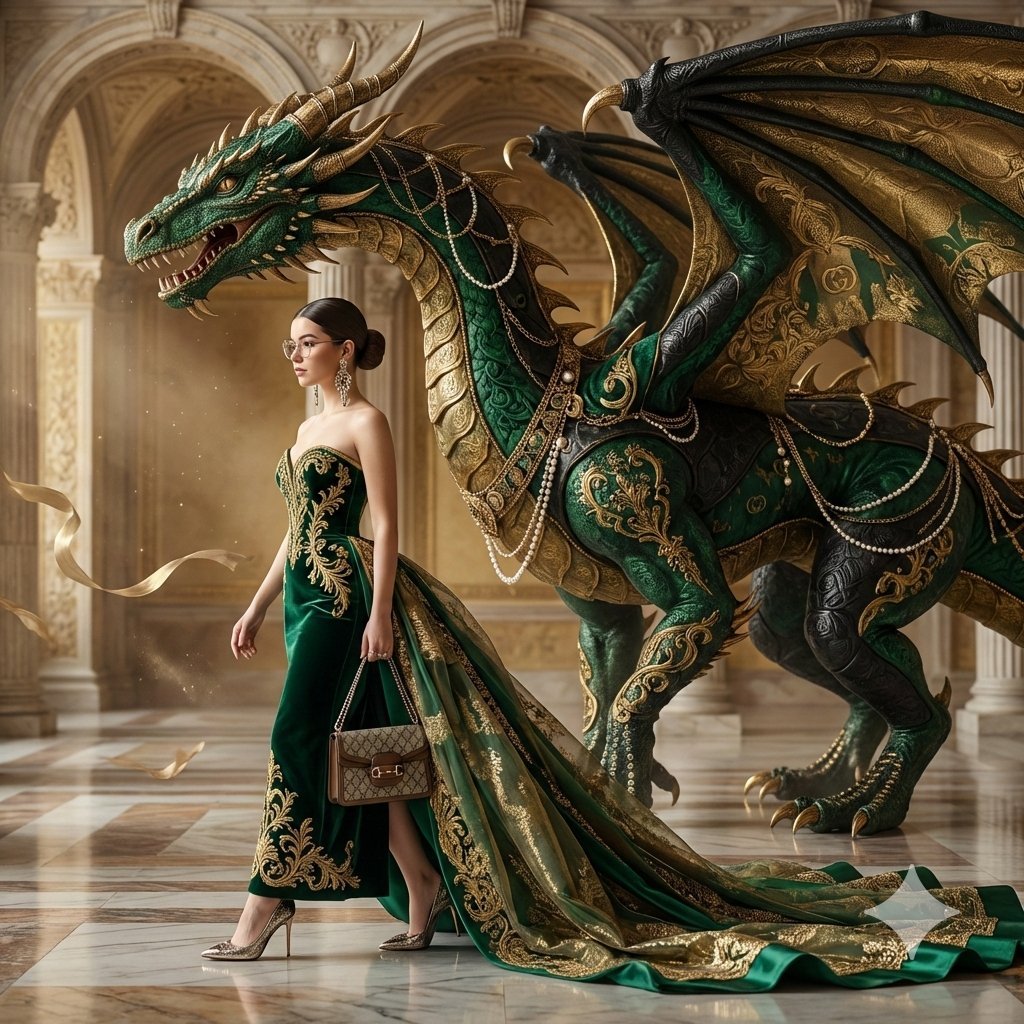
Couture Fashion Editorial Woman and Drag
Nano Banana 2 Editorial Fashion Portrait

Found Photograph: Us, 1970

80s Couple Studio Portrait

80s Bollywood Star

80s Golden Hour Cinema

Me in 1985

1985 Studio Portrait

Hyper-Realistic Minecraft POV Portrait
Make it yours
Cinematic Editorial Portrait works as-is. These are the safest ways to change it without losing the look.
Change one field
Copy a single group, rewrite it, and generate again so you can see what that field is doing.
Keep the frame, change the subject
Hold the composition and light of Cinematic Editorial Portrait, then swap wardrobe, props or the person for a new take.
| If the result… | Why | Fix |
|---|---|---|
| The result drifts from the preview | Too many fields changed at once. | Reuse Cinematic Editorial Portrait as-is first, then change one group — subject, light, or setting. |
| The model over-stylizes the scene | The prose prompt leaves finish and camera underspecified. | Add one camera or lighting sentence and stay on GPT Image 2. |
More GPT Image 2 templates
Other prompts made for GPT Image 2.

Six VTuber Japanese Logo Sheet

Realistic Portrait of Woman and Deer

The Vista Modular Condo Poster

AI Model Routing Comparison Infographic

2.5D Anime Art Board

Isometric Productivity Desk Scene

New York Double Exposure Poster

Four-Panel AI Landscape Comparison

Japanese Tatami Lifestyle Magazine Cover

NESCAFÉ Coffee Map Poster
More image prompts
Fresh picks from across the catalog.
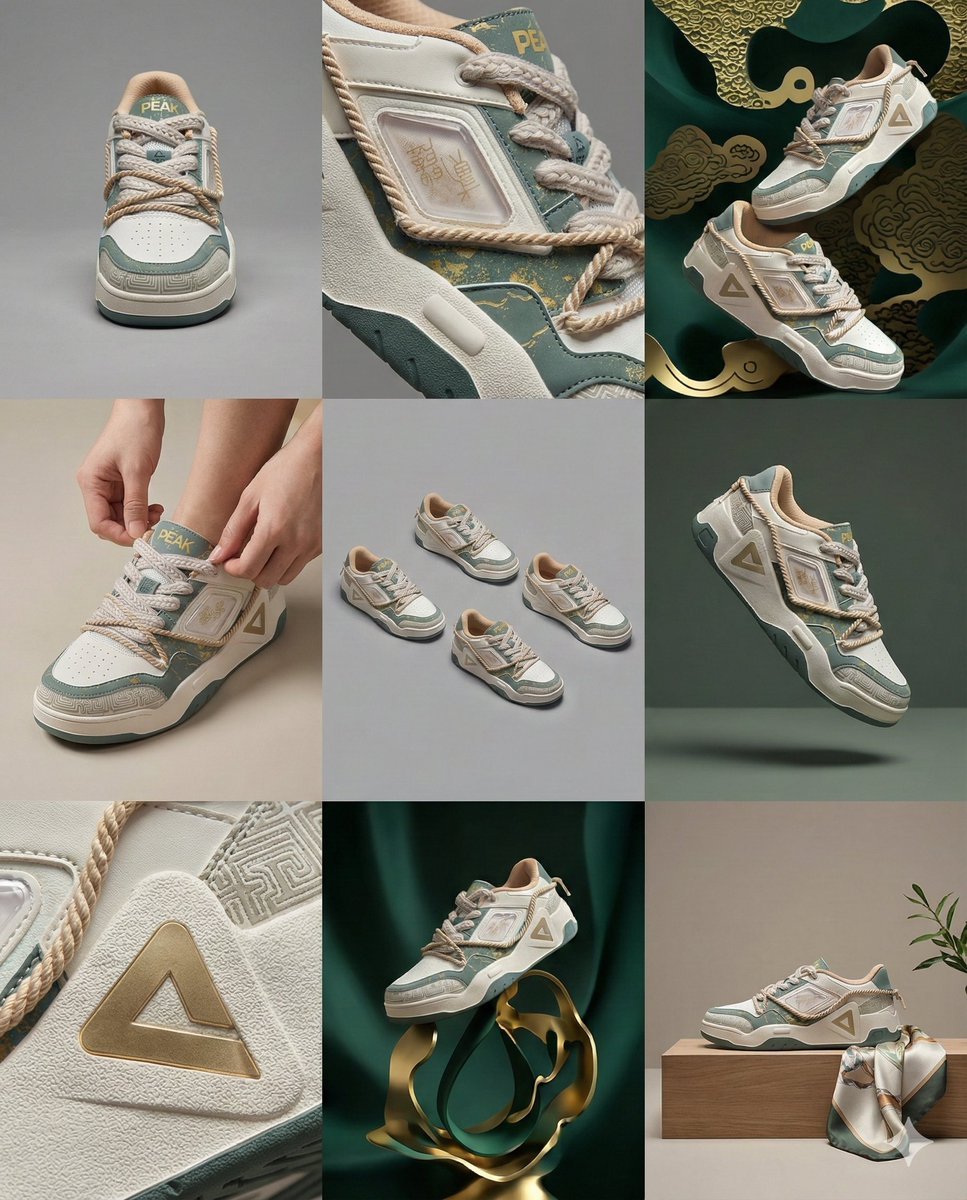
3x3 Visual Storyboard for Product Branding
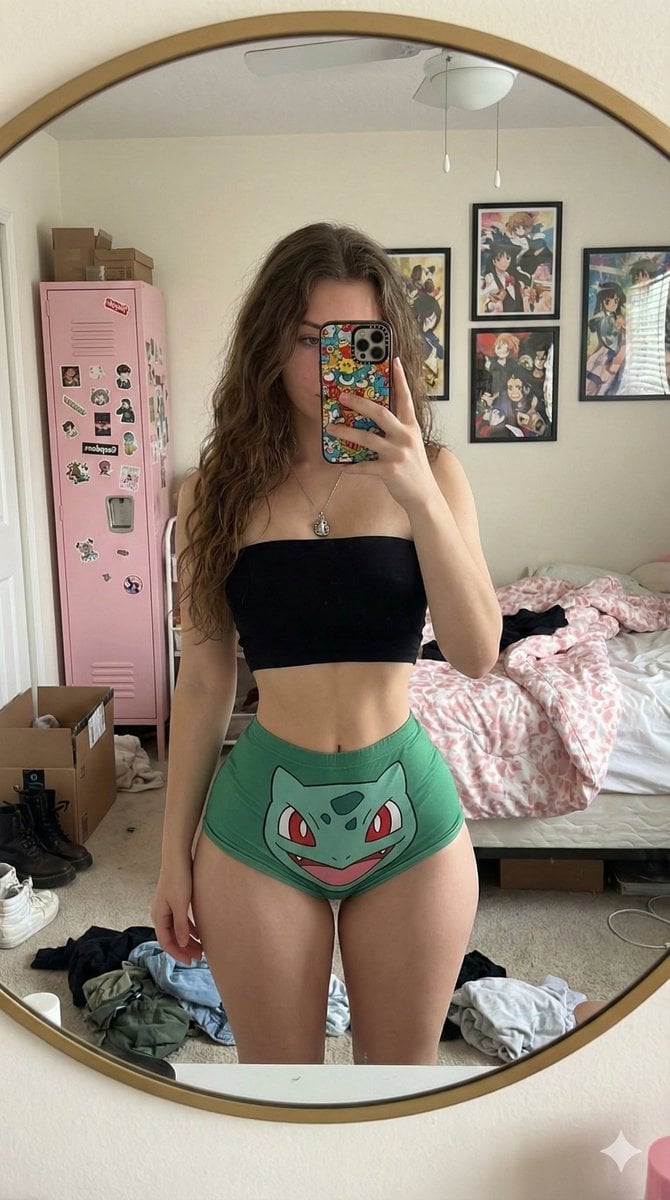
Exaggerated Hourglass Mirror Selfie Prompt
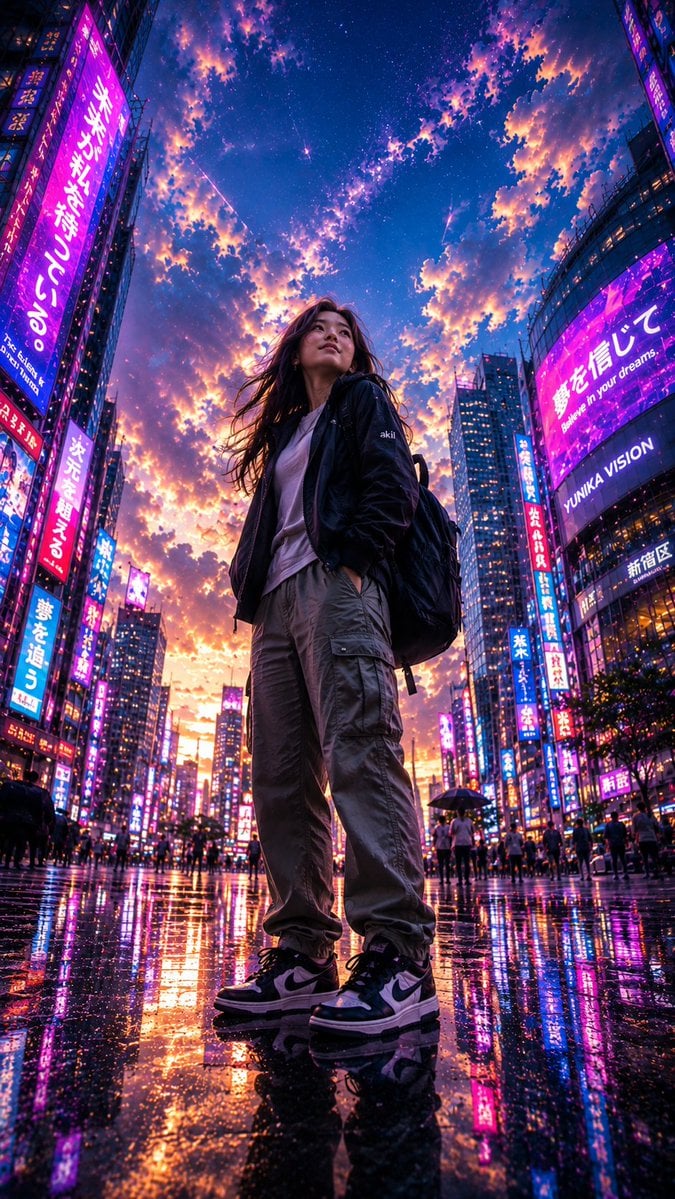
Fisheye Cyberpunk City Portrait
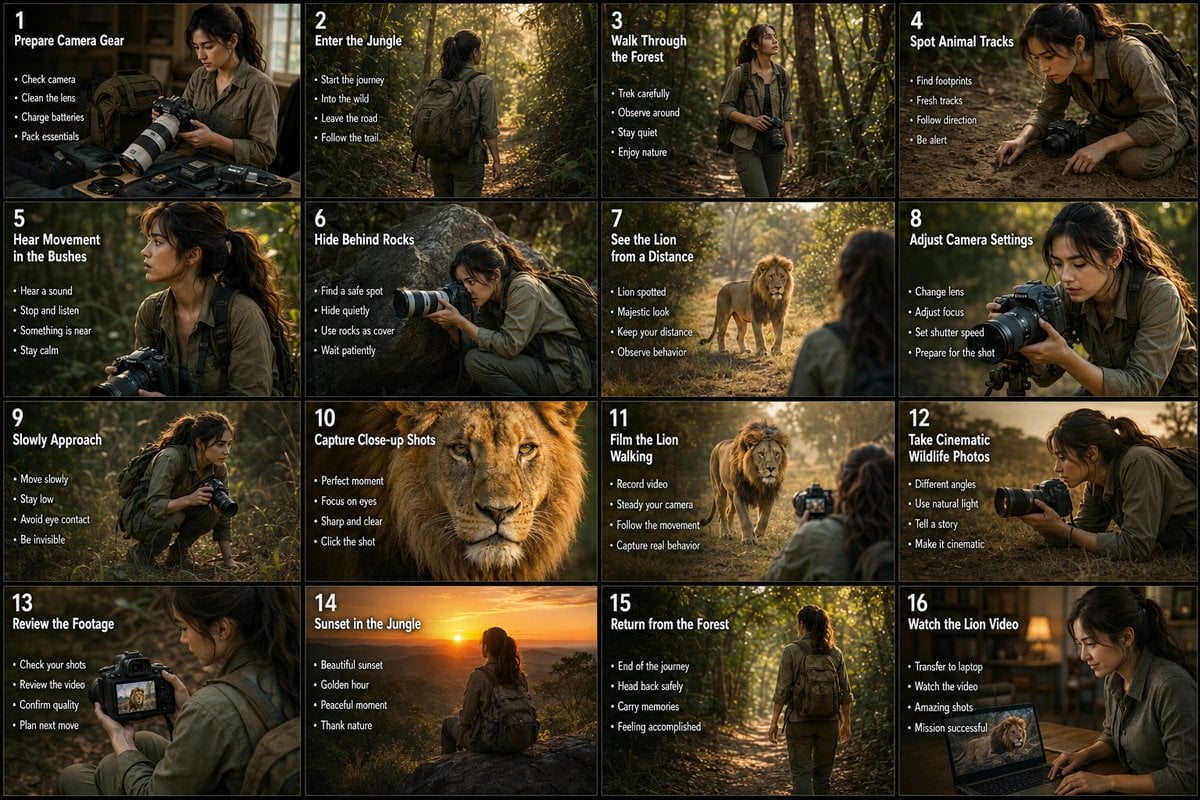
Wildlife Photographer Adventure Storyboard
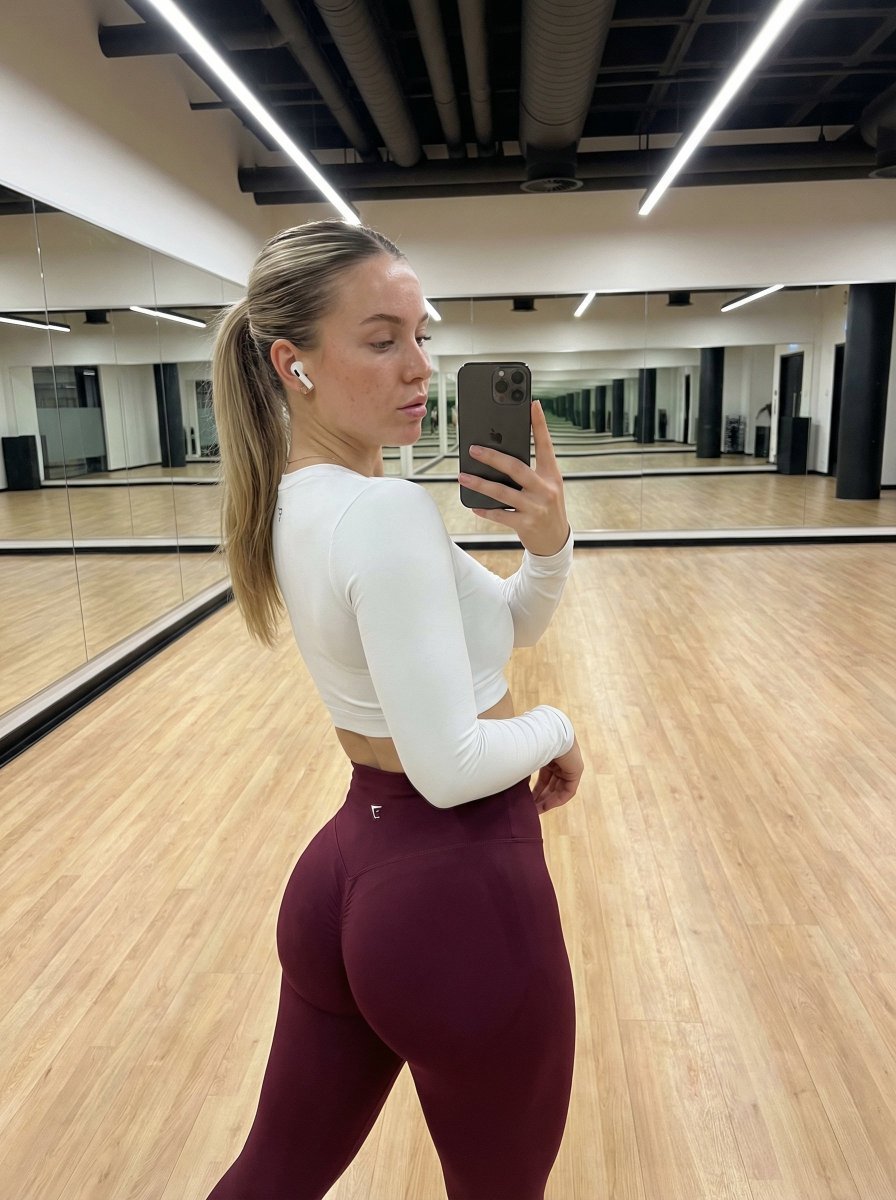
Hyper-Realistic Fitness Mirror Selfie with Exaggerated Proportions
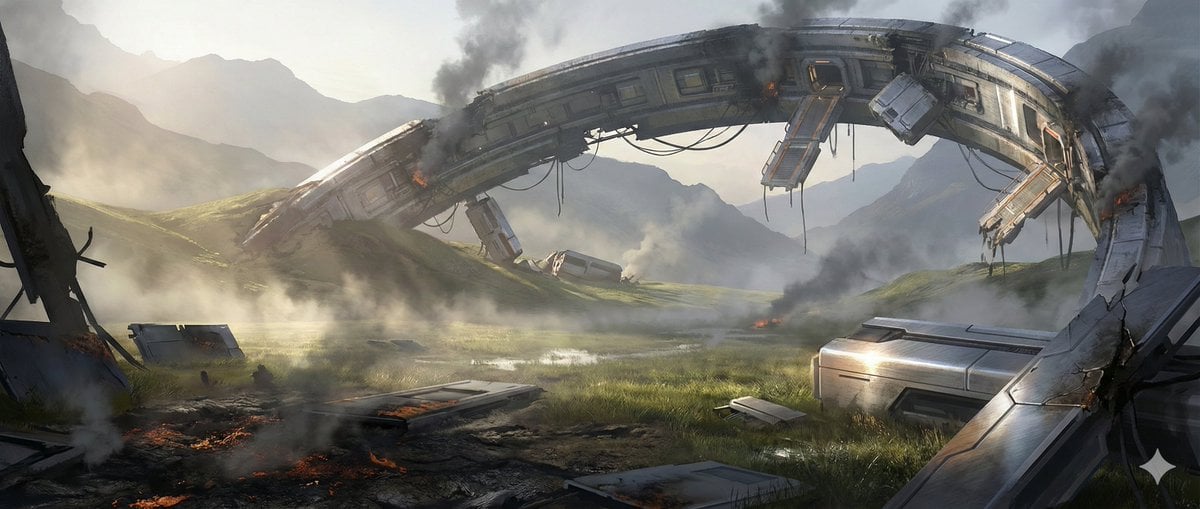
Crashed Orbital Ring Segment Concept Art
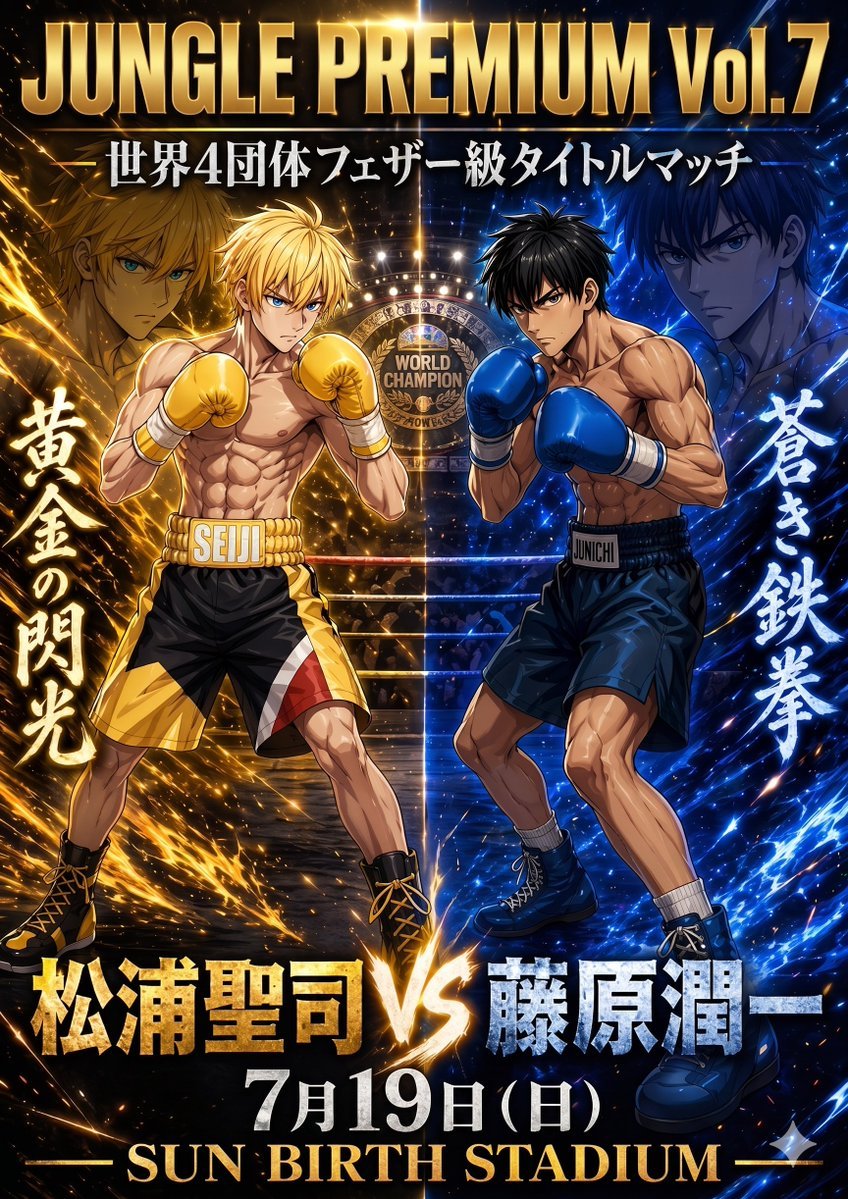
Anime Boxing Title Match Poster
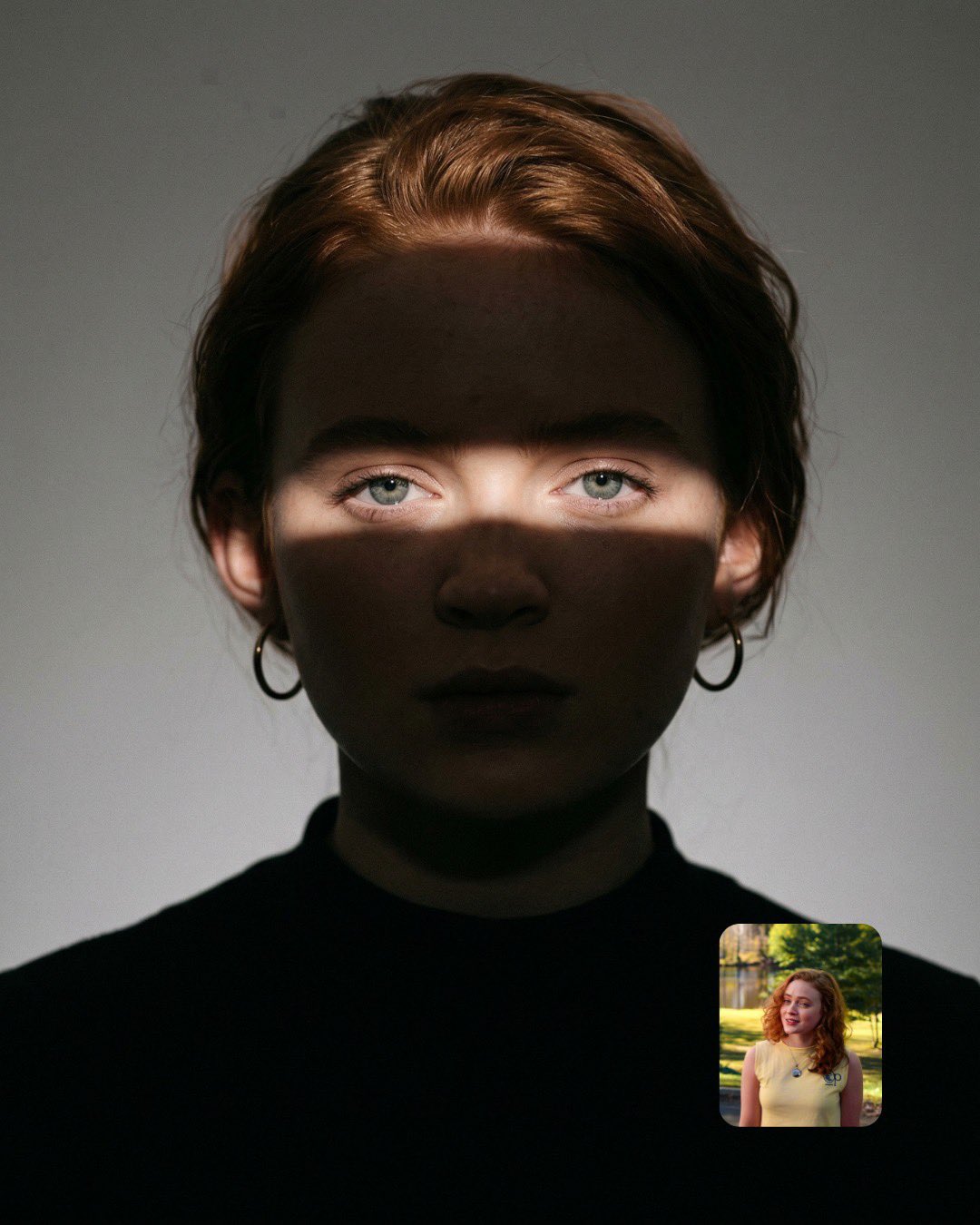
Cinematic Eye Light Portraits — 3 Nano Banana Prompts
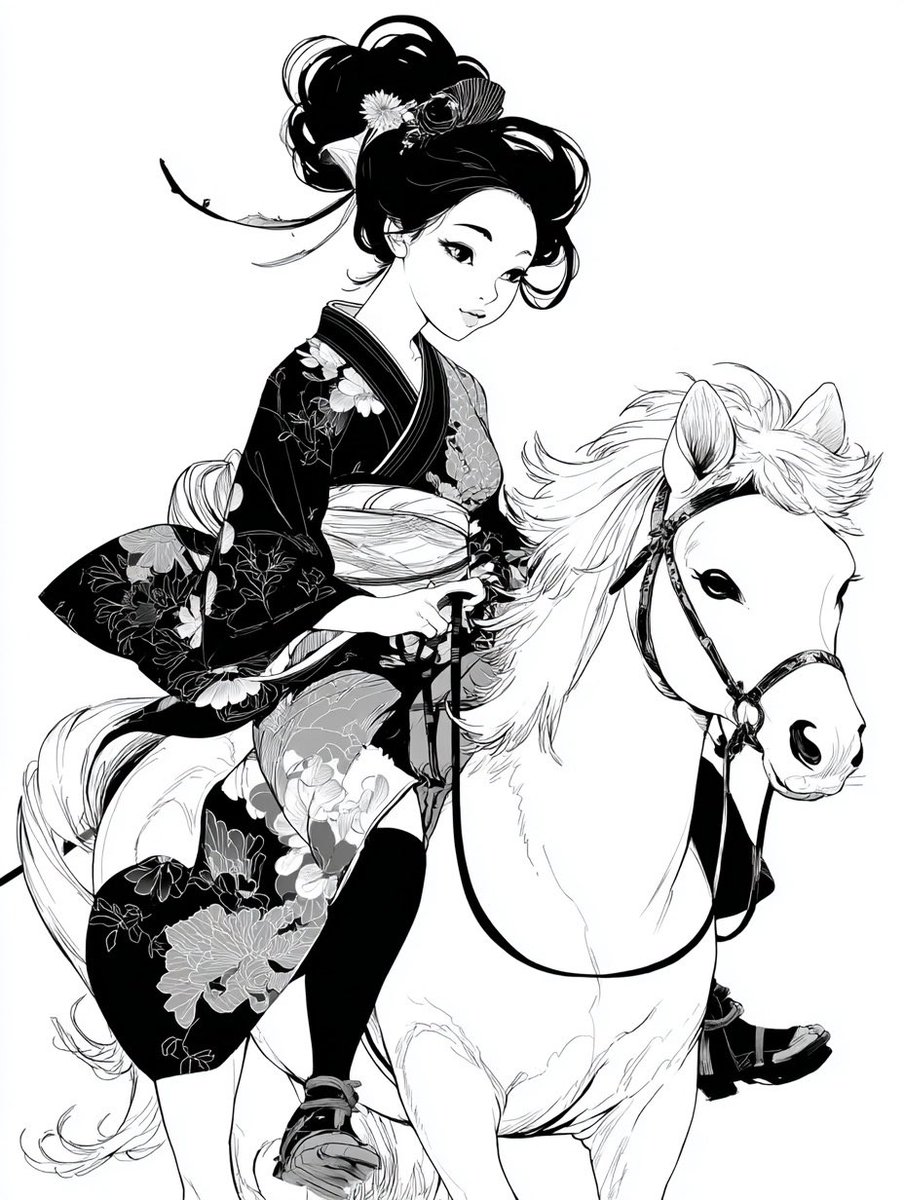
Colorful New Year's Illustration Prompt
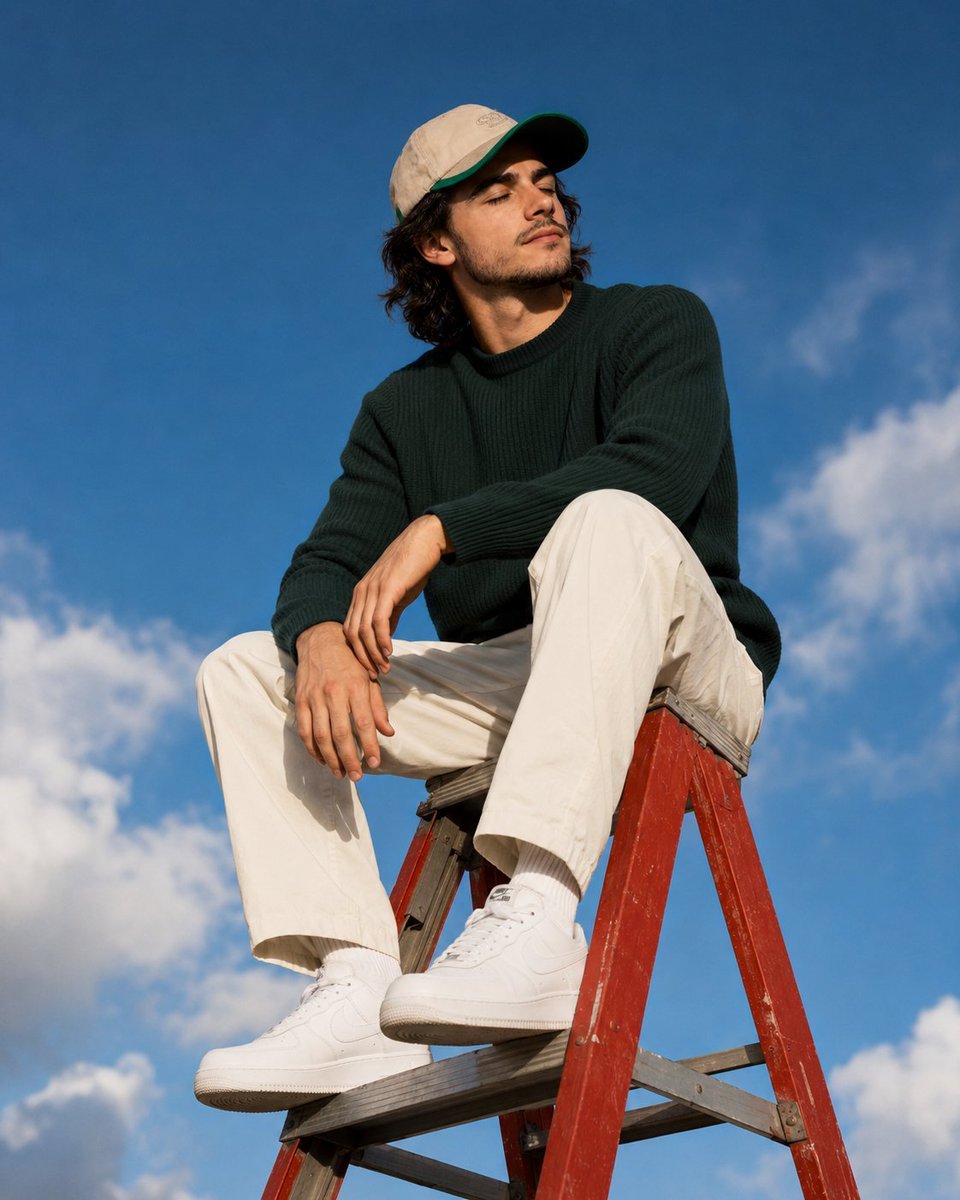
Outdoor Lifestyle Portrait on Ladder
Browse template categories
Cinematic Editorial Portrait questions
How do I use the Cinematic Editorial Portrait template?
Add your photo if the template asks for one, edit the prompt if you like — the template's model and format are already selected — and press Generate. Your version opens in PicX Studio.
Can I customize the Cinematic Editorial Portrait template?
Yes. You can change the subject, setting, lighting, mood, format, and available model controls before creating your image.
Is the Cinematic Editorial Portrait template free?
Opening and editing this template is free. Generating uses credits, shown on the Generate button when you are signed in.
Which AI model should I use?
Start with GPT Image 2, which is the model associated with this template. You can compare another compatible model for a different finish.
Looking for something else? Browse all templates.

Your photo, any look
Thousands of ready templates for every top image and video model, from one credit balance.