
Human to Orca Aquatic Transformation
A detailed 15-second cinematic transformation sequence of a swimmer turning into an orca during a violent storm, including biological transition details and underwater physics.
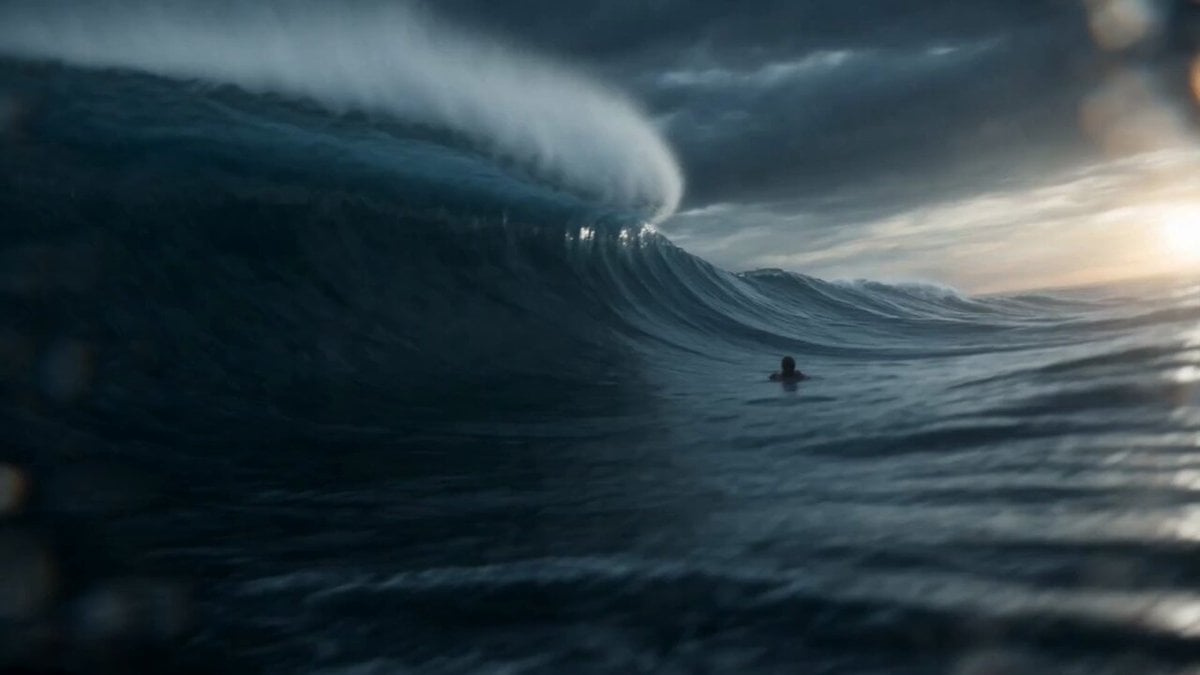
- Prompt included
- Model and format preset
- Premium template
The prompt behind this video
Copy the exact prompt behind Human to Orca Aquatic Transformation, or open it in the studio and make it yours.
15-second ultra-cinematic realistic aquatic transformation sequence during a violent North Atlantic storm at twilight. A lone swimmer struggles in the middle of a dark ocean. Massive waves rise and crash around them while rain lashes the water surface. Lightning flashes illuminate the endless sea. The camera follows just above the waterline as the swimmer is repeatedly submerged beneath towering waves. Suddenly everything becomes quiet. The camera transitions underwater as the person slowly sinks into the deep blue darkness beneath the storm. A strange calm surrounds them. The transformation begins subtly. Fingers lengthen and merge. Arms become more streamlined. The ribcage expands dramatically while muscles reshape for aquatic power. The camera circles around the body as skin gradually develops the smooth black-and-white pigmentation of an orca. Water flows naturally across the changing anatomy. The spine lengthens. Legs merge into a powerful tail structure. The body becomes increasingly hydrodynamic while retaining realistic biological transitions throughout the transformation. Schools of fish begin circling the transforming figure. Bubbles spiral upward through shafts of light penetrating the ocean surface far above. The transformation accelerates. A dorsal fin emerges. Powerful tail flukes form. The figure grows rapidly in size as ocean currents respond to the awakening predator. The newly transformed orca glides effortlessly through the water. Every movement is fluid, powerful, and graceful. Final cinematic moment: the massive orca surges upward from the depths and breaches through a towering wave into the stormy sky. Water explodes around the body in slow motion as lightning illuminates the black-and-white silhouette against the clouds. The camera follows the breach before the orca crashes back into the ocean and disappears beneath the dark surface. Style: ultra realistic aquatic transformation, photoreal orca anatomy, realistic underwater cinematography, ocean documentary realism, premium water simulation, marine wildlife behavior, storm atmosphere, cinematic scale, AAA creature VFX, no magic energy, no text, no overlays.
How to use Human to Orca Aquatic Transformation in 3 steps
- 1
Open
The prompt is already in the box next to the preview, with the template's model and format selected.
- 2…a portrait of your subject in softgolden-hour light, 85mm…
Personalize
Edit the subject and creative details for your destination.
- 3Generate
Generate
Press Generate — your video is created in PicX Studio, so you can compare it with the original and refine one variable at a time.
More like this
Templates with the same subject, style or setup. Open one to see its prompt.

Magical Room Transformation - Seedance 2.5

Dark Tokusatsu Transformation - Seedance 2.5

RX-7 to Mech Transformation Cyberpunk
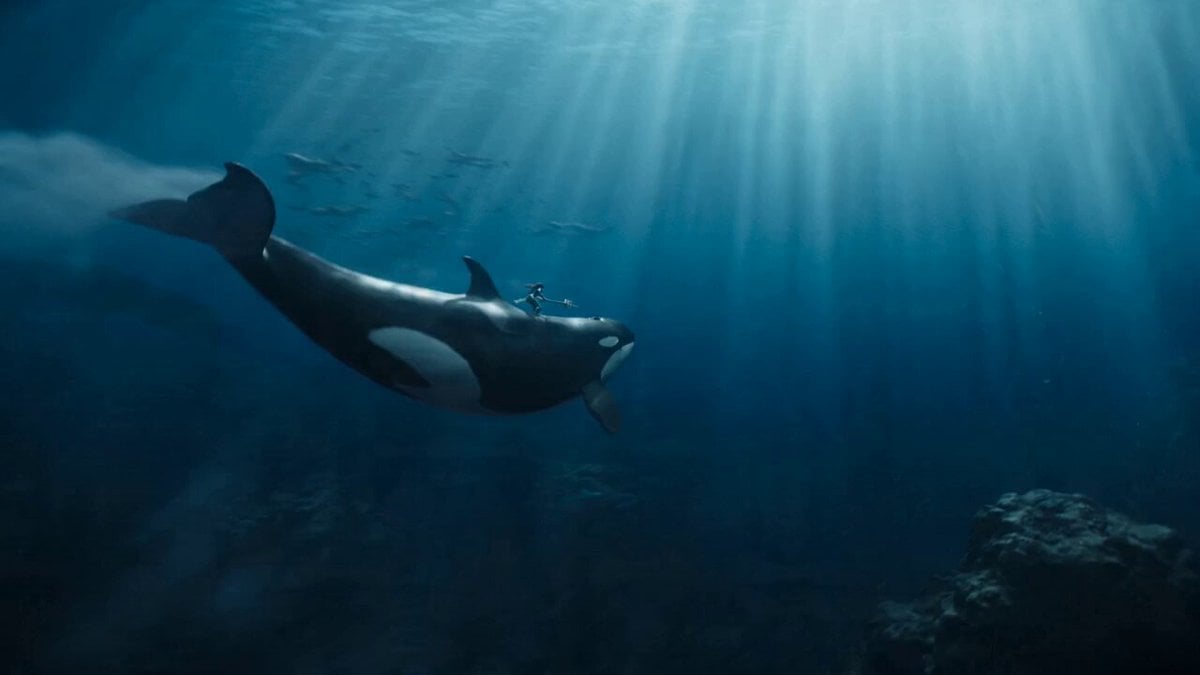
Aquatic Warrior Orca Ride
Civilization Timelapse — Centuries in One Shot
Mecha Transformation vs Kaiju — 4-Scene Epic
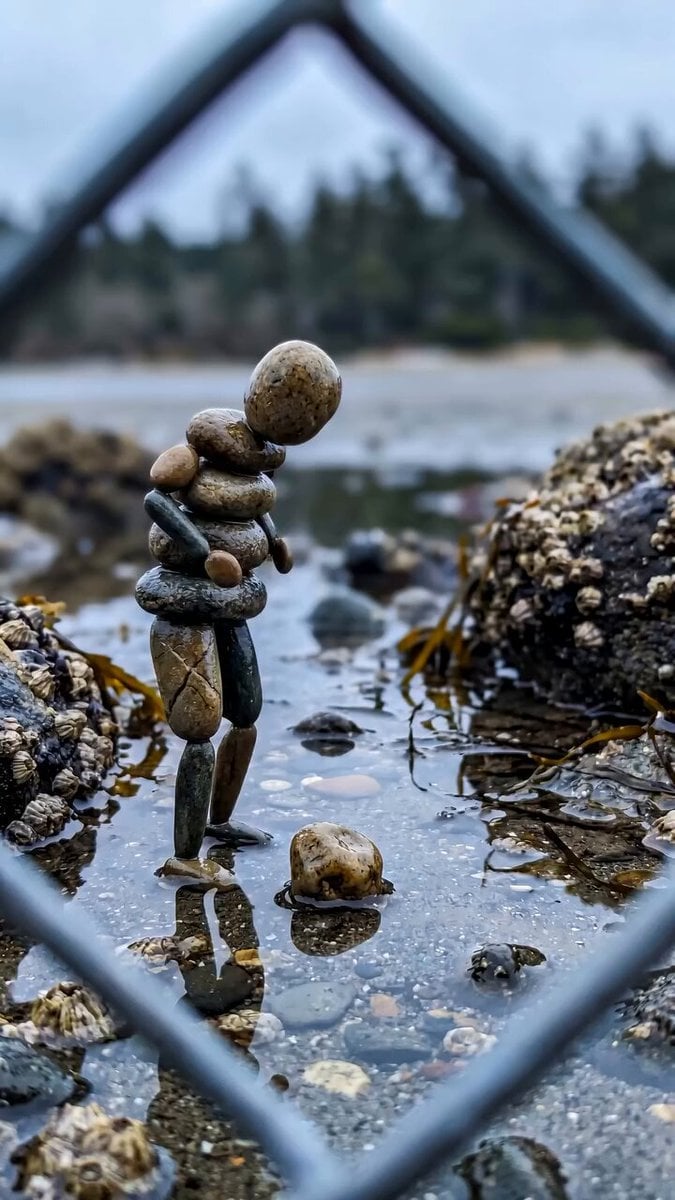
Stone Humanoid Stop Motion Animation

Grok-imagine 1.5 Digital Human Video Script
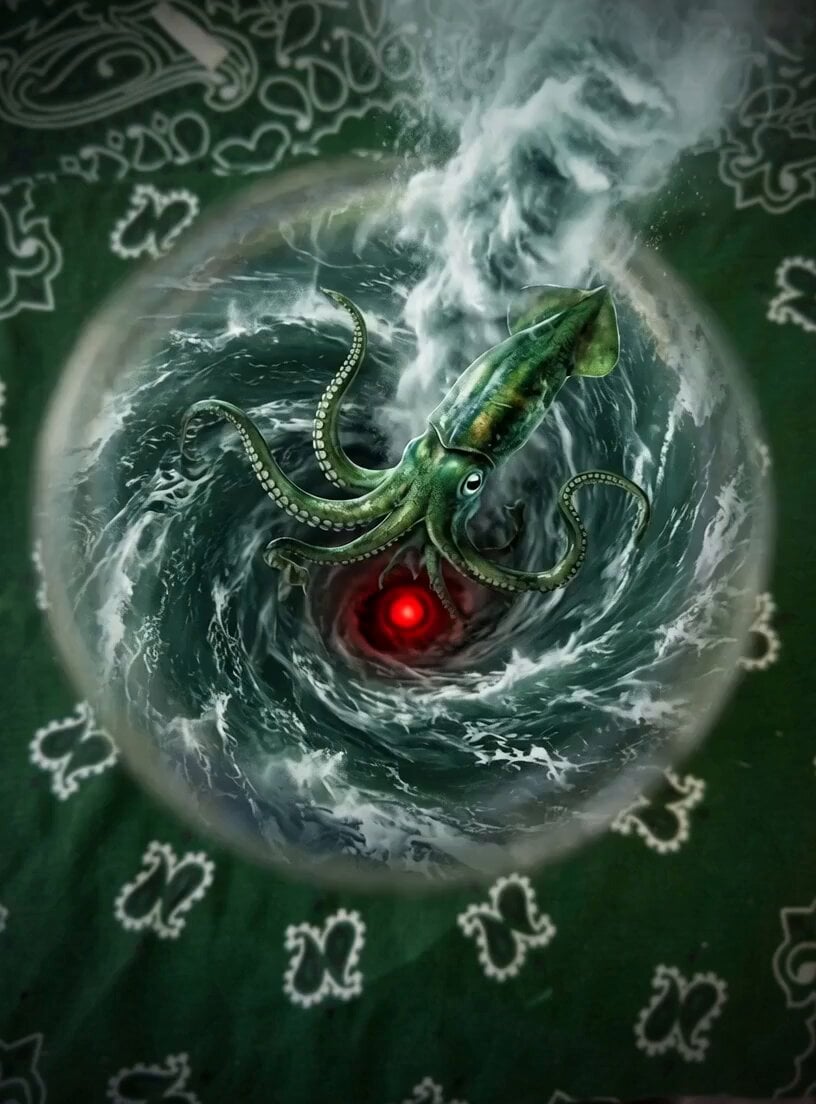
Evolving Aquatic Dragon Whirlpool
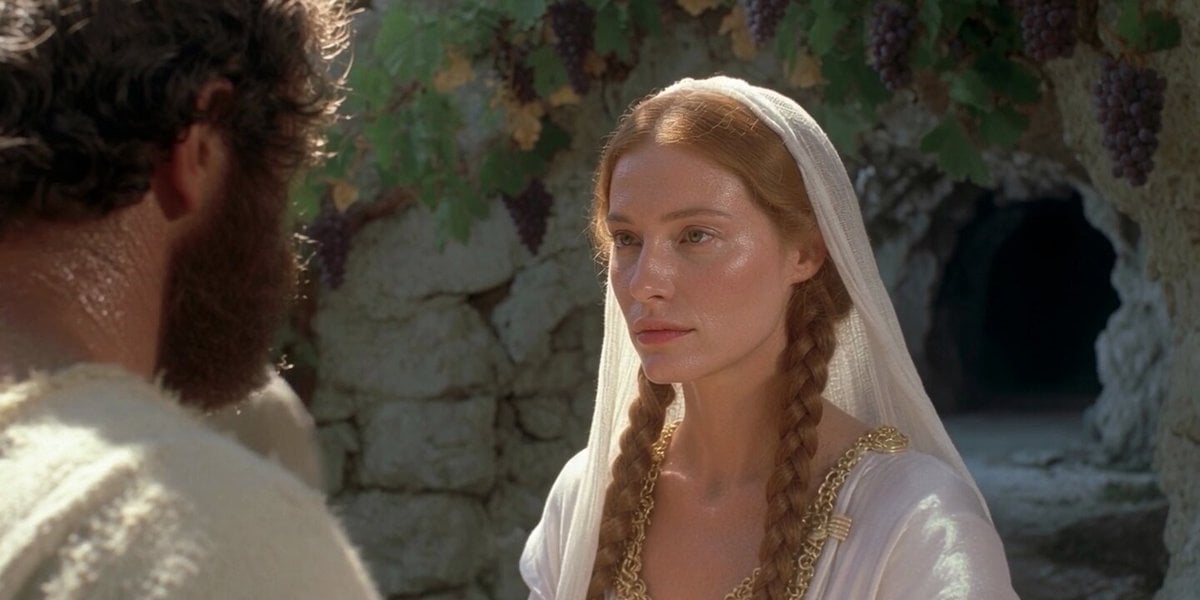
Realistic Human Laugh Performance
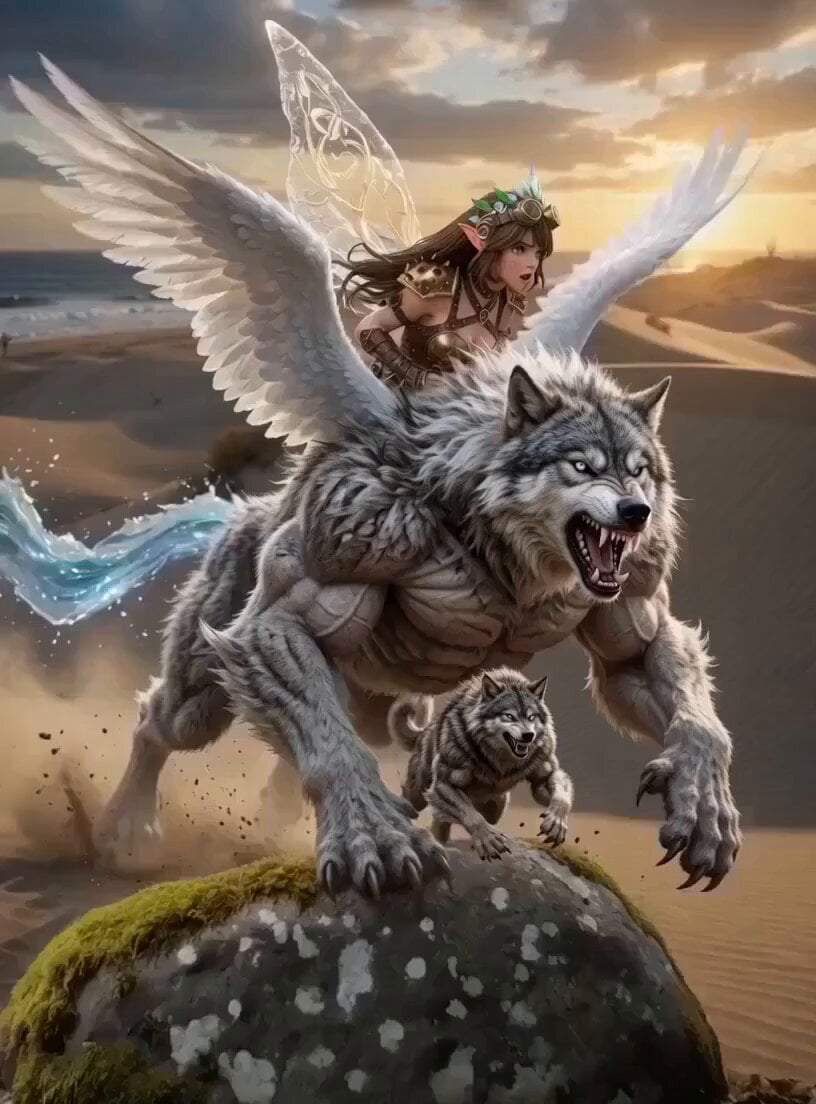
Fantasy Aquatic Rhinoceros Kingdom
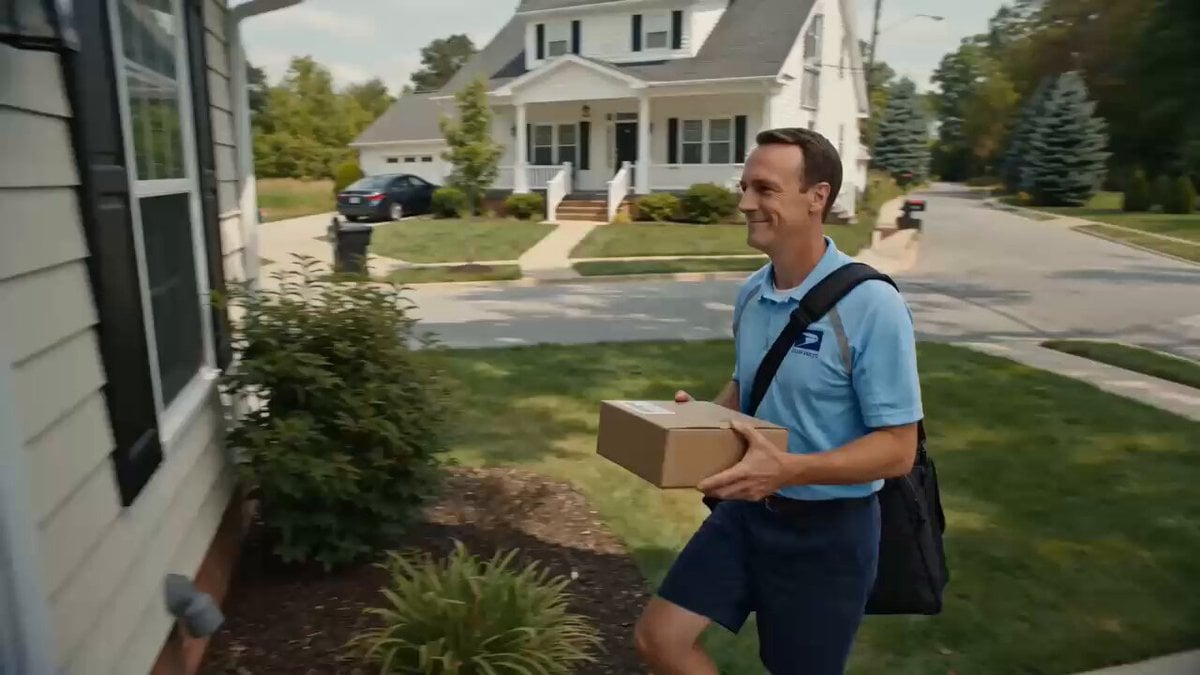
Superhuman Speed Delivery Man Cinematic Sequence
Make it yours
Human to Orca Aquatic Transformation works as-is. These are the safest ways to change it without losing the look.
Change one field
Copy a single group, rewrite it, and generate again so you can see what that field is doing.
Keep the frame, change the subject
Hold the composition and light of Human to Orca Aquatic Transformation, then swap wardrobe, props or the person for a new take.
| If the result… | Why | Fix |
|---|---|---|
| The result drifts from the preview | Too many fields changed at once. | Reuse Human to Orca Aquatic Transformation as-is first, then change one group — subject, light, or setting. |
| The model over-stylizes the scene | The prose prompt leaves finish and camera underspecified. | Add one camera or lighting sentence and stay on Seedance 2.0. |
More Seedance 2.0 templates
Other prompts made for Seedance 2.0.

Comical Martial Arts Punch Scene

Maglev Train Action Sequence

Martial Arts Fight Sequence

Wuxia Protection and Trust Script

Vintage Korean Arcade MiniDV Vlog

Mercedes 190 SL Luxury Ad

Rainy Night Supernatural Reverse Comedy Video Script

Amazon Civilization Discovery

Futuristic South Asian City Transformation

Cozy Luxury Cafe Commercial
More video prompts
Fresh picks from across the catalog.
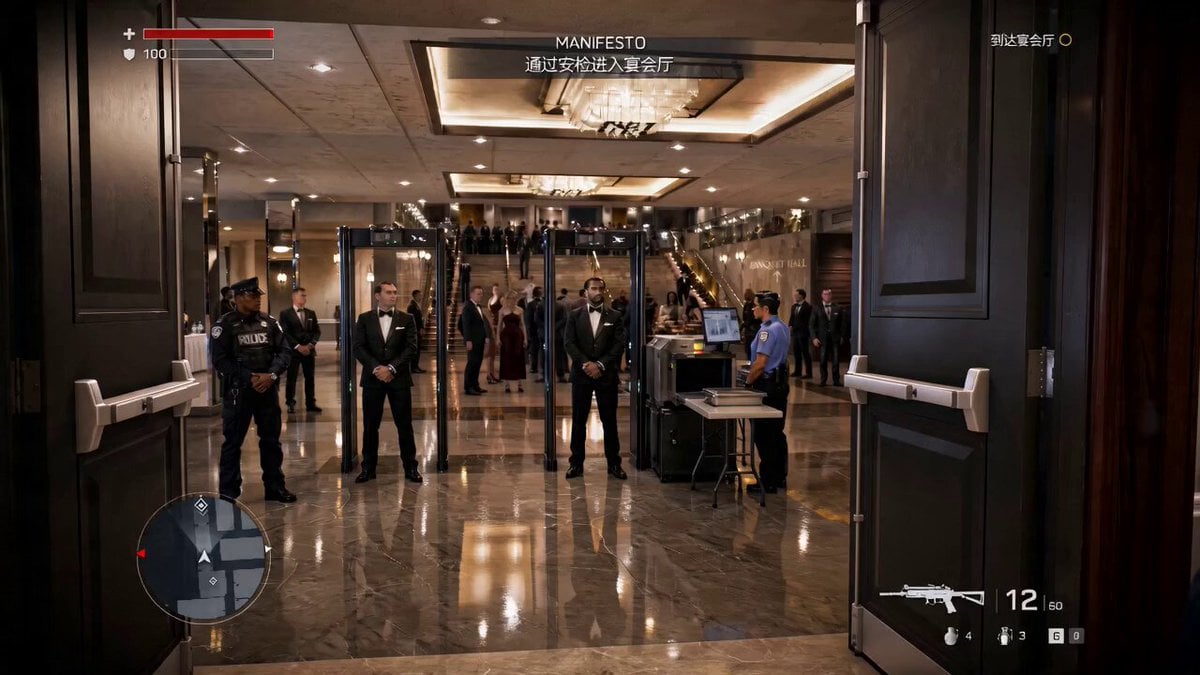
Action Game Combat Sequence
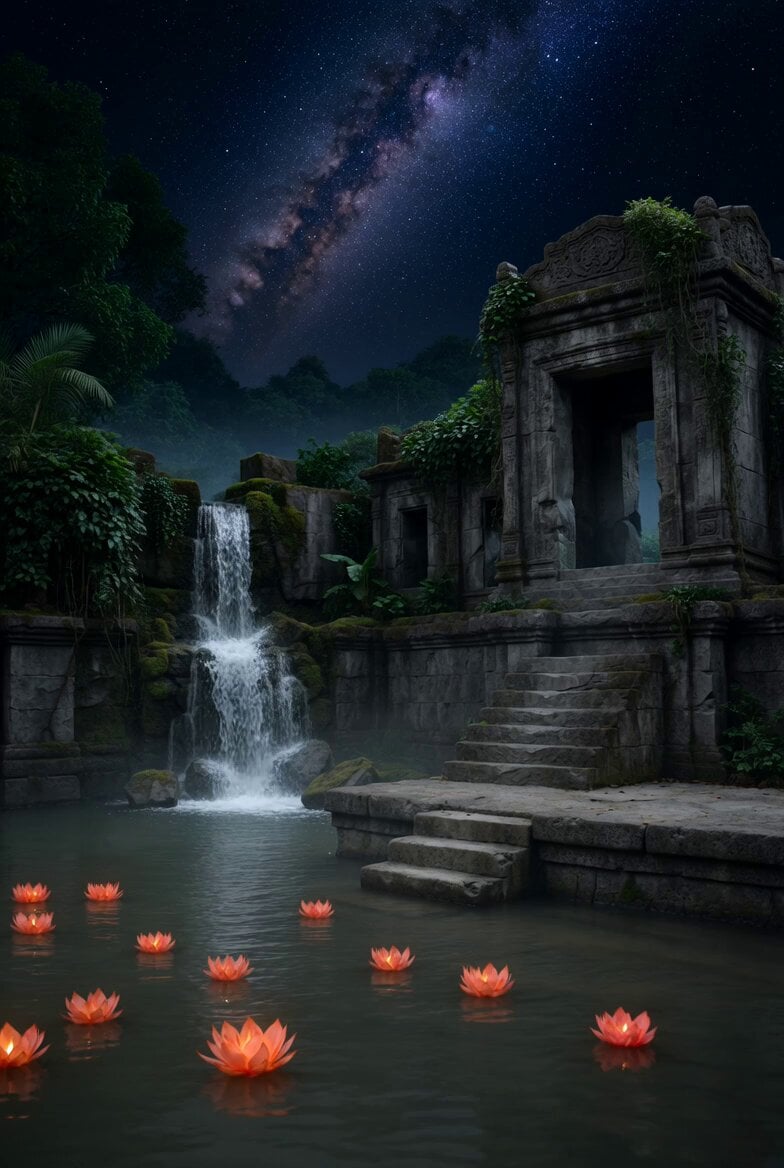
Lotus Lanterns and Milky Way Sanctuary
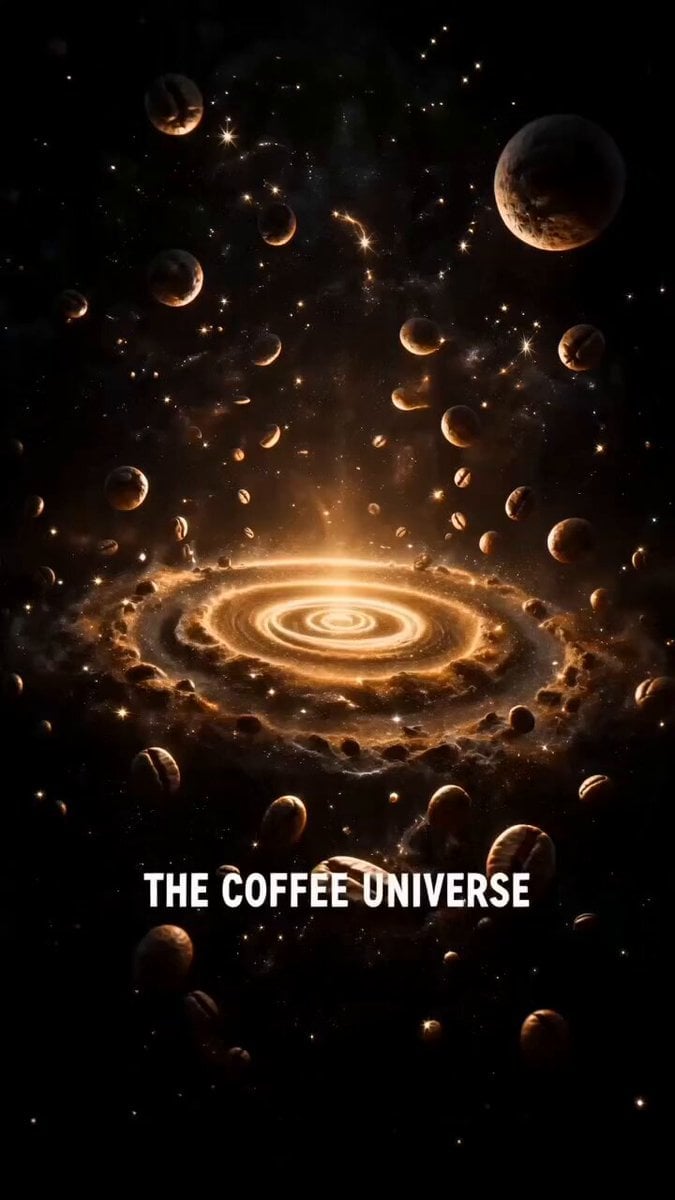
Starbucks Coffee Galaxy Commercial
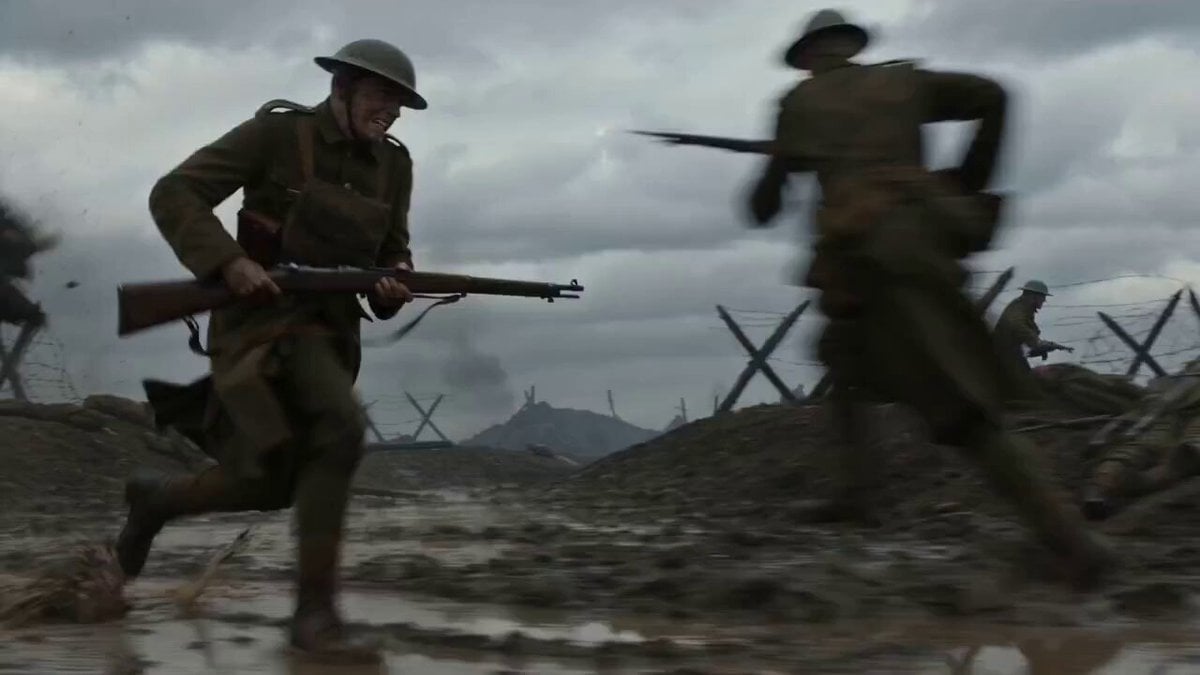
WWI Continuous Tracking Shot Prompt
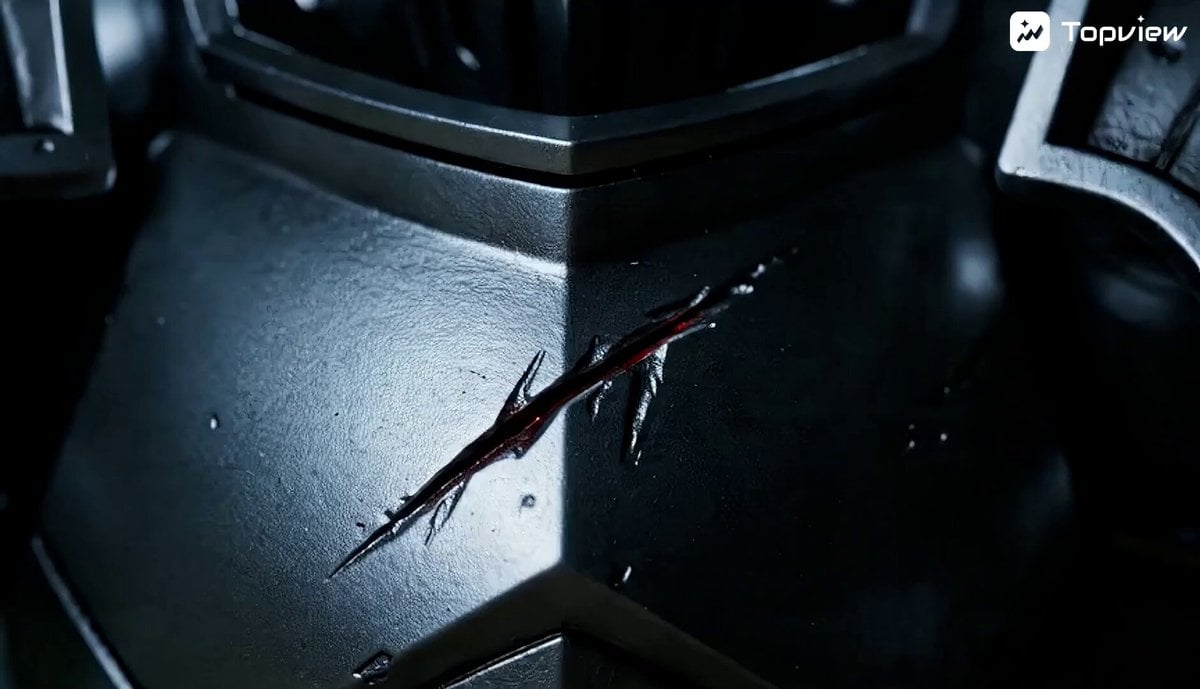
Miniature Fantasy Battle on Desk Video Prompt

Time Collision Warrior in Lahore
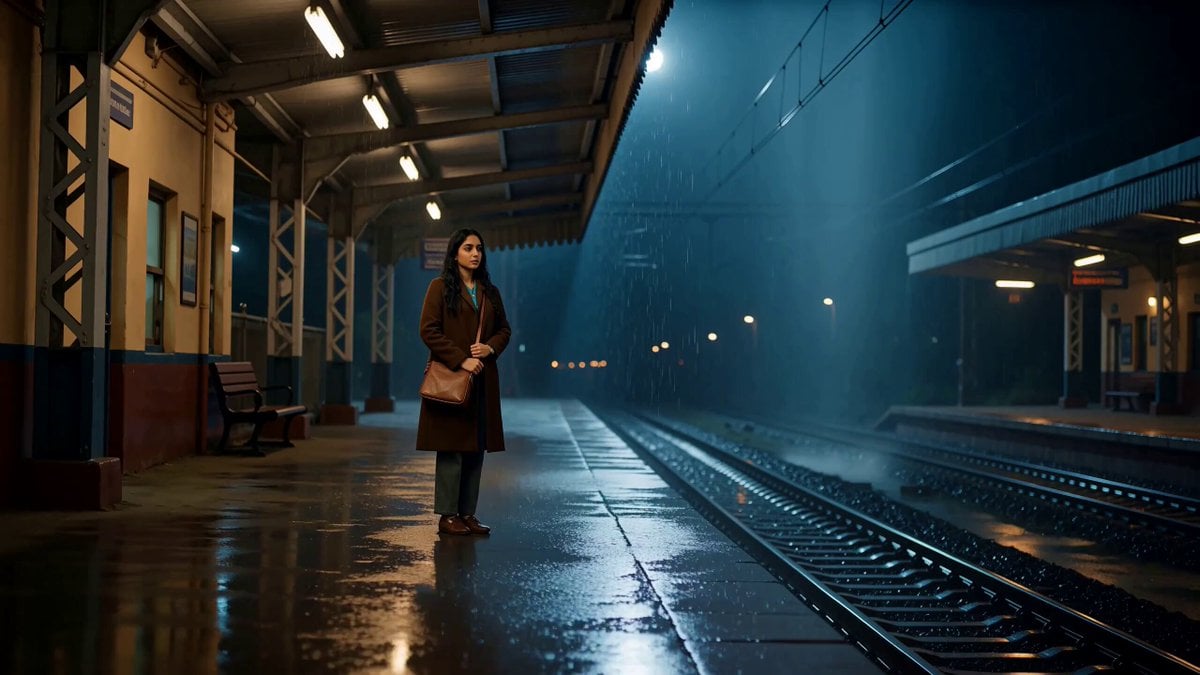
A Last Train Home Cinematic Film
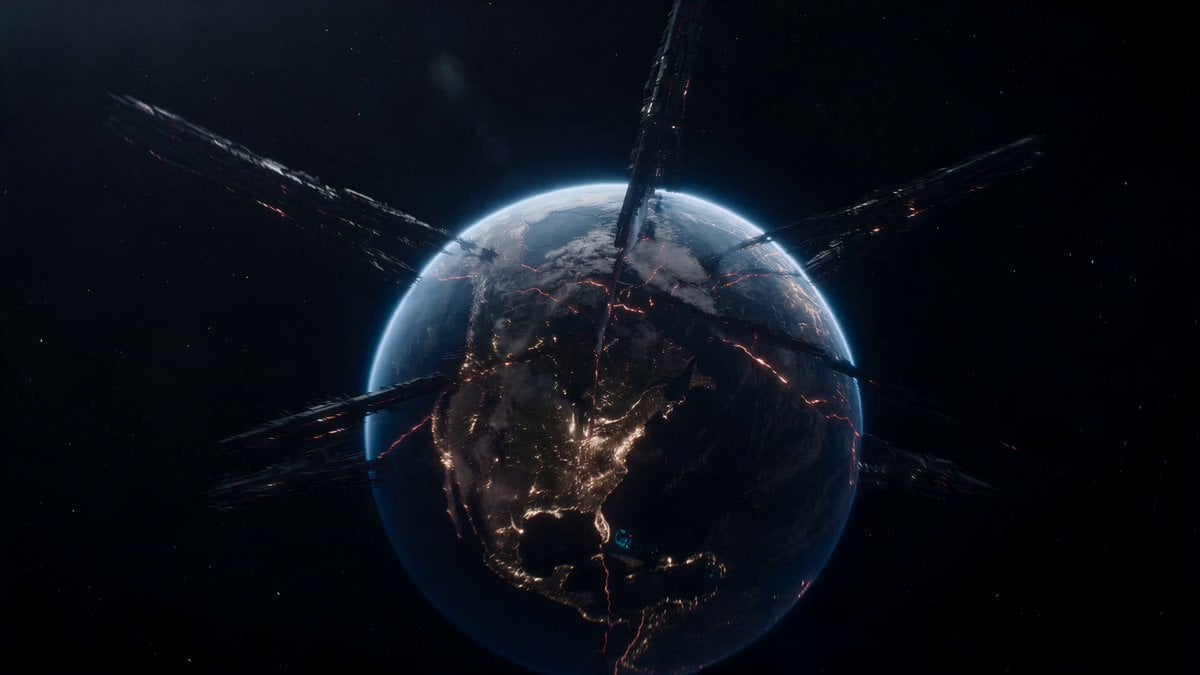
Fractured Planet Industrial Destruction
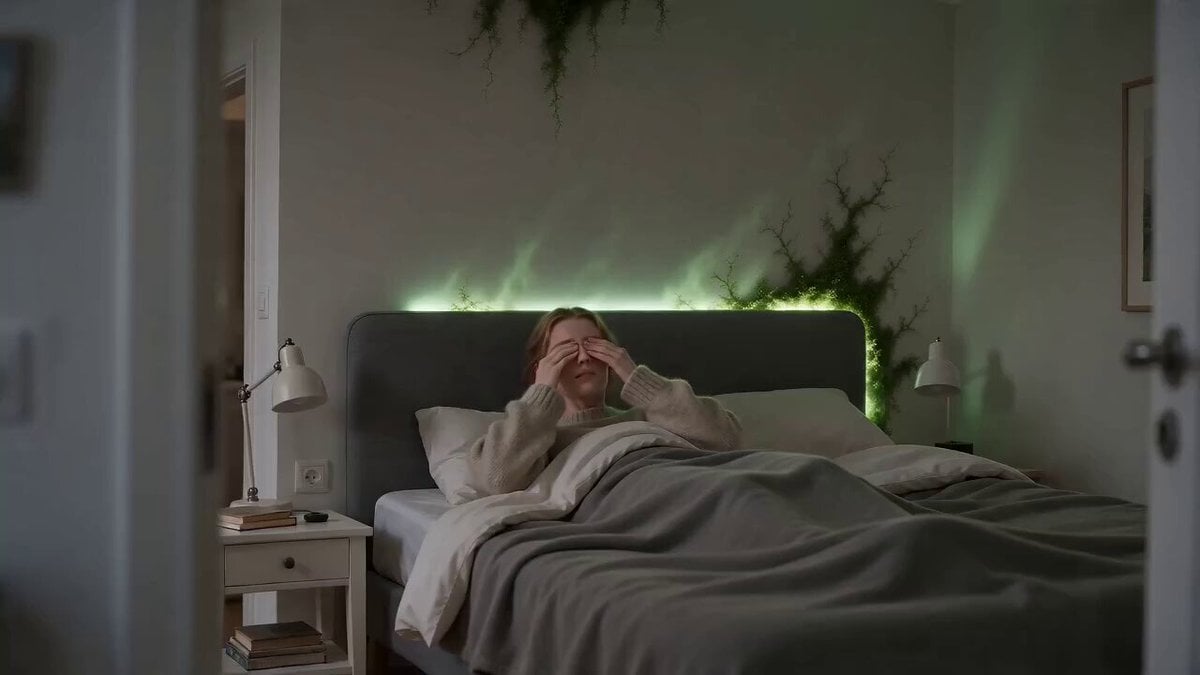
Surreal Apartment Forest Transformation
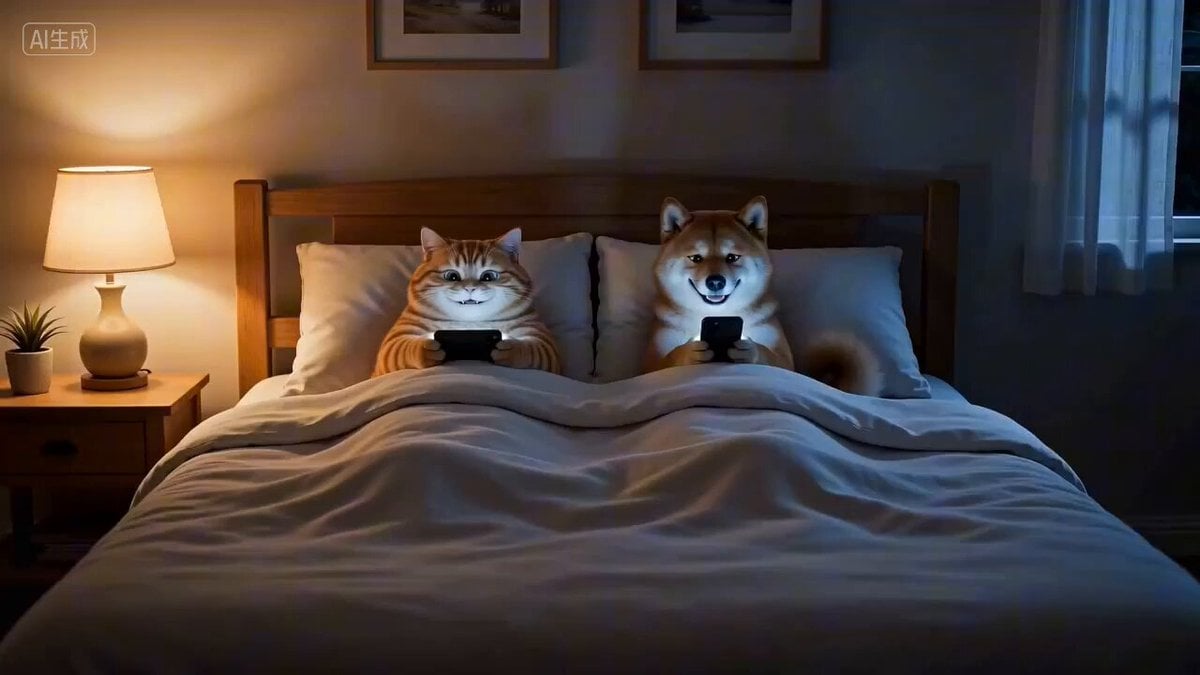
Cozy Nighttime Pet Secret Short Film
Browse template categories
Human to Orca Aquatic Transformation questions
How do I use the Human to Orca Aquatic Transformation template?
Add your photo if the template asks for one, edit the prompt if you like — the template's model and format are already selected — and press Generate. Your version opens in PicX Studio.
Can I customize the Human to Orca Aquatic Transformation template?
Yes. You can change the subject, setting, lighting, mood, format, and available model controls before creating your video.
Is the Human to Orca Aquatic Transformation template free?
Opening and editing this template is free. Generating uses credits, shown on the Generate button when you are signed in.
Which AI model should I use?
Start with Seedance 2.0, which is the model associated with this template. You can compare another compatible model for a different finish.
Looking for something else? Browse all templates.

Your photo, any look
Thousands of ready templates for every top image and video model, from one credit balance.