
Cinematic Multi-Scene Surreal Animation
A comprehensive prompt for a high-budget animated short film featuring surreal transitions through a magical door, with detailed instructions for lighting, style, and character acting.
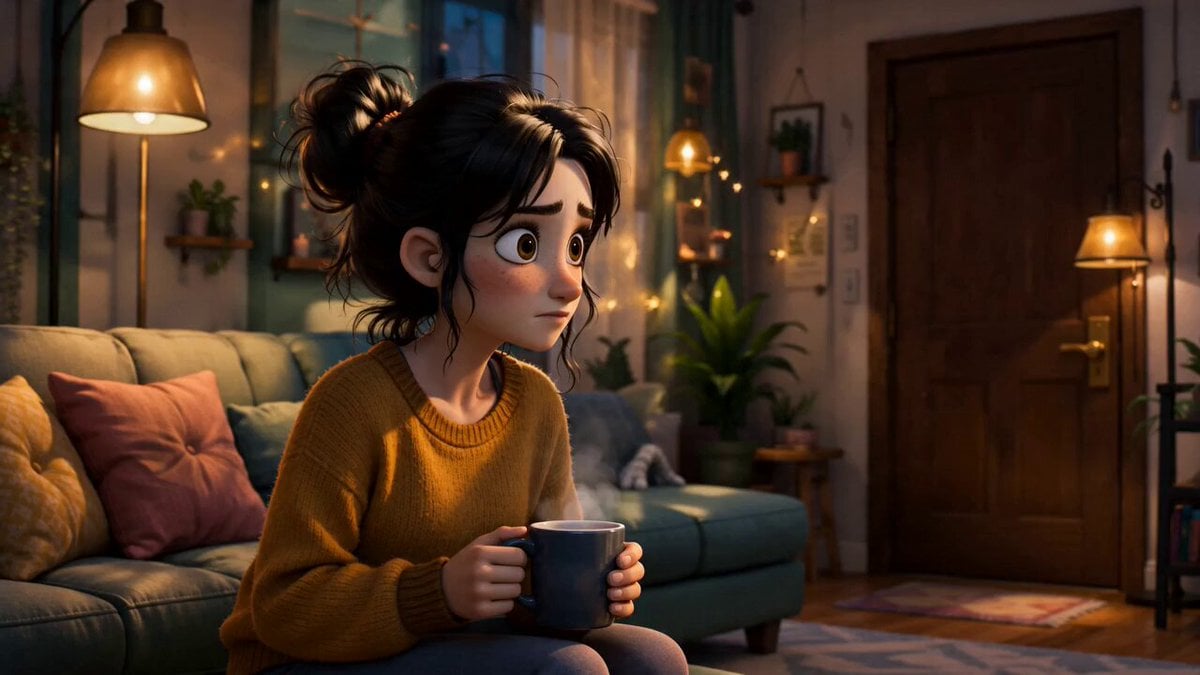
- Prompt included
- Model and format preset
- Premium template
The prompt behind this video
Copy the exact prompt behind Cinematic Multi-Scene Surreal Animation, or open it in the studio and make it yours.
Create a highly cinematic 15-second animated short film using the attached storyboard as the main visual reference for shot composition, timing, and scene progression. Style: stylized semi-realistic animated film, not Pixar, not anime, not cartoonish, inspired by modern cinematic animated movies with rich textures, expressive characters, soft global illumination, cinematic depth of field, vibrant but tasteful color palette, cozy interior lighting mixed with surreal environments. Main character: young woman with messy dark bun hairstyle, expressive eyes, oversized cozy sweater, relatable and grounded personality design, visually appealing modern animated character design. Scene 1: warm cozy apartment living room during evening, cinematic orange lamp lighting, soft shadows, detailed decor, subtle camera movement. She hears a knock on the door and looks confused. Scene 2: she opens the door and it suddenly reveals a huge bright deserted canyon landscape under warm sunlight. A weird fluffy creature with tiny horns and funny eyes waves and says hello in a friendly awkward way. Creature design should be memorable, cute-weird, slightly absurd but lovable. Scene 3: she quickly shuts the door in panic. Fast cinematic movement, exaggerated expression animation, smooth motion blur. Scene 4: she opens the door again and now it leads directly into a busy cozy restaurant full of people eating dinner under warm hanging lights. Everyone slowly stops eating and stares directly at her in silence. Camera slowly pushes in. Strong awkward tension mixed with comedy. Scene 5: she nervously shuts the door again. Scene 6: she opens it one final time and it finally leads back to her normal living room. Warm cozy atmosphere returns. She looks exhausted and confused, mutters “whatever,” casually walks in, drops onto the couch, grabs the remote, and turns on the TV. Ending shot: cinematic wide shot from behind couch, TV glow lighting the room, peaceful atmosphere after chaos. Animation quality should feel like a high-budget streaming-platform animated short film. Smooth facial animation, cinematic camera movement, detailed environmental storytelling, rich lighting, appealing compositions, emotional expressions, polished rendering, ultra high detail, volumetric lighting, realistic fabric textures, subtle film grain, cinematic color grading. Tone: surreal comedy mixed with cozy mystery. No horror. No cyberpunk. No neon lighting. No dark gritty realism. No anime style. No cheap AI look. No low-detail backgrounds. No exaggerated cartoon proportions. Prioritize visual appeal, strong storytelling clarity, expressive acting, and cinematic pacing.
How to use Cinematic Multi-Scene Surreal Animation in 3 steps
- 1Upload ImagePNG, JPG or paste
Add your photo
Upload the photo the template builds on. The prompt, model and format are already set.
- 2…a portrait of your subject in softgolden-hour light, 85mm…
Personalize
Edit the subject and creative details for your destination.
- 3Generate
Generate
Press Generate — your video is created in PicX Studio, so you can compare it with the original and refine one variable at a time.
More like this
Templates with the same subject, style or setup. Open one to see its prompt.

Multilingual Creative Typography Loop

3D Glossy Fairy Animation - Seedance 2.5
Multidimensional Glitch Morphing Animation
Giant Seahorse City Destruction — Flova AI

Silk Road Pomegranate Folk Animation

Walking Factory with Rebel on Hoverbike - Wasteland

Surreal Collage Animation Prompt
Surreal Musical Sculpture Animation
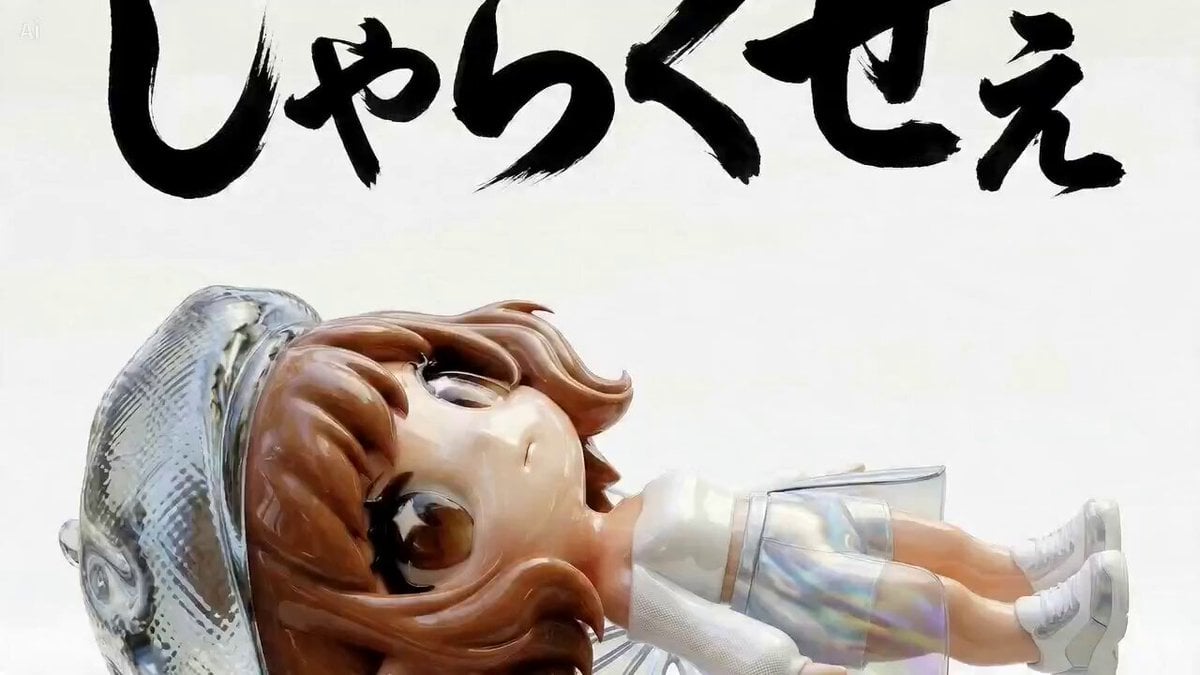
Multi-Scene Calligraphy and Fairy Animation

Multi-Cut 3D Title Animation
Nano Banana Seedance Environment Render Walk
Cartoon Bullfight Arena — Girl vs Bull (Seedance)
Make it yours
Cinematic Multi-Scene Surreal Animation works as-is. These are the safest ways to change it without losing the look.
Change one field
Copy a single group, rewrite it, and generate again so you can see what that field is doing.
Keep the frame, change the subject
Hold the composition and light of Cinematic Multi-Scene Surreal Animation, then swap wardrobe, props or the person for a new take.
| If the result… | Why | Fix |
|---|---|---|
| The result drifts from the preview | Too many fields changed at once. | Reuse Cinematic Multi-Scene Surreal Animation as-is first, then change one group — subject, light, or setting. |
| The model over-stylizes the scene | The prose prompt leaves finish and camera underspecified. | Add one camera or lighting sentence and stay on Seedance 2.0. |
More Seedance 2.0 templates
Other prompts made for Seedance 2.0.

Comical Martial Arts Punch Scene

Maglev Train Action Sequence

Martial Arts Fight Sequence

Wuxia Protection and Trust Script

Vintage Korean Arcade MiniDV Vlog

Mercedes 190 SL Luxury Ad

Rainy Night Supernatural Reverse Comedy Video Script

Amazon Civilization Discovery

Futuristic South Asian City Transformation

Cozy Luxury Cafe Commercial
More video prompts
Fresh picks from across the catalog.
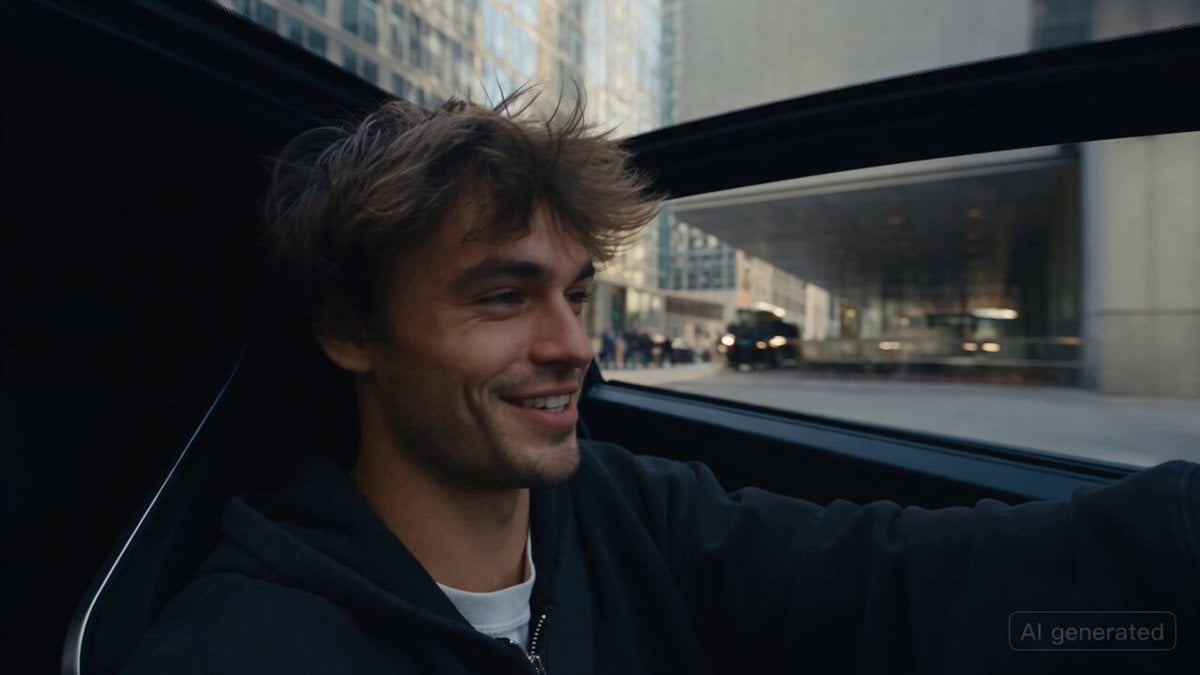
Car Guardian Mechanical Transformation Vlog
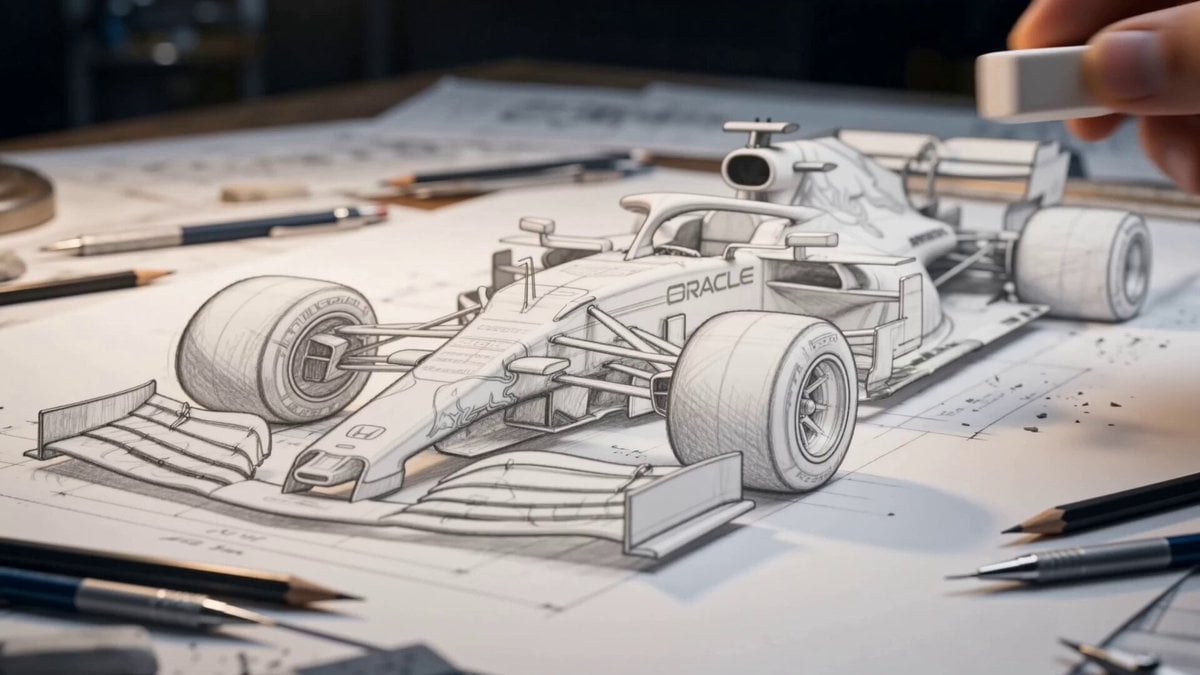
Formula 1 Sketch Transformation
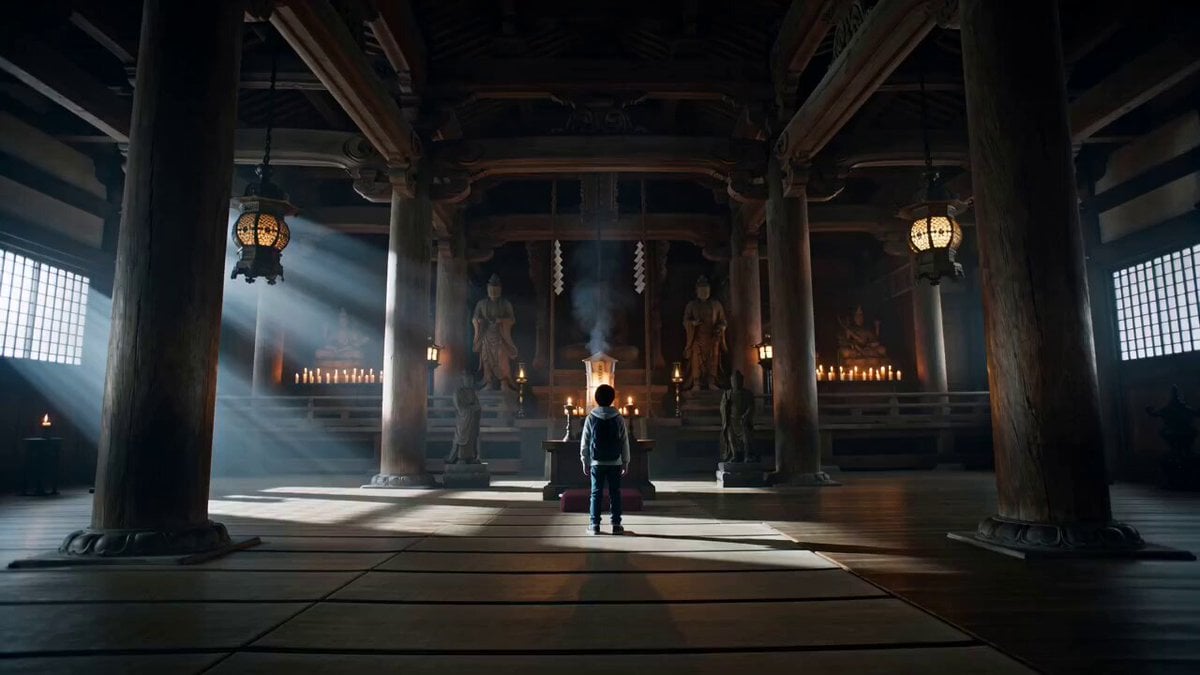
Japanese Boy Transforms into Samurai Guardian Hero

Serene Morning Yoga Flow
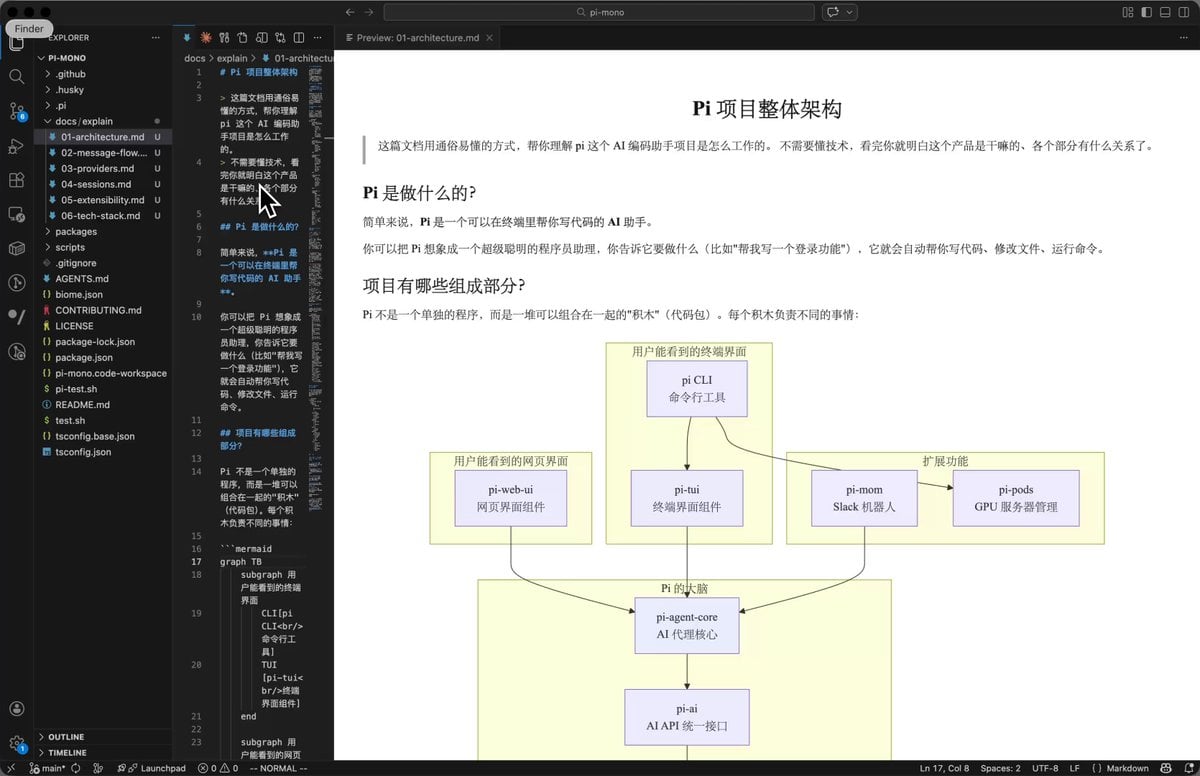
AI Prompt for Code Repository Analysis and Documentation
Anime Style Transformation with Retro 80s Aesthetic

Cinematic Montage Video Prompt for Seedance 2.0
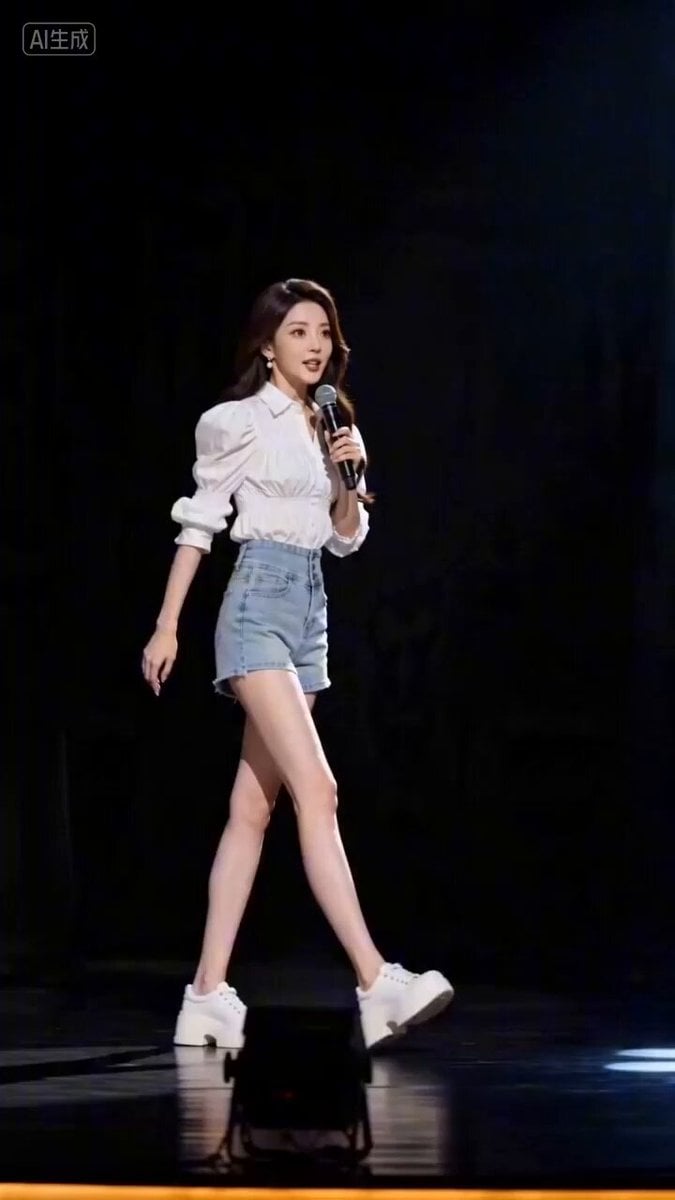
Realistic Chinese Talk Show Prompt
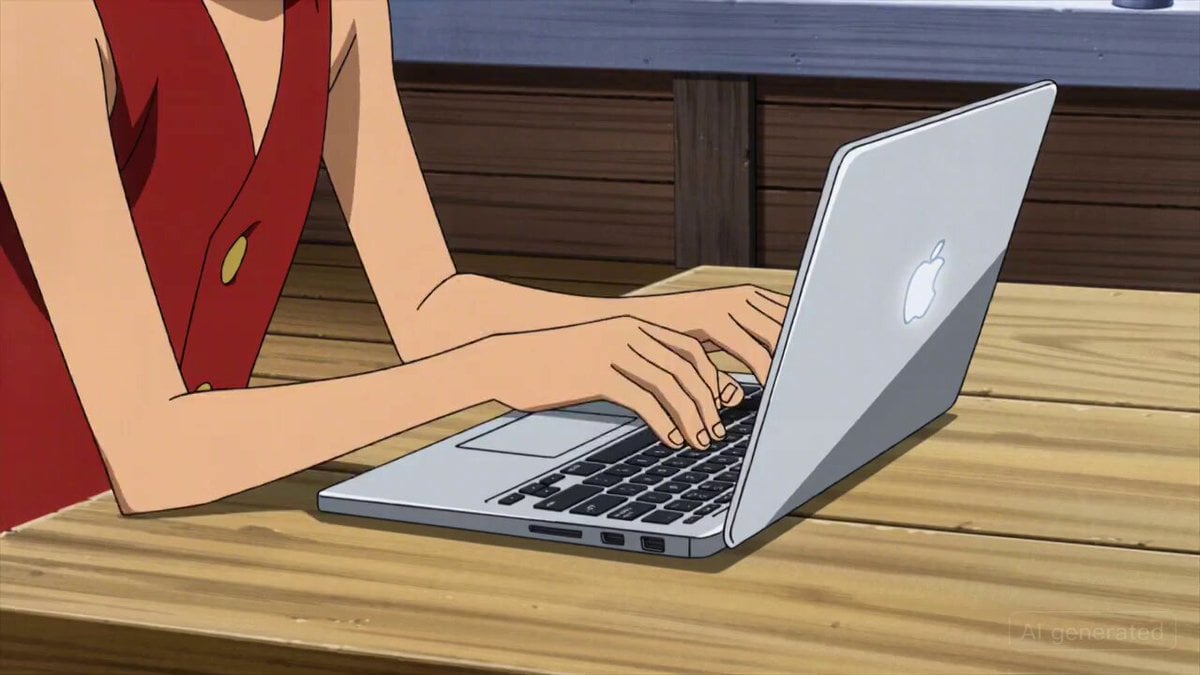
Luffy Coding on Thousand Sunny
Dark warrior transformation combat
Browse template categories
Cinematic Multi-Scene Surreal Animation questions
How do I use the Cinematic Multi-Scene Surreal Animation template?
Add your photo if the template asks for one, edit the prompt if you like — the template's model and format are already selected — and press Generate. Your version opens in PicX Studio.
Can I customize the Cinematic Multi-Scene Surreal Animation template?
Yes. You can change the subject, setting, lighting, mood, format, and available model controls before creating your video.
Is the Cinematic Multi-Scene Surreal Animation template free?
Opening and editing this template is free. Generating uses credits, shown on the Generate button when you are signed in.
Which AI model should I use?
Start with Seedance 2.0, which is the model associated with this template. You can compare another compatible model for a different finish.
Looking for something else? Browse all templates.

Your photo, any look
Thousands of ready templates for every top image and video model, from one credit balance.