
Anamorphic Mech Transformation Sequence
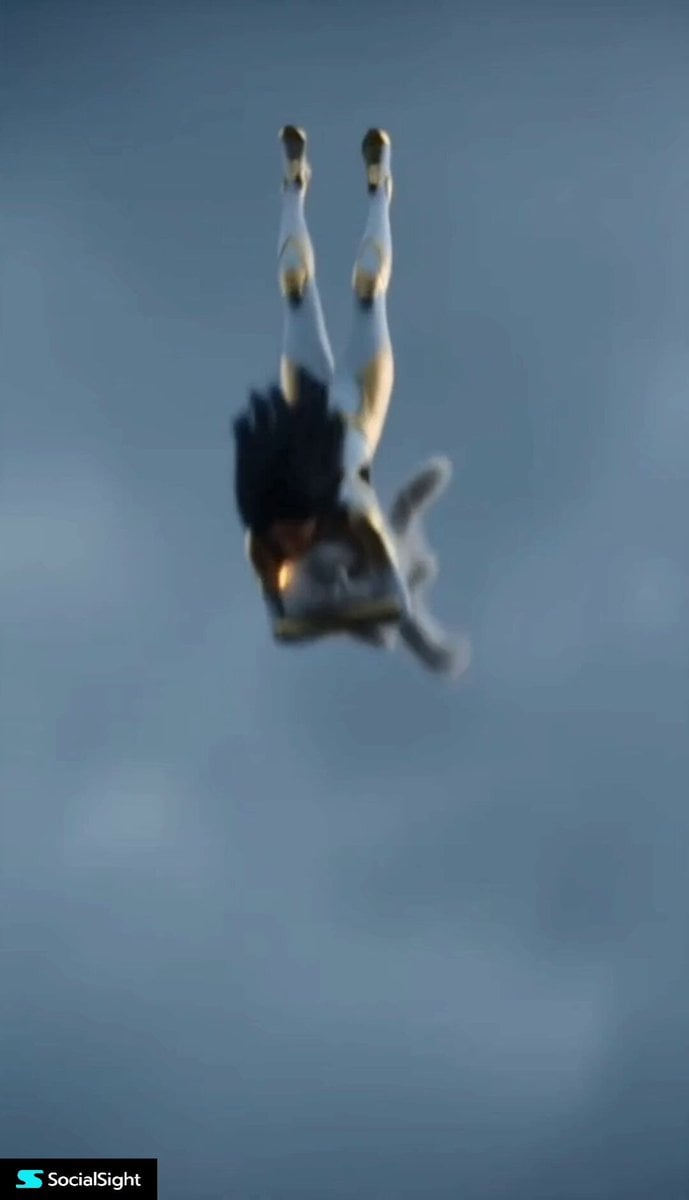
An IMAX cinematic quality prompt detailing a 15-second sequence of a heroine and a cat transforming into mechanical forms after falling from altitude.
- Prompt included
- Model and format preset
- Premium template
The prompt behind this video
Copy the exact prompt behind Anamorphic Mech Transformation Sequence, or open it in the studio and make it yours.
Visual Style: IMAX cinematic quality; Panavision C-Series 35mm anamorphic lens (f/4 aperture) Color Palette: Low-saturation gray-blue background (cool tone) + bright white and dark gold (primary mech colors) Lighting: Deep shadows with preserved detail in dark areas; highlights carry a subtle golden glow Focus: Soft edge focus with sharp central subject 0–15 Seconds Shot Breakdown 0–3s: The Fall Action: The scene plunges rapidly from high altitude. The heroine tightly shields a ragdoll cat against her chest as they tumble through the air. Upon impact, a massive cloud of gray dust and debris erupts. She lands on one knee, struggling to stand, breathing heavily. She looks down at the unharmed cat in her arms (a brief tender moment), then her expression turns cold as she stares at the glowing golden-white crystal core in her hand. Camera: Intense handheld-style shaking follows the fall. A violent jolt on impact, followed by a rapid push-in to a close-up of the heroine and the cat. 3–6s: The Pact Action: The heroine and the ragdoll cat lock eyes; the cat’s pupils shift into flowing gold. She whispers, “Let’s do this together,” then crushes the crystal core in her hand. Visuals: The shattered core bursts into a dark-gold energy vortex, swirling around them. The heroine’s eyes turn gold, while intricate white runes spread across the cat’s fur like vines. Camera: Slow orbiting shot with slight vibration; narrowing depth of field focusing on the fragments of the shattered crystal. 6–9s: The Agony Action: The heroine tilts her head back, releasing a suppressed scream as energy surges through her body, causing violent convulsions. Metallic fragments begin to “grow” from beneath her skin, engulfing and reconstructing her form. Transformation Details: The ragdoll cat rapidly enlarges within the light. Metallic bones and white armor plates form over its body, and sharp alloy claws extend outward. Camera: Heavy shaking, with brief defocus and motion blur. Extreme close-ups of metal forming over skin and the cat’s skeletal expansion into a mechanical tiger. 9–12s: The Manifestation Action: The dust clears. The heroine is now fully clad in an intricate gold-and-white mech armor with sleek contours and glowing dark-gold edges. With a grasp of her right hand, a frost-emitting mech katana materializes. Companion: The ragdoll cat has fully evolved into a massive gold-and-white mechanical tiger, its body lined with glowing energy circuits, eyes gleaming. Camera: Slow-motion orbit (bullet-time feel), sweeping upward from a low angle to reveal the full grandeur of the duo. 12–15s: The Departure Action: (Not specified in original — can be expanded if needed)
How to use Anamorphic Mech Transformation Sequence in 3 steps
- 1
Open
The prompt is already in the box next to the preview, with the template's model and format selected.
- 2…a portrait of your subject in softgolden-hour light, 85mm…
Personalize
Edit the subject and creative details for your destination.
- 3Generate
Generate
Press Generate — your video is created in PicX Studio, so you can compare it with the original and refine one variable at a time.
More like this
Templates with the same subject, style or setup. Open one to see its prompt.

RX-7 to Mech Transformation Cyberpunk
Mecha Transformation vs Kaiju — 4-Scene Epic

Magical Room Transformation - Seedance 2.5

Dark Tokusatsu Transformation - Seedance 2.5
Magical Transformation Sequence
Fantasy Warrior Transformation Sequence
Neon Armor Epic Transformation Sequence
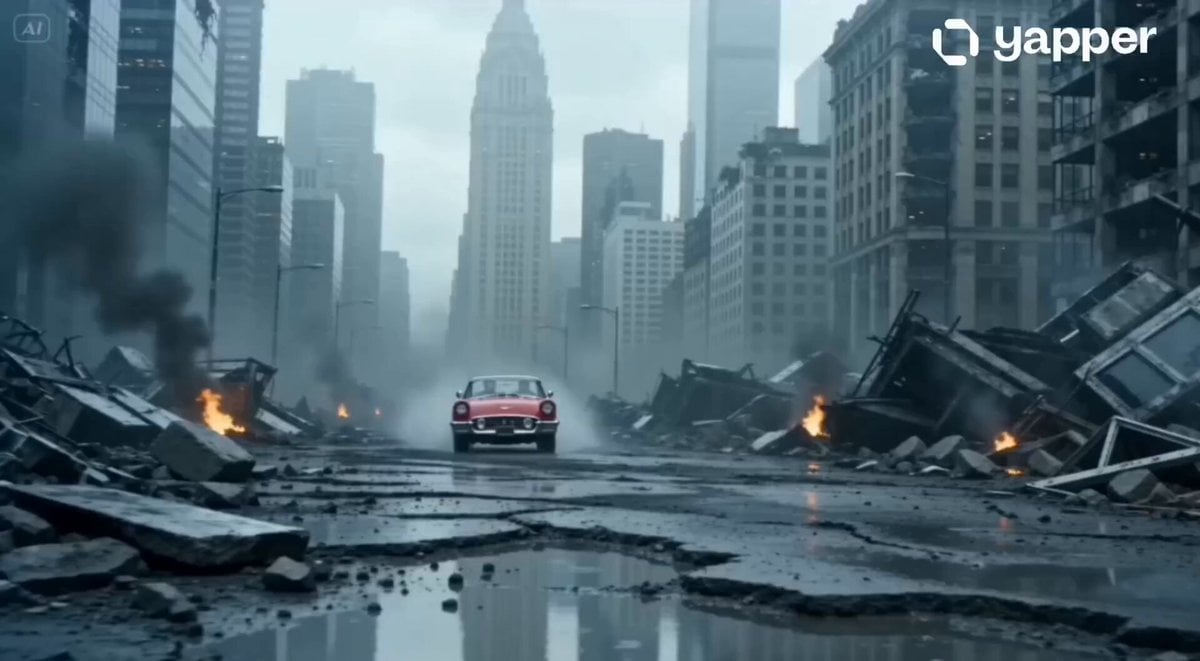
Apocalyptic Jakarta Mech Transformation
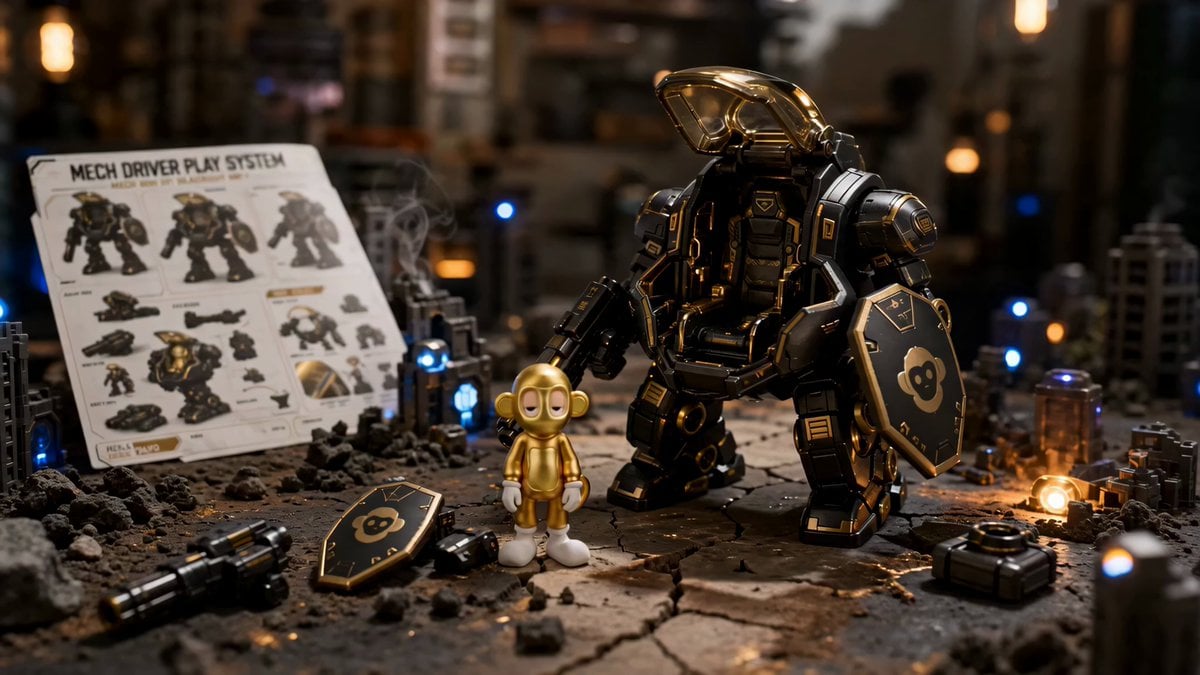
Premium Mech Toy Commercial Sequence
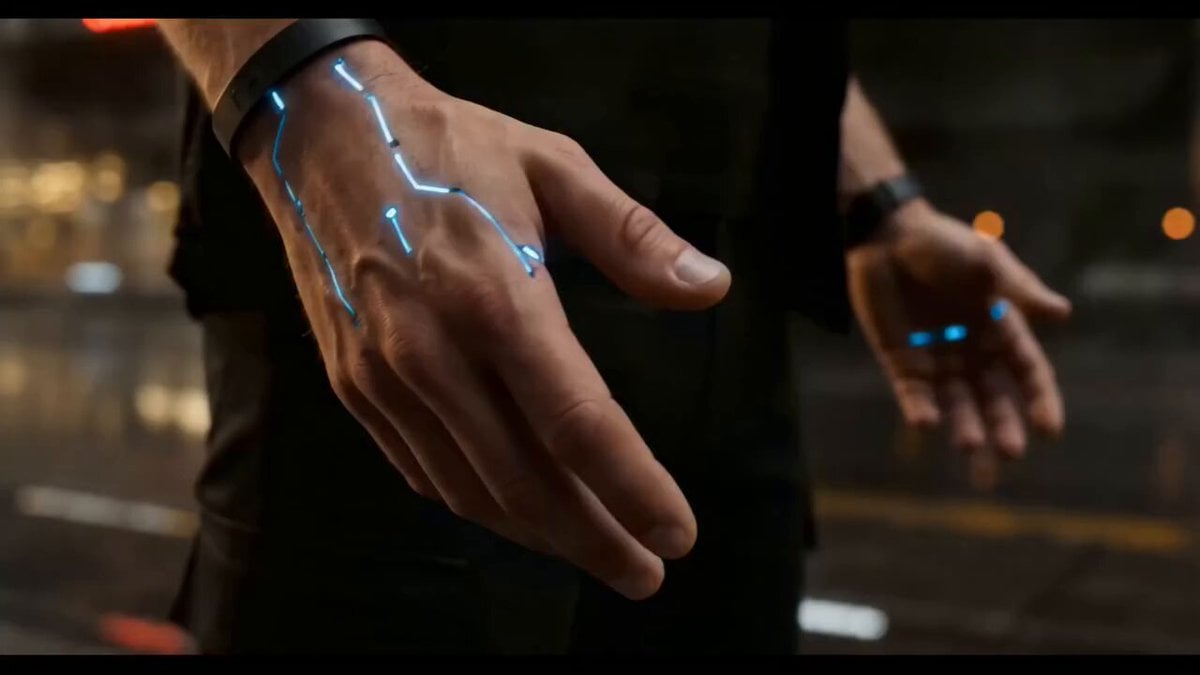
Cyberpunk Exosuit Transformation Sequence
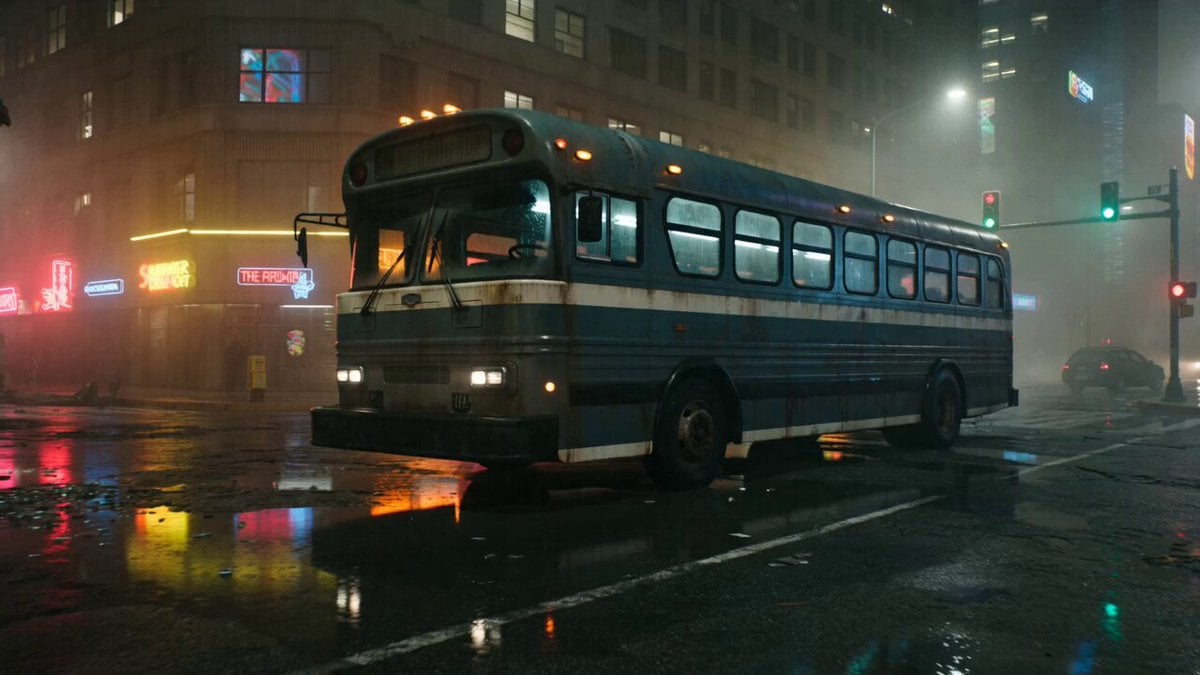
Gritty Cyberpunk Mecha Transformation
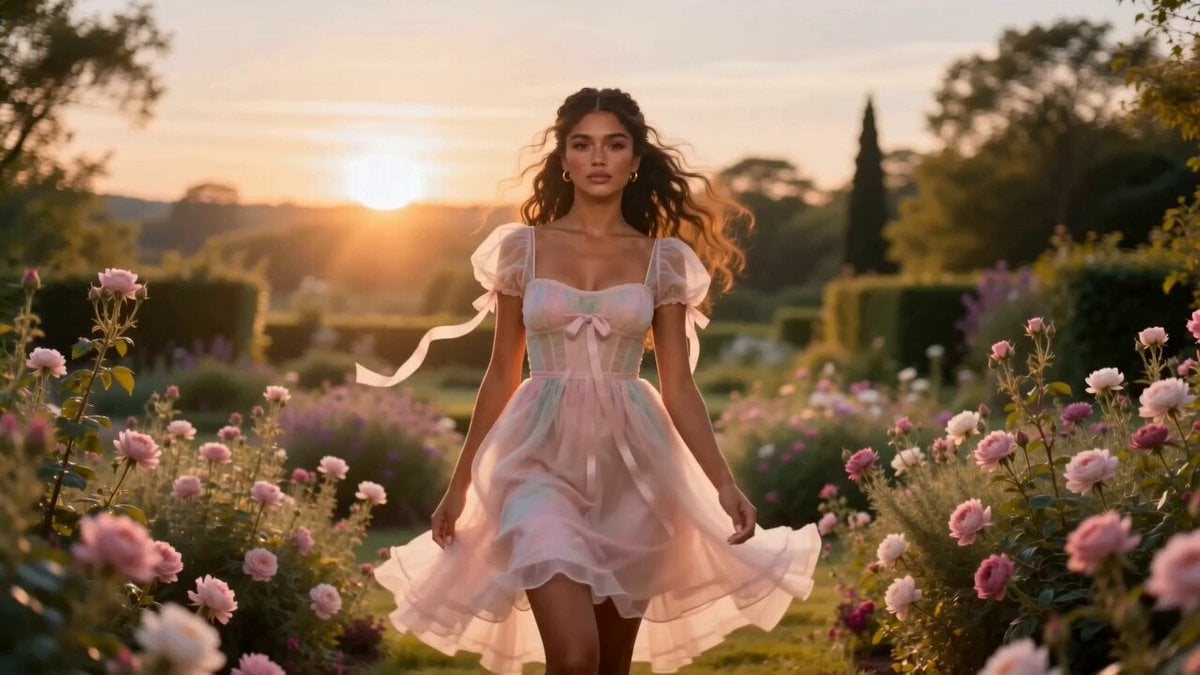
Fashion Aesthetic Transformation Sequence
Make it yours
Anamorphic Mech Transformation Sequence works as-is. These are the safest ways to change it without losing the look.
Change one field
Copy a single group, rewrite it, and generate again so you can see what that field is doing.
Keep the frame, change the subject
Hold the composition and light of Anamorphic Mech Transformation Sequence, then swap wardrobe, props or the person for a new take.
| If the result… | Why | Fix |
|---|---|---|
| The result drifts from the preview | Too many fields changed at once. | Reuse Anamorphic Mech Transformation Sequence as-is first, then change one group — subject, light, or setting. |
| The model over-stylizes the scene | The prose prompt leaves finish and camera underspecified. | Add one camera or lighting sentence and stay on Seedance 2.0. |
More Seedance 2.0 templates
Other prompts made for Seedance 2.0.

Comical Martial Arts Punch Scene

Wuxia Protection and Trust Script

Vintage Korean Arcade MiniDV Vlog

Mercedes 190 SL Luxury Ad

Rainy Night Supernatural Reverse Comedy Video Script

Amazon Civilization Discovery

Futuristic South Asian City Transformation

Cozy Luxury Cafe Commercial

Cyber Ronin Nanotech Transformation Video

Desert Courier and Sandstorm Leviathan Chase
More video prompts
Fresh picks from across the catalog.
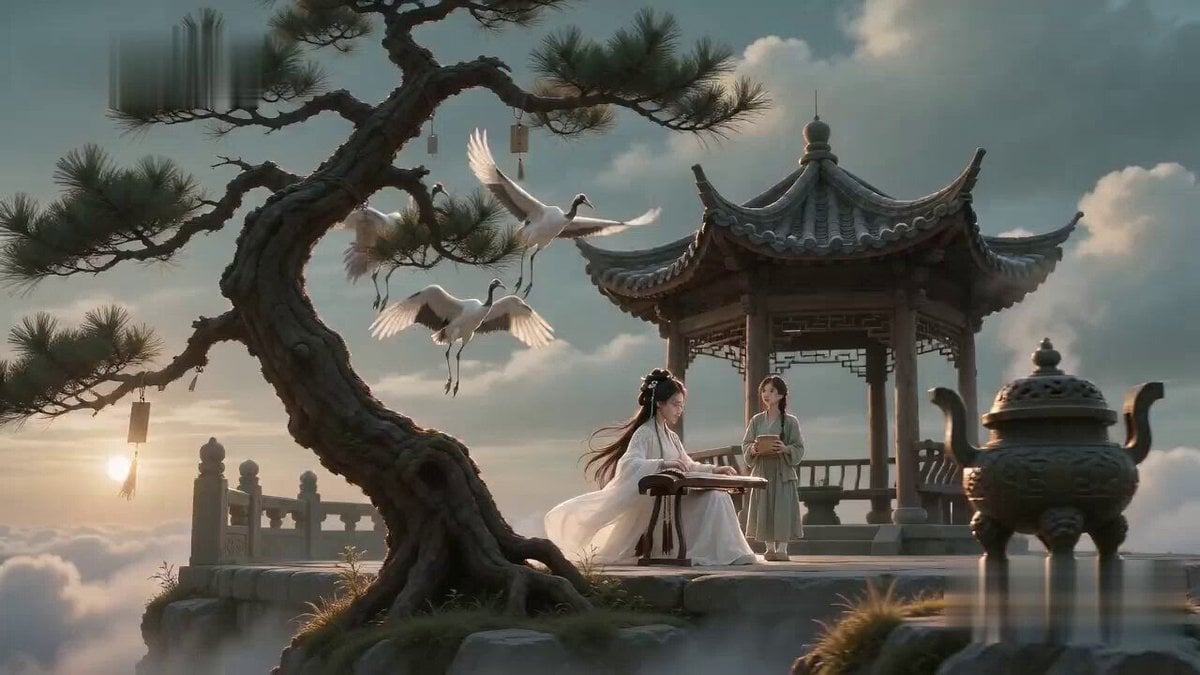
Poetic Martial Arts Comedy: Zither and Cranes
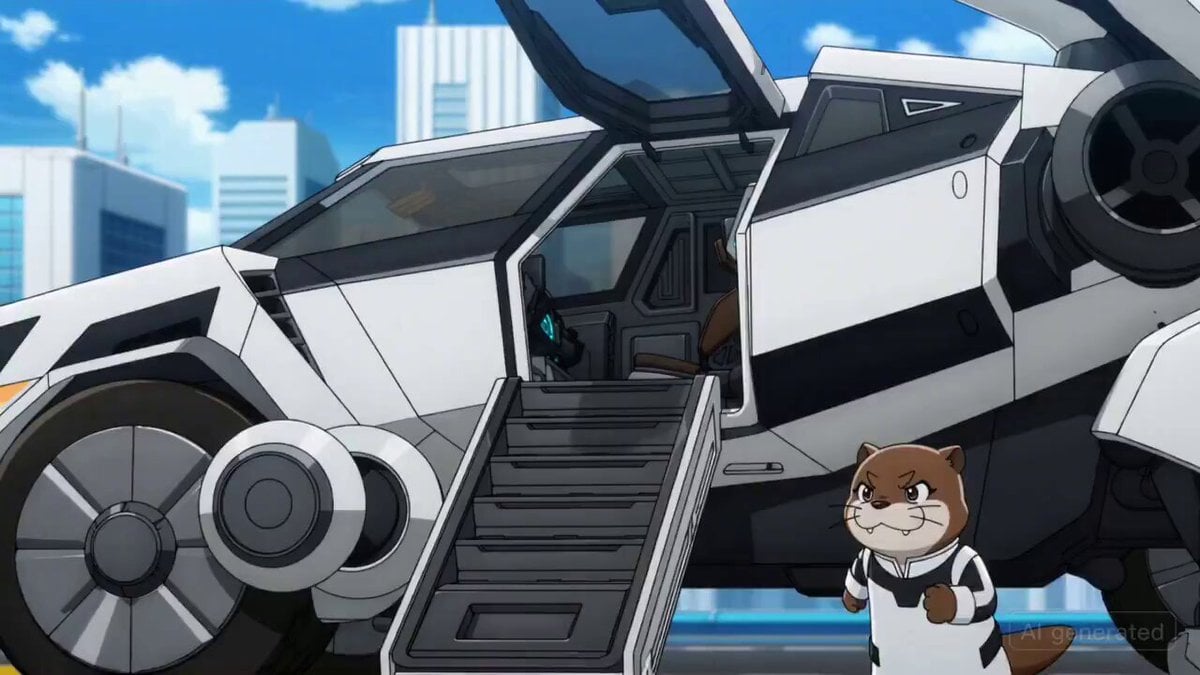
Otter Mech Pilot Anime Scene
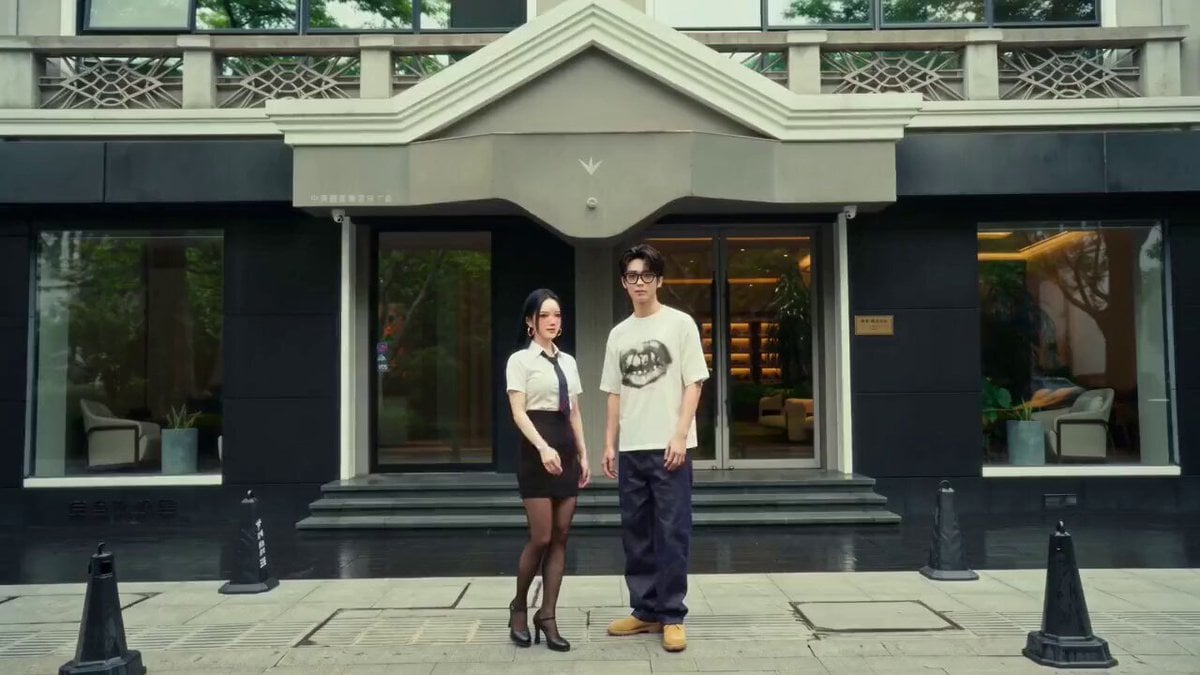
Wes Anderson Style Global Travel Video Prompt for Seedance 2.0
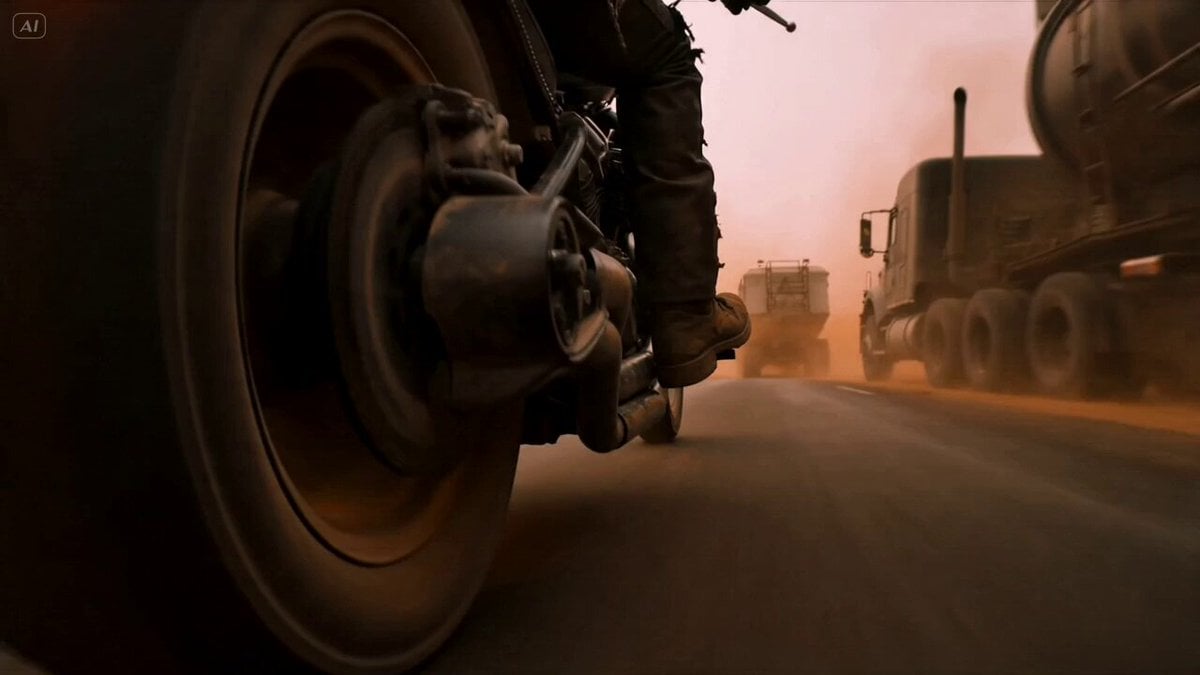
Mad Max Cybernetic Biker Action Sequence
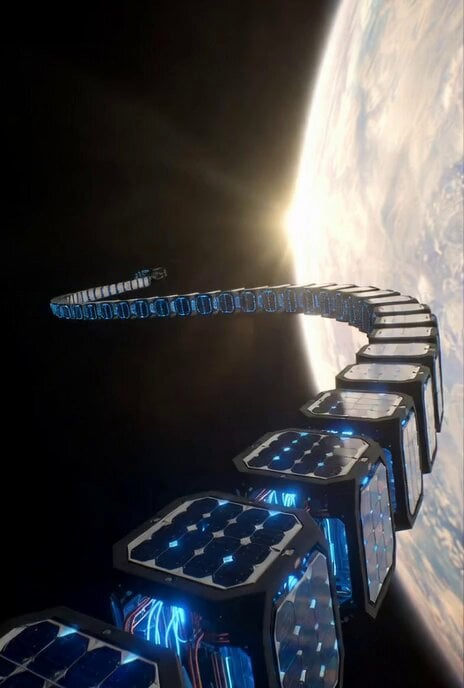
Sci-Fi Documentary Video Prompt for Orbital Solar Energy System
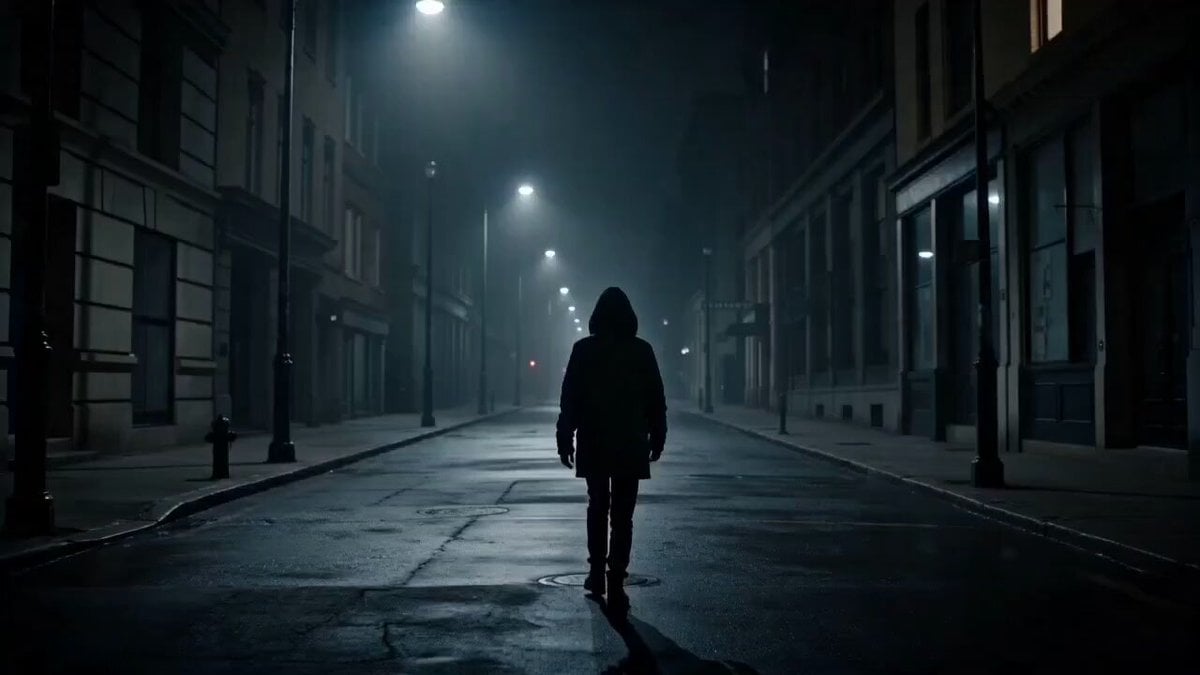
Dark Psychological Fear Visualized

Epic Marvel Studios Tone Martial Arts Scene
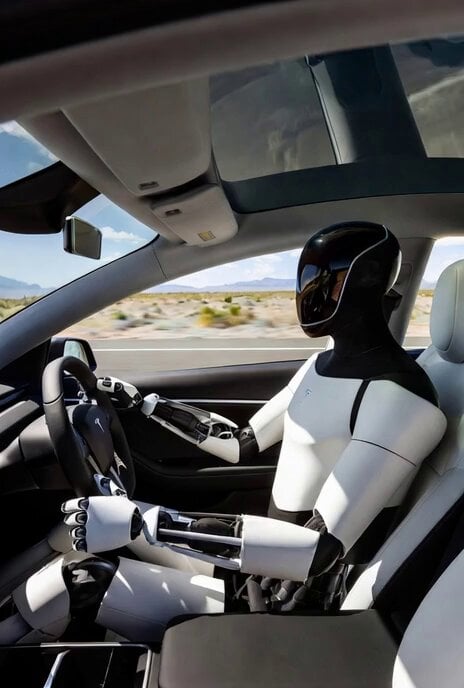
Grok Imagine Prompt: Tesla Optimus Driving in Desert
Seedream 5.0 Photorealistic Studio Portrait Prompt
Cinematic Storyboard Video Extension
Browse template categories
Anamorphic Mech Transformation Sequence questions
How do I use the Anamorphic Mech Transformation Sequence template?
Add your photo if the template asks for one, edit the prompt if you like — the template's model and format are already selected — and press Generate. Your version opens in PicX Studio.
Can I customize the Anamorphic Mech Transformation Sequence template?
Yes. You can change the subject, setting, lighting, mood, format, and available model controls before creating your video.
Is the Anamorphic Mech Transformation Sequence template free?
Opening and editing this template is free. Generating uses credits, shown on the Generate button when you are signed in.
Which AI model should I use?
Start with Seedance 2.0, which is the model associated with this template. You can compare another compatible model for a different finish.
Looking for something else? Browse all templates.

Your photo, any look
Thousands of ready templates for every top image and video model, from one credit balance.