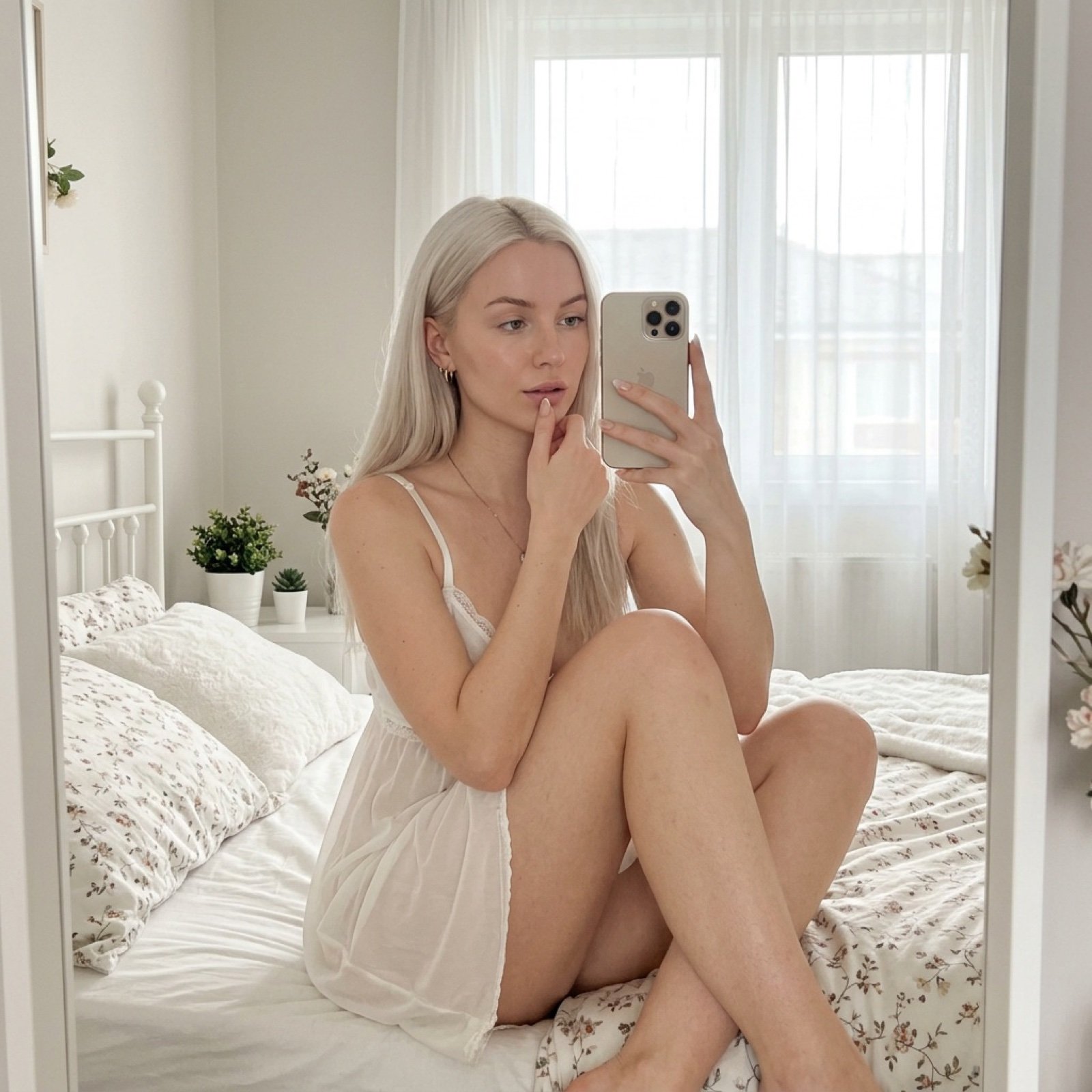
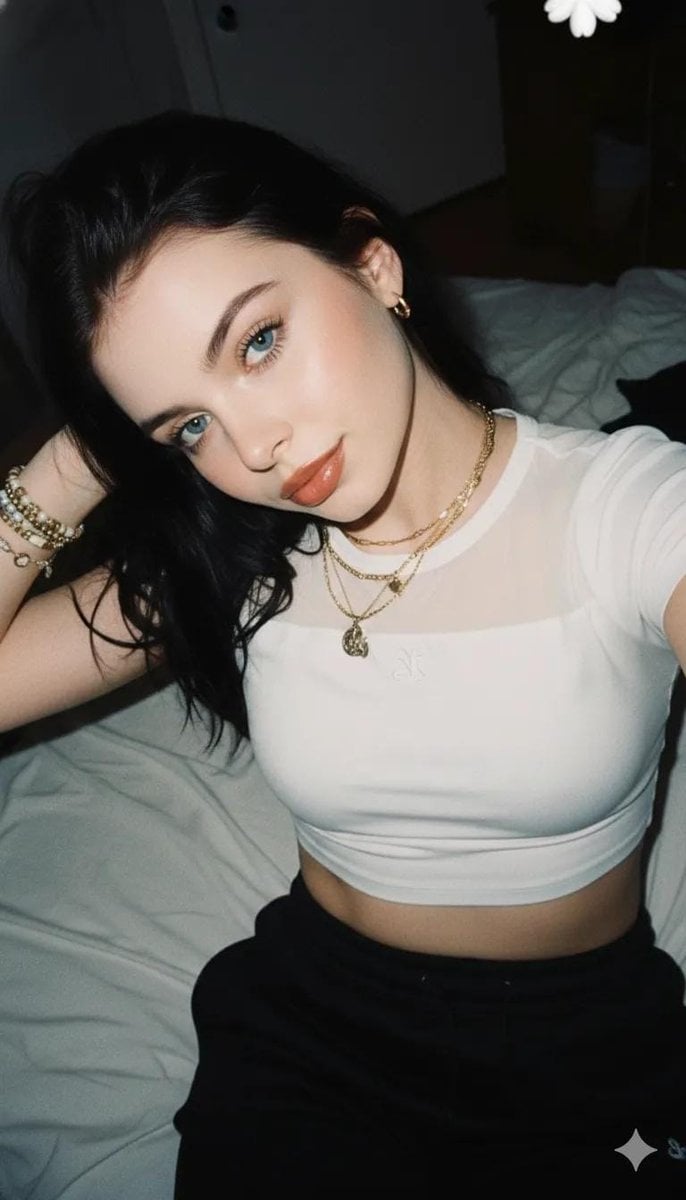
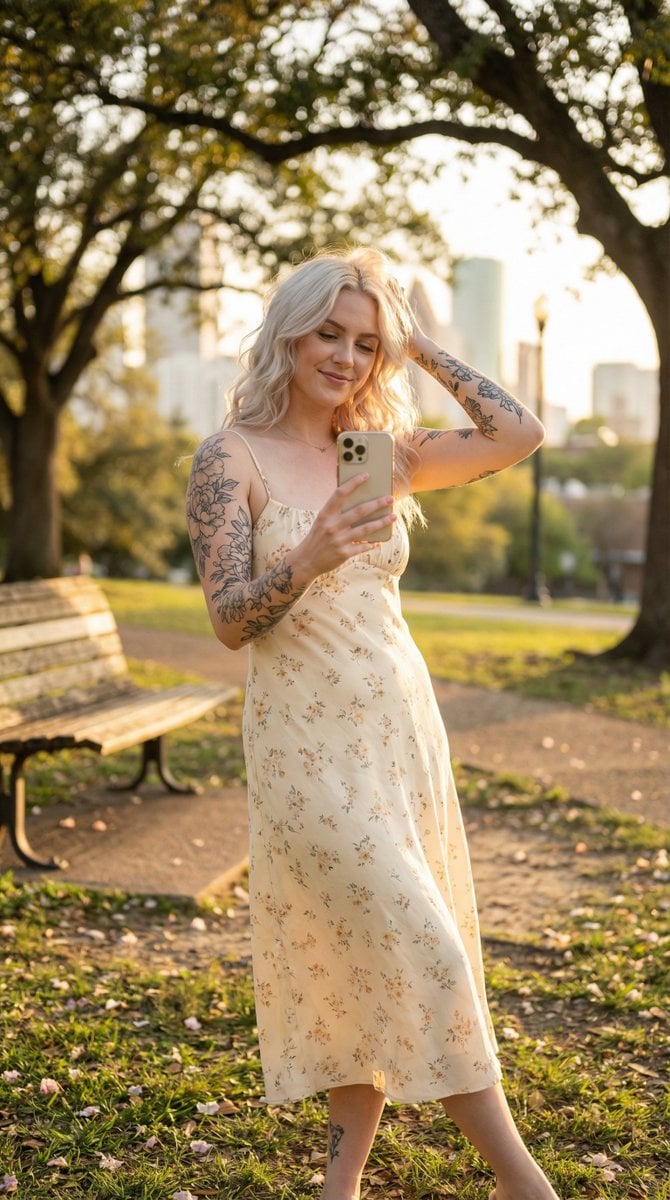
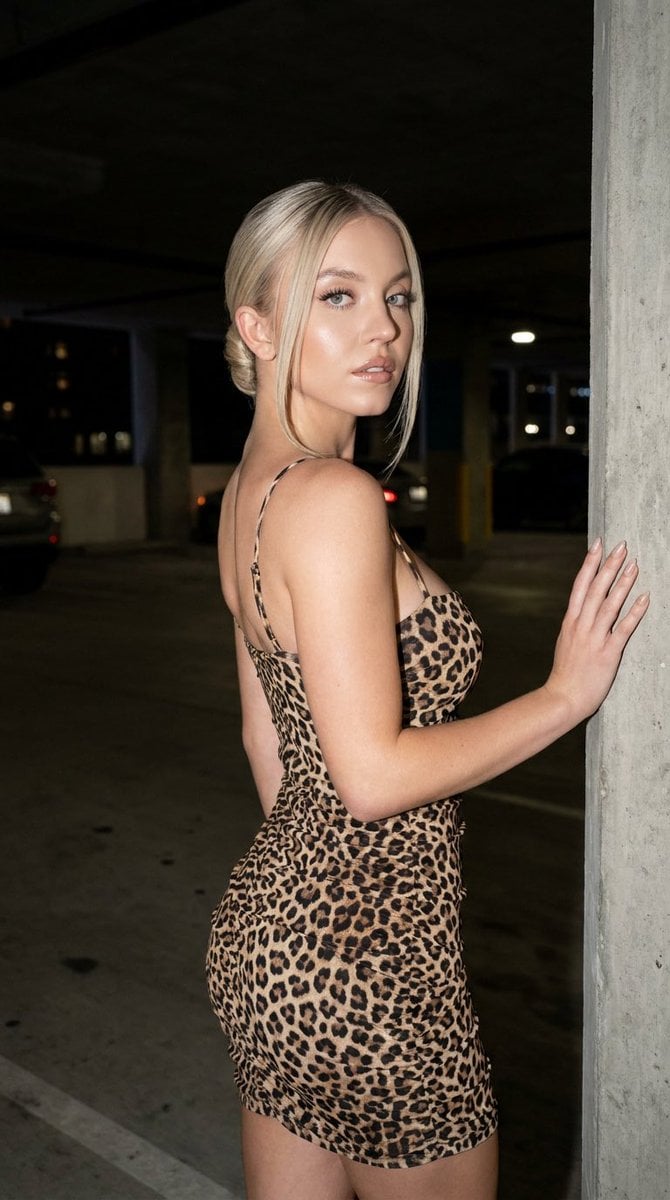
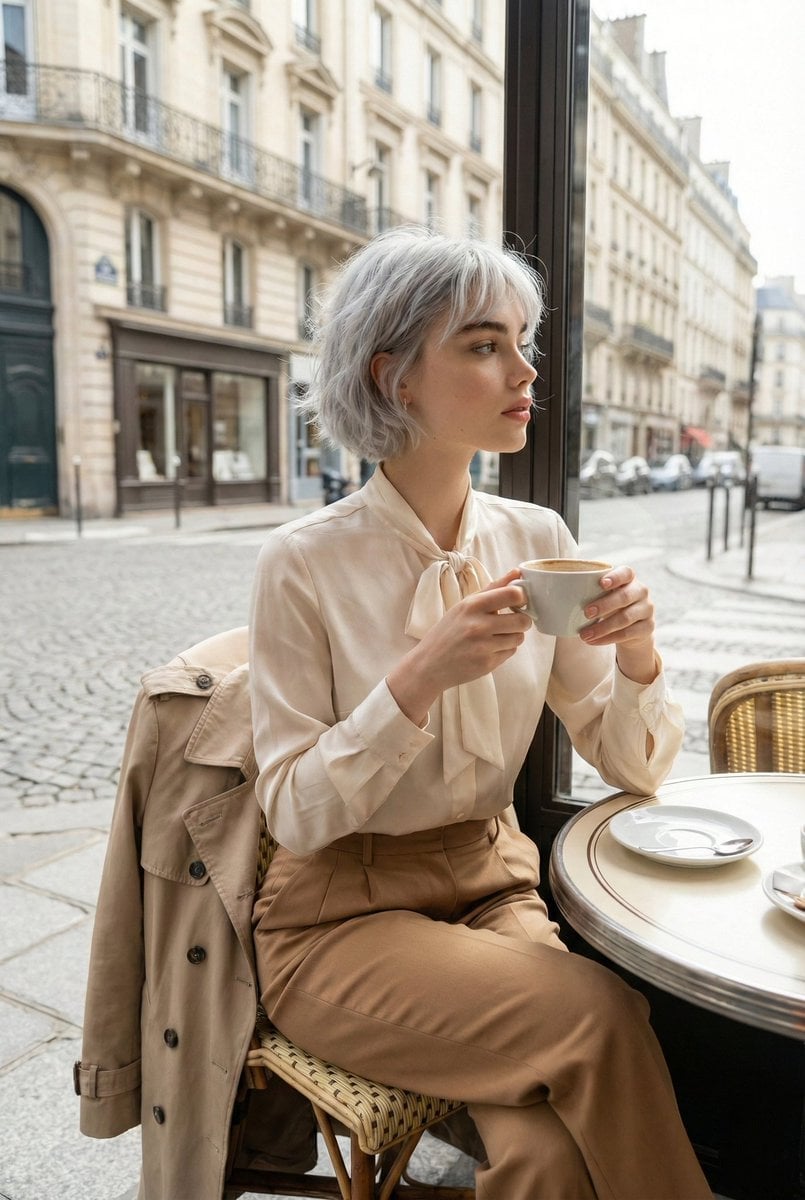
How do I use the Natural Golden Hour Indoor Selfie template?
Edit the prompt in the box under the preview — the template's model and format are already selected — and press Generate. Your version appears right on this page.
A highly detailed prompt for a realistic indoor selfie with warm golden hour lighting and intricate fabric and skin details.

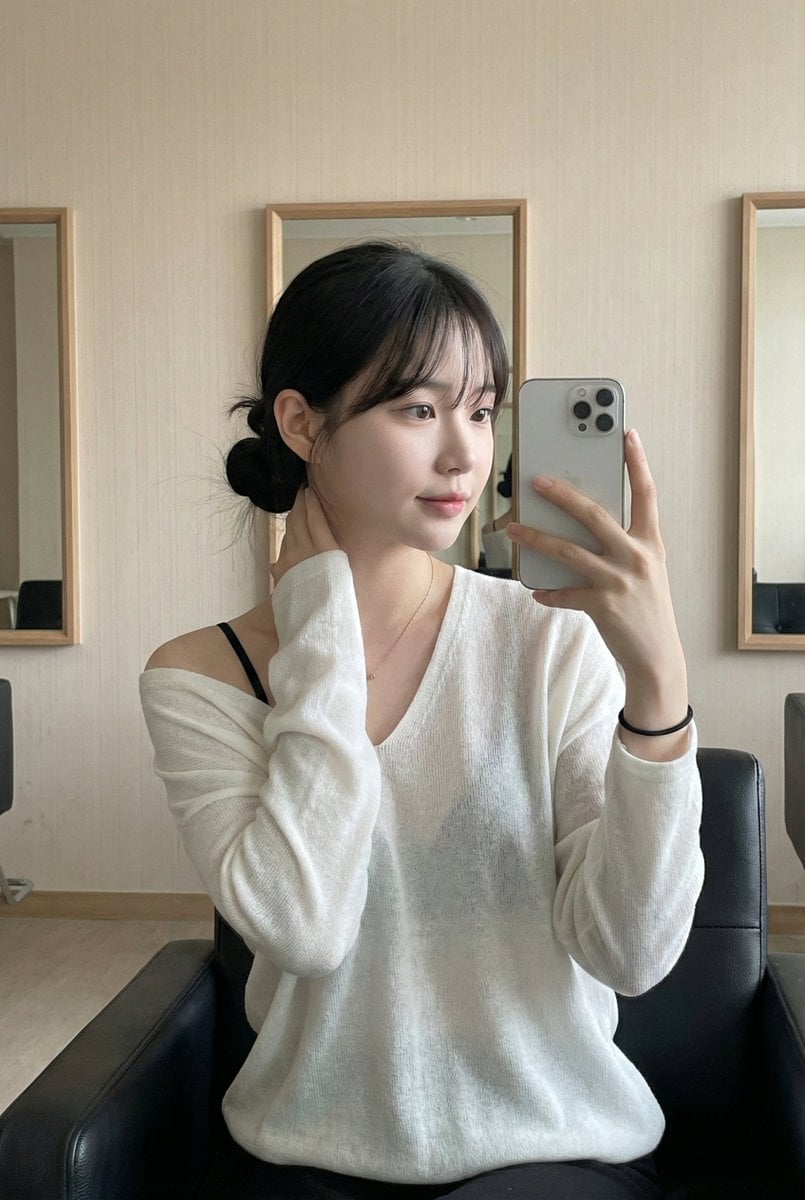
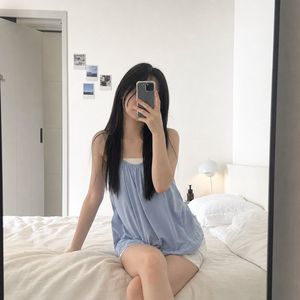
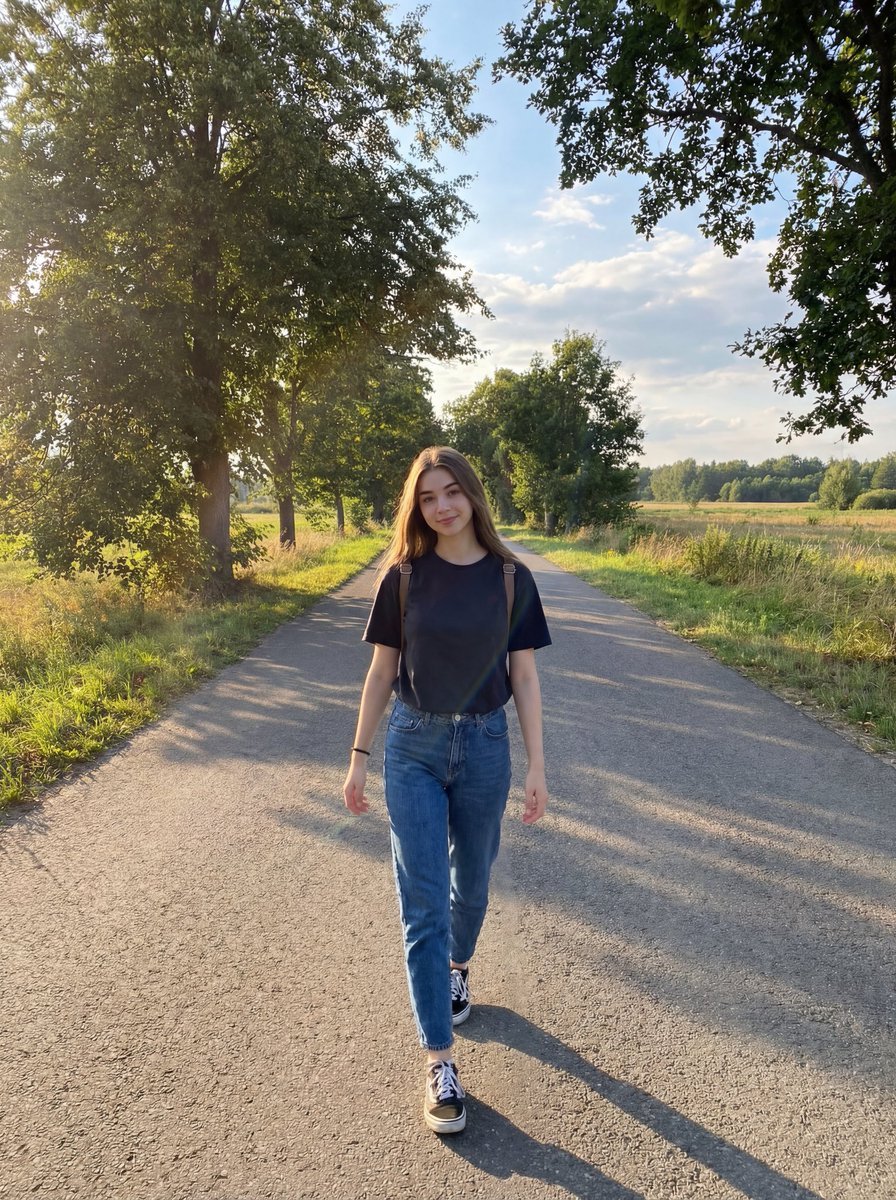
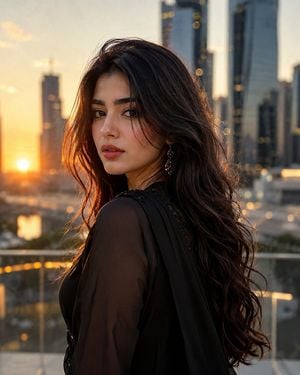
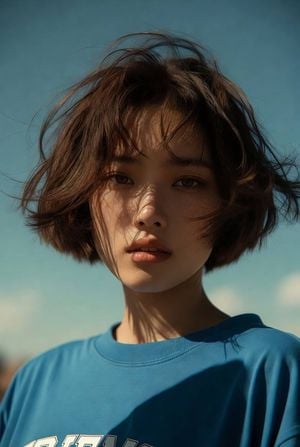
Preserve her original facial features exactly as they are. She has a naturally beautiful appearance with perfect facial symmetry. She should appear youthful and feminine, with a naturally full bust rather than a flat chest. A close-up indoor selfie of a young woman with a soft, sweet face, illuminated by warm natural lighting reminiscent of golden hour. The image is ultra-realistic, featuring a beautiful fair-skinned young woman with balanced facial proportions and dewy skin that appears slightly moisturized. She has naturally groomed eyebrows, long, thick, curled upper eyelashes (lash extensions), equally long, dense, curled lower lashes, black contact lenses, and a reddish ombré lip tint. Soft pink blush is visibly applied across the bridge of her nose and beneath her eyes, creating a delicate, youthful aesthetic. Her complexion is fair with a subtle rosy undertone, rendered in ultra-high 8K detail, while a camera flash adds a luminous glow to her face. The composition emphasizes her facial expression, eyes, and makeup details. She rests her chin on her bent arm, wearing a gentle, soft smile with a calm gaze directed toward the camera. A few loose strands of hair fall naturally across her face, adding a dreamy, feminine, and effortless appearance. Her hair is long, loose, thick at the roots, and slightly wavy at the ends, colored in a cool {argument name="hair color" default="ash-brown"} shade. It is styled with a side part, with one section tucked behind her ear to reveal a small silver butterfly-shaped earring. Fine wisps of hair frame her face, enhancing the candid and natural feel. Top: She wears a soft {argument name="top color" default="pastel blue"} Kashmiri embroidered kurta with three-quarter sleeves and a notched crew neckline. The kurta features intricate floral and vine embroidery in white, orange, and light pink across the chest, complemented by matching decorative embroidery along the sleeves, hem, and side slit. Warm midday sunlight streams through a nearby window, casting the shadow of the window bars onto the wall behind her. The warm light softly illuminates one side of her face, creating a golden glow that highlights the smooth texture of her skin and adds natural depth to her features. The background is a simple light cream-colored wall decorated with trailing {argument name="plant decoration" default="green heart-shaped vines"} hanging from above, creating a clean, warm, and cozy indoor atmosphere. The image is captured vertically (9:16) using a smartphone in Portrait mode from a close selfie angle, with razor-sharp focus on her face, eyes, and accessories, while the background remains softly blurred with shallow depth of field. The overall aesthetic is inspired by Korean portrait photography, highlighting natural beauty under warm golden-hour lighting with a minimal, clean indoor setting. The image is ultra-photorealistic with highly detailed skin texture, soft cinematic lighting, HDR processing, 8K resolution, and calm pastel color grading that creates a warm, elegant, and
Preserve her original facial features exactly as they are. She has a naturally beautiful appearance with perfect facial symmetry. She should appear youthful and feminine, with a naturally full bust rather than a flat chest. A close-up indoor selfie of a young woman with a soft, sweet face, illuminated by warm natural lighting reminiscent of golden hour. The image is ultra-realistic, featuring a beautiful fair-skinned young woman with balanced facial proportions and dewy skin that appears slightly moisturized. She has naturally groomed eyebrows, long, thick, curled upper eyelashes (lash extensions), equally long, dense, curled lower lashes, black contact lenses, and a reddish ombré lip tint. Soft pink blush is visibly applied across the bridge of her nose and beneath her eyes, creating a delicate, youthful aesthetic. Her complexion is fair with a subtle rosy undertone, rendered in ultra-high 8K detail, while a camera flash adds a luminous glow to her face. The composition emphasizes her facial expression, eyes, and makeup details. She rests her chin on her bent arm, wearing a gentle, soft smile with a calm gaze directed toward the camera. A few loose strands of hair fall naturally across her face, adding a dreamy, feminine, and effortless appearance. Her hair is long, loose, thick at the roots, and slightly wavy at the ends, colored in a cool {argument name="hair color" default="ash-brown"} shade. It is styled with a side part, with one section tucked behind her ear to reveal a small silver butterfly-shaped earring. Fine wisps of hair frame her face, enhancing the candid and natural feel. Top: She wears a soft {argument name="top color" default="pastel blue"} Kashmiri embroidered kurta with three-quarter sleeves and a notched crew neckline. The kurta features intricate floral and vine embroidery in white, orange, and light pink across the chest, complemented by matching decorative embroidery along the sleeves, hem, and side slit. Warm midday sunlight streams through a nearby window, casting the shadow of the window bars onto the wall behind her. The warm light softly illuminates one side of her face, creating a golden glow that highlights the smooth texture of her skin and adds natural depth to her features. The background is a simple light cream-colored wall decorated with trailing {argument name="plant decoration" default="green heart-shaped vines"} hanging from above, creating a clean, warm, and cozy indoor atmosphere. The image is captured vertically (9:16) using a smartphone in Portrait mode from a close selfie angle, with razor-sharp focus on her face, eyes, and accessories, while the background remains softly blurred with shallow depth of field. The overall aesthetic is inspired by Korean portrait photography, highlighting natural beauty under warm golden-hour lighting with a minimal, clean indoor setting. The image is ultra-photorealistic with highly detailed skin texture, soft cinematic lighting, HDR processing, 8K resolution, and calm pastel color grading that creates a warm, elegant, and
Edit the prompt in the box under the preview — the template's model and format are already selected — and press Generate. Your version appears right on this page.
Yes. You can change the subject, setting, lighting, mood, format, and available model controls before creating your image.
Opening and editing this template is free. Generating uses credits, shown on the Generate button when you are signed in.
Start with Nano Banana 2, which is the model associated with this template. You can compare another compatible model for a different finish.
Follow a topic to a crawlable collection of related PicX Studio templates.