
Cinematic Airport Runway Giantess Portrait
A surreal and highly detailed prompt for generating a giantess figure lying on an airport runway.
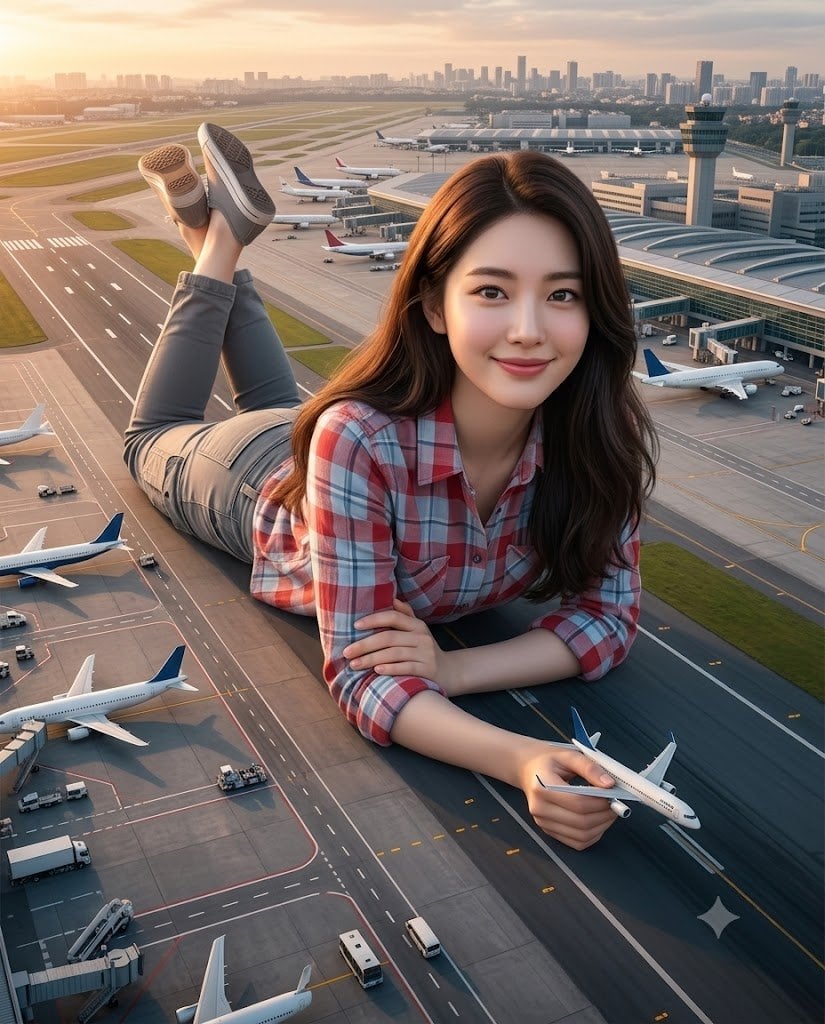
- Prompt included
- Model and format preset
- Free template
The prompt behind this image
Copy the exact prompt behind Cinematic Airport Runway Giantess Portrait, or open it in the studio and make it yours.
Ultra-realistic IMAX-level Netflix-style cinematic surreal airport giantess portrait, 4:5 vertical composition, use the uploaded image as the primary facial reference with maximum face consistency and exact facial identity preservation, create a beautiful {argument name="subject description" default="young adult woman"} appearing as a giant figure lying playfully across a massive airport runway and terminal apron at golden hour, captured in a dramatic wide cinematic perspective that emphasizes her enormous scale compared to the real airplanes, airport vehicles and terminal buildings around her, her body stretched comfortably across the tarmac in a relaxed pose, one arm folded beneath her and the other hand holding a small airplane model near the camera, her facial expression warm, cheerful and softly playful with bright eyes, relaxed brows and a gentle smiling face, her luminous fair porcelain milky-white skin rendered with an ultra-smooth clean texture, soft natural pink freshness and perfect even face-to-body skin tone consistency, her long dark-brown hair flowing naturally around her shoulders with soft smooth volume, wearing a stylish {argument name="clothing type" default="check-pattern shirt"} in a {argument name="outfit colors" default="red, soft blue and white"} color combination, the checks looking attractive, balanced and clearly visible, paired with fitted grey cargo-style pants and casual sneakers, background featuring a realistic international airport environment with parked commercial aircraft, taxiways, gates, service vehicles, runway markings, terminal structures, a control tower and a distant city skyline, lighting warm and cinematic with beautiful sunset glow falling across her face, hair, clothes and the airport surface, creating soft highlights, long shadows and a premium dreamy atmosphere, emphasize the surreal scale contrast between the girl and the airplanes while keeping the scene photorealistic and visually believable, ultra-rich color grading with warm amber sunset tones, cool airport greys, soft blue accents and premium cinematic depth, HDR lighting, global illumination, shallow depth of field, photorealistic detailing, masterpiece quality, 8K production detail.
How to use Cinematic Airport Runway Giantess Portrait in 3 steps
- 1Upload ImagePNG, JPG or paste
Add your photo
Upload the photo the template builds on. The prompt, model and format are already set.
- 2…a portrait of your subject in softgolden-hour light, 85mm…
Personalize
Edit the subject and creative details for your destination.
- 3Generate
Generate
Press Generate — your image is created in PicX Studio, so you can compare it with the original and refine one variable at a time.
More like this
Templates with the same subject, style or setup. Open one to see its prompt.

Found Photograph: Us, 1970

80s Couple Studio Portrait

80s Bollywood Star

80s Golden Hour Cinema

Me in 1985

1985 Studio Portrait
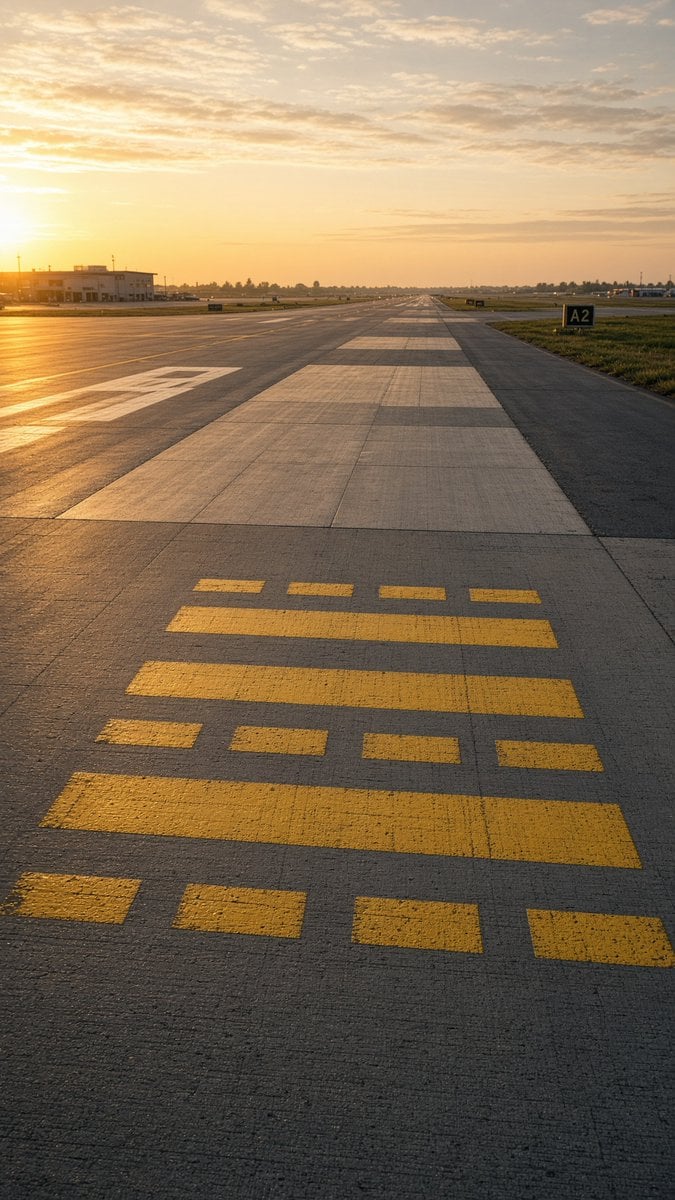
Golden Hour Empty Airport Runway

Hyper-Realistic Minecraft POV Portrait

Rooftop Fisheye — Cat-Ear Balaclava at Golden Hour

Dark Runway Luxury Fashion Magazine Cover

Rainy Café Window Moody Portrait
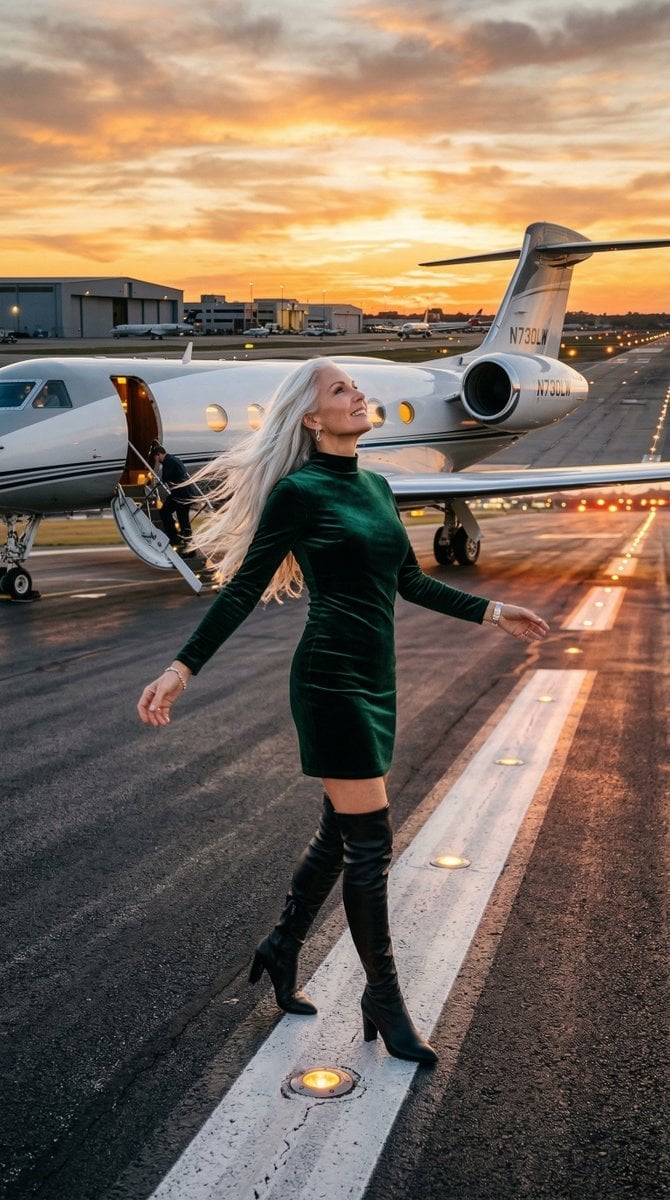
Cinematic Photo of Woman on Airport Runway
Make it yours
Cinematic Airport Runway Giantess Portrait works as-is. These are the safest ways to change it without losing the look.
Change one field
Copy a single group, rewrite it, and generate again so you can see what that field is doing.
Keep the frame, change the subject
Hold the composition and light of Cinematic Airport Runway Giantess Portrait, then swap wardrobe, props or the person for a new take.
| If the result… | Why | Fix |
|---|---|---|
| The result drifts from the preview | Too many fields changed at once. | Reuse Cinematic Airport Runway Giantess Portrait as-is first, then change one group — subject, light, or setting. |
| The model over-stylizes the scene | The prose prompt leaves finish and camera underspecified. | Add one camera or lighting sentence and stay on Nano Banana 2. |
More Nano Banana 2 templates
Other prompts made for Nano Banana 2.

Photorealistic Leaf Shaped Like a Dragon

K-Pop Idol Portrait Grid for Rapid Selection

Poetic Rain Forest Portrait During Golden Hour

Urban Street Portrait with Cartoon Inner Self Duo

Candid Nighttime Photo with Cat Prompt

High-Concept 3D Diorama Generation Prompt

Cinematic Futuristic Studio Portrait Template

Skincare Editorial Photography Collage Prompt

Hyper-Realistic Commercial Product Photography (Splash Effect)

Hyper-Realistic Nightclub Portrait Prompt
More image prompts
Fresh picks from across the catalog.
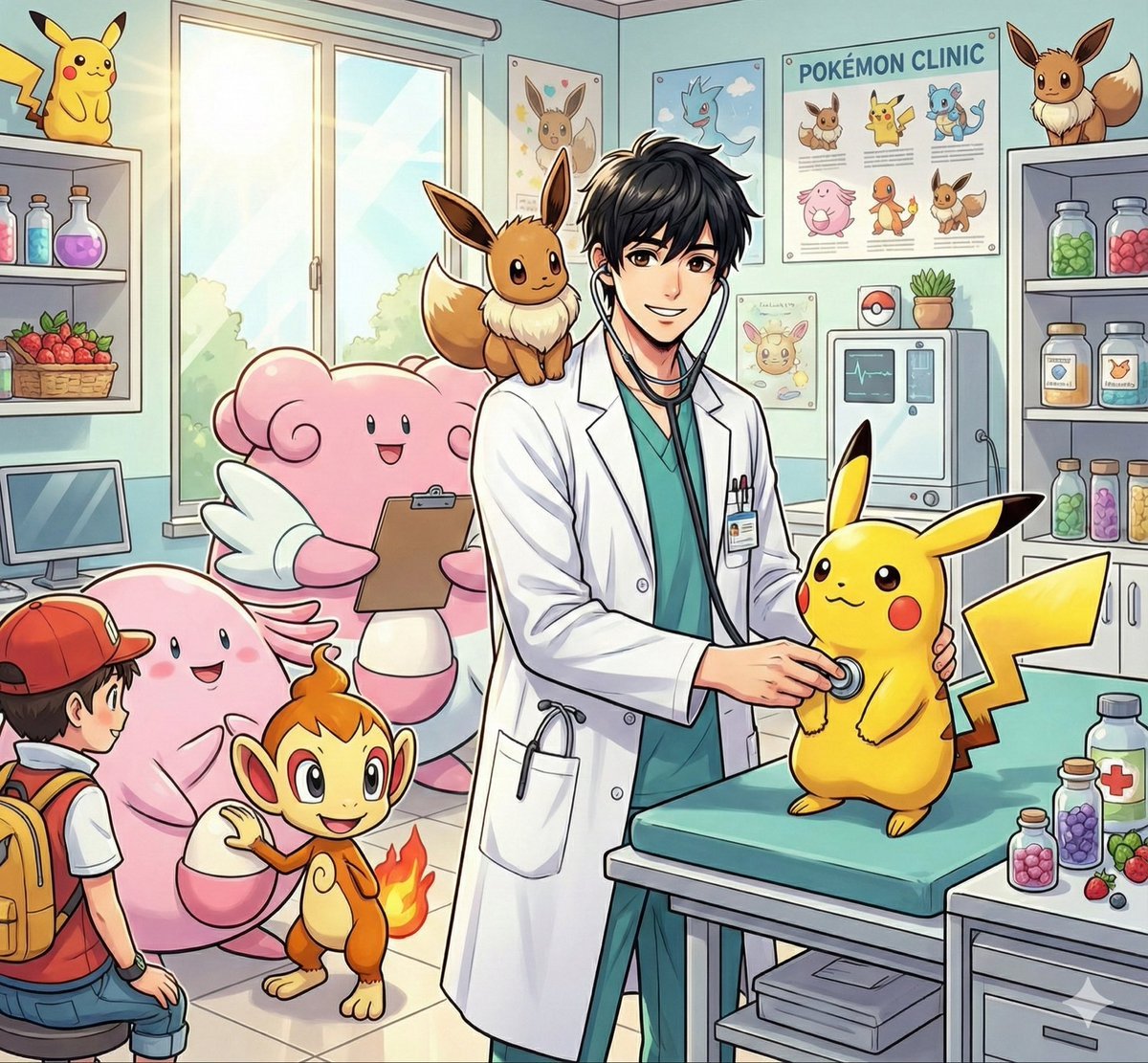
Pokémon World Icon Generation Prompt
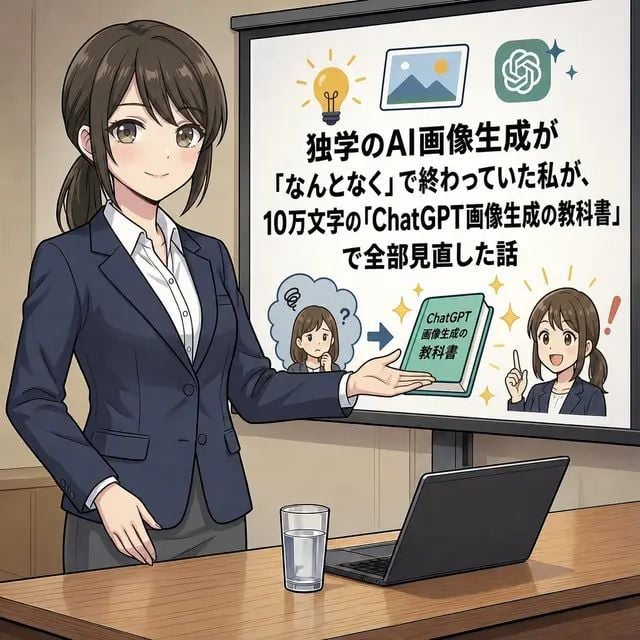
Anime AI Course Presentation Thumbnail
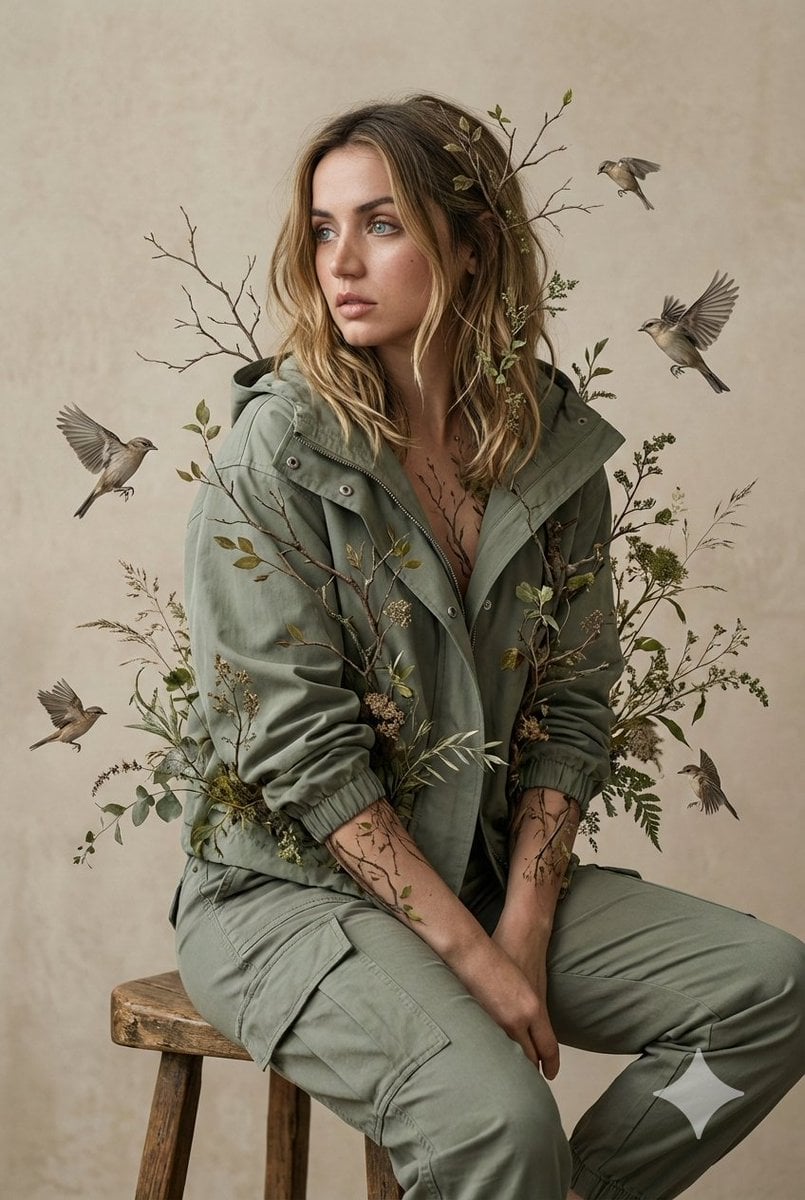
Nature-Human Fusion Editorial Portrait Prompt
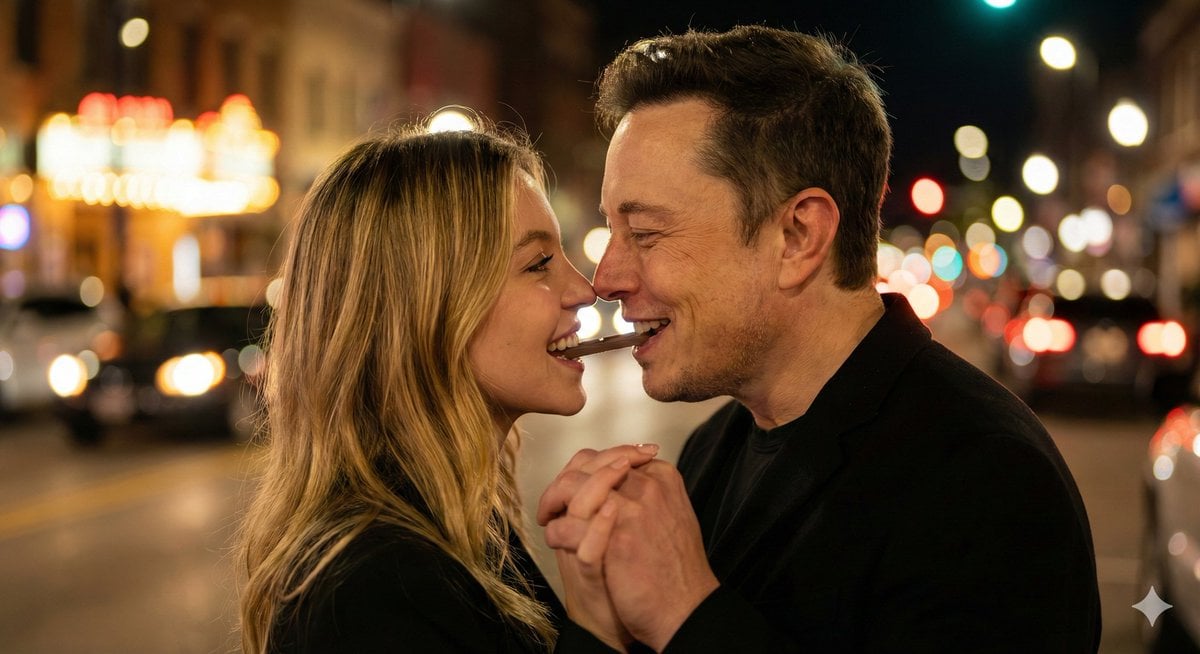
Ultra-Realistic Romantic Chocolate Portrait
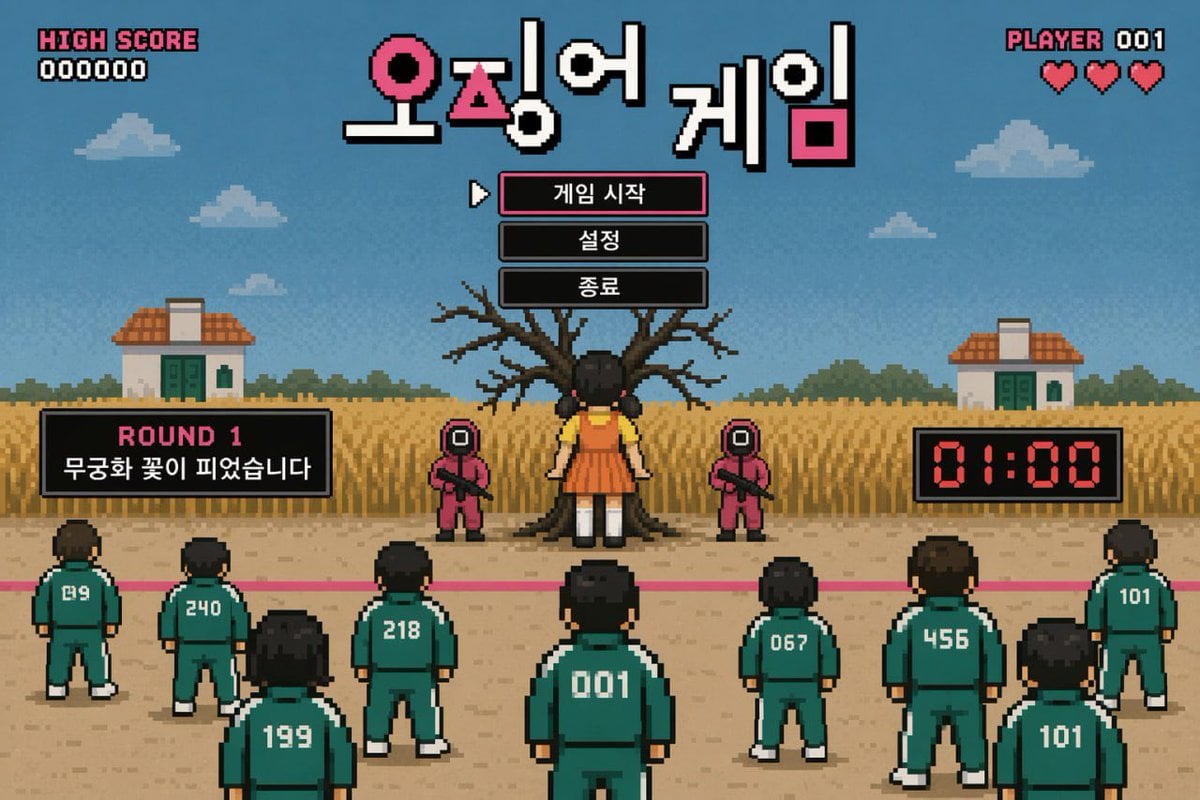
Pixel Art Survival Game UI Mockup
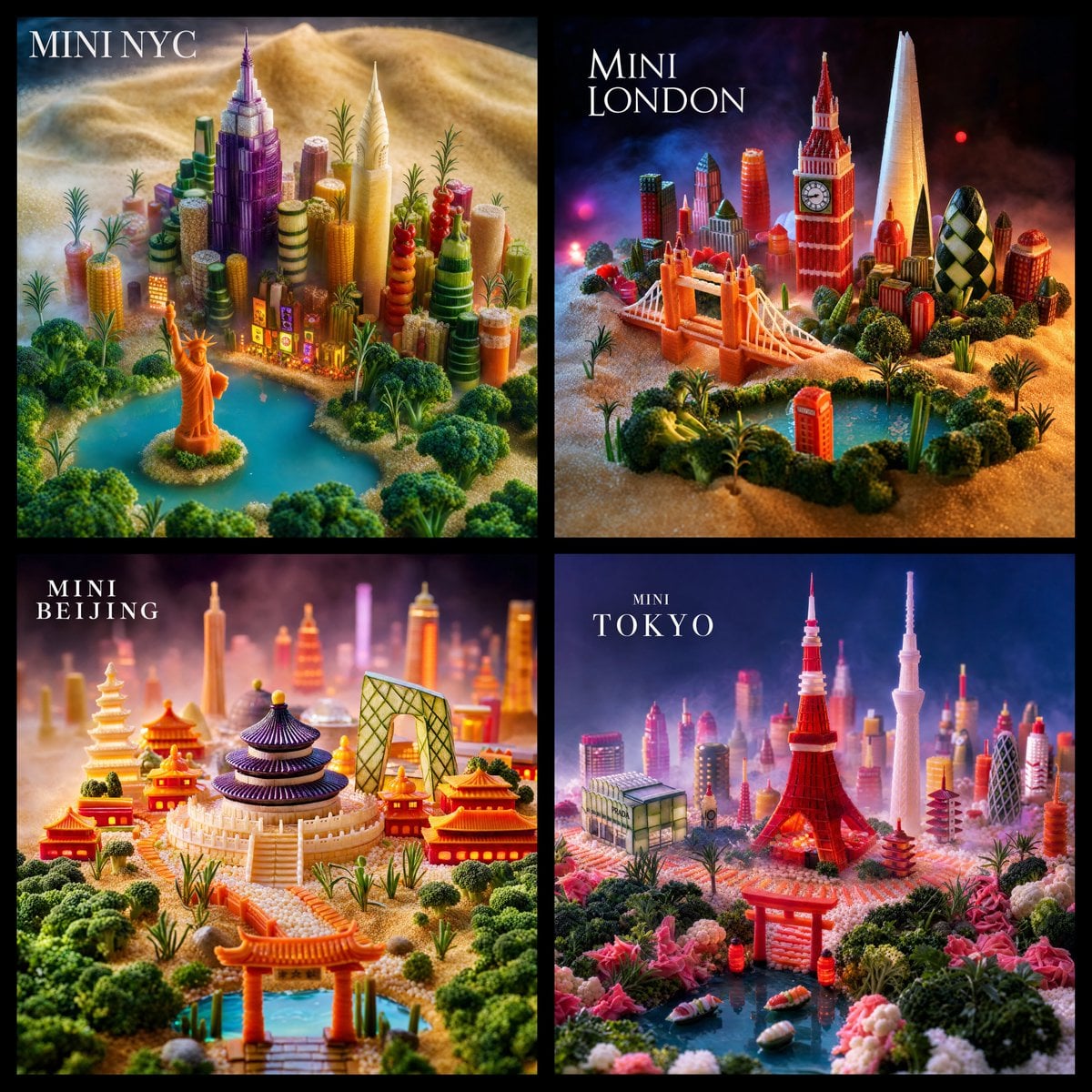
Mini World Foodscape Grid
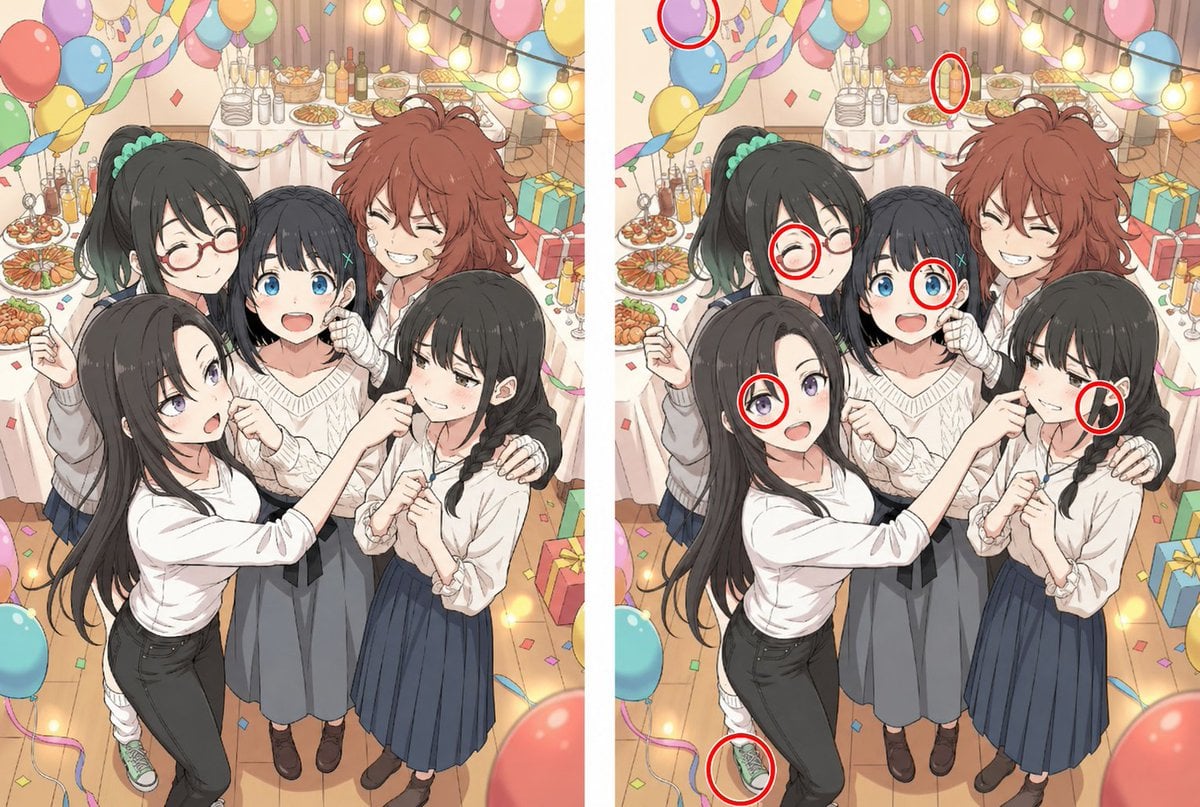
Anime Party Spot the Difference
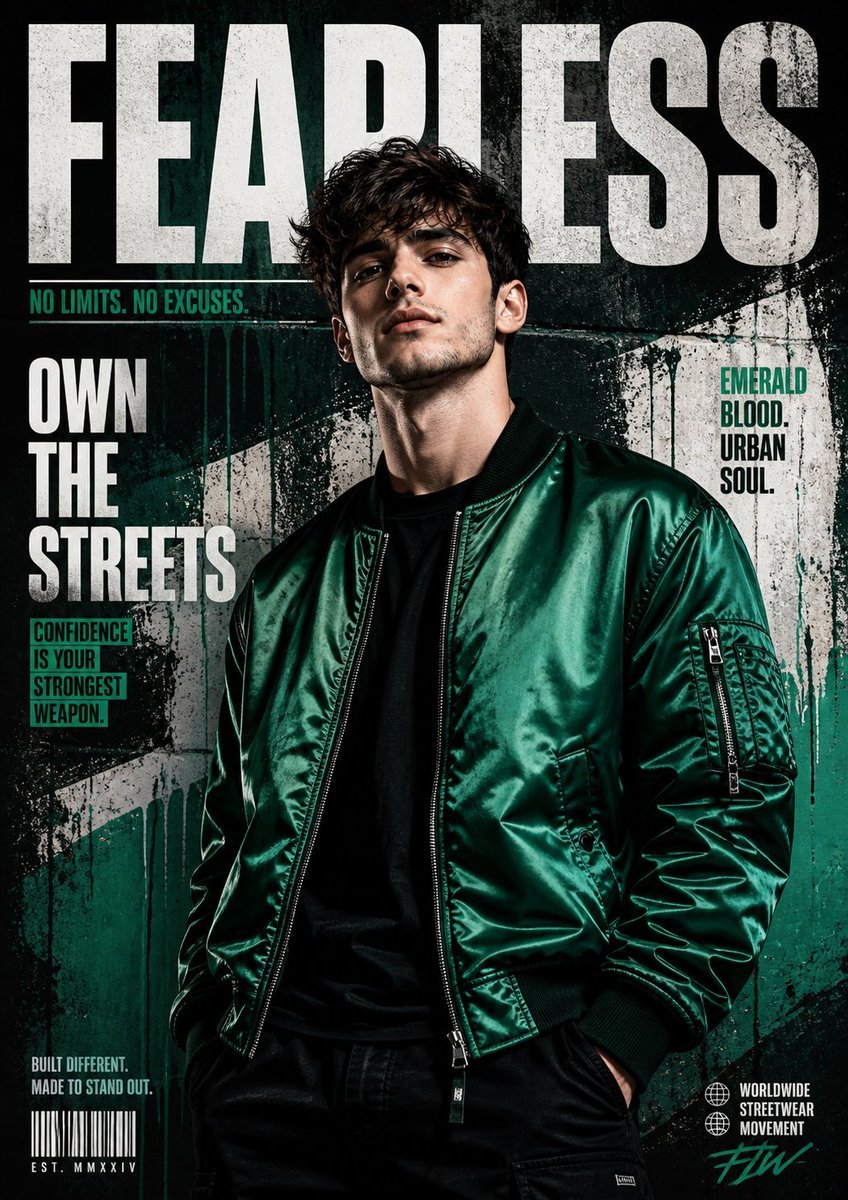
Street Fashion Emerald Bomber Poster
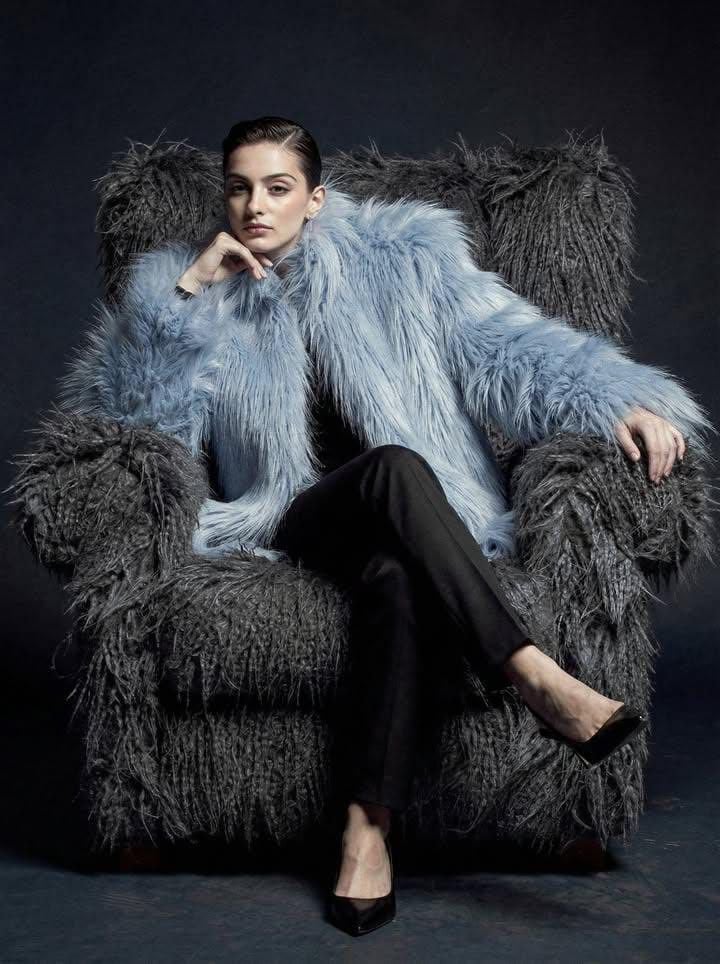
Ultra-high fashion editorial portrait in faux-fur coat
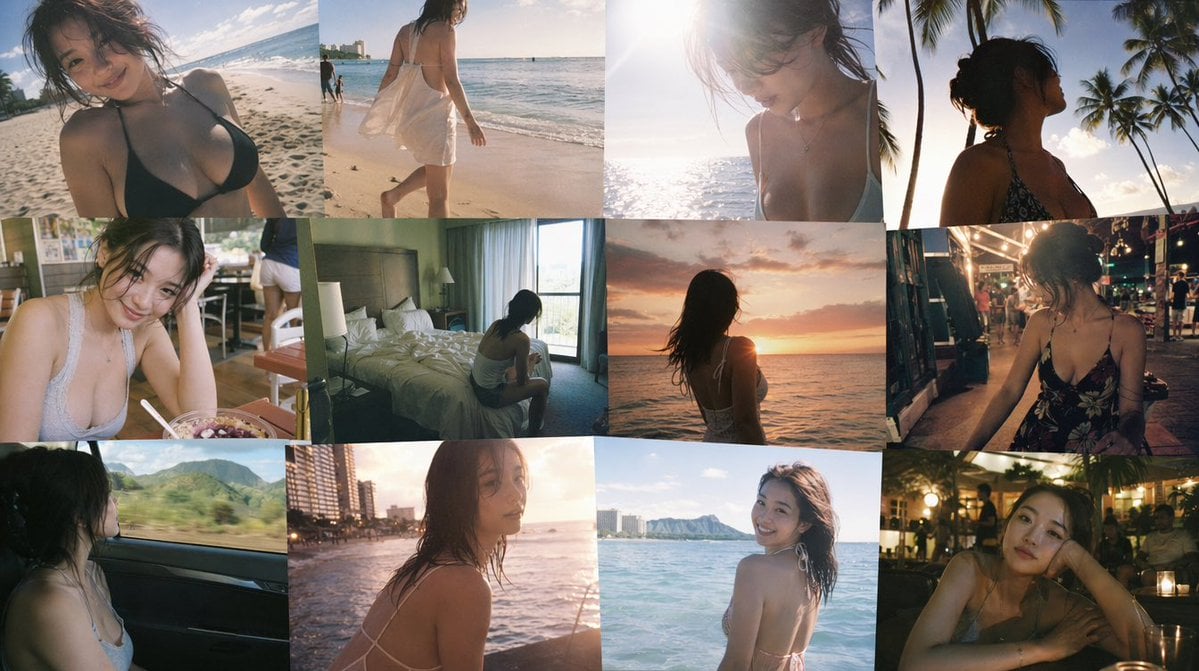
Emotional Hawaii Solo Travel Collage
Browse template categories
Cinematic Airport Runway Giantess Portrait questions
How do I use the Cinematic Airport Runway Giantess Portrait template?
Add your photo if the template asks for one, edit the prompt if you like — the template's model and format are already selected — and press Generate. Your version opens in PicX Studio.
Can I customize the Cinematic Airport Runway Giantess Portrait template?
Yes. You can change the subject, setting, lighting, mood, format, and available model controls before creating your image.
Is the Cinematic Airport Runway Giantess Portrait template free?
Opening and editing this template is free. Generating uses credits, shown on the Generate button when you are signed in.
Which AI model should I use?
Start with Nano Banana 2, which is the model associated with this template. You can compare another compatible model for a different finish.
Looking for something else? Browse all templates.

Your photo, any look
Thousands of ready templates for every top image and video model, from one credit balance.