
Intimate Cinematic Couple Portrait
A high-detail prompt for creating a warm, intimate portrait of a couple using reference images for facial consistency.
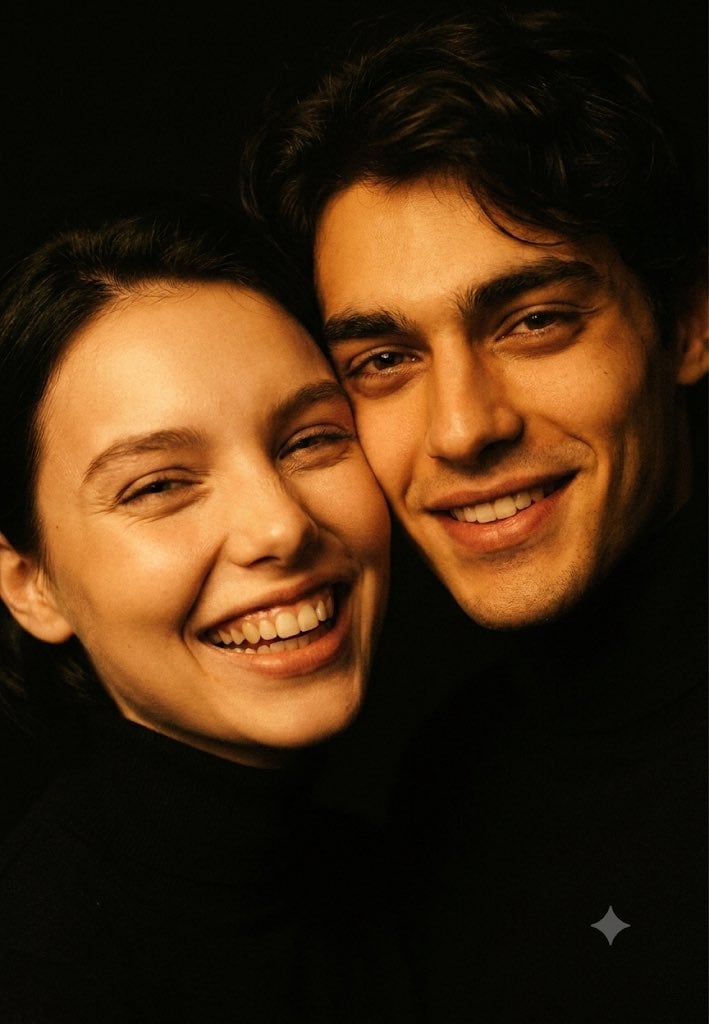
- Prompt included
- Model and format preset
- Free template
The prompt behind this image
Copy the exact prompt behind Intimate Cinematic Couple Portrait, or open it in the studio and make it yours.
Use the exact same faces from both reference images and generate a warm intimate cinematic couple portrait where both faces emerge from soft darkness radiating pure joy and happiness. Two faces close together — cheek almost to cheek, heads tilted naturally toward each other, the man slightly behind and to the side of the woman. Both wearing the most genuine natural smiles — not posed, not magazine perfect — real, alive, the kind of smile that happens when you are completely happy with exactly who you are with. Eyes crinkled at the corners with real laughter, teeth naturally showing, the specific warmth of two people who are genuinely crazy about each other. The woman's smile bright and glowing, the man's carrying that quiet proud happiness of someone who cannot believe how lucky they are. Only the faces visible — everything below the chin dissolved completely into warm darkness. No shoulders, no clothing, no hands — just two glowing happy faces floating together in the dark like the only two people in the universe. Lighting is a {argument name="lighting" default="single warm golden source"} from slightly above and between them — soft, intimate, wrapping both faces in the same rich amber glow simultaneously. The light feels like candlelight or a warm lamp — alive and human. Cheekbones and nose tips catching the brightest warmth, the smiles fully illuminated, eyes sparkling with natural catch lights. Both faces fading gradually into warm darkness at the edges — soft and beautiful. Background is pure warm black void — no texture, no location, just darkness that feels safe and intimate rather than cold or dramatic. Color grading is warm, golden and joyful — rich ambers, honey tones, glowing skin, the palette of happiness itself. 6% film grain for analog warmth. Slight halation glow around the brightest highlights. Both faces equally sharp and present. Shot on simulated {argument name="camera" default="Leica Noctilux 50mm f/0.95"}. The "OzairAI" watermark dissolved invisibly into the lower-right darkness. Vertical 9:13 format. Ultra photorealistic, 8K — two faces, one light, infinite happiness.
How to use Intimate Cinematic Couple Portrait in 3 steps
- 1
Open
The prompt is already in the box next to the preview, with the template's model and format selected.
- 2…a portrait of your subject in softgolden-hour light, 85mm…
Personalize
Edit the subject and creative details for your destination.
- 3Generate
Generate
Press Generate — your image is created in PicX Studio, so you can compare it with the original and refine one variable at a time.
More like this
Templates with the same subject, style or setup. Open one to see its prompt.

Found Photograph: Us, 1970

80s Couple Studio Portrait
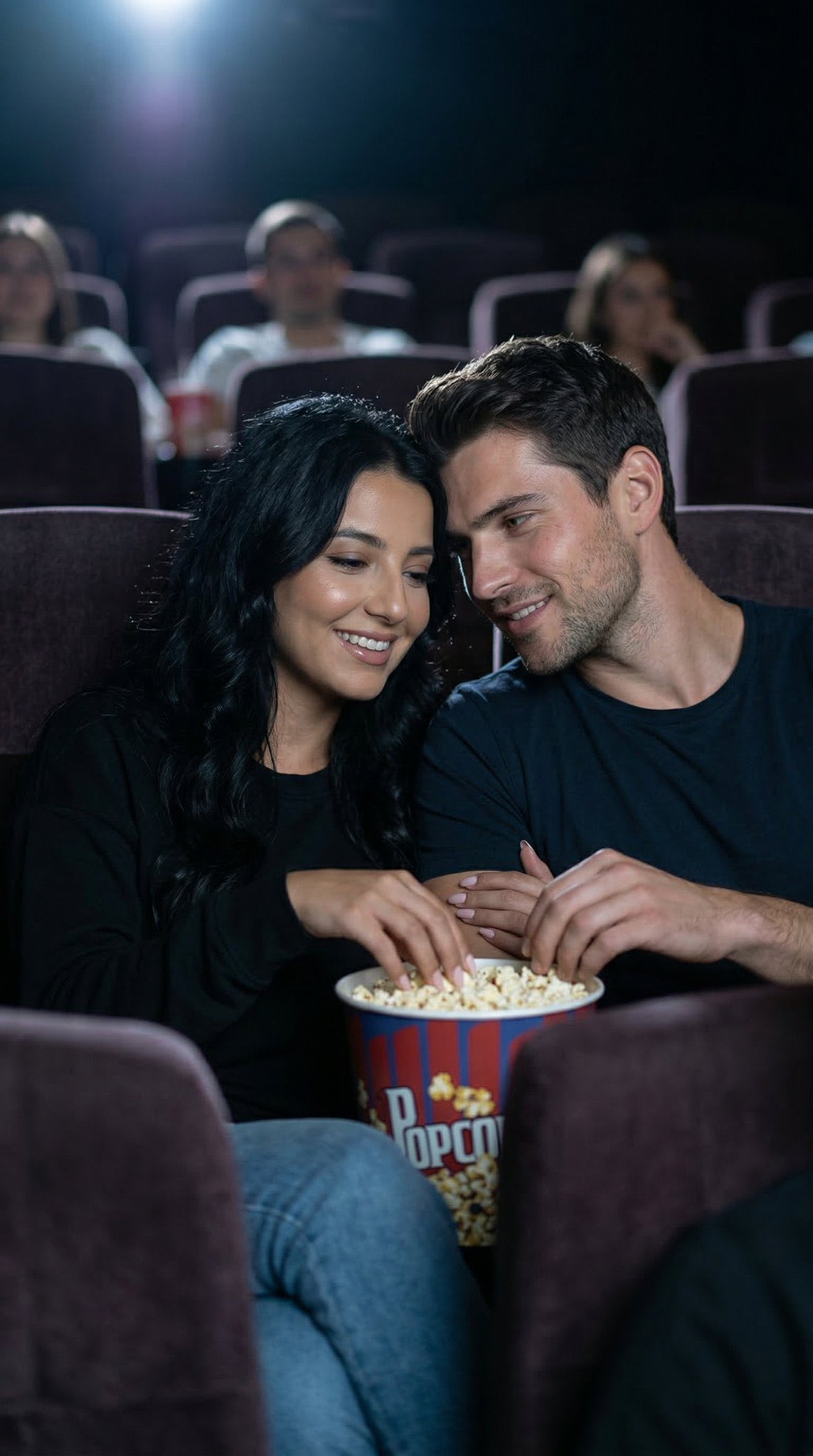
Cinema Date Popcorn Realistic By Nano Ba
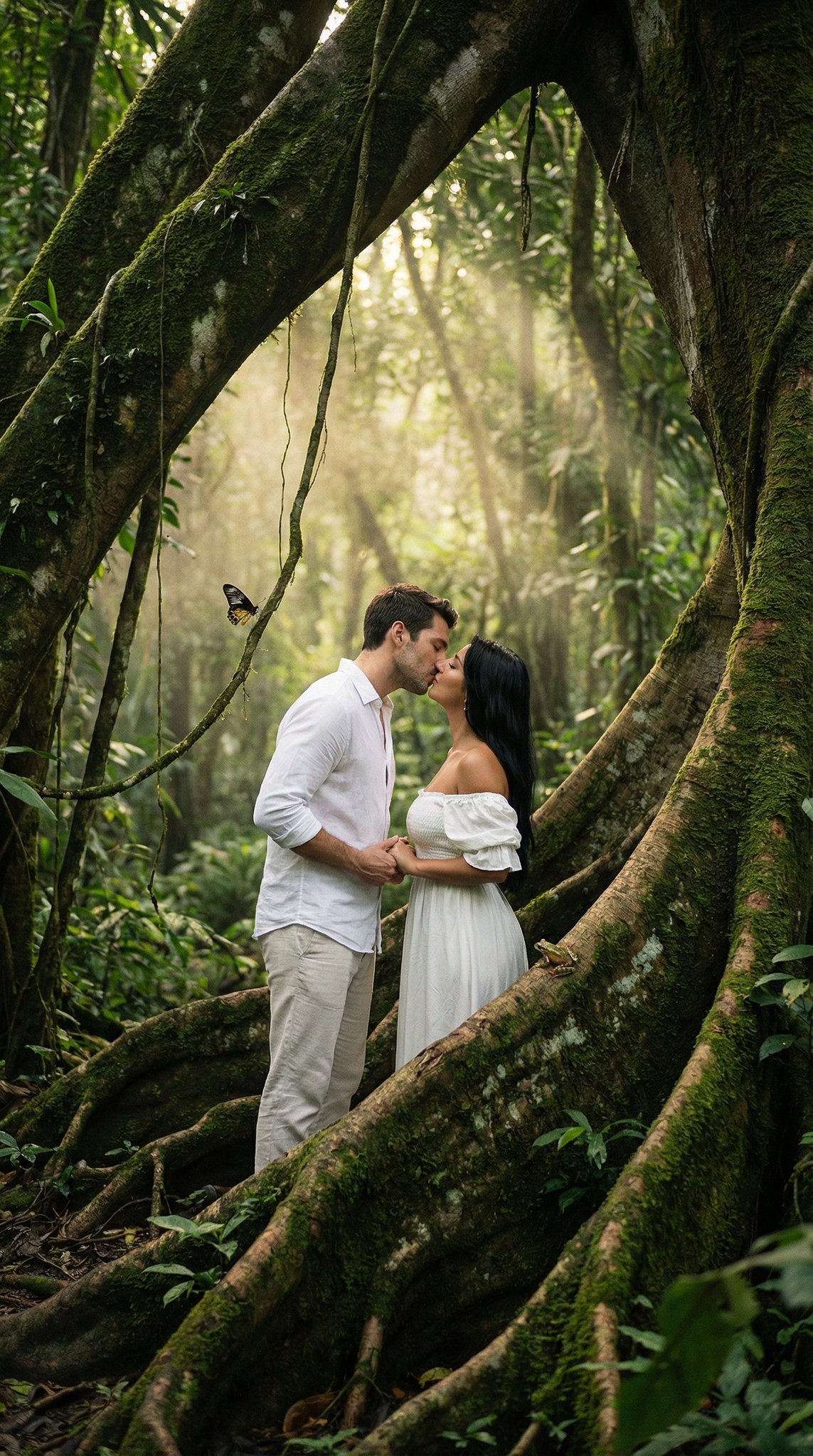
Enchanted Forest Root Kiss Scene By Nano
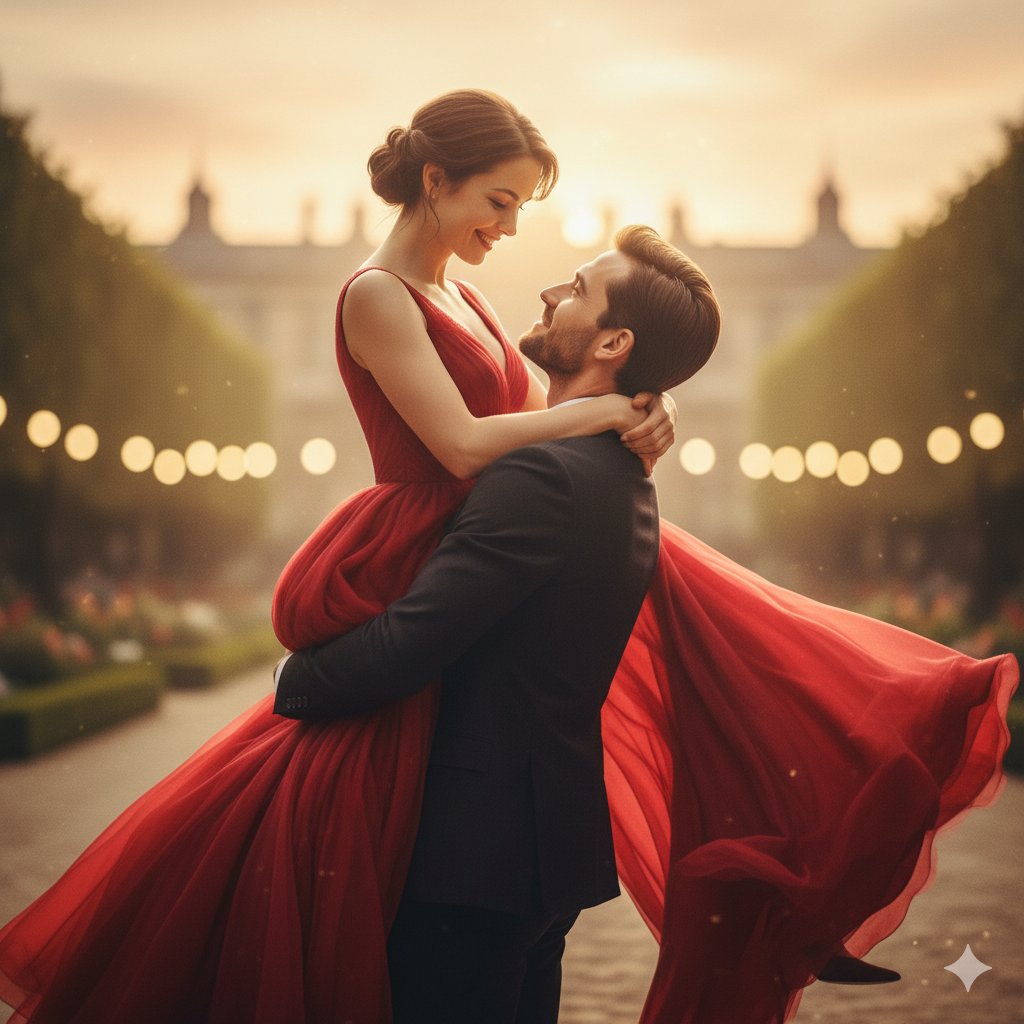
Romantic Cinematic Still of a Couple in
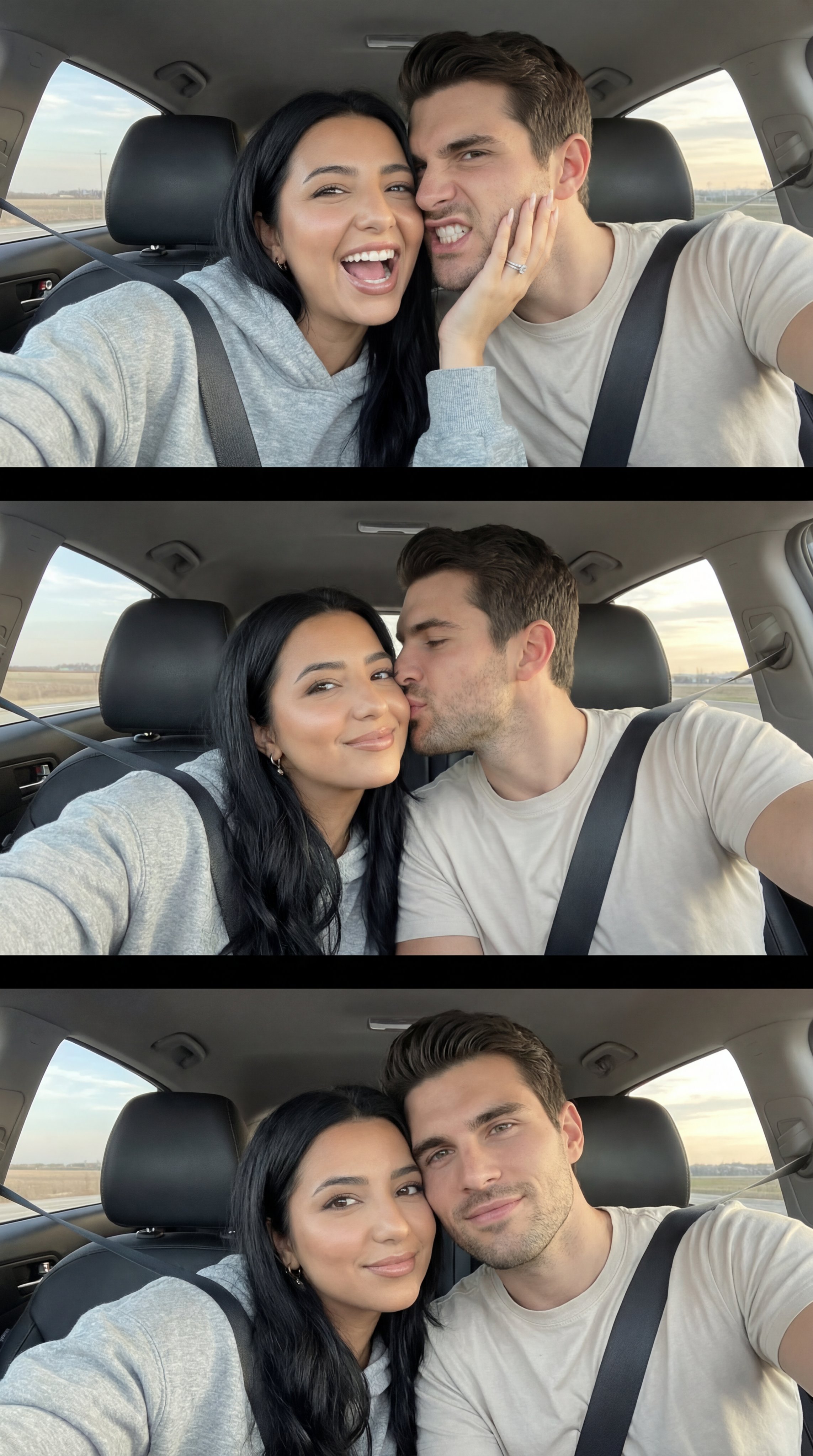
Nano Banana Pro Photoreal Playful Couple
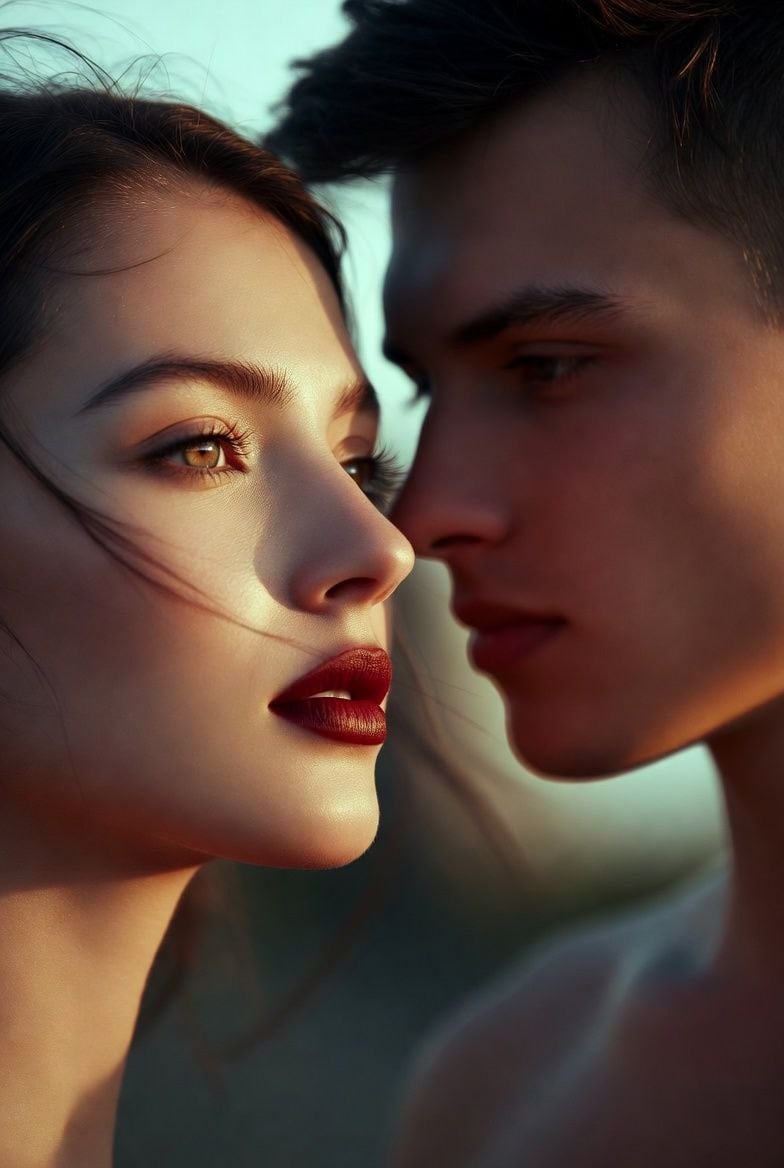
Couple Goals from the Google Gemini Nano
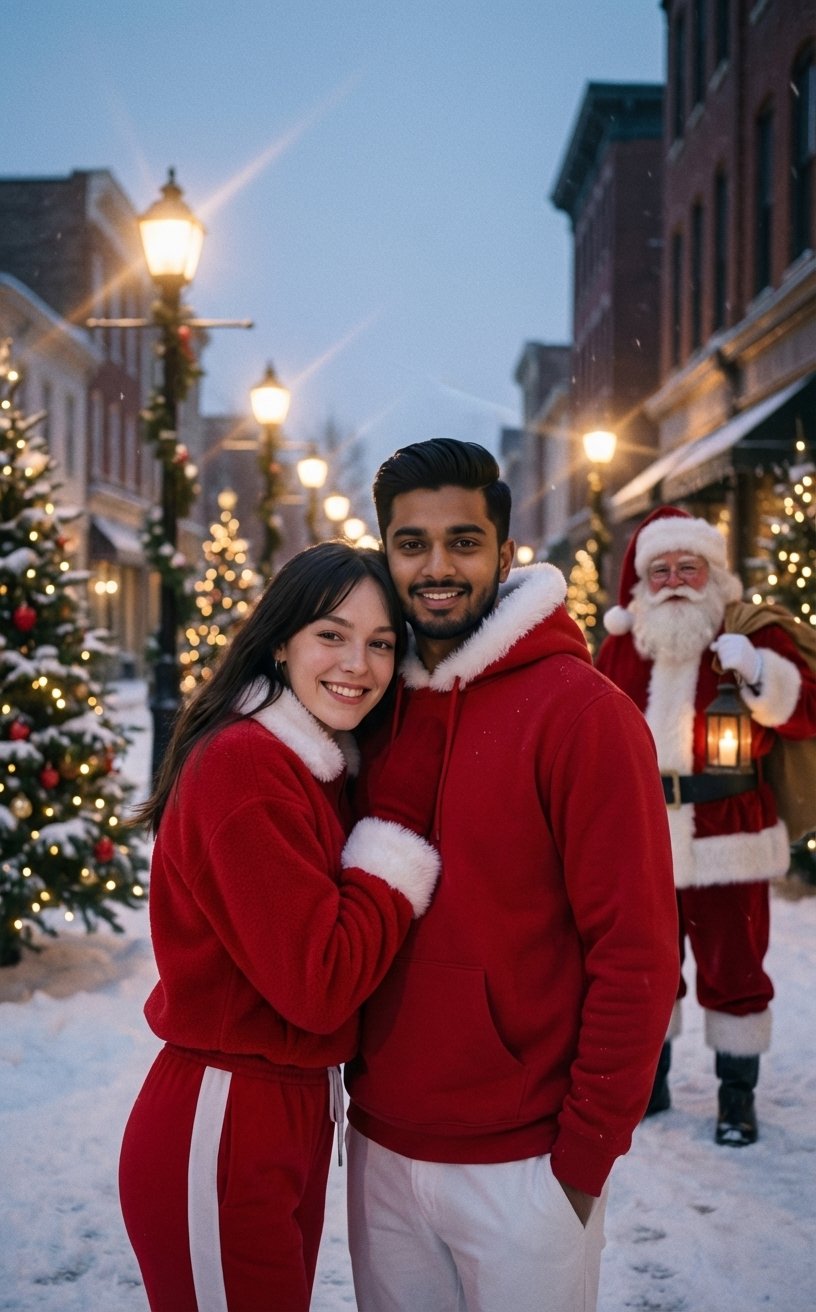
Festive Couple Holiday Magic Template
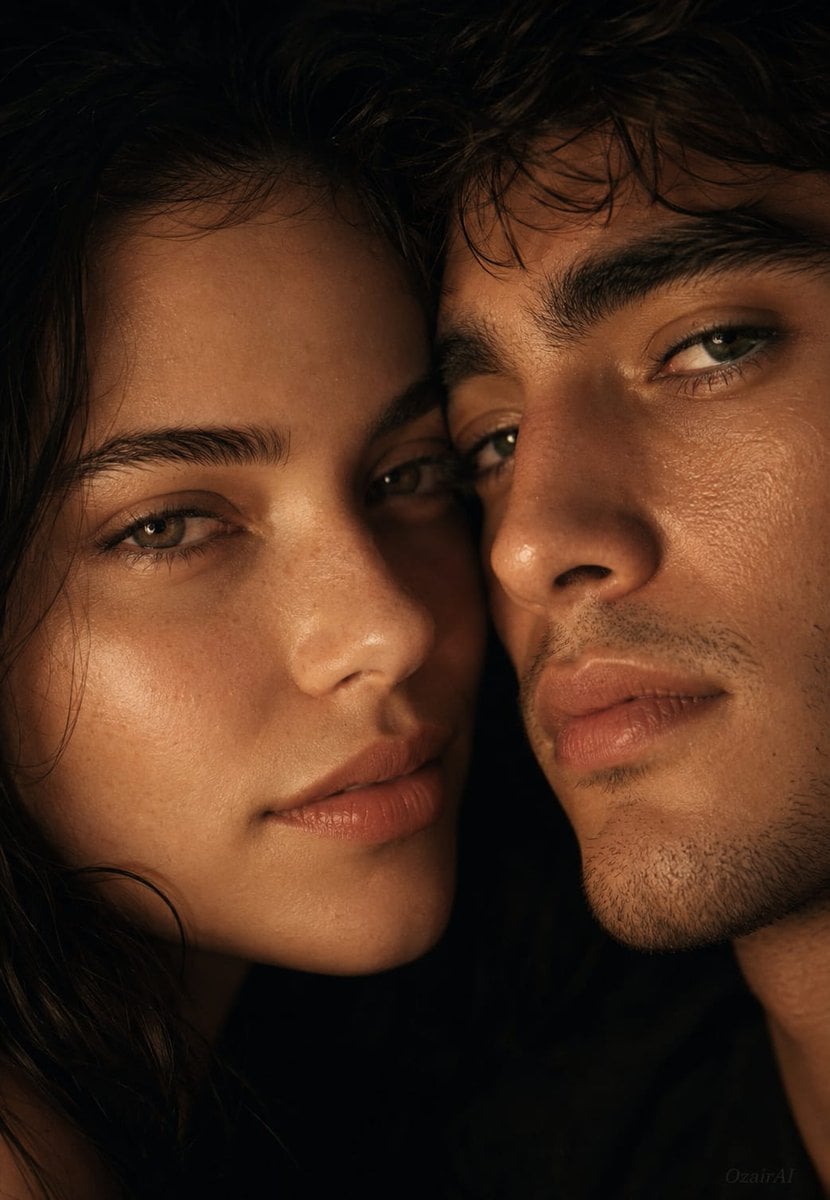
Intimate Cinematic Couple Portrait
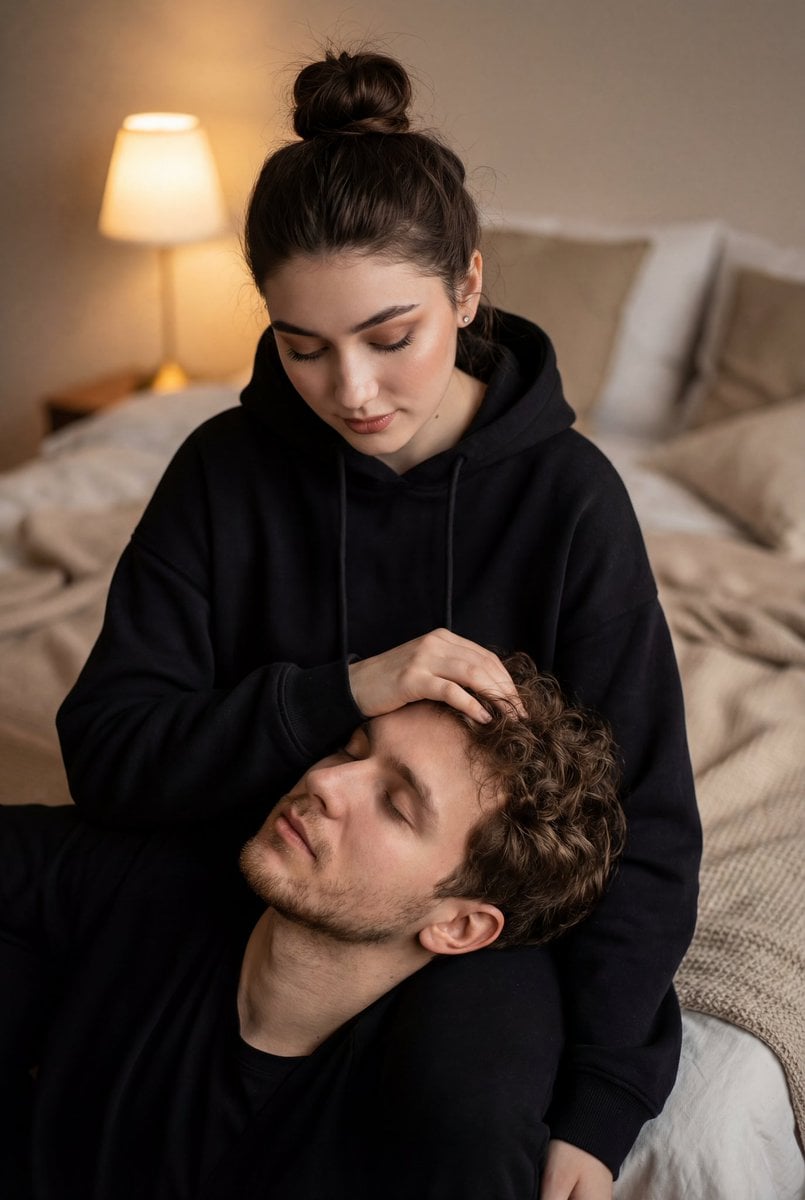
Cinematic Intimate Couple Portrait

Sunday Afternoon, 1988

Two Tickets, One Night
Make it yours
Intimate Cinematic Couple Portrait works as-is. These are the safest ways to change it without losing the look.
Change one field
Copy a single group, rewrite it, and generate again so you can see what that field is doing.
Keep the frame, change the subject
Hold the composition and light of Intimate Cinematic Couple Portrait, then swap wardrobe, props or the person for a new take.
| If the result… | Why | Fix |
|---|---|---|
| The result drifts from the preview | Too many fields changed at once. | Reuse Intimate Cinematic Couple Portrait as-is first, then change one group — subject, light, or setting. |
| The model over-stylizes the scene | The prose prompt leaves finish and camera underspecified. | Add one camera or lighting sentence and stay on Nano Banana 2. |
More Nano Banana 2 templates
Other prompts made for Nano Banana 2.

Photorealistic Leaf Shaped Like a Dragon

K-Pop Idol Portrait Grid for Rapid Selection

Poetic Rain Forest Portrait During Golden Hour

Urban Street Portrait with Cartoon Inner Self Duo

Candid Nighttime Photo with Cat Prompt

High-Concept 3D Diorama Generation Prompt

Cinematic Futuristic Studio Portrait Template

Skincare Editorial Photography Collage Prompt

Hyper-Realistic Commercial Product Photography (Splash Effect)

Hyper-Realistic Nightclub Portrait Prompt
More image prompts
Fresh picks from across the catalog.
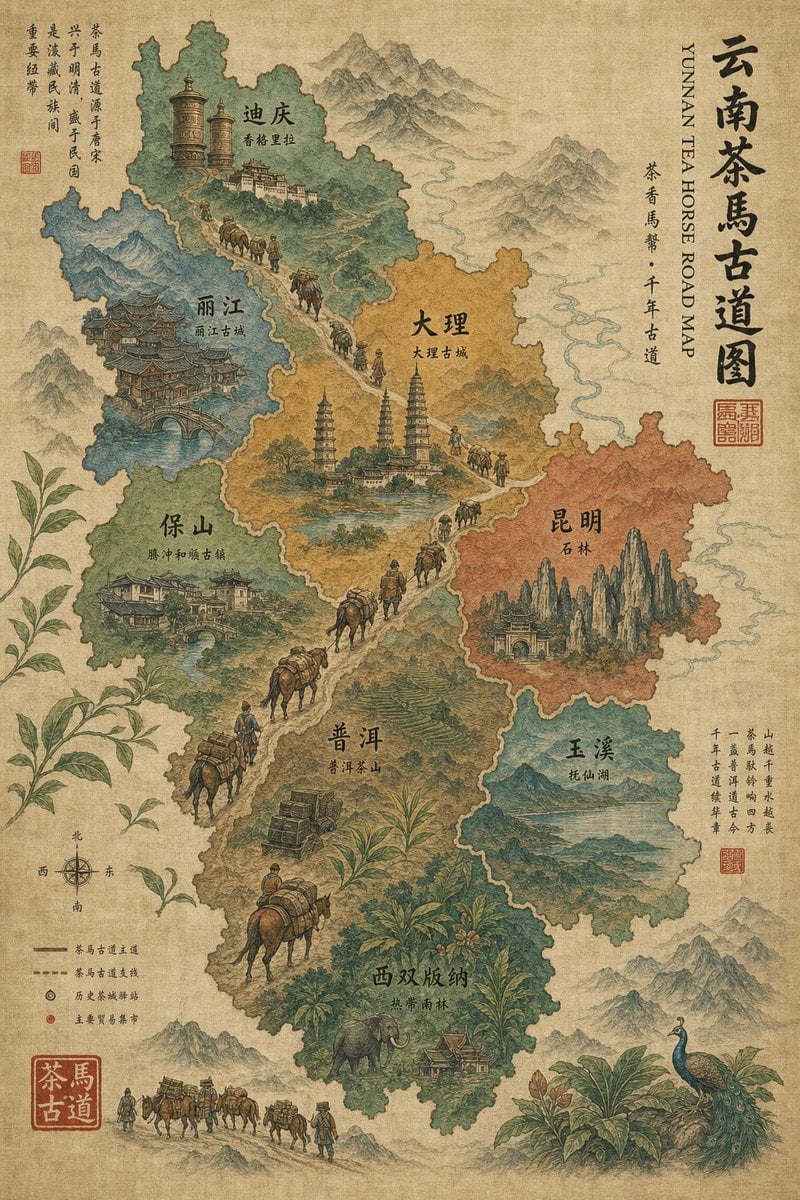
Vintage Yunnan Tea Horse Road Map
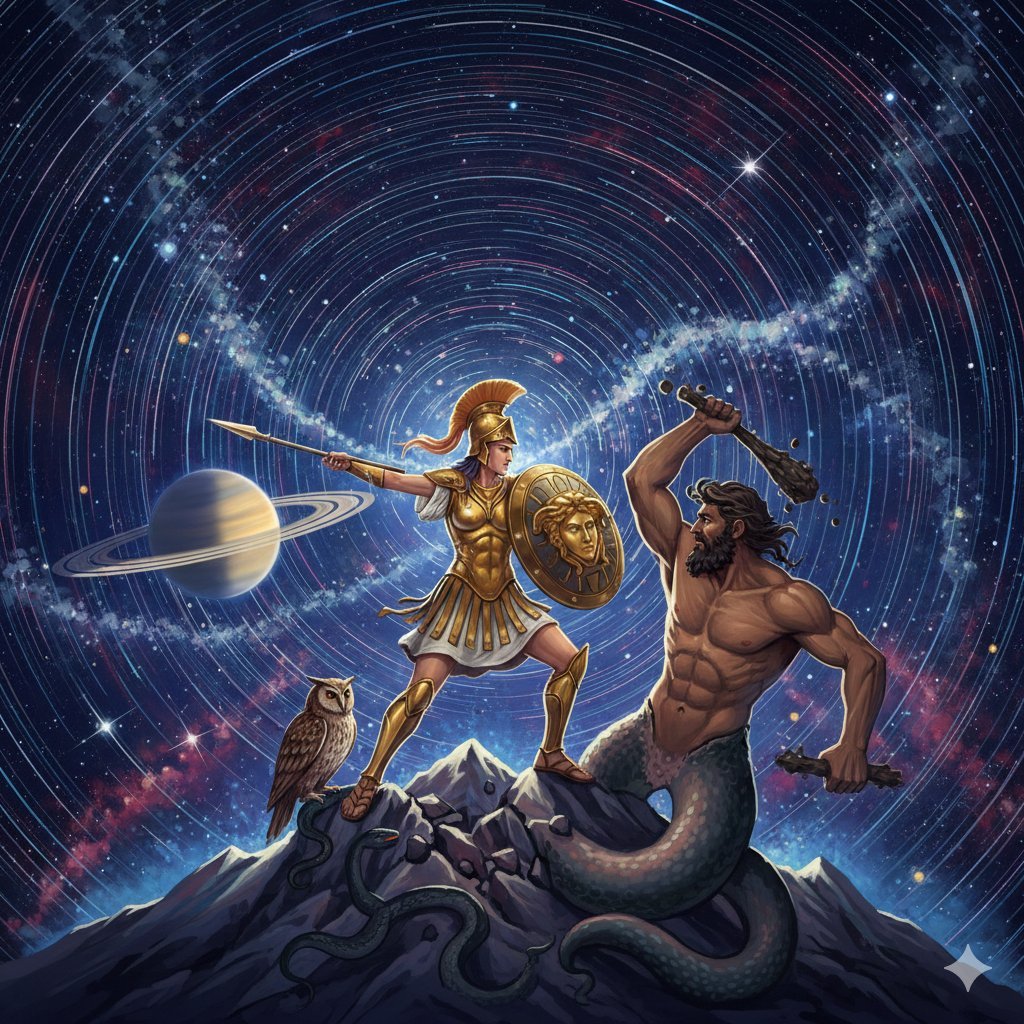
Athena vs. Enceladus Greek Mythology Prompt
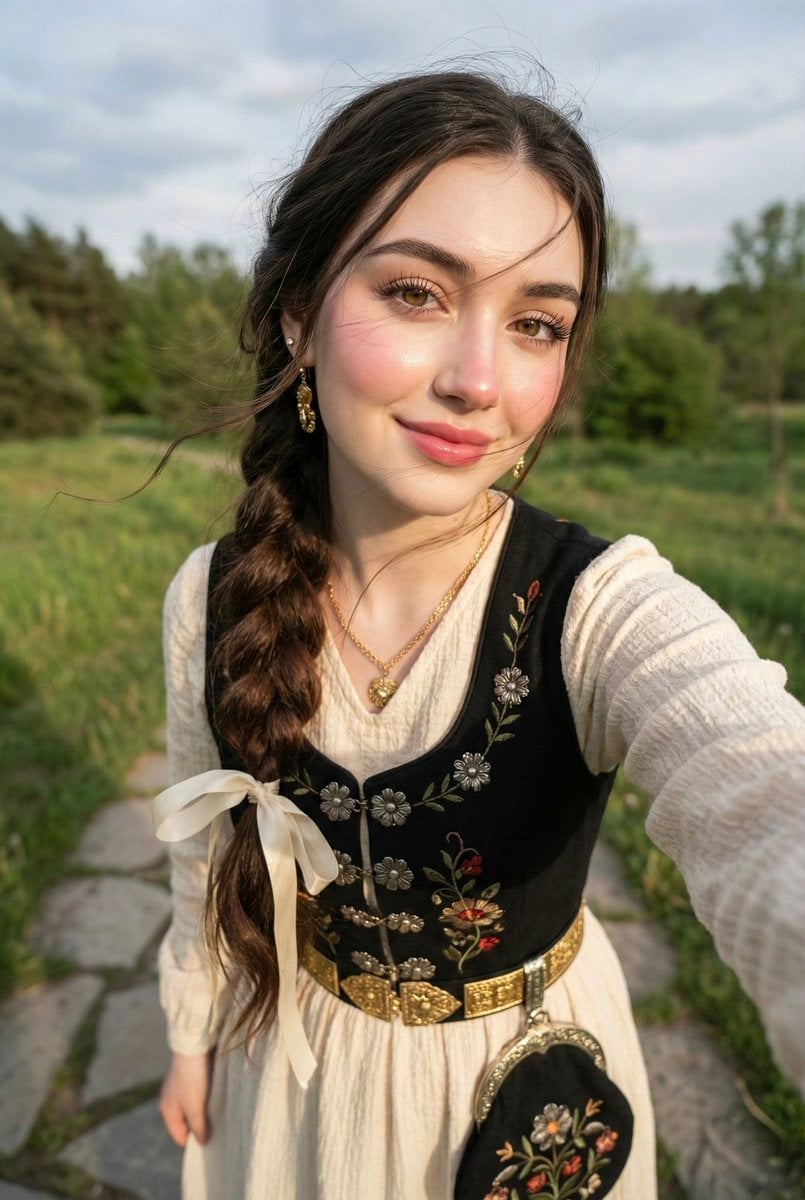
Traditional Attire Portrait with Strict Face Preservation Prompt
Motion Blur Portrait in NYC at Golden Hour
Ancient Pyramid Floating Over a Modern Battlefield
Summer Grape Girl Photo Series
Candid iPhone Night Portrait
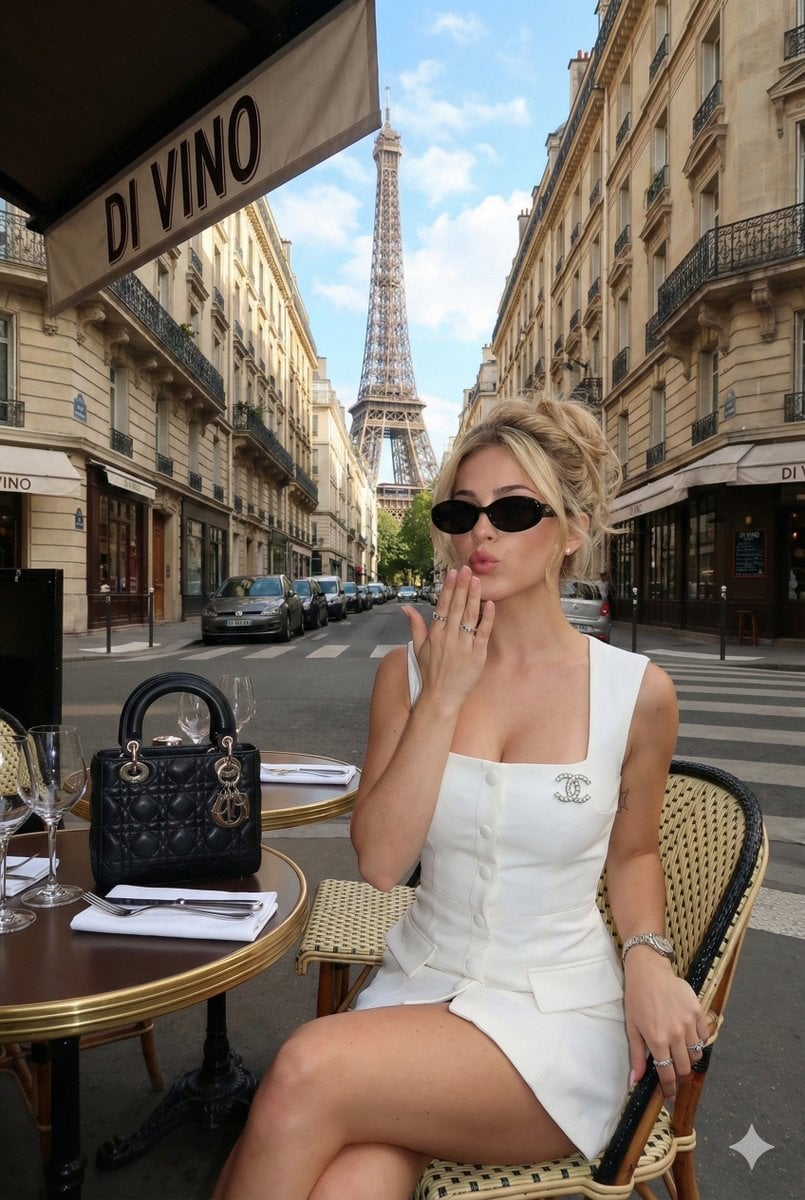
Ultra-Photorealistic Parisian Lifestyle Photography Prompt

Panel Manga Generation Prompt
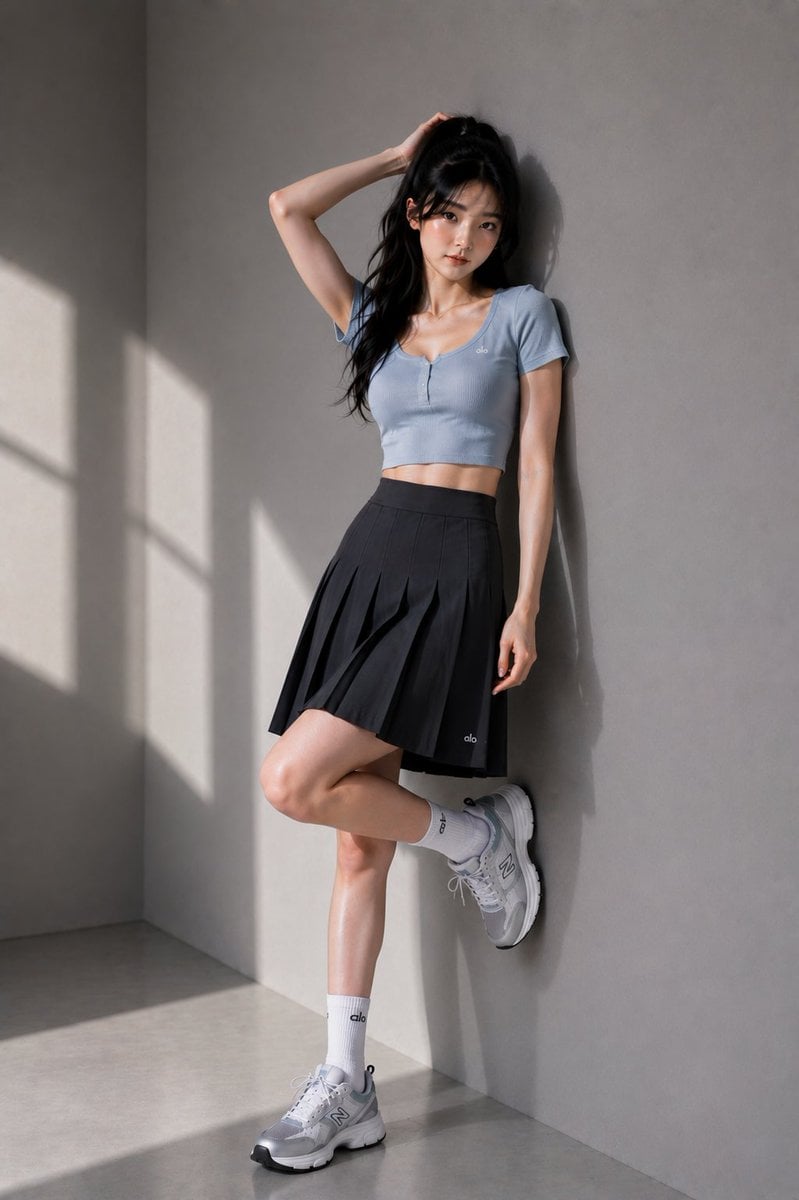
East Asian Fashion Editorial
Browse template categories
Intimate Cinematic Couple Portrait questions
How do I use the Intimate Cinematic Couple Portrait template?
Add your photo if the template asks for one, edit the prompt if you like — the template's model and format are already selected — and press Generate. Your version opens in PicX Studio.
Can I customize the Intimate Cinematic Couple Portrait template?
Yes. You can change the subject, setting, lighting, mood, format, and available model controls before creating your image.
Is the Intimate Cinematic Couple Portrait template free?
Opening and editing this template is free. Generating uses credits, shown on the Generate button when you are signed in.
Which AI model should I use?
Start with Nano Banana 2, which is the model associated with this template. You can compare another compatible model for a different finish.
Looking for something else? Browse all templates.

Your photo, any look
Thousands of ready templates for every top image and video model, from one credit balance.