How do I use the Ultra-realistic Lifestyle Smartphone Selfie template?
Edit the prompt in the box under the preview — the template's model and format are already selected — and press Generate. Your version appears right on this page.
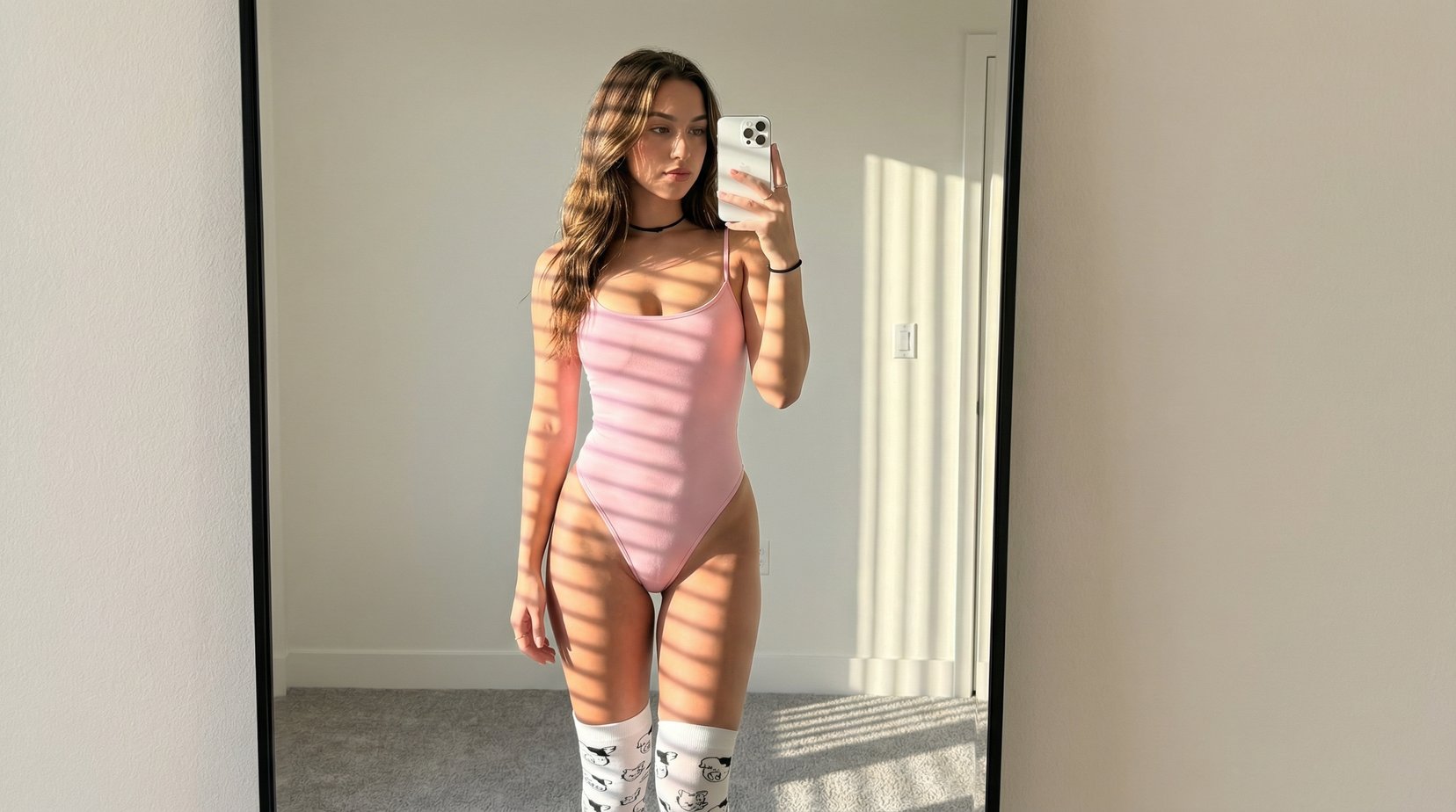
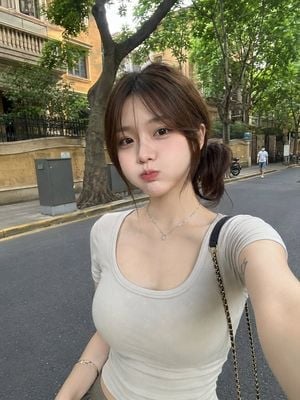
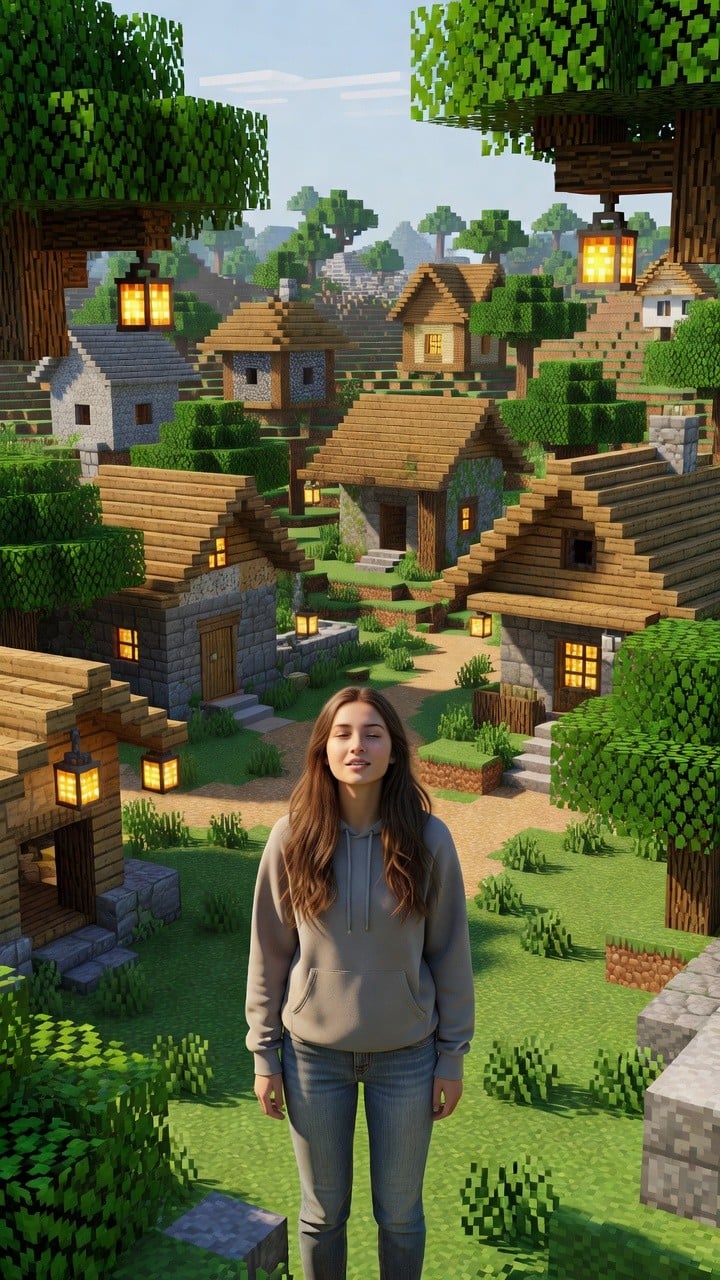
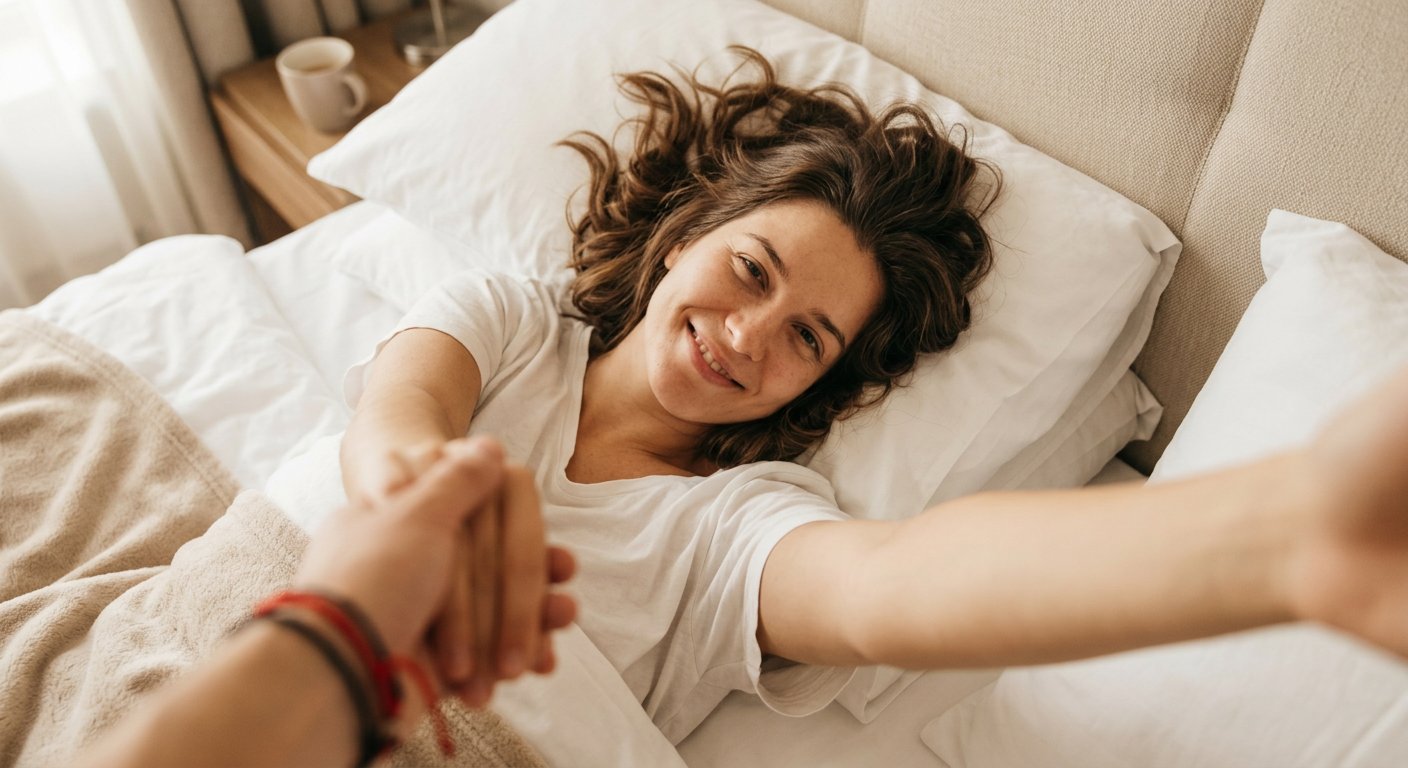
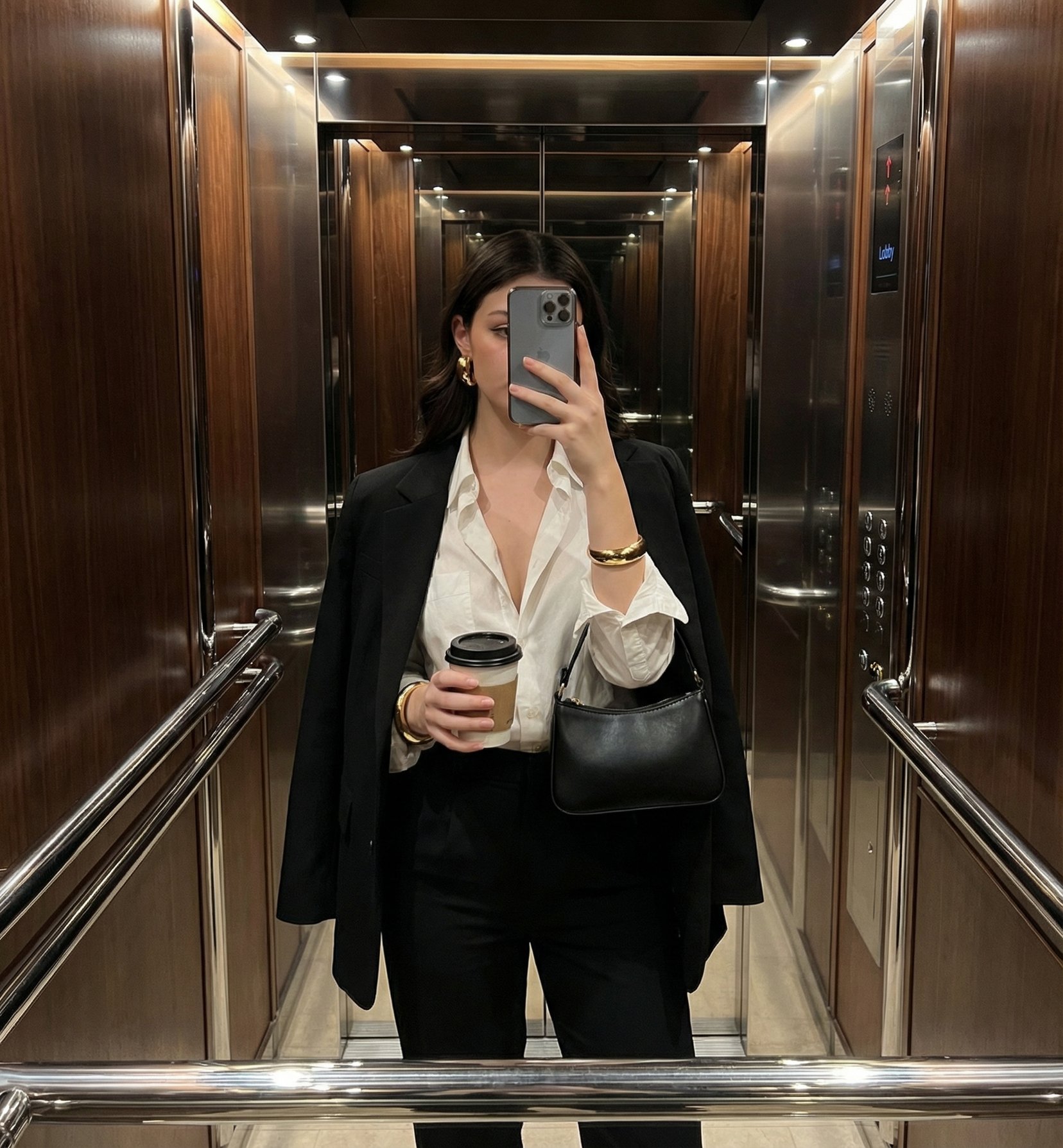
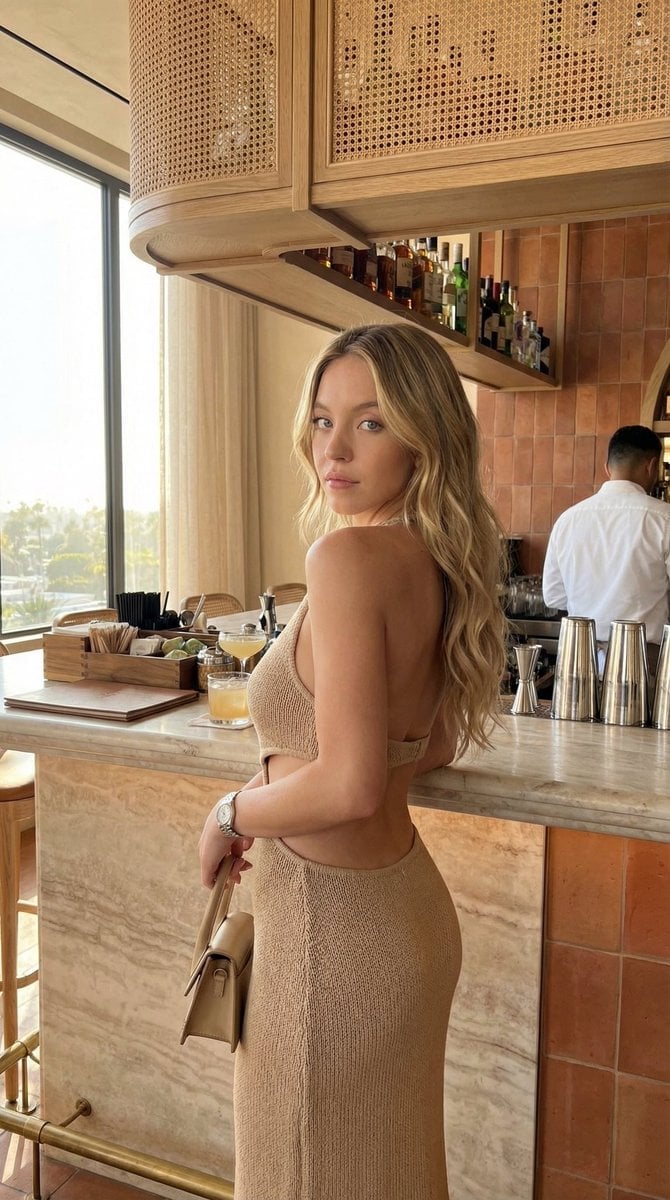
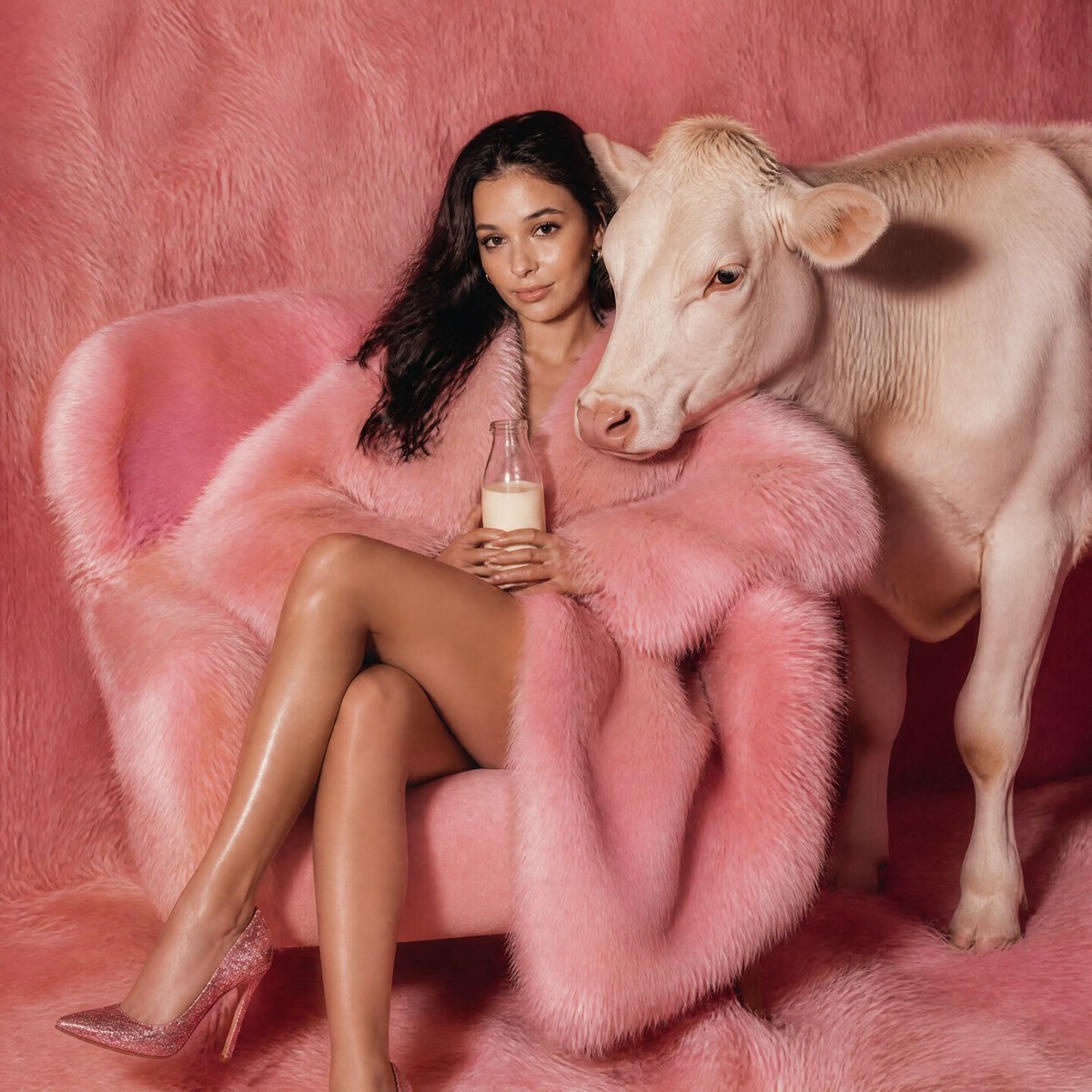
A detailed prompt for generating a high-quality smartphone selfie featuring a woman in a luxury interior, optimized for natural lighting and realistic skin textures.

Ultra-realistic smartphone selfie of a beautiful young woman with {argument name="hair color" default="long dark brown"} hair and soft curtain bangs, fair glowing skin, {argument name="eye color" default="hazel-green"} eyes with long eyelashes, natural pink matte lips, subtle blush, wearing a {argument name="outfit" default="fitted black ribbed knit short-sleeve polo dress"} with a button placket, silver hoop earrings, and a two-tone gold and silver luxury wristwatch. She is taking her own selfie from a high angle with one arm extended toward the camera. Bright golden-hour sunlight streams through large windows, creating soft highlights on her face, dramatic shadows, and a warm glow. Modern luxury interior with black-and-white geometric marble floor tiles and a white armchair in the background. Clean minimalist aesthetic, shallow depth of field, ultra-detailed skin texture, realistic hair strands, natural facial proportions, premium lifestyle photography, candid expression, editorial fashion look, soft contrast, HDR, 8K, DSLR quality, photorealistic, no watermark, no text.
Ultra-realistic smartphone selfie of a beautiful young woman with {argument name="hair color" default="long dark brown"} hair and soft curtain bangs, fair glowing skin, {argument name="eye color" default="hazel-green"} eyes with long eyelashes, natural pink matte lips, subtle blush, wearing a {argument name="outfit" default="fitted black ribbed knit short-sleeve polo dress"} with a button placket, silver hoop earrings, and a two-tone gold and silver luxury wristwatch. She is taking her own selfie from a high angle with one arm extended toward the camera. Bright golden-hour sunlight streams through large windows, creating soft highlights on her face, dramatic shadows, and a warm glow. Modern luxury interior with black-and-white geometric marble floor tiles and a white armchair in the background. Clean minimalist aesthetic, shallow depth of field, ultra-detailed skin texture, realistic hair strands, natural facial proportions, premium lifestyle photography, candid expression, editorial fashion look, soft contrast, HDR, 8K, DSLR quality, photorealistic, no watermark, no text.
Edit the prompt in the box under the preview — the template's model and format are already selected — and press Generate. Your version appears right on this page.
Yes. You can change the subject, setting, lighting, mood, format, and available model controls before creating your image.
Opening and editing this template is free. Generating uses credits, shown on the Generate button when you are signed in.
Start with Nano Banana 2, which is the model associated with this template. You can compare another compatible model for a different finish.
Follow a topic to a crawlable collection of related PicX Studio templates.