How do I use the Ethereal Cinematic Portrait template?
Edit the prompt in the box under the preview — the template's model and format are already selected — and press Generate. Your version appears right on this page.
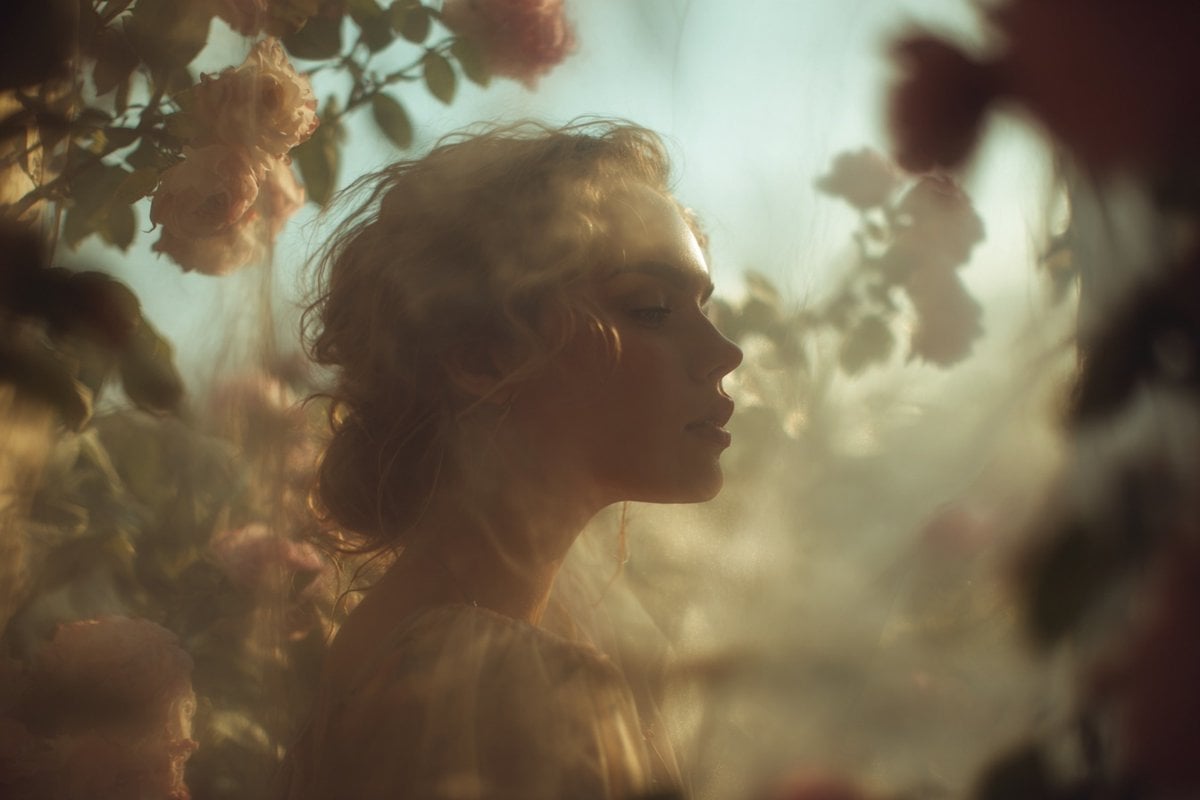
A poetic and cinematic close-up portrait of a woman obscured by blossoms, utilizing a detailed structured prompt format.

"Poetic cinematic close-up portrait of a {argument name="subject" default="young woman"} partially obscured by {argument name="flower color" default="soft pink"} blossoms and petals in the foreground.", "subject_details": { "appearance": "Young woman, expressive green eyes, calm introspective expression, natural beauty", "skin_texture": "Ultra-realistic skin texture", "apparel": "Shimmering {argument name="dress color" default="rose-gold"} high-neck dress that catches warm sunlight" },"composition_and_framing": { "framing": "Close-up, face in sharp focus through gaps in the flowers", "foreground": "Soft pink blossoms and petals, soft blur", "background": "Deep blue sky, creamy bokeh", "depth": "Shallow depth of field" }, "lighting_and_color": { "lighting_source": "Golden-hour lighting", "effects": "Delicate shadows of petals across skin, dress catching sunlight","palette": "Pastel pinks, warm peach tones, rose-gold, deep blue" }, "atmosphere_and_style": { "mood": "Romantic spring atmosphere, ethereal, poetic", "style": "Editorial fashion photography", "grading": "Cinematic color grading" }, "technical_specs": { "quality": "8K resolution, high detail", "visuals": "Ultra-realistic" }
"Poetic cinematic close-up portrait of a {argument name="subject" default="young woman"} partially obscured by {argument name="flower color" default="soft pink"} blossoms and petals in the foreground.", "subject_details": { "appearance": "Young woman, expressive green eyes, calm introspective expression, natural beauty", "skin_texture": "Ultra-realistic skin texture", "apparel": "Shimmering {argument name="dress color" default="rose-gold"} high-neck dress that catches warm sunlight" },"composition_and_framing": { "framing": "Close-up, face in sharp focus through gaps in the flowers", "foreground": "Soft pink blossoms and petals, soft blur", "background": "Deep blue sky, creamy bokeh", "depth": "Shallow depth of field" }, "lighting_and_color": { "lighting_source": "Golden-hour lighting", "effects": "Delicate shadows of petals across skin, dress catching sunlight","palette": "Pastel pinks, warm peach tones, rose-gold, deep blue" }, "atmosphere_and_style": { "mood": "Romantic spring atmosphere, ethereal, poetic", "style": "Editorial fashion photography", "grading": "Cinematic color grading" }, "technical_specs": { "quality": "8K resolution, high detail", "visuals": "Ultra-realistic" }
Edit the prompt in the box under the preview — the template's model and format are already selected — and press Generate. Your version appears right on this page.
Yes. You can change the subject, setting, lighting, mood, format, and available model controls before creating your image.
Opening and editing this template is free. Generating uses credits, shown on the Generate button when you are signed in.
Start with Nano Banana 2, which is the model associated with this template. You can compare another compatible model for a different finish.
Follow a topic to a crawlable collection of related PicX Studio templates.