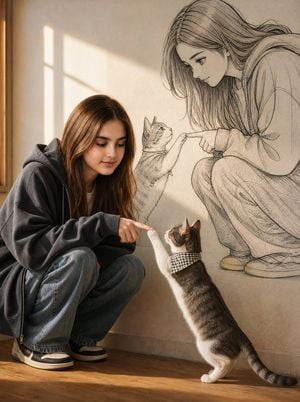
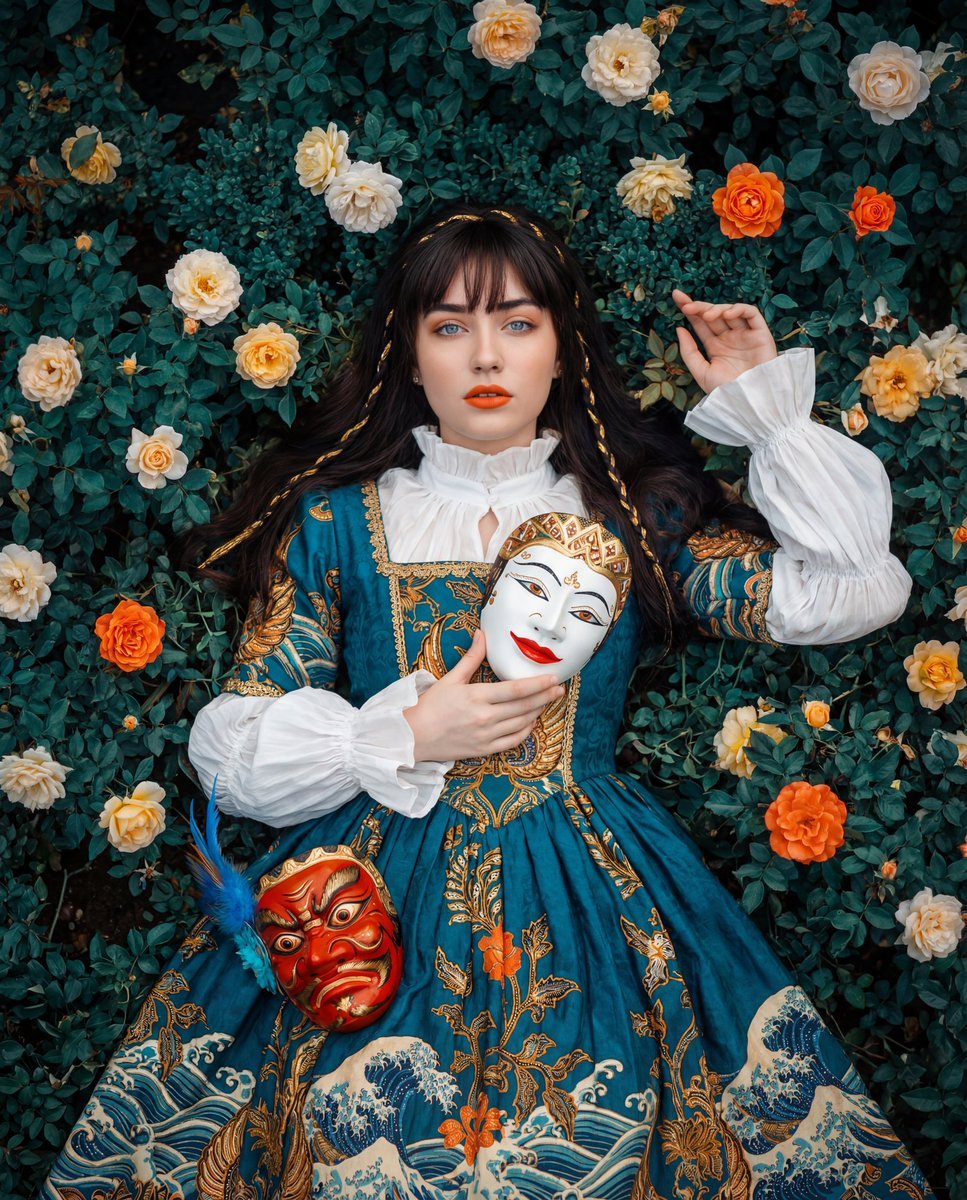
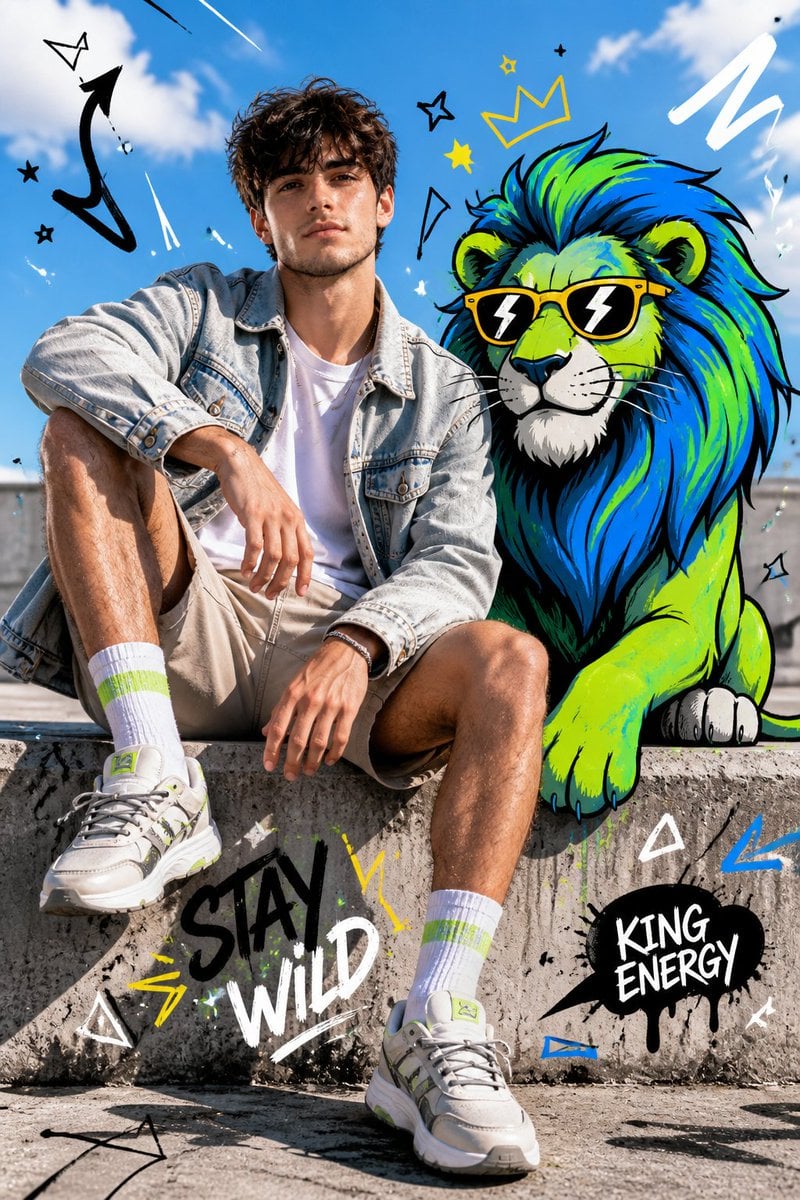
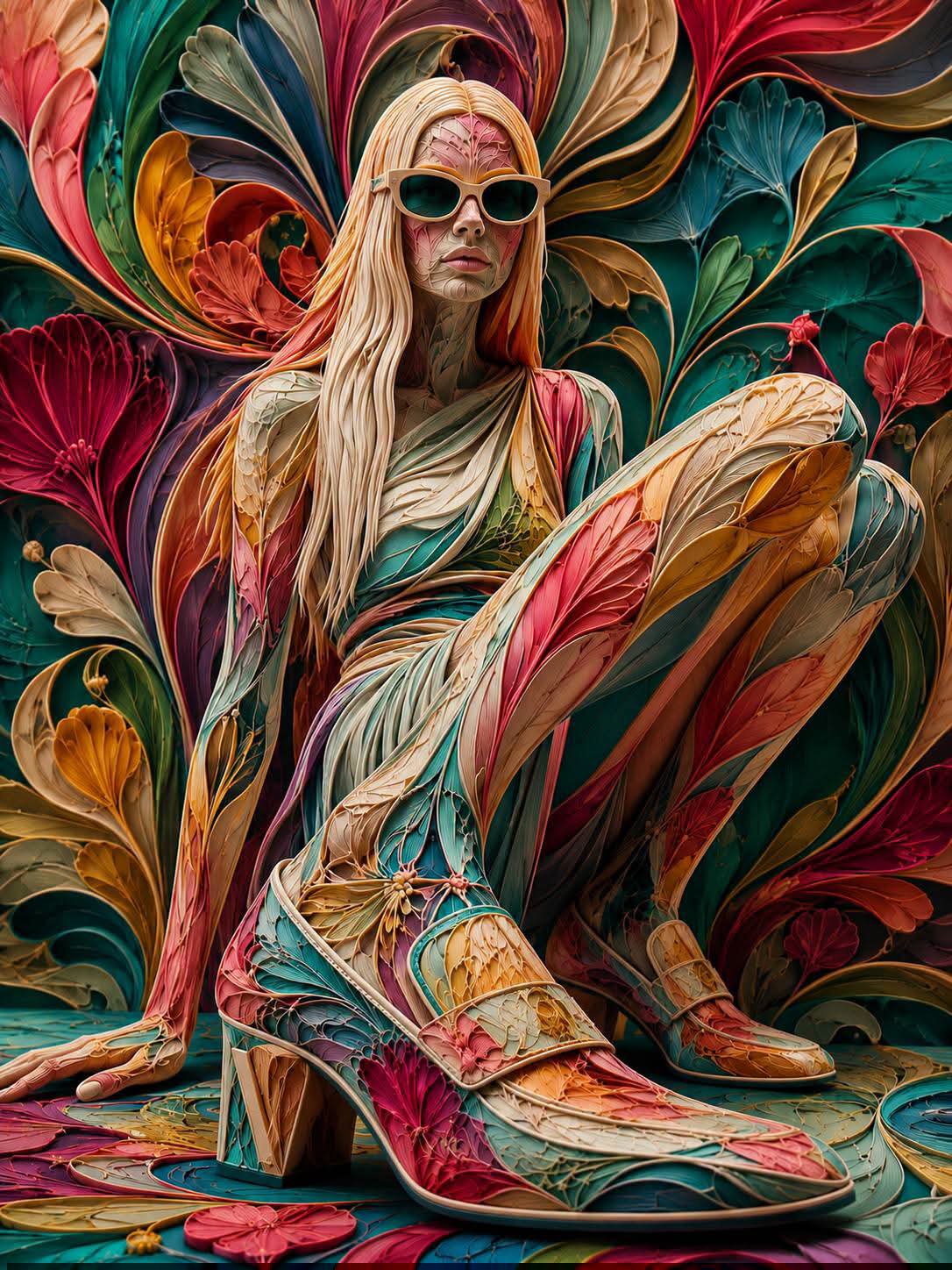
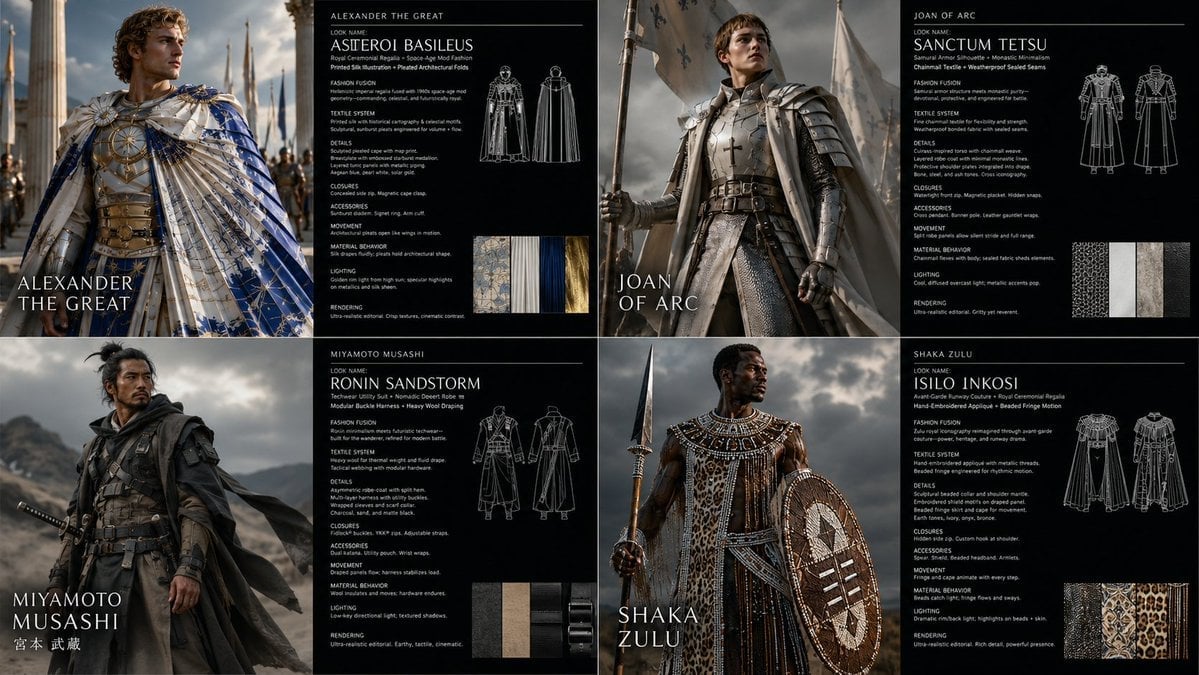
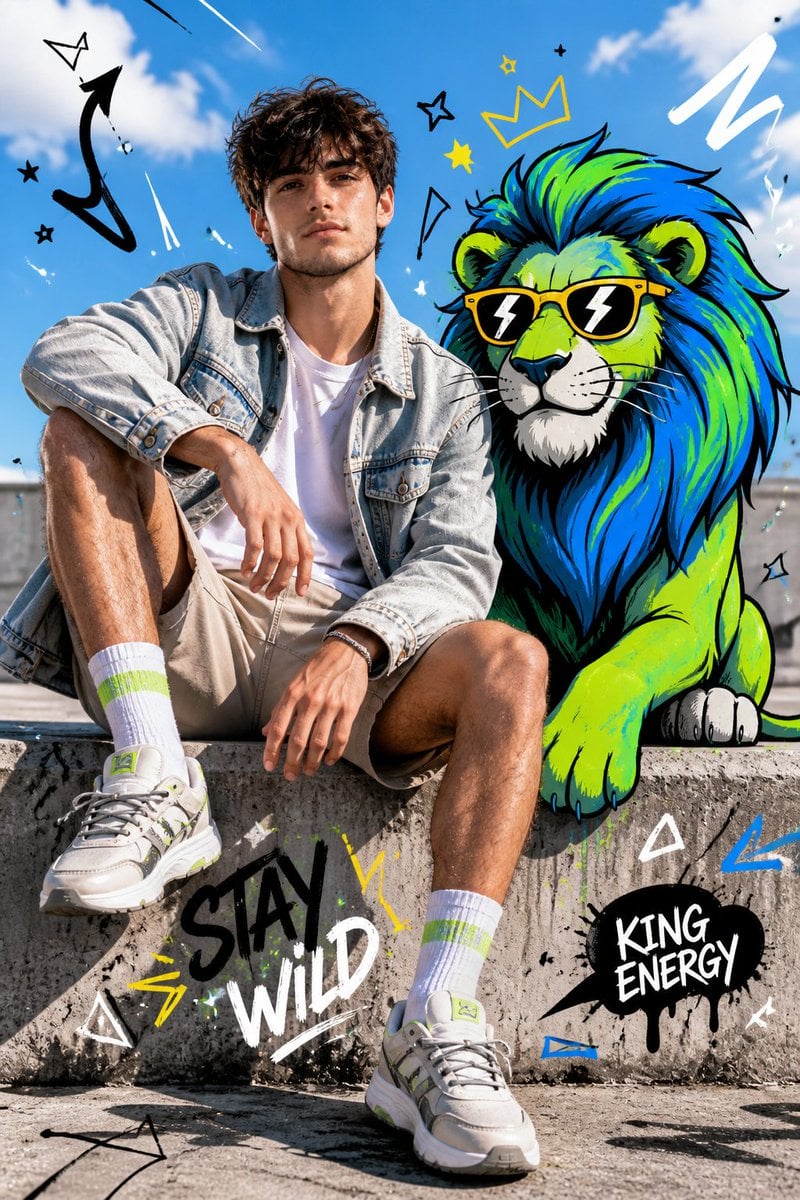
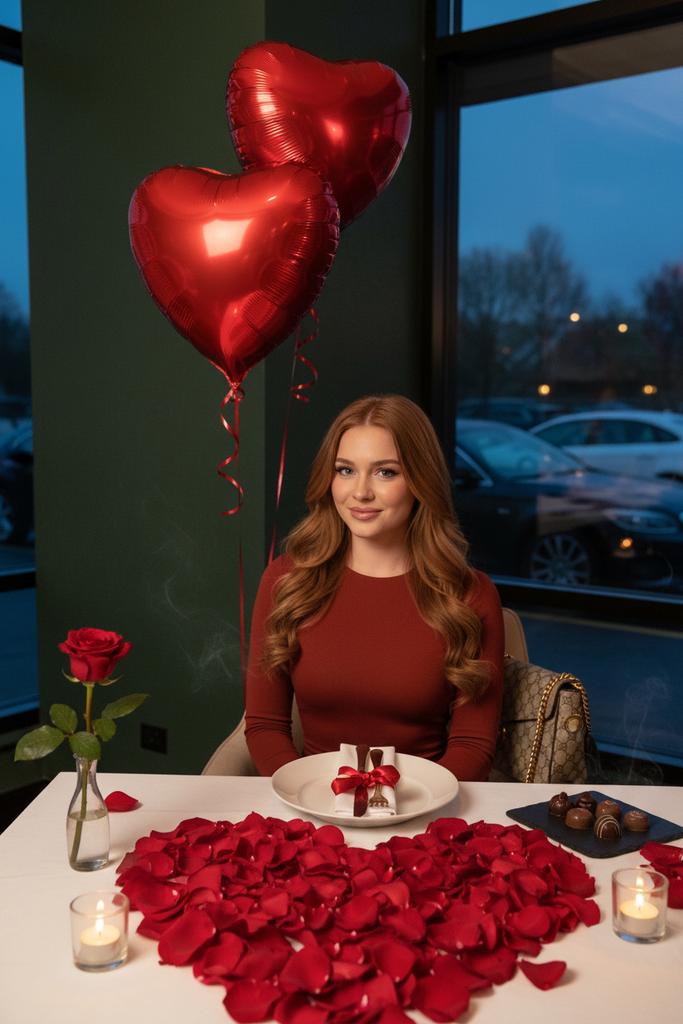
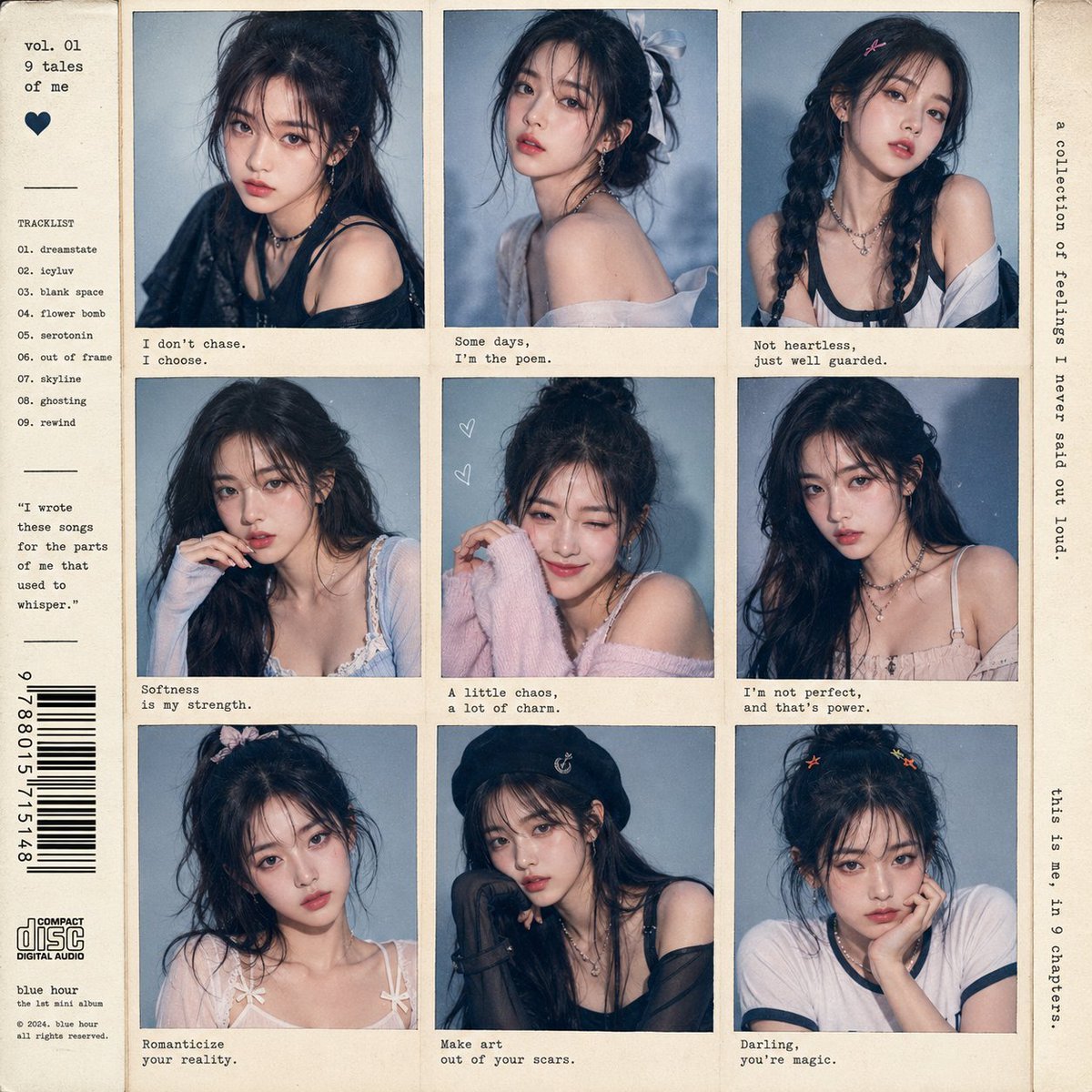
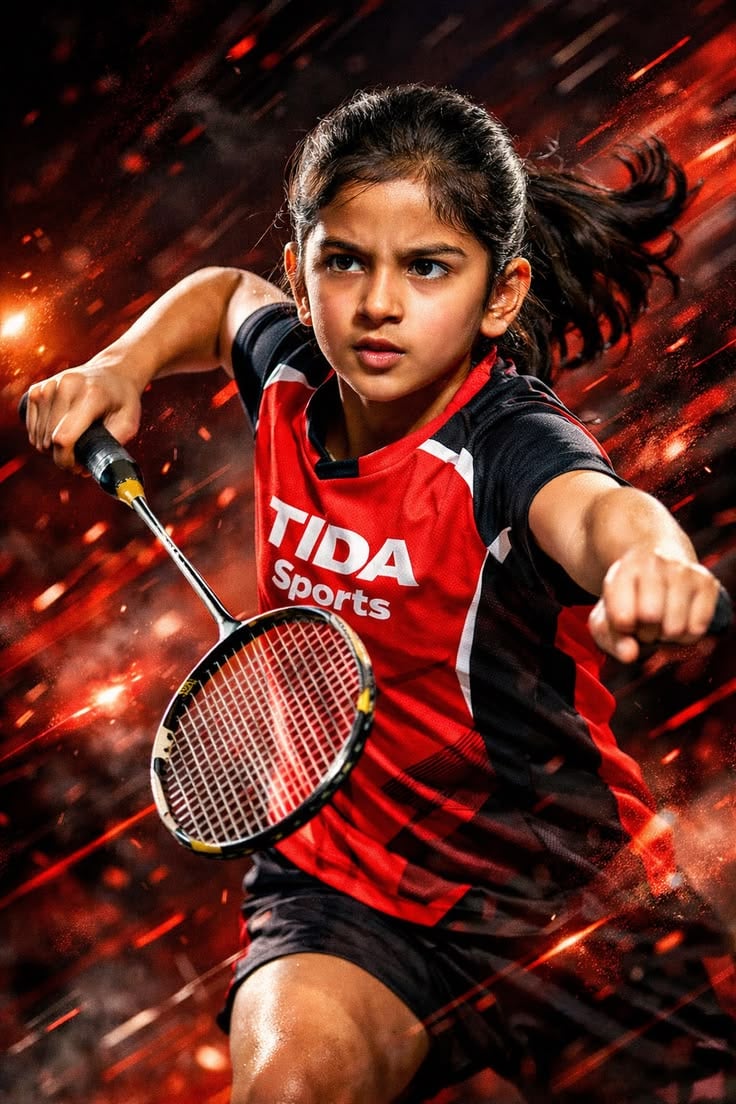
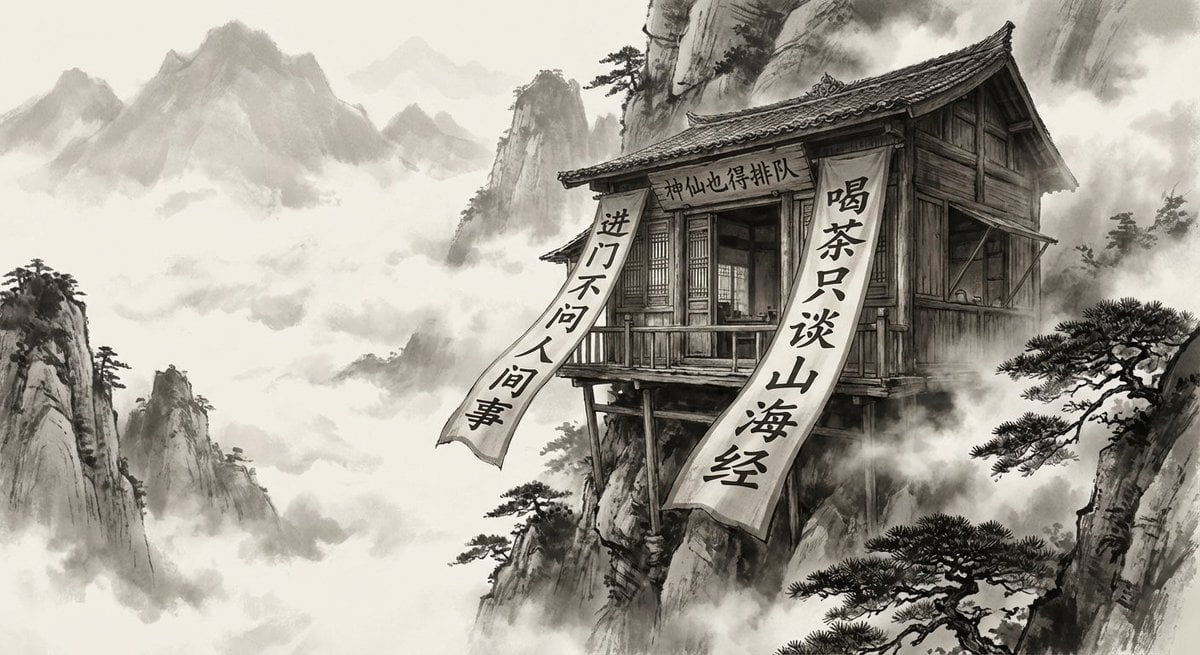
How do I use the Cinematic Character and Scene Fusion template?
Edit the prompt in the box under the preview — the template's model and format are already selected — and press Generate. Your version appears right on this page.
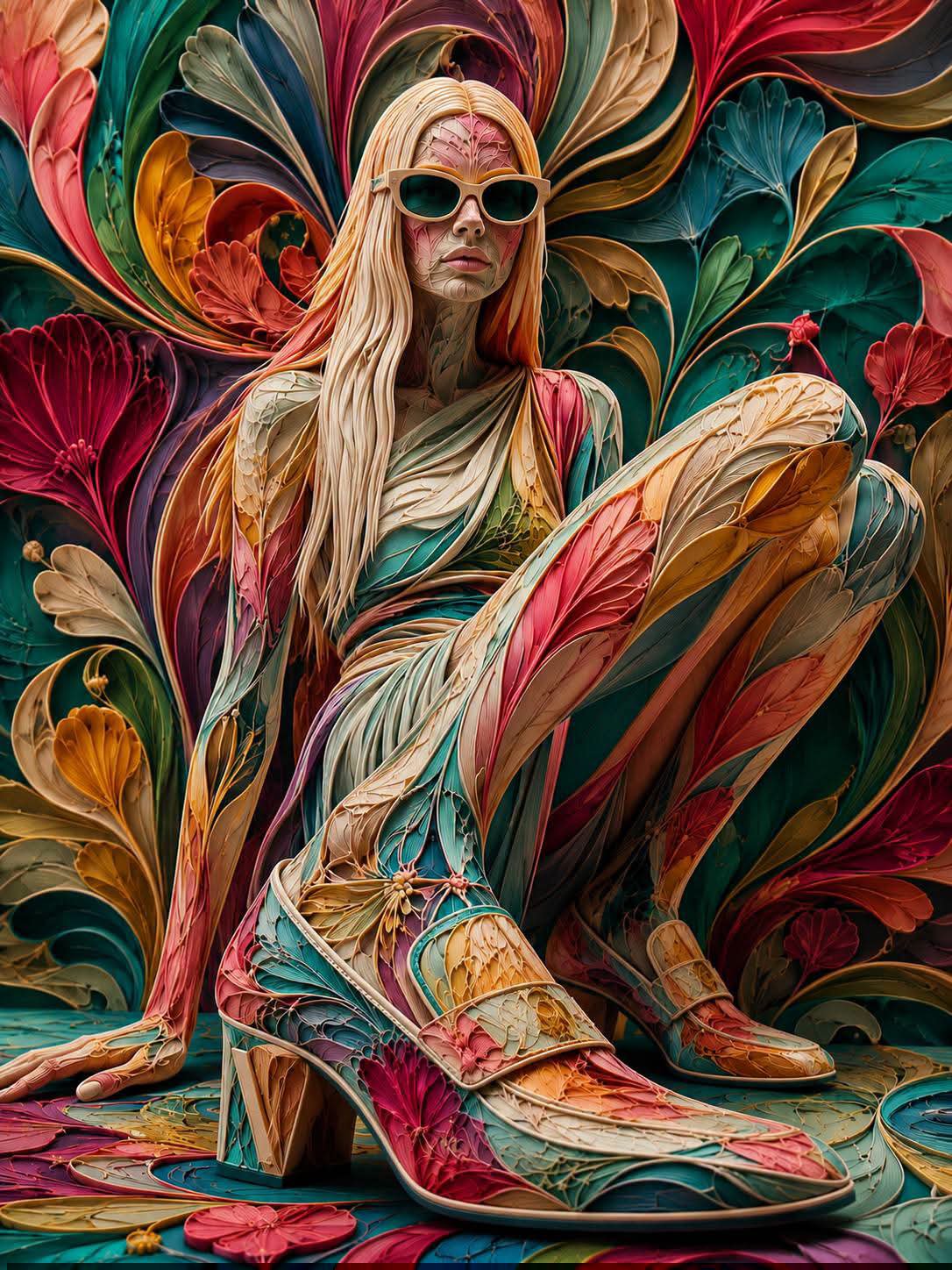
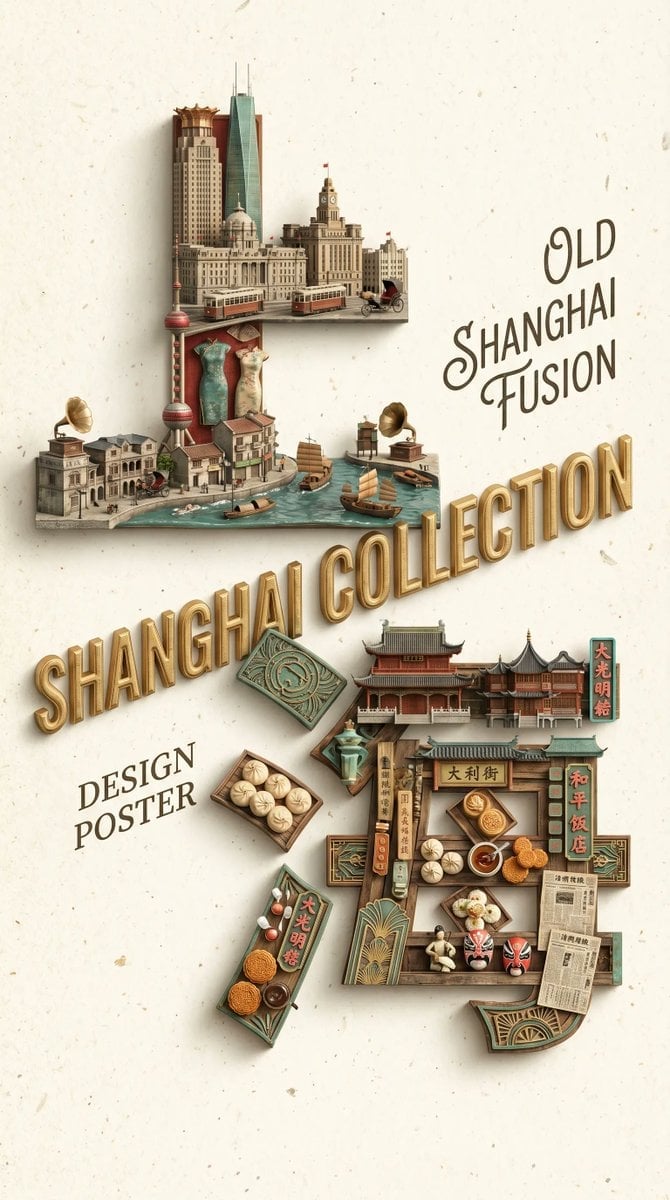
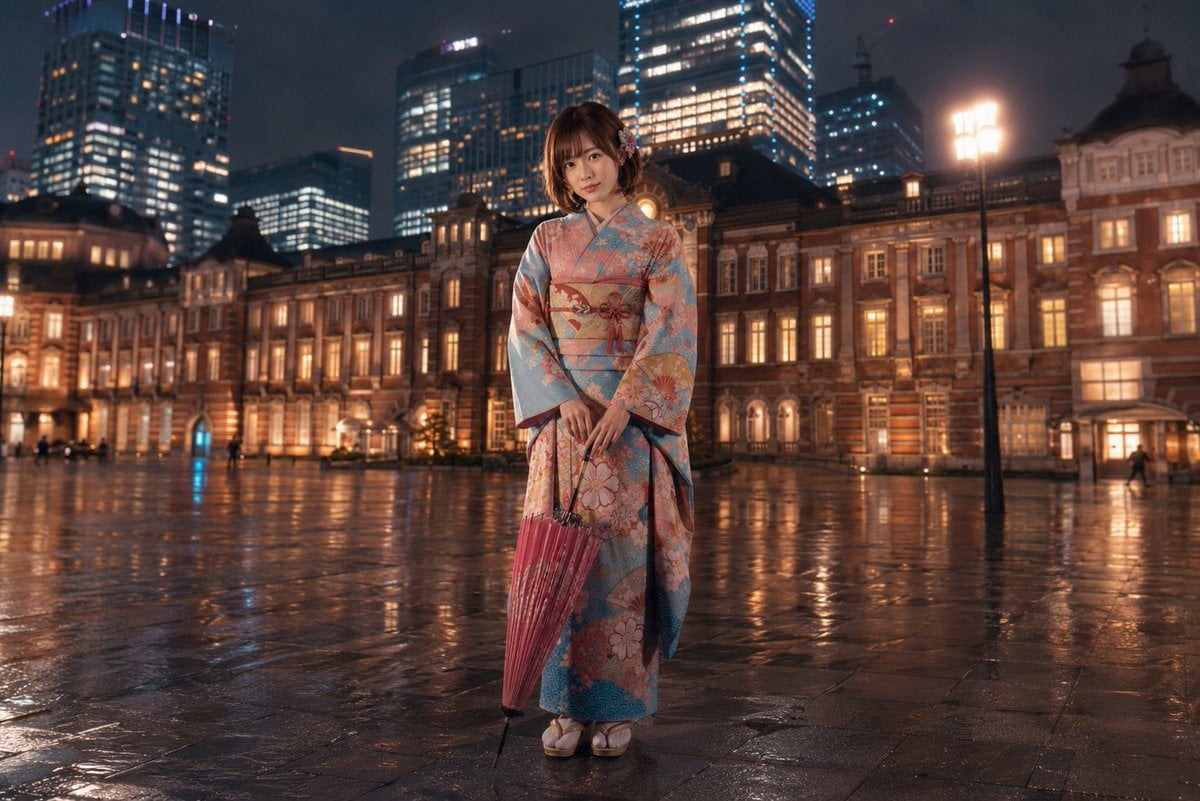
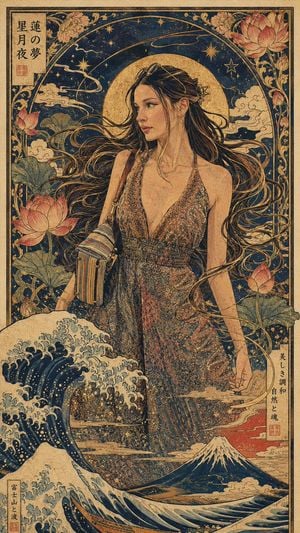
A professional prompt for nano-banana-pro to achieve seamless cinematic blending, integrating a specific character into a new scene while perfectly matching lighting and atmosphere.

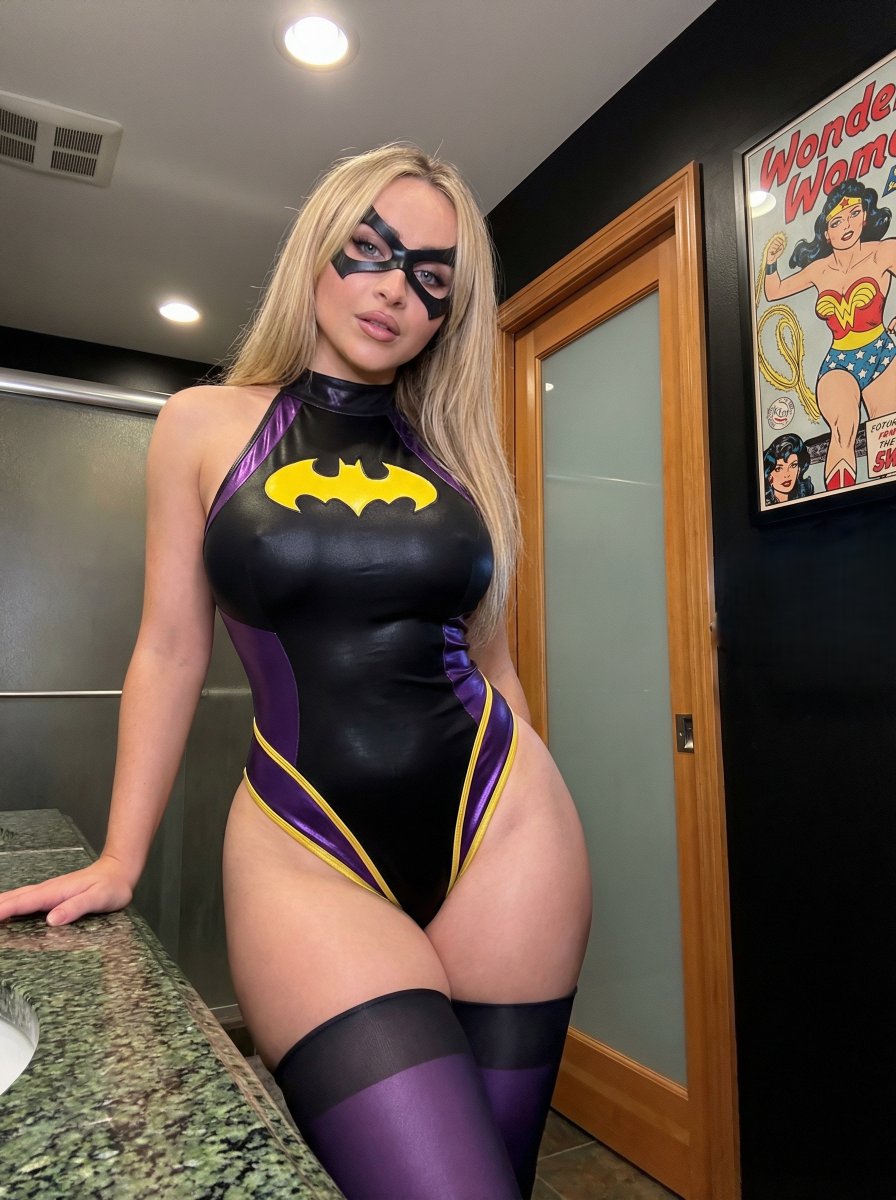
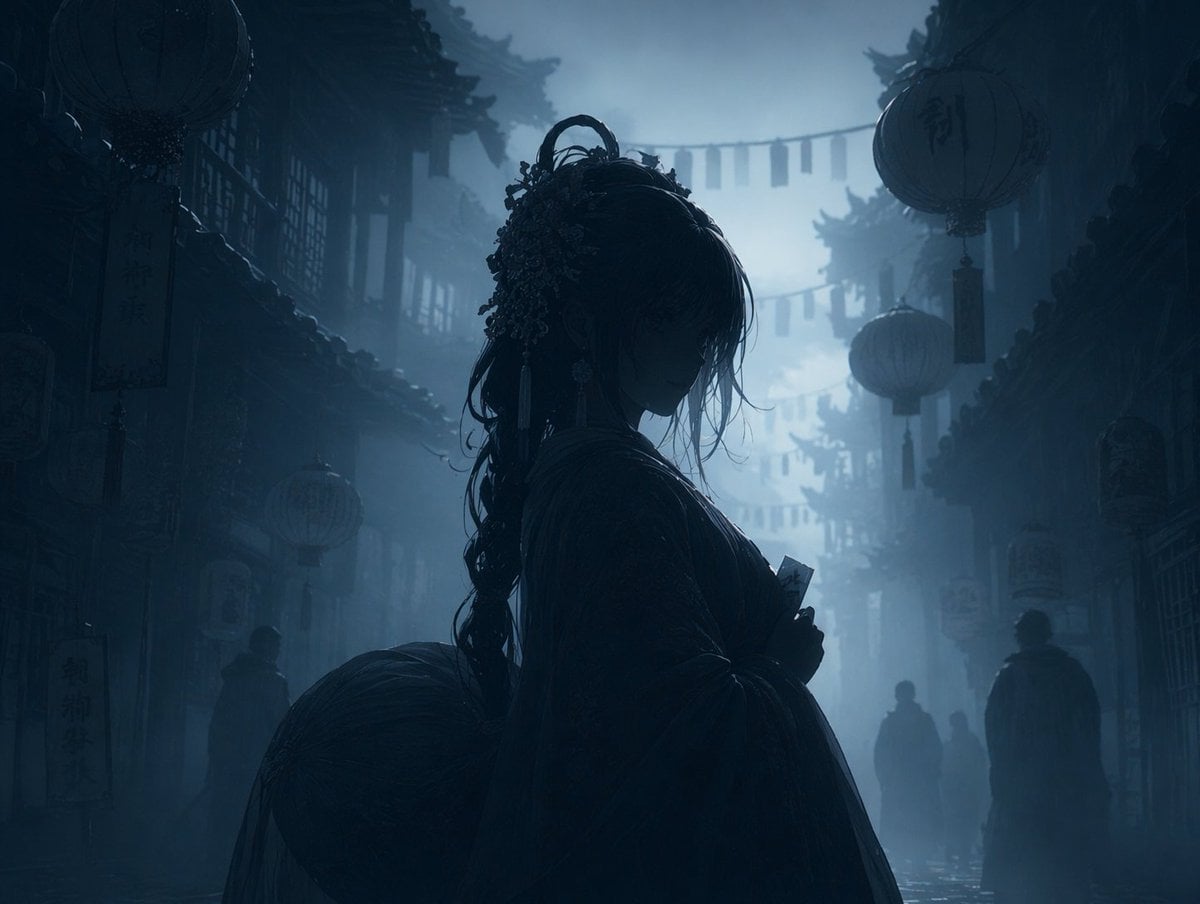
实现无缝的电影级融合。将{argument name="角色图" default="图片1"}的女子完美地融入{argument name="场景图" default="图片2"}。必须完全保留角色图1的面部特征、发型、服装和道具。执行完全的光影耦合:角色必须完全根据图2的光影、色温和氛围条件重新渲染。角色上的所有阴影、高光和色调都必须完全源自图2,以确保完美和谐。保持场景2的原始背景、构图和风格,不得进行任何修改。
实现无缝的电影级融合。将{argument name="角色图" default="图片1"}的女子完美地融入{argument name="场景图" default="图片2"}。必须完全保留角色图1的面部特征、发型、服装和道具。执行完全的光影耦合:角色必须完全根据图2的光影、色温和氛围条件重新渲染。角色上的所有阴影、高光和色调都必须完全源自图2,以确保完美和谐。保持场景2的原始背景、构图和风格,不得进行任何修改。
Edit the prompt in the box under the preview — the template's model and format are already selected — and press Generate. Your version appears right on this page.
Yes. You can change the subject, setting, lighting, mood, format, and available model controls before creating your image.
Opening and editing this template is free. Generating uses credits, shown on the Generate button when you are signed in.
Start with Nano Banana 2, which is the model associated with this template. You can compare another compatible model for a different finish.
Follow a topic to a crawlable collection of related PicX Studio templates.