
Editorial Action Poster for Products
A highly detailed prompt for creating professional, high-contrast editorial action posters with a bright sky, bold typography, and hard midday sunlight.
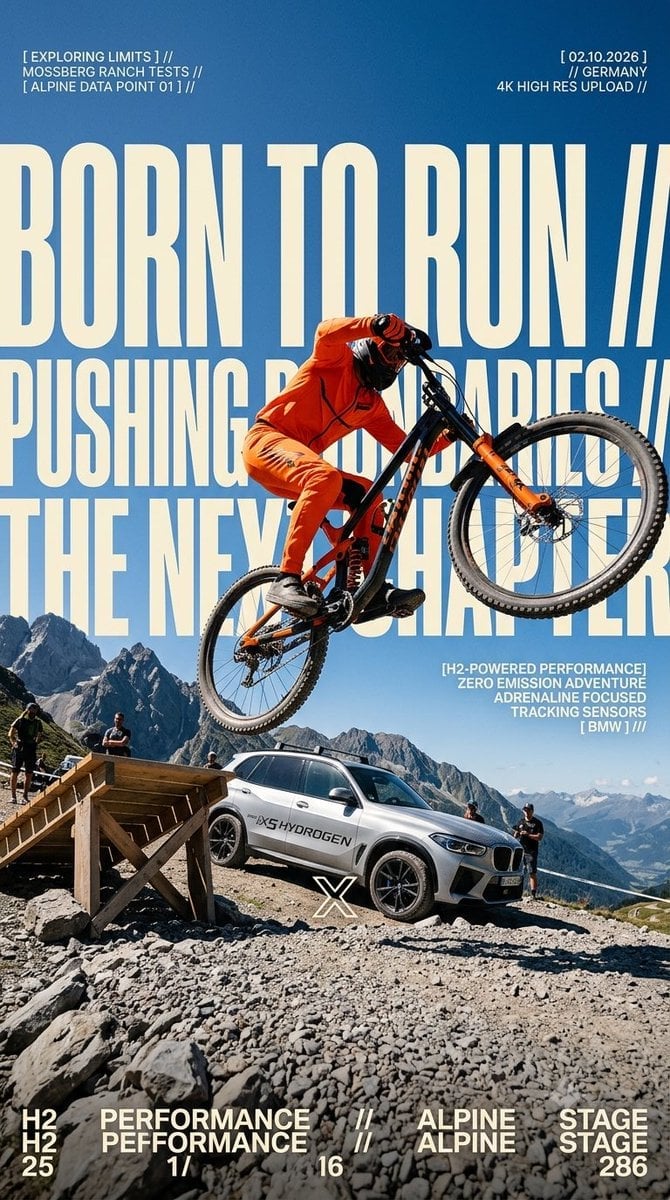
- Prompt included
- Model and format preset
- Premium template
The prompt behind this image
Copy the exact prompt behind Editorial Action Poster for Products, or open it in the studio and make it yours.
Create a {argument name="aspect ratio" default="{ASPECT_RATIO}"} full-bleed editorial action poster for {argument name="product" default="[ Iced matcha ]"}. The brand’s visual identity follows these must-visible traits: a bright outdoor photograph with a clear open sky dominating a large portion of the frame; enormous warm-cream extra-condensed block letters cropped by the canvas and sitting behind the main subject; one oversized action figure cutting diagonally across the layout and breaking through the text layer; a low or close wide-angle camera angle that makes the foreground feel physically imposing; secondary text, large numerals, or stacked words in cream placed along bottom and side edges; compact white editorial microcopy in short tight clusters anchored to strong grid positions; one vivid accent color concentrated on the hero product or outfit while the environment stays sky-blue and neutral; hard midday sunlight with crisp shadows and high-contrast edges; a layered structure alternating between flat graphic type and real photography; minimal ornament — only small marks, rules, or separators; a dense, kinetic layout with the action dominant, type second, and microcopy third. Scene: {SUBJECT} is {SUBJECT_ACTION} with {PRODUCT_OR_PROP} in {argument name="location" default="{LOCATION}"}, surrounded by {BACKGROUND_ELEMENTS}. Camera & Composition: Low or close wide-angle outdoors, oversized foreground scale, decisive frozen motion, one strong diagonal, subject cropped by at least one canvas edge. Typography: Place massive warm-cream ultra-condensed block sans lettering reading {MAIN_TEXT} behind the subject, filling over half the canvas, cropped by the frame and partially hidden by the action. Add compact white microcopy reading {SECONDARY_TEXT} in tight editorial blocks. Include a small generic {ACCENT_SYMBOL} mark and bottom information clusters in cream. Wardrobe: {WARDROBE_STYLE}. Brand colors: saturated sky-blue or cyan dominant, warm cream type, crisp white microcopy, deep shadows, one vivid accent on the hero prop or wardrobe. Lighting & Finish: Hard midday sun, crisp shadows, high-contrast commercial photo realism, slight print-grain texture. No illustration, 3D rendering, real logos, or watermarks. Avoid: {SOURCE_CONTENT_TO_AVOID}. Also exclude: real brand logos, watermarks, QR codes, comic or halftone effects, 3D renders, dark studio scenes, muted palettes, or a tiny distant subject. Generate as a 4K ultra-high-resolution raster image
How to use Editorial Action Poster for Products in 3 steps
- 1
Open
The prompt is already in the box next to the preview, with the template's model and format selected.
- 2…a portrait of your subject in softgolden-hour light, 85mm…
Personalize
Edit the subject and creative details for your destination.
- 3Generate
Generate
Press Generate — your image is created in PicX Studio, so you can compare it with the original and refine one variable at a time.
More like this
Templates with the same subject, style or setup. Open one to see its prompt.

Urban Fashion Editorial Collage Poster

Typography Mask Editorial Fashion Poster

Luxury Sliced Wordmark Player Poster

Premium Editorial Branding Poster Charcoal Green

Premium Vintage Travel Poster Landscape
Premium Vintage Travel Poster Landscape

Japan Travel Brochure Poster

Minimalist Olive Green Editorial Poster
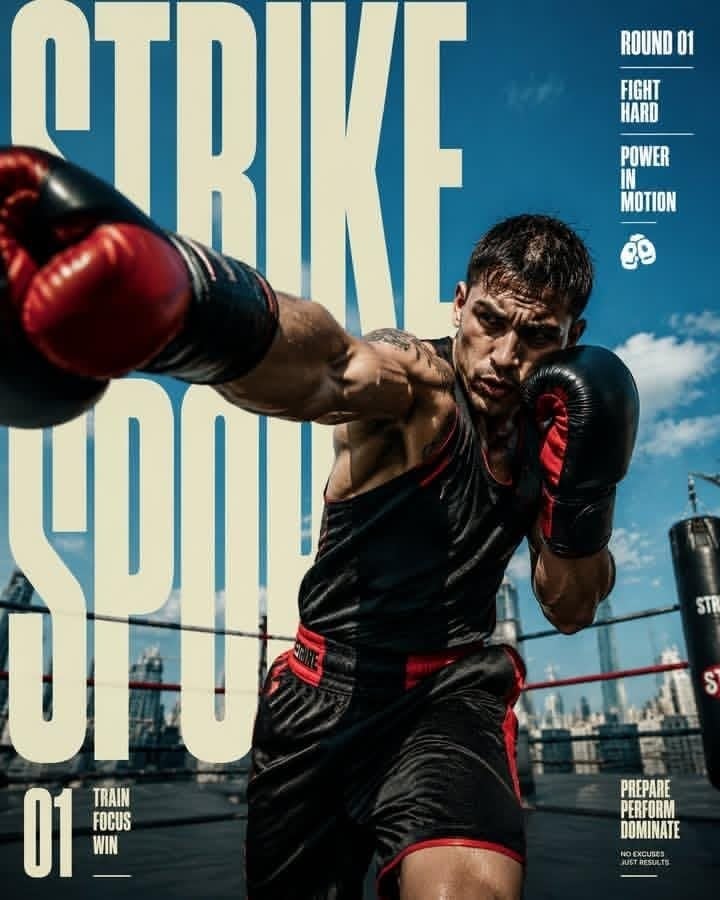
Strike Sport Boxer Editorial Poster

Cartoon TV Show Poster Pack

Korean Streetwear Minimalist Campaign Portrait

Cinematic Korean Streetwear Street Portrait
Make it yours
Editorial Action Poster for Products works as-is. These are the safest ways to change it without losing the look.
Change one field
Copy a single group, rewrite it, and generate again so you can see what that field is doing.
Keep the frame, change the subject
Hold the composition and light of Editorial Action Poster for Products, then swap wardrobe, props or the person for a new take.
| If the result… | Why | Fix |
|---|---|---|
| The result drifts from the preview | Too many fields changed at once. | Reuse Editorial Action Poster for Products as-is first, then change one group — subject, light, or setting. |
| The model over-stylizes the scene | The prose prompt leaves finish and camera underspecified. | Add one camera or lighting sentence and stay on Nano Banana 2. |
More Nano Banana 2 templates
Other prompts made for Nano Banana 2.

Photorealistic Leaf Shaped Like a Dragon

K-Pop Idol Portrait Grid for Rapid Selection

Poetic Rain Forest Portrait During Golden Hour

Urban Street Portrait with Cartoon Inner Self Duo

Candid Nighttime Photo with Cat Prompt

High-Concept 3D Diorama Generation Prompt

Cinematic Futuristic Studio Portrait Template

Skincare Editorial Photography Collage Prompt

Hyper-Realistic Commercial Product Photography (Splash Effect)

Hyper-Realistic Nightclub Portrait Prompt
More image prompts
Fresh picks from across the catalog.
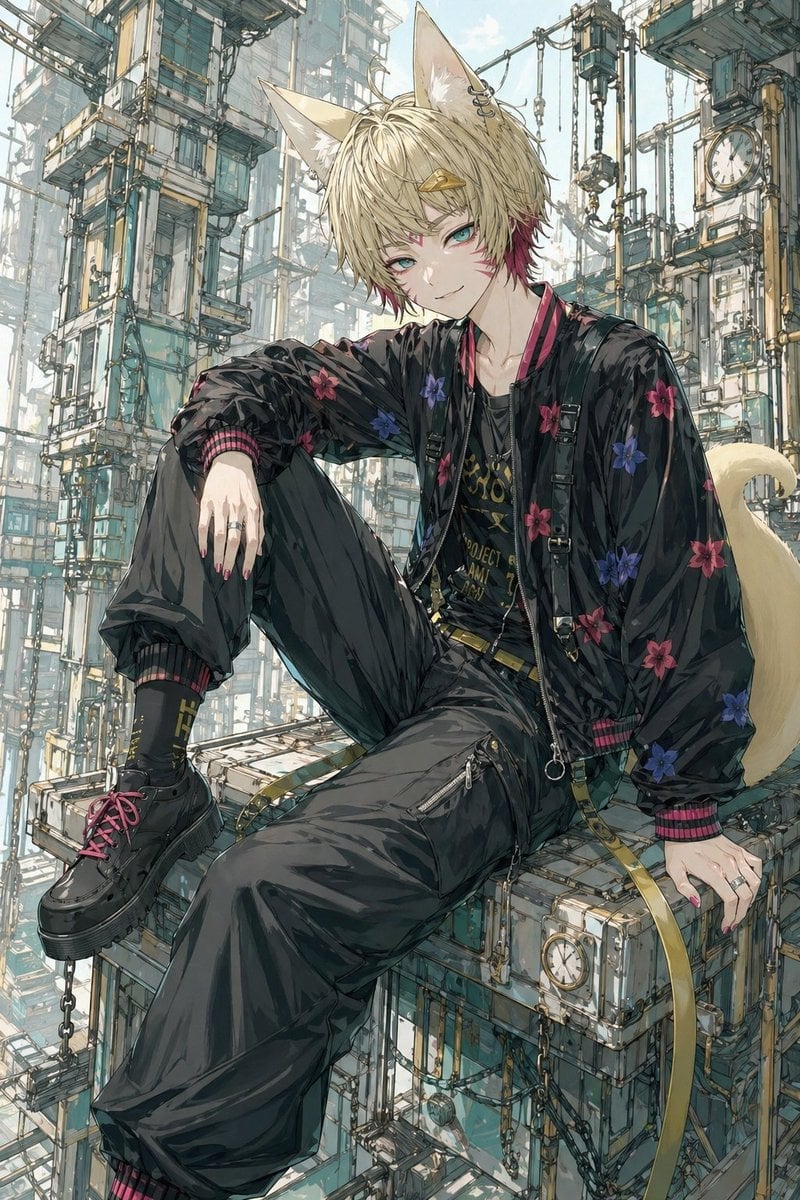
Fox-Eared Streetwear Boy in Steampunk City
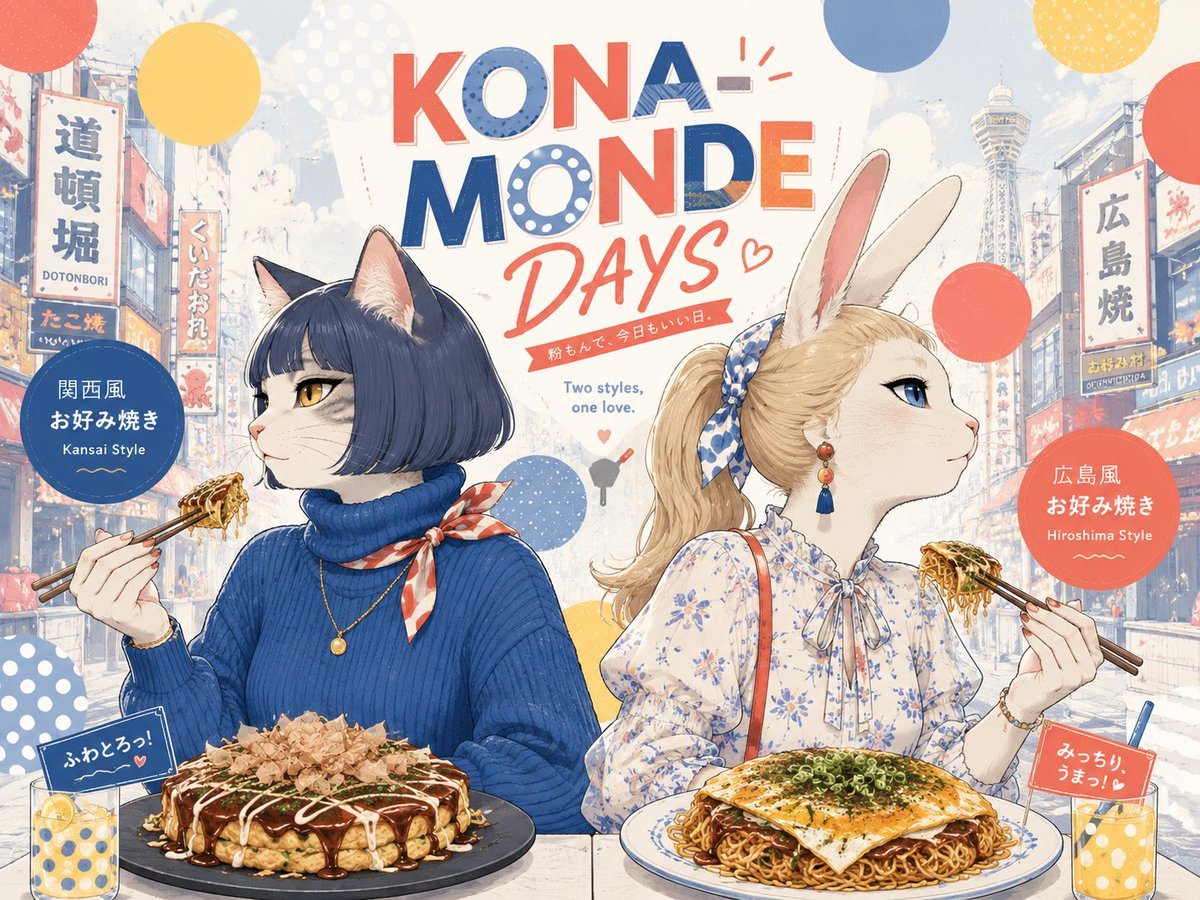
Kona-Monde Okonomiyaki Ladies Poster
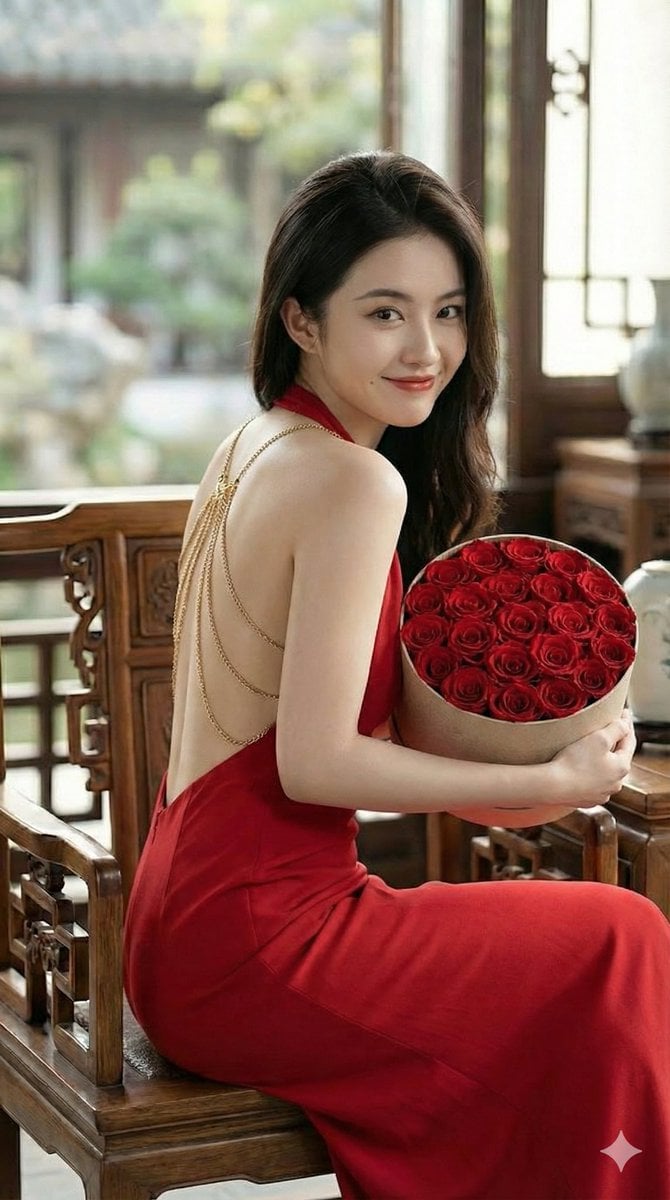
Romantic Opulence Portrait Prompt (Red Dress)
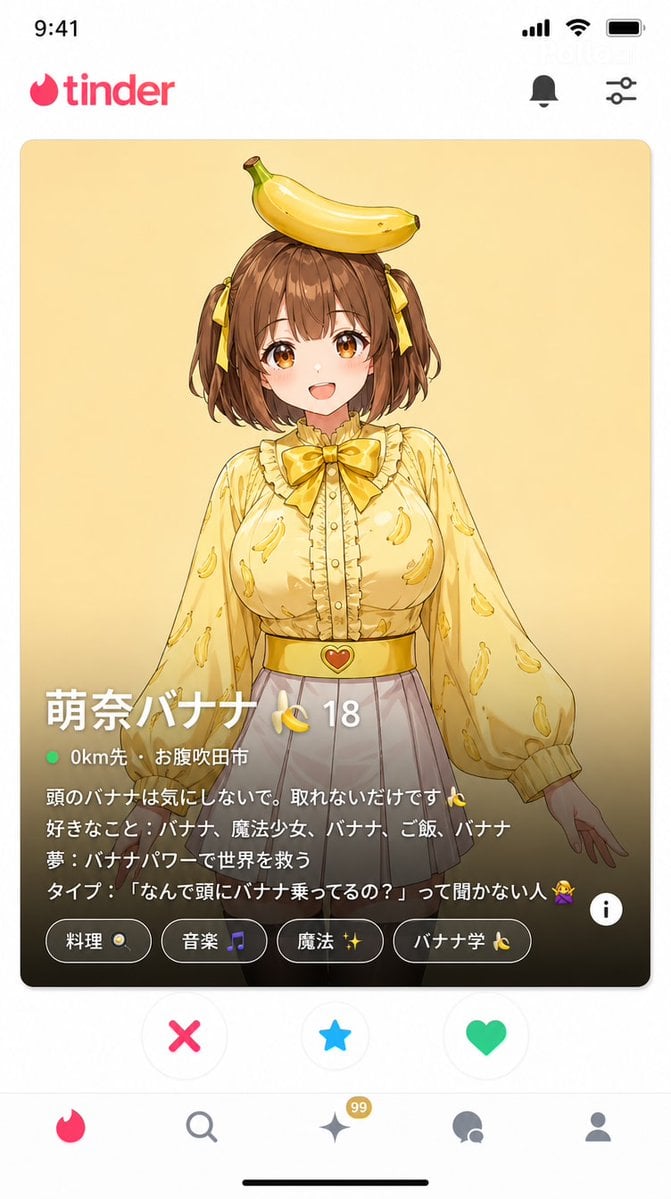
Dating App Screenshot Recreation
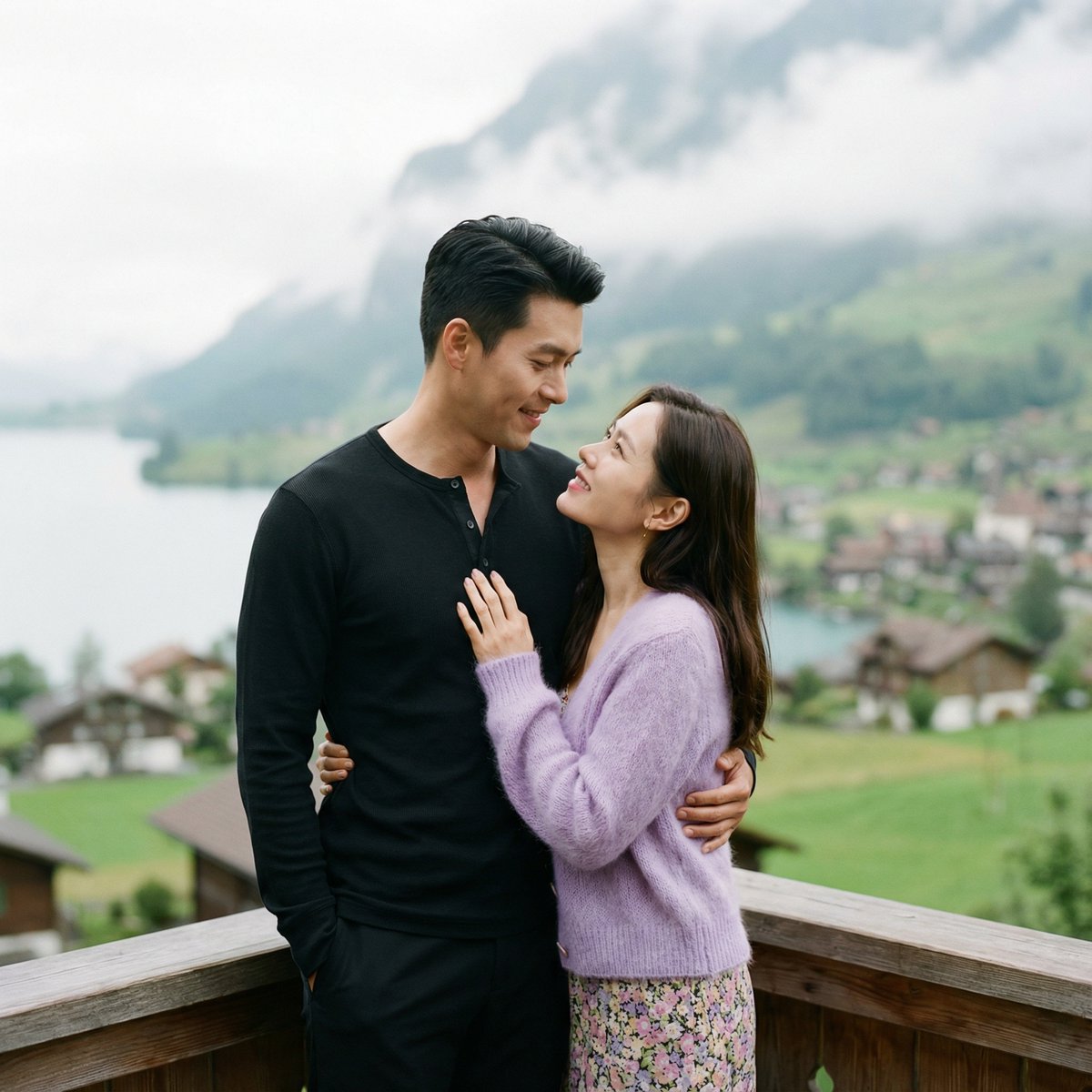
K-Drama Romantic Lakeside Embrace Prompt
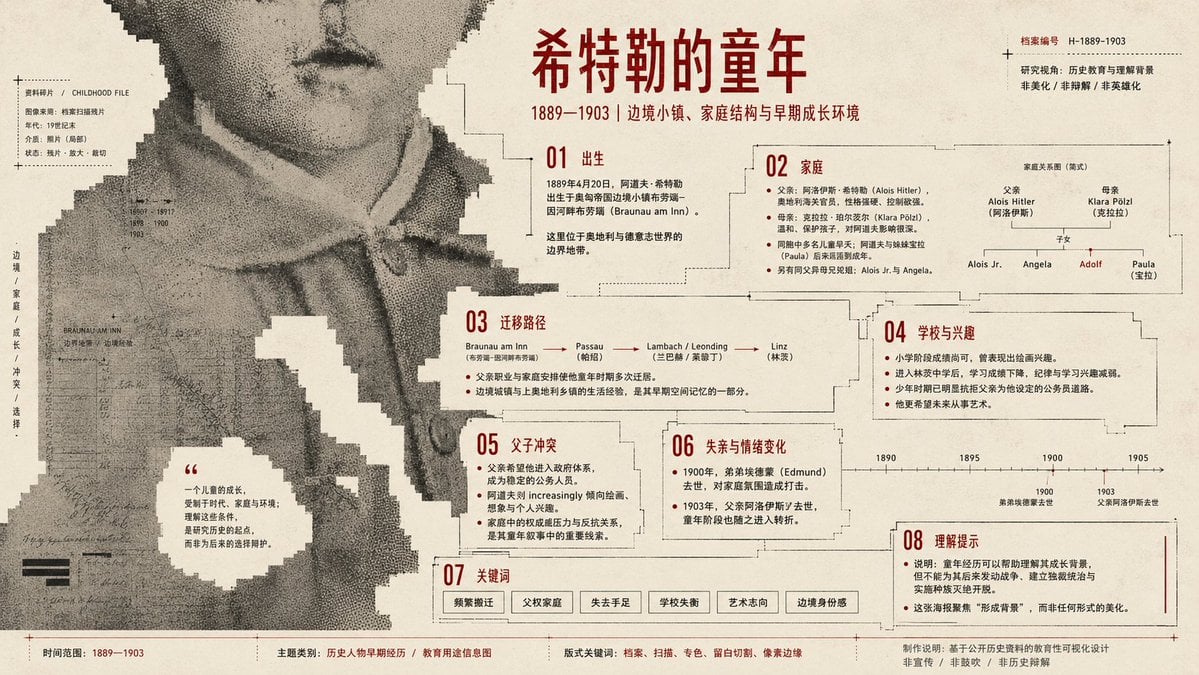
Pixel Glitch Structural Infographic Poster
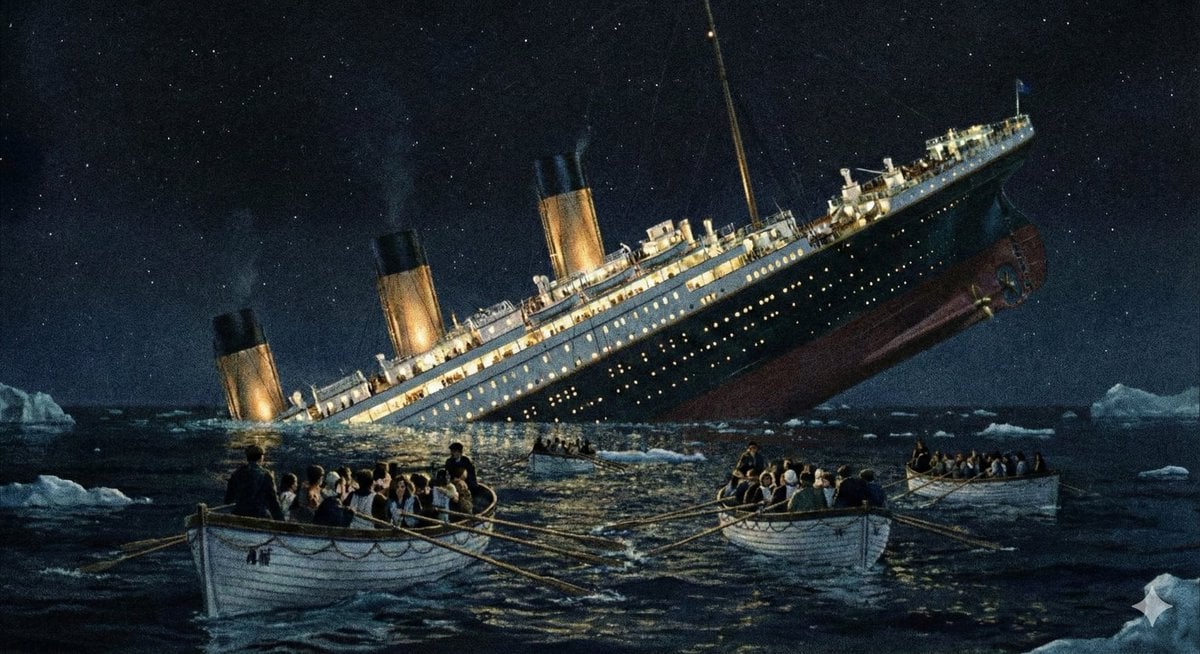
Major event at given coordinates
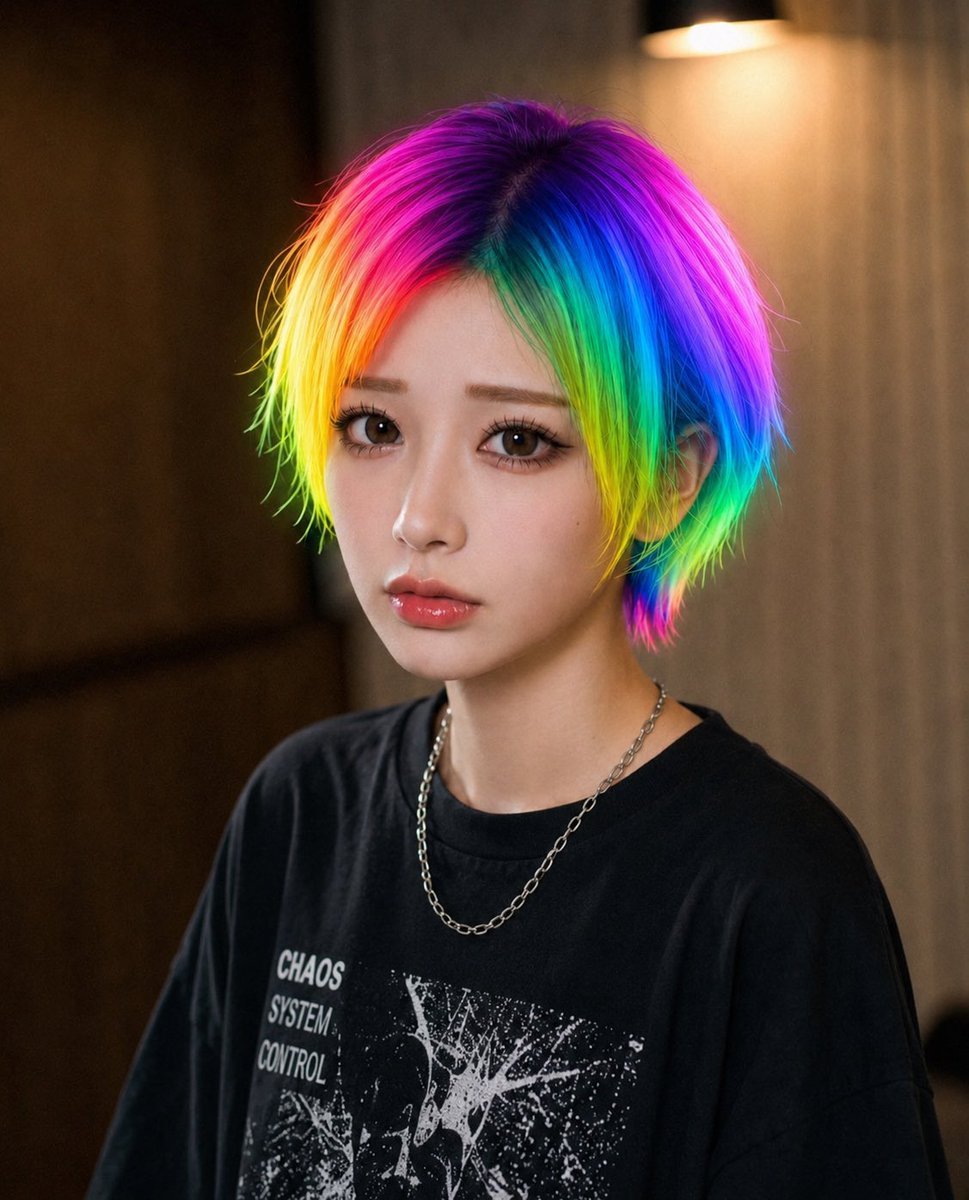
Rainbow Hair Censored Portrait
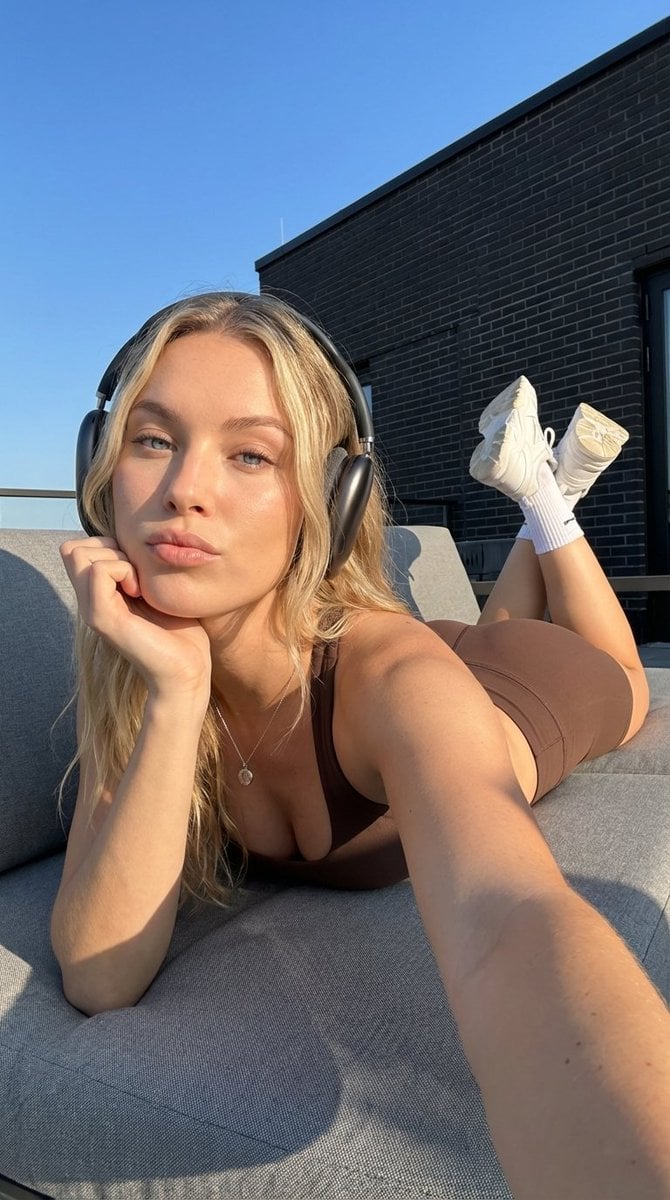
Rooftop Athletic Lifestyle Portrait Prompt
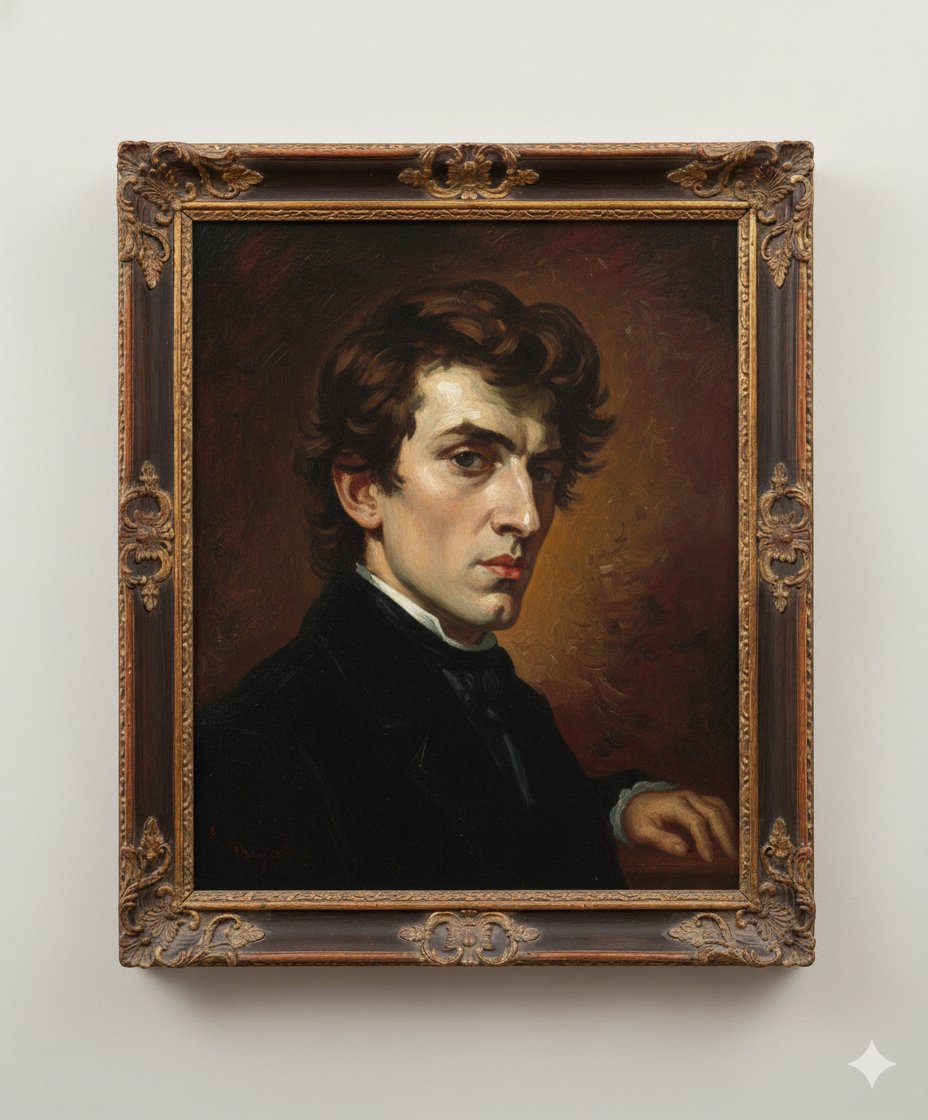
Image Generation Prompt: Arranging Delacroix's Chopin
Browse template categories
Editorial Action Poster for Products questions
How do I use the Editorial Action Poster for Products template?
Add your photo if the template asks for one, edit the prompt if you like — the template's model and format are already selected — and press Generate. Your version opens in PicX Studio.
Can I customize the Editorial Action Poster for Products template?
Yes. You can change the subject, setting, lighting, mood, format, and available model controls before creating your image.
Is the Editorial Action Poster for Products template free?
Opening and editing this template is free. Generating uses credits, shown on the Generate button when you are signed in.
Which AI model should I use?
Start with Nano Banana 2, which is the model associated with this template. You can compare another compatible model for a different finish.
Looking for something else? Browse all templates.

Your photo, any look
Thousands of ready templates for every top image and video model, from one credit balance.