How do I use the Minimalist Realistic Studio Portrait template?
Edit the prompt in the box under the preview — the template's model and format are already selected — and press Generate. Your version appears right on this page.
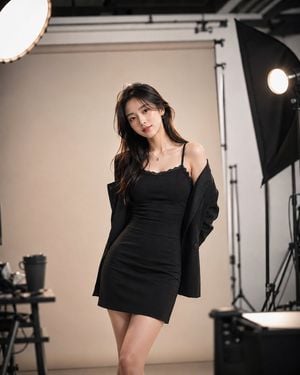
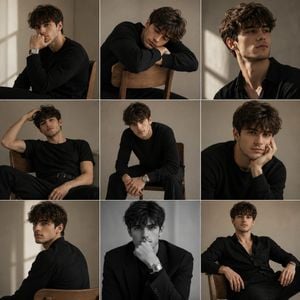
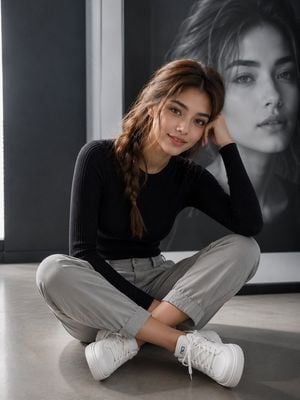
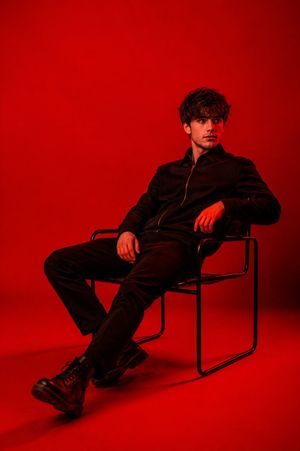
A detailed prompt for creating a realistic studio portrait of a woman with natural features, dramatic lighting, and a modern minimalist aesthetic.

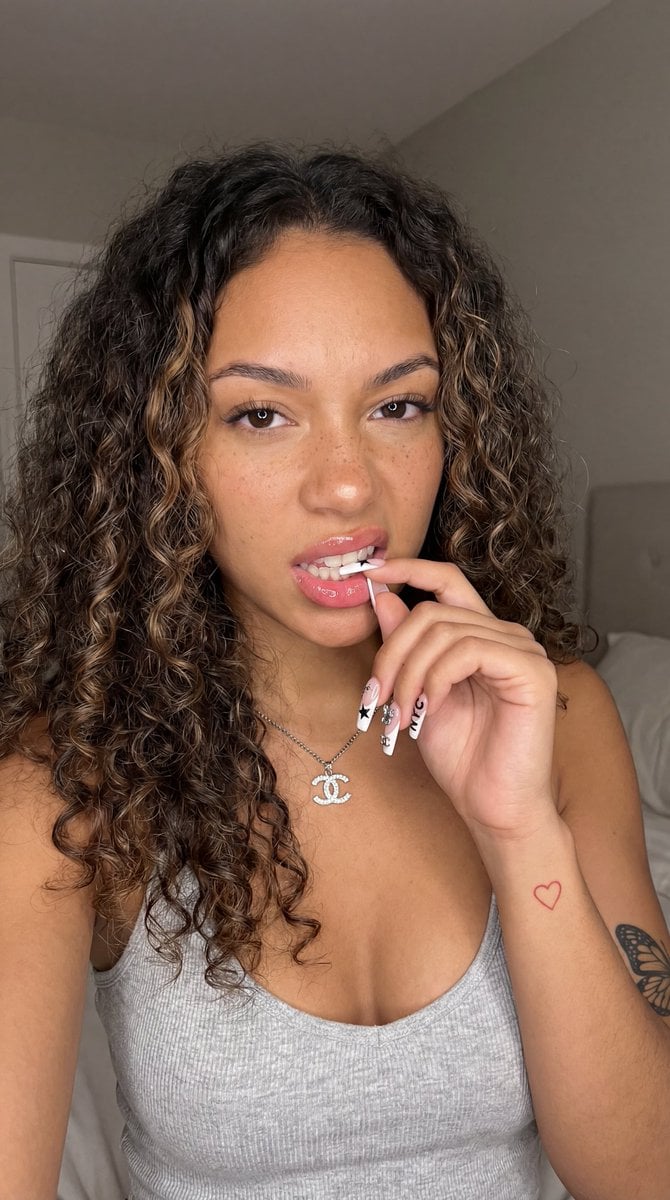
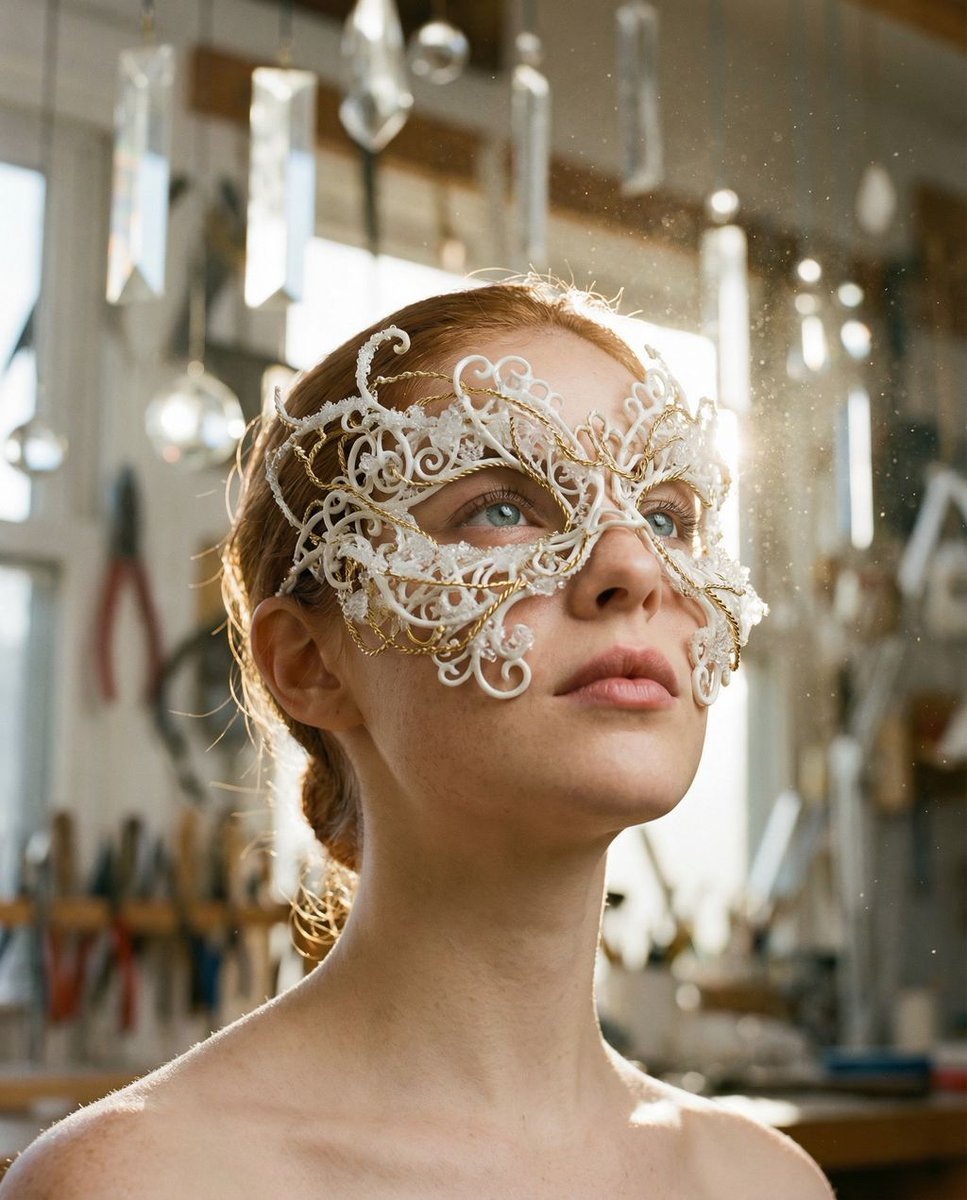
A highly detailed realistic portrait photograph of a young woman with {argument name="facial features" default="fair skin and subtle natural freckles"}, featuring {argument name="hair style" default="long straight brown hair styled in a sleek high ponytail with a center part, wispy strands framing her face"}. She has expressive brown eyes with defined eyebrows, wearing bold red lipstick on full lips, and a neutral contemplative expression while gazing directly at the viewer. She is dressed in a {argument name="outfit" default="fitted white ribbed sleeveless tank top and black pants"}, seated in a relaxed pose with one leg bent, leaning against a plain light-colored minimalist studio wall. Soft dramatic lighting from the side creates gentle shadows and highlights on her face and clothing, with a clean modern indoor setting, high resolution, sharp focus, cinematic composition, and professional photography style.
A highly detailed realistic portrait photograph of a young woman with {argument name="facial features" default="fair skin and subtle natural freckles"}, featuring {argument name="hair style" default="long straight brown hair styled in a sleek high ponytail with a center part, wispy strands framing her face"}. She has expressive brown eyes with defined eyebrows, wearing bold red lipstick on full lips, and a neutral contemplative expression while gazing directly at the viewer. She is dressed in a {argument name="outfit" default="fitted white ribbed sleeveless tank top and black pants"}, seated in a relaxed pose with one leg bent, leaning against a plain light-colored minimalist studio wall. Soft dramatic lighting from the side creates gentle shadows and highlights on her face and clothing, with a clean modern indoor setting, high resolution, sharp focus, cinematic composition, and professional photography style.
Edit the prompt in the box under the preview — the template's model and format are already selected — and press Generate. Your version appears right on this page.
Yes. You can change the subject, setting, lighting, mood, format, and available model controls before creating your image.
Opening and editing this template is free. Generating uses credits, shown on the Generate button when you are signed in.
Start with Nano Banana 2, which is the model associated with this template. You can compare another compatible model for a different finish.
Follow a topic to a crawlable collection of related PicX Studio templates.