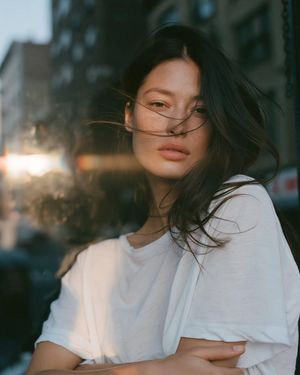
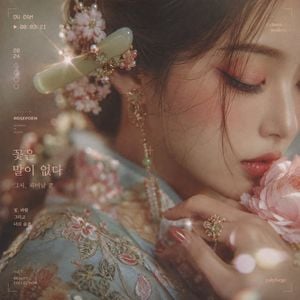
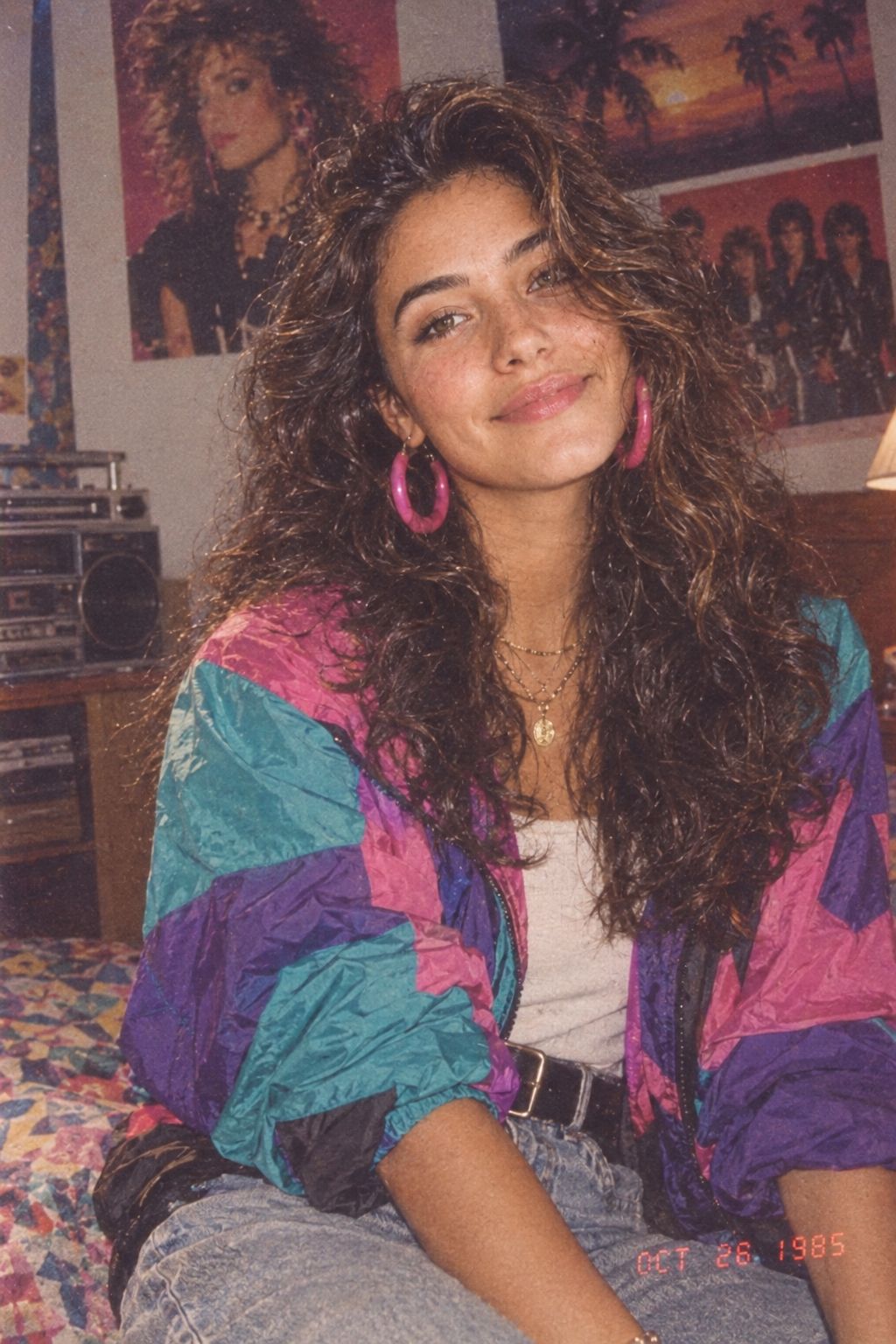
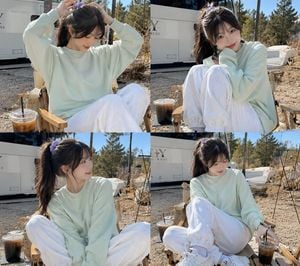
How do I use the Vintage Film Style Korean Portrait template?
Edit the prompt in the box under the preview — the template's model and format are already selected — and press Generate. Your version appears right on this page.
A detailed instruction for generating a soft, cinematic portrait with dappled sunlight and vintage film color grading, ideal for a sweet and playful aesthetic.

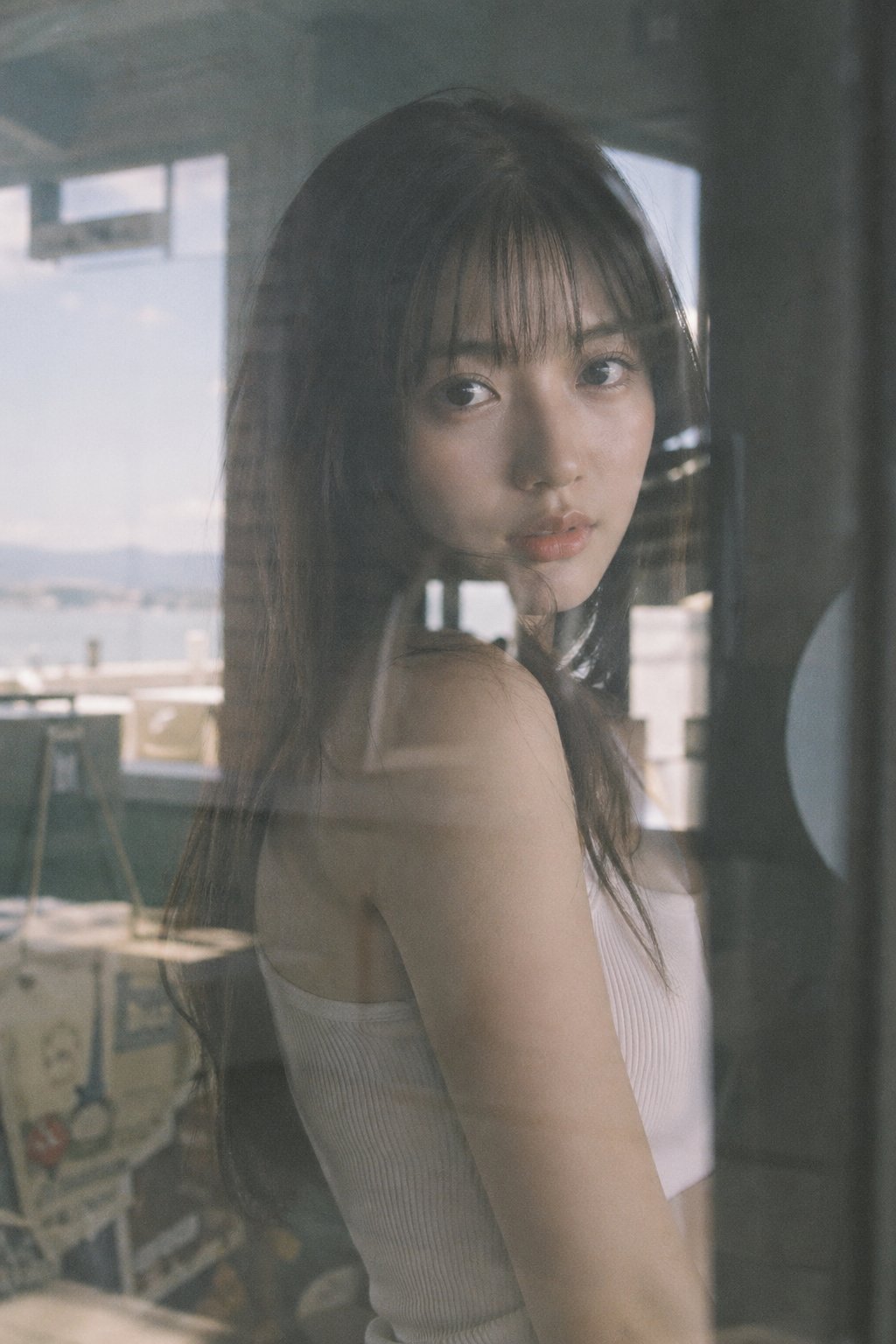
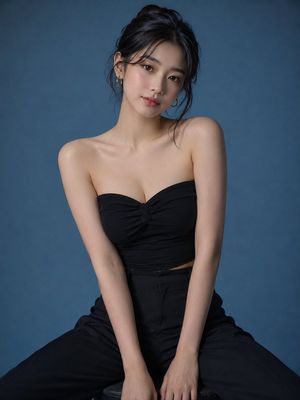
Edit the photo of the woman into a medium-shot portrait of a beautiful young woman. She has straight light brown hair styled half-up, with the remaining hair flowing naturally to her shoulders. Soft wispy bangs cover part of her forehead, while loose strands on both sides gently frame her face. Makeup: Soft Korean-inspired pink makeup featuring subtle pink-peach eyeshadow, naturally curled eyelashes, a light soft pink blush, delicate highlights on the cheekbones and bridge of the nose, and glossy soft pink lipstick. Outfit: She is wearing an {argument name="dress type" default="ivory white maxi dress"} with thin shoulder straps, paired with an open-knit {argument name="cardigan color" default="pastel pink"} cardigan. Expression & Pose: She gently cups both cheeks with her palms while smiling with her eyes closed. Her head is slightly tilted to one side, creating a cute, sweet, and playful expression. Background & Lighting: The background is a {argument name="background" default="textured cement or concrete wall"}. The most prominent visual element is dramatic dappled sunlight filtering through tree leaves or branches, casting organic leaf-shaped shadows across the wall, her face, and her clothing. Color Grading & Mood: - Moody, cinematic, and slightly vintage, resembling an analog film photograph. - Overall cool-toned color palette. - Shadows on the wall have a subtle teal/cyan-blue tint, creating strong contrast with the warm sunlight illuminating the wall and her face. - High contrast between the pastel pink cardigan and the bright sunlight, while keeping the cardigan's pink tone slightly muted and matte to enhance the faded film aesthetic. - Maintain a natural skin tone, but slightly reduce its saturation so it blends harmoniously with the cool, calm cinematic look. Aspect Ratio: 9:16.
Edit the photo of the woman into a medium-shot portrait of a beautiful young woman. She has straight light brown hair styled half-up, with the remaining hair flowing naturally to her shoulders. Soft wispy bangs cover part of her forehead, while loose strands on both sides gently frame her face. Makeup: Soft Korean-inspired pink makeup featuring subtle pink-peach eyeshadow, naturally curled eyelashes, a light soft pink blush, delicate highlights on the cheekbones and bridge of the nose, and glossy soft pink lipstick. Outfit: She is wearing an {argument name="dress type" default="ivory white maxi dress"} with thin shoulder straps, paired with an open-knit {argument name="cardigan color" default="pastel pink"} cardigan. Expression & Pose: She gently cups both cheeks with her palms while smiling with her eyes closed. Her head is slightly tilted to one side, creating a cute, sweet, and playful expression. Background & Lighting: The background is a {argument name="background" default="textured cement or concrete wall"}. The most prominent visual element is dramatic dappled sunlight filtering through tree leaves or branches, casting organic leaf-shaped shadows across the wall, her face, and her clothing. Color Grading & Mood: - Moody, cinematic, and slightly vintage, resembling an analog film photograph. - Overall cool-toned color palette. - Shadows on the wall have a subtle teal/cyan-blue tint, creating strong contrast with the warm sunlight illuminating the wall and her face. - High contrast between the pastel pink cardigan and the bright sunlight, while keeping the cardigan's pink tone slightly muted and matte to enhance the faded film aesthetic. - Maintain a natural skin tone, but slightly reduce its saturation so it blends harmoniously with the cool, calm cinematic look. Aspect Ratio: 9:16.
Edit the prompt in the box under the preview — the template's model and format are already selected — and press Generate. Your version appears right on this page.
Yes. You can change the subject, setting, lighting, mood, format, and available model controls before creating your image.
Opening and editing this template is free. Generating uses credits, shown on the Generate button when you are signed in.
Start with Nano Banana 2, which is the model associated with this template. You can compare another compatible model for a different finish.
Follow a topic to a crawlable collection of related PicX Studio templates.