How do I use the Elegant Lace Dress Cafe Portrait template?
Edit the prompt in the box under the preview — the template's model and format are already selected — and press Generate. Your version appears right on this page.
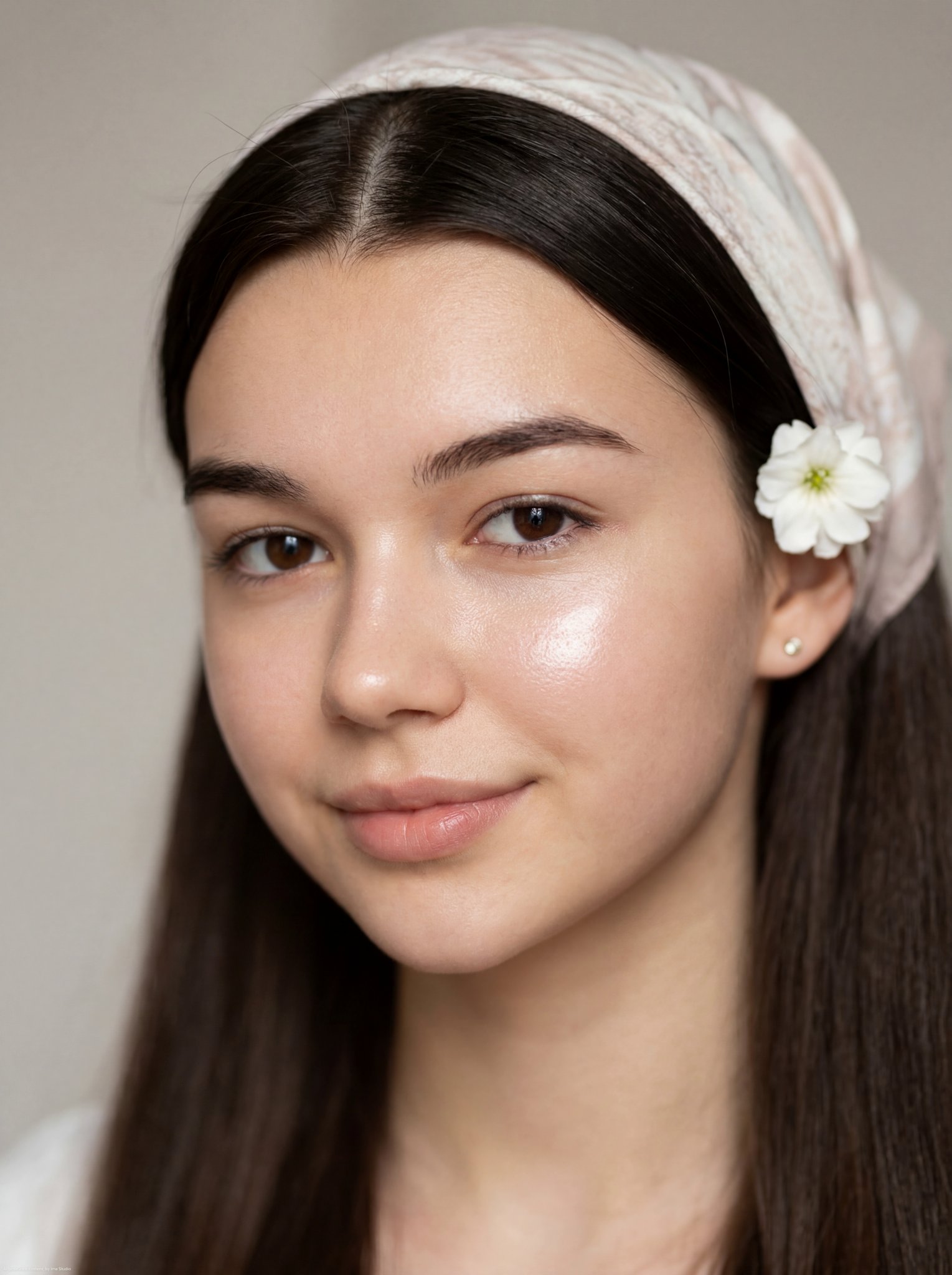
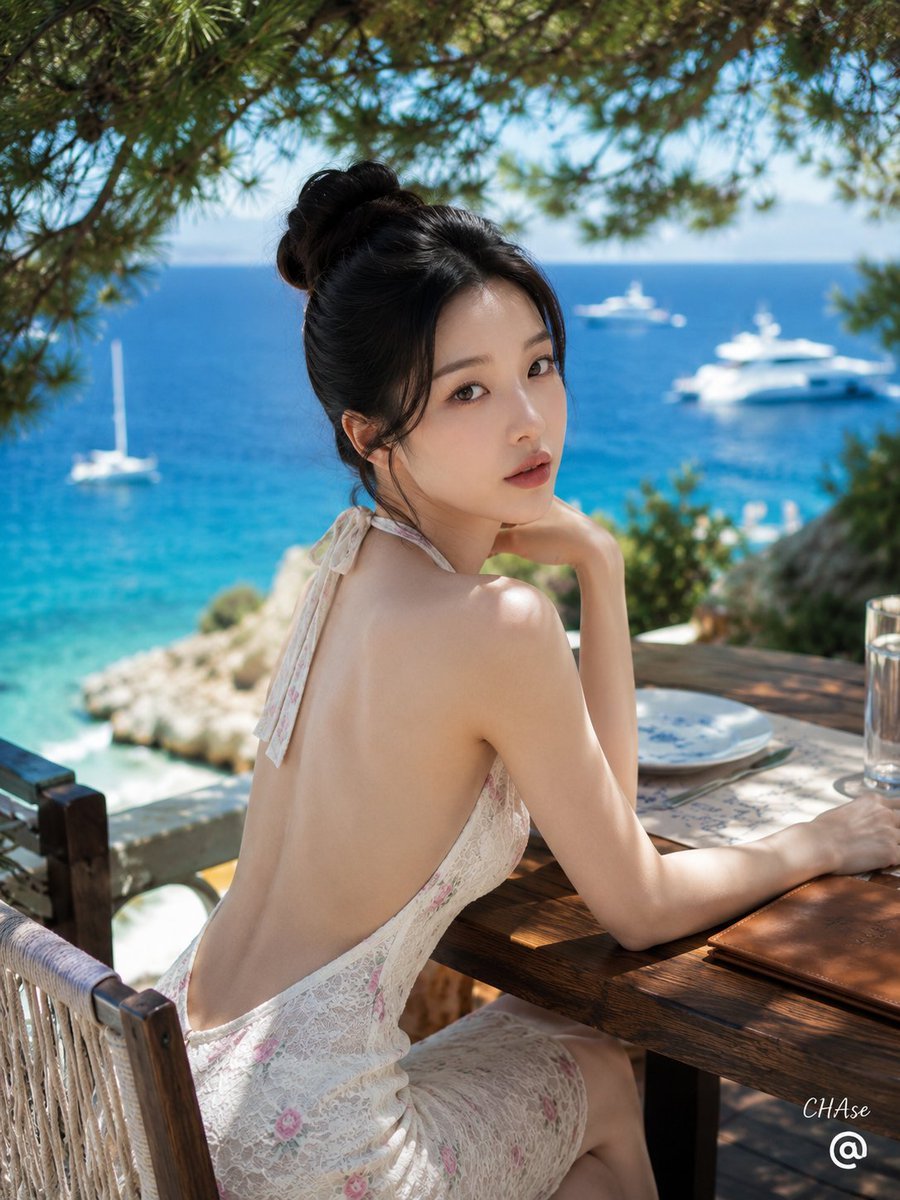
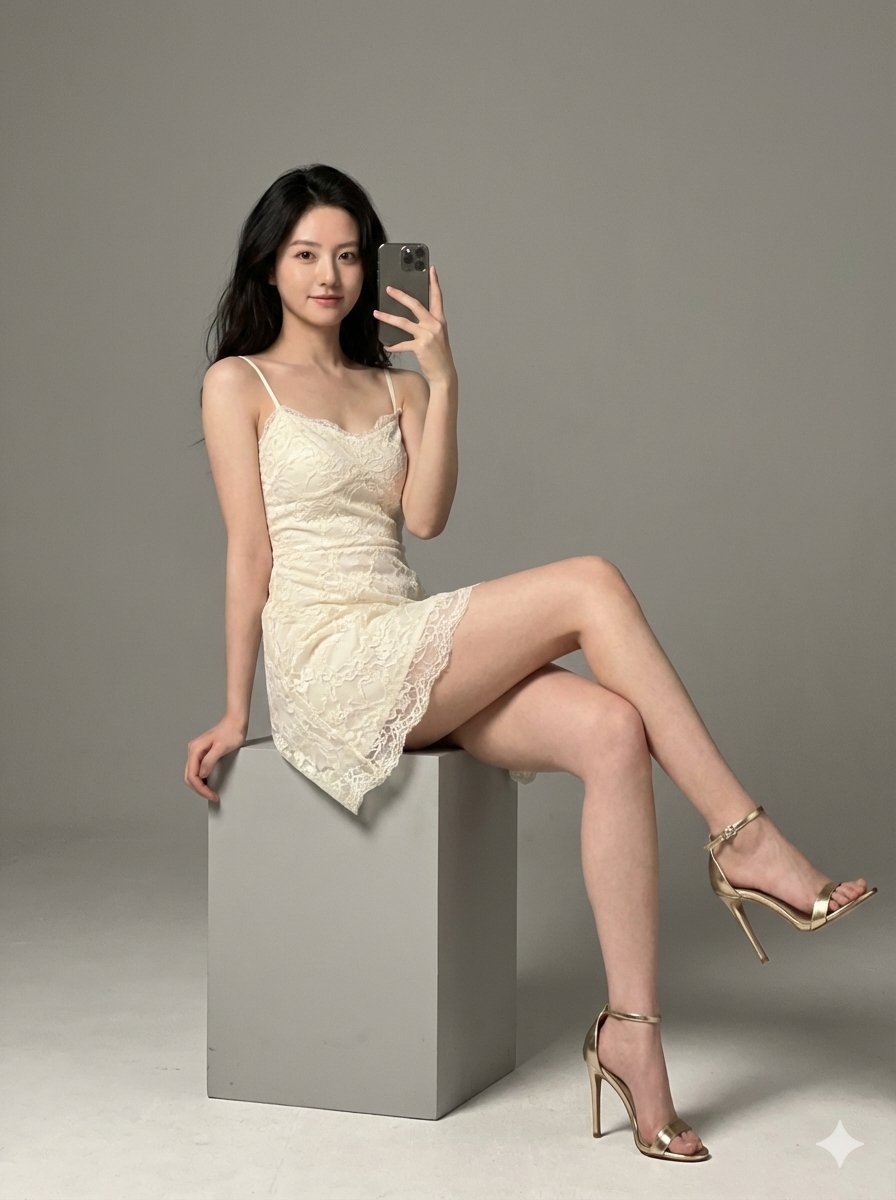
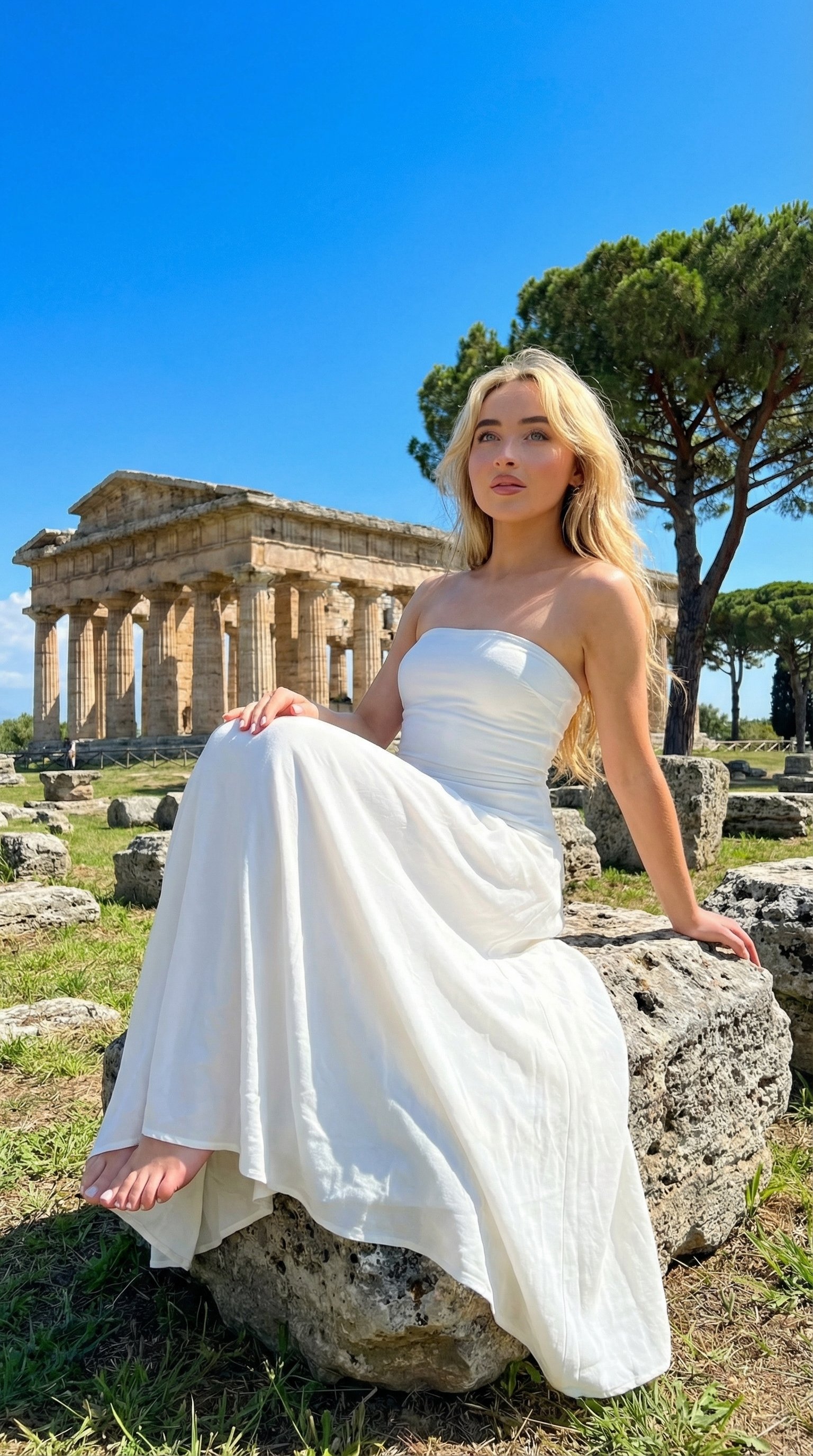
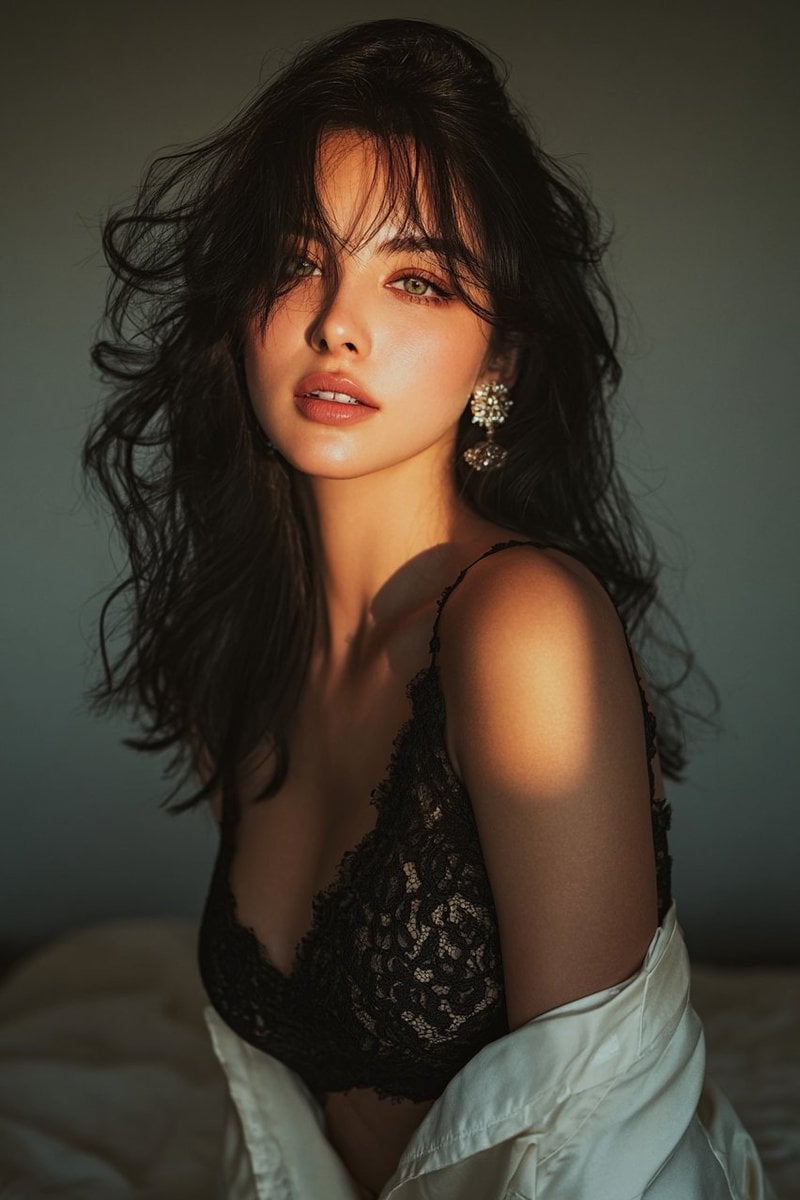
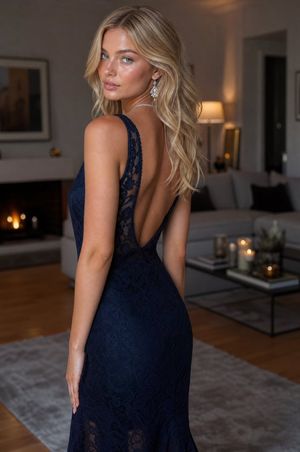
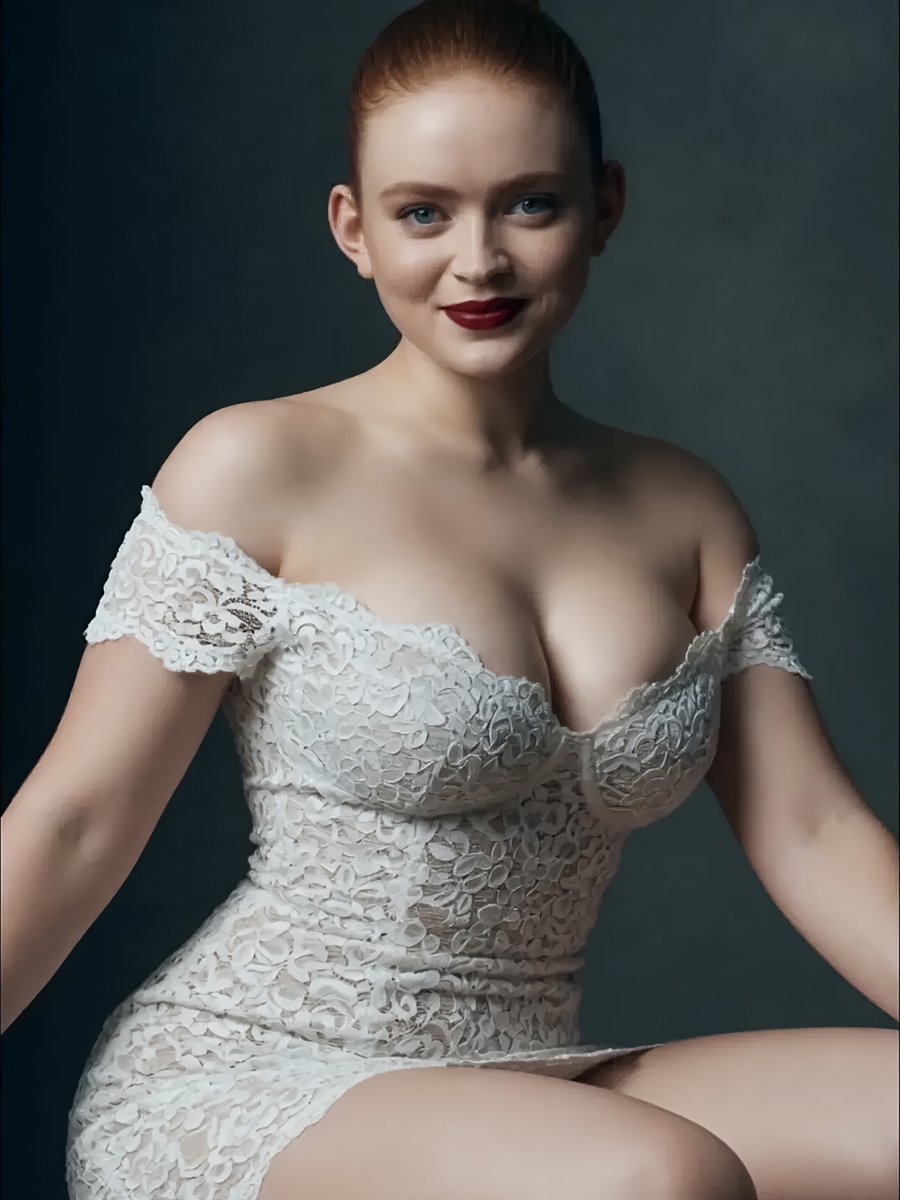
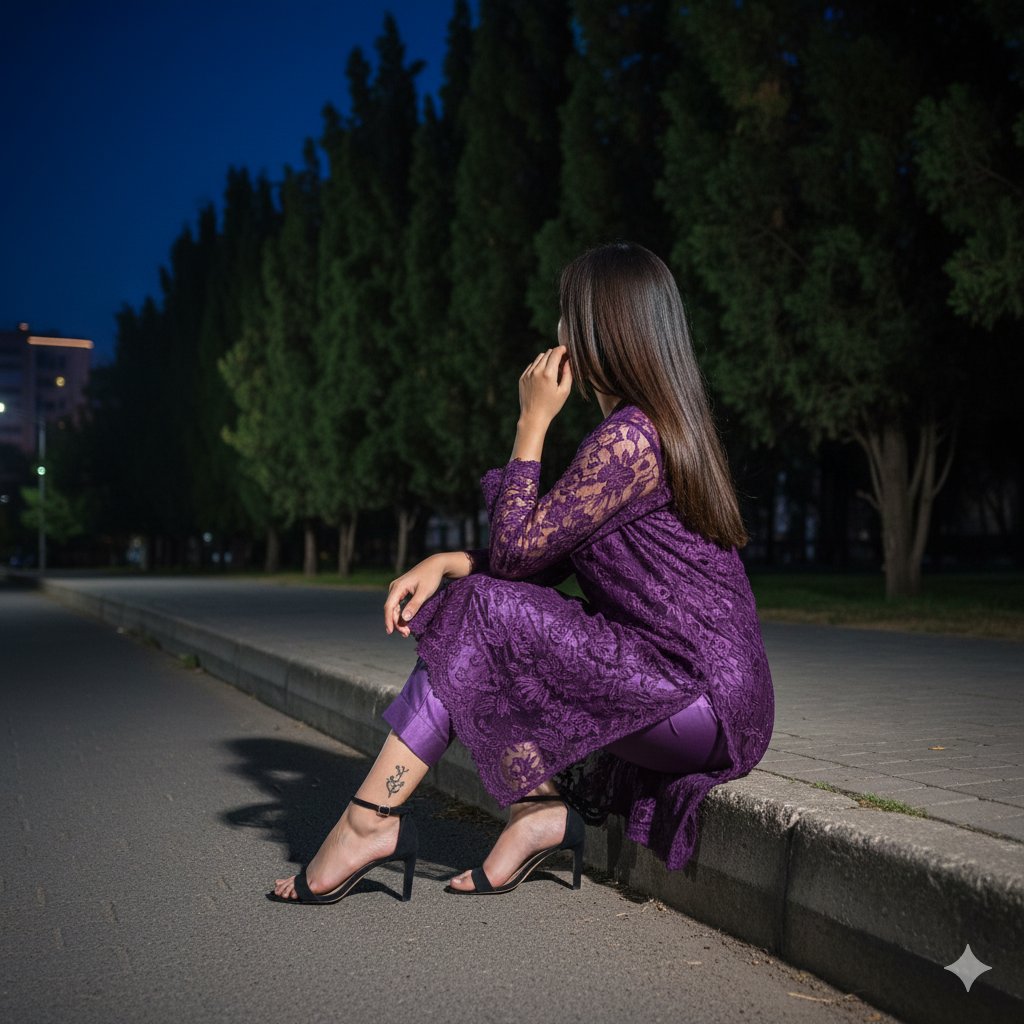
A hyper-realistic lifestyle portrait of a woman in an intricate lace dress sitting at an outdoor terrace with luxury jewelry and hazel eyes.

A high-fidelity, hyper-realistic lifestyle portrait of a {argument name="subject" default="beautiful young woman"} sitting at an {argument name="setting" default="outdoor café table"}, 8k resolution, vertical 9:16 aspect ratio. She has long, wavy, flowing brown hair, soft elegant facial features, and hazel eyes with a gentle, serene expression, softly resting her cheek on her left hand. She is wearing an {argument name="outfit" default="exquisite cream-colored long-sleeve dress made of intricate, detailed floral lace embroidery"}. She is adorned with luxury jewelry: a multi-layered pearl necklace with brilliant blue sapphire drops, matching pearl and sapphire bracelets on her wrists, and elegant dangling earrings. In front of her on a textured marble table, there is a modern sleek smartphone lying flat and a ceramic cup filled with hot black tea with visible delicate steam rising from it. The background features a softly blurred outdoor terrace with vibrant pink blooming flowers on a green bush and a modern glass window structure. Shallow depth of field, natural soft lighting, cinematic photography style.
A high-fidelity, hyper-realistic lifestyle portrait of a {argument name="subject" default="beautiful young woman"} sitting at an {argument name="setting" default="outdoor café table"}, 8k resolution, vertical 9:16 aspect ratio. She has long, wavy, flowing brown hair, soft elegant facial features, and hazel eyes with a gentle, serene expression, softly resting her cheek on her left hand. She is wearing an {argument name="outfit" default="exquisite cream-colored long-sleeve dress made of intricate, detailed floral lace embroidery"}. She is adorned with luxury jewelry: a multi-layered pearl necklace with brilliant blue sapphire drops, matching pearl and sapphire bracelets on her wrists, and elegant dangling earrings. In front of her on a textured marble table, there is a modern sleek smartphone lying flat and a ceramic cup filled with hot black tea with visible delicate steam rising from it. The background features a softly blurred outdoor terrace with vibrant pink blooming flowers on a green bush and a modern glass window structure. Shallow depth of field, natural soft lighting, cinematic photography style.
Edit the prompt in the box under the preview — the template's model and format are already selected — and press Generate. Your version appears right on this page.
Yes. You can change the subject, setting, lighting, mood, format, and available model controls before creating your image.
Opening and editing this template is free. Generating uses credits, shown on the Generate button when you are signed in.
Start with Nano Banana 2, which is the model associated with this template. You can compare another compatible model for a different finish.
Follow a topic to a crawlable collection of related PicX Studio templates.