How do I use the Golden Hour Vintage Film Portrait template?
Edit the prompt in the box under the preview — the template's model and format are already selected — and press Generate. Your version appears right on this page.
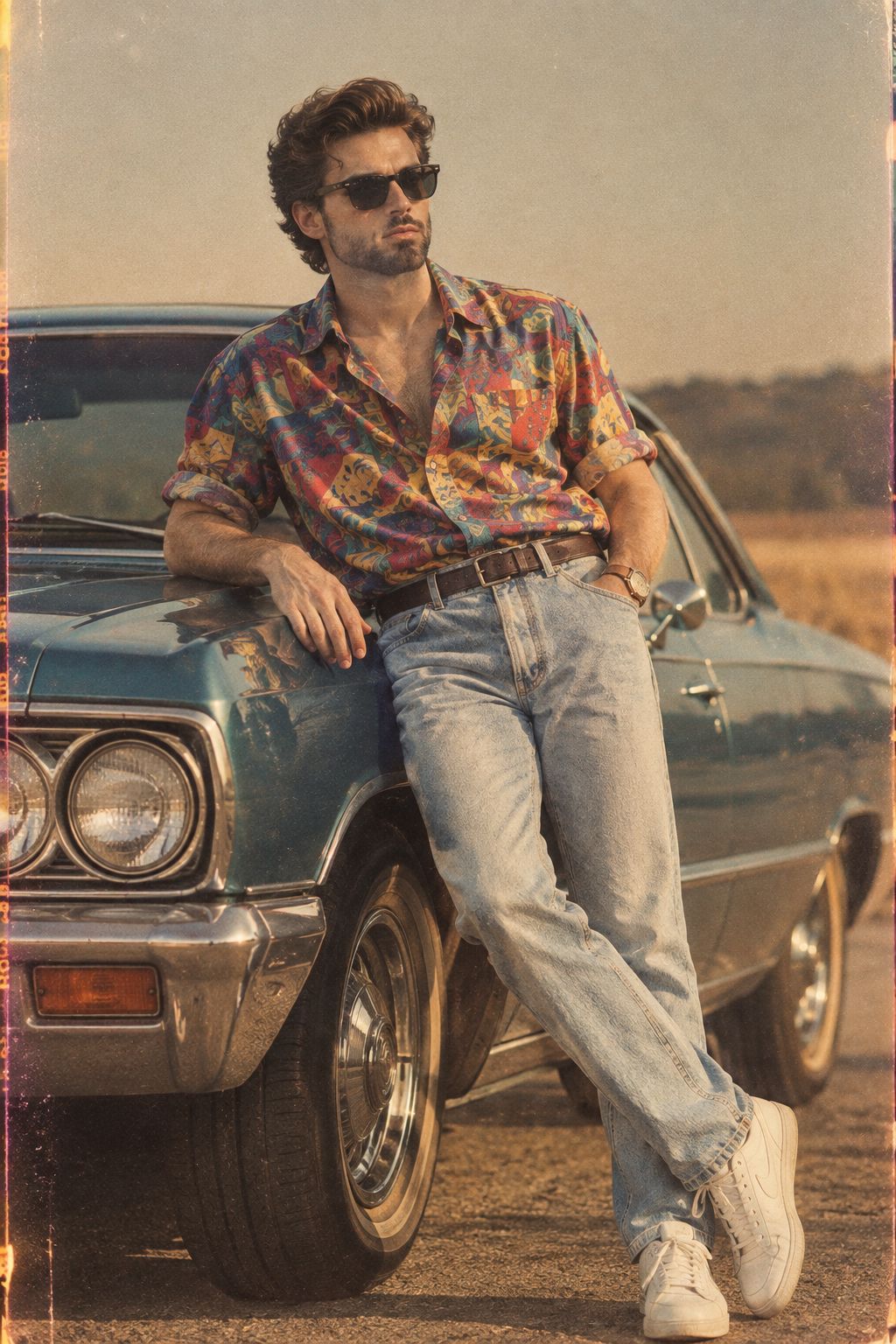
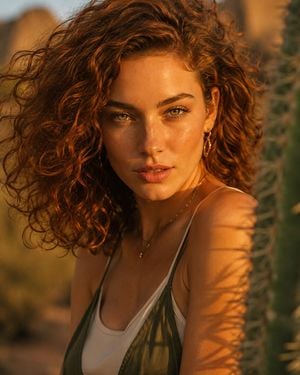
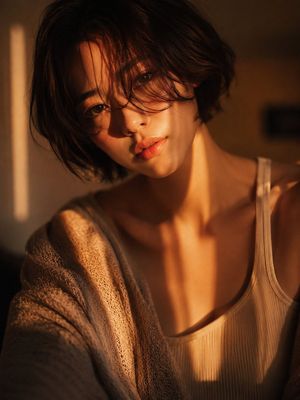
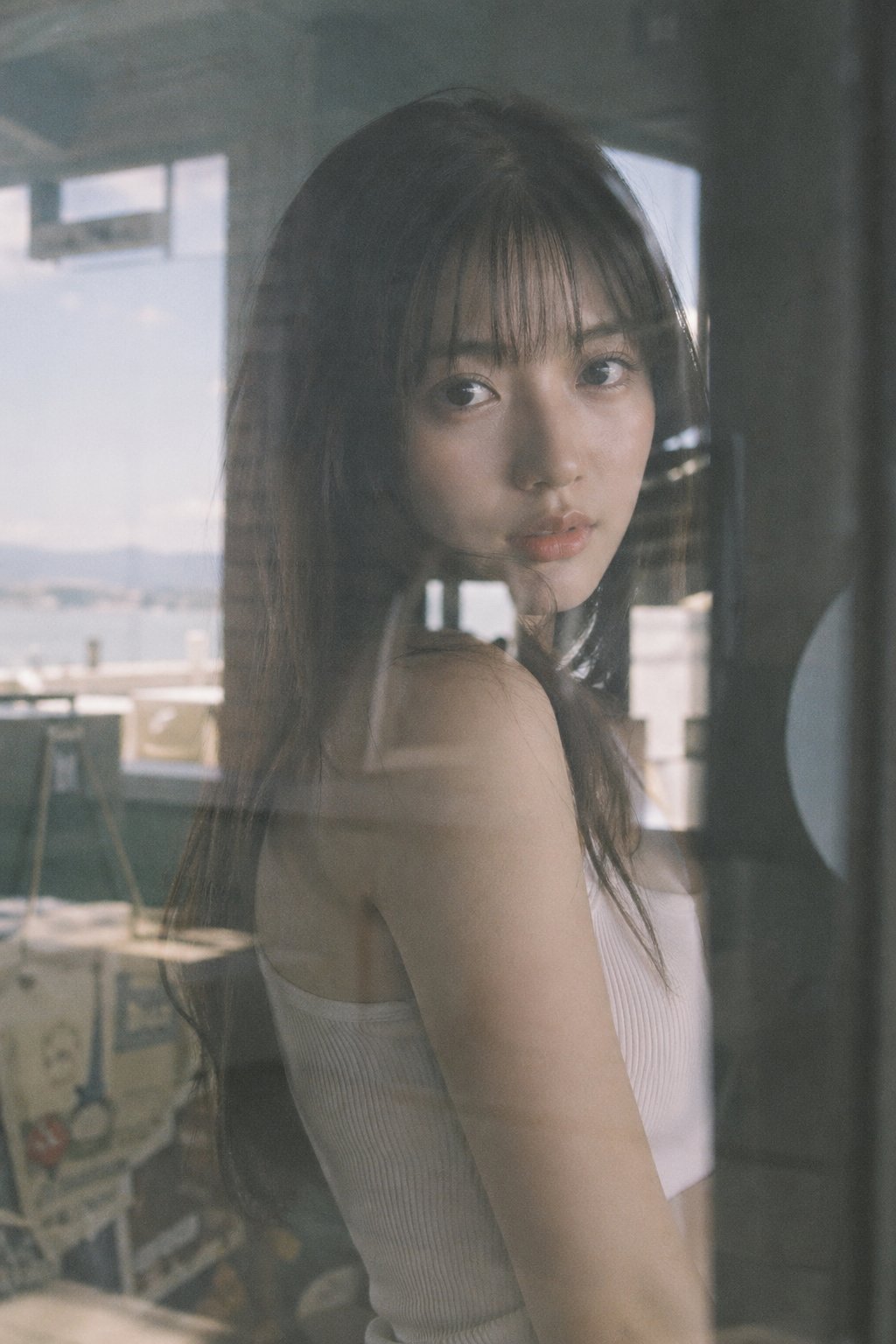
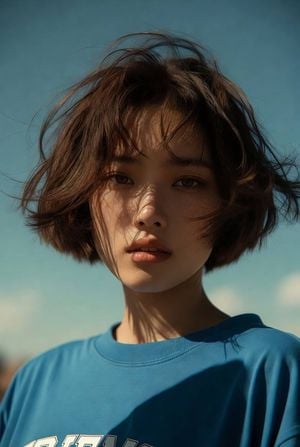
A highly detailed JSON-style prompt for a cinematic, 35mm vintage film portrait of a young woman with wind-swept hair in golden hour sunlight.

{ "subject_details": { "gender": "Female", "age": "{argument name="age" default="Early to mid-20s"}", "complexion": "Fair with a warm, sun-kissed golden glow", "facial_features": [ "Soft, natural brown eyes", "Relaxed, unstyled natural eyebrows", "Smooth, youthful skin texture", "Plump, slightly parted natural pink lips" ], "hair": "{argument name="hair style" default="Short, dark brown messy bob"}, highly wind-swept with fine, dynamic loose strands blowing across her forehead, cheeks, and up into the sky", "expression": "Serene, calm, and subtly confident, looking slightly down directly into the camera lens" }, "apparel_and_textures": { "primary_garment": "{argument name="outfit" default="Crisp white button-down shirt"}", "details": "Collar popped slightly open, unbuttoned at the top to expose the neck and collarbones, lightweight breathable cotton texture", "accessories": "Three delicate, layered thin gold chain necklaces (one featuring tiny metallic beads/links), small subtle stud earring in the left earlobe" }, "makeup_and_styling": { "style": "Fresh-faced, dewy natural summer aesthetic", "details": "Glowing highlighted skin, soft peachy-pink blush across the cheeks and nose, clear lip balm, bare eyes with no heavy mascara or eyeliner" }, "lighting_and_shadows": { "lighting_style": "Intense, direct golden hour sunlight", "light_source": "Low-angle strong sunlight illuminating the subject from the front-left (viewer's perspective)", "shadow_mapping": [ "Sharp, deep shadow cast by the jawline heavily obscuring the right side of the neck", "Crisp shadow cast by the nose downwards toward the right cheek", "Bright, glowing highlights catching the tip of the nose, cheeks, and chin" ] }, "environment_and_colors": { "background": "Clear, completely cloudless open sky", "overall_palette": "High-contrast complementary colors: stark white shirt, warm radiant golden-orange skin tones, and a smooth gradient of bright cerulean blue in the background" }, "cinematography_and_technical": { "shot_composition": "Low-angle medium close-up portrait, framing from the mid-chest up", "camera_equipment": "35mm analog film camera, vintage prime lens", "focus": "Tack-sharp on the facial features, capturing the fine details of the flying hair against the sky", "aesthetic": "Nostalgic summer editorial, classic 90s film photography, breezy cinematic slice-of-life", "aspect_ratio": "4:5" }, "master_prompt": "Cinematic 35mm vintage film portrait of a serene young woman from a low angle, looking slightly down at the camera. Features: glowing sun-kissed skin, natural brown eyes, slightly parted pink lips. Hair: dark brown messy bob, heavily wind-swept with fine loose strands flying across her face against the sky. Wardrobe: crisp white open-collar button-down shirt, three delicate layered thin gold chain necklaces. Makeup: fresh dewy natural skin, soft peach blush, clear lip balm. Lighting: intense
{ "subject_details": { "gender": "Female", "age": "{argument name="age" default="Early to mid-20s"}", "complexion": "Fair with a warm, sun-kissed golden glow", "facial_features": [ "Soft, natural brown eyes", "Relaxed, unstyled natural eyebrows", "Smooth, youthful skin texture", "Plump, slightly parted natural pink lips" ], "hair": "{argument name="hair style" default="Short, dark brown messy bob"}, highly wind-swept with fine, dynamic loose strands blowing across her forehead, cheeks, and up into the sky", "expression": "Serene, calm, and subtly confident, looking slightly down directly into the camera lens" }, "apparel_and_textures": { "primary_garment": "{argument name="outfit" default="Crisp white button-down shirt"}", "details": "Collar popped slightly open, unbuttoned at the top to expose the neck and collarbones, lightweight breathable cotton texture", "accessories": "Three delicate, layered thin gold chain necklaces (one featuring tiny metallic beads/links), small subtle stud earring in the left earlobe" }, "makeup_and_styling": { "style": "Fresh-faced, dewy natural summer aesthetic", "details": "Glowing highlighted skin, soft peachy-pink blush across the cheeks and nose, clear lip balm, bare eyes with no heavy mascara or eyeliner" }, "lighting_and_shadows": { "lighting_style": "Intense, direct golden hour sunlight", "light_source": "Low-angle strong sunlight illuminating the subject from the front-left (viewer's perspective)", "shadow_mapping": [ "Sharp, deep shadow cast by the jawline heavily obscuring the right side of the neck", "Crisp shadow cast by the nose downwards toward the right cheek", "Bright, glowing highlights catching the tip of the nose, cheeks, and chin" ] }, "environment_and_colors": { "background": "Clear, completely cloudless open sky", "overall_palette": "High-contrast complementary colors: stark white shirt, warm radiant golden-orange skin tones, and a smooth gradient of bright cerulean blue in the background" }, "cinematography_and_technical": { "shot_composition": "Low-angle medium close-up portrait, framing from the mid-chest up", "camera_equipment": "35mm analog film camera, vintage prime lens", "focus": "Tack-sharp on the facial features, capturing the fine details of the flying hair against the sky", "aesthetic": "Nostalgic summer editorial, classic 90s film photography, breezy cinematic slice-of-life", "aspect_ratio": "4:5" }, "master_prompt": "Cinematic 35mm vintage film portrait of a serene young woman from a low angle, looking slightly down at the camera. Features: glowing sun-kissed skin, natural brown eyes, slightly parted pink lips. Hair: dark brown messy bob, heavily wind-swept with fine loose strands flying across her face against the sky. Wardrobe: crisp white open-collar button-down shirt, three delicate layered thin gold chain necklaces. Makeup: fresh dewy natural skin, soft peach blush, clear lip balm. Lighting: intense
Edit the prompt in the box under the preview — the template's model and format are already selected — and press Generate. Your version appears right on this page.
Yes. You can change the subject, setting, lighting, mood, format, and available model controls before creating your image.
Opening and editing this template is free. Generating uses credits, shown on the Generate button when you are signed in.
Start with Nano Banana 2, which is the model associated with this template. You can compare another compatible model for a different finish.
Follow a topic to a crawlable collection of related PicX Studio templates.