How do I use the Urban Street Fashion Couple Selfie template?
Edit the prompt in the box under the preview — the template's model and format are already selected — and press Generate. Your version appears right on this page.
A photorealistic prompt for a top-down couple's selfie featuring edgy urban fashion, boho accessories, and a candid social media aesthetic.

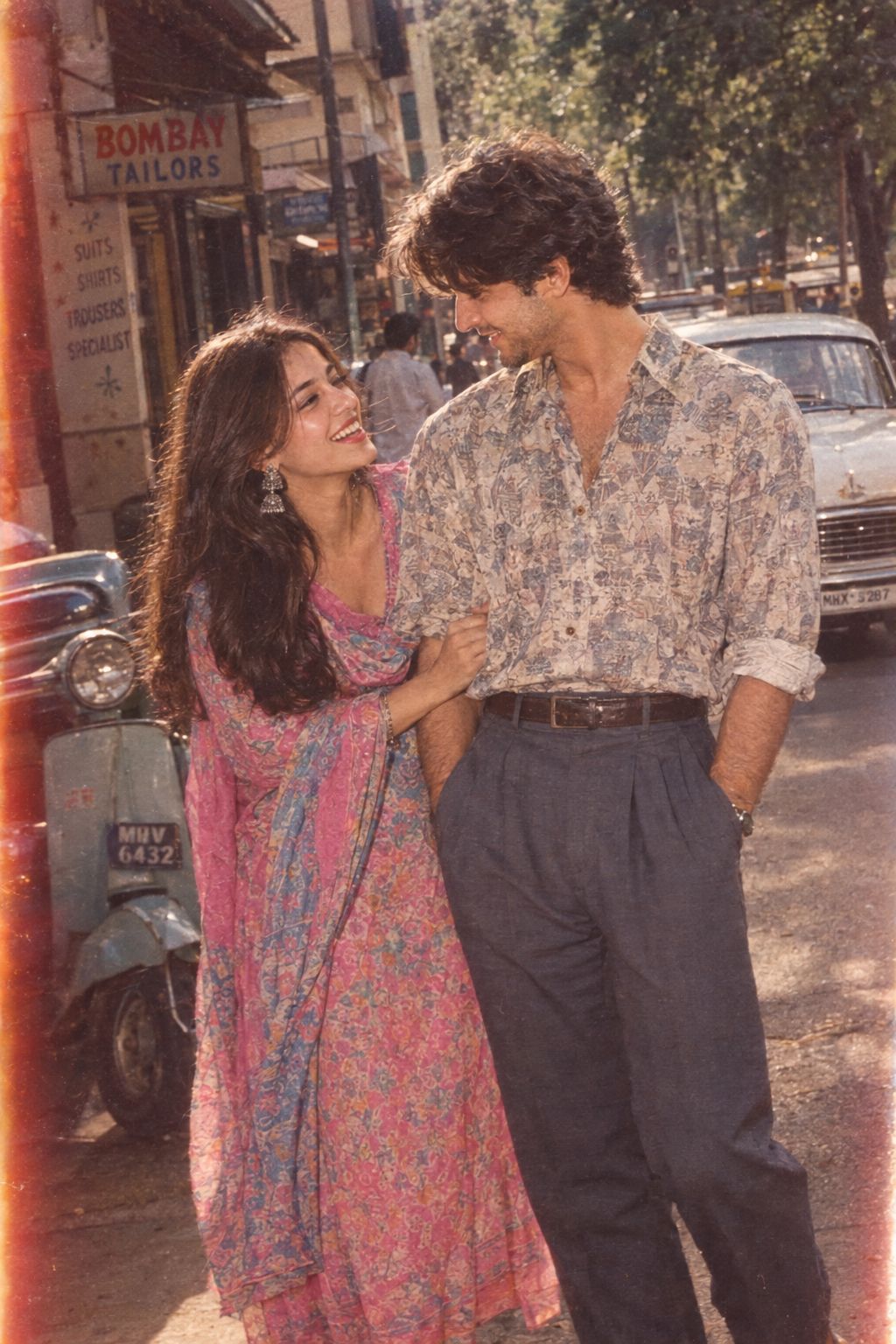
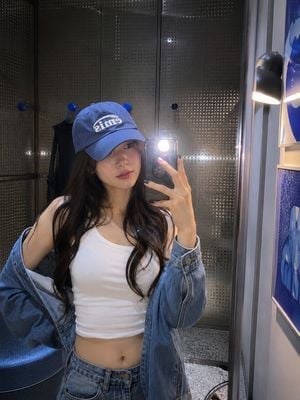
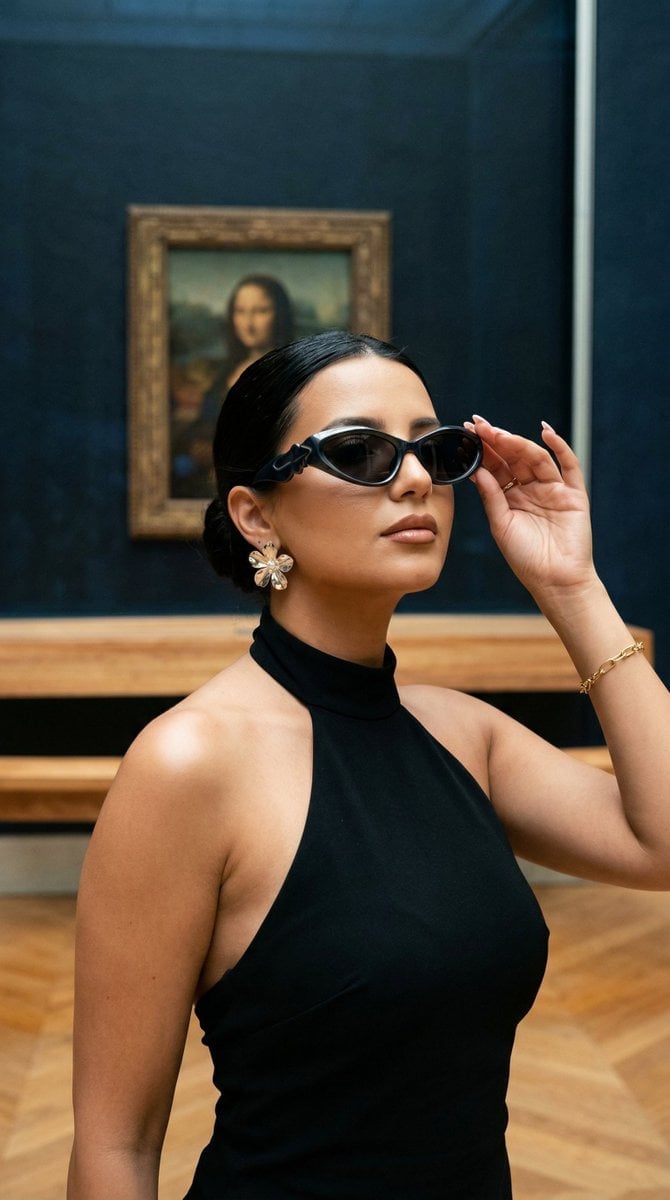
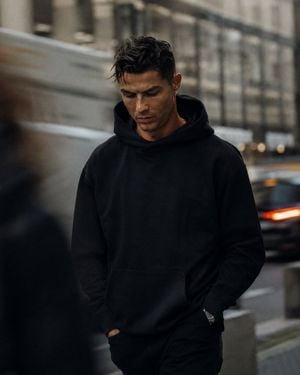
Ultra-photorealistic top-down {argument name="subject" default="couple selfie"} taken from above, stylish street-fashion aesthetic, cool candid vibe. A fashionable young couple stands close together under a textured concrete ceiling, looking up at the camera in a playful, confident pose. The composition is slightly tilted and editorial, with a casual but trendy social-media feel. The woman has straight dark hair with soft bangs, full lips, and a chic sultry expression. She wears narrow oval sunglasses, layered necklaces, a brown strapless or bandeau-style top, and bold statement accessories such as an arm cuff, bracelets, and rings. Her style feels boho, edgy, and effortlessly cool. The man stands very close beside her, leaning in so their heads nearly touch. He has dark hair, stylish clear or thin metal-frame glasses, and a soft pout or playful kissy expression. He wears a modern layered outfit such as a dark jacket over a light top, with subtle jewelry or necklace details. His vibe is artsy, trendy, and urban. Both should feel like a stylish couple with coordinated fashion energy. The mood is intimate, youthful, and aesthetic, like a candid Instagram or Pinterest street-style selfie. Neutral muted color palette, soft daylight, realistic skin texture, slightly moody tone, clean but lived-in urban feel. Style details: top-view selfie, urban fashion couple, trendy accessories, editorial street style, soft natural lighting, cool neutral tones, intimate framing, candid social-media aesthetic, realistic phone-camera look. Negative prompt: blurry face, distorted hands, extra limbs, bad anatomy, cartoon, illustration, low quality, awkward pose, messy composition, overly bright colors, plastic skin, duplicate features, unrealistic glasses, deformed accessories
Ultra-photorealistic top-down {argument name="subject" default="couple selfie"} taken from above, stylish street-fashion aesthetic, cool candid vibe. A fashionable young couple stands close together under a textured concrete ceiling, looking up at the camera in a playful, confident pose. The composition is slightly tilted and editorial, with a casual but trendy social-media feel. The woman has straight dark hair with soft bangs, full lips, and a chic sultry expression. She wears narrow oval sunglasses, layered necklaces, a brown strapless or bandeau-style top, and bold statement accessories such as an arm cuff, bracelets, and rings. Her style feels boho, edgy, and effortlessly cool. The man stands very close beside her, leaning in so their heads nearly touch. He has dark hair, stylish clear or thin metal-frame glasses, and a soft pout or playful kissy expression. He wears a modern layered outfit such as a dark jacket over a light top, with subtle jewelry or necklace details. His vibe is artsy, trendy, and urban. Both should feel like a stylish couple with coordinated fashion energy. The mood is intimate, youthful, and aesthetic, like a candid Instagram or Pinterest street-style selfie. Neutral muted color palette, soft daylight, realistic skin texture, slightly moody tone, clean but lived-in urban feel. Style details: top-view selfie, urban fashion couple, trendy accessories, editorial street style, soft natural lighting, cool neutral tones, intimate framing, candid social-media aesthetic, realistic phone-camera look. Negative prompt: blurry face, distorted hands, extra limbs, bad anatomy, cartoon, illustration, low quality, awkward pose, messy composition, overly bright colors, plastic skin, duplicate features, unrealistic glasses, deformed accessories
Edit the prompt in the box under the preview — the template's model and format are already selected — and press Generate. Your version appears right on this page.
Yes. You can change the subject, setting, lighting, mood, format, and available model controls before creating your image.
Opening and editing this template is free. Generating uses credits, shown on the Generate button when you are signed in.
Start with Nano Banana 2, which is the model associated with this template. You can compare another compatible model for a different finish.
Follow a topic to a crawlable collection of related PicX Studio templates.