
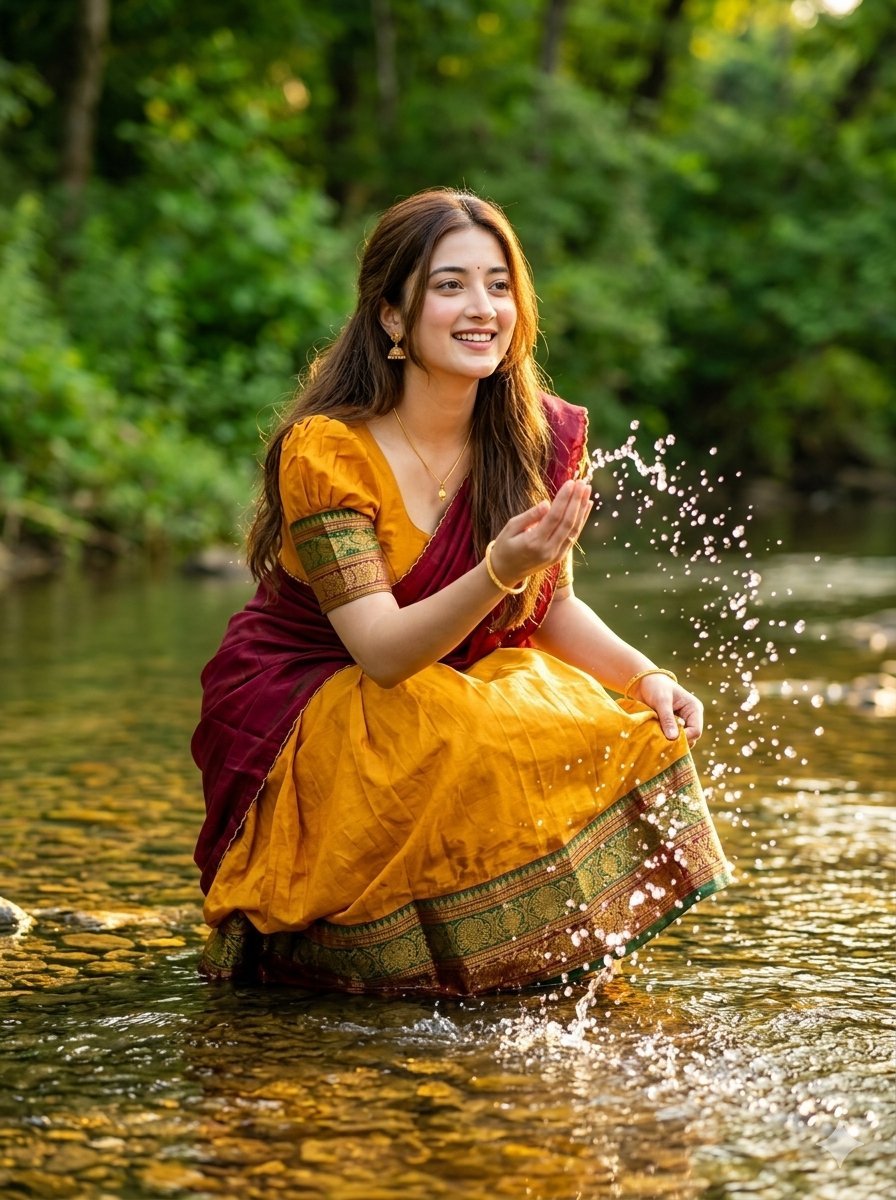
Joyful Forest River Saree Portrait
A cinematic nature prompt for a woman in a vibrant saree splashing water in a lush forest during golden hour.
- Prompt included
- Model and format preset
- Premium template
The prompt behind this image
Copy the exact prompt behind Joyful Forest River Saree Portrait, or open it in the studio and make it yours.
Photorealistic outdoor portrait of a joyful young woman playing in a shallow forest river. She wears a vibrant {argument name="outfit color" default="mustard yellow"} {argument name="outfit type" default="cotton silk half-saree"} with a rich temple border in green, gold, and maroon, paired with a matching mustard yellow puff-sleeve blouse. A deep maroon silk dupatta is draped over one shoulder. Minimal gold jewelry, small jhumka earrings, a thin gold chain with a pendant, and simple gold bangles. Long, wavy open hair cascading down, with natural dewy makeup. Candid pose crouching at the water's edge, leaning forward and playfully splashing water with one hand while holding her skirt with the other, a bright smile looking into the distance. Lush green forest background, clear shallow river with visible stones, {argument name="lighting" default="golden hour natural light"} reflecting on water, with droplets frozen mid-air. Cinematic nature photography, dynamic motion, vibrant colors, nostalgic and carefree mood, 8k, 50mm lens, photorealistic, editorial style --ar 3:4
How to use Joyful Forest River Saree Portrait in 3 steps
- 1
Open
The prompt is already in the box next to the preview, with the template's model and format selected.
- 2…a portrait of your subject in softgolden-hour light, 85mm…
Personalize
Edit the subject and creative details for your destination.
- 3Generate
Generate
Press Generate — your image is created in PicX Studio, so you can compare it with the original and refine one variable at a time.
More like this
Templates with the same subject, style or setup. Open one to see its prompt.
Enchanted Forest Root Kiss Scene By Nano
Found Photograph: Us, 1970
80s Couple Studio Portrait
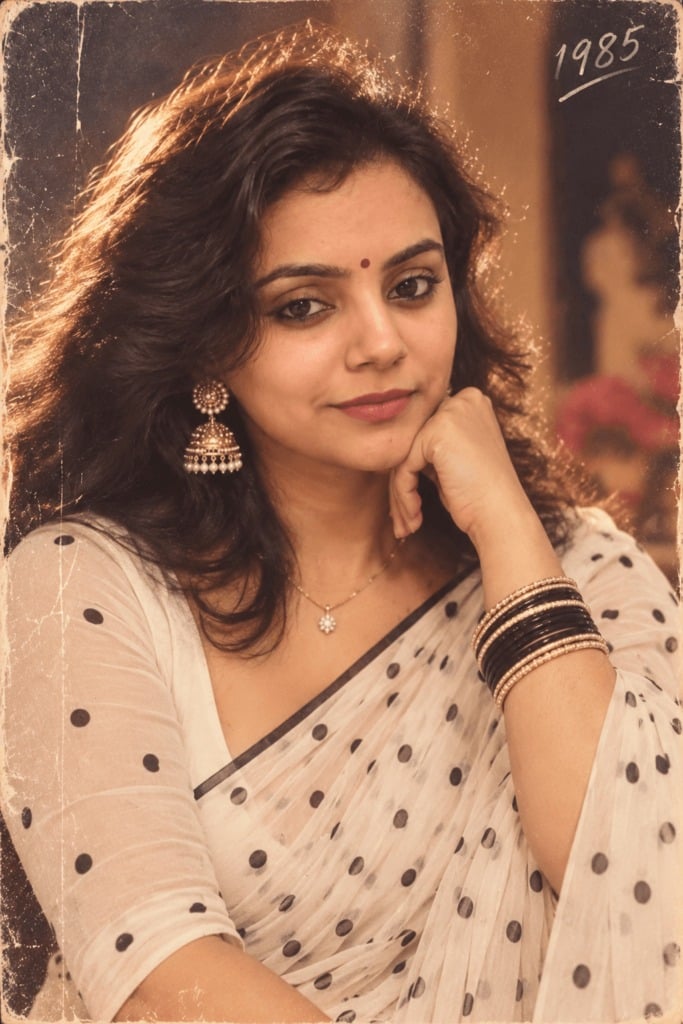
80s Polka Dot Saree
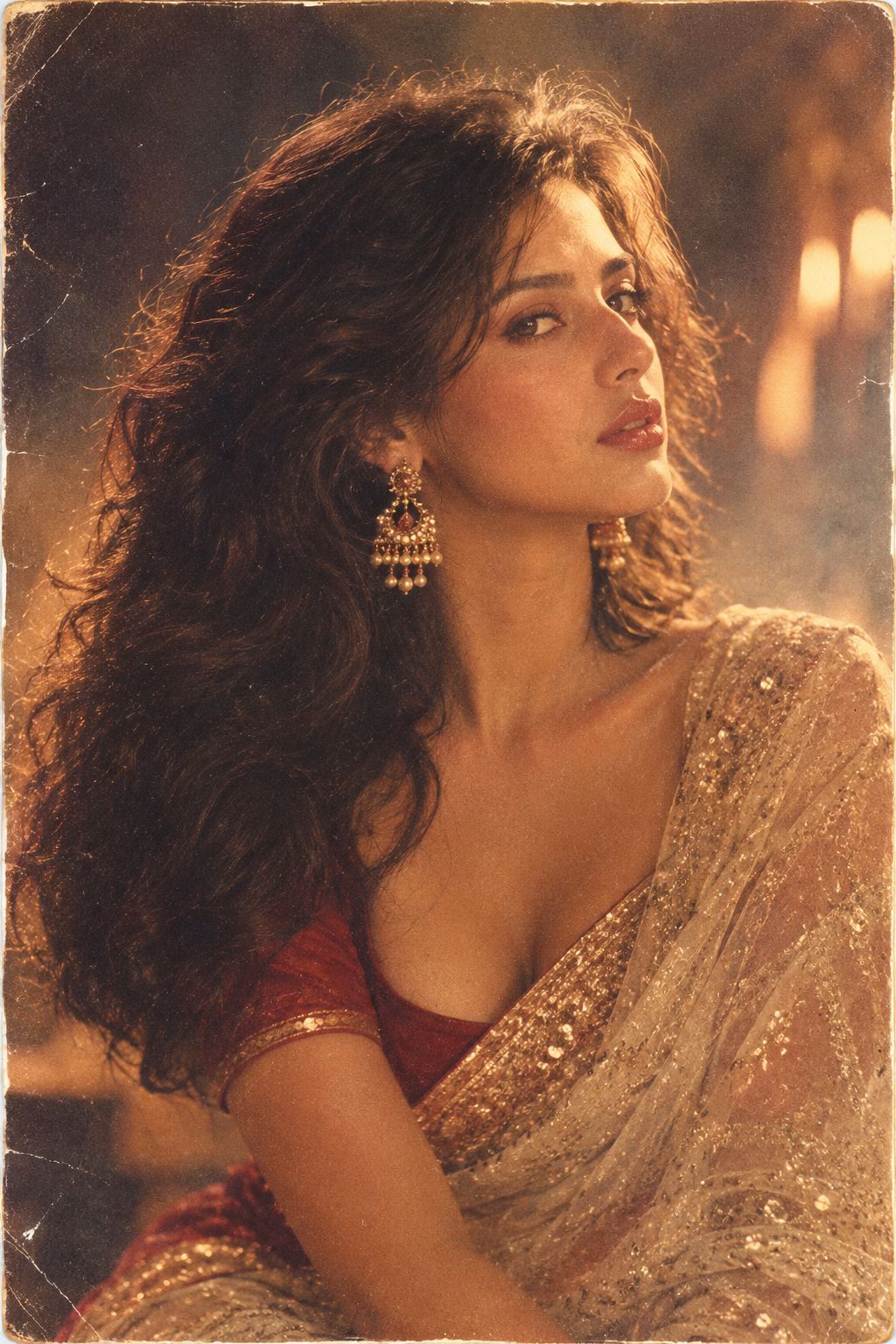
80s Bollywood Star
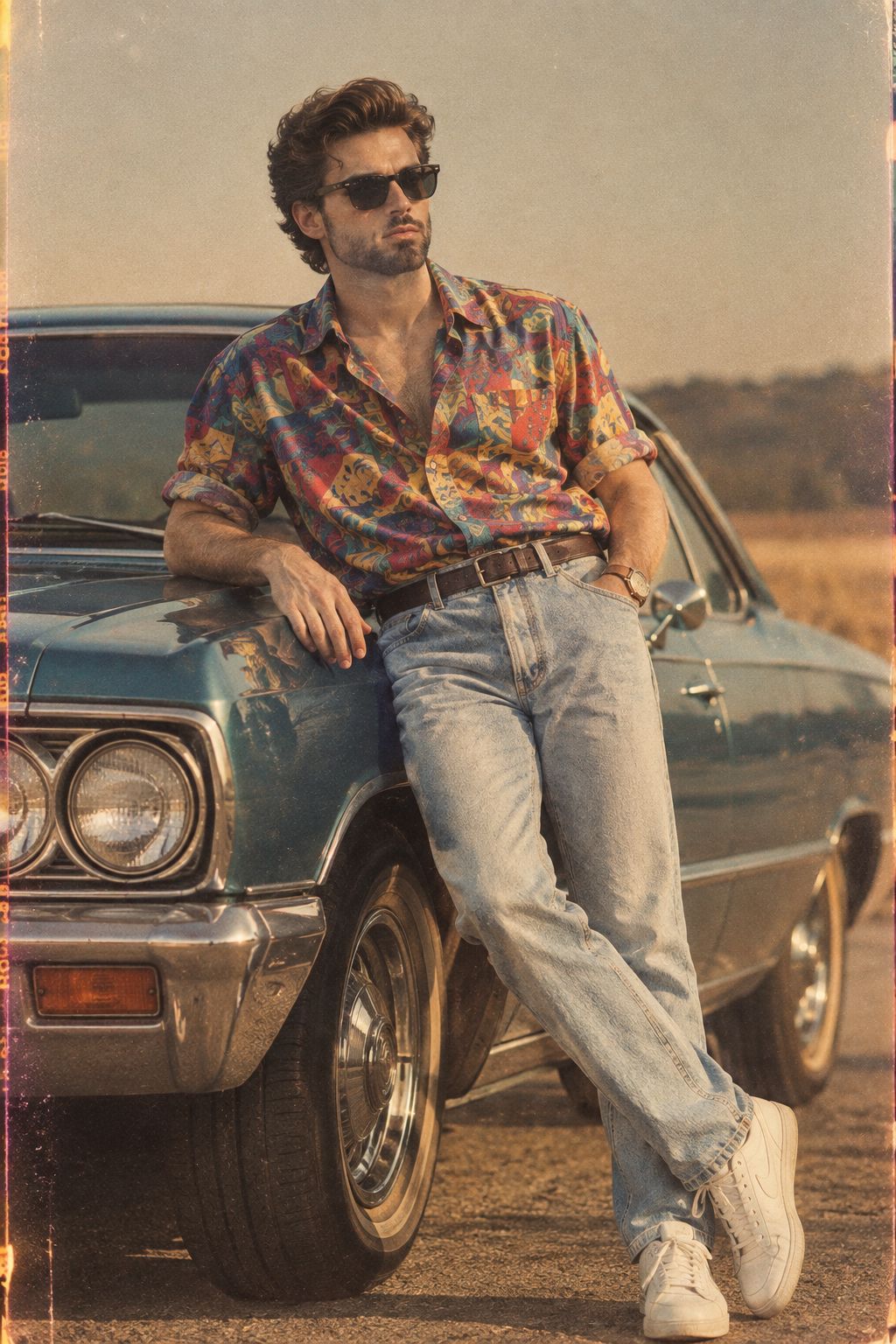
80s Golden Hour Cinema
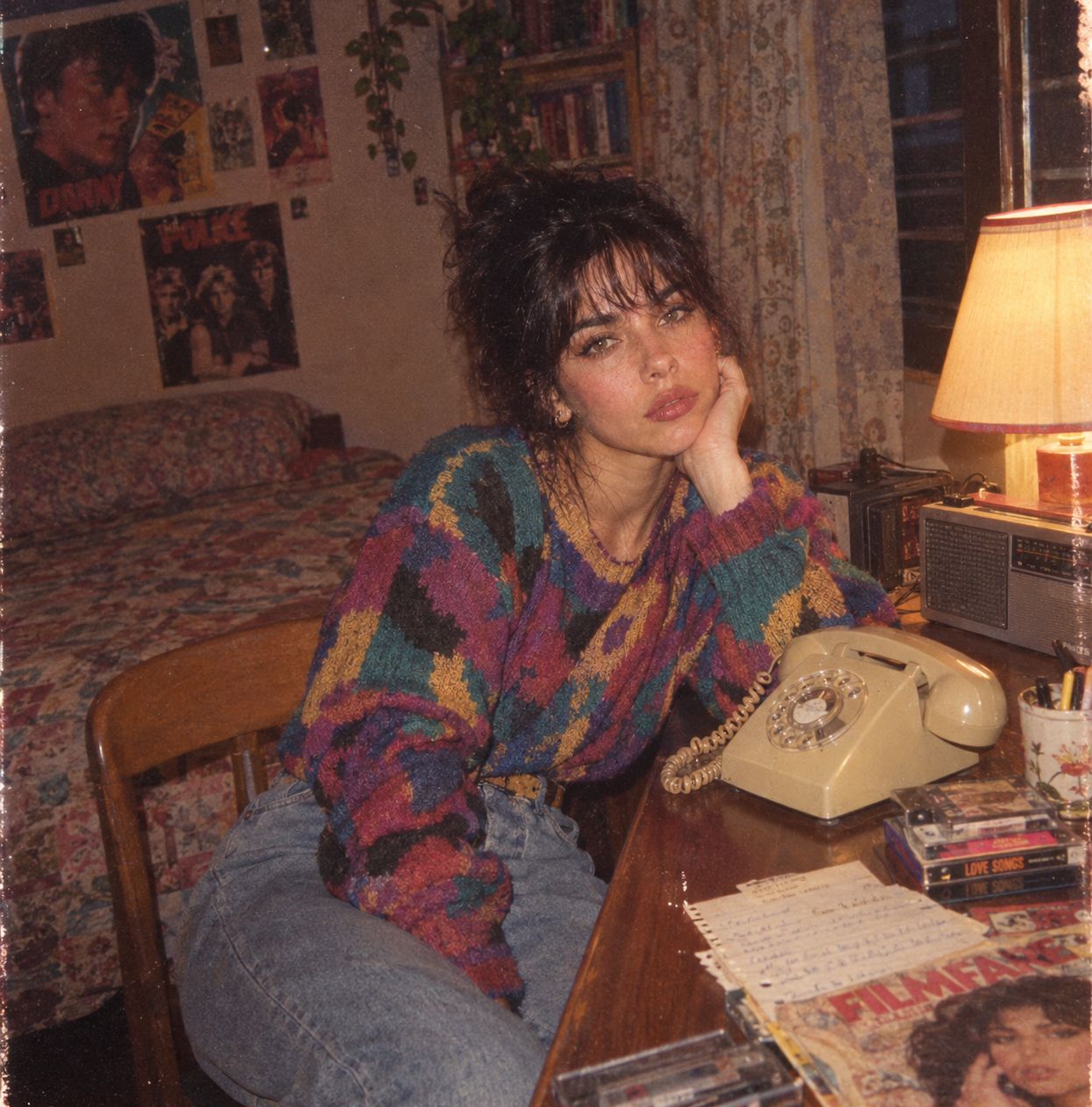
Me in 1985
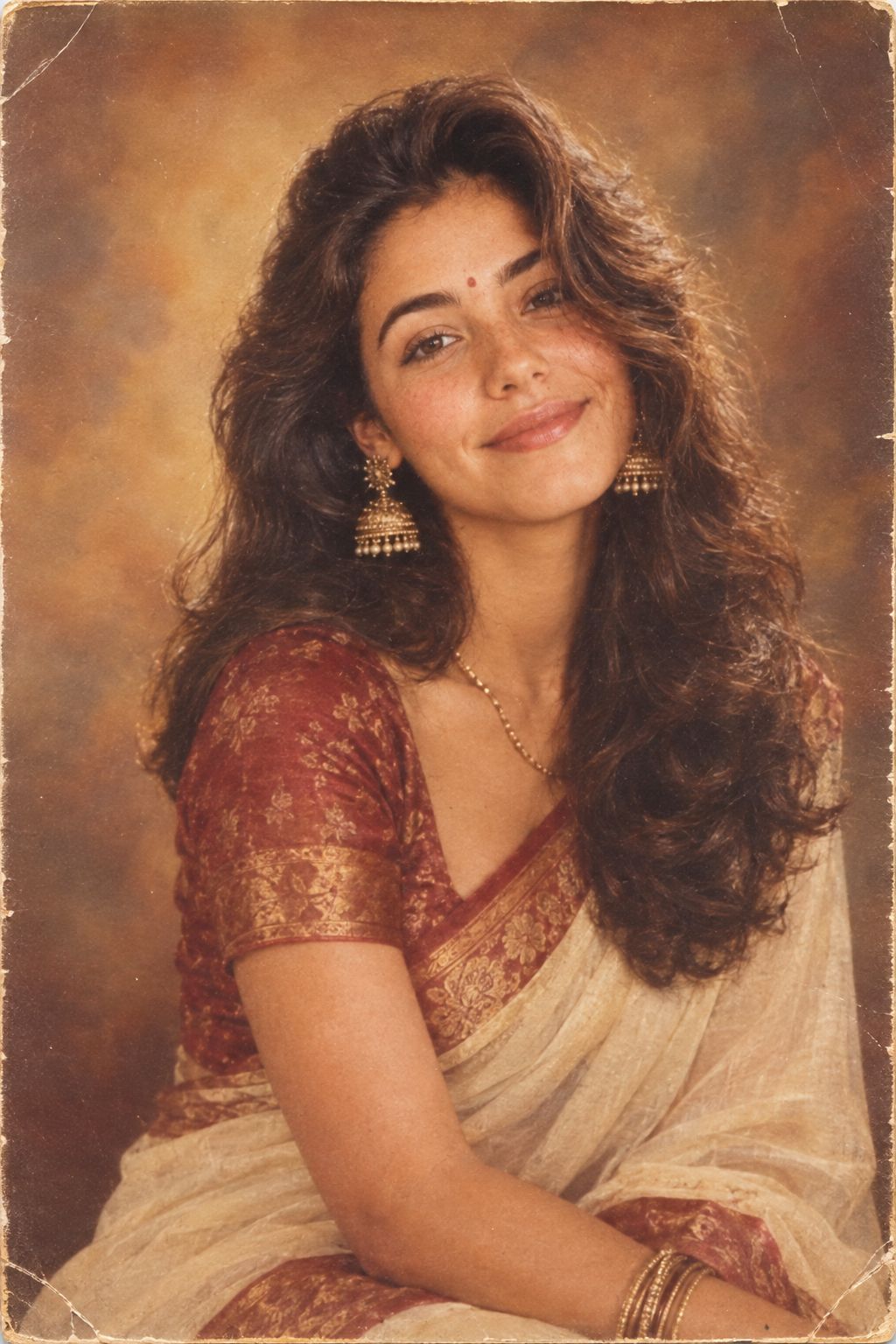
1985 Studio Portrait
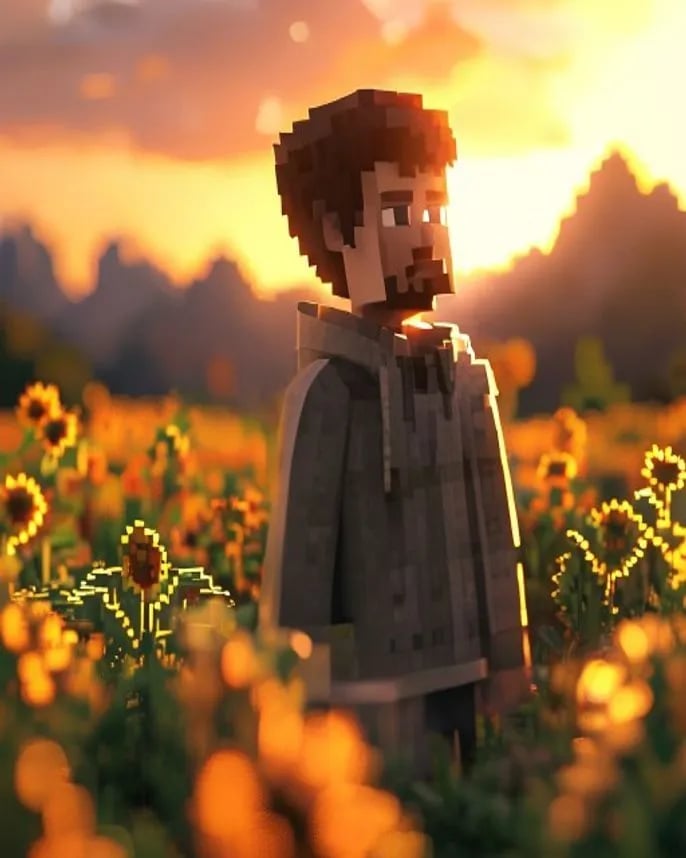
Hyper-Realistic Minecraft POV Portrait
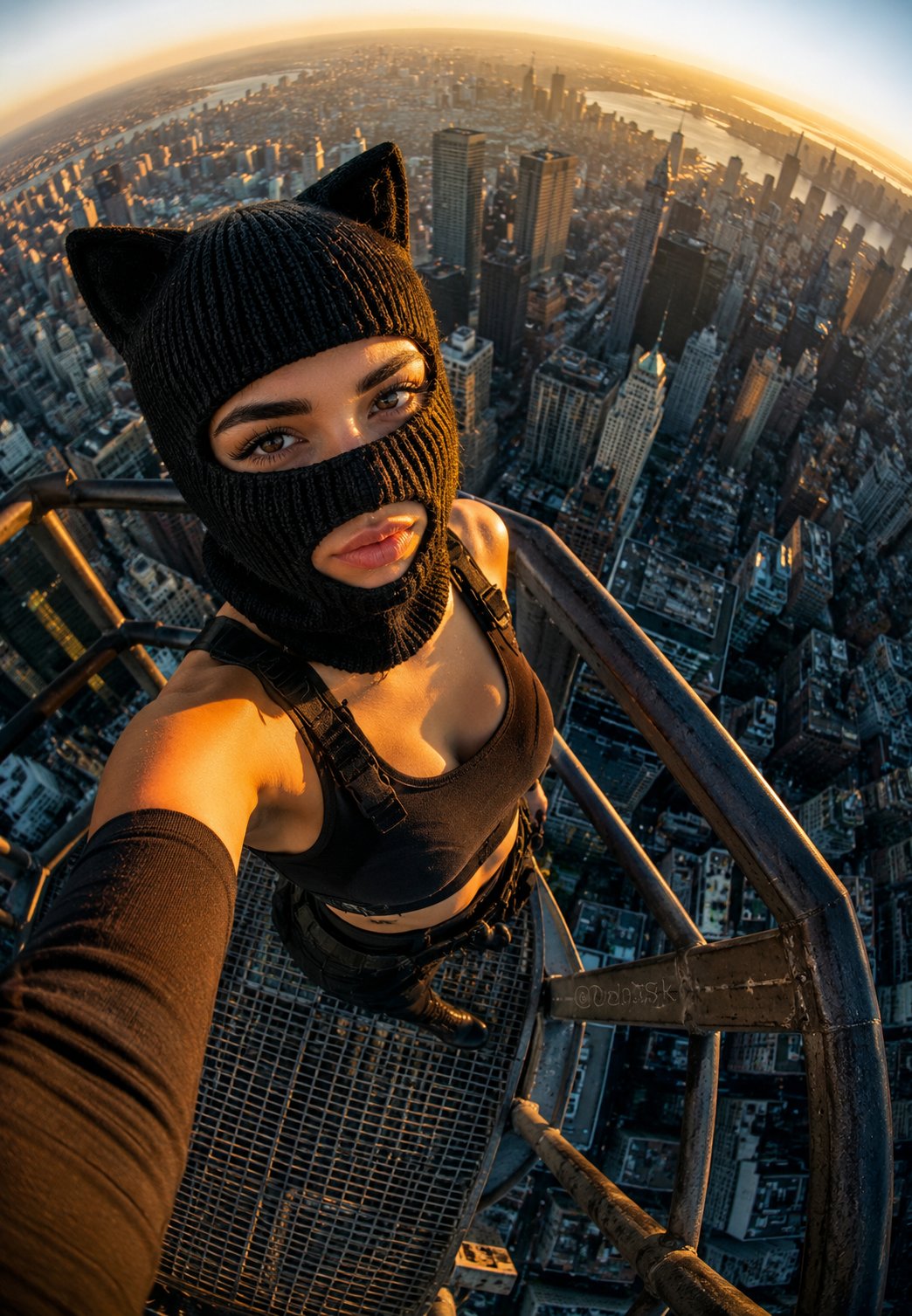
Rooftop Fisheye — Cat-Ear Balaclava at Golden Hour
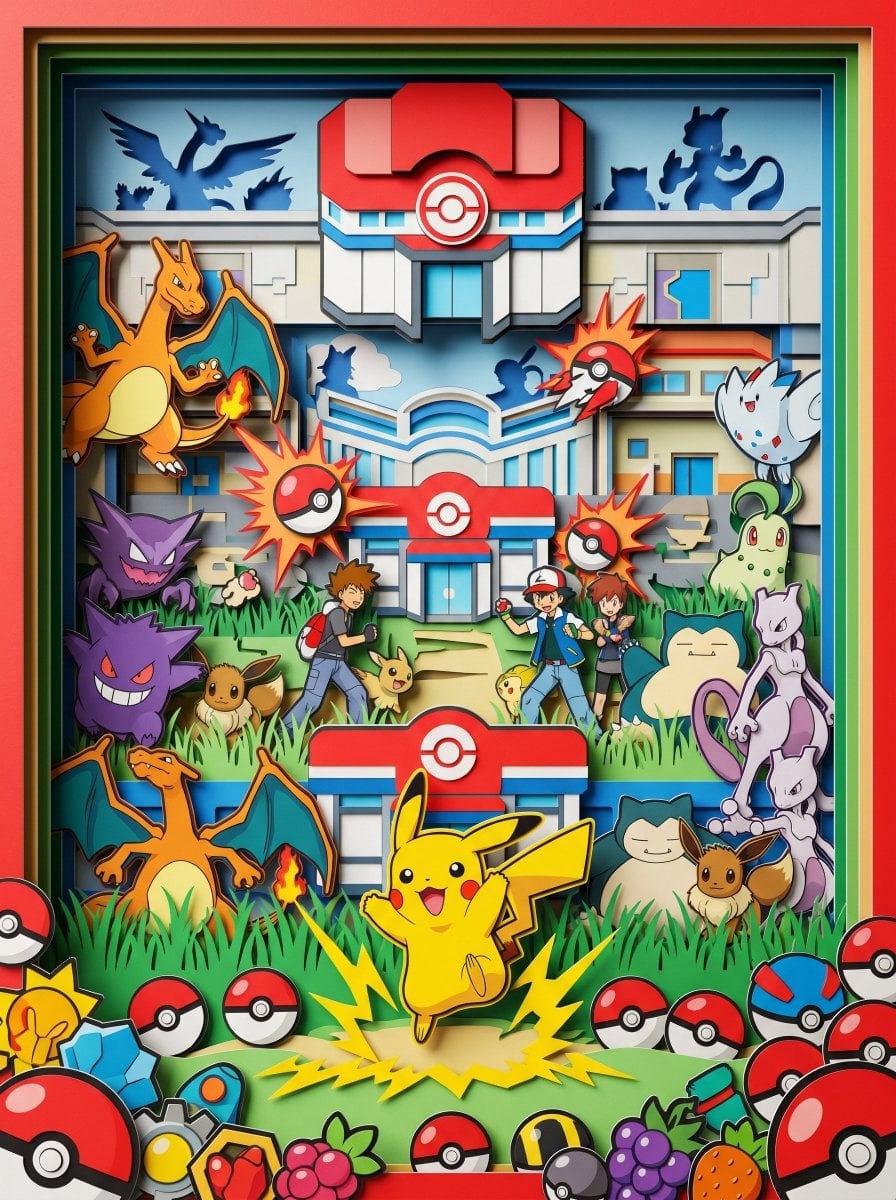
Layered Paper Cut Forest Diorama
Rainy Café Window Moody Portrait
Make it yours
Joyful Forest River Saree Portrait works as-is. These are the safest ways to change it without losing the look.
Change one field
Copy a single group, rewrite it, and generate again so you can see what that field is doing.
Keep the frame, change the subject
Hold the composition and light of Joyful Forest River Saree Portrait, then swap wardrobe, props or the person for a new take.
| If the result… | Why | Fix |
|---|---|---|
| The result drifts from the preview | Too many fields changed at once. | Reuse Joyful Forest River Saree Portrait as-is first, then change one group — subject, light, or setting. |
| The model over-stylizes the scene | The prose prompt leaves finish and camera underspecified. | Add one camera or lighting sentence and stay on Nano Banana 2. |
More Nano Banana 2 templates
Other prompts made for Nano Banana 2.
Photorealistic Leaf Shaped Like a Dragon
K-Pop Idol Portrait Grid for Rapid Selection
Poetic Rain Forest Portrait During Golden Hour
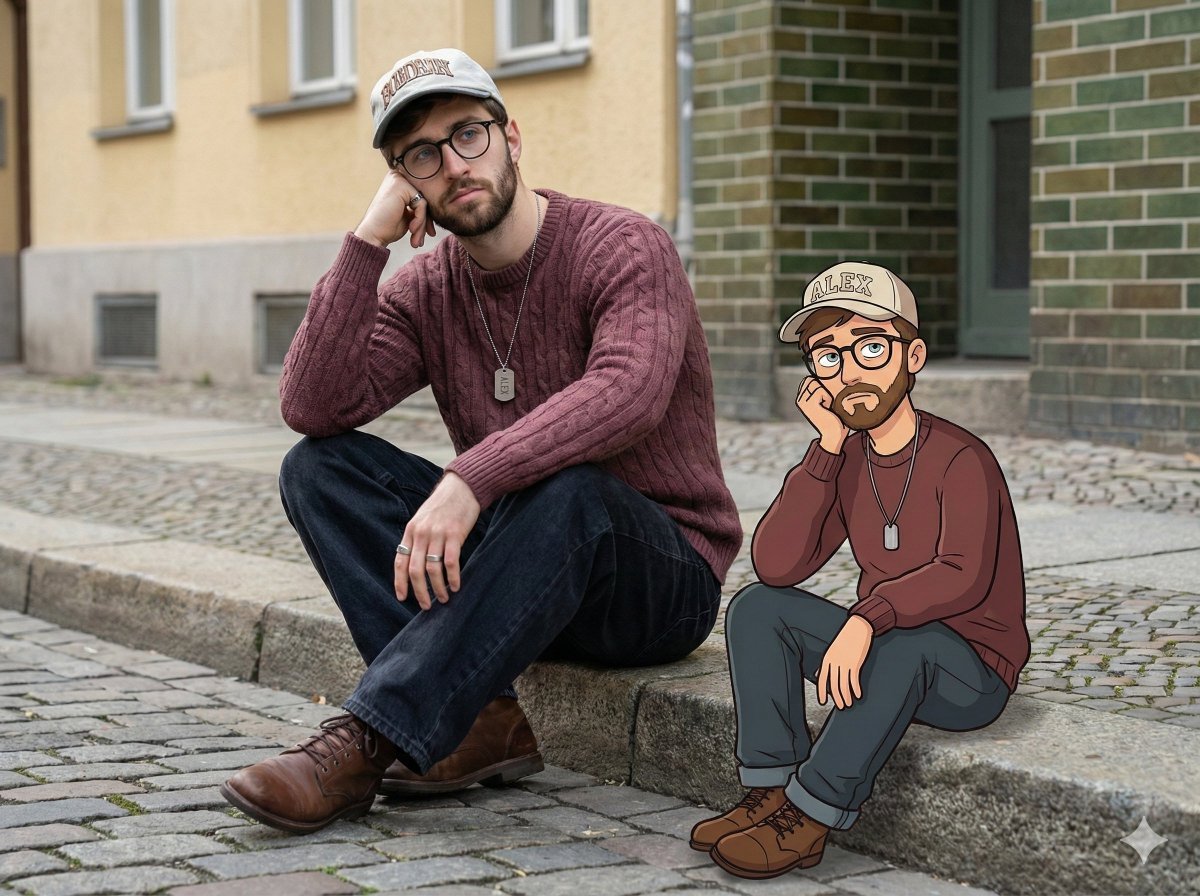
Urban Street Portrait with Cartoon Inner Self Duo
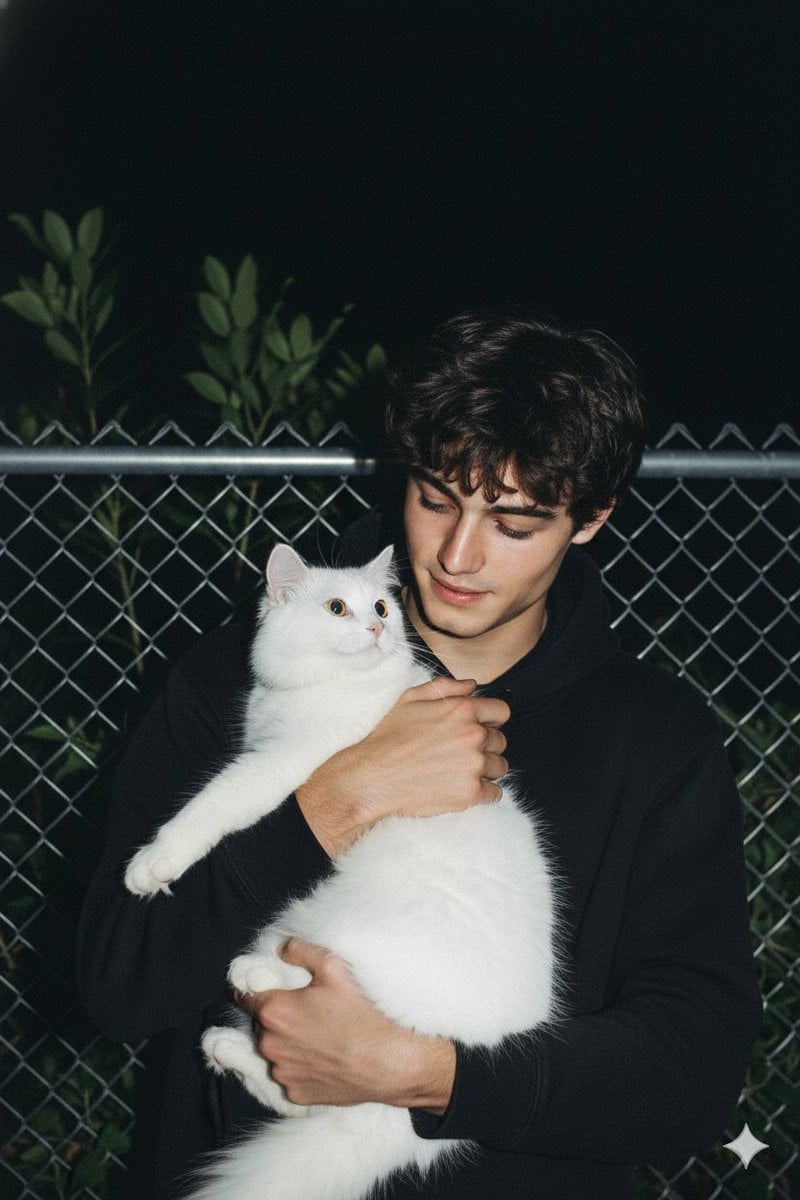
Candid Nighttime Photo with Cat Prompt

High-Concept 3D Diorama Generation Prompt
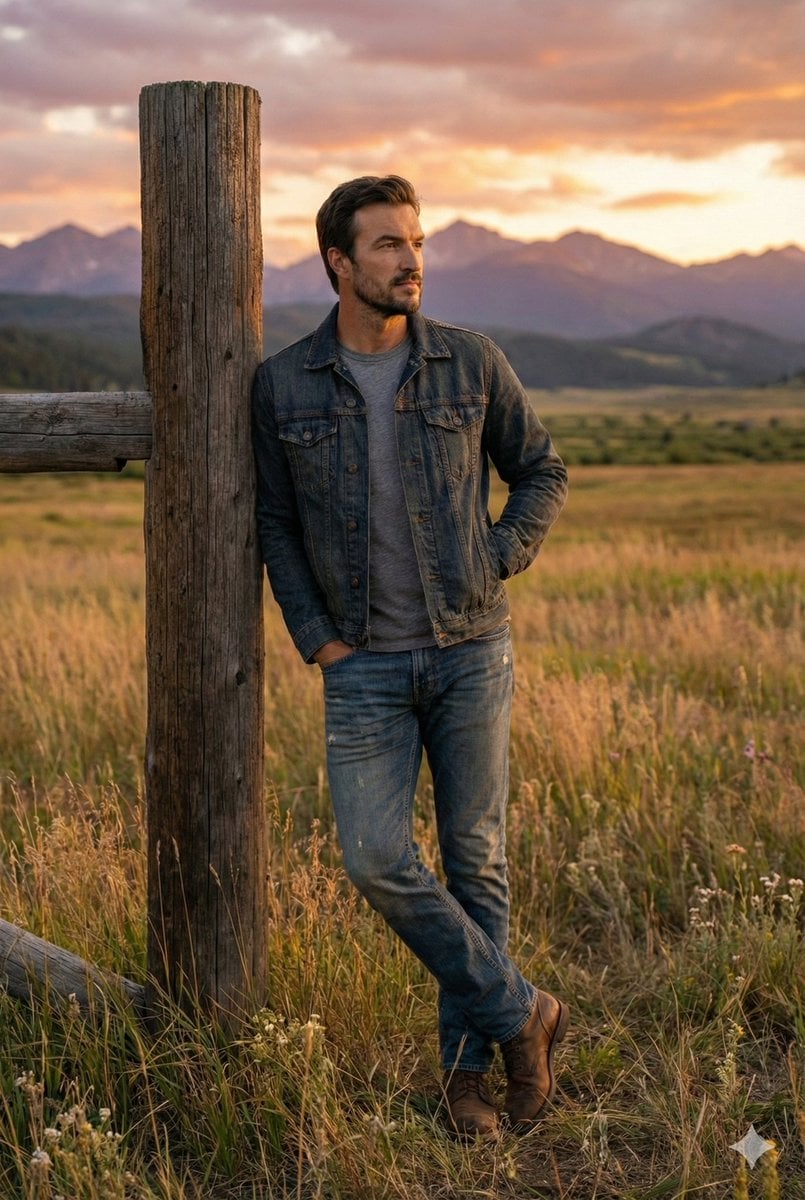
Cinematic Futuristic Studio Portrait Template
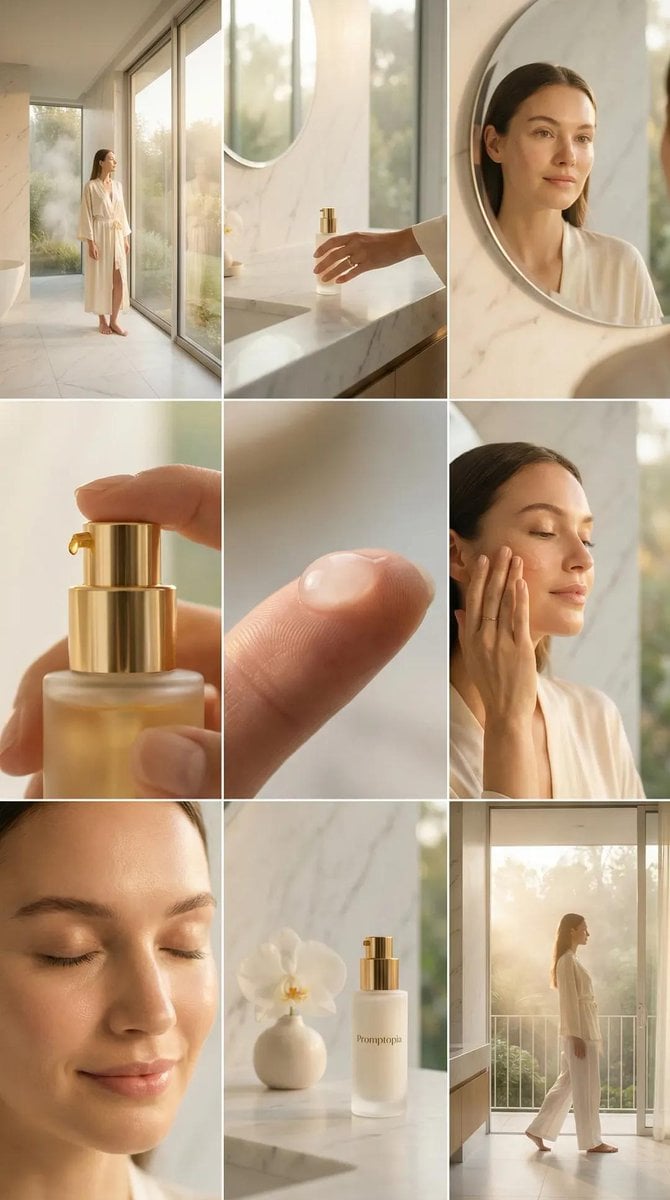
Skincare Editorial Photography Collage Prompt
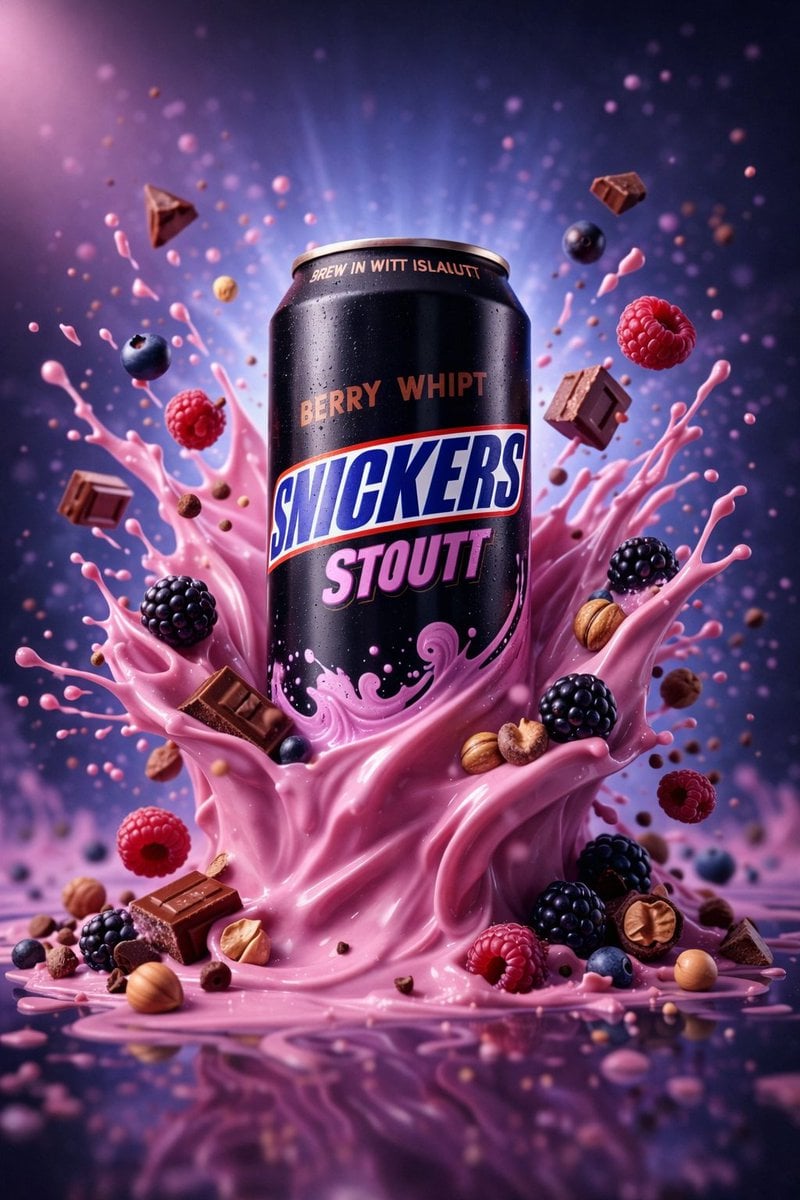
Hyper-Realistic Commercial Product Photography (Splash Effect)
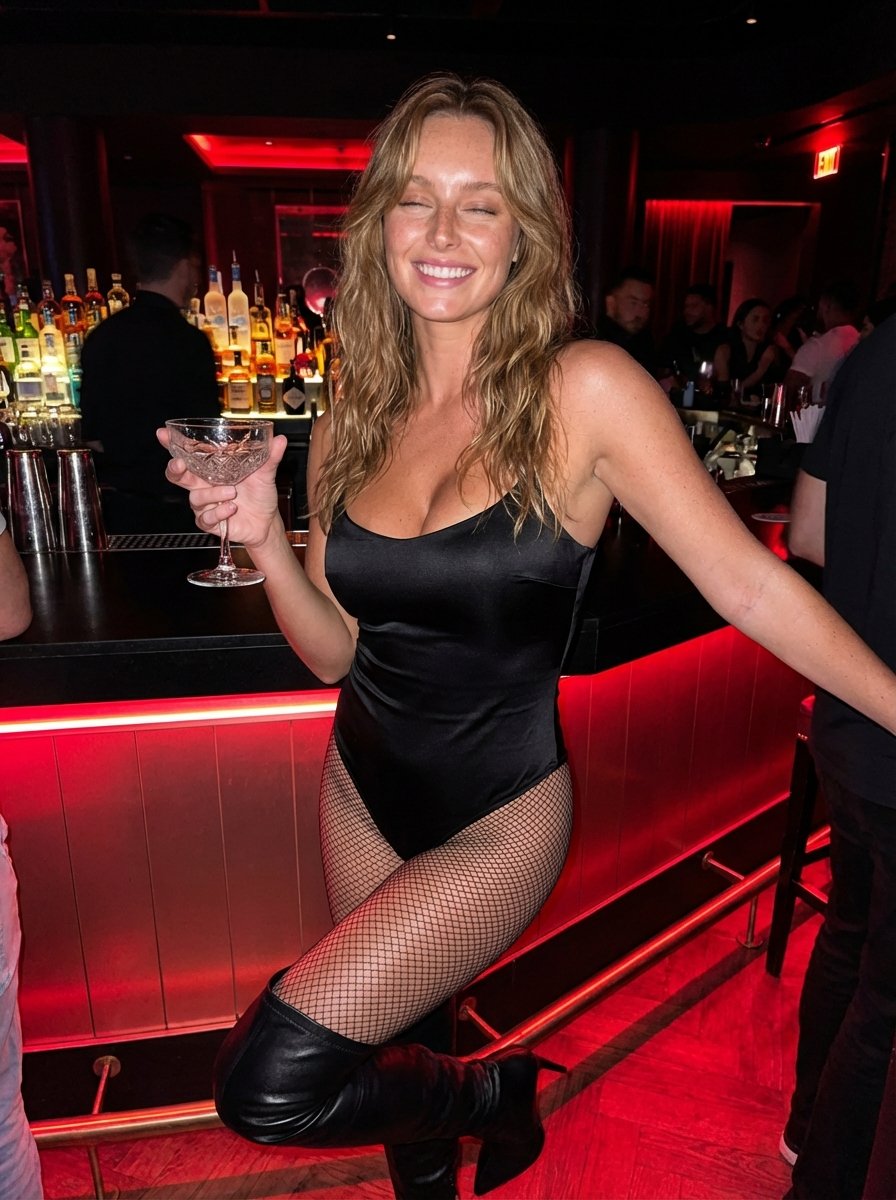
Hyper-Realistic Nightclub Portrait Prompt
More image prompts
Fresh picks from across the catalog.
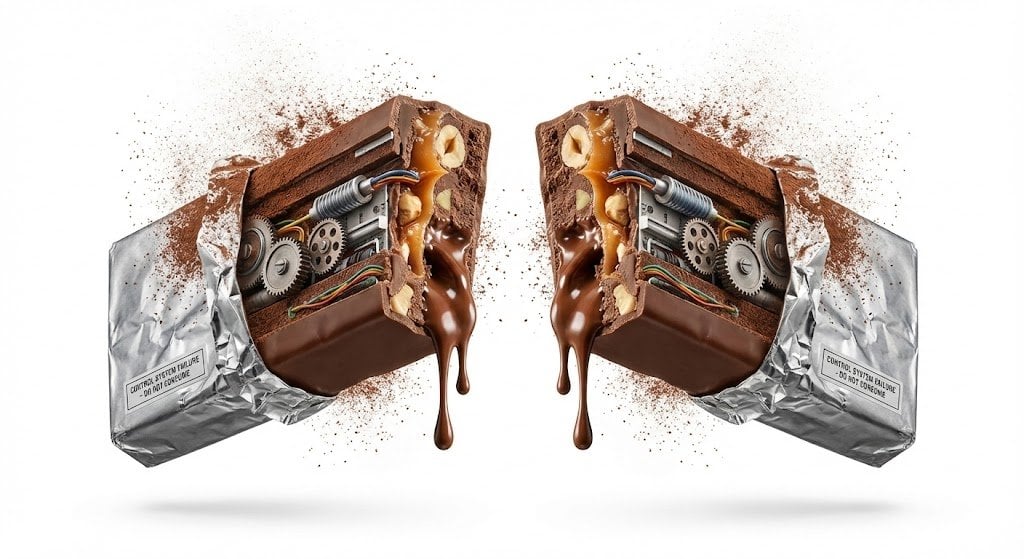
Advertising Visual Prompt: Chocolate Bar Process Display
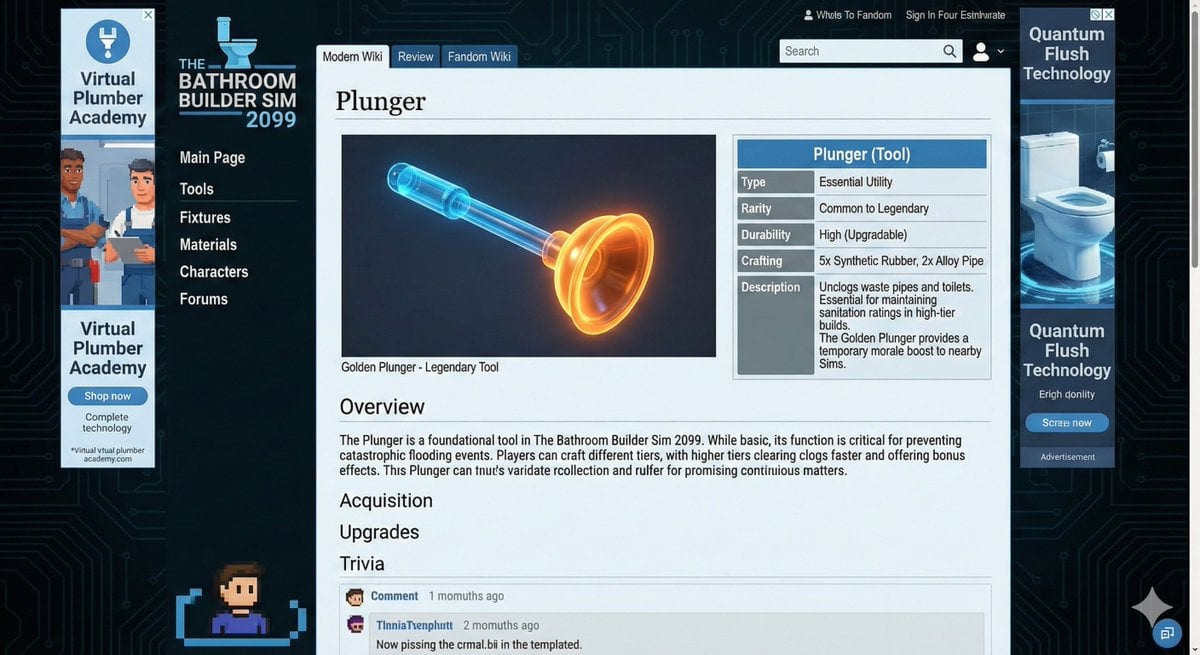
Video Game Wiki Style Plunger

Zodiac Themed Yumi's Cells Poster
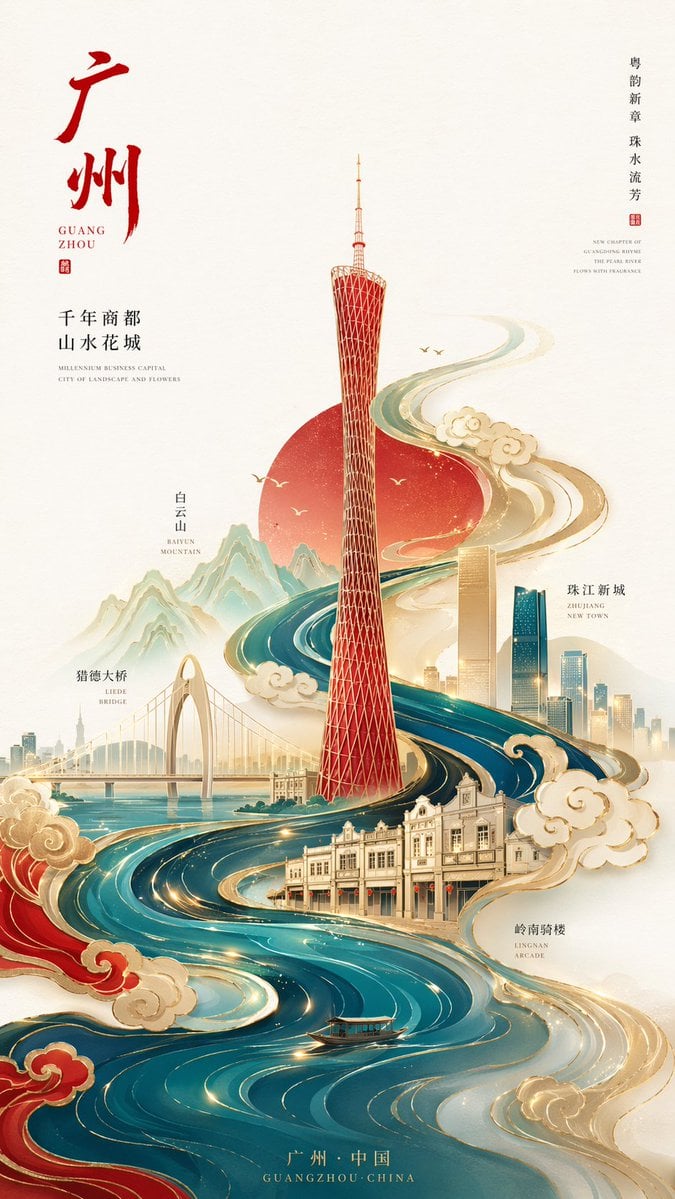
Minimalist City Poster Prompt
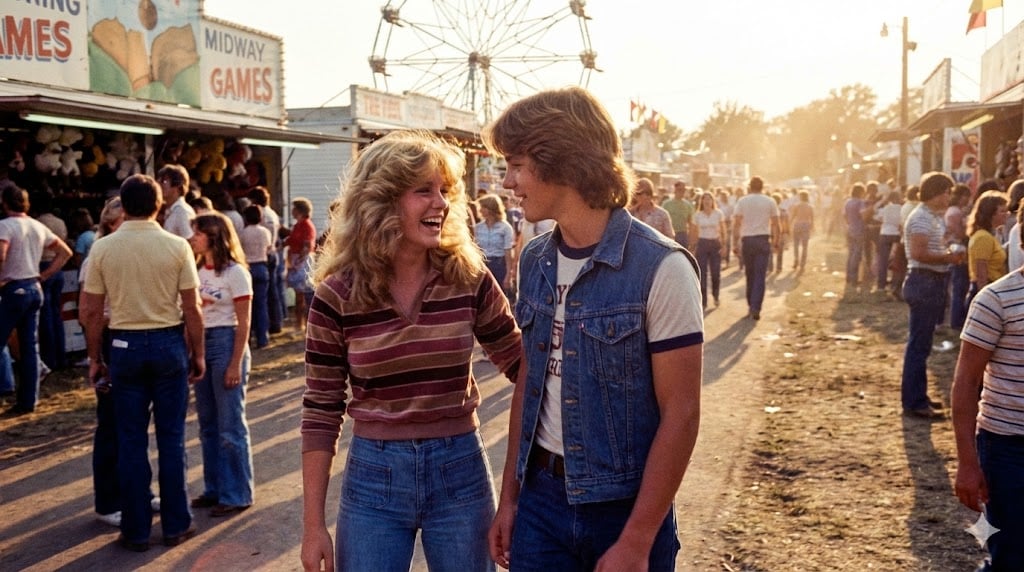
1979 County Fair Photo Generation Prompt
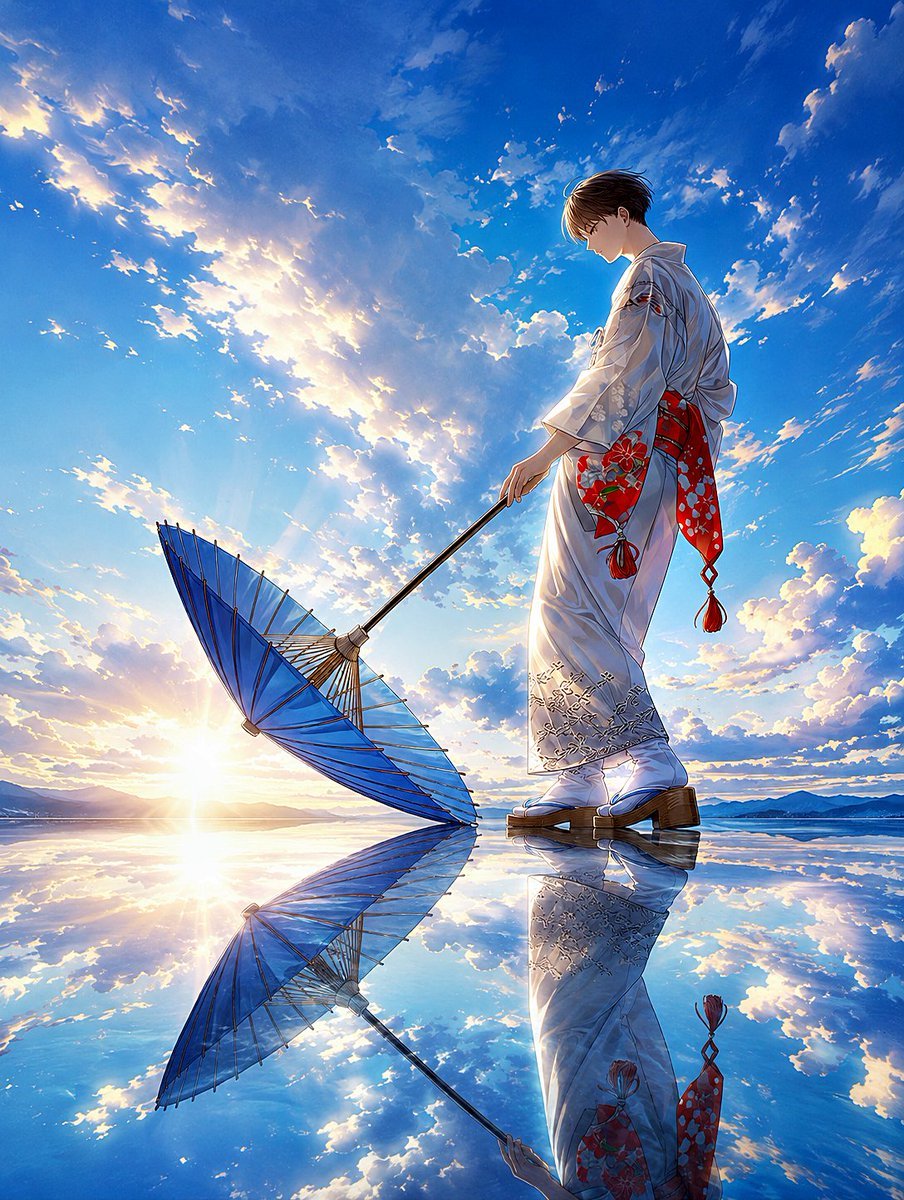
Kimono Figure with Blue Umbrella
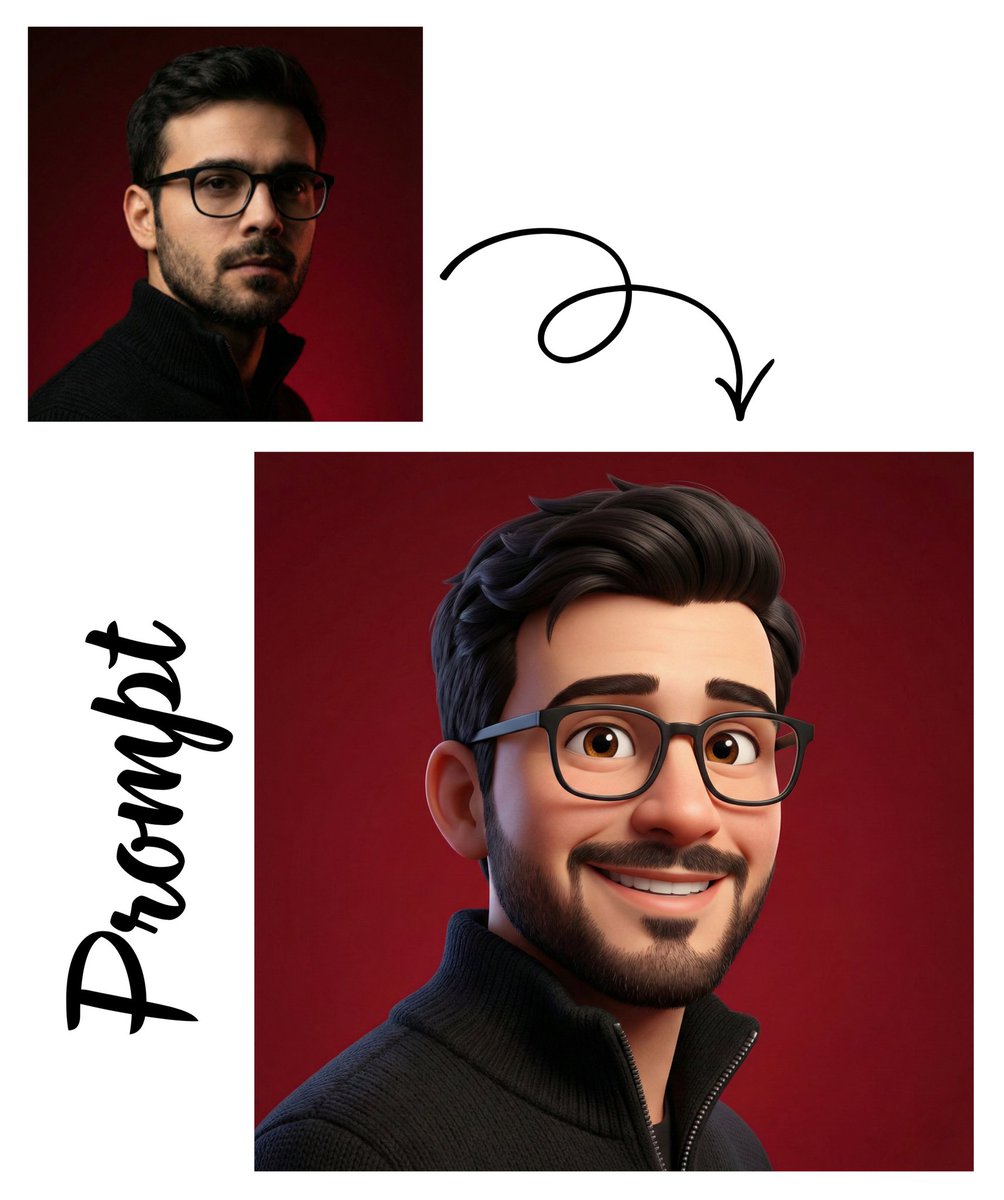
Detailed Pixar Style 3D Avatar Generation Prompt

Premium Sports Magazine Cover Portrait

Podcast cover from two reference portraits
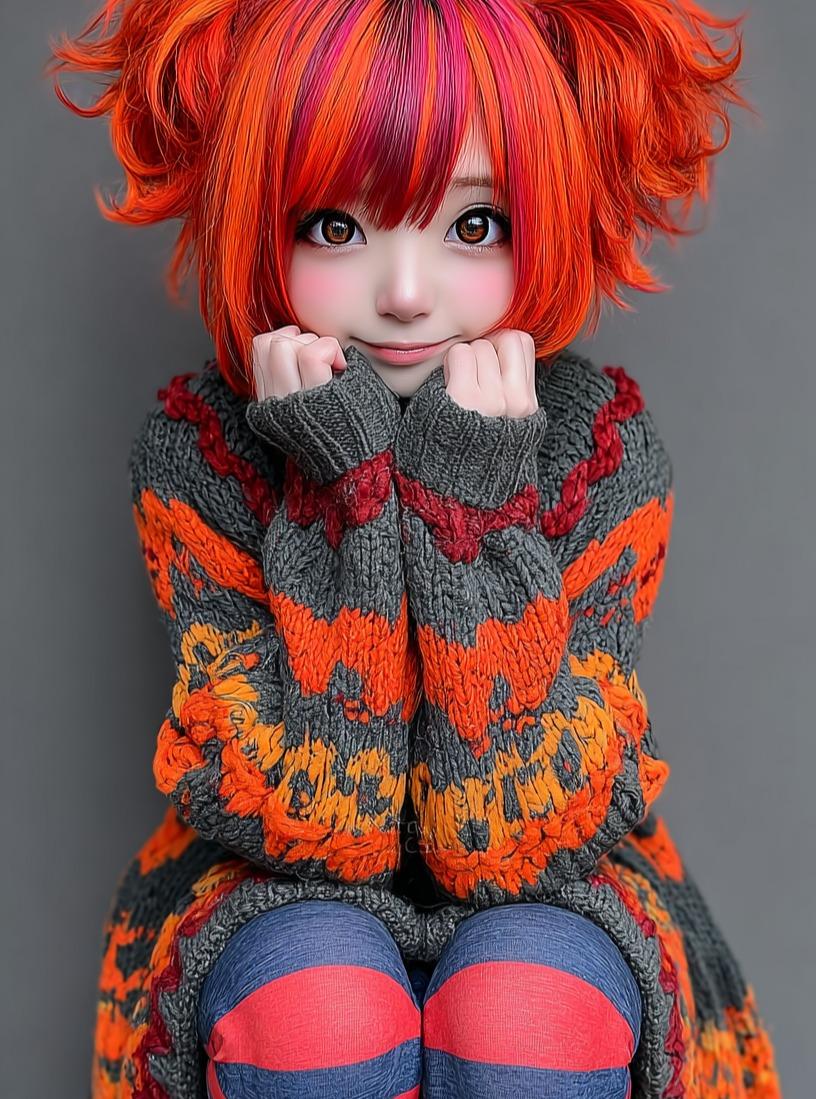
Kawaii Doll Magical Realism Character Portrait Prompt
Browse template categories
Joyful Forest River Saree Portrait questions
How do I use the Joyful Forest River Saree Portrait template?
Add your photo if the template asks for one, edit the prompt if you like — the template's model and format are already selected — and press Generate. Your version opens in PicX Studio.
Can I customize the Joyful Forest River Saree Portrait template?
Yes. You can change the subject, setting, lighting, mood, format, and available model controls before creating your image.
Is the Joyful Forest River Saree Portrait template free?
Opening and editing this template is free. Generating uses credits, shown on the Generate button when you are signed in.
Which AI model should I use?
Start with Nano Banana 2, which is the model associated with this template. You can compare another compatible model for a different finish.
Looking for something else? Browse all templates.

Your photo, any look
Thousands of ready templates for every top image and video model, from one credit balance.