How do I use the Low Angle Poolside Summer Photography template?
Edit the prompt in the box under the preview — the template's model and format are already selected — and press Generate. Your version appears right on this page.
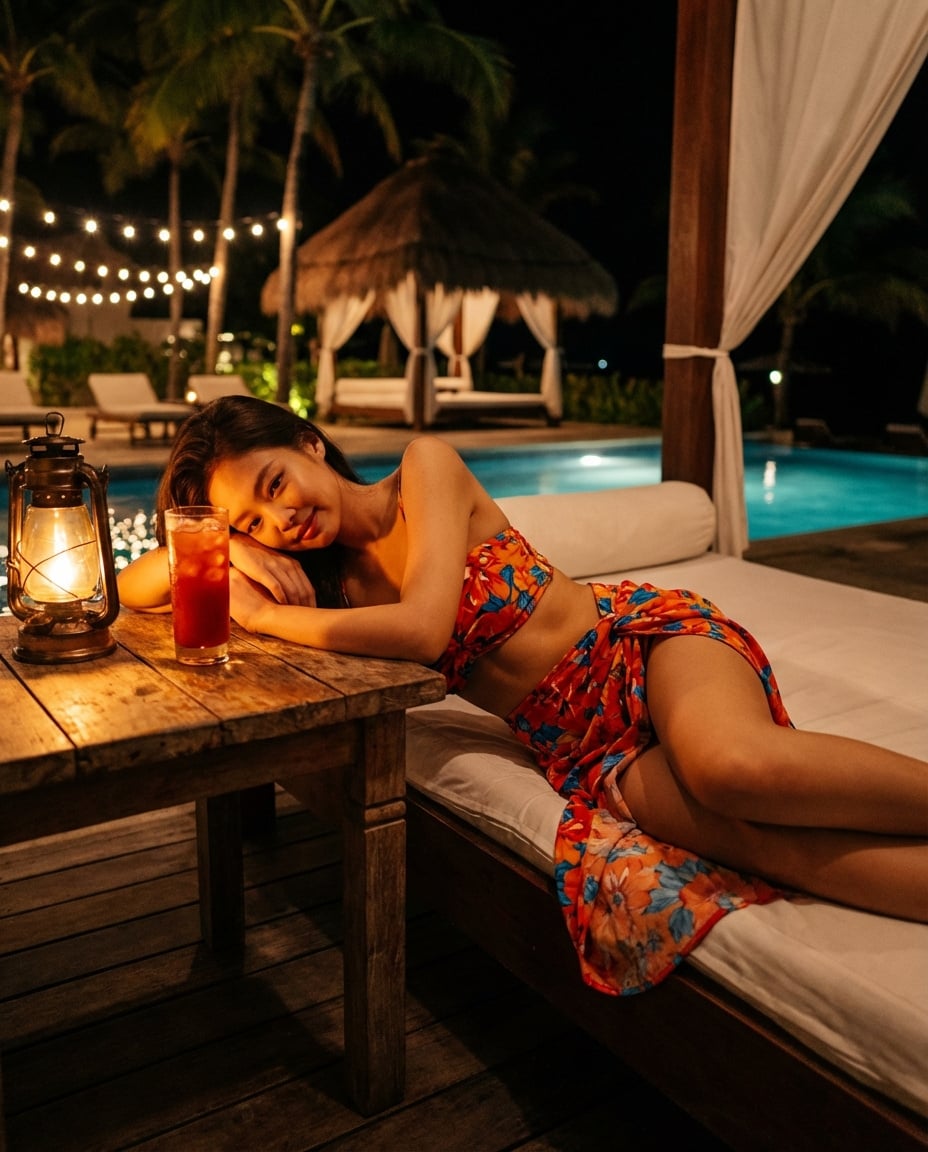
Generates a professional-grade summer photography shot of a model at a pool edge during golden hour, featuring realistic water ripples and teal-gold color grading.

Pool edge, {argument name="time of day" default="late afternoon"}. Model sitting on edge, legs in water, leaning back on both hands — body arching slightly. Camera at water level, shooting upward at her from pool side. Water surface in foreground slightly blurred. Sky and palm trees behind. 1/1000s catching light ripple on skin. 50mm f/1.4. Edit: poolwater {argument name="water color" default="teal"} against warm golden skin.
Pool edge, {argument name="time of day" default="late afternoon"}. Model sitting on edge, legs in water, leaning back on both hands — body arching slightly. Camera at water level, shooting upward at her from pool side. Water surface in foreground slightly blurred. Sky and palm trees behind. 1/1000s catching light ripple on skin. 50mm f/1.4. Edit: poolwater {argument name="water color" default="teal"} against warm golden skin.
Edit the prompt in the box under the preview — the template's model and format are already selected — and press Generate. Your version appears right on this page.
Yes. You can change the subject, setting, lighting, mood, format, and available model controls before creating your image.
Opening and editing this template is free. Generating uses credits, shown on the Generate button when you are signed in.
Start with Nano Banana 2, which is the model associated with this template. You can compare another compatible model for a different finish.
Follow a topic to a crawlable collection of related PicX Studio templates.