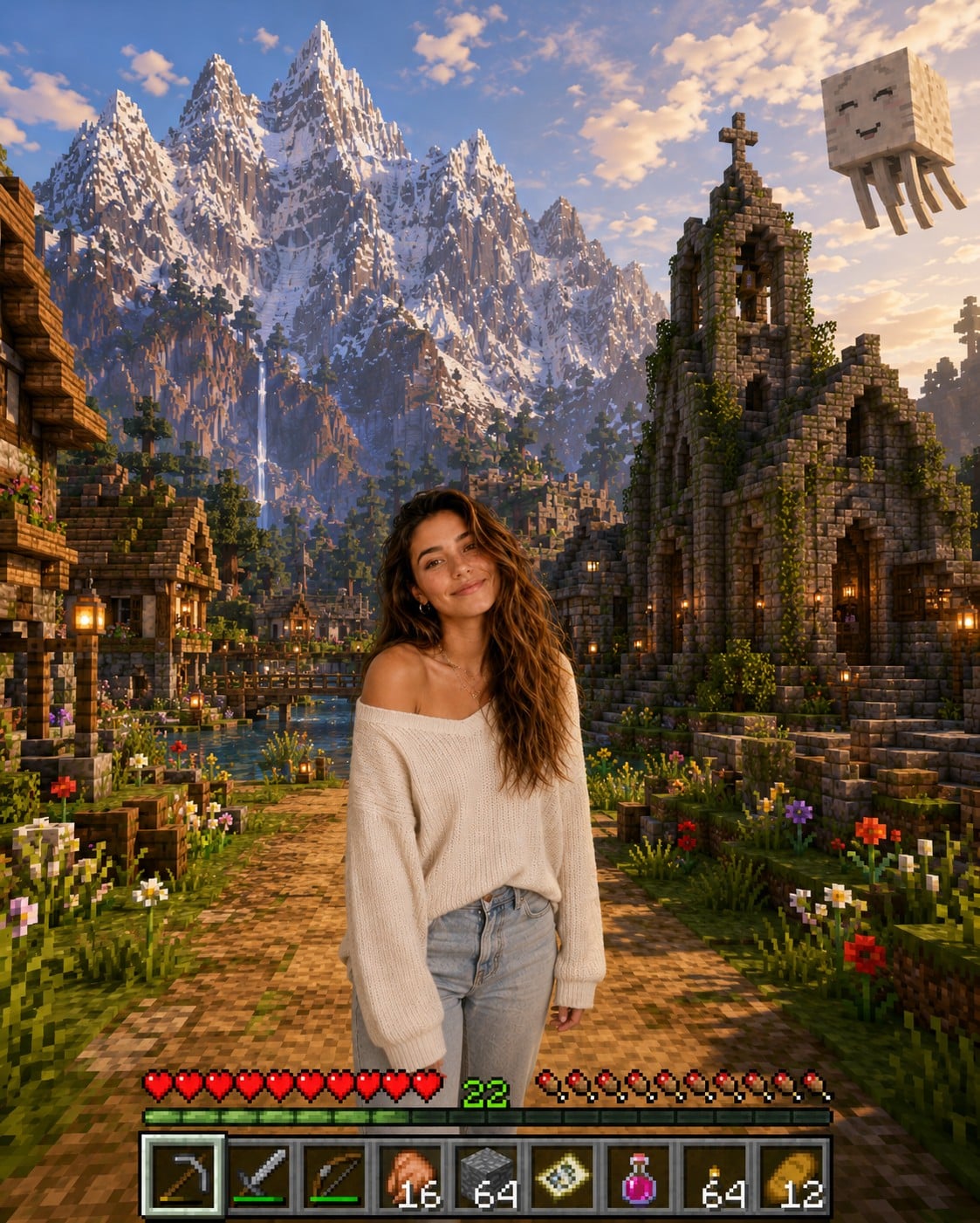
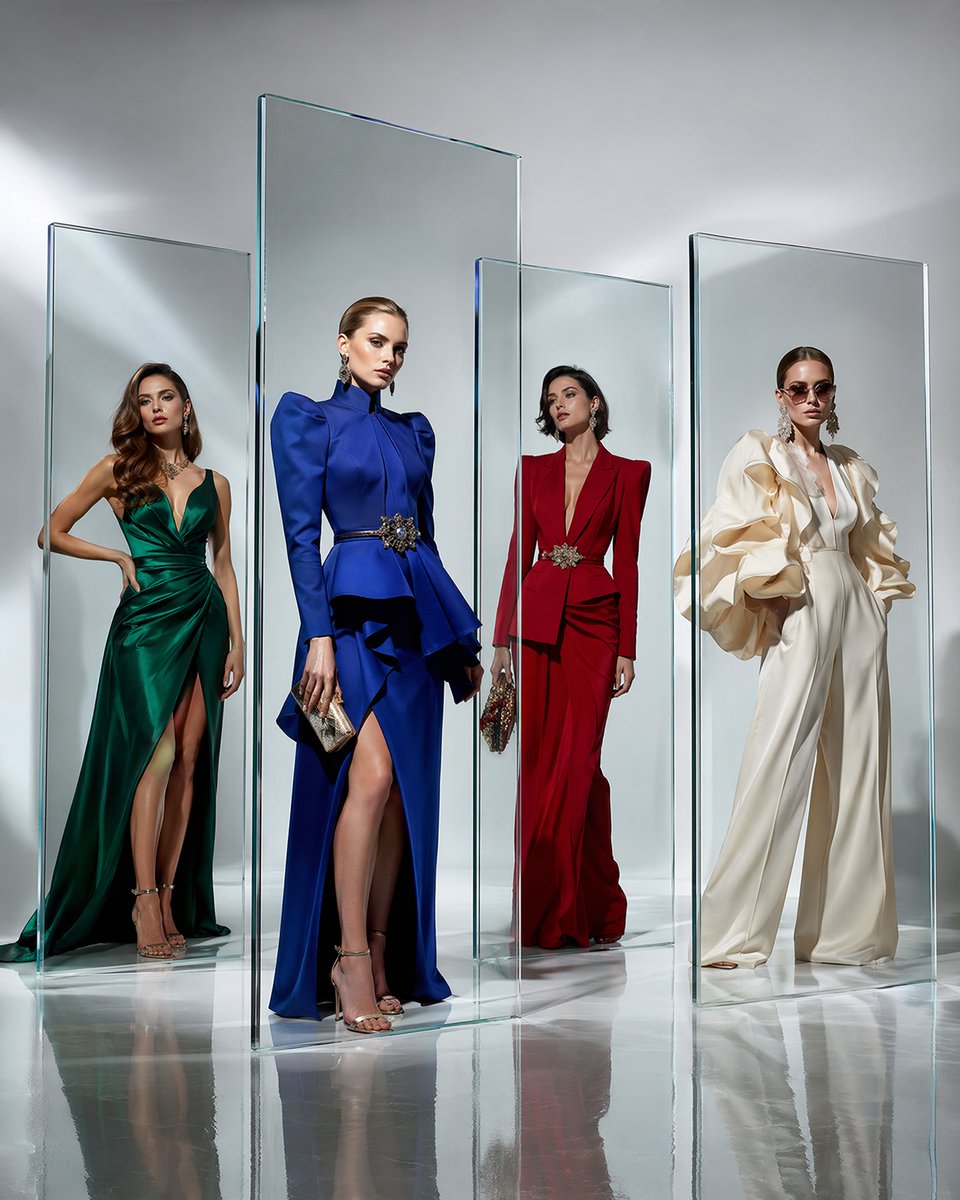
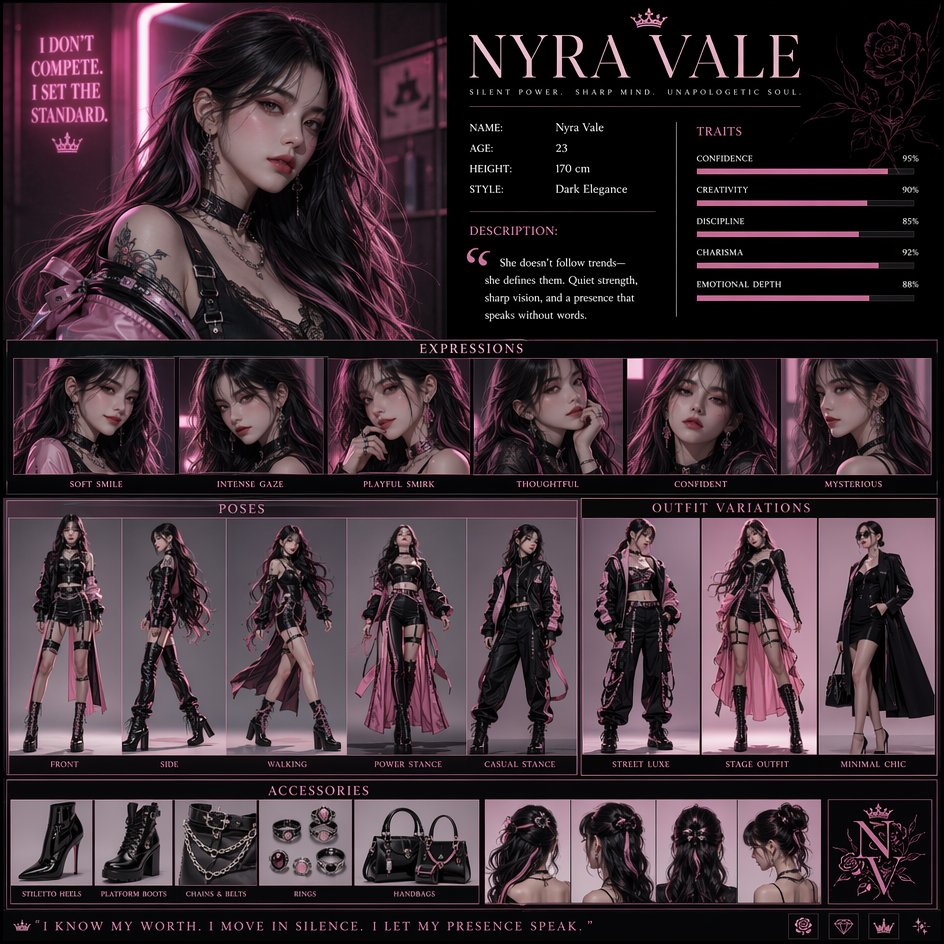
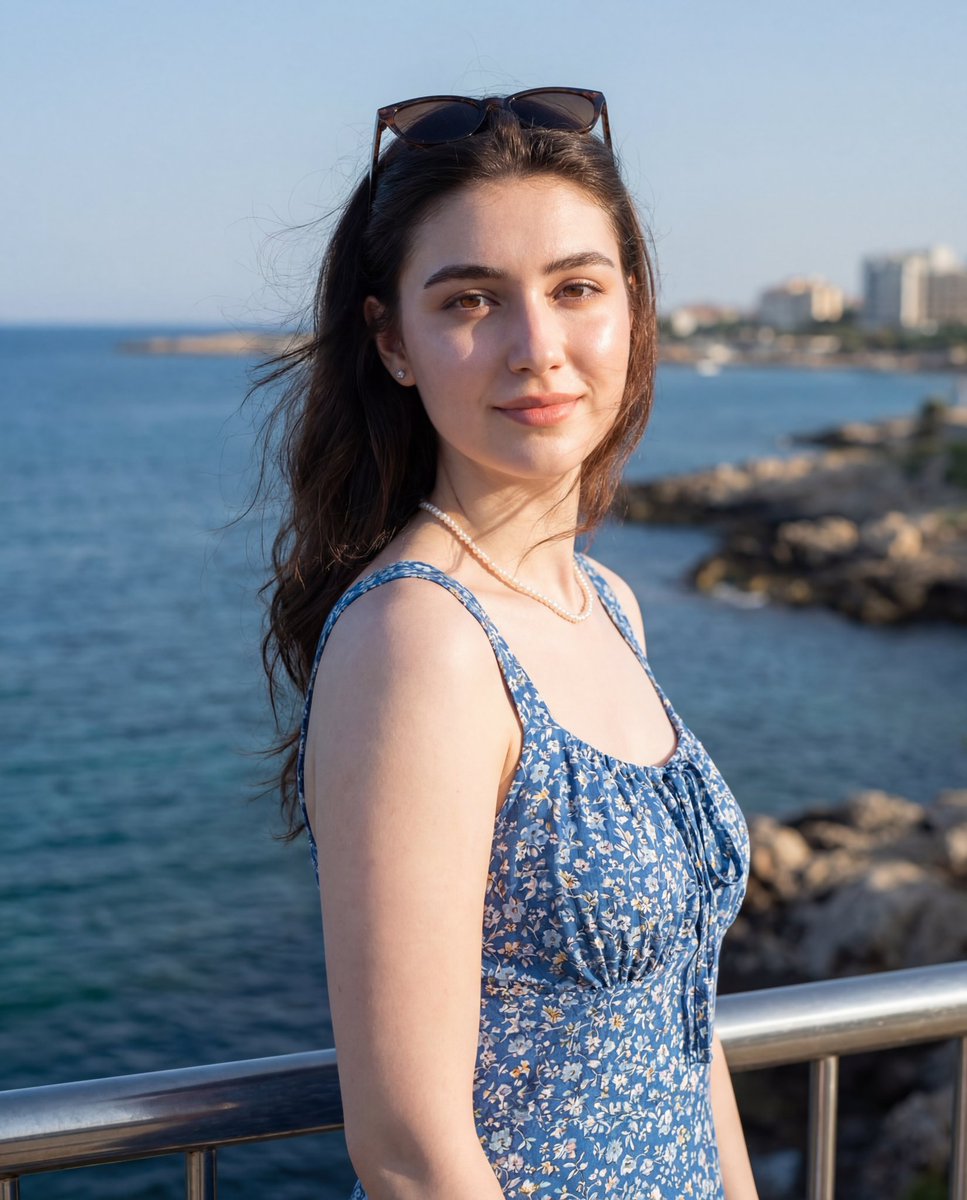
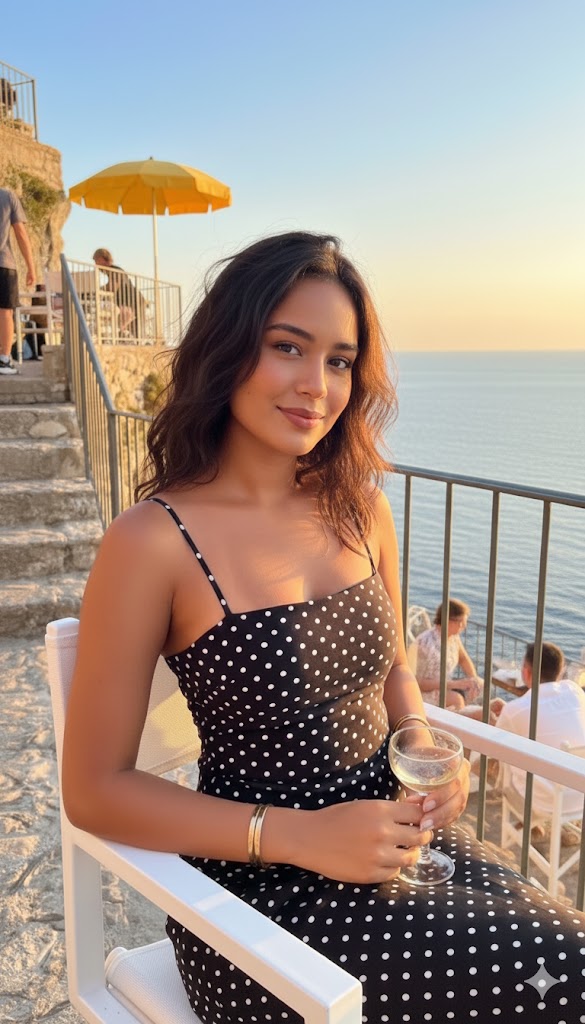
How do I use the European Coastal Village Cinematic Portrait template?
Choose the primary action to open PicX Studio with the available template settings. Review the model and format, personalize the creative direction, and generate when ready.
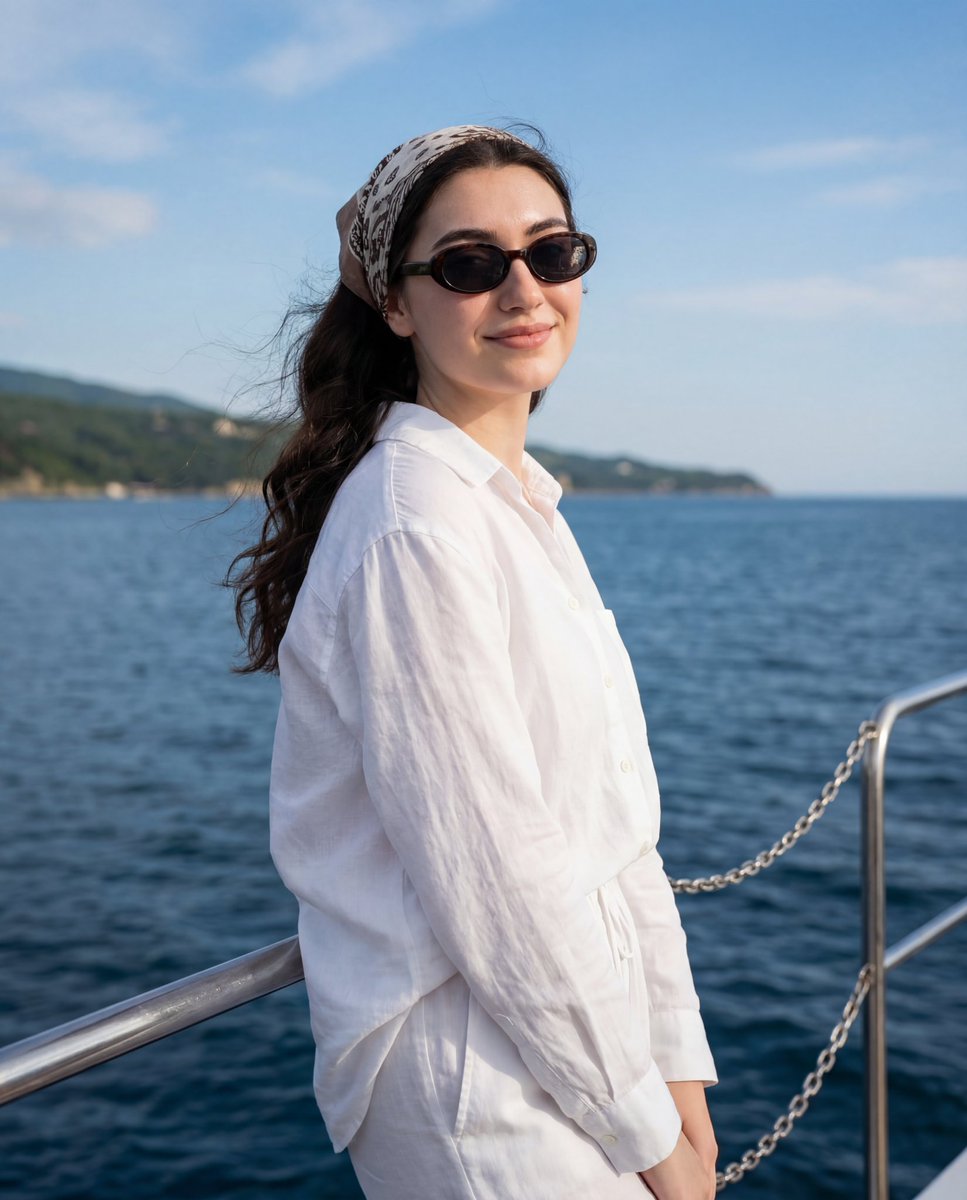
A hyper-realistic cinematic portrait of a young woman overlooking a European coastal village, featuring detailed knitwear and clean Douyin-style realism.
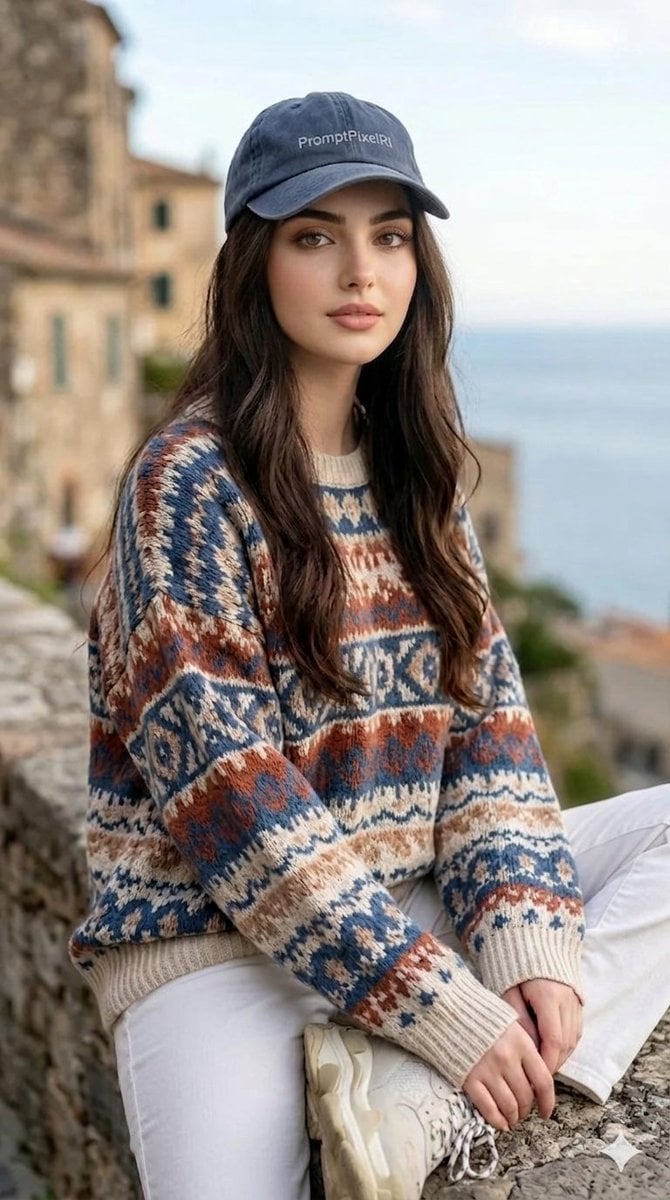
A hyper-realistic, cinematic portrait of a {argument name="subject" default="beautiful young woman with long, wavy dark brown hair"}, sitting on a {argument name="setting" default="stone ledge overlooking a scenic European coastal village"}. She is wearing a {argument name="outfit" default="vintage, oversized knit Fair Isle sweater with intricate geometric patterns in shades of slate blue, rust orange, cream, and beige, paired with white pants and chunky white sneakers"}. She wears a faded, dark blue-grey denim baseball cap. The setting features a soft-focus background of rustic stone buildings and a calm blue sea under a bright, overcast sky. Shot on a professional DSLR camera, 85mm lens, f/1.4 aperture, natural diffused lighting, highly detailed skin texture, realistic pores, Douyin-style clean realism, 8K resolution, crisp focus on the subject.
Choose the primary action to open PicX Studio with the available template settings. Review the model and format, personalize the creative direction, and generate when ready.
Yes. You can change the subject, setting, lighting, mood, format, and available model controls before creating your image.
This template is free to open and customize. Generation usage is shown in PicX Studio before you create.
Start with Nano Banana 2, which is the model associated with this template. You can compare another compatible model for a different finish.
Follow a topic to a crawlable collection of related PicX Studio templates.