How do I use the Modern Editorial Fashion Collage Poster template?
Choose the primary action to open PicX Studio with the available template settings. Review the model and format, personalize the creative direction, and generate when ready.
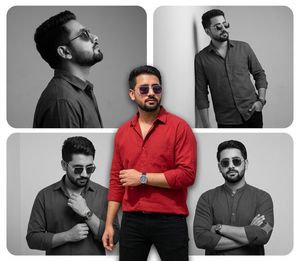
A premium editorial poster design featuring a central color cutout overlaying black and white cinematic fashion portraits in a collage layout.
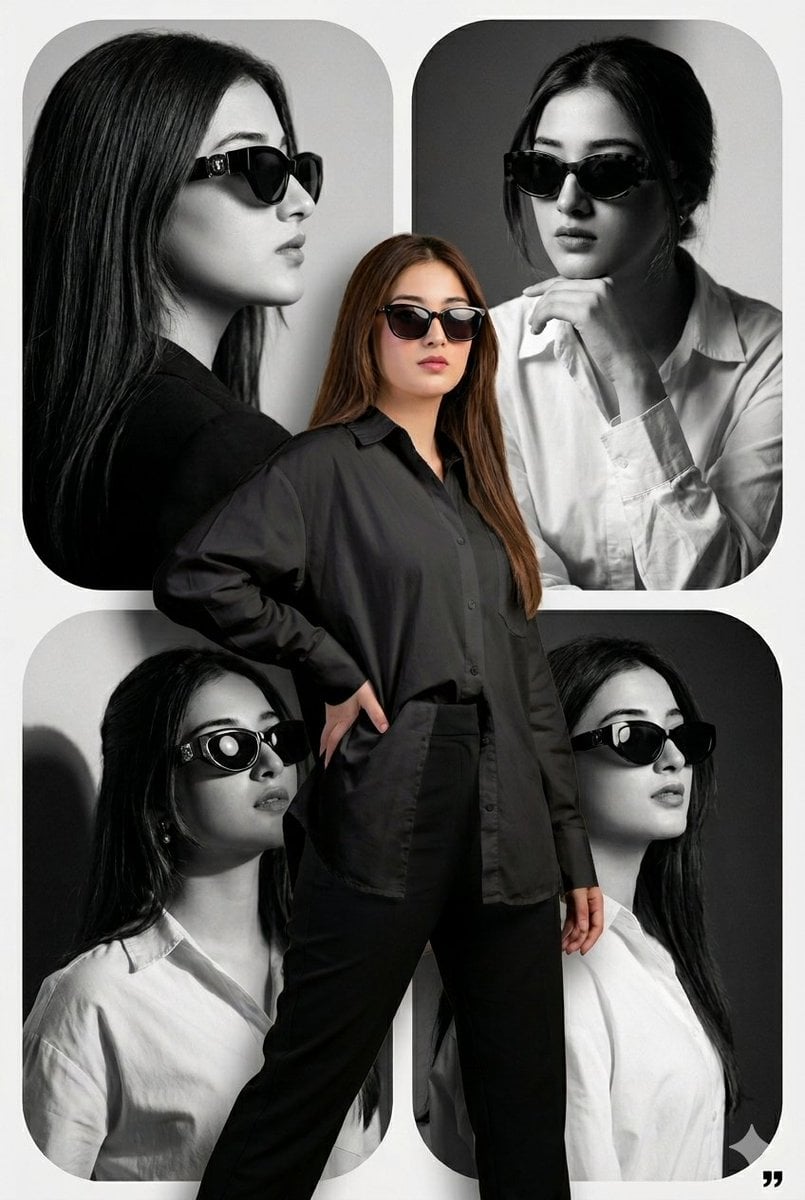
A premium modern {argument name="design" default="editorial collage poster design"}. The background features four stacked rounded panels filled with high-contrast, black and white cinematic portraits of a {argument name="subject" default="stylish young woman named Kinza wearing sunglasses"} in different editorial fashion poses. Overlayed sharply in the foreground is a 3D-depth full-color cutout of the same woman, Kinza, wearing an {argument name="outfit" default="oversized white shirt with tailored black pants and dark sunglasses"}, striking a confident fashion pose. Clean minimal layout, soft shadows, intricate depth layering, professional poster composition, Vogue style, photorealistic, 8K resolution, cinematic lighting.
Choose the primary action to open PicX Studio with the available template settings. Review the model and format, personalize the creative direction, and generate when ready.
Yes. You can change the subject, setting, lighting, mood, format, and available model controls before creating your image.
This template is free to open and customize. Generation usage is shown in PicX Studio before you create.
Start with Nano Banana 2, which is the model associated with this template. You can compare another compatible model for a different finish.
Follow a topic to a crawlable collection of related PicX Studio templates.