
Amalfi Coast Summer Fashion Collage
A sophisticated 2x2 grid collage depicting a luxury Italian summer aesthetic with identity-consistent models and a floral focal point.
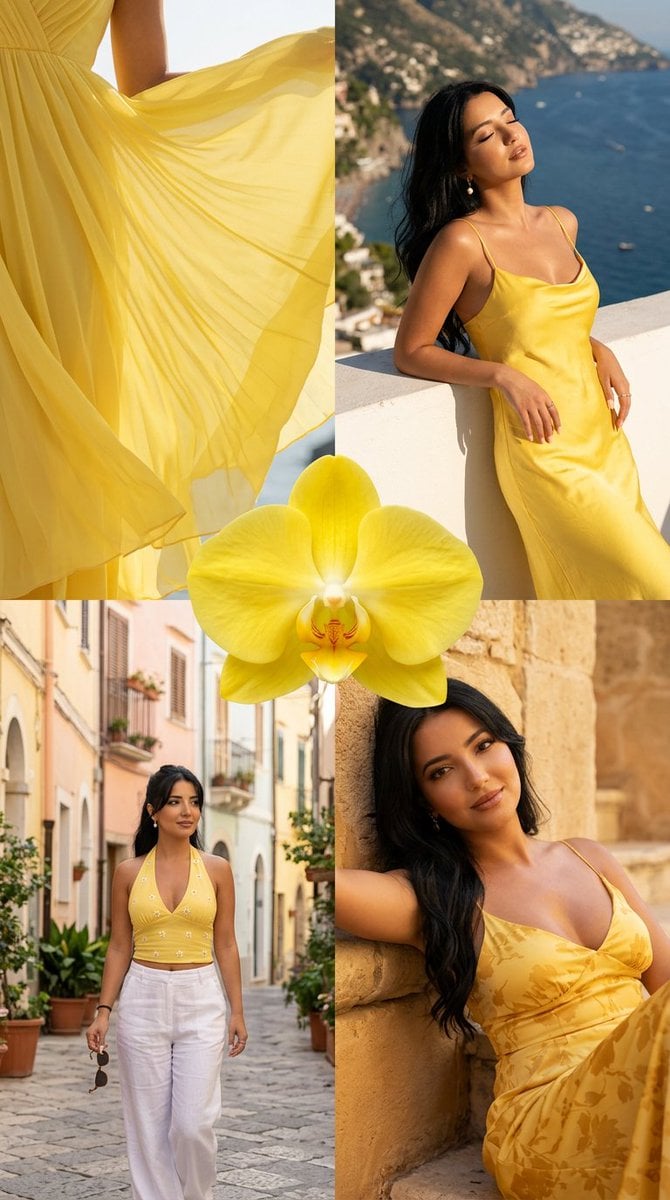
- Prompt included
- Model and format preset
- Free template
The prompt behind this image
Copy the exact prompt behind Amalfi Coast Summer Fashion Collage, or open it in the studio and make it yours.
Ultra-photorealistic vertical 4:5 summer fashion mood-board collage, arranged as a clean 2x2 grid with four cohesive frames of the same {argument name="subject" default="young woman"} in a sunny Italian coastal setting. Strict face and identity consistency across all four panels: same facial structure, same warm olive sun-kissed skin tone, same long dark brown hair with soft sun-lightened ends, same natural-glam makeup, same elegant Mediterranean beauty. The entire collage is unified by a vivid yellow summer color palette. Place one large vivid yellow orchid bloom in the exact center of the collage, overlapping the borders of all four panels as a decorative editorial focal element. The orchid should be photorealistic, sharp, elegant, and harmonize with the yellow styling. Overall mood: luxury Italian summer, Amalfi Coast atmosphere, warm golden Mediterranean sunlight, glowing realistic skin, soft natural shadows, crisp facial details, clean anatomy, realistic hands, premium phone-camera editorial photography. Color palette should include vivid lemon yellow, golden honey, warm cream, white linen, sea blue, pastel Italian buildings, green shutters, and honey-colored stone. True-to-life vivid color, not oversaturated, not washed out. Top left panel: close detail fashion shot of a flowing yellow chiffon dress catching the breeze and sunlight. Show soft translucent fabric movement, elegant pleats, delicate folds, and a glimpse of layered beaded jewelry. Artful cropped framing, luxury editorial style, sunlight passing through the chiffon, shallow depth of field, dreamy but realistic. Top right panel: the same woman leaning against a sunlit white terrace ledge overlooking the Amalfi-style coastline and deep blue sea. She wears a fitted yellow satin mini slip dress with thin straps and a soft cowl neckline. Her head is tilted slightly back toward the sun, eyes softly closed or half-closed, serene and radiant. Natural elegant pose, clean body proportions, realistic hands resting on the terrace, coastline and boats softly blurred in the background. Bottom left panel: the same woman walking through a charming Italian old-town street with pastel buildings, green shutters, stone pavement, potted plants, and bougainvillea flowers. She wears a yellow halter top with a small white flower detail at the neckline and flowing white linen trousers. She carries a small woven shoulder bag and holds sunglasses in one hand. Candid walking pose, natural stride, correct anatomy, realistic legs and hands, soft sunlight filtering through the street. Bottom right panel: close editorial portrait of the same woman reclining against warm honey-colored stone. She wears a yellow maxi dress with a subtle tonal floral print. Her expression is soft, confident, and sensual, looking toward the camera. Golden-hour glow on her face and skin, realistic pores, luminous but natural complexion, detailed fabric texture, intimate luxury magazine feel. Camera and lighting: premium
How to use Amalfi Coast Summer Fashion Collage in 3 steps
- 1
Open
The prompt is already in the box next to the preview, with the template's model and format selected.
- 2…a portrait of your subject in softgolden-hour light, 85mm…
Personalize
Edit the subject and creative details for your destination.
- 3Generate
Generate
Press Generate — your image is created in PicX Studio, so you can compare it with the original and refine one variable at a time.
More like this
Templates with the same subject, style or setup. Open one to see its prompt.
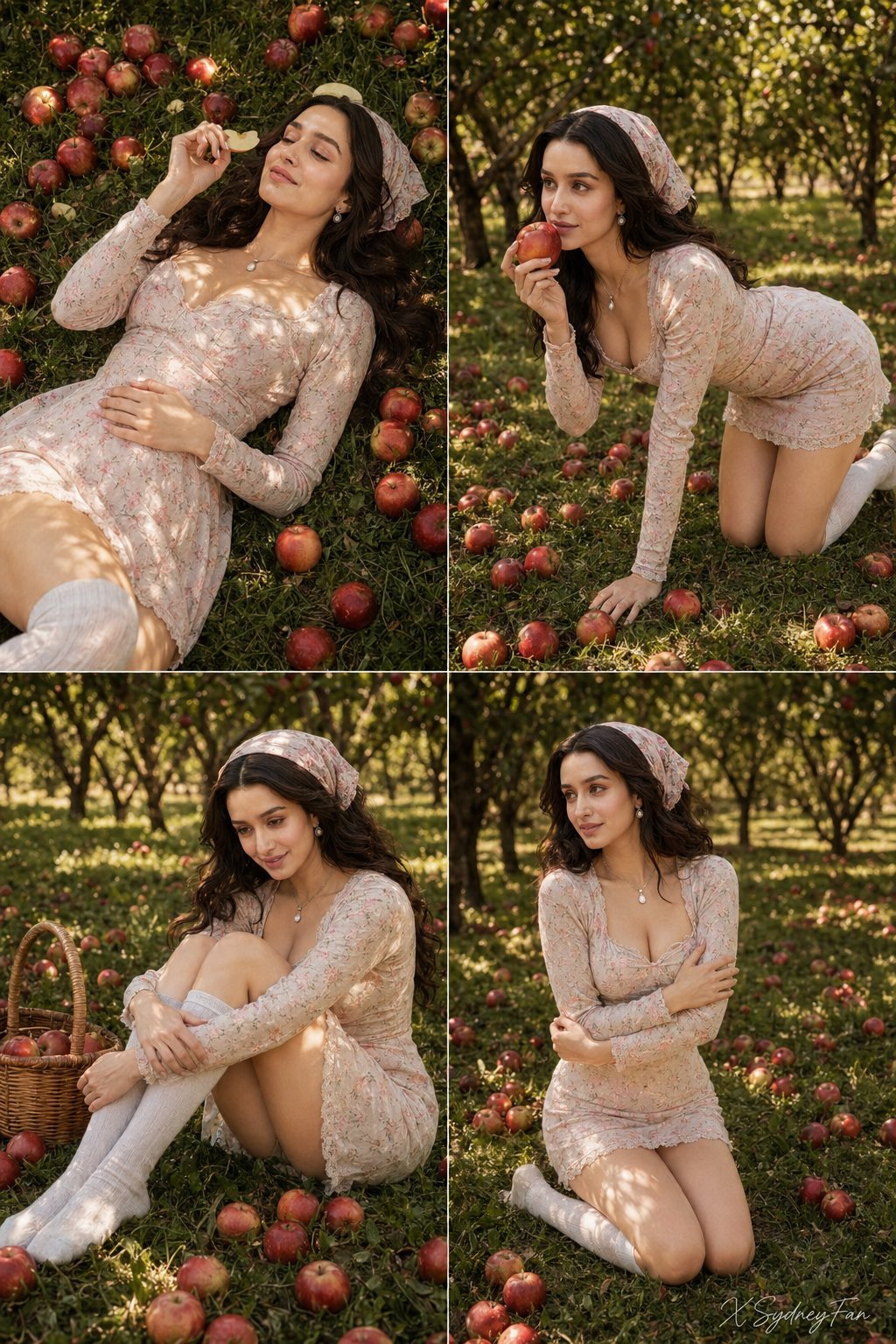
Nano Banana Apple Orchard Collage

Paper Cut Bicycle Coast
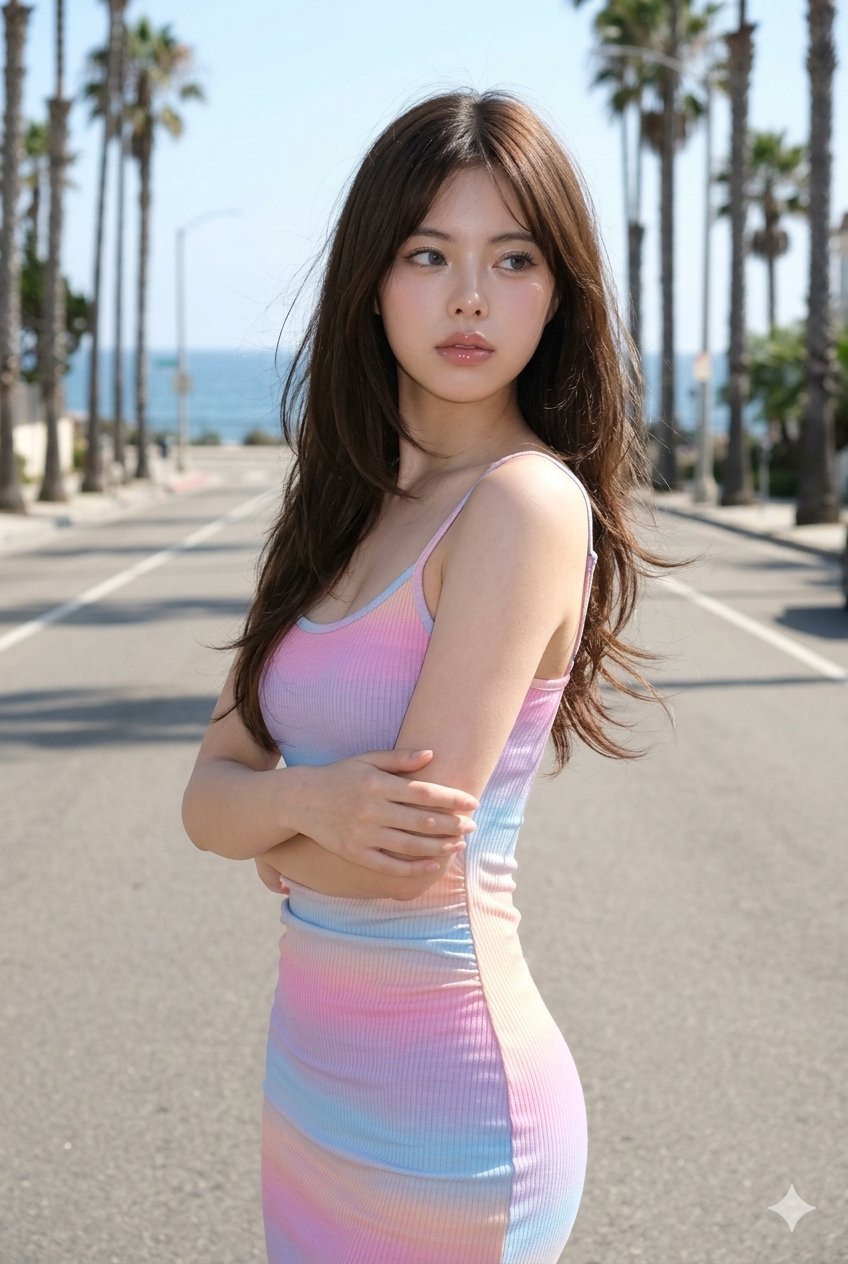
Gemini Nano Banana Ultra Realistic Coast

Miniature Self Portrait Collage

80s College Gate

1988 Mall Style

80s Polka Dot Saree
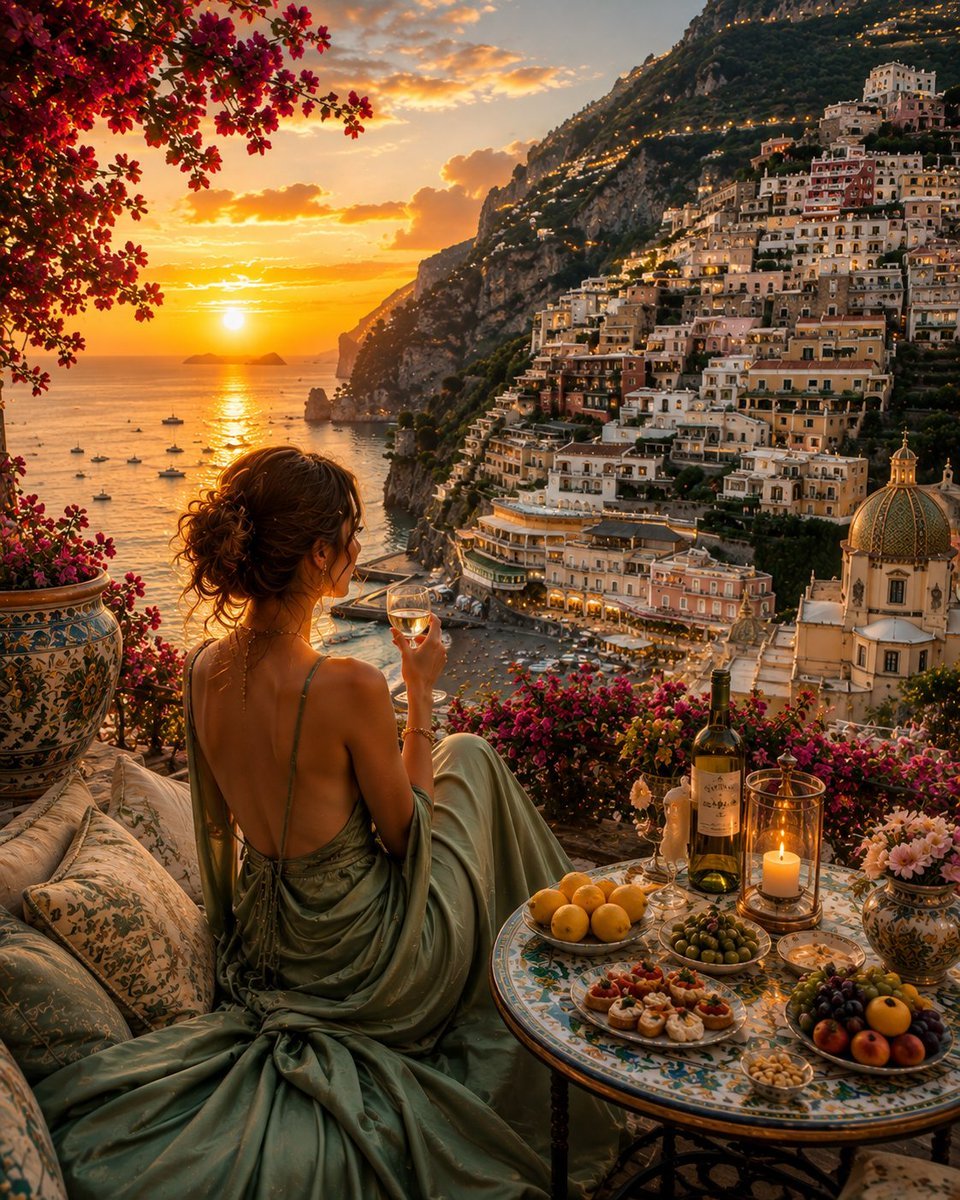
Amalfi Coast Luxury Travel Editorial
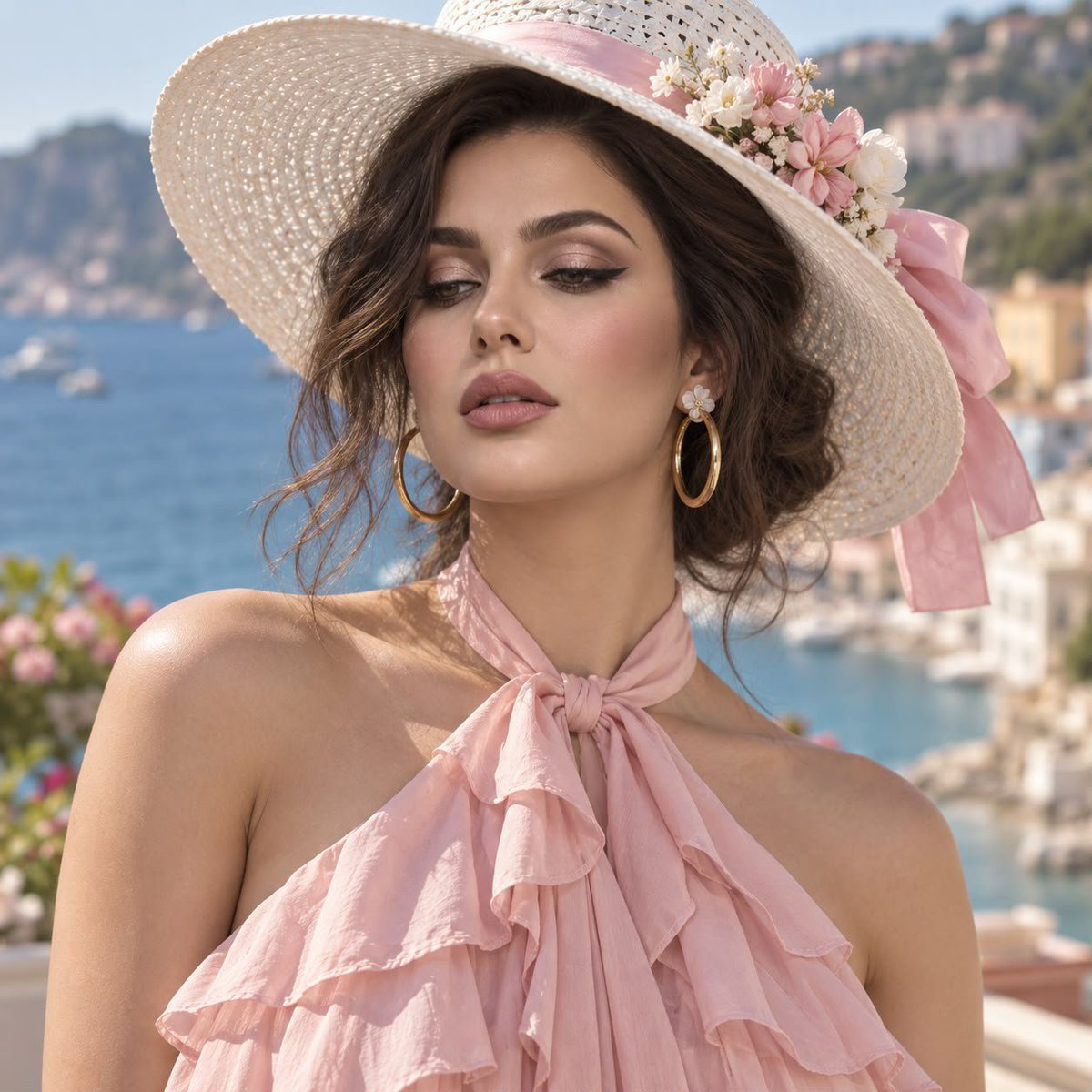
Mediterranean Coastal Fashion Portrait
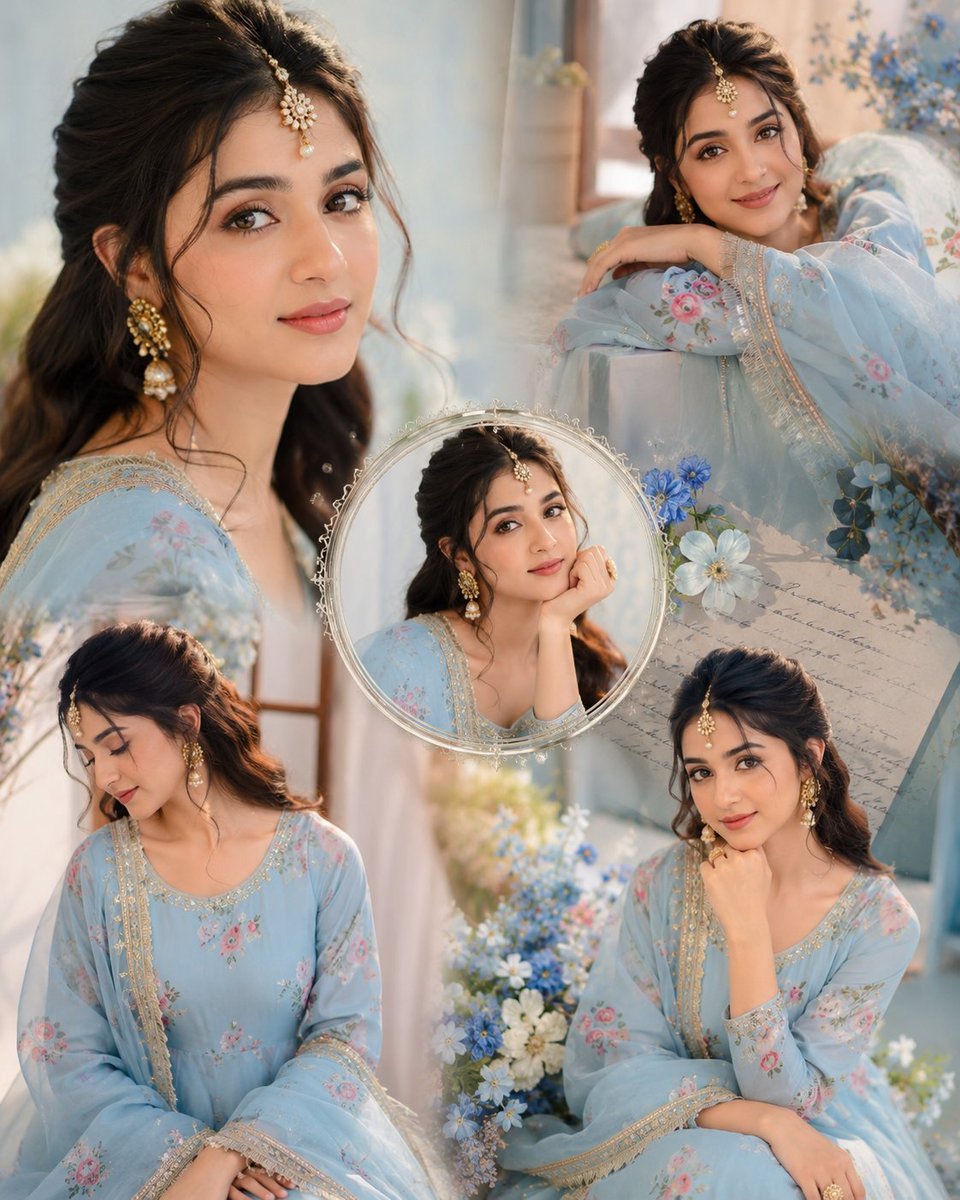
Indian Anarkali Fashion Collage
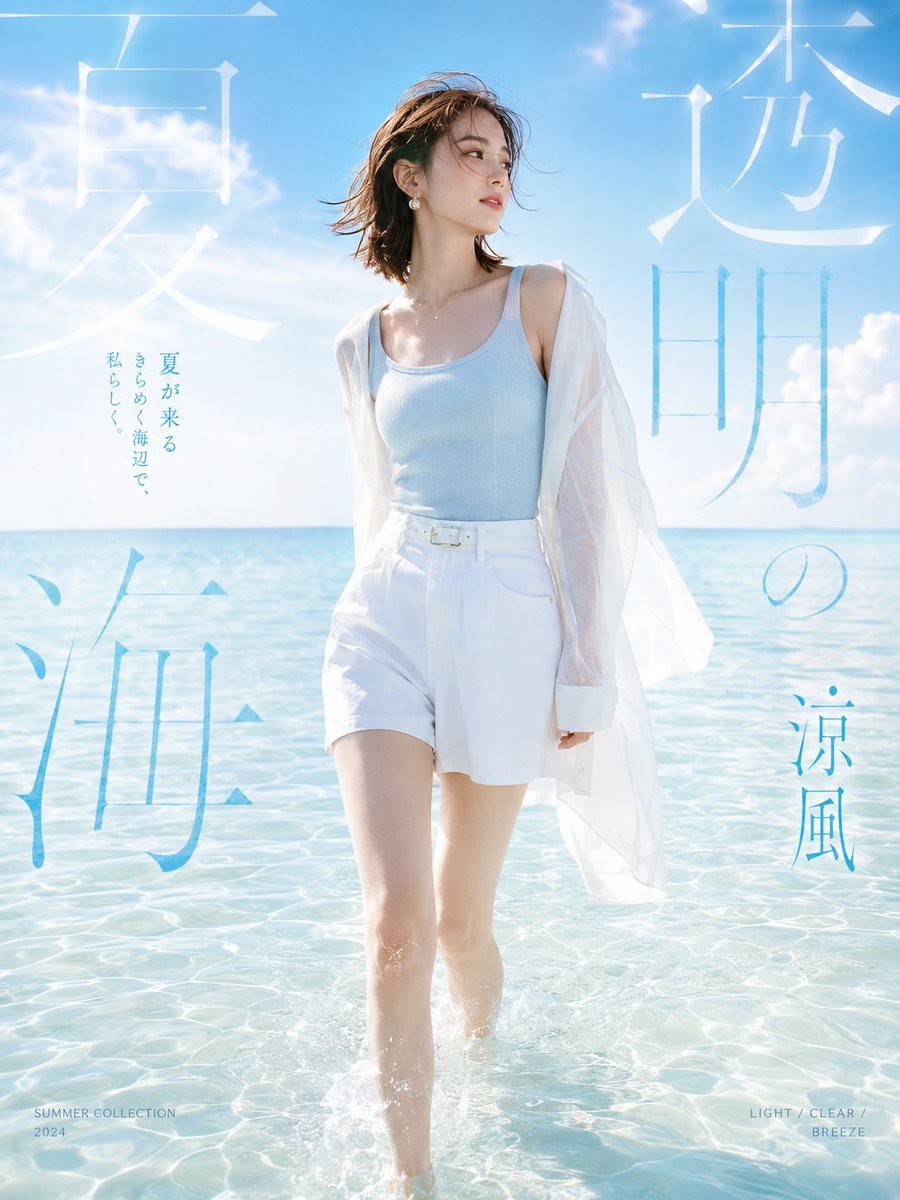
Japanese Summer Beach Fashion Poster

Pastel Anime Summer Beach Collage
Make it yours
Amalfi Coast Summer Fashion Collage works as-is. These are the safest ways to change it without losing the look.
Change one field
Copy a single group, rewrite it, and generate again so you can see what that field is doing.
Keep the frame, change the subject
Hold the composition and light of Amalfi Coast Summer Fashion Collage, then swap wardrobe, props or the person for a new take.
| If the result… | Why | Fix |
|---|---|---|
| The result drifts from the preview | Too many fields changed at once. | Reuse Amalfi Coast Summer Fashion Collage as-is first, then change one group — subject, light, or setting. |
| The model over-stylizes the scene | The prose prompt leaves finish and camera underspecified. | Add one camera or lighting sentence and stay on Nano Banana 2. |
More Nano Banana 2 templates
Other prompts made for Nano Banana 2.

Photorealistic Leaf Shaped Like a Dragon

K-Pop Idol Portrait Grid for Rapid Selection

Poetic Rain Forest Portrait During Golden Hour

Urban Street Portrait with Cartoon Inner Self Duo

Candid Nighttime Photo with Cat Prompt

High-Concept 3D Diorama Generation Prompt

Cinematic Futuristic Studio Portrait Template

Skincare Editorial Photography Collage Prompt

Hyper-Realistic Commercial Product Photography (Splash Effect)

Hyper-Realistic Nightclub Portrait Prompt
More image prompts
Fresh picks from across the catalog.
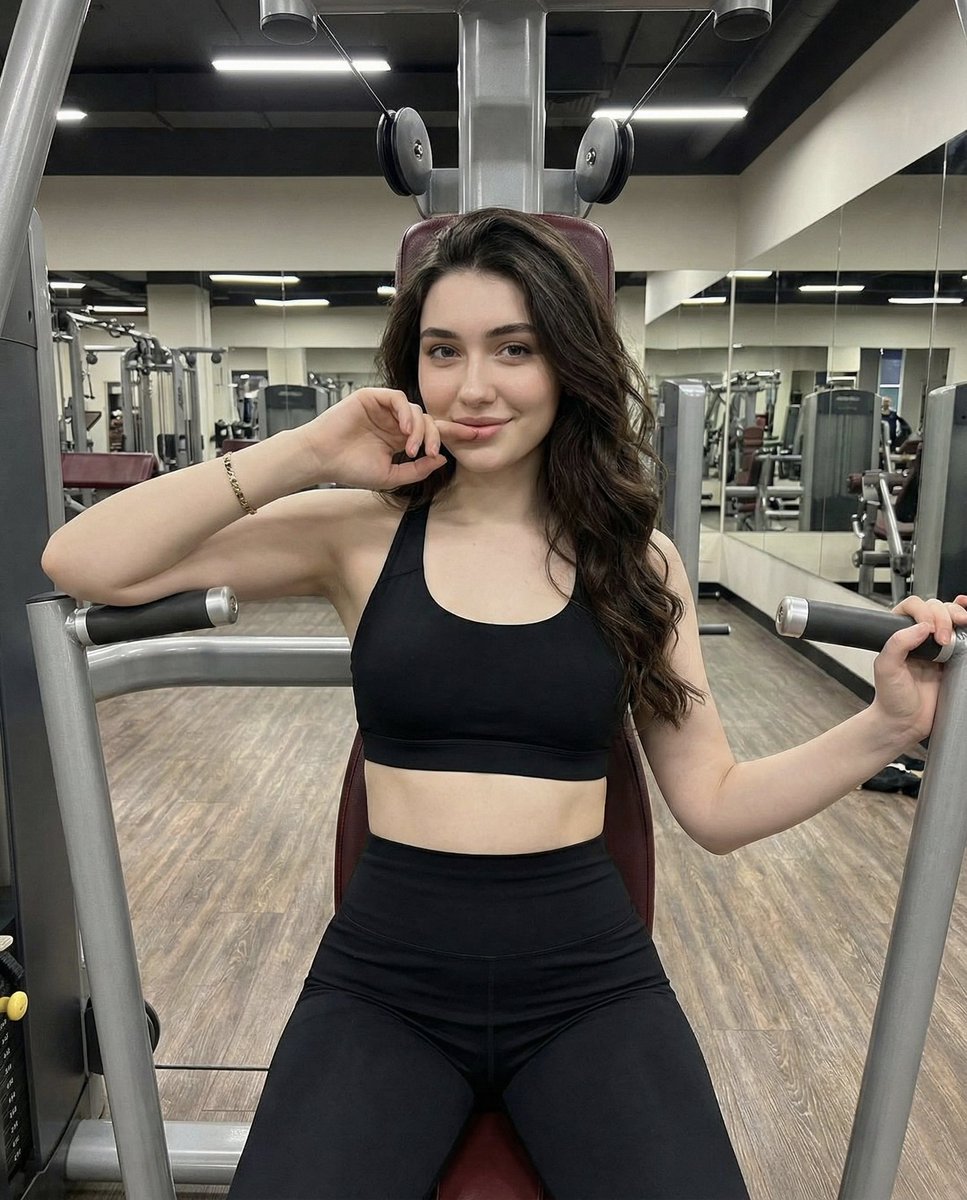
Lifestyle Fitness Portrait on Gym Machine
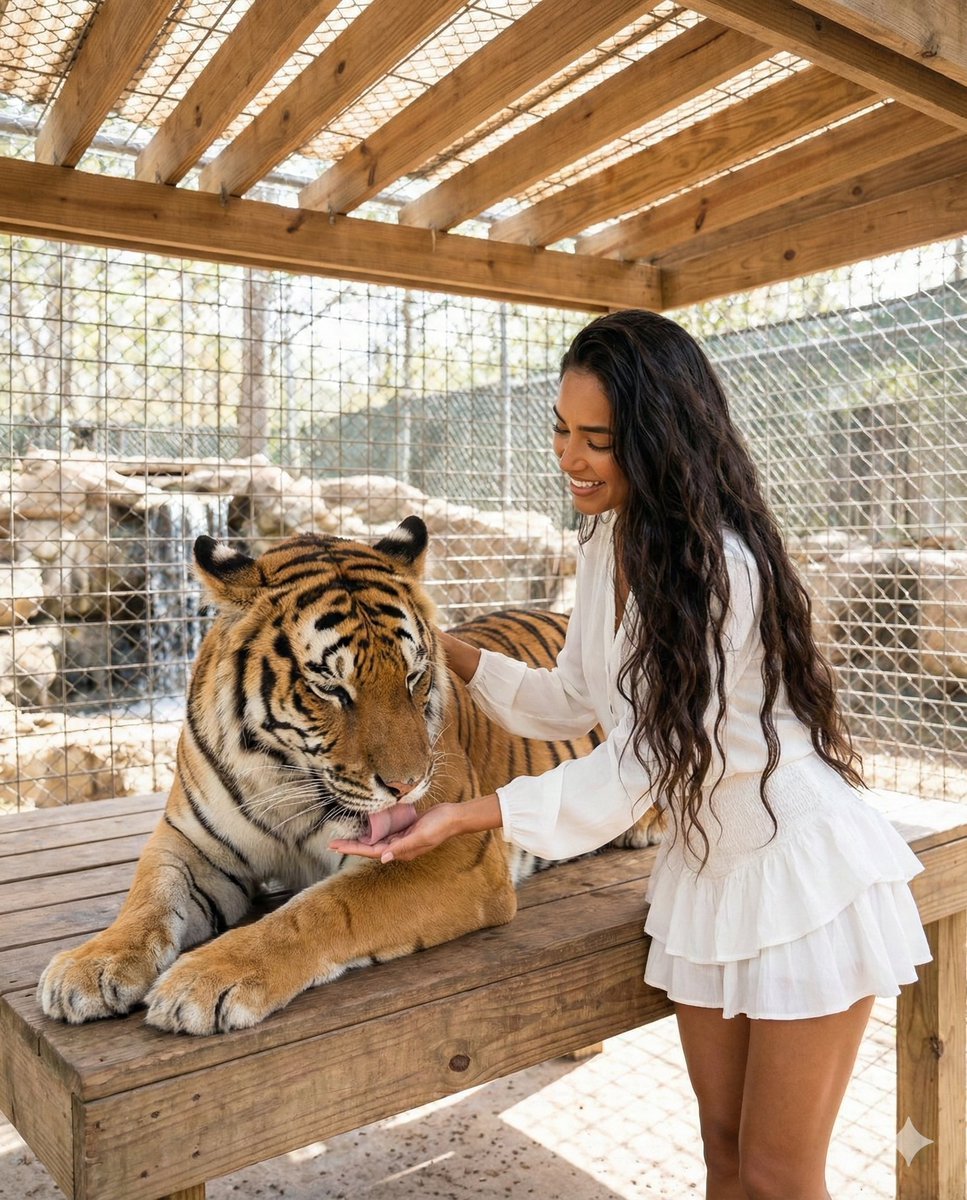
Woman Interacting with Bengal Tiger in Sanctuary
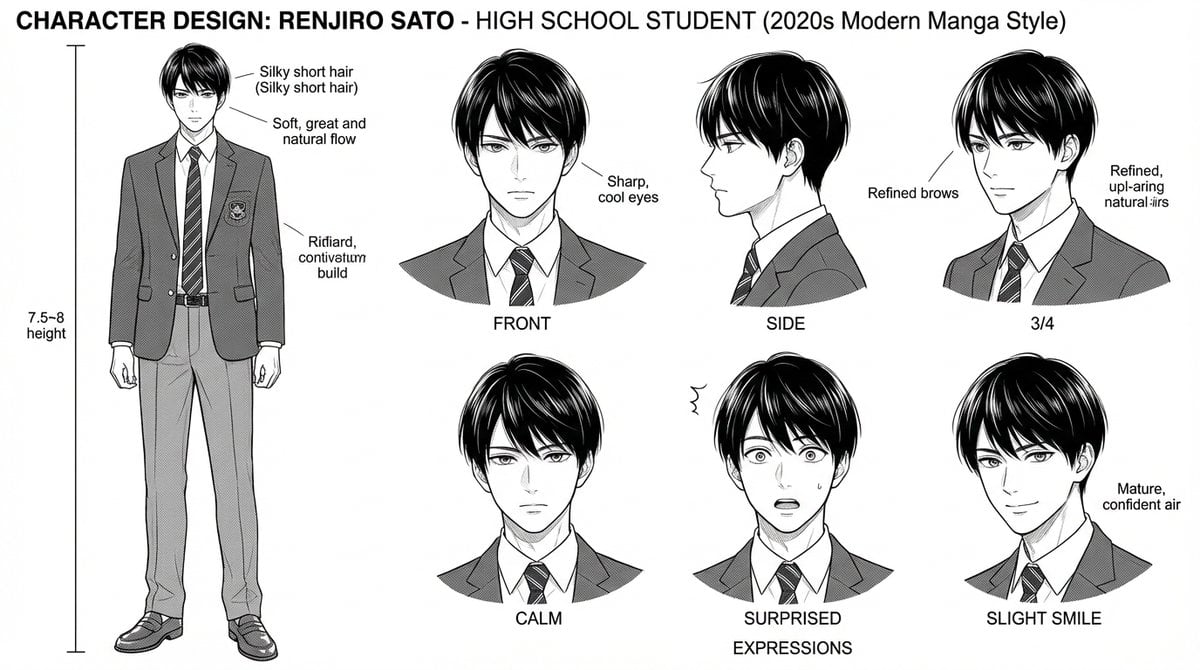
Dynamic Manga Page Layout Prompt
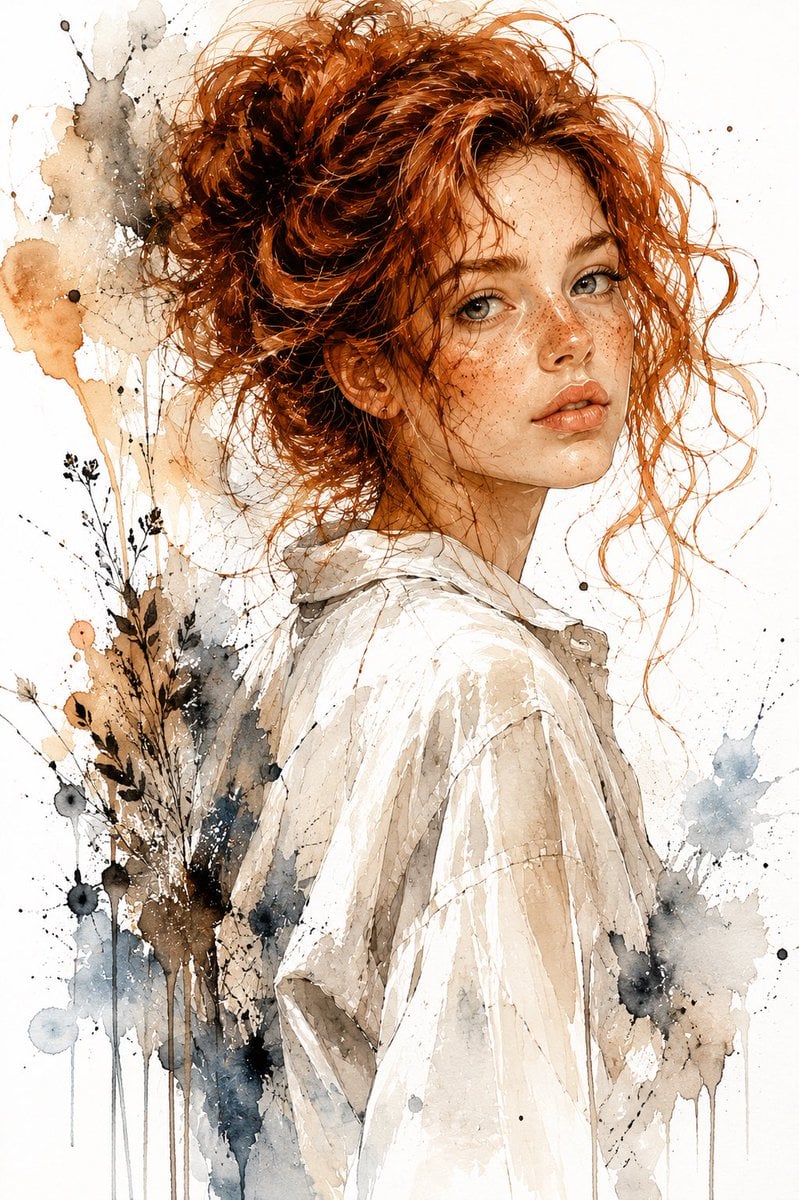
Watercolor and Ink Woman Portrait
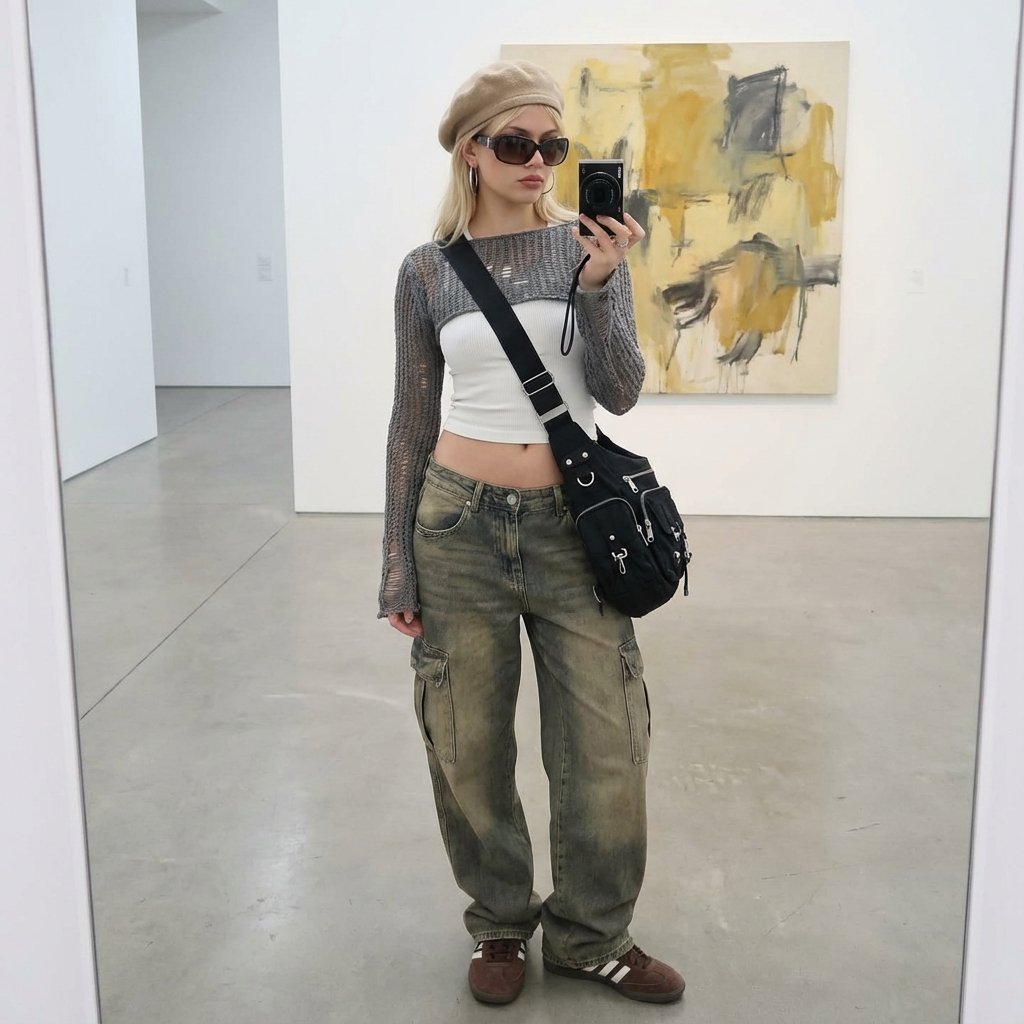
Art Gallery Mirror Selfie Fashion Editorial
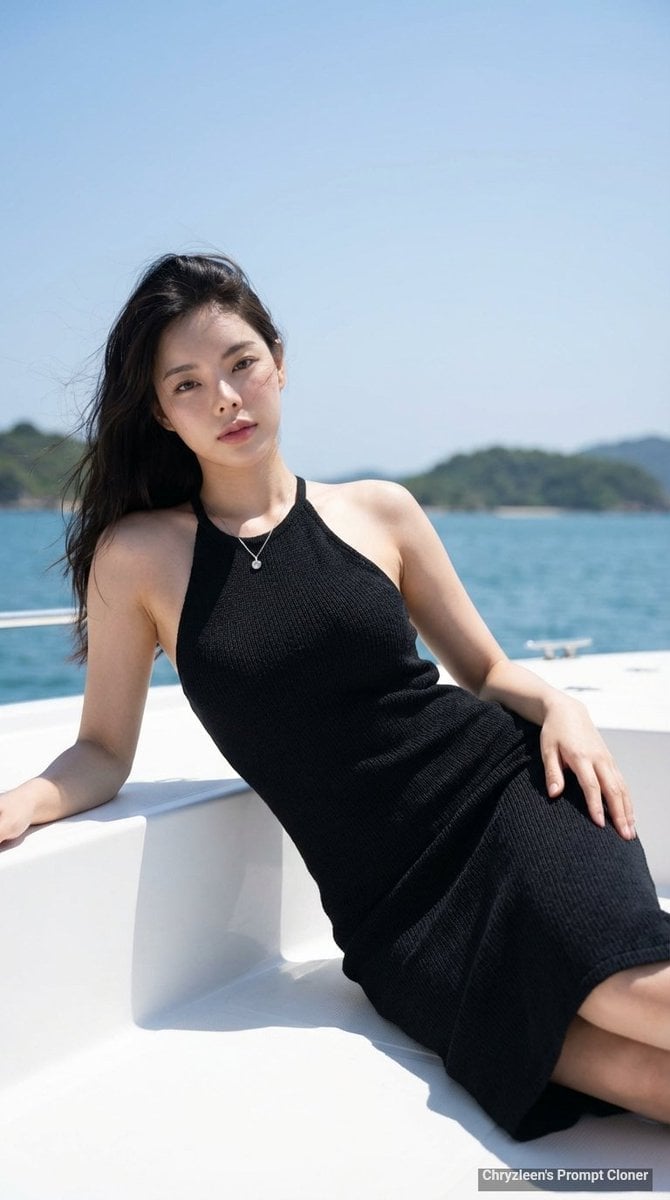
Hyper-Realistic Portrait on a Boat
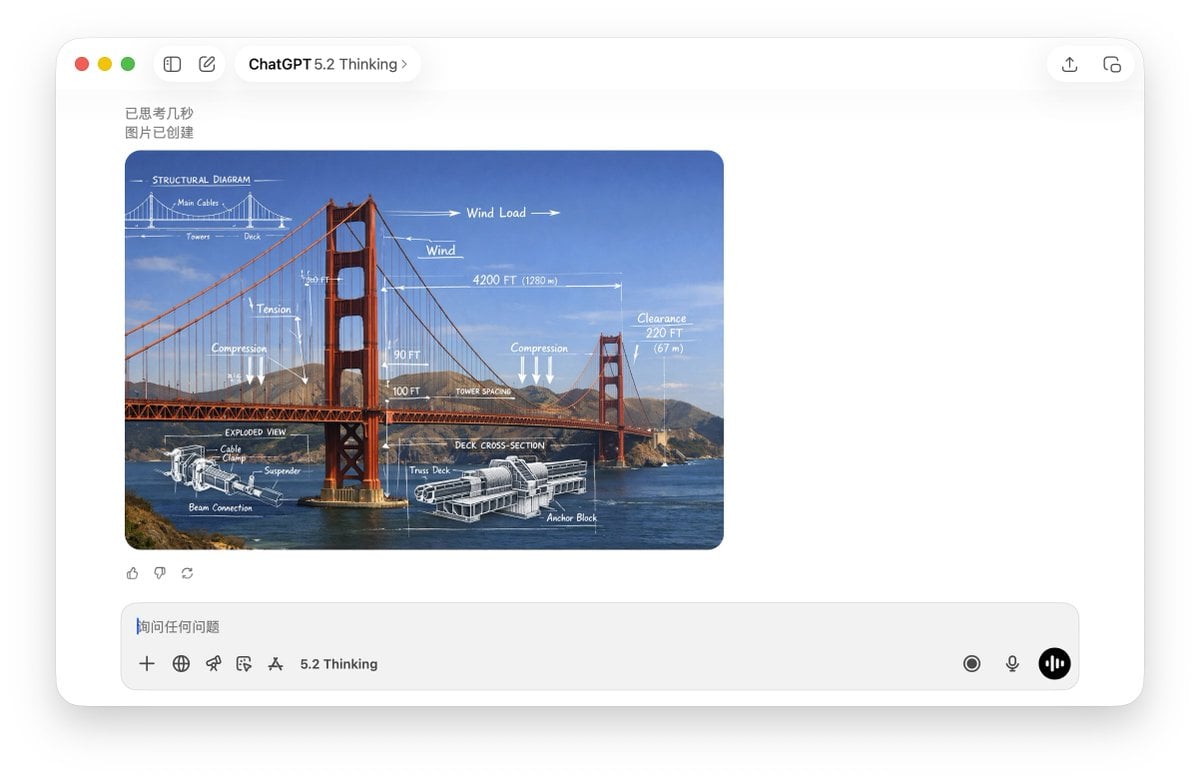
Technical Schematic Overlay Prompt
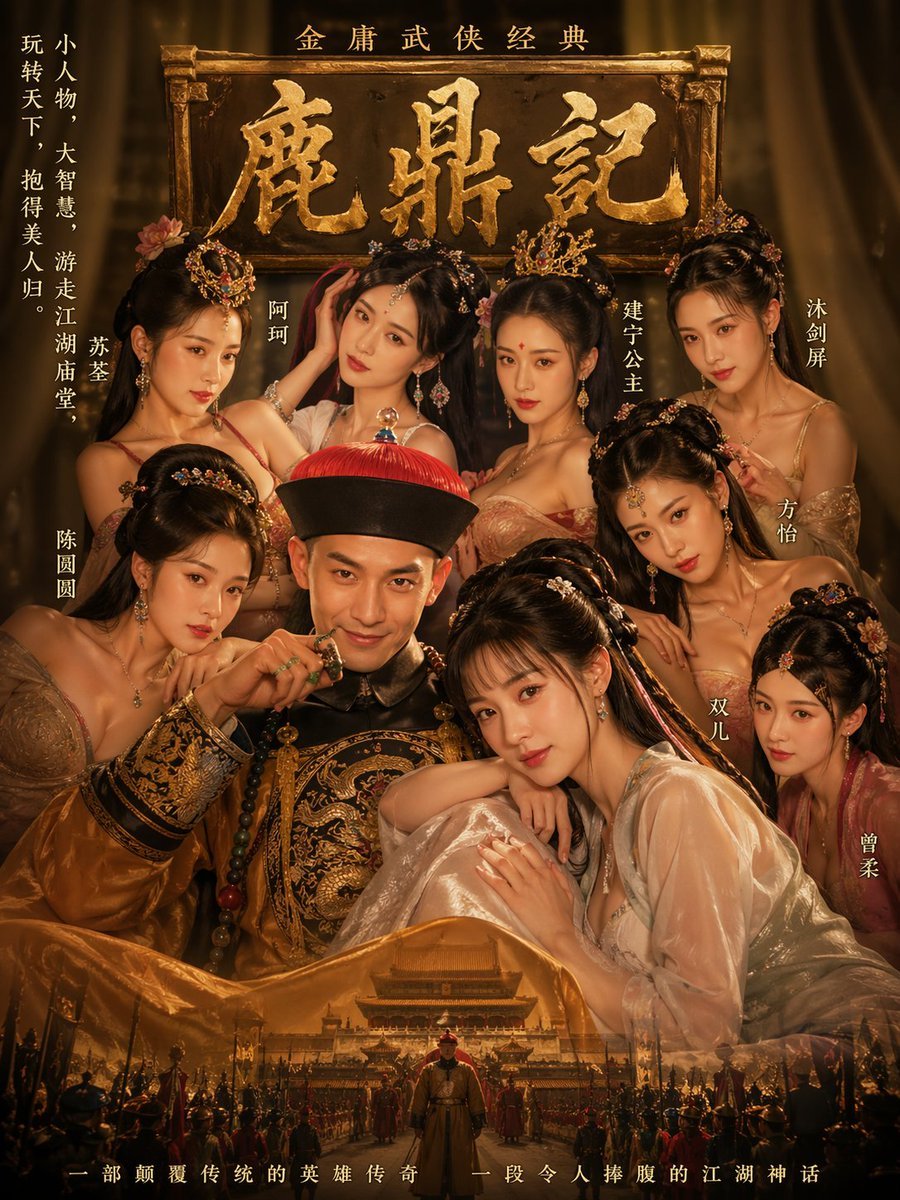
Golden Wuxia Palace Poster
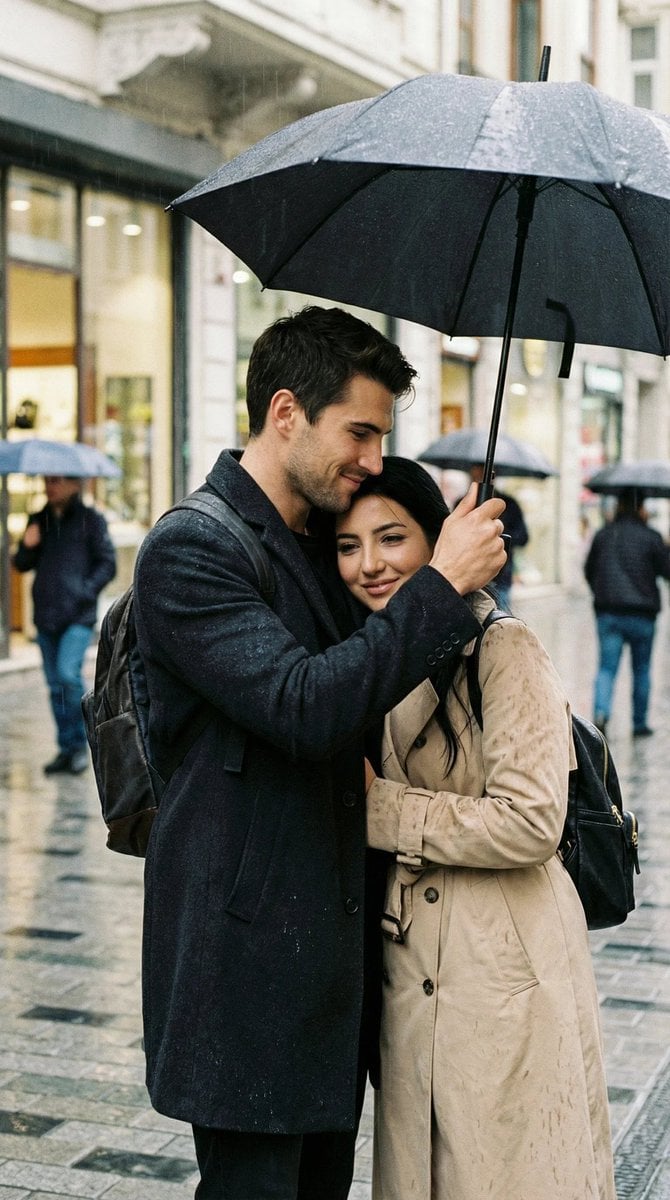
Photoreal Candid Street Romance in Istanbul Prompt
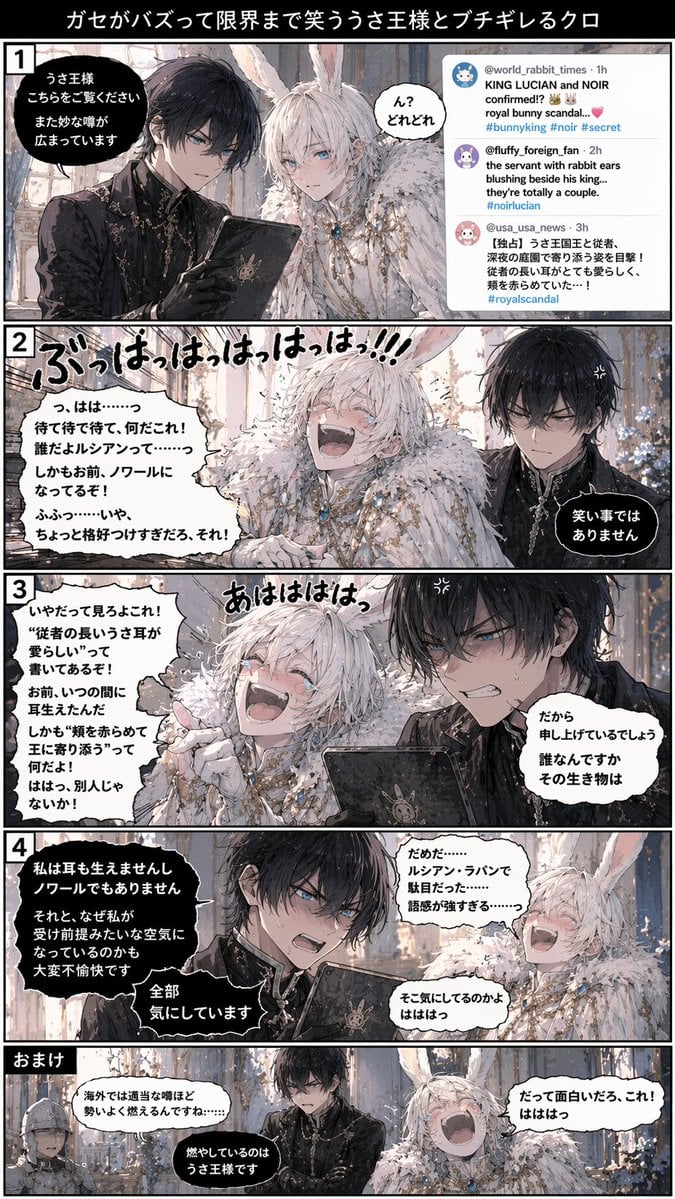
Vertical 5-Panel Anime Comic Strip
Browse template categories
Amalfi Coast Summer Fashion Collage questions
How do I use the Amalfi Coast Summer Fashion Collage template?
Add your photo if the template asks for one, edit the prompt if you like — the template's model and format are already selected — and press Generate. Your version opens in PicX Studio.
Can I customize the Amalfi Coast Summer Fashion Collage template?
Yes. You can change the subject, setting, lighting, mood, format, and available model controls before creating your image.
Is the Amalfi Coast Summer Fashion Collage template free?
Opening and editing this template is free. Generating uses credits, shown on the Generate button when you are signed in.
Which AI model should I use?
Start with Nano Banana 2, which is the model associated with this template. You can compare another compatible model for a different finish.
Looking for something else? Browse all templates.

Your photo, any look
Thousands of ready templates for every top image and video model, from one credit balance.