
Vintage Photobooth Strip Layout
Creates a playful 4-panel photobooth strip with a 2x2 grid layout, focusing on candid expressions and a specific dewy skin aesthetic.
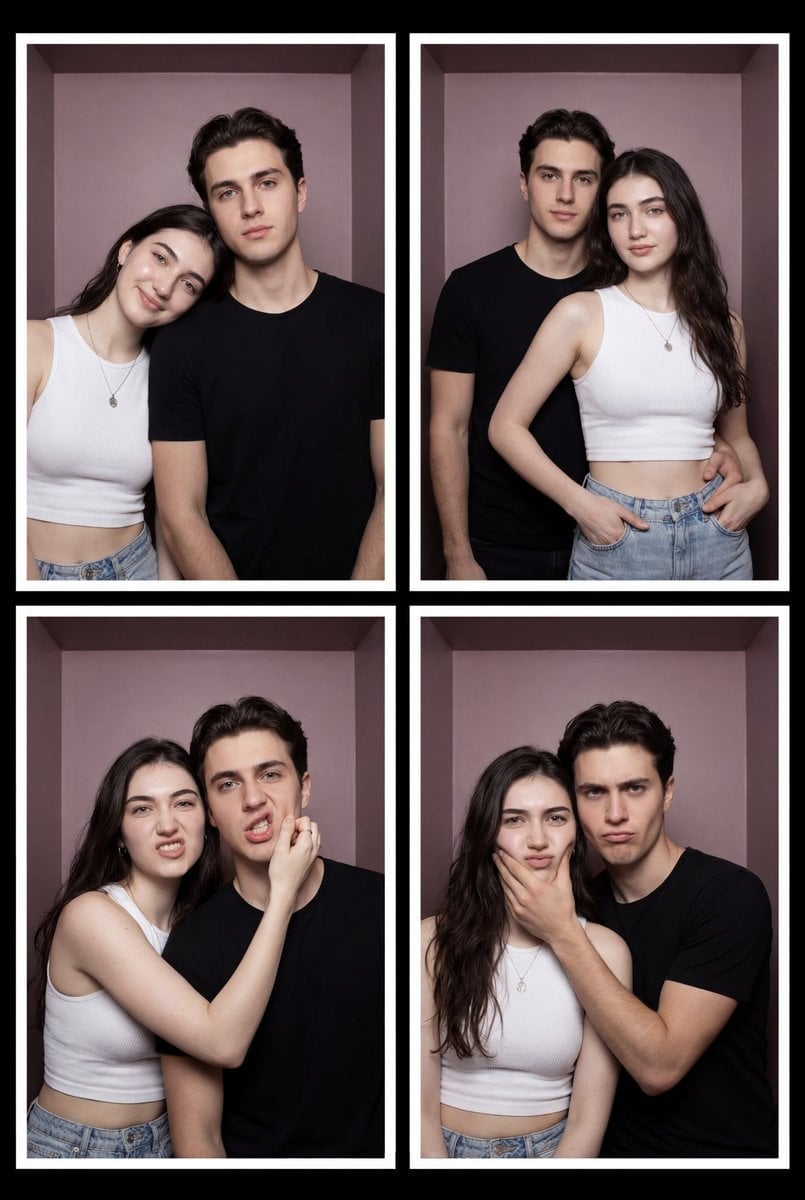
- Prompt included
- Model and format preset
- Premium template
The prompt behind this image
Copy the exact prompt behind Vintage Photobooth Strip Layout, or open it in the studio and make it yours.
Shot Type: 4-panel photobooth strip layout, a single composite image of a 2x2 grid. Vibe: Playful, candid, youthful, and intimate, mimicking an instant photo booth strip. The entire grid is framed by a black border with white text. Subject & Beauty Signature (Glo Persona): A young couple from reference image. * **Skin:** The woman's 'Signature Gloorv' (dewy porcelain glass skin) is prominently featured, looking perfectly flawless, hydrated, and radiant under the photobooth flash. The man has healthy-looking skin and clean grooming. * **Hair & Makeup:** The woman has long, dark, casually styled hair. Her makeup is natural, with a focus on a dewy complexion, soft eyeliner, and natural-toned lips. The man has a short haircut. Outfit & Accessories: * **Woman:** Fitted white ribbed short-sleeve crop top, light wash high-waisted denim jeans. She wears a silver pendant necklace, a simple silver bracelet. * **Man:** Plain black short-sleeve crew-neck t-shirt. He wears a stainless steel watch on his left wrist. Pose & Expression (detailed for each panel): * **Panel 1 (Top Left):** The woman leans her head on the man's shoulder, smiling softly. The man stands and looks forward with a calm expression. * **Panel 2 (Top Right):** They stand closer, both looking directly forward. He has his arm around her waist. She has her hands on her hips/jeans. Their expressions are neutral-to-softly pleasant. * **Panel 3 (Bottom Left):** Silly faces. The woman is jokingly pulling the man's cheek, and they are both making expressive, contorted faces at the camera. * **Panel 4 (Bottom Right):** Playful and slightly possessive. The man holds the woman's face firmly with one hand, making a mock-serious, humorous face. She makes a funny, slightly squished face. Setting & Lighting: * **Background:** A solid, slightly muted dusty-mauve backdrop inside the photobooth. The black frame. * **Lighting:** Flat, direct, even photobooth flash, creating a specific, slightly direct-lit aesthetic typical of a booth. The lighting is bright and clean.
How to use Vintage Photobooth Strip Layout in 3 steps
- 1Upload ImagePNG, JPG or paste
Add your photo
Upload the photo the template builds on. The prompt, model and format are already set.
- 2…a portrait of your subject in softgolden-hour light, 85mm…
Personalize
Edit the subject and creative details for your destination.
- 3Generate
Generate
Press Generate — your image is created in PicX Studio, so you can compare it with the original and refine one variable at a time.
More like this
Templates with the same subject, style or setup. Open one to see its prompt.












Make it yours
Vintage Photobooth Strip Layout works as-is. These are the safest ways to change it without losing the look.
Change one field
Copy a single group, rewrite it, and generate again so you can see what that field is doing.
Keep the frame, change the subject
Hold the composition and light of Vintage Photobooth Strip Layout, then swap wardrobe, props or the person for a new take.
| If the result… | Why | Fix |
|---|---|---|
| The result drifts from the preview | Too many fields changed at once. | Reuse Vintage Photobooth Strip Layout as-is first, then change one group — subject, light, or setting. |
| The model over-stylizes the scene | The prose prompt leaves finish and camera underspecified. | Add one camera or lighting sentence and stay on Nano Banana 2. |
More Nano Banana 2 templates
Other prompts made for Nano Banana 2.

Photorealistic Leaf Shaped Like a Dragon

K-Pop Idol Portrait Grid for Rapid Selection

Poetic Rain Forest Portrait During Golden Hour

Urban Street Portrait with Cartoon Inner Self Duo

Candid Nighttime Photo with Cat Prompt

High-Concept 3D Diorama Generation Prompt

Cinematic Futuristic Studio Portrait Template

Skincare Editorial Photography Collage Prompt

Hyper-Realistic Commercial Product Photography (Splash Effect)

Hyper-Realistic Nightclub Portrait Prompt
More image prompts
Fresh picks from across the catalog.
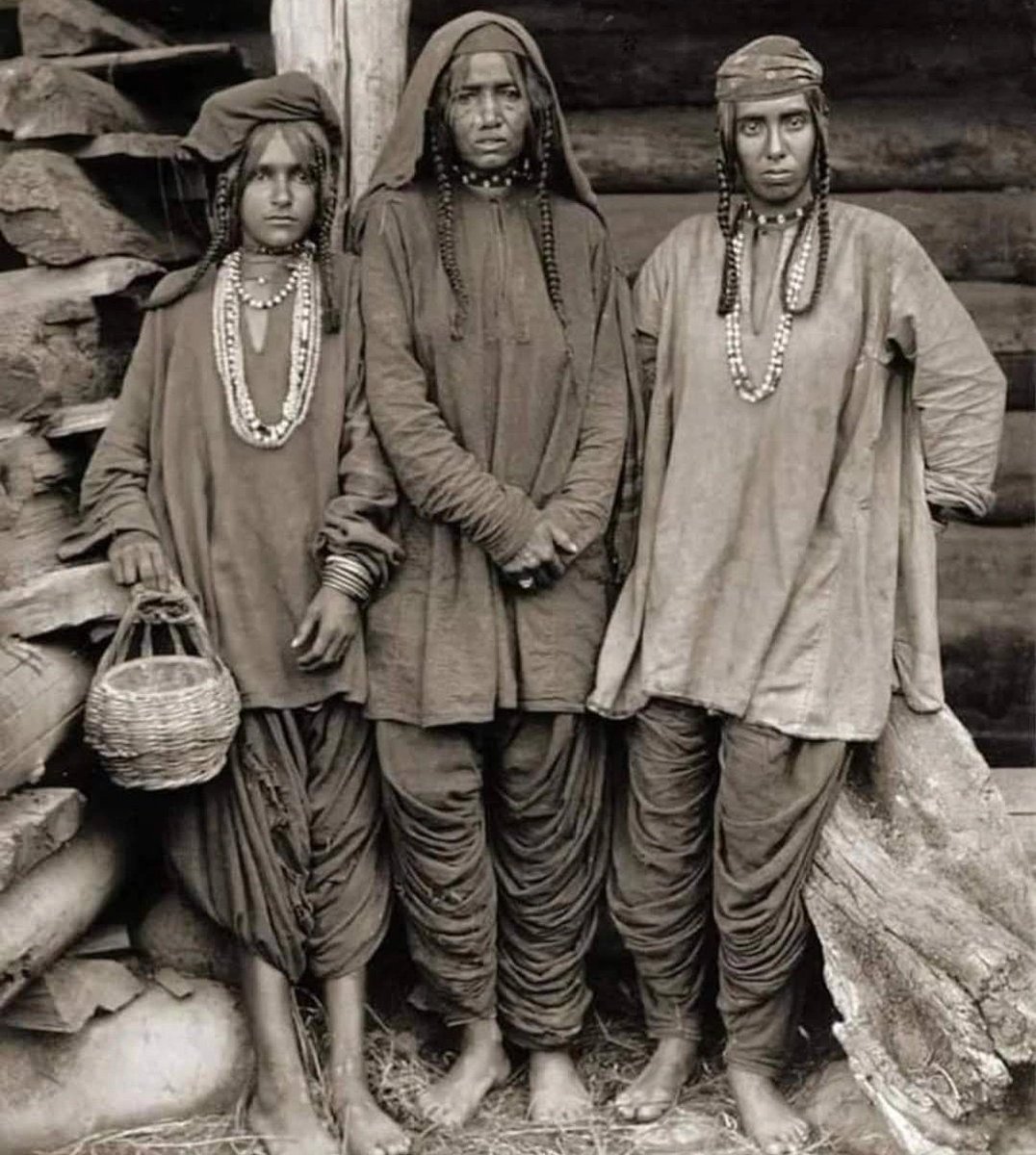
Old Photo Restoration and Enhancement
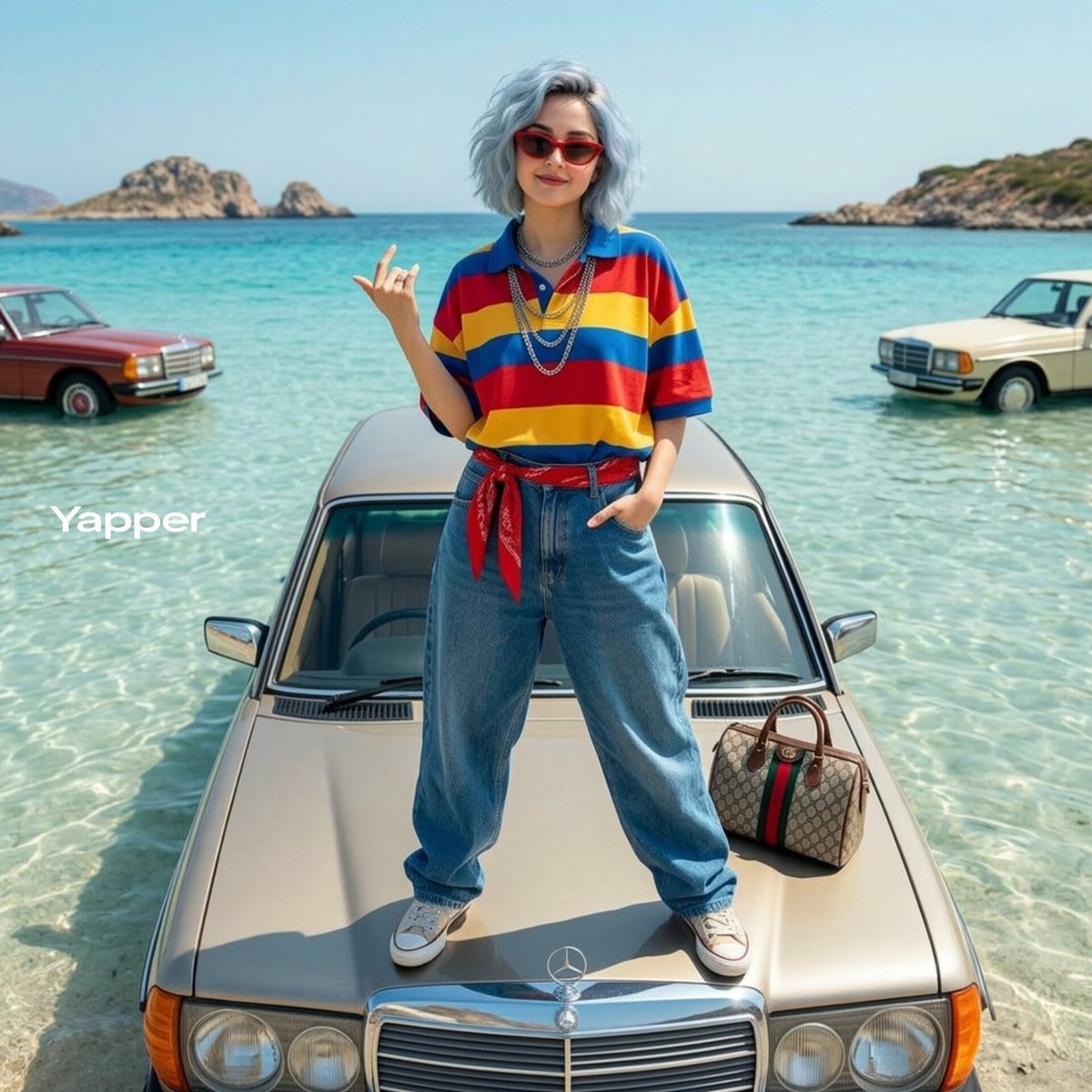
Stylish Woman on Submerged Vintage Car
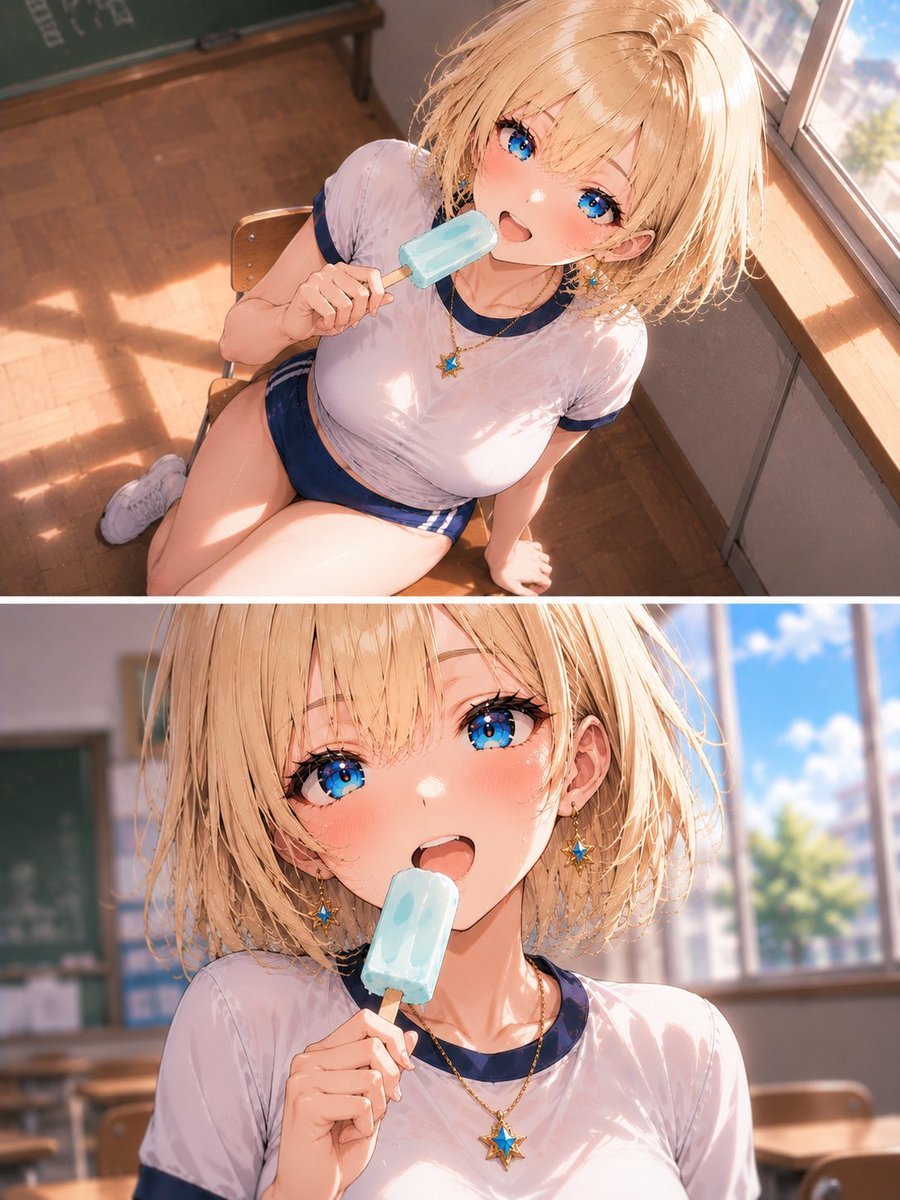
Blonde Schoolgirl Ice Pop Diptych

untitled

Japanese AI Creative Tool Poster
Handmade Enamel Souvenir Magnet
Panel Editorial Grid Portrait with Cat for Nano Banana Pro
Cute Character Walking Illustration
Alaskan Snowstorm Couple Prompt (Reference Based)
Photorealistic Night Selfie Prompt
Browse template categories
Vintage Photobooth Strip Layout questions
How do I use the Vintage Photobooth Strip Layout template?
Add your photo if the template asks for one, edit the prompt if you like — the template's model and format are already selected — and press Generate. Your version opens in PicX Studio.
Can I customize the Vintage Photobooth Strip Layout template?
Yes. You can change the subject, setting, lighting, mood, format, and available model controls before creating your image.
Is the Vintage Photobooth Strip Layout template free?
Opening and editing this template is free. Generating uses credits, shown on the Generate button when you are signed in.
Which AI model should I use?
Start with Nano Banana 2, which is the model associated with this template. You can compare another compatible model for a different finish.
Looking for something else? Browse all templates.

Your photo, any look
Thousands of ready templates for every top image and video model, from one credit balance.