
Monochrome Fashion Editorial Multi-Frame Collage
A sophisticated black-and-white magazine-style collage featuring multiple poses of a man in luxury streetwear.
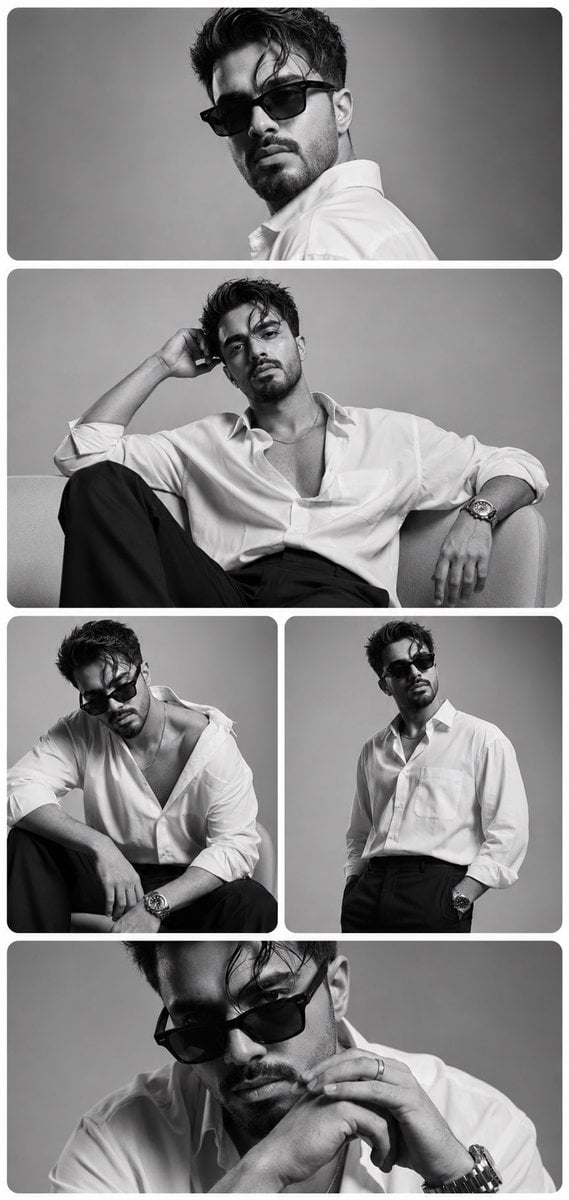
- Prompt included
- Model and format preset
- Premium template
The prompt behind this image
Copy the exact prompt behind Monochrome Fashion Editorial Multi-Frame Collage, or open it in the studio and make it yours.
Use the uploaded reference image as the primary identity reference. Preserve the subject’s exact facial identity, facial structure, jawline, nose shape, eye shape, eyebrow details, skin texture, hairstyle, beard/stubble pattern, hairline, age, ethnicity, and overall recognizable appearance with extremely high identity fidelity. Do not alter the subject’s unique facial characteristics. Create a luxury fashion editorial-style multi-frame portrait collage featuring the same man in five different poses and expressions. The collage should have a clean minimalist aesthetic with a sophisticated monochrome black-and-white color palette. Arrange the images vertically in a premium magazine layout using rounded-corner rectangular frames with subtle shadows and elegant spacing. Frame 1 (Top Wide Frame): Close-up over-the-shoulder portrait. The man turns his head toward the camera while wearing premium black sunglasses. Strong eye contact, confident expression, slightly tousled hair, luxury fashion magazine look. Frame 2 (Large Center Frame): Seated relaxed pose on a modern sofa or chair. One arm resting casually behind his head. {argument name="clothing" default="Slightly unbuttoned oversized white dress shirt"} with rolled sleeves, black tailored trousers, luxury wristwatch visible. Effortless model-like confidence. Frame 3 (Bottom Left Frame): Leaning forward while seated. Head slightly lowered, {argument name="accessory" default="sunglasses tilted downward"}. Relaxed masculine pose with one shoulder exposed through the loose shirt collar. Editorial fashion photography styling. Frame 4 (Bottom Right Frame): Standing pose with hands in pockets. Crisp oversized white shirt tucked into tailored black trousers. Looking away from camera with a powerful runway-model attitude. Strong posture and elegant masculine energy. Frame 5 (Bottom Wide Frame): Intimate close-up portrait. Hands clasped together near face. Sunglasses partially lowered. Sharp jawline emphasized. Thoughtful and mysterious expression. Styling: •Oversized premium white dress shirt •Tailored black trousers •Black luxury sunglasses •Minimal silver jewelry •Luxury wristwatch •Clean masculine fashion aesthetic •Modern GQ magazine styling Environment & Composition: •Minimalist studio background •Soft light gray backdrop •Seamless studio environment •Rounded rectangular frames •Symmetrical collage layout •Clean luxury design •Subtle frame shadows •High-end editorial presentation Lighting: Professional studio lighting, soft diffused key light, subtle rim lighting, smooth skin highlights, controlled shadows, luxury fashion campaign lighting, medium contrast monochrome grading. Quality Tags: Ultra-realistic, photorealistic, fashion editorial, luxury magazine cover, GQ style, Vogue Men aesthetic, professional studio photography, monochrome photography, high-end portraiture, masterpiece, 8K resolution, ultra detailed, realistic skin texture, premium fashion campaign, award-winning photography, sharp focus, depth
How to use Monochrome Fashion Editorial Multi-Frame Collage in 3 steps
- 1Upload ImagePNG, JPG or paste
Add your photo
Upload the photo the template builds on. The prompt, model and format are already set.
- 2…a portrait of your subject in softgolden-hour light, 85mm…
Personalize
Edit the subject and creative details for your destination.
- 3Generate
Generate
Press Generate — your image is created in PicX Studio, so you can compare it with the original and refine one variable at a time.
More like this
Templates with the same subject, style or setup. Open one to see its prompt.
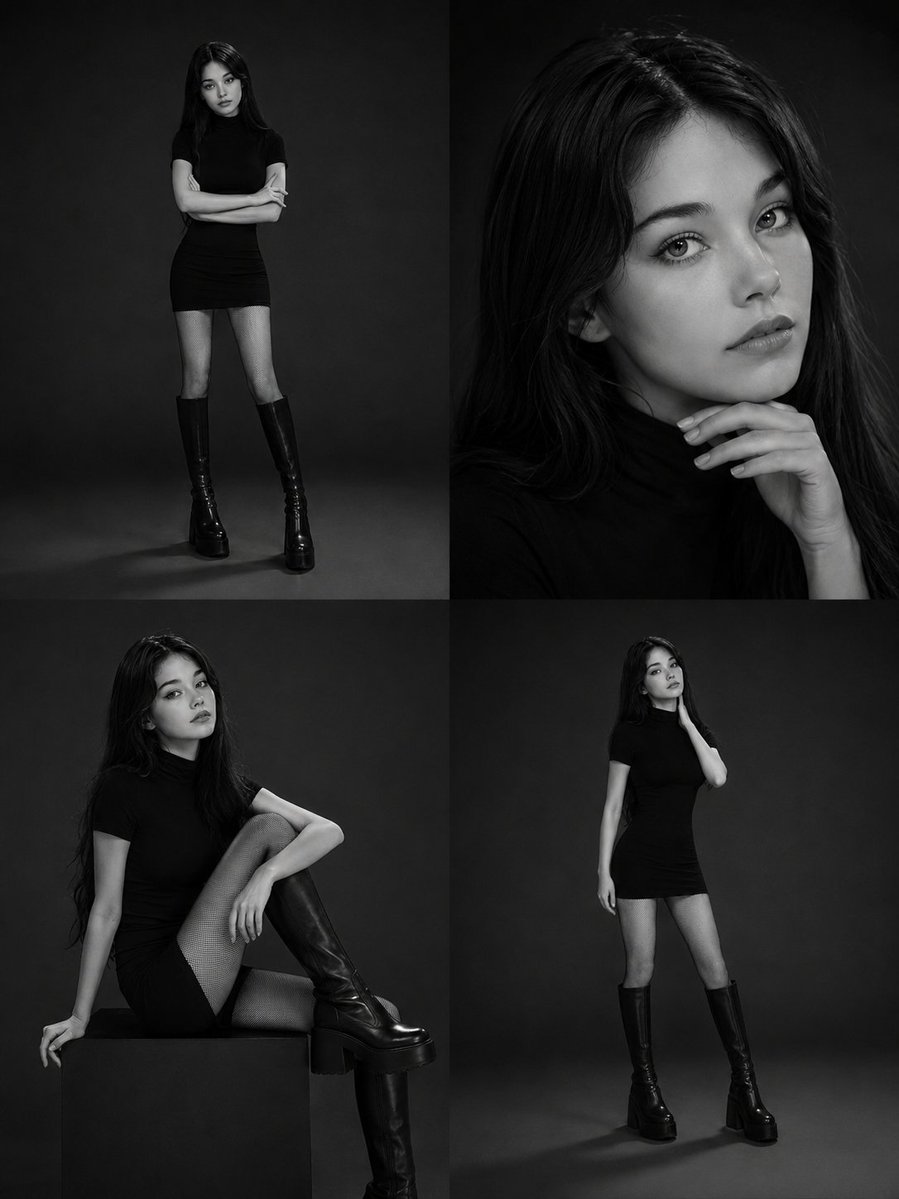
Monochrome Fashion Editorial Collage
untitled
Google Gemini Nano Banana Pro
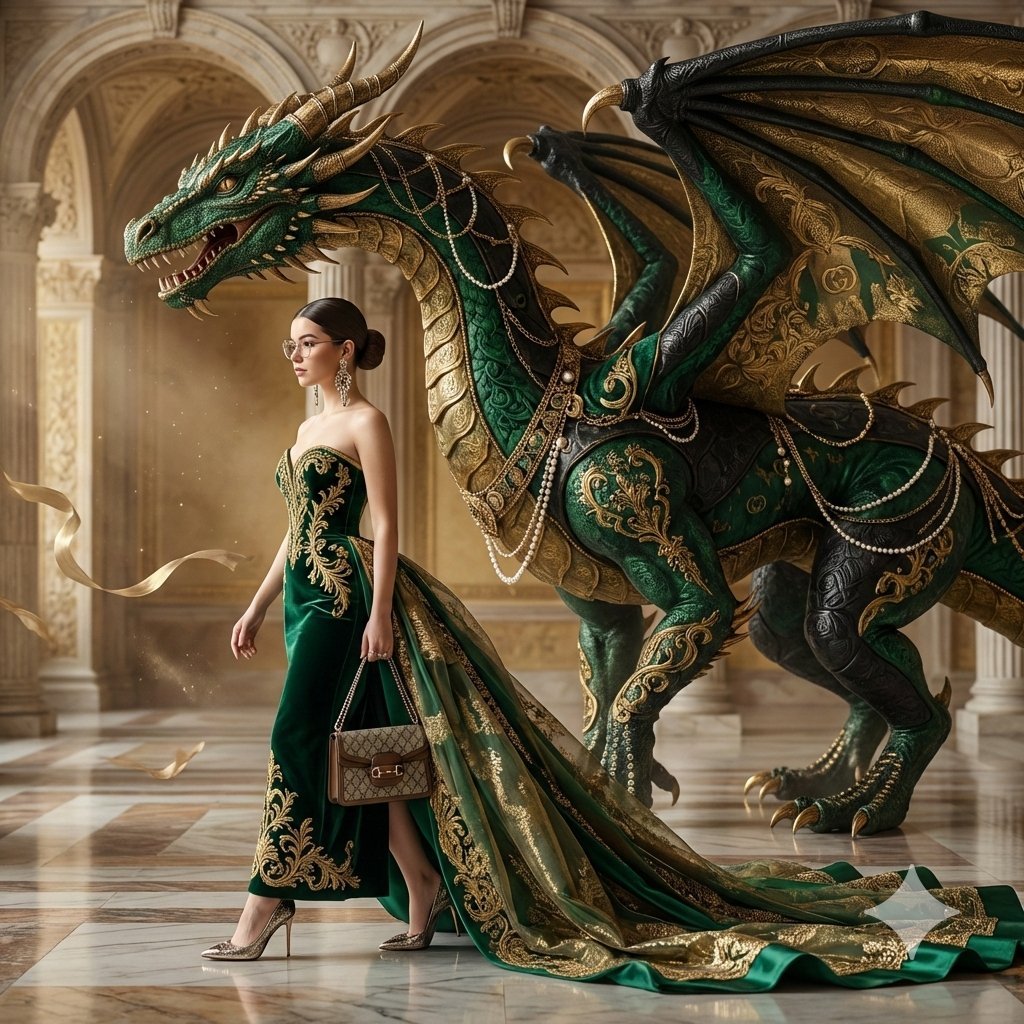
Conceptual Fashion Portrait in Spider We
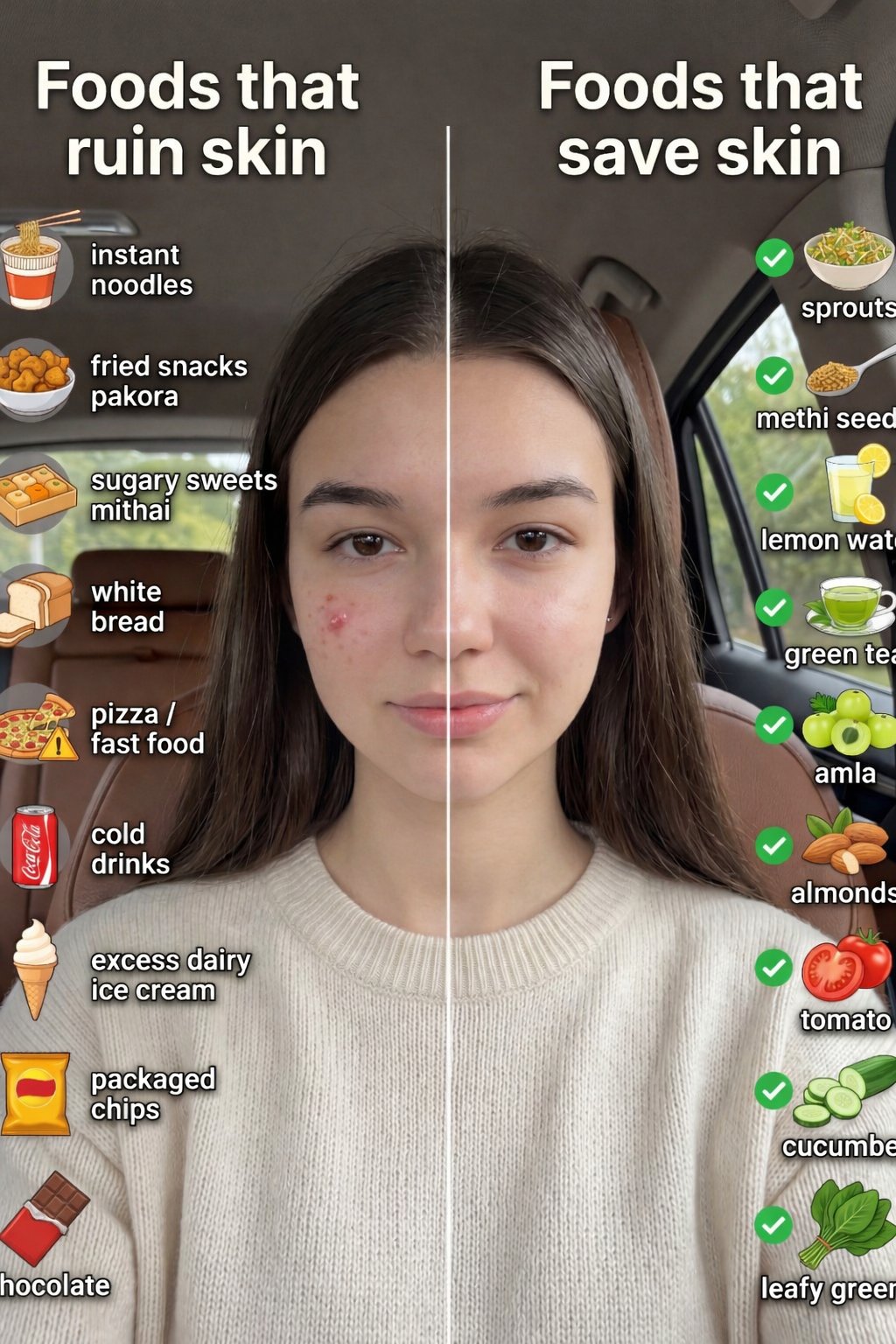
01 Skincare Split Portrait — Nano Banana 2
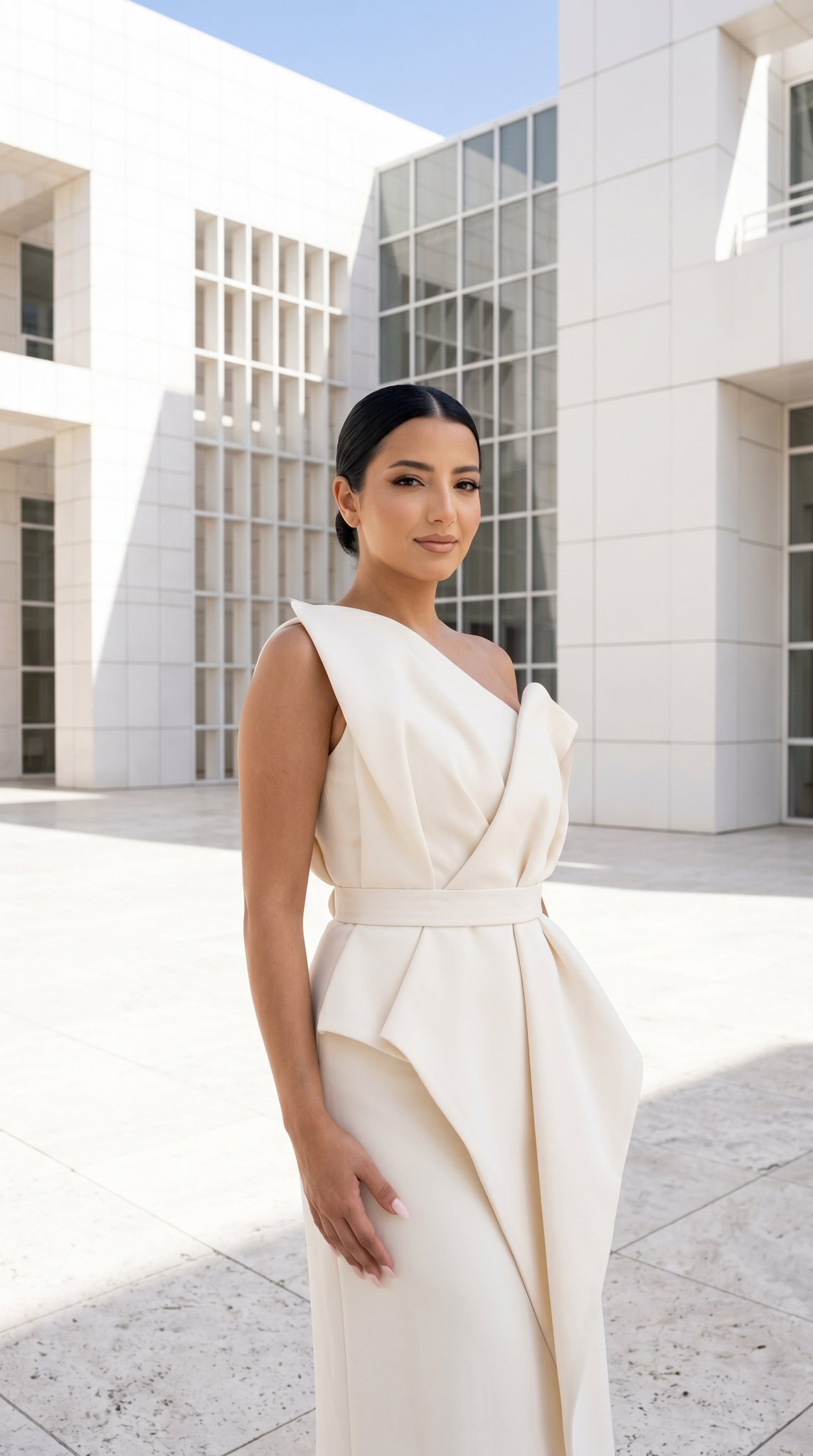
24 The Getty Center — California Series
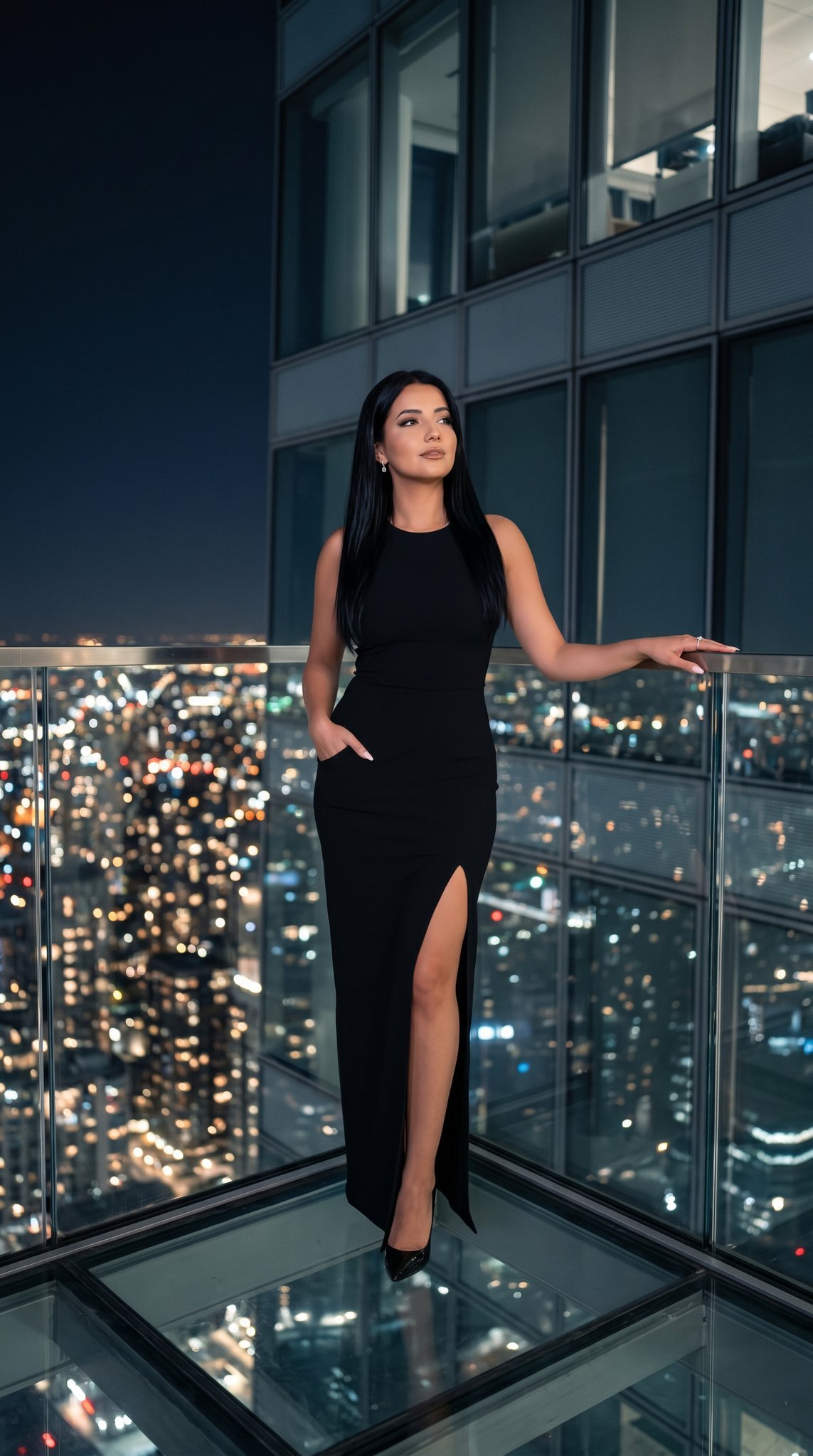
21 Glass Floor Skyscraper — California Series

19 Luxury Helicopter Travel — California Series

08 Rodeo Drive Luxury Exit — California Series
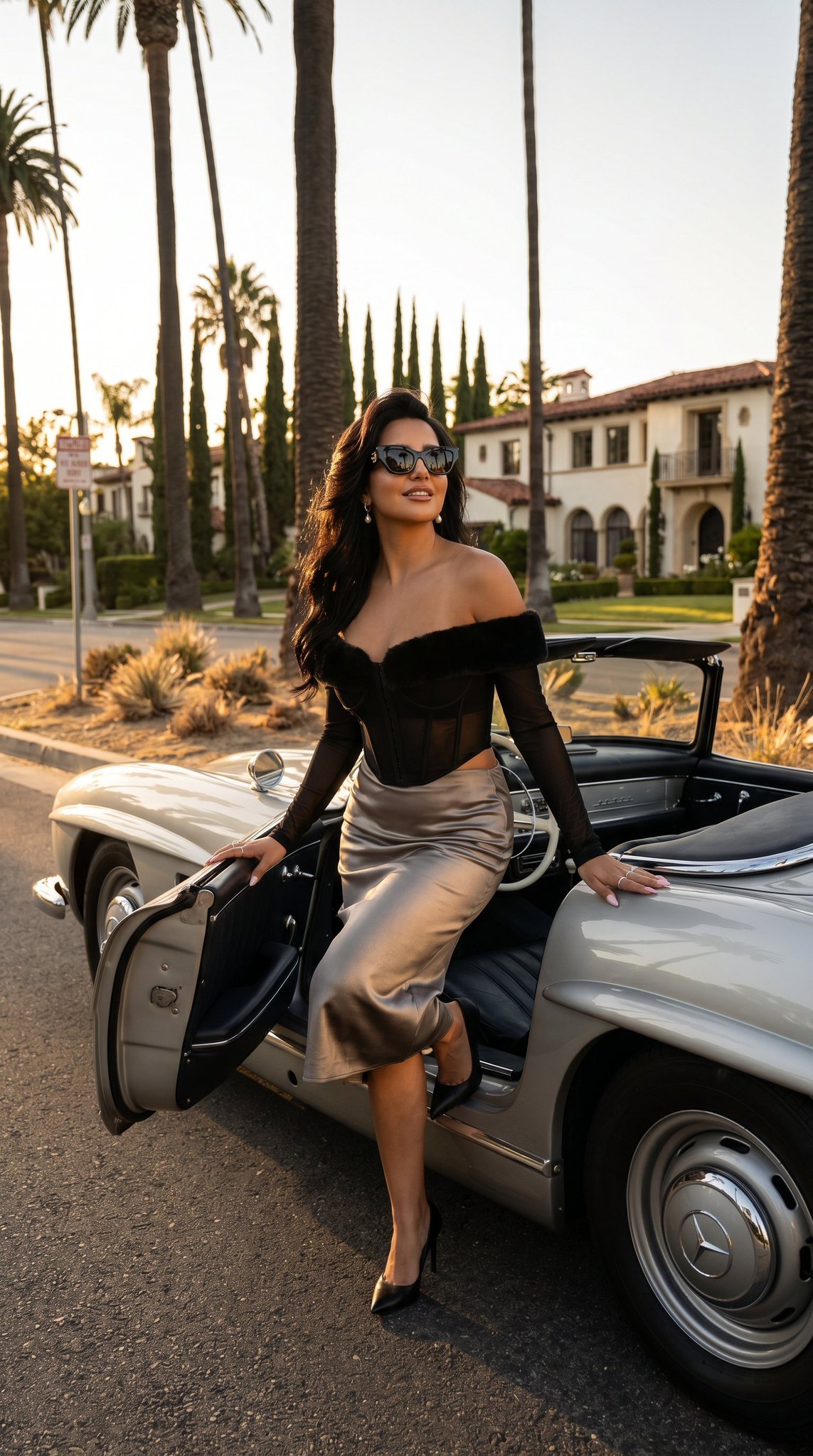
03 Beverly Hills Convertible — California Series
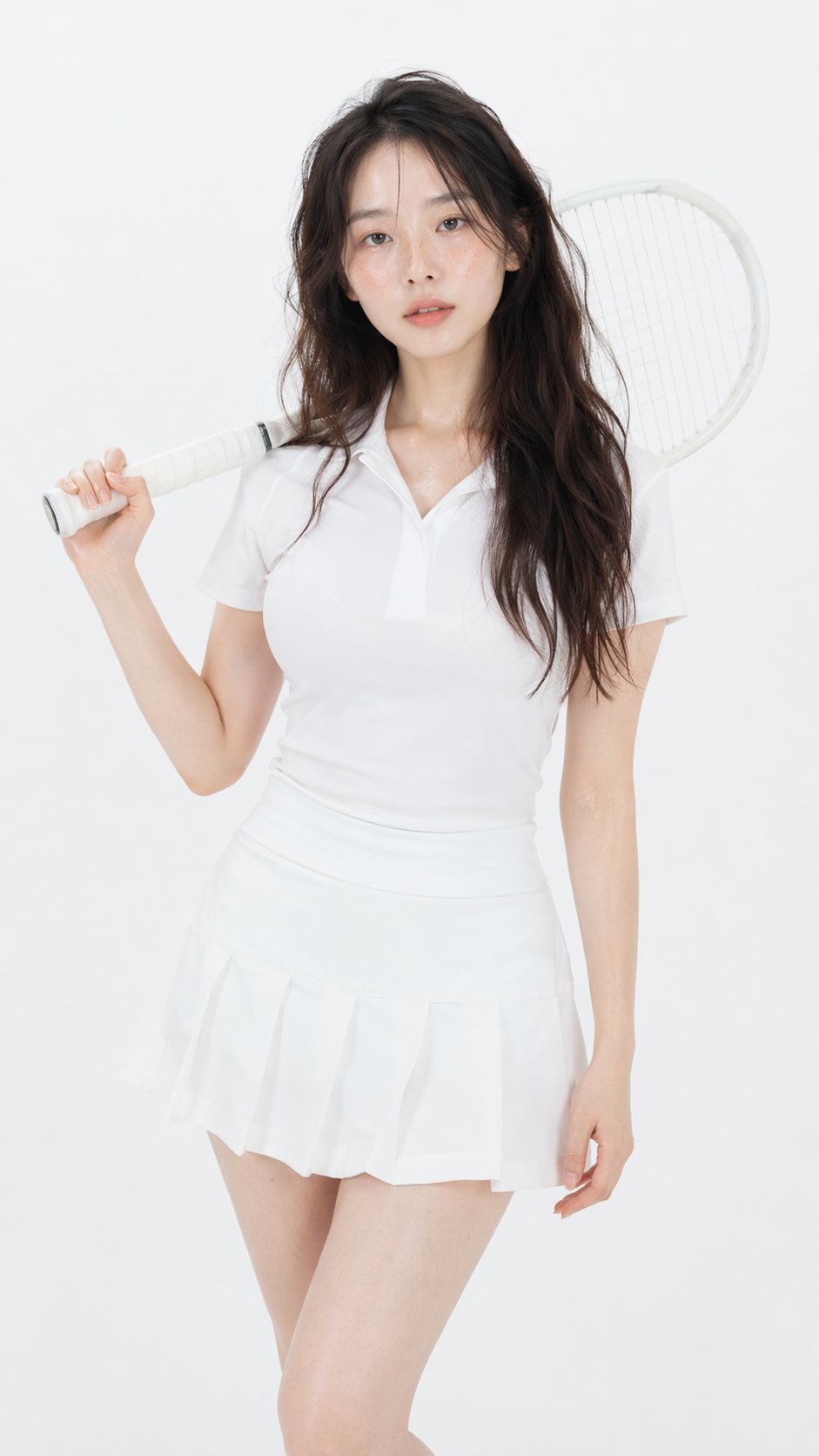
Gpt Image 2 Fashion Portrait

Caution Tape Fashion — Industrial Editorial
Make it yours
Monochrome Fashion Editorial Multi-Frame Collage works as-is. These are the safest ways to change it without losing the look.
Change one field
Copy a single group, rewrite it, and generate again so you can see what that field is doing.
Keep the frame, change the subject
Hold the composition and light of Monochrome Fashion Editorial Multi-Frame Collage, then swap wardrobe, props or the person for a new take.
| If the result… | Why | Fix |
|---|---|---|
| The result drifts from the preview | Too many fields changed at once. | Reuse Monochrome Fashion Editorial Multi-Frame Collage as-is first, then change one group — subject, light, or setting. |
| The model over-stylizes the scene | The prose prompt leaves finish and camera underspecified. | Add one camera or lighting sentence and stay on Nano Banana 2. |
More Nano Banana 2 templates
Other prompts made for Nano Banana 2.

Photorealistic Leaf Shaped Like a Dragon

K-Pop Idol Portrait Grid for Rapid Selection

Poetic Rain Forest Portrait During Golden Hour

Urban Street Portrait with Cartoon Inner Self Duo

Candid Nighttime Photo with Cat Prompt

High-Concept 3D Diorama Generation Prompt

Cinematic Futuristic Studio Portrait Template

Skincare Editorial Photography Collage Prompt

Hyper-Realistic Commercial Product Photography (Splash Effect)

Hyper-Realistic Nightclub Portrait Prompt
More image prompts
Fresh picks from across the catalog.
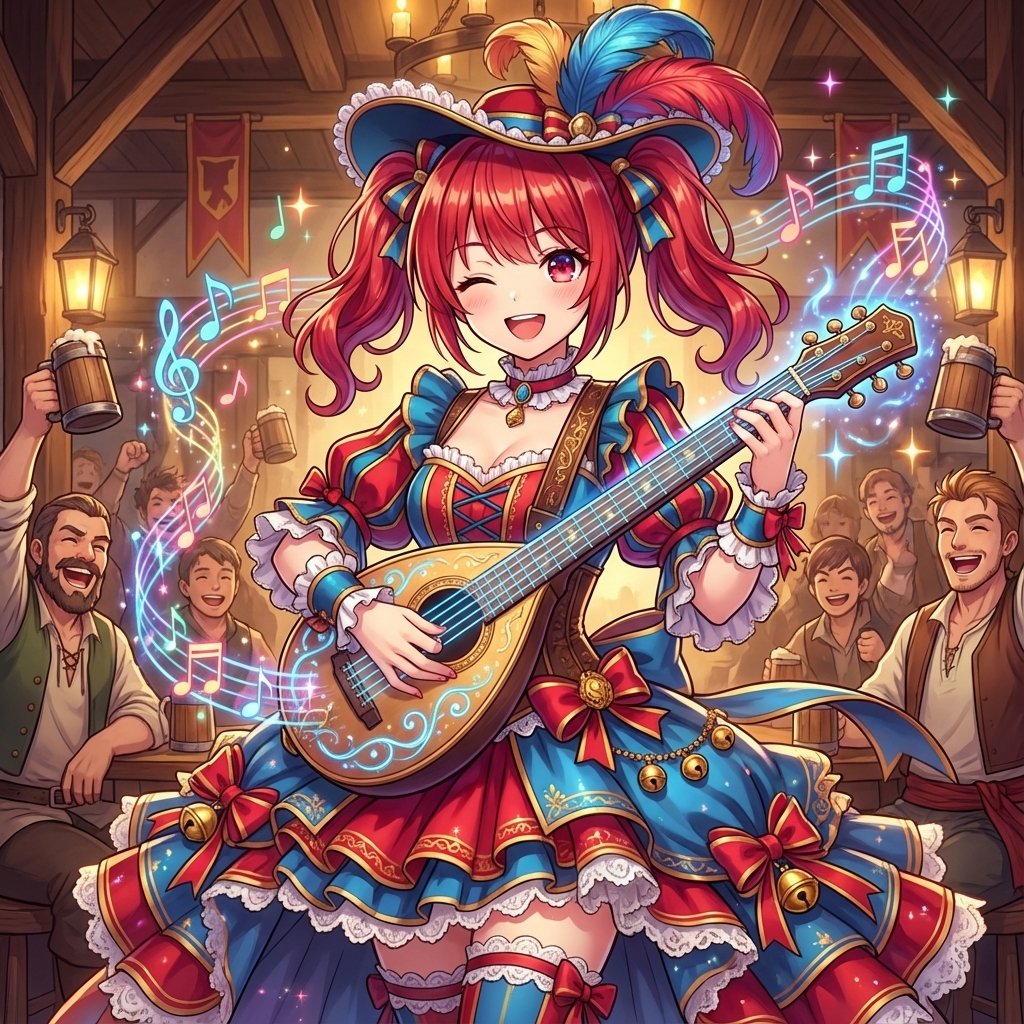
AI Conversion to Bard (Minstrel) Character
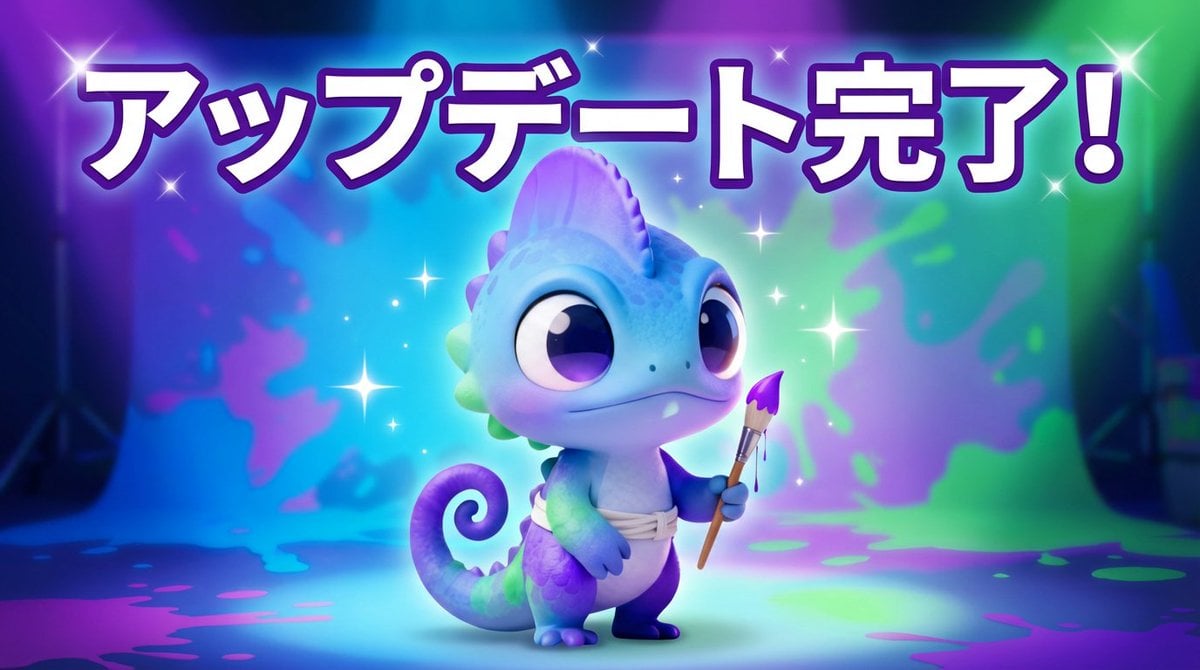
Creating a Thumbnail Image with Text Overlay
Industrial Blueprint Generation Prompt
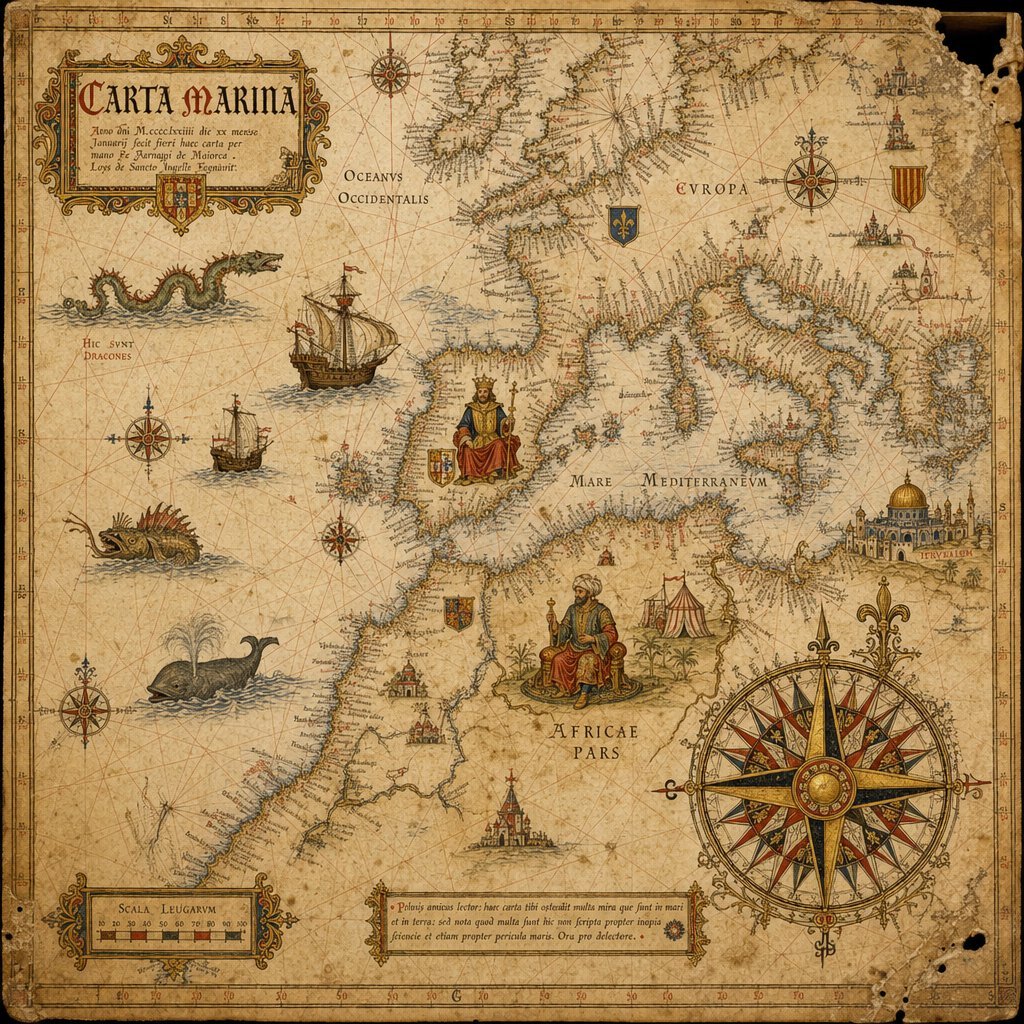
15th-Century Antique Portolan Chart
Cinematic Blue Hour Portrait of a Man
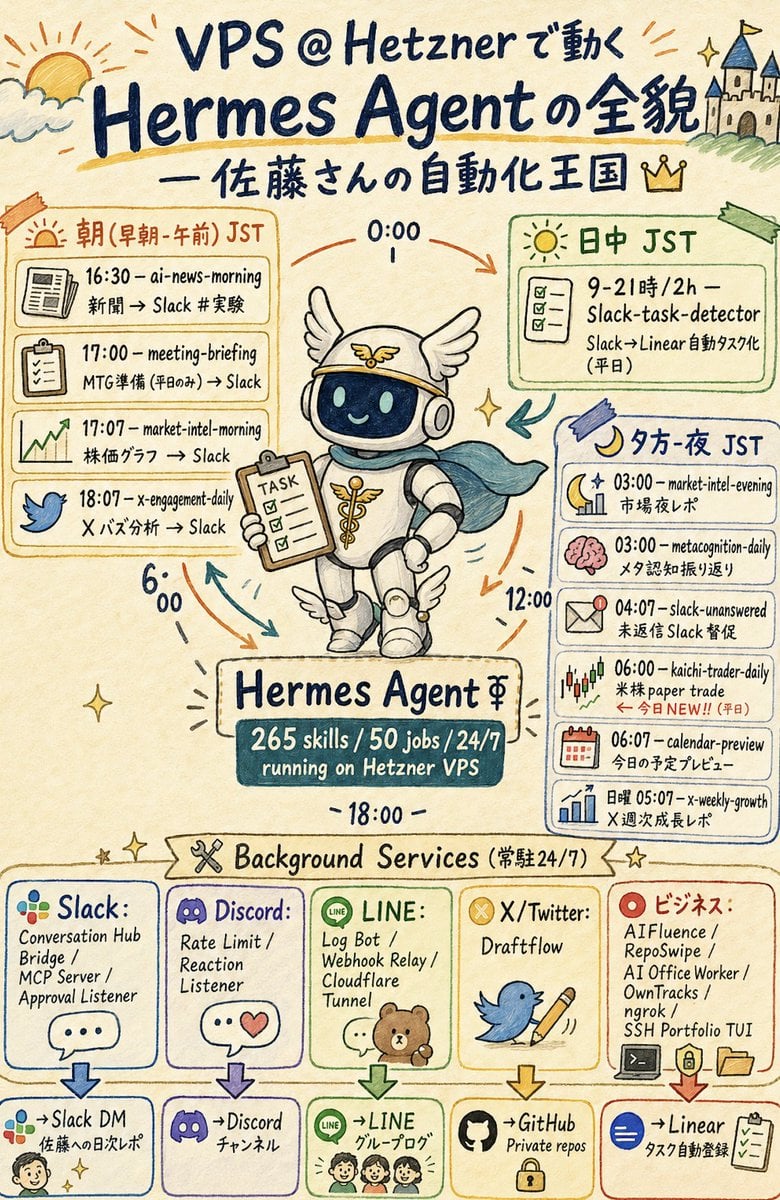
Hermes Agent Sketchnote Infographic
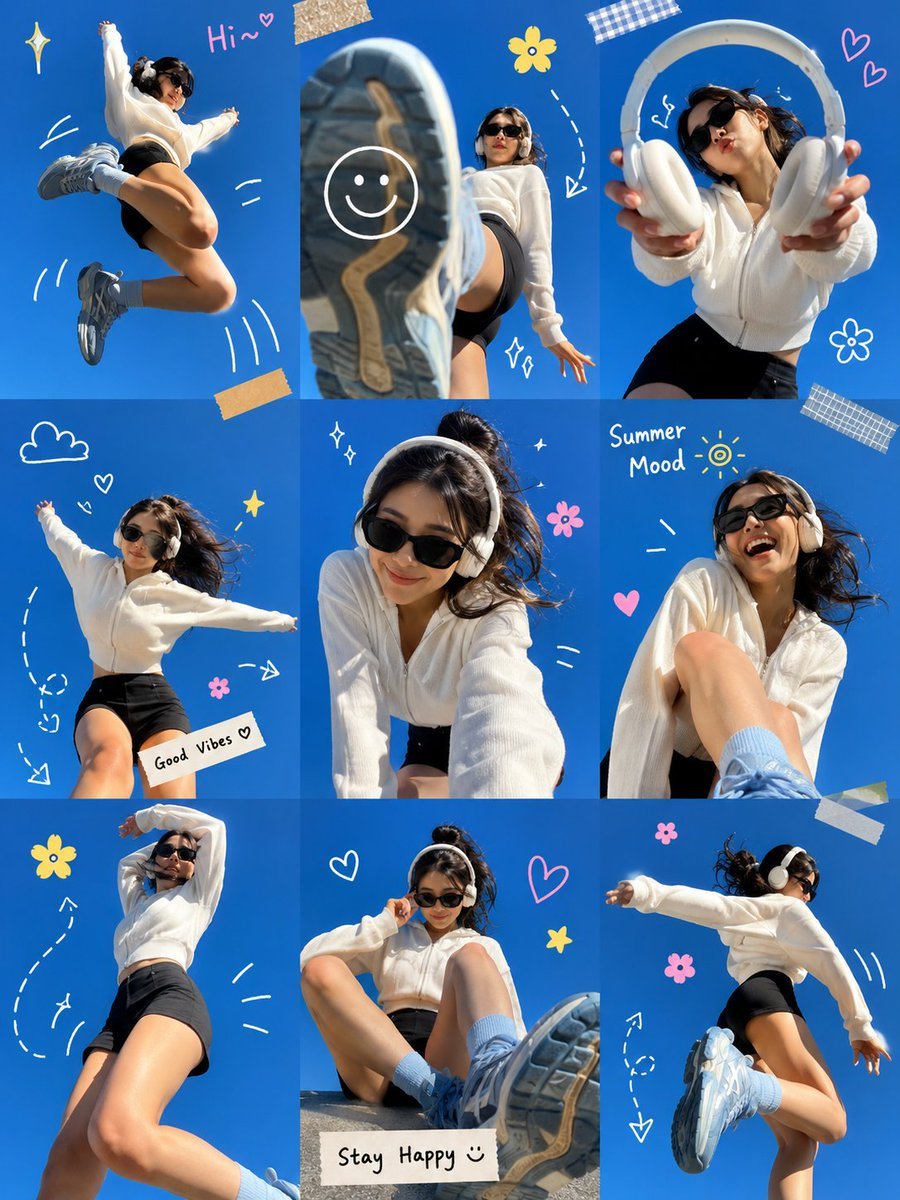
Gen Z Summer Photo Dump Collage
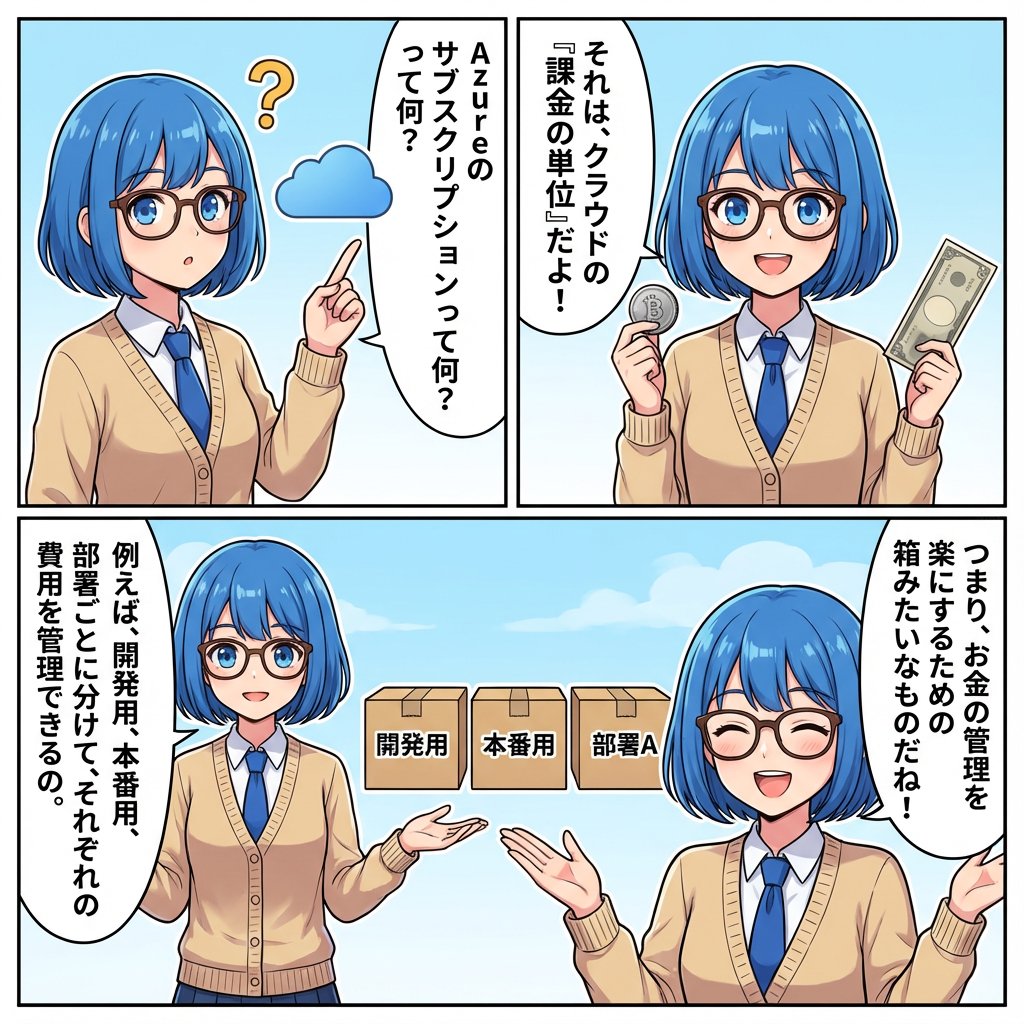
IT Education Manga Generation Prompt
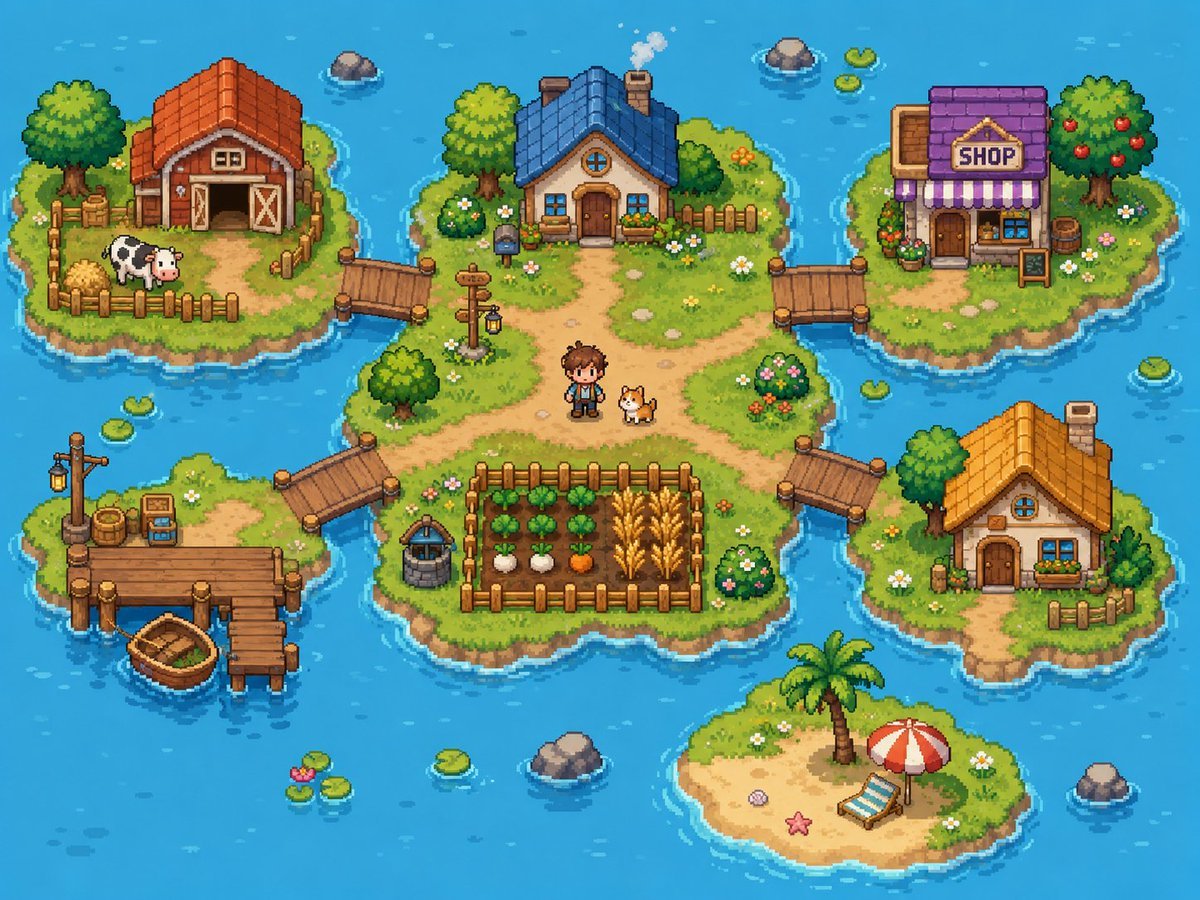
Cozy Pixel Farm Island Village
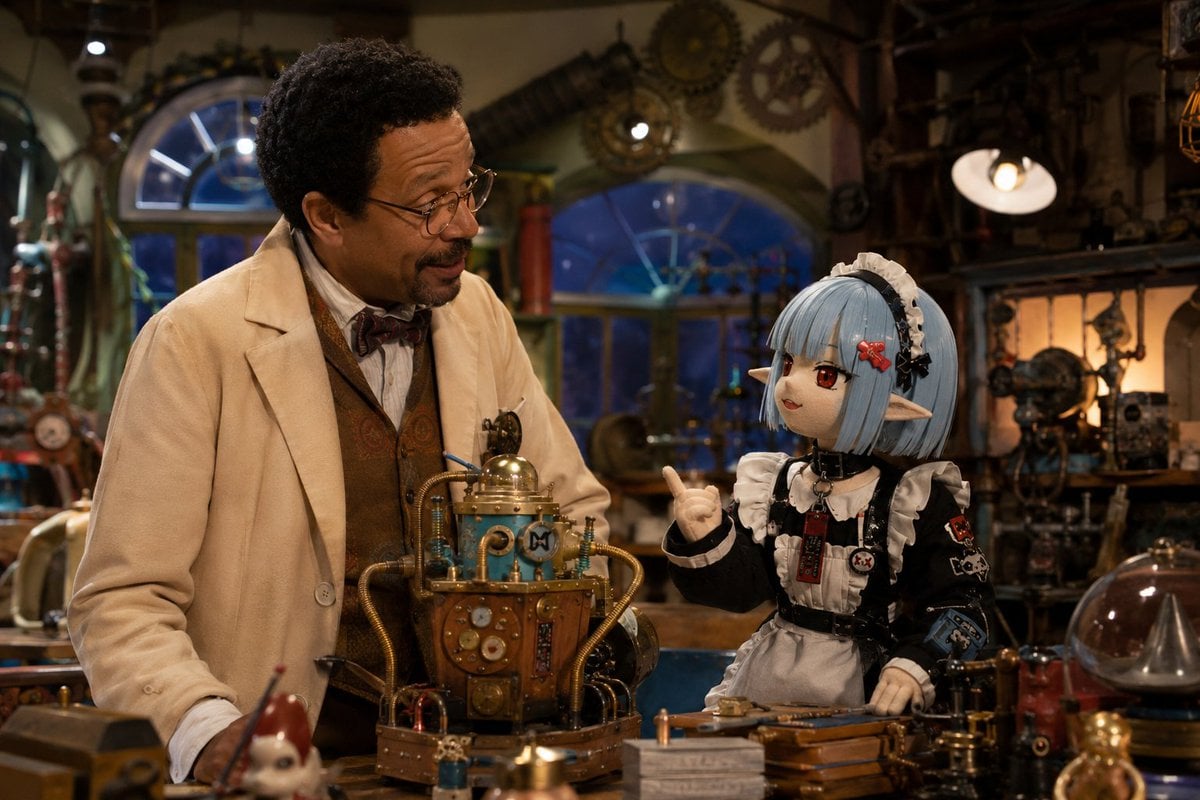
World Famous Puppet Show Scene
Browse template categories
Monochrome Fashion Editorial Multi-Frame Collage questions
How do I use the Monochrome Fashion Editorial Multi-Frame Collage template?
Add your photo if the template asks for one, edit the prompt if you like — the template's model and format are already selected — and press Generate. Your version opens in PicX Studio.
Can I customize the Monochrome Fashion Editorial Multi-Frame Collage template?
Yes. You can change the subject, setting, lighting, mood, format, and available model controls before creating your image.
Is the Monochrome Fashion Editorial Multi-Frame Collage template free?
Opening and editing this template is free. Generating uses credits, shown on the Generate button when you are signed in.
Which AI model should I use?
Start with Nano Banana 2, which is the model associated with this template. You can compare another compatible model for a different finish.
Looking for something else? Browse all templates.

Your photo, any look
Thousands of ready templates for every top image and video model, from one credit balance.