
Japanese Paper-Cut Family Diorama
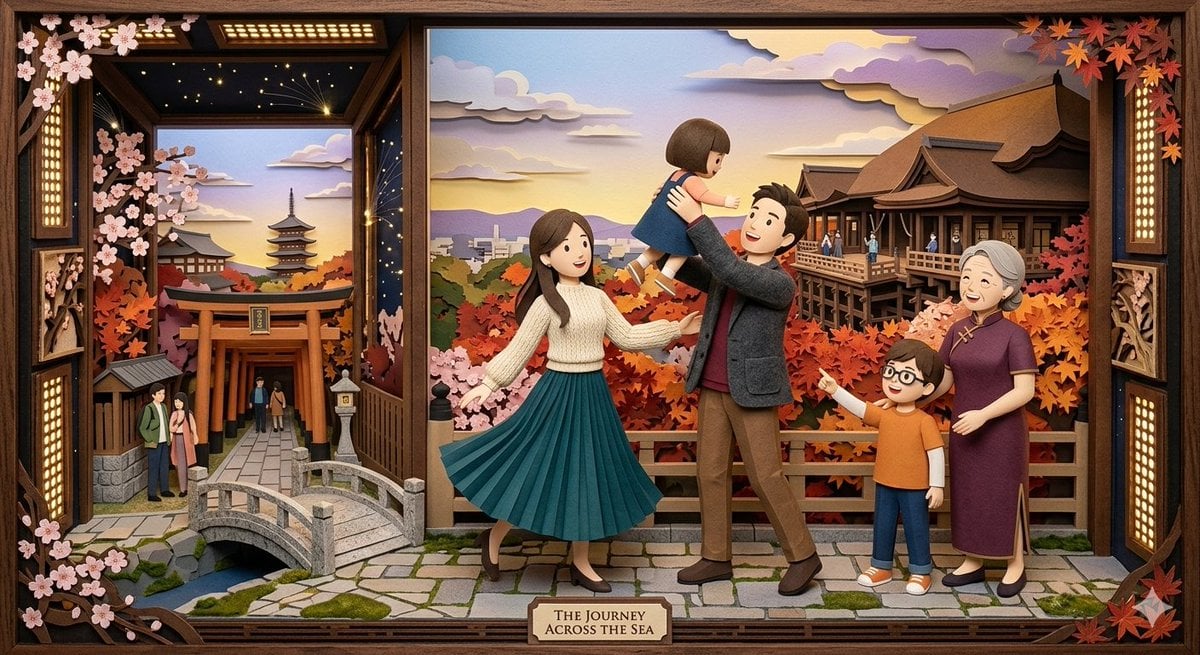
A complex prompt for creating a multi-layered paper-cut diorama inside a wooden frame, blending spring and autumn Japanese scenery with a family's journey.
- Prompt included
- Model and format preset
- Free template
The prompt behind this image
Copy the exact prompt behind Japanese Paper-Cut Family Diorama, or open it in the studio and make it yours.
This scene is a meticulously crafted, multi-layered paper-cut diorama presented within a decorative, dark-stained wooden frame, combining the stories of a young couple, their wider family, and a rich, dual-faceted Japanese environment. The main composition is divided, seamlessly transitioning between a tranquil daytime shrine with a river and distant mountains, and an enchanting nighttime scene on the left, featuring a large torii gate, a traditional stone bridge, a multi-story pagoda, and a sky filled with twinkling stars and paper-cut clouds. Framing this composite landscape are the key elements: a full branch of delicate {argument name="spring symbol" default="pink cherry blossoms"} in the upper-left, and a cascade of vibrant {argument name="autumn symbol" default="red and orange Japanese maple leaves"} in the upper-right, symbolizing spring and autumn. At the forefront, positioned on a detailed cobblestone path that spans the bottom, is the unified family group: the young mother in her green pleated skirt and white sweater, the father holding up their small daughter, and the young son pointing enthusiastically while standing beside the grandmother in her purple qipao. At the very bottom center, on a stylized wooden plaque, the consolidated title "{argument name="title" default="A FAMILY'S JOURNEY ACROSS THE SEA"}" is clearly displayed in a refined serif font. The surrounding frame includes the ornate shoji screen details and hanging lanterns, unifying the traditional Japanese theme, all brought to life through the deep shadows and textured surfaces of intricate paper layers.
How to use Japanese Paper-Cut Family Diorama in 3 steps
- 1
Open
The prompt is already in the box next to the preview, with the template's model and format selected.
- 2…a portrait of your subject in softgolden-hour light, 85mm…
Personalize
Edit the subject and creative details for your destination.
- 3Generate
Generate
Press Generate — your image is created in PicX Studio, so you can compare it with the original and refine one variable at a time.
More like this
Templates with the same subject, style or setup. Open one to see its prompt.

Layered Paper Cut Forest Diorama

Soft Handcrafted Paper-Cut Layered Illustration

敦煌纸雕飞天 — 3D Layered Paper Cutout
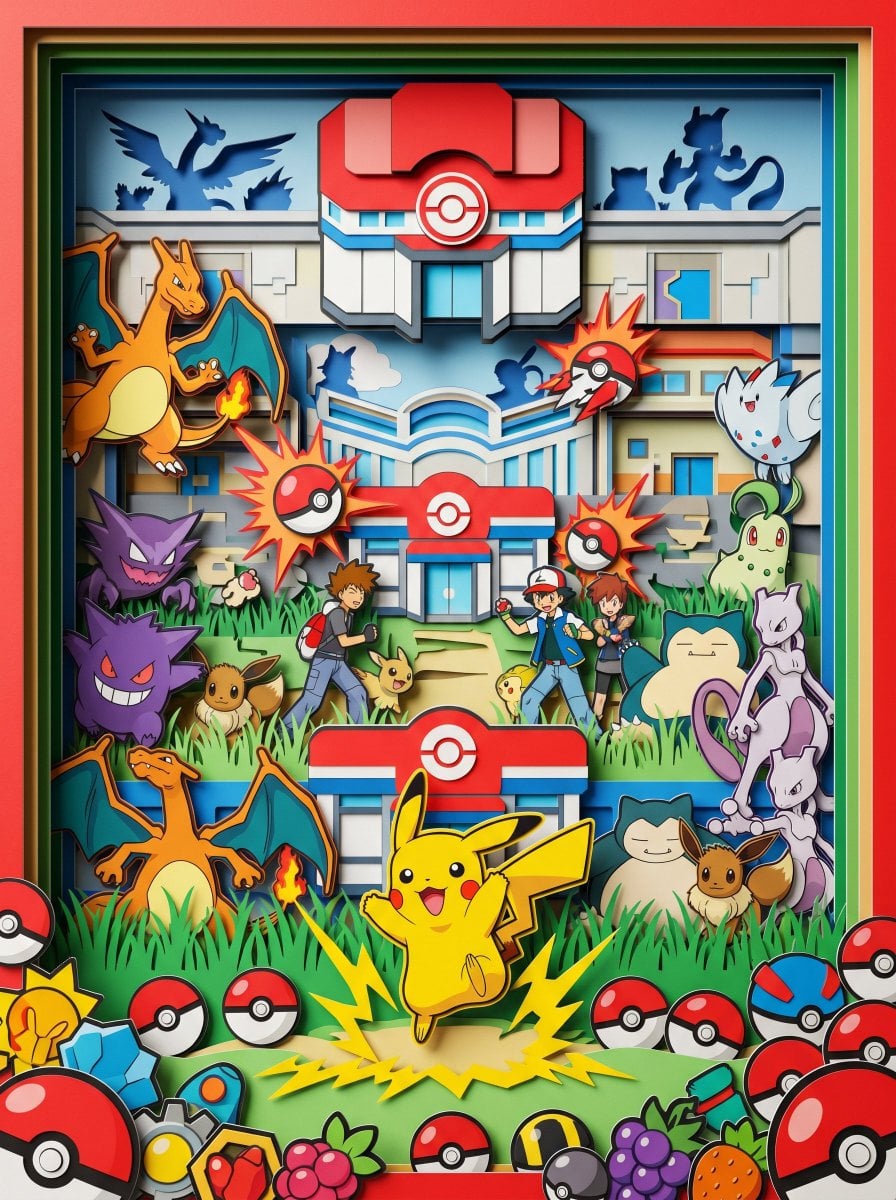
Master Paper Cut Diorama — Hyper-Vibrant 3D Layered Pokémon World

Minecraft Japanese Research Lab Exploration
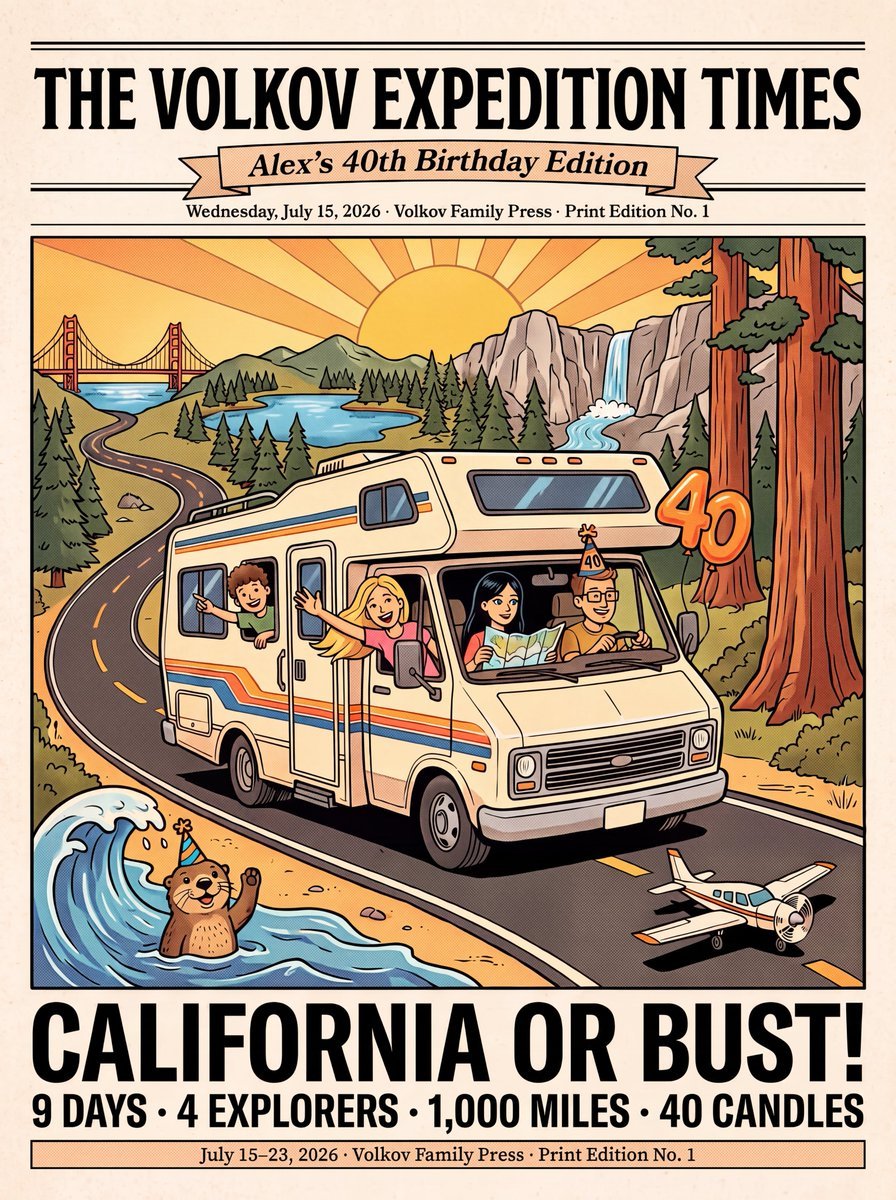
Vintage Family Road Trip Newspaper Poster

Budapest Paper-Cut Travel Poster

Vintage Family Expedition Newspaper
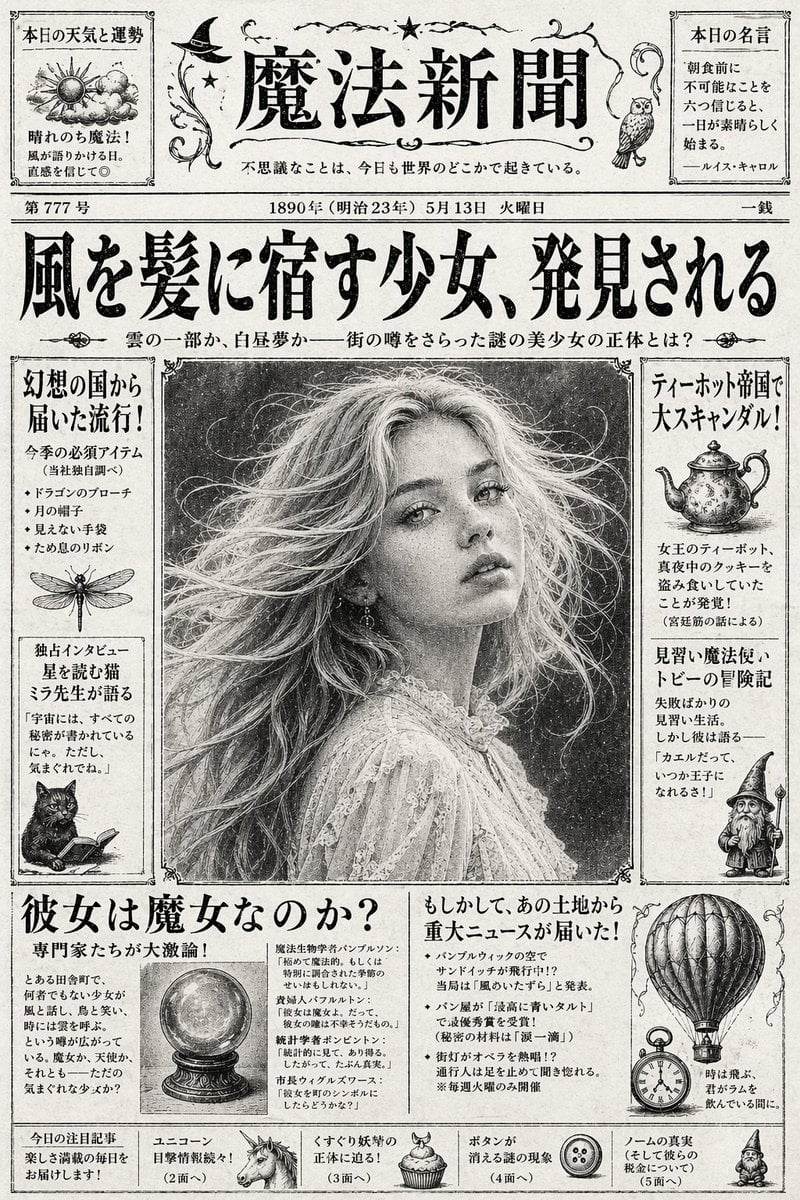
Vintage Japanese Fantasy Magic Newspaper
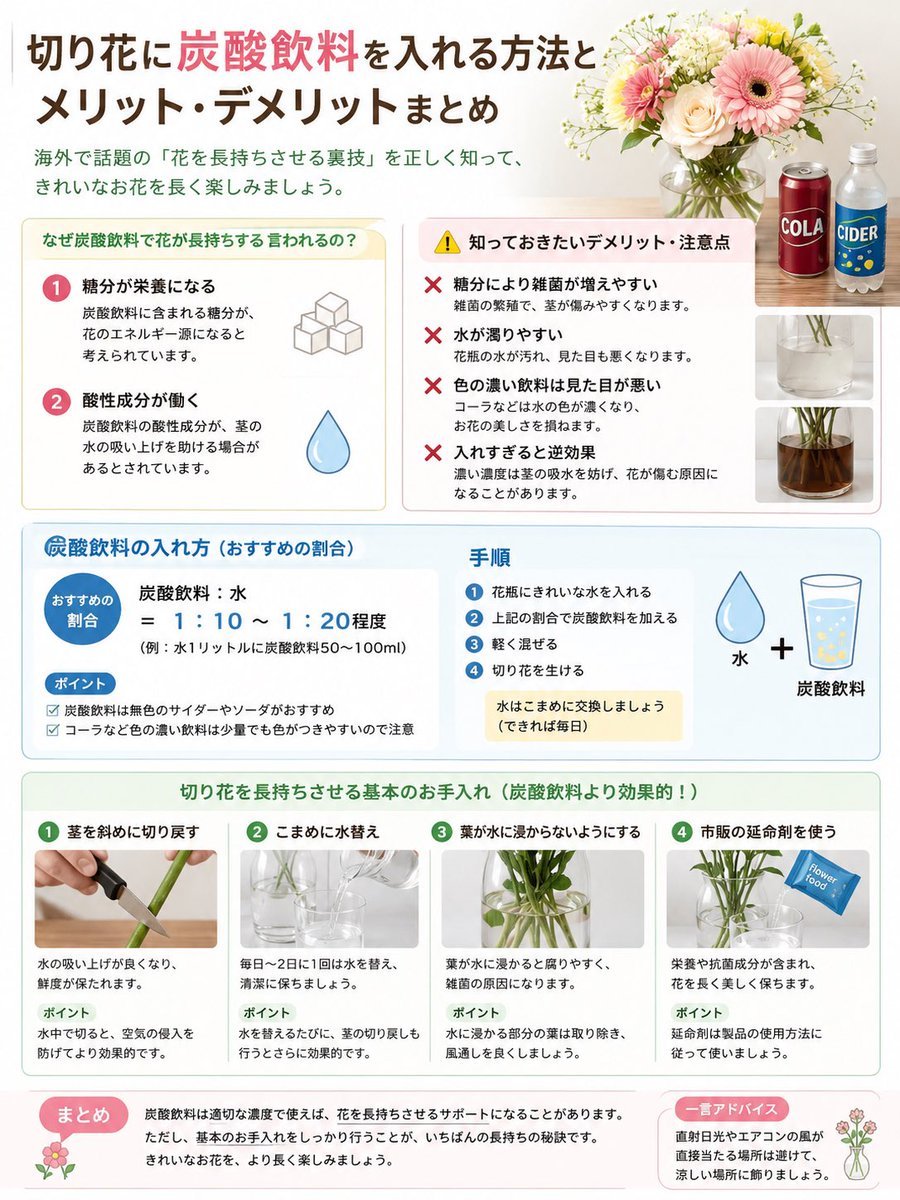
Japanese Cut Flower Soda Care Infographic
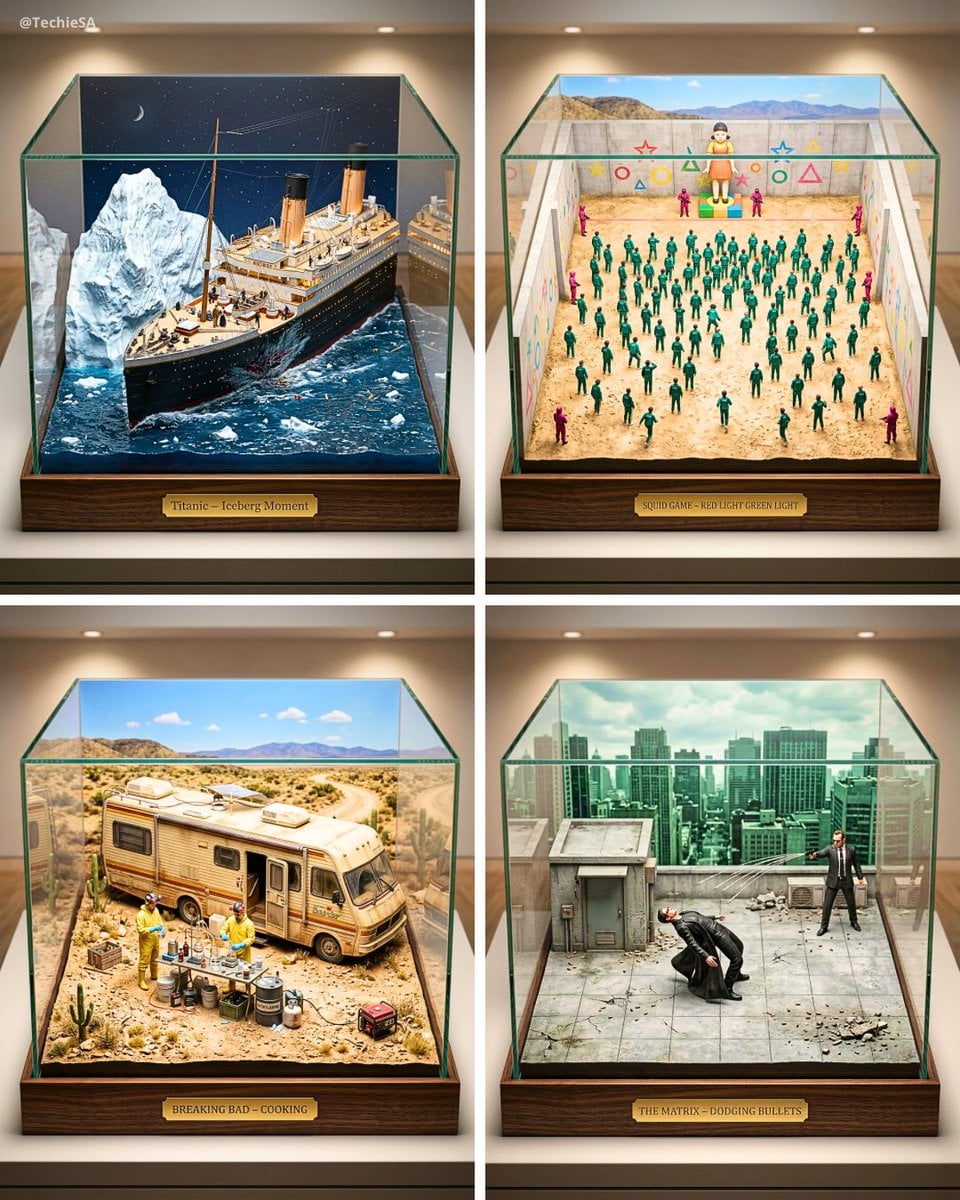
Paper Cut Architectural Section

Paper Cut Vintage Travel Poster
Make it yours
Japanese Paper-Cut Family Diorama works as-is. These are the safest ways to change it without losing the look.
Change one field
Copy a single group, rewrite it, and generate again so you can see what that field is doing.
Keep the frame, change the subject
Hold the composition and light of Japanese Paper-Cut Family Diorama, then swap wardrobe, props or the person for a new take.
| If the result… | Why | Fix |
|---|---|---|
| The result drifts from the preview | Too many fields changed at once. | Reuse Japanese Paper-Cut Family Diorama as-is first, then change one group — subject, light, or setting. |
| The model over-stylizes the scene | The prose prompt leaves finish and camera underspecified. | Add one camera or lighting sentence and stay on Nano Banana 2. |
More Nano Banana 2 templates
Other prompts made for Nano Banana 2.

Photorealistic Leaf Shaped Like a Dragon

K-Pop Idol Portrait Grid for Rapid Selection

Poetic Rain Forest Portrait During Golden Hour

Urban Street Portrait with Cartoon Inner Self Duo

Candid Nighttime Photo with Cat Prompt

High-Concept 3D Diorama Generation Prompt

Cinematic Futuristic Studio Portrait Template

Skincare Editorial Photography Collage Prompt

Hyper-Realistic Commercial Product Photography (Splash Effect)

Hyper-Realistic Nightclub Portrait Prompt
More image prompts
Fresh picks from across the catalog.
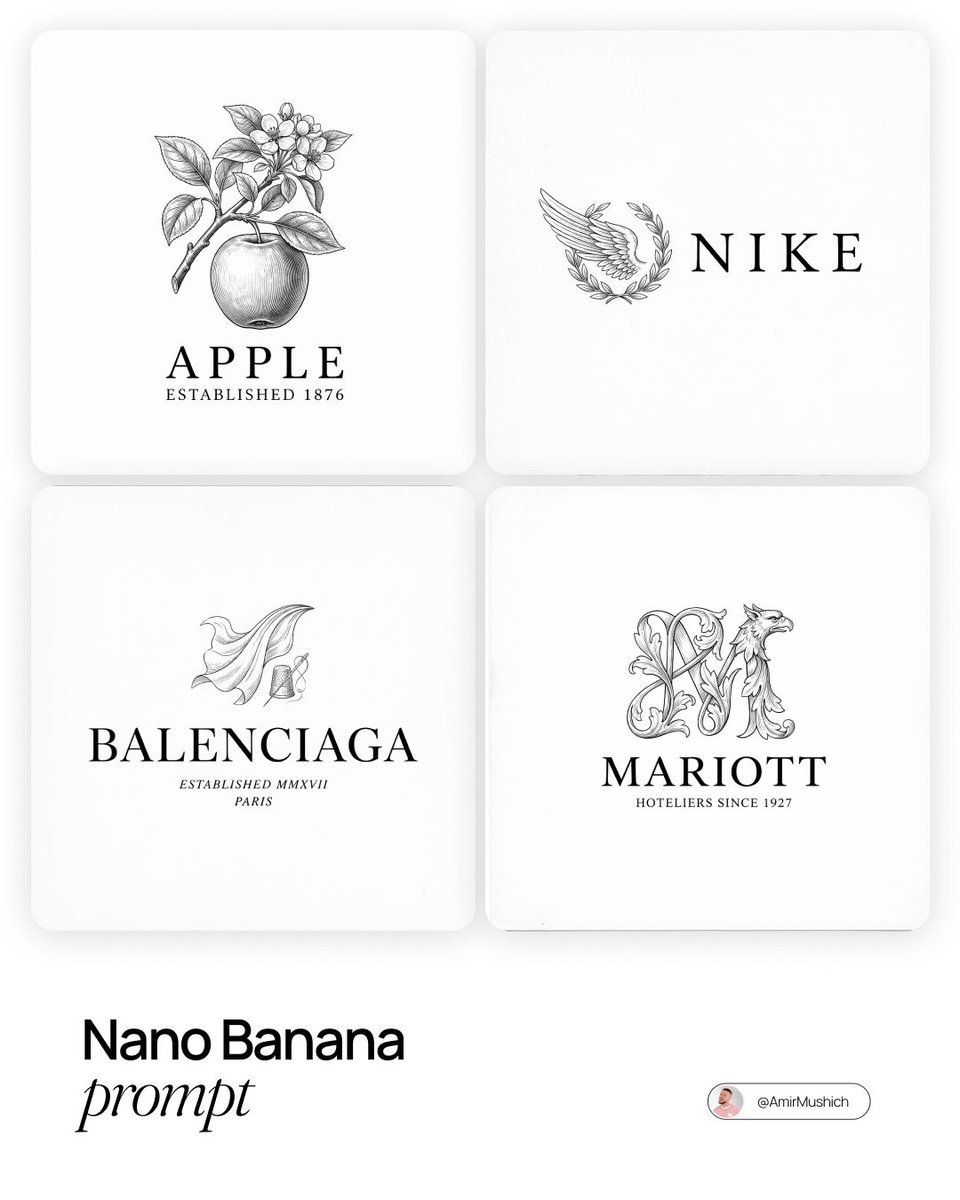
Modern Brands in 19th Century Prompt
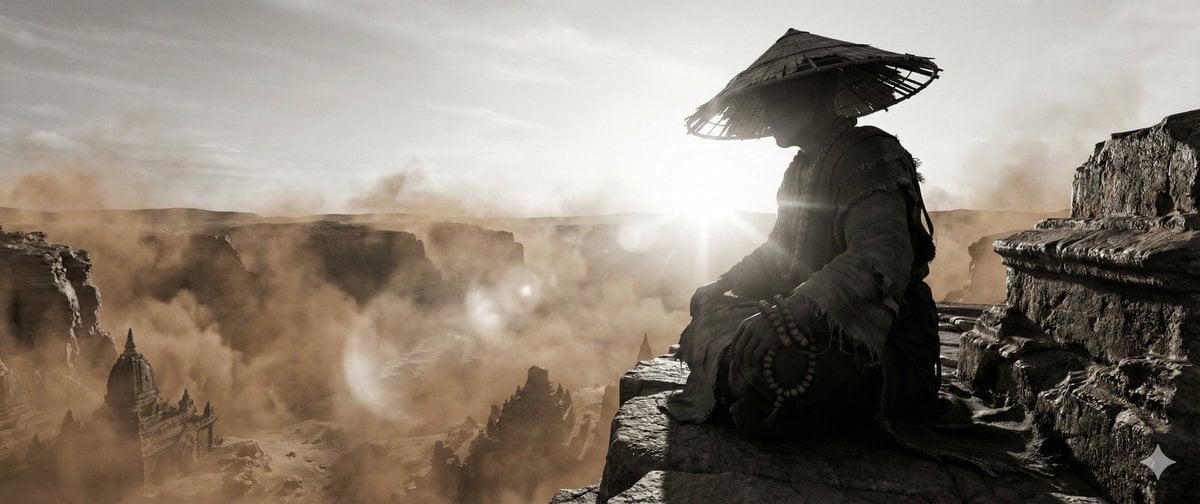
Zen Landscape Image Generation
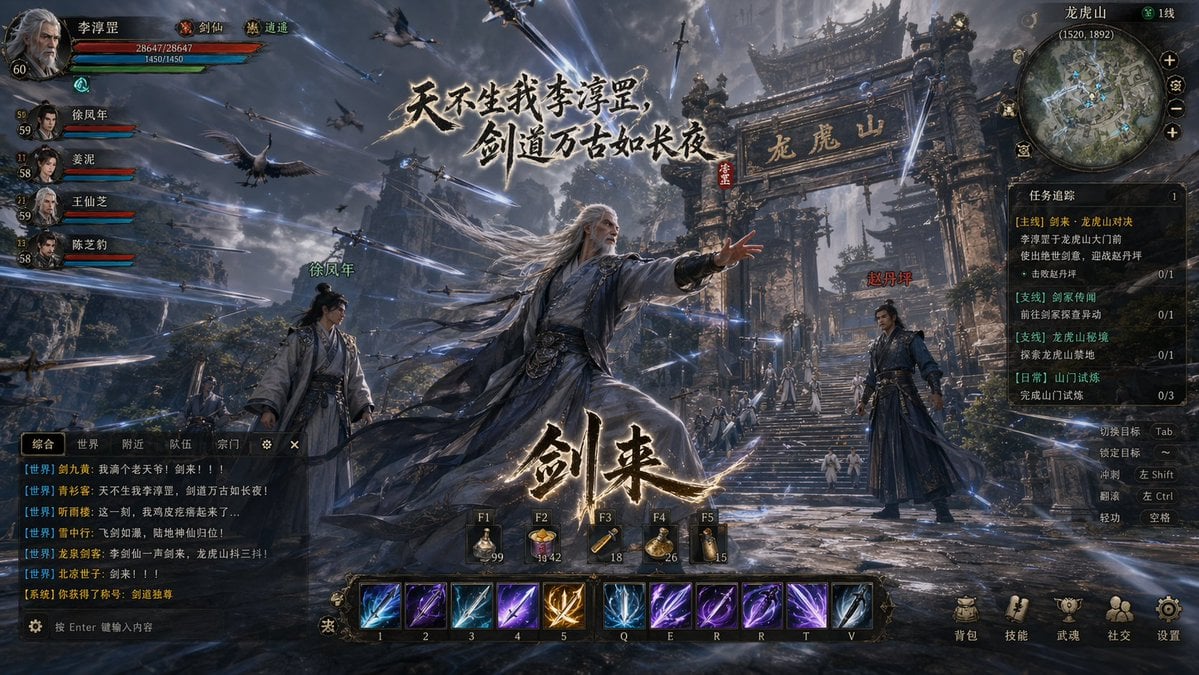
Wuxia MMORPG Gameplay Screenshot

Lone Sentinel in Ruined City
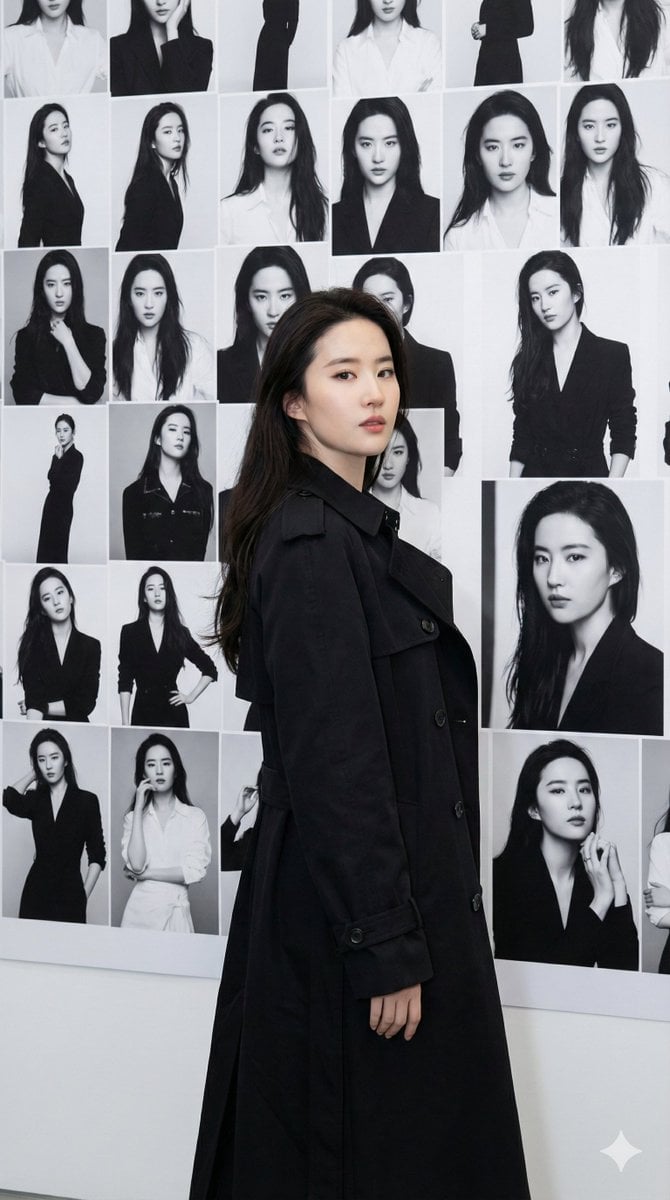
Gallery Wall Portrait with Identity Lock

High-Fashion African Female Editorial Portrait Prompt
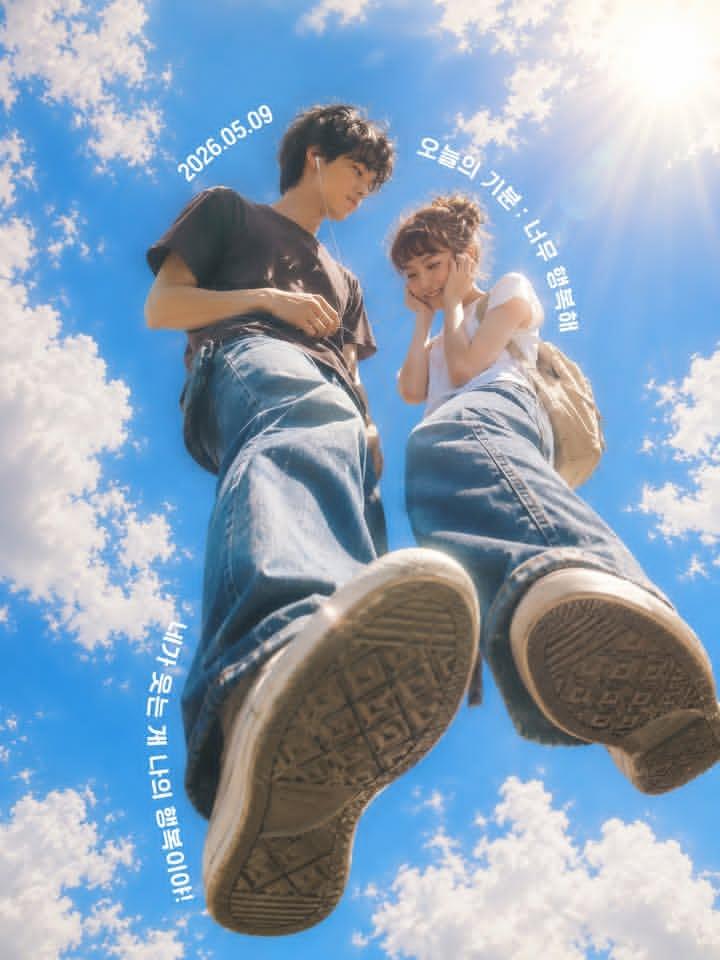
Low-Angle Sentimental Sky Poster
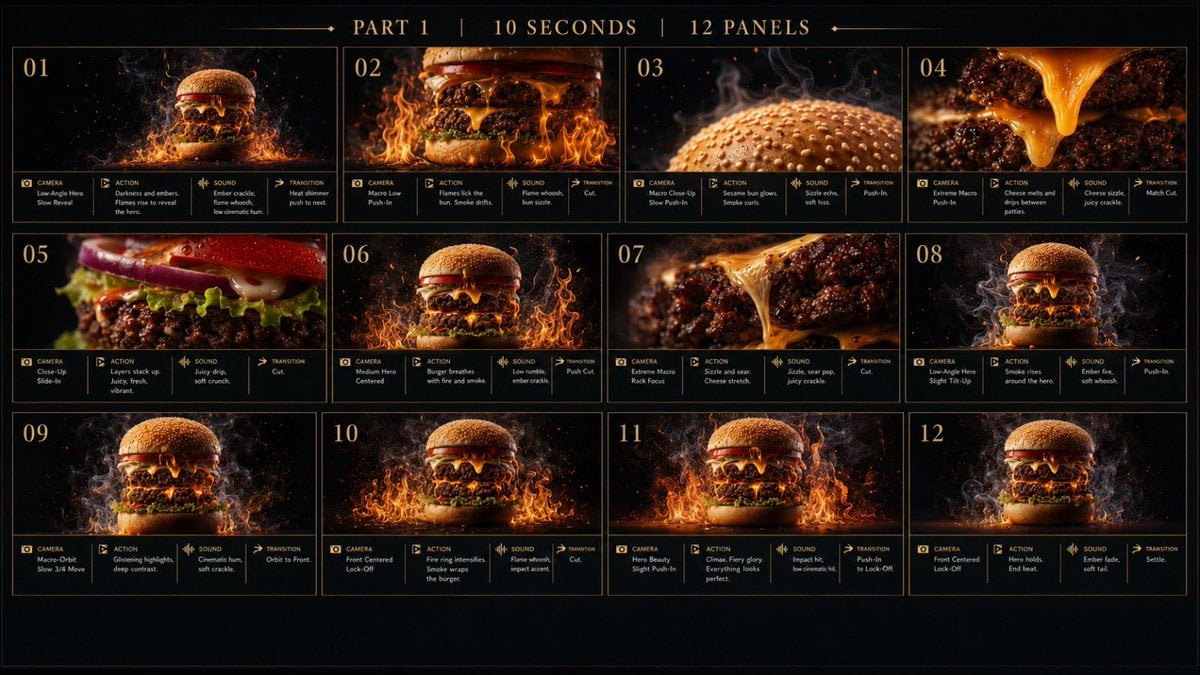
Flaming Burger Storyboard

Variable Fisheye POV Wildlife Prompt

Cinematic Portrait with Dynamic Wind Motion
Browse template categories
Japanese Paper-Cut Family Diorama questions
How do I use the Japanese Paper-Cut Family Diorama template?
Add your photo if the template asks for one, edit the prompt if you like — the template's model and format are already selected — and press Generate. Your version opens in PicX Studio.
Can I customize the Japanese Paper-Cut Family Diorama template?
Yes. You can change the subject, setting, lighting, mood, format, and available model controls before creating your image.
Is the Japanese Paper-Cut Family Diorama template free?
Opening and editing this template is free. Generating uses credits, shown on the Generate button when you are signed in.
Which AI model should I use?
Start with Nano Banana 2, which is the model associated with this template. You can compare another compatible model for a different finish.
Looking for something else? Browse all templates.

Your photo, any look
Thousands of ready templates for every top image and video model, from one credit balance.