
Urban Street Style with Avatar Overlay
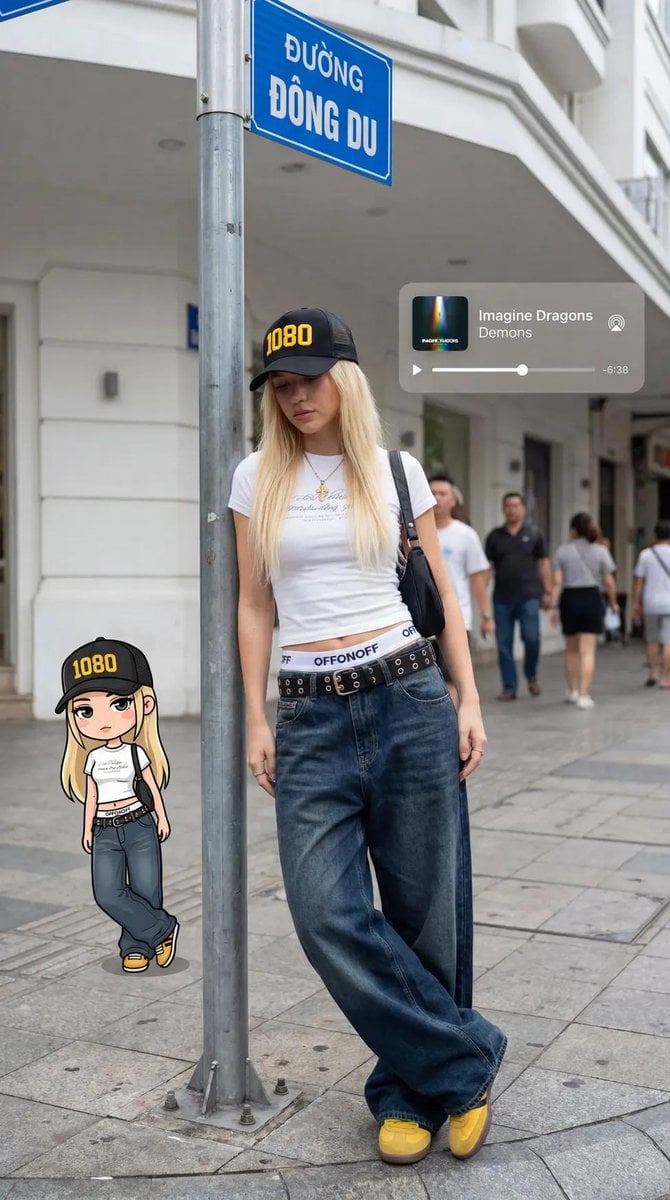
A sophisticated prompt for generating a high-fashion urban portrait that includes a matching 2D chibi avatar and a music player interface overlay.
- Prompt included
- Model and format preset
- Free template
The prompt behind this image
Copy the exact prompt behind Urban Street Style with Avatar Overlay, or open it in the studio and make it yours.
{ "scene": { "setting": "{argument name="location" default="An outdoor city street sidewalk"} during the day, featuring clean light-colored tiles and a modern white-walled building facade in the background.", "atmosphere": "Urban, casual, street style, modern fashion aesthetic.", "composition": "Full-body portrait of a young woman leaning against a metal street signpost. A stylized cartoon avatar matching her appearance stands to her left. A digital music player overlay is visible in the top right corner." }, "subject": { "gender": "Female", "appearance": "Young woman with {argument name="hair description" default="long, straight, bleached blonde hair"}. She has a fair complexion and a relaxed, casual expression.", "pose": "Leaning back comfortably against a vertical metal pole, with one leg slightly crossed over the other, looking slightly downward." }, "clothing_and_accessories": { "headwear": "Black mesh trucker cap with the number '1080' embroidered in bold yellow text on the front.", "top": "Form-fitting white cropped t-shirt with subtle graphic text printed across the chest.", "undergarment_detail": "Visible white waistband above the jeans featuring the text 'OFFONOFF' in a black sans-serif font.", "bottoms": "Loose, oversized, wide-leg baggy blue jeans in a dark wash finish.", "belt": "Black leather belt adorned with double rows of silver metal eyelets and a classic silver buckle.", "footwear": "Bright yellow low-top sneakers with a dark rubber gum sole.", "jewelry": "A delicate gold chain necklace with a small cross pendant.", "bag": "Small, black minimalist shoulder handbag tucked under her arm." }, "graphics_and_overlays": { "street_sign": "A blue rectangular Vietnamese street sign attached to the pole, reading 'ĐƯỜNG ĐÔNG DU' in white capital letters.", "avatar": "A 2D chibi-style cartoon sticker on the left side, mirroring the woman's outfit exactly, including the '1080' cap, white crop top, baggy jeans, and yellow shoes.", "music_player_widget": "A translucent UI overlay in the upper right displaying the track '{argument name="song" default="Demons"}' by 'Imagine Dragons', showing an album artwork with a prism light effect and a playback progress bar." }, "background_elements": { "people": "Several blurred pedestrians walking on the sidewalk in the background, maintaining focus on the main subject.", "architecture": "Clean, contemporary white building structure with large windows and a covered walkway." }, "image_quality": "High-definition, 4k resolution, crisp details, natural daylighting with realistic shadows and textures." }
How to use Urban Street Style with Avatar Overlay in 3 steps
- 1Upload ImagePNG, JPG or paste
Add your photo
Upload the photo the template builds on. The prompt, model and format are already set.
- 2…a portrait of your subject in softgolden-hour light, 85mm…
Personalize
Edit the subject and creative details for your destination.
- 3Generate
Generate
Press Generate — your image is created in PicX Studio, so you can compare it with the original and refine one variable at a time.
More like this
Templates with the same subject, style or setup. Open one to see its prompt.

Cinematic Street Fashion Portrait Motion Blur Crowd

Urban Fashion Editorial Collage Streetwear Poster

Korean Streetwear Minimalist Campaign Portrait

Cinematic Korean Streetwear Street Portrait

Frozen Street Luxe Graffiti Fashion Campaign

Giant Forced Perspective Street Product Selfie

Two Tickets, One Night

Meet Me When It Rains

Two Hearts. One Scooter.

1986 Street Couple

1985 Street Scene
Modern Urban Streetwear Portrait
Make it yours
Urban Street Style with Avatar Overlay works as-is. These are the safest ways to change it without losing the look.
Change one field
Copy a single group, rewrite it, and generate again so you can see what that field is doing.
Keep the frame, change the subject
Hold the composition and light of Urban Street Style with Avatar Overlay, then swap wardrobe, props or the person for a new take.
| If the result… | Why | Fix |
|---|---|---|
| The result drifts from the preview | Too many fields changed at once. | Reuse Urban Street Style with Avatar Overlay as-is first, then change one group — subject, light, or setting. |
| The model over-stylizes the scene | The prose prompt leaves finish and camera underspecified. | Add one camera or lighting sentence and stay on Nano Banana 2. |
More Nano Banana 2 templates
Other prompts made for Nano Banana 2.

Photorealistic Leaf Shaped Like a Dragon

K-Pop Idol Portrait Grid for Rapid Selection

Poetic Rain Forest Portrait During Golden Hour

Urban Street Portrait with Cartoon Inner Self Duo

Candid Nighttime Photo with Cat Prompt

High-Concept 3D Diorama Generation Prompt

Cinematic Futuristic Studio Portrait Template

Skincare Editorial Photography Collage Prompt

Hyper-Realistic Commercial Product Photography (Splash Effect)

Hyper-Realistic Nightclub Portrait Prompt
More image prompts
Fresh picks from across the catalog.

Gym Besties Mirror Selfie
Hand-Drawn Doodles Overlay
Realistic Manicure Hand Retouch
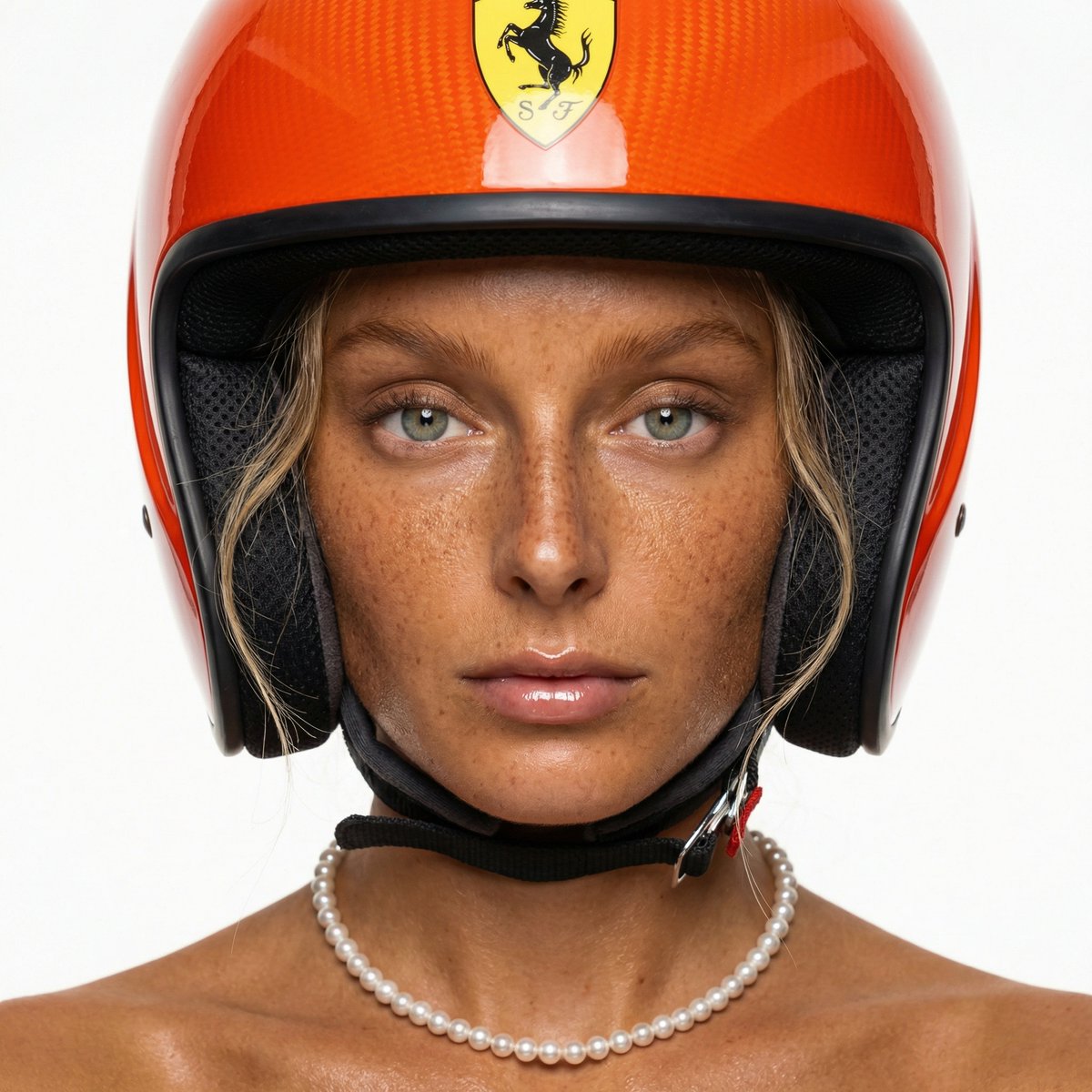
F1 Heiress Editorial Portrait with Racing Helmet and Pearls
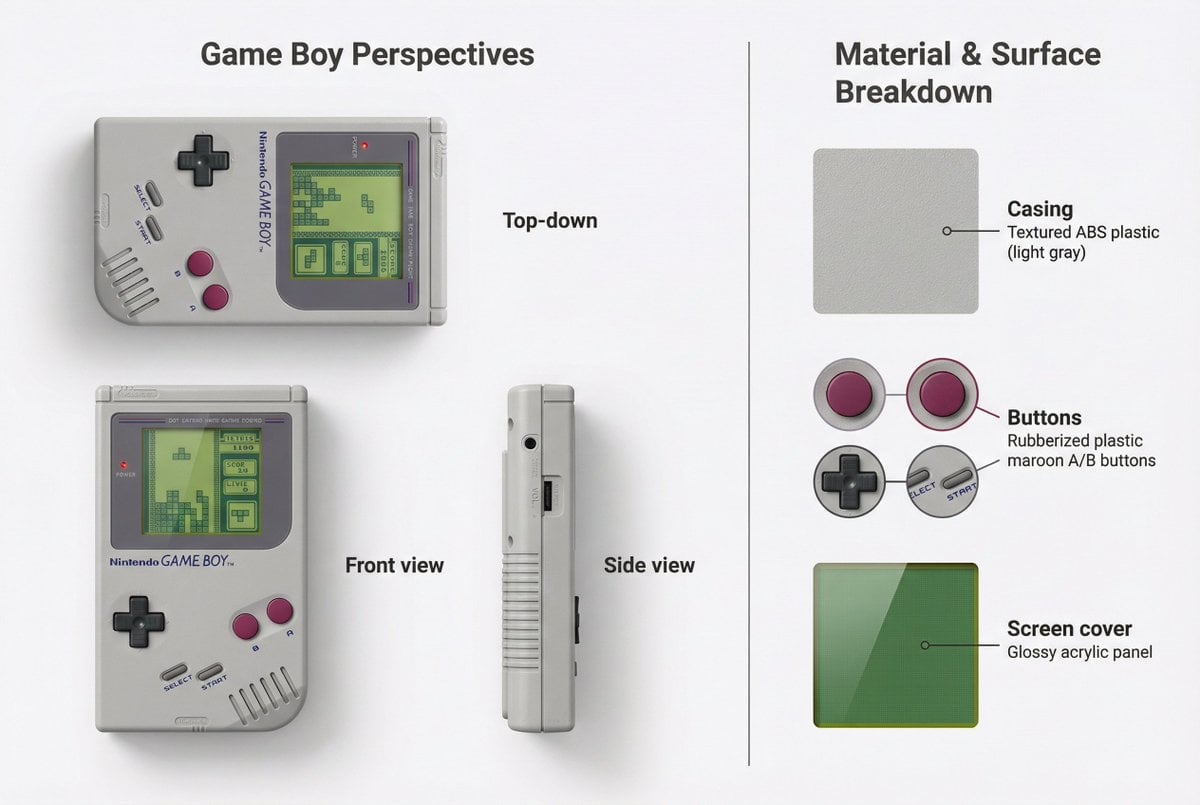
Nintendo Game Boy Product Showcase Infographic with Tetris
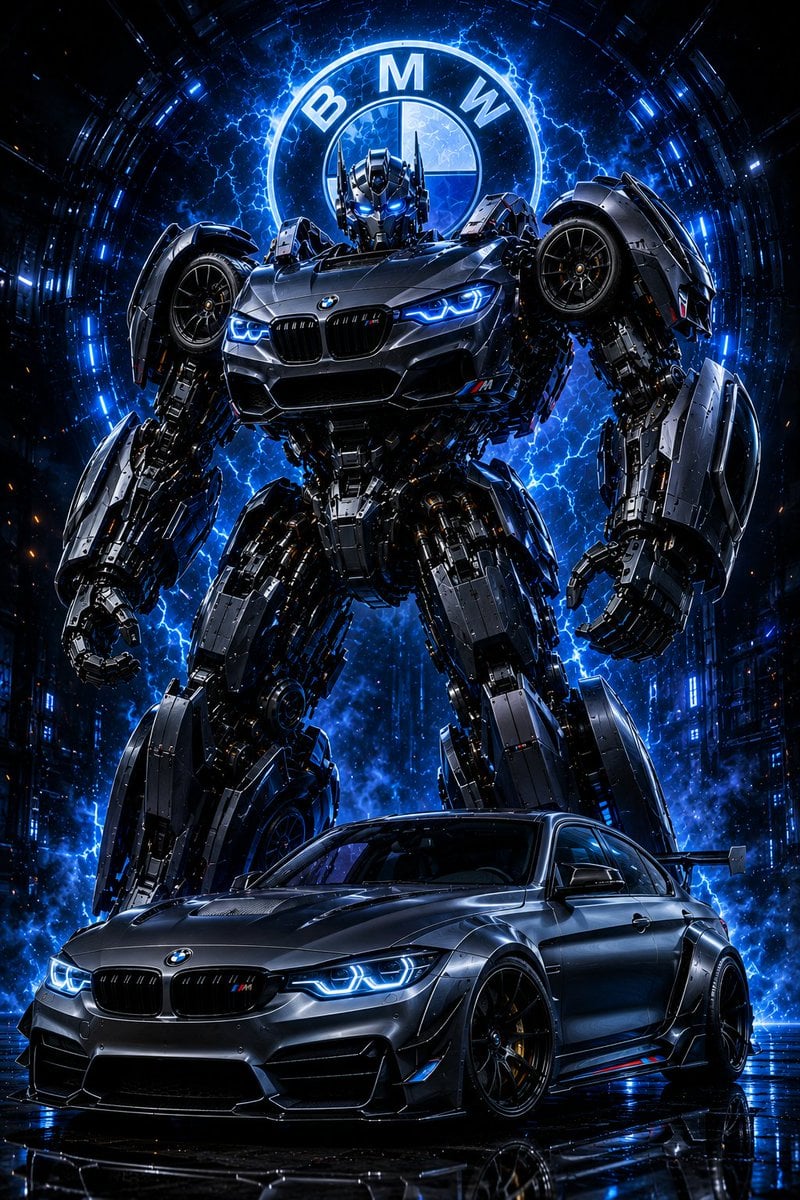
BMW Transformer Robot Advertisement
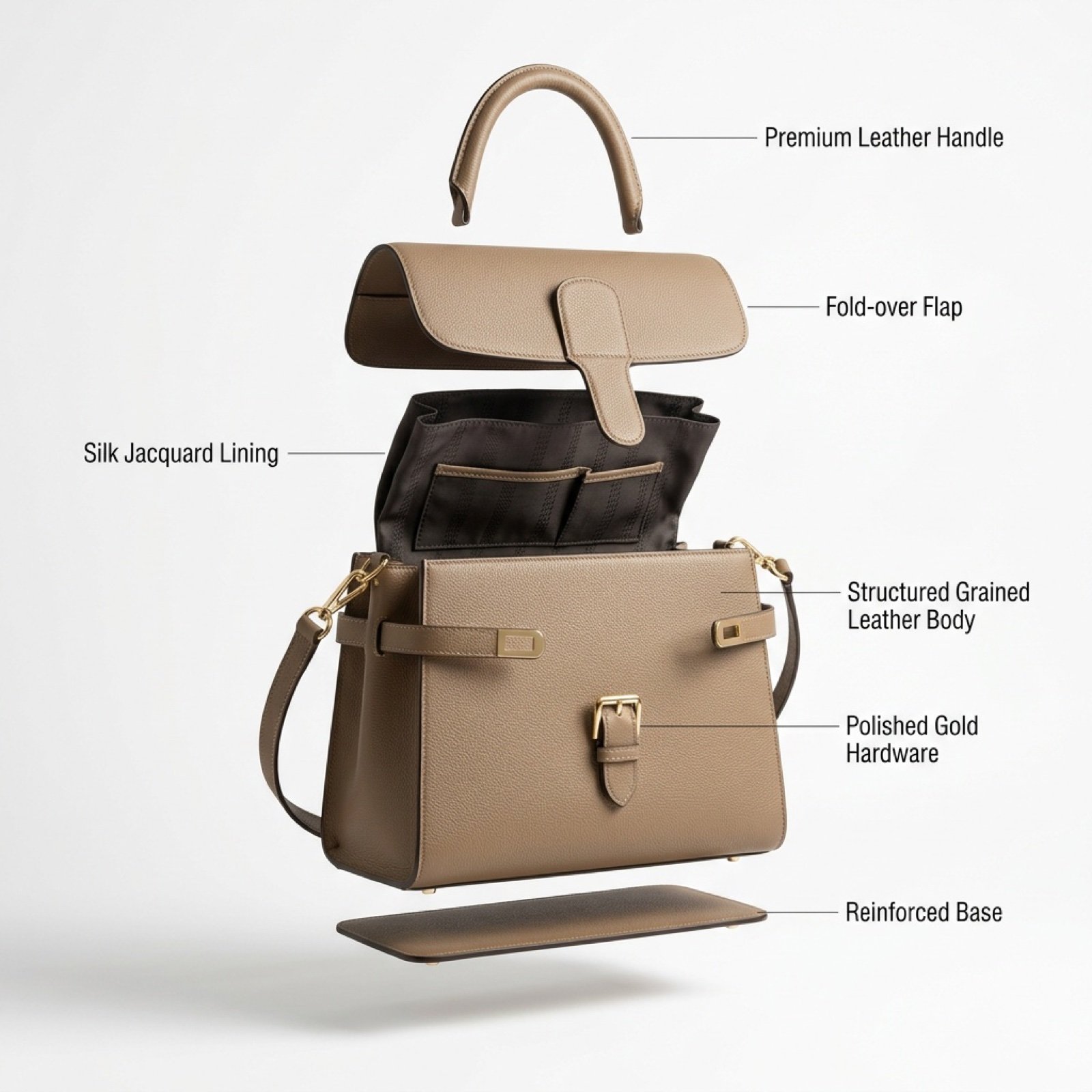
Luxury Handbag Exploded View Animation Prompt
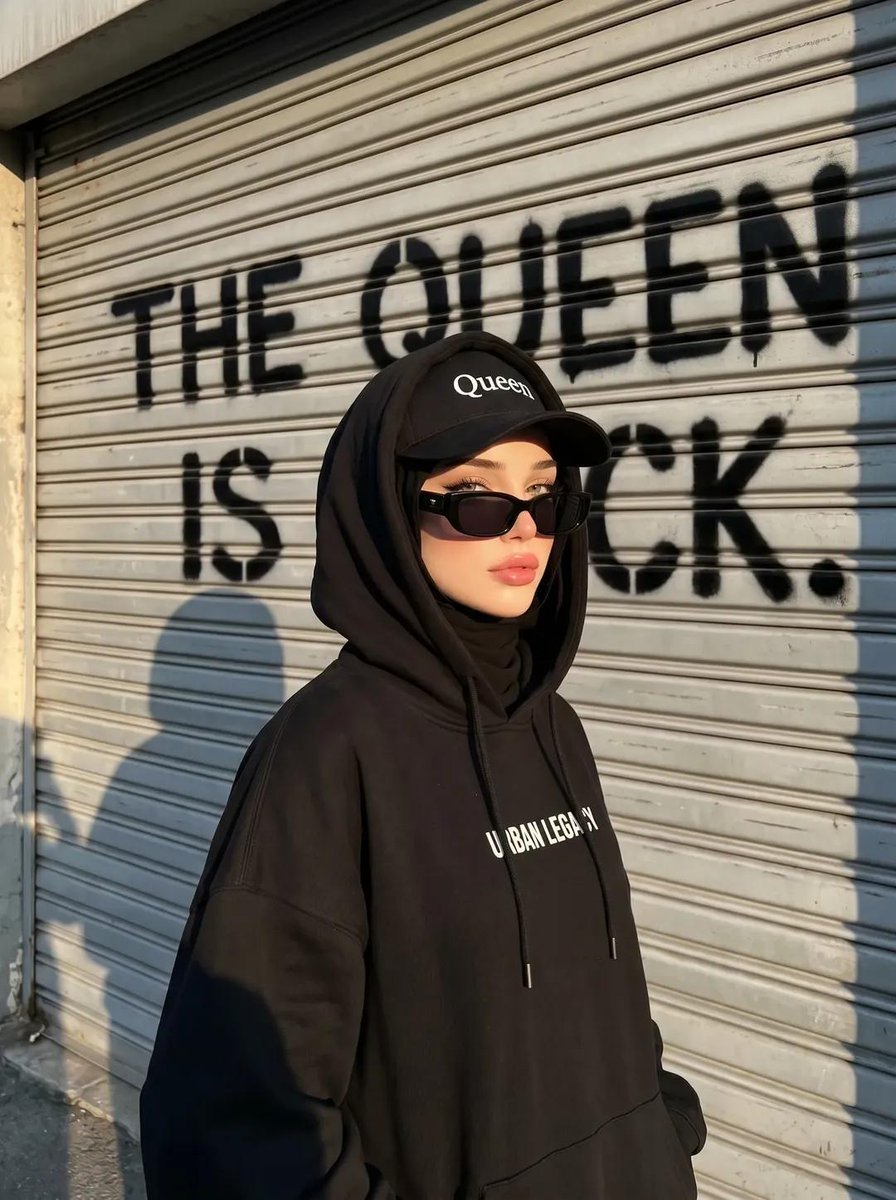
Edgy Street-Style Hijabi Portrait
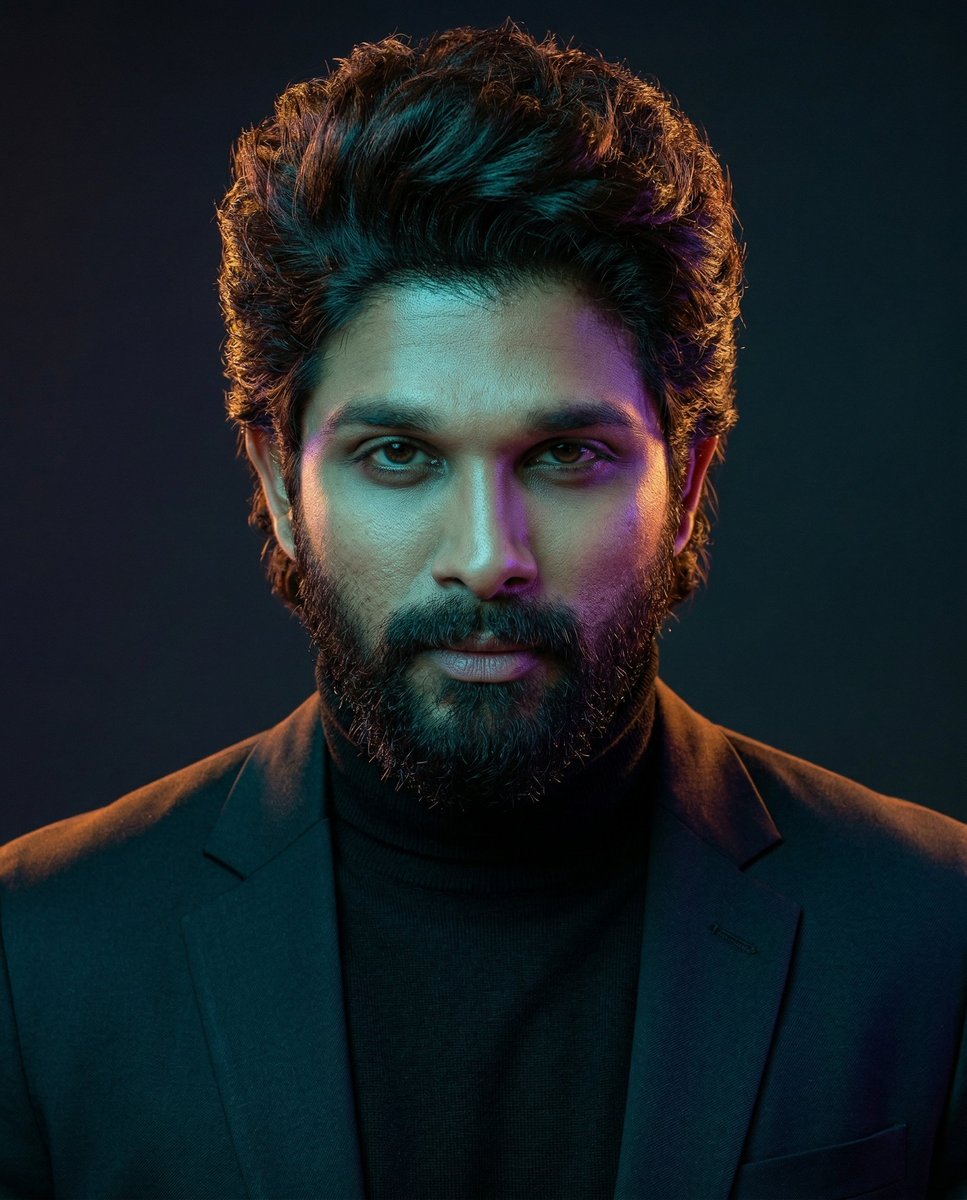
Cinematic Dual-Color Studio Portrait
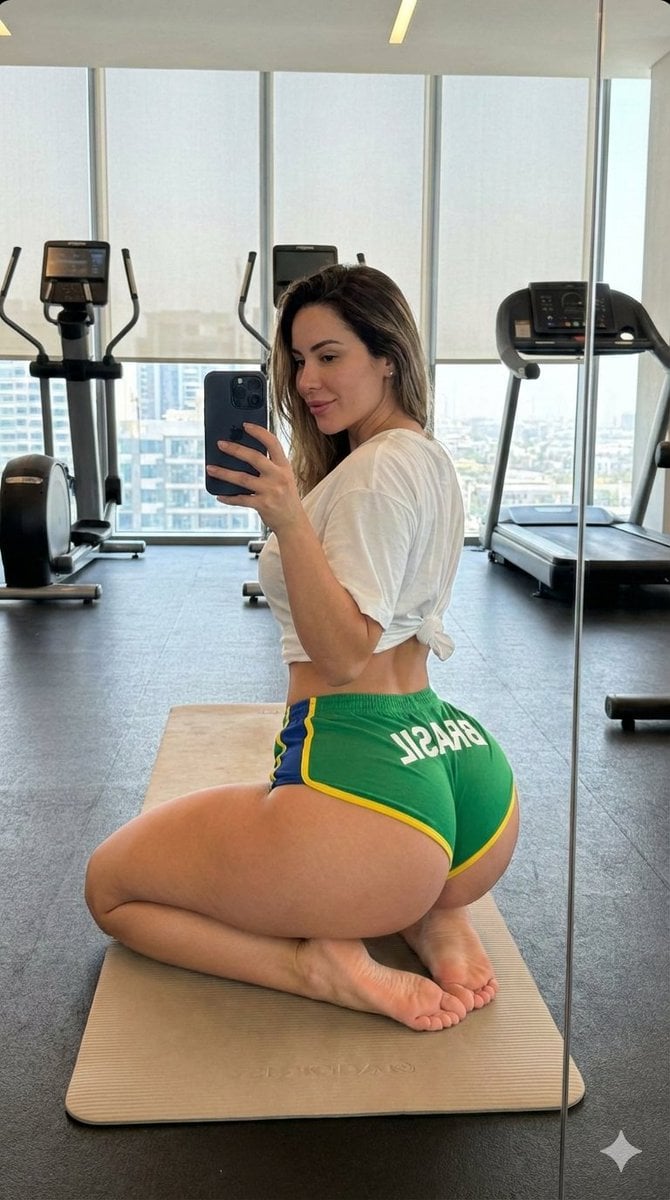
Gym Mirror Selfie with Exaggerated Proportions
Browse template categories
Urban Street Style with Avatar Overlay questions
How do I use the Urban Street Style with Avatar Overlay template?
Add your photo if the template asks for one, edit the prompt if you like — the template's model and format are already selected — and press Generate. Your version opens in PicX Studio.
Can I customize the Urban Street Style with Avatar Overlay template?
Yes. You can change the subject, setting, lighting, mood, format, and available model controls before creating your image.
Is the Urban Street Style with Avatar Overlay template free?
Opening and editing this template is free. Generating uses credits, shown on the Generate button when you are signed in.
Which AI model should I use?
Start with Nano Banana 2, which is the model associated with this template. You can compare another compatible model for a different finish.
Looking for something else? Browse all templates.

Your photo, any look
Thousands of ready templates for every top image and video model, from one credit balance.