
Dark Luxury Fallen Angel Editorial
A comprehensive prompt for a high-fashion editorial collage featuring a woman in a red dress with dark angel wings.
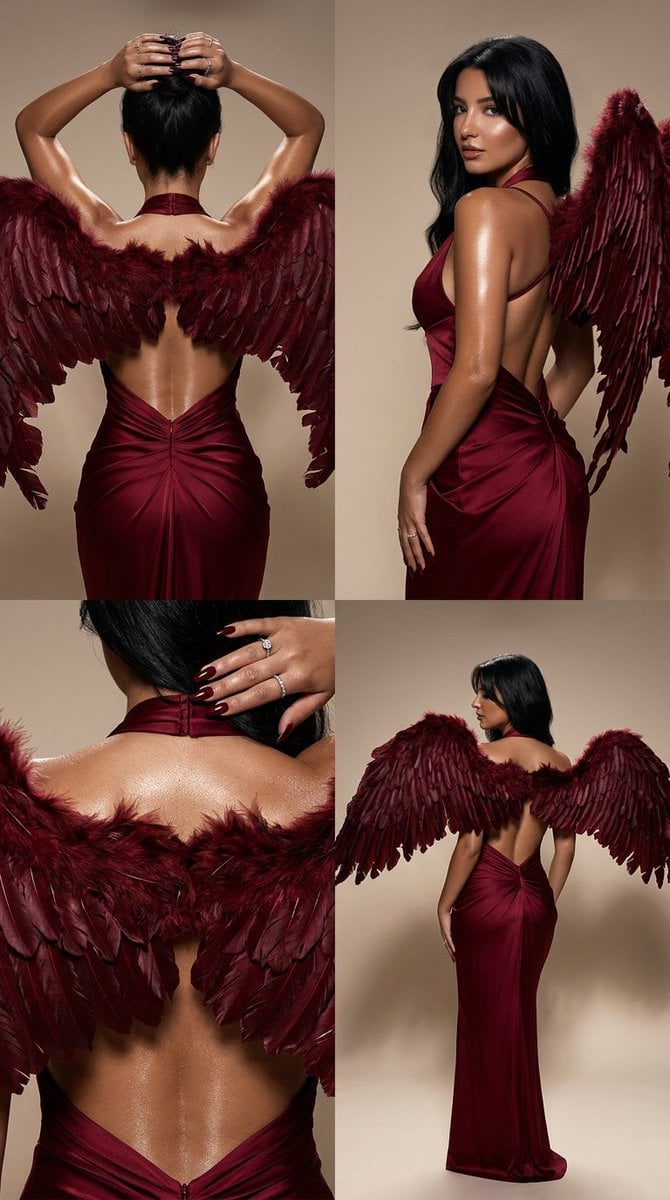
- Prompt included
- Model and format preset
- Premium template
The prompt behind this image
Copy the exact prompt behind Dark Luxury Fallen Angel Editorial, or open it in the studio and make it yours.
Ultra-photorealistic 2x2 luxury glossy editorial collage featuring the same woman across all four panels, with strict identity consistency, strict body consistency, the same skin tone, the same proportions, and the same elegant posture language in every frame. CONCEPT: A dark luxury fashion editorial centered on sculptural back lines, shoulders, neck, arms, and an open-back deep red dress, with a mysterious fallen-angel aura. The mood is sensual, elegant, expensive, cinematic, controlled, and minimal. The overall feeling should be high-fashion editorial, refined and dramatic, never cheap or costume-like. SUBJECT: A beautiful woman with long loose black hair, consistent identity across all four panels. Hair is sleek yet softly textured, flowing naturally down the back and shoulders. Makeup is dark smoky eye makeup with softly diffused black shadow, defined brows, and a polished editorial finish. Nails are glossy deep red or black-cherry, long and elegant. Expression and body language are poised, feminine, and powerful. OUTFIT: Deep crimson / burgundy / blood-red velvet or satin halter dress with an open back, realistic glossy fabric highlights, natural draping, subtle tension around the waist and hips, and elegant luxury construction. The dress must look premium and believable, with no fabric glitches. The red should feel rich, dark, and sophisticated, not bright or cheap. WINGS: Large dark red angel wings behind the woman, dramatic and elegant, slightly torn and weathered for a fallen-angel feeling. The wings should feel sculptural and luxurious, not fantasy cosplay. Feather texture should be rich, layered, deep burgundy to oxblood red, with softly darkened damaged edges. The wings must integrate beautifully with the poses and lighting without overpowering the fashion editorial tone. SKIN: Glossy editorial wet-skin finish with a subtle oil sheen on the shoulders, upper back, neck, arms, and along the spine line. Real skin texture must remain visible, including pores, natural tonal variation, and realistic highlights. No plastic smoothing. The sheen should look expensive, controlled, and believable, not sweaty or messy. ENVIRONMENT: Minimal studio background with a warm grey, taupe, or soft beige seamless backdrop. No props, no distractions, no clutter. LIGHTING: Premium glossy studio lighting: - large softbox key light from the upper side - narrow rim light tracing the shoulders, spine, and wing edges - soft warm highlights on skin and fabric - deep but clean shadows - smooth gradient falloff - high-end editorial contrast - no harsh flash - no fake glow GRID 2x2: TOP LEFT: Back-facing pose, arms raised above the head, hands resting in the hair. Spine line, shoulder blades, and upper wing structure are emphasized with glossy highlights. Black hair falls naturally over part of the back while the open-back red dress and wings remain clearly visible. TOP RIGHT: Slight torso twist, one shoulder closer to the camera, head turned subtly away. The red dress catches light along one side, and the dark red angel wings frame the silhouette elegantly. Strong emphasis on shoulder, waist, and back contour. BOTTOM LEFT: Closer crop on the upper back, neck, shoulders, hands, and partial wing texture. Focus on wet-skin texture, glossy nails, smoky makeup details near the eye area if visible, and luxury detail in the red dress fabric. BOTTOM RIGHT: Elegant half-turn pose from behind, body rotated slightly, side profile subtly hinted but face mostly hidden. Strong glossy rim light on the shoulder, waist curve, and the edge of the dark red wings. The silhouette should feel sleek, mysterious, and powerful. CAMERA: Medium format fashion photography look, 85mm or 100mm lens, f/2.0, ISO 100, shallow depth of field, ultra-sharp focus on skin texture, hair texture, feather detail, and fabric finish, ultra high resolution, luxury editorial quality. COLOR GRADE: Deep burgundy, oxblood, crimson, and soft warm neutrals, with subtle champagne skin highlights and elegant shadow contrast. Fine film grain. Rich dark editorial tonality. No oversaturation. REALISM RULES: Anatomically correct back, shoulders, arms, hands, neck, and spine curve. Realistic skin sheen. Realistic red dress tension and drape. Realistic feather texture and wing anatomy. No exaggerated body proportions. No fantasy illustration look. Keep everything photorealistic and luxury editorial. NEGATIVE PROMPT: plastic skin, over-smoothed skin, fake oil, fake glow, sweaty messy look, harsh flash, distorted spine, bad anatomy, extra fingers, warped hands, broken shoulders, unrealistic wings, cheap costume wings, fake feathers, fabric glitches, unrealistic dress, altered body proportions, cartoon, anime, illustration, text, watermark, logo, oversharpening, AI artifacts
How to use Dark Luxury Fallen Angel Editorial in 3 steps
- 1
Open
The prompt is already in the box next to the preview, with the template's model and format selected.
- 2…a portrait of your subject in softgolden-hour light, 85mm…
Personalize
Edit the subject and creative details for your destination.
- 3Generate
Generate
Press Generate — your image is created in PicX Studio, so you can compare it with the original and refine one variable at a time.
More like this
Templates with the same subject, style or setup. Open one to see its prompt.

Luxury Sliced Wordmark Player Poster

19 Luxury Helicopter Travel — California Series

08 Rodeo Drive Luxury Exit — California Series
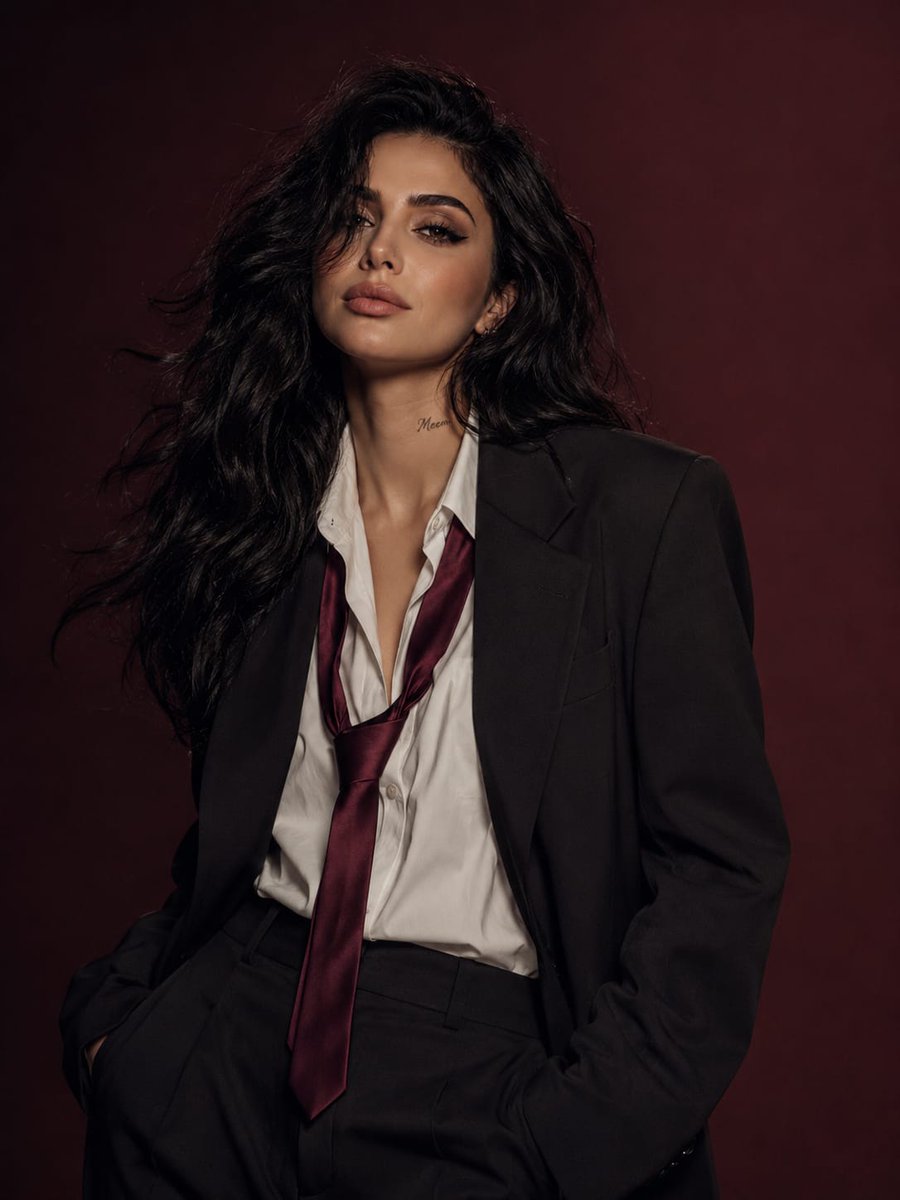
Power Suit Luxury Editorial

Luxury Fashion Editorial Portrait
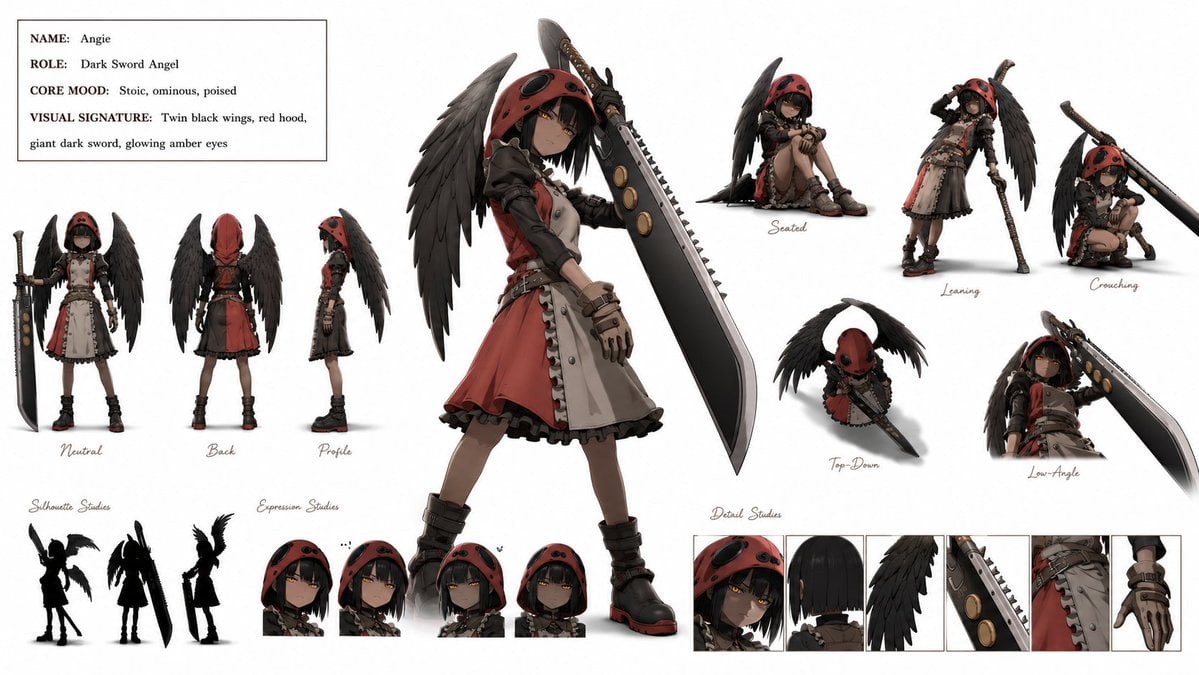
Dark Sword Angel Character Sheet
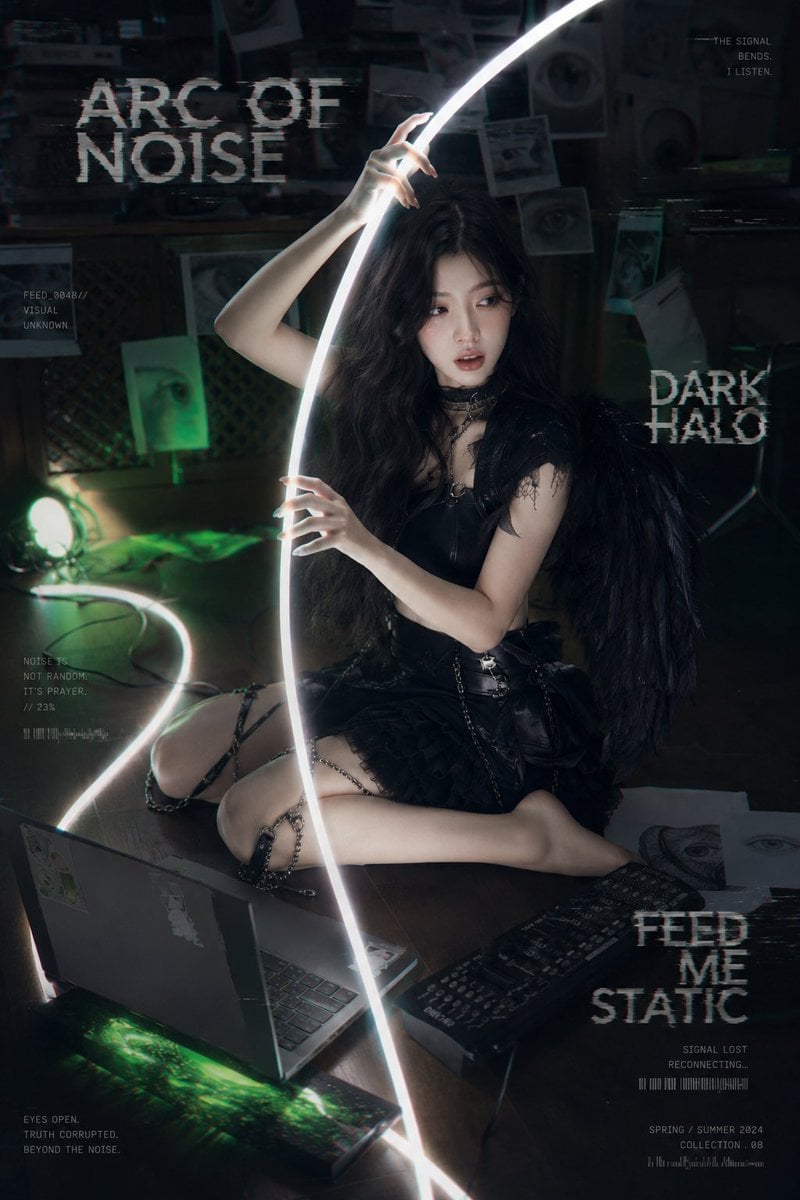
Dark Cyber-Goth Angel Poster
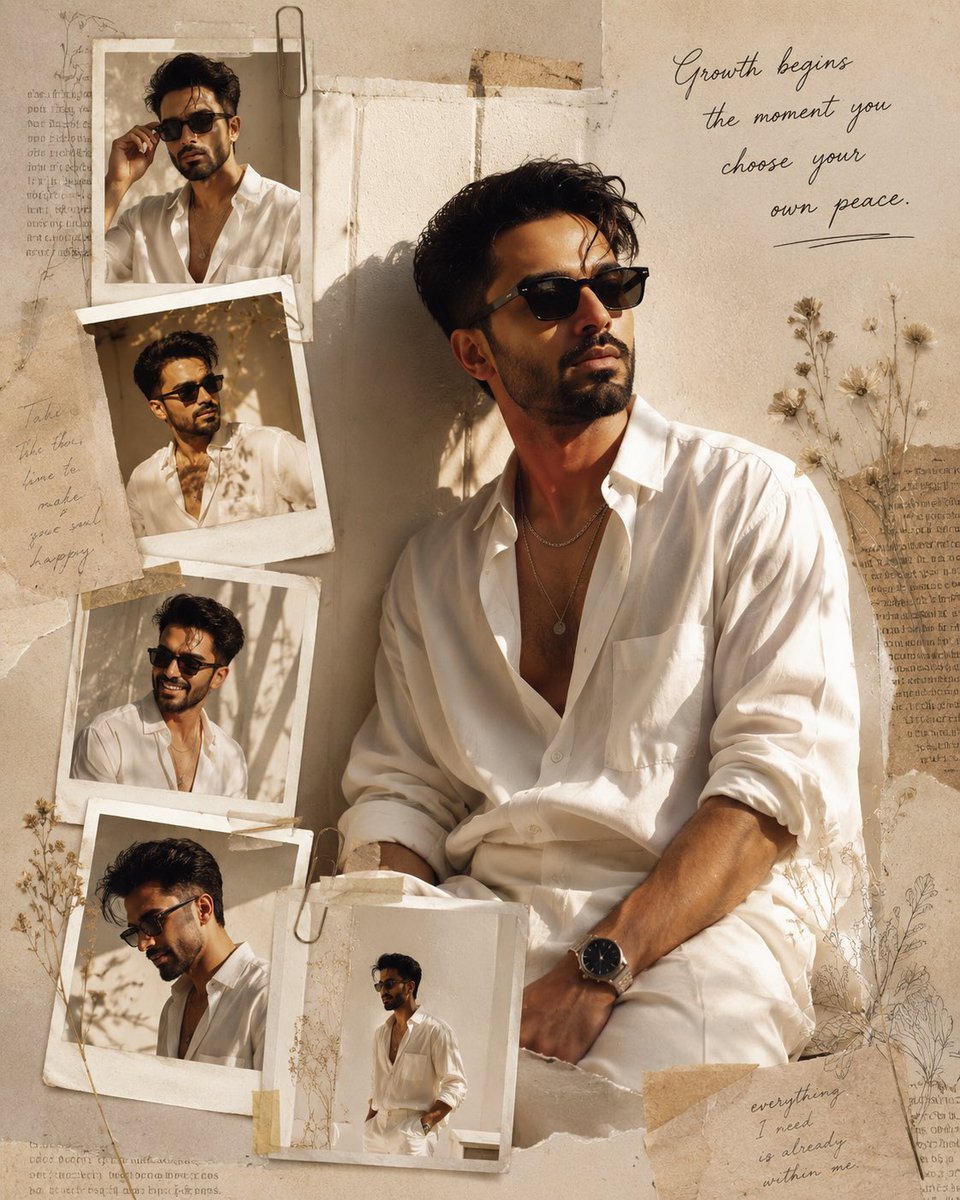
Luxury Fashion Editorial Scrapbook
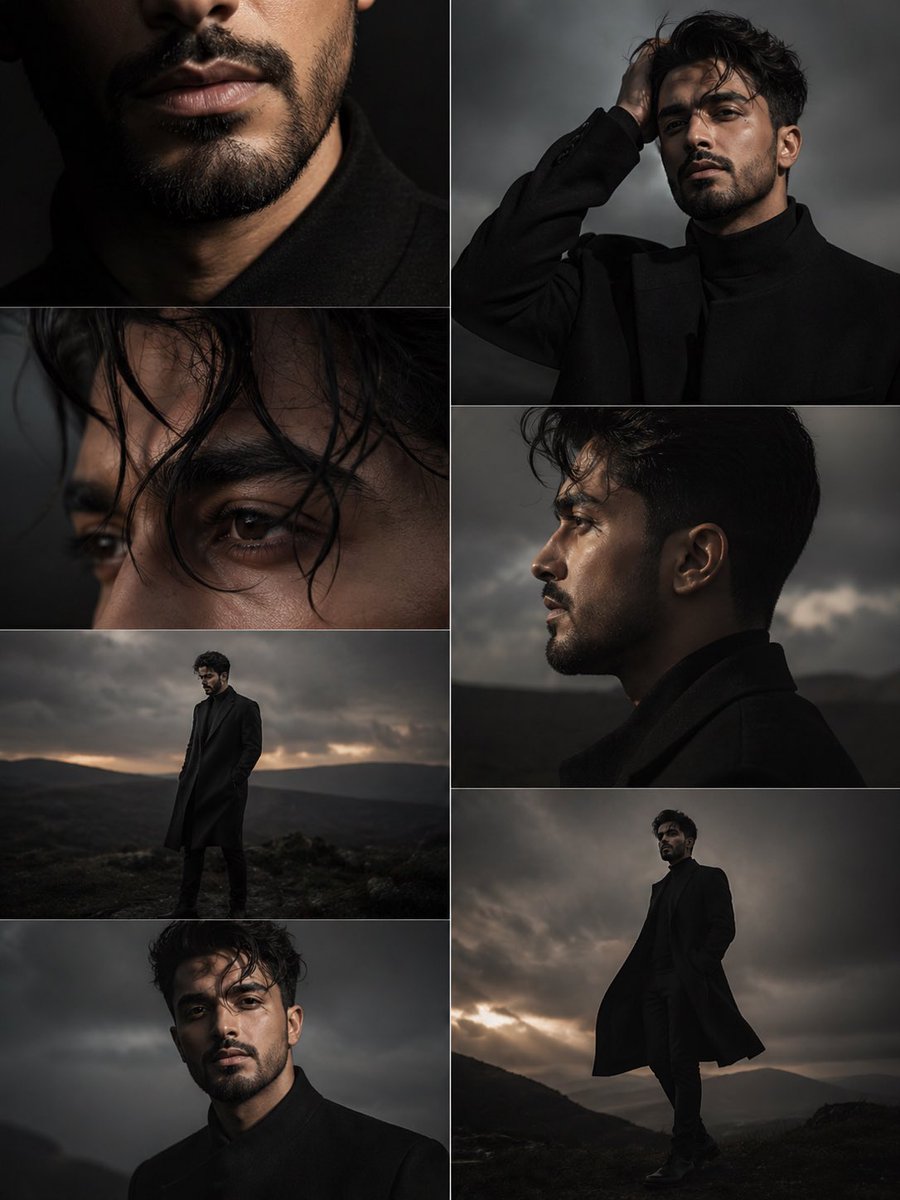
Dark Moody Editorial Portrait

Sealing Wax Letter Desk

Ballroom Floor Reflections

Vintage Camera Leather Case
Make it yours
Dark Luxury Fallen Angel Editorial works as-is. These are the safest ways to change it without losing the look.
Change one field
Copy a single group, rewrite it, and generate again so you can see what that field is doing.
Keep the frame, change the subject
Hold the composition and light of Dark Luxury Fallen Angel Editorial, then swap wardrobe, props or the person for a new take.
| If the result… | Why | Fix |
|---|---|---|
| The result drifts from the preview | Too many fields changed at once. | Reuse Dark Luxury Fallen Angel Editorial as-is first, then change one group — subject, light, or setting. |
| The model over-stylizes the scene | The prose prompt leaves finish and camera underspecified. | Add one camera or lighting sentence and stay on Nano Banana 2. |
More Nano Banana 2 templates
Other prompts made for Nano Banana 2.

Photorealistic Leaf Shaped Like a Dragon

K-Pop Idol Portrait Grid for Rapid Selection

Poetic Rain Forest Portrait During Golden Hour

Urban Street Portrait with Cartoon Inner Self Duo

Candid Nighttime Photo with Cat Prompt

High-Concept 3D Diorama Generation Prompt

Cinematic Futuristic Studio Portrait Template

Skincare Editorial Photography Collage Prompt

Hyper-Realistic Commercial Product Photography (Splash Effect)

Hyper-Realistic Nightclub Portrait Prompt
More image prompts
Fresh picks from across the catalog.
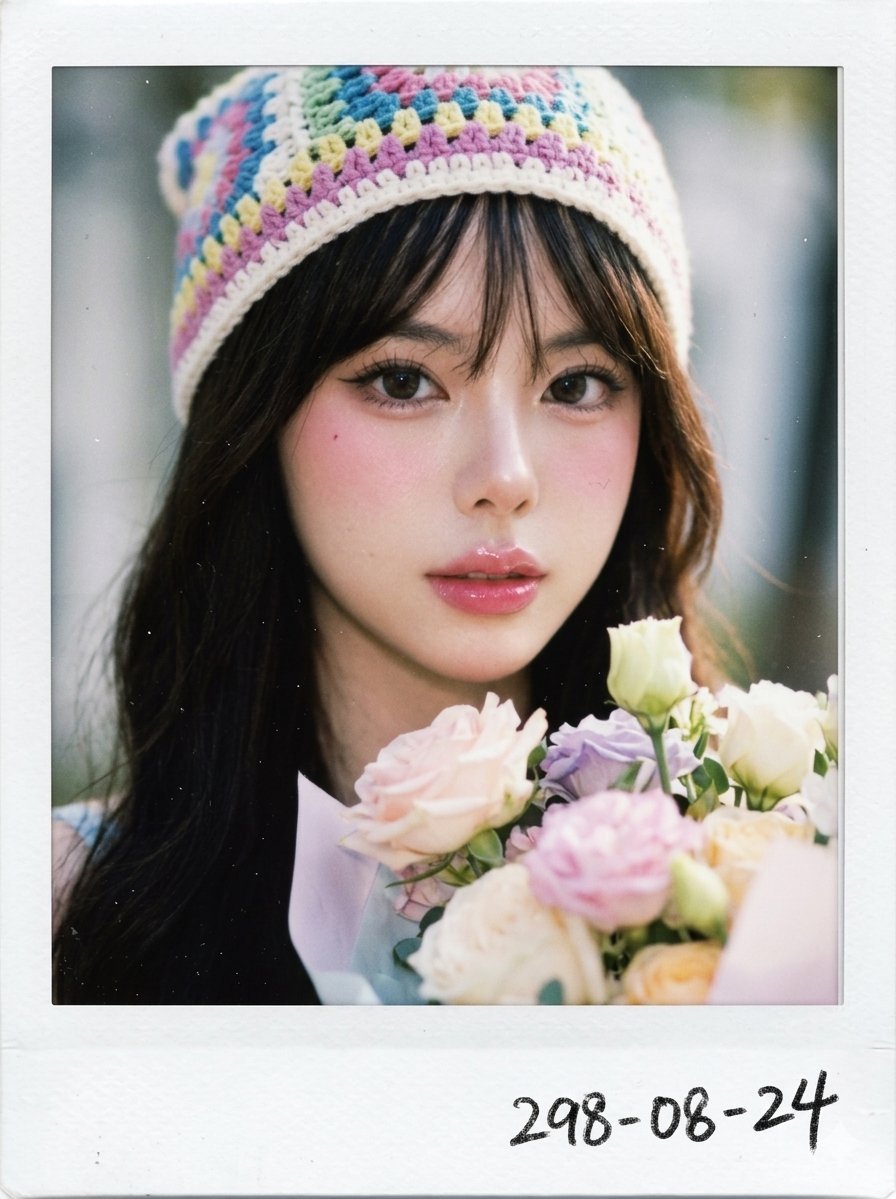
X Chryzleenprompt Create Image a Hyper Photorealistic Polaroid
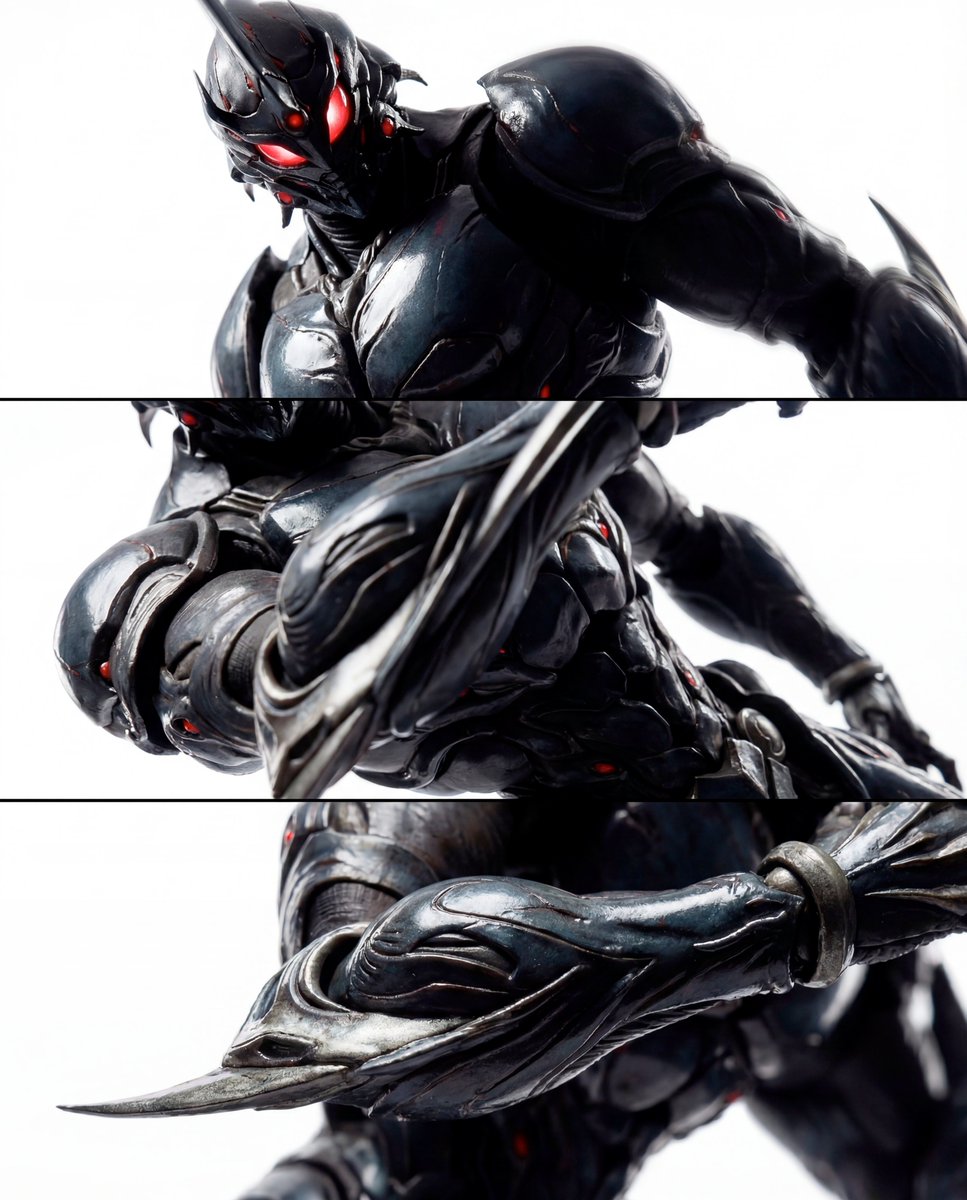
Triptych Composition Prompt for Abstract Fashion Editorial
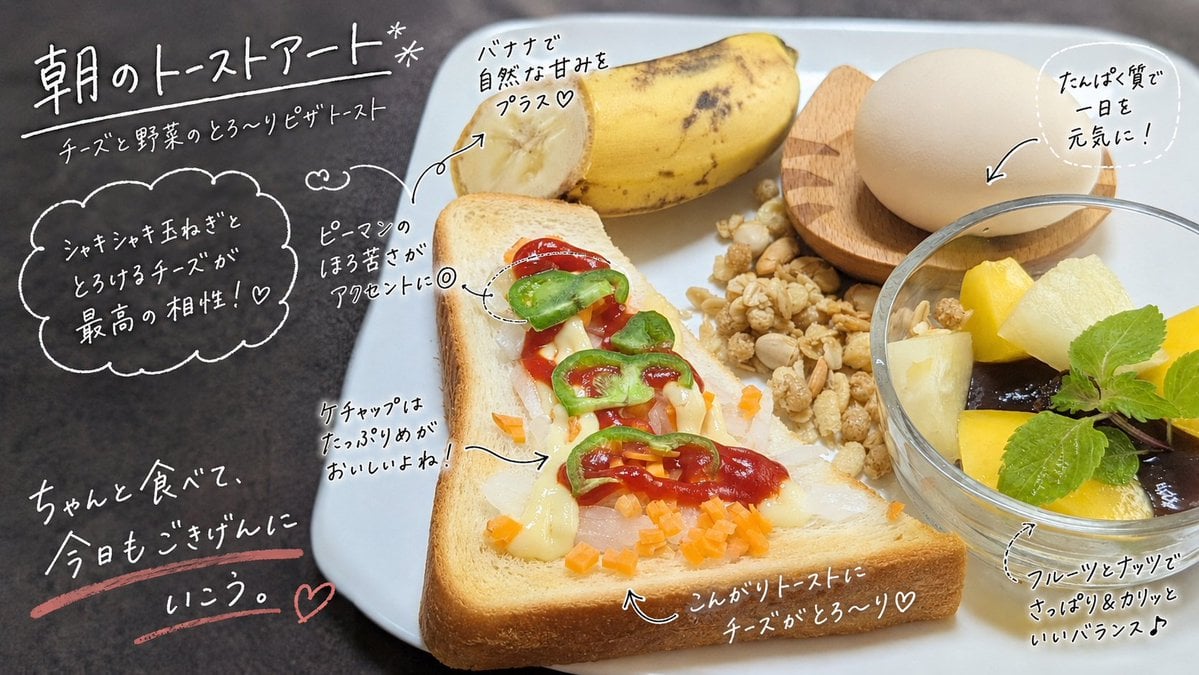
Handwritten Breakfast Photo Annotations
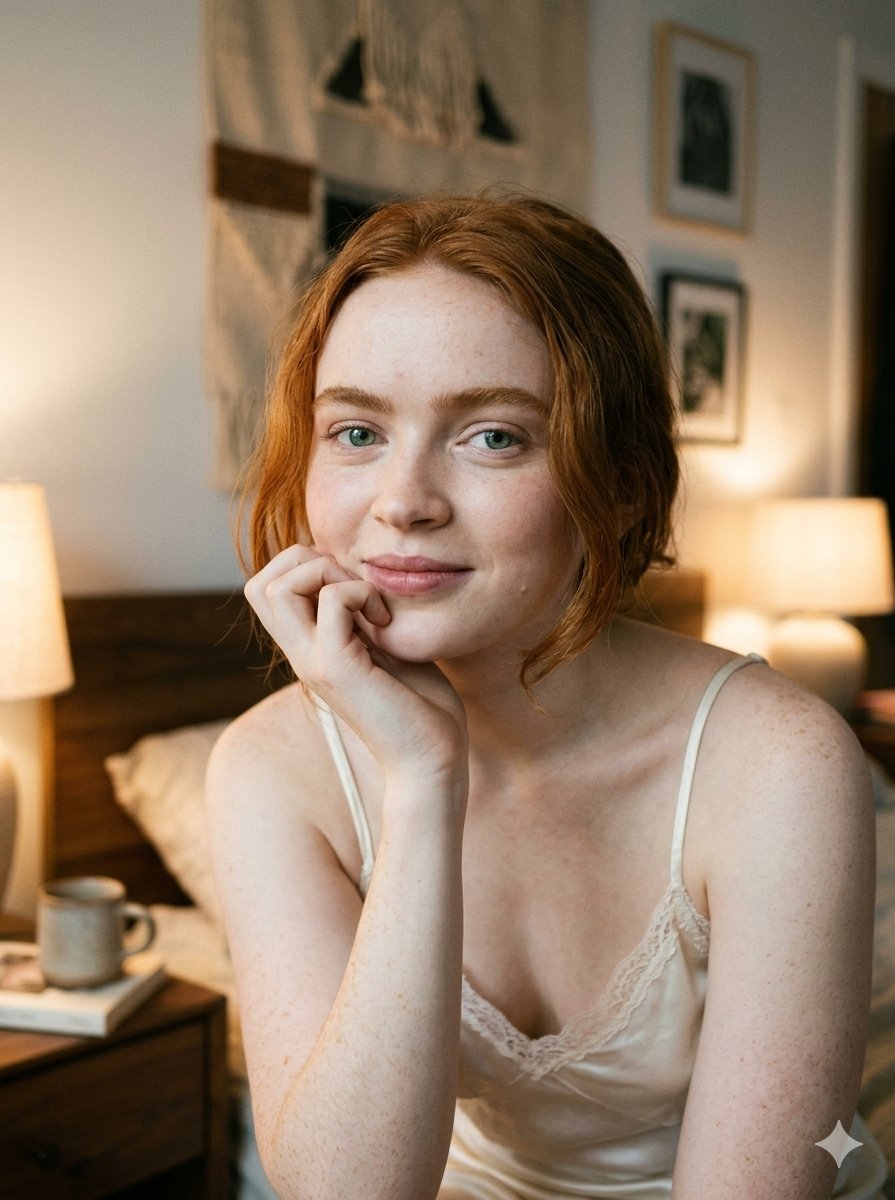
Google Nano Banana 2 — Cozy Bedroom Editorial
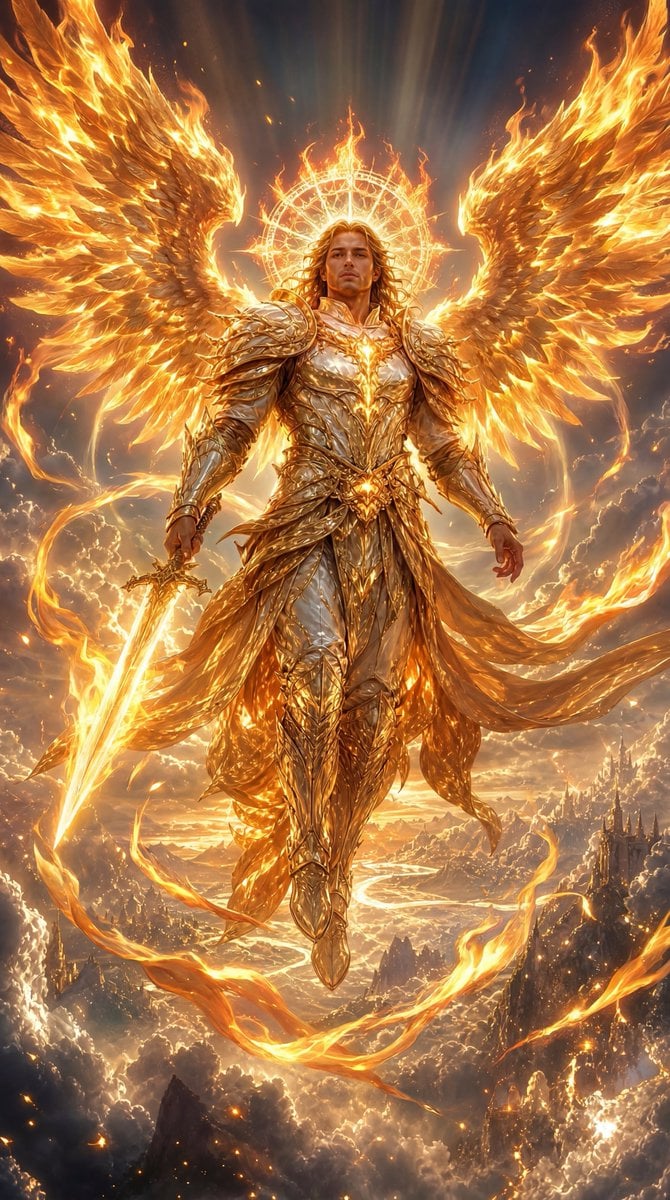
Fiery Angel Warrior
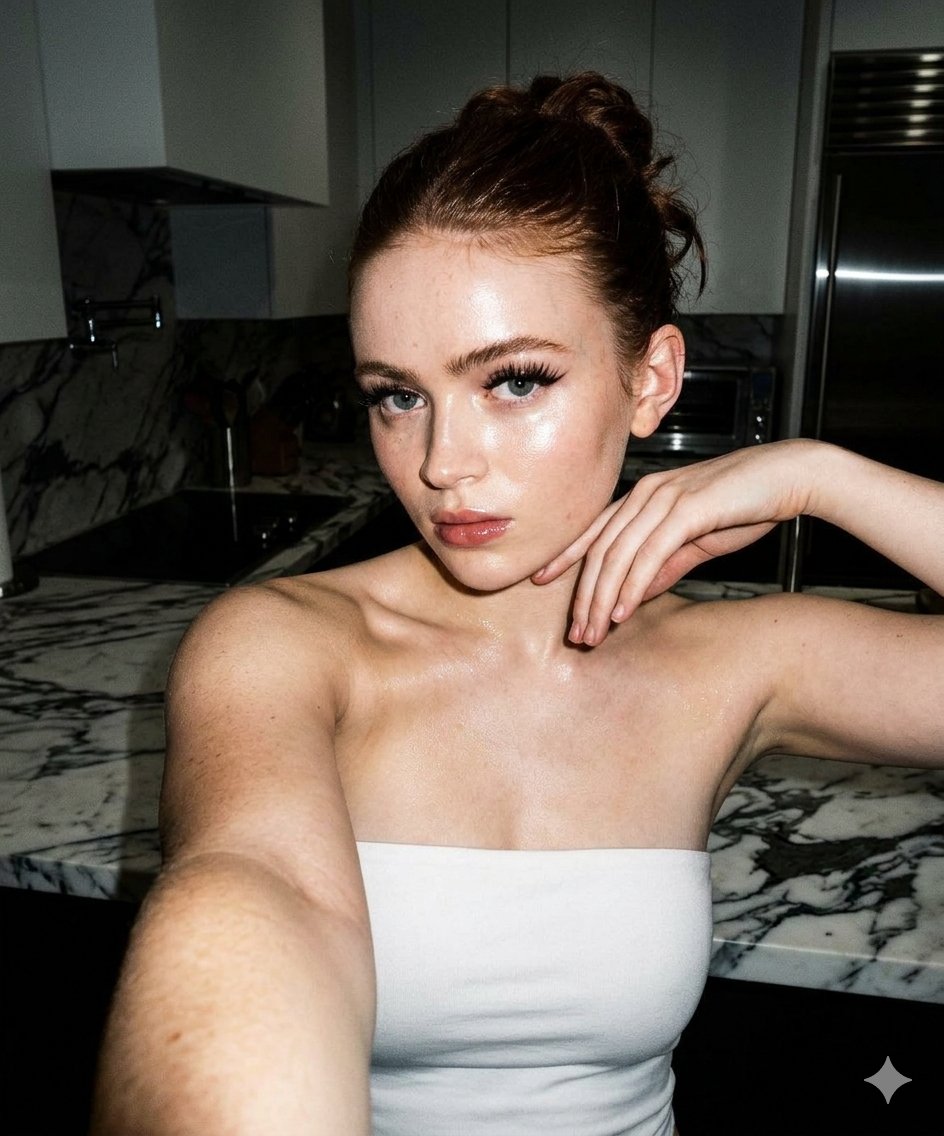
High-Contrast Selfie Photo Prompt in Modern Kitchen
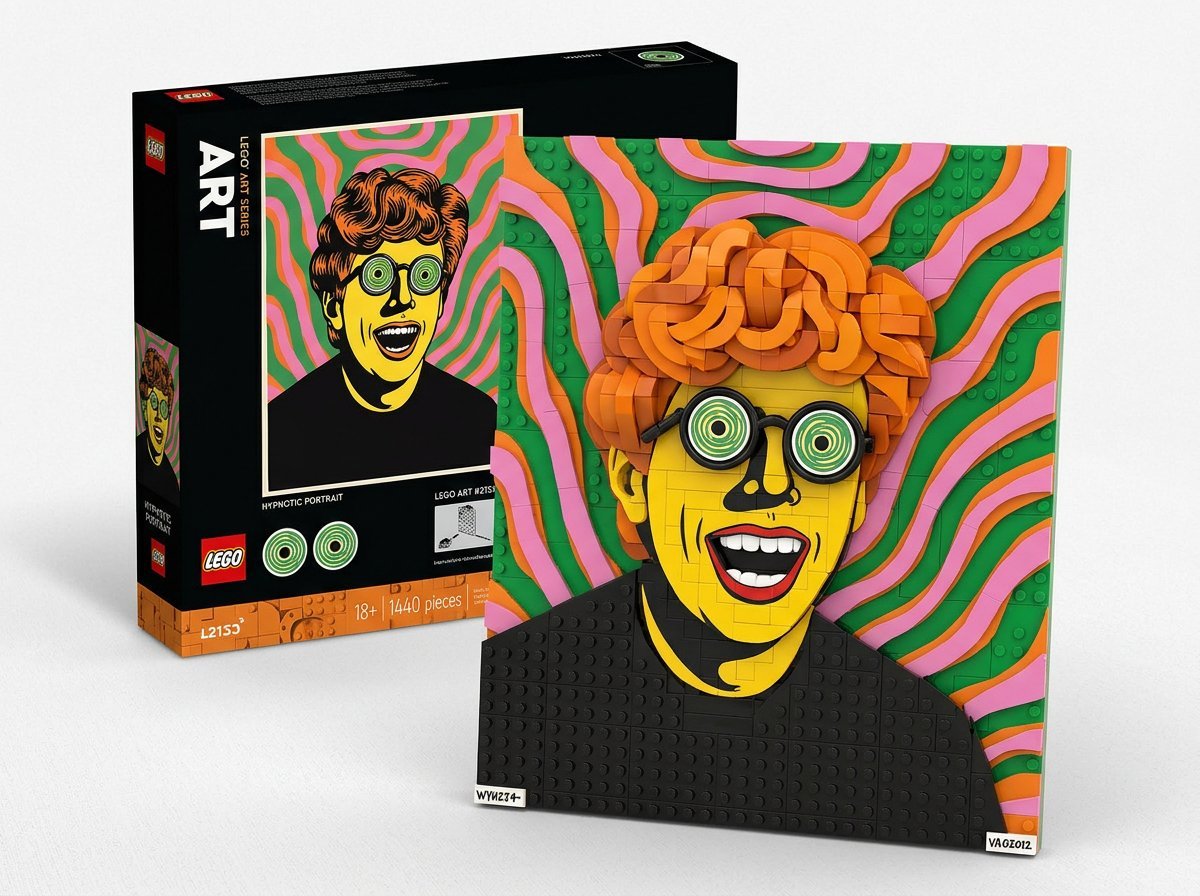
LEGO Set Recreation Prompt for Nano Banana Pro

Conceptual Fashion Portrait in Spider We
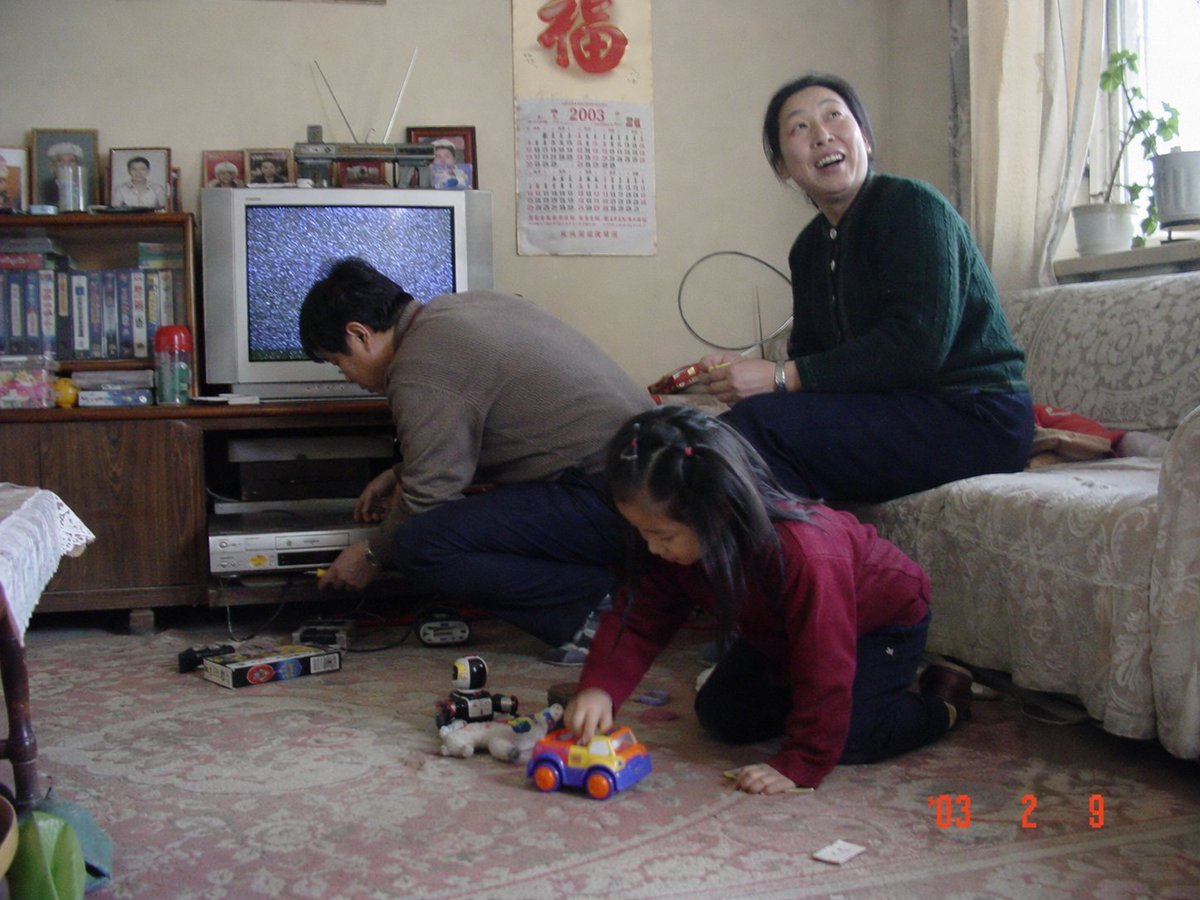
Nostalgic 2003 Family Apartment Photo
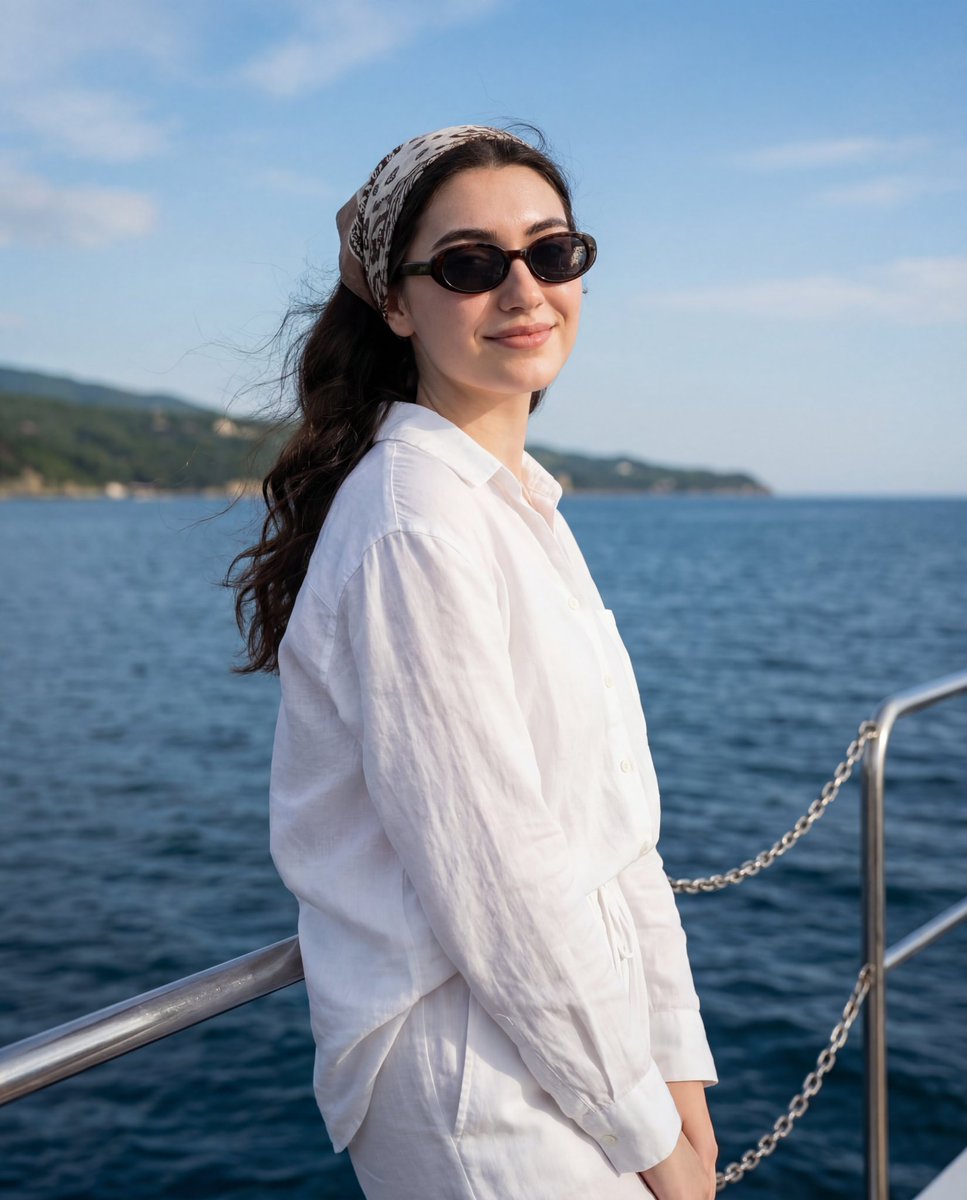
Serene Coastal Portrait with Identity Lock Prompt
Browse template categories
Dark Luxury Fallen Angel Editorial questions
How do I use the Dark Luxury Fallen Angel Editorial template?
Add your photo if the template asks for one, edit the prompt if you like — the template's model and format are already selected — and press Generate. Your version opens in PicX Studio.
Can I customize the Dark Luxury Fallen Angel Editorial template?
Yes. You can change the subject, setting, lighting, mood, format, and available model controls before creating your image.
Is the Dark Luxury Fallen Angel Editorial template free?
Opening and editing this template is free. Generating uses credits, shown on the Generate button when you are signed in.
Which AI model should I use?
Start with Nano Banana 2, which is the model associated with this template. You can compare another compatible model for a different finish.
Looking for something else? Browse all templates.

Your photo, any look
Thousands of ready templates for every top image and video model, from one credit balance.