How do I use the Cinematic Car Window Portrait template?
Choose the primary action to open PicX Studio with the available template settings. Review the model and format, personalize the creative direction, and generate when ready.
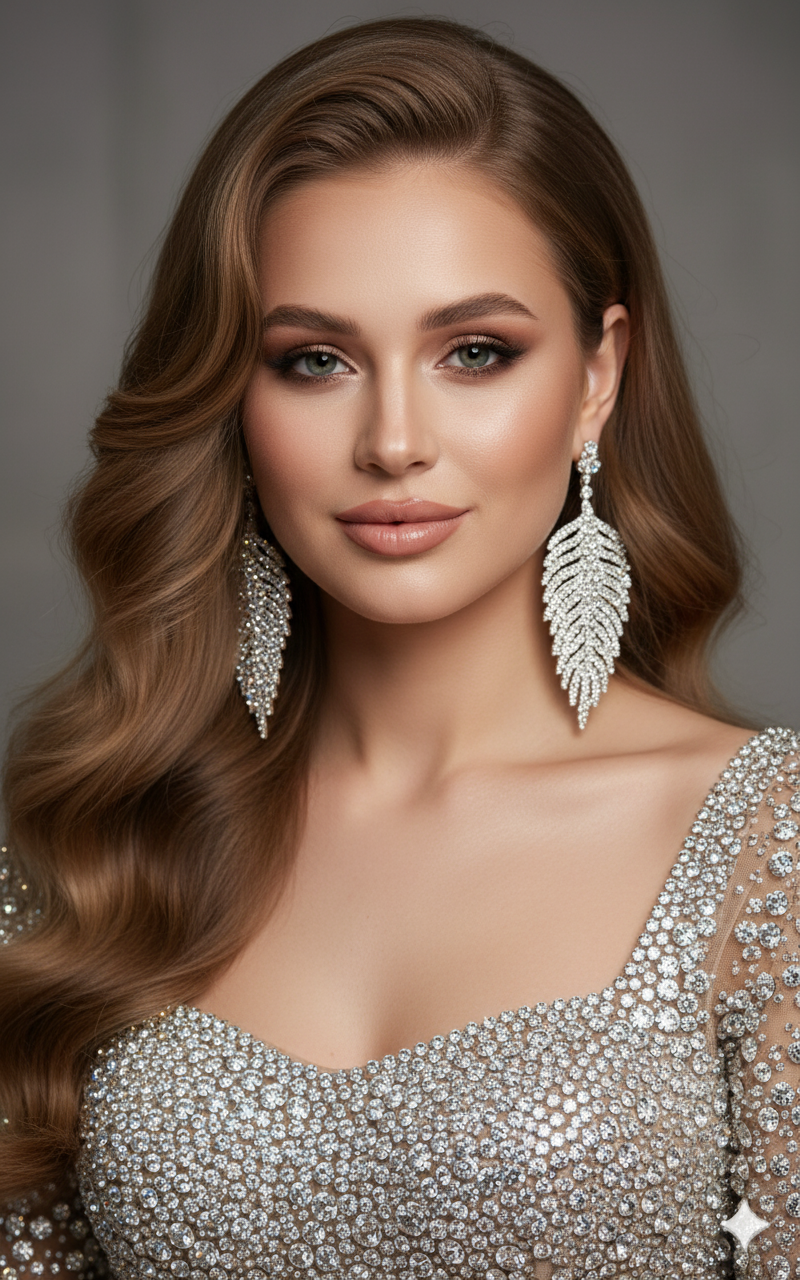
A prompt for an editorial lifestyle portrait of a woman leaning through a luxury car window during golden hour.
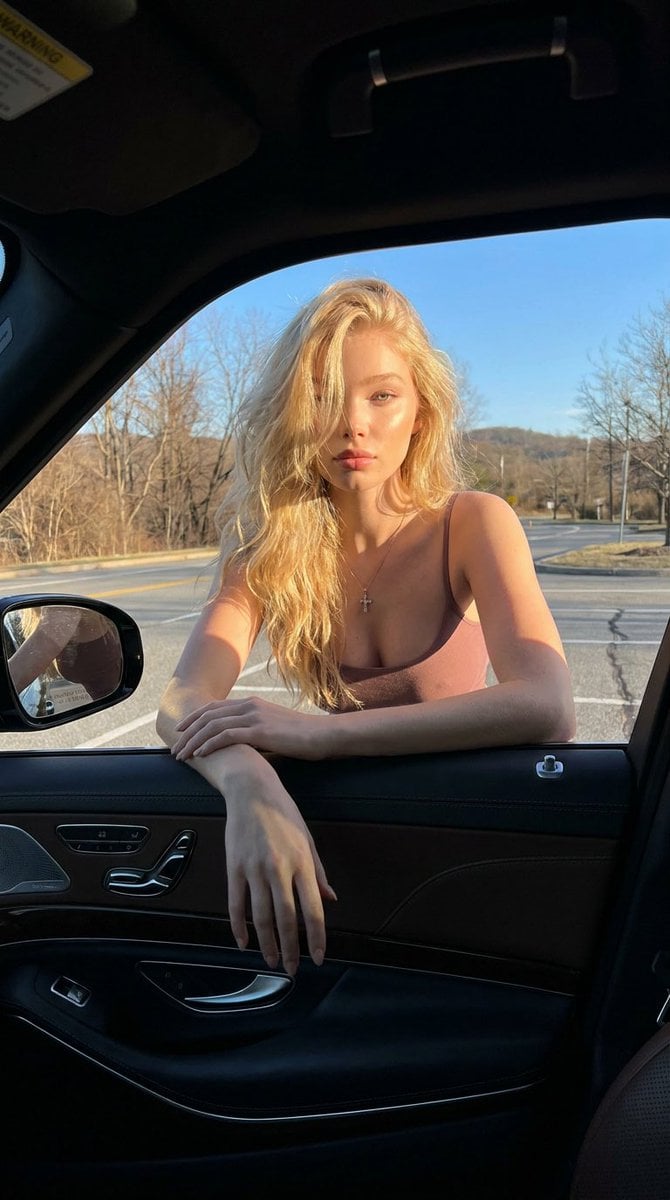
{ "prompt": "Photorealistic cinematic portrait of a {argument name="subject" default="blonde woman"} leaning through an open {argument name="car type" default="luxury car"} window during golden hour, warm sunlight illuminating her face and long wavy hair, wearing a fitted mauve tank top and a delicate cross necklace. Shot from inside a premium black leather car interior with visible door details and side mirror, with a quiet roadside landscape, bare trees, and blue sky in the background. Moody contrast, realistic skin texture, shallow depth of field, high detail, editorial lifestyle photography aesthetic.", "negative_prompt": "blurry, low resolution, distorted anatomy, extra limbs, extra fingers, malformed hands, unrealistic face, bad proportions, cartoon, anime, overprocessed skin, duplicate person, watermark, text, poor composition", "size": "768x1344", "style": "photorealistic", "camera": { "angle": "inside car cinematic portrait", "lens": "50mm", "aperture": "f/1.8" } }
Choose the primary action to open PicX Studio with the available template settings. Review the model and format, personalize the creative direction, and generate when ready.
Yes. You can change the subject, setting, lighting, mood, format, and available model controls before creating your image.
This template is free to open and customize. Generation usage is shown in PicX Studio before you create.
Start with Nano Banana 2, which is the model associated with this template. You can compare another compatible model for a different finish.
Follow a topic to a crawlable collection of related PicX Studio templates.