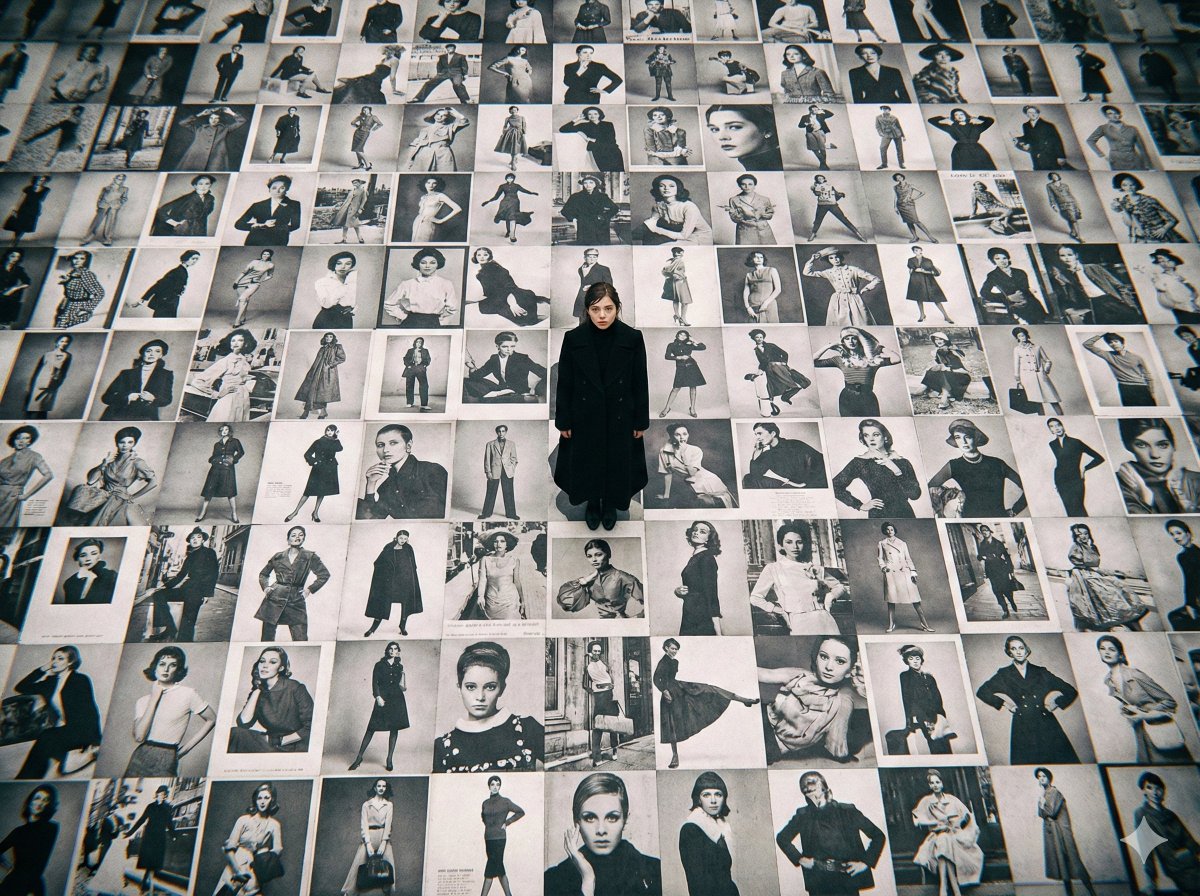
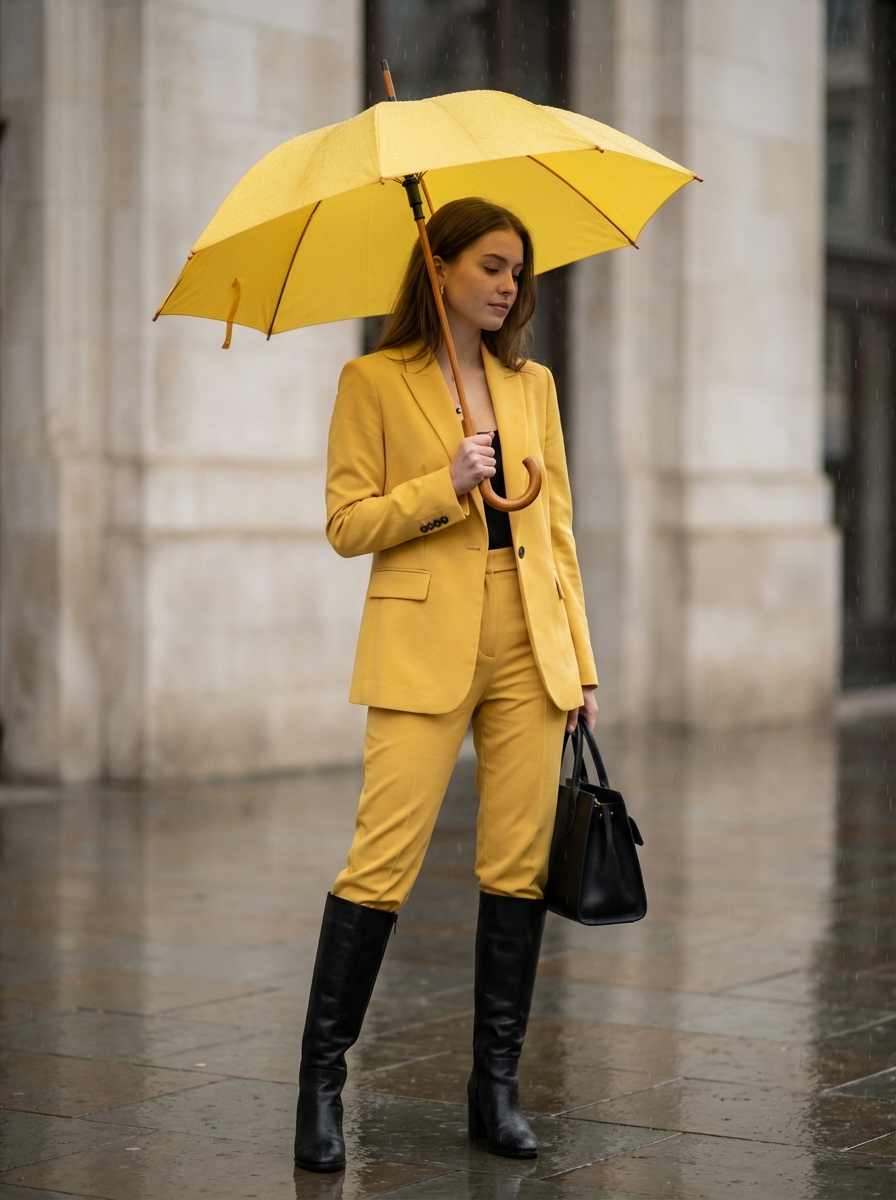
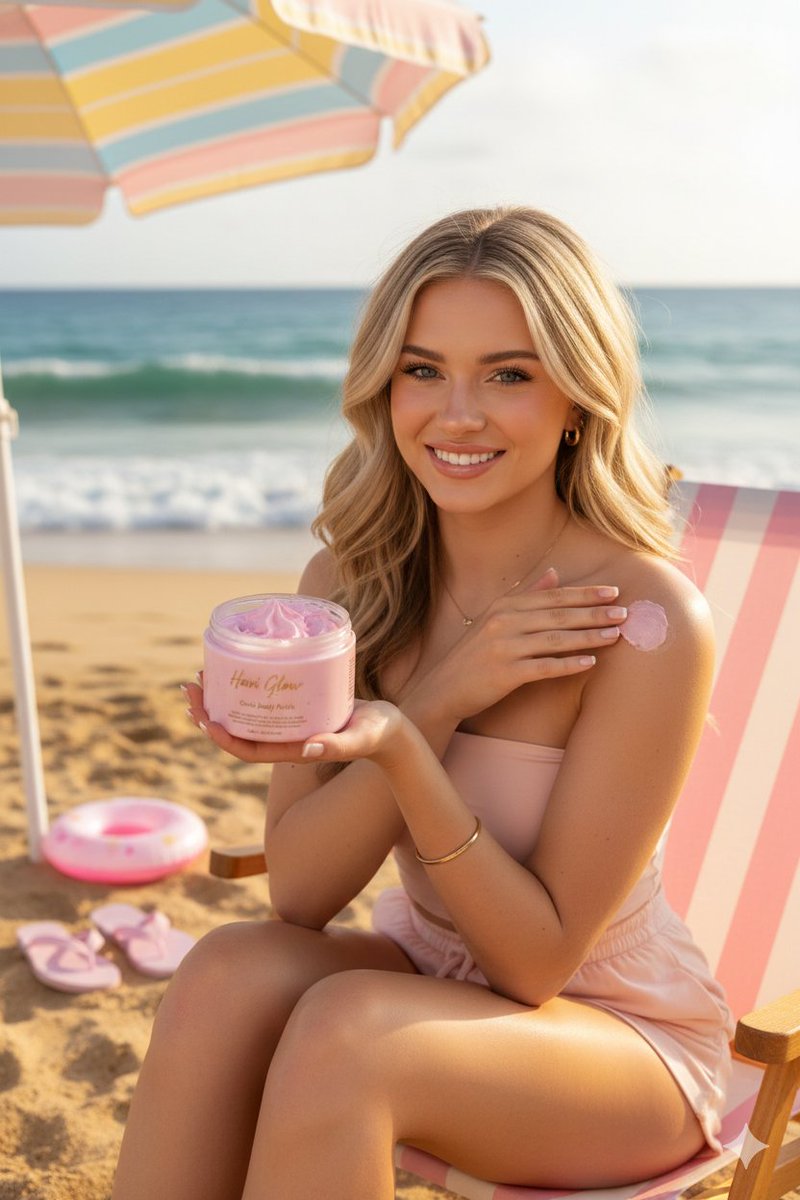
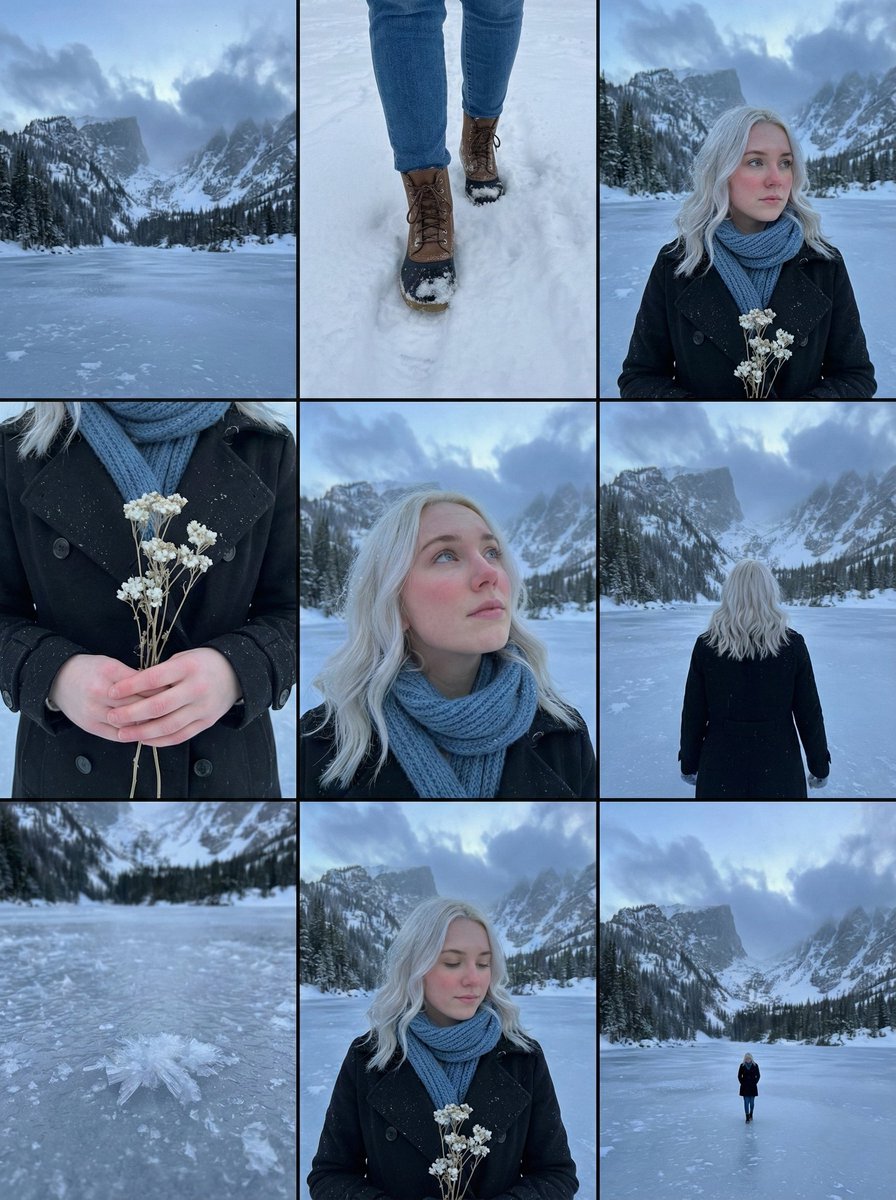
How do I use the Personalized Fashion Identity Character Board template?
Choose the primary action to open PicX Studio with the available template settings. Review the model and format, personalize the creative direction, and generate when ready.
A complex psychological profiling prompt for generating a personal visual identity poster including outfit, accessories, and personality labels.
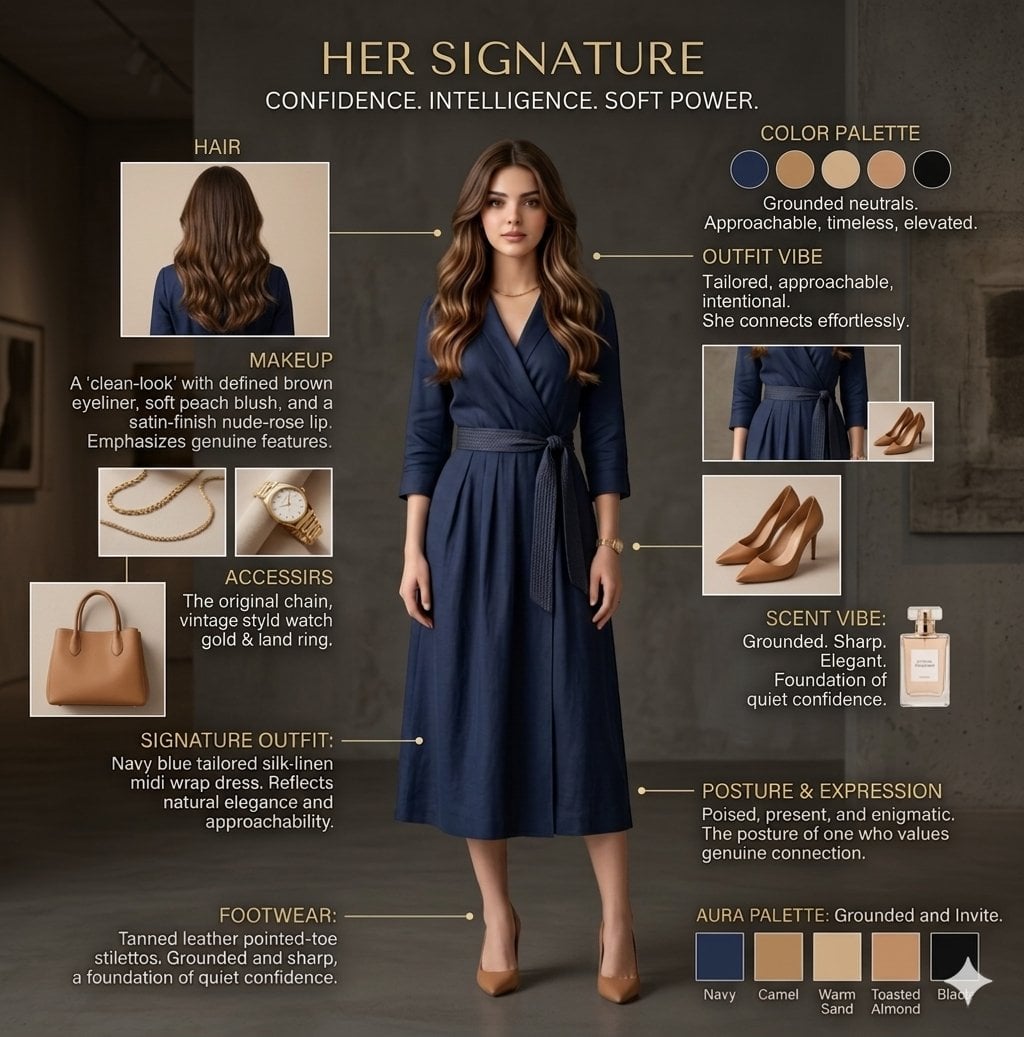
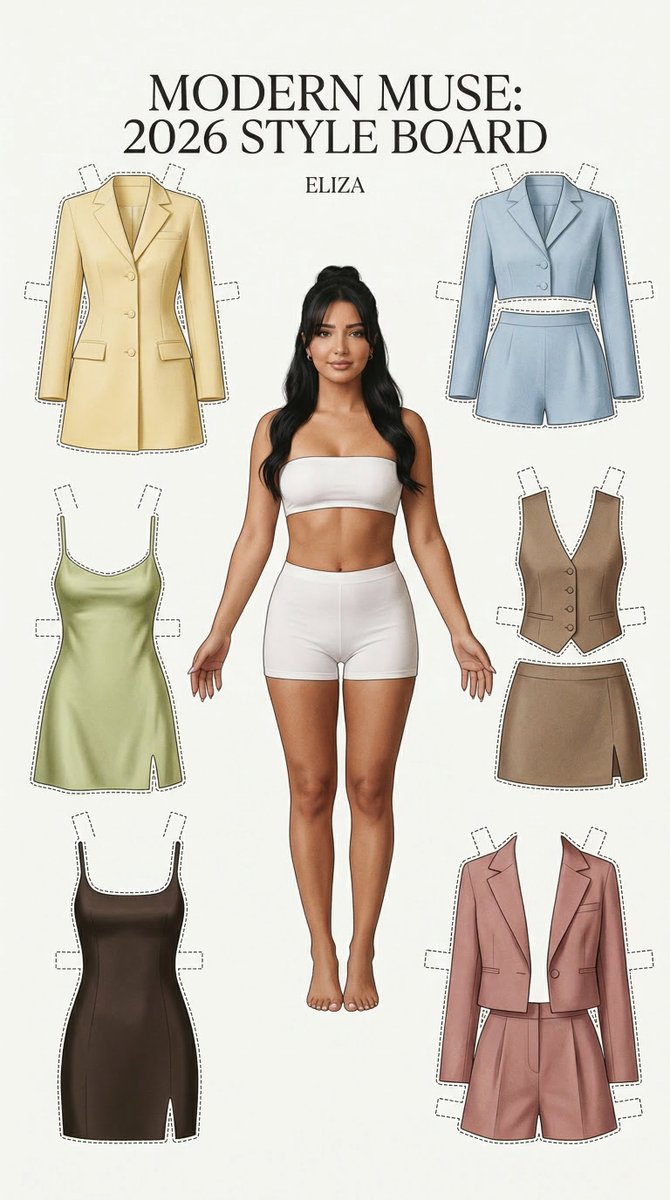
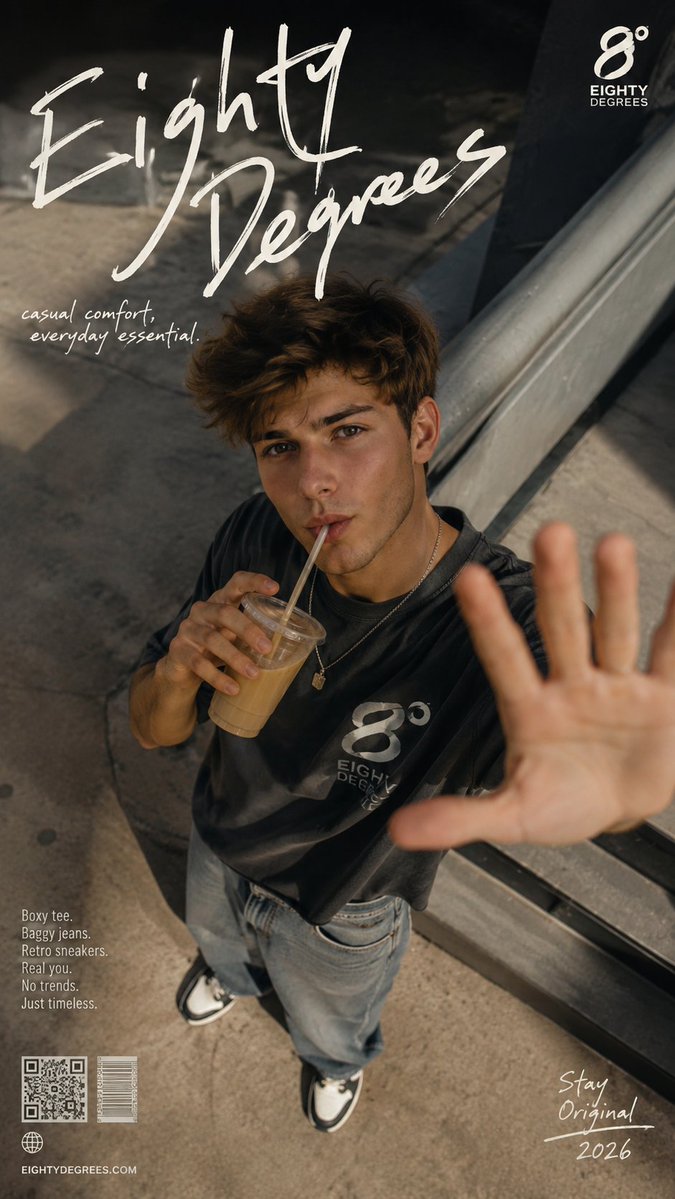
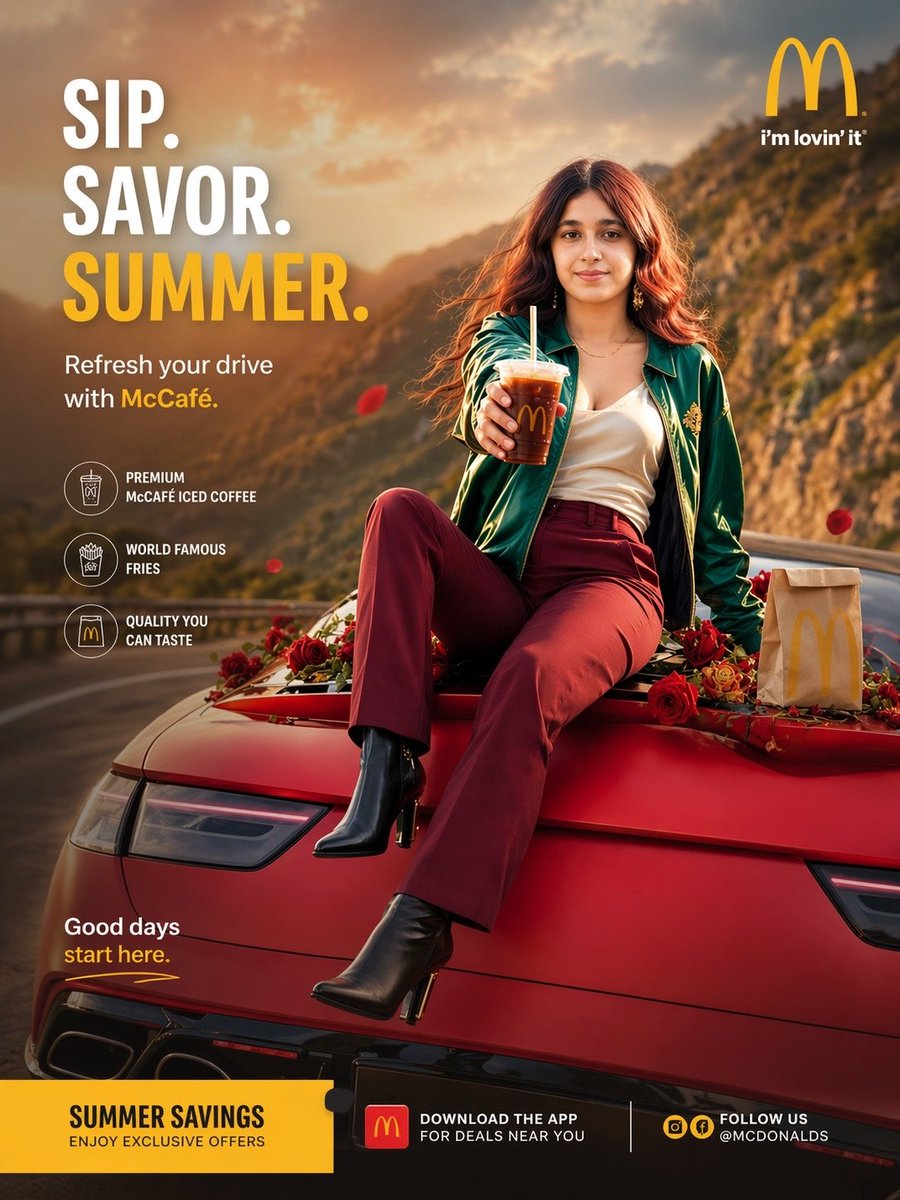
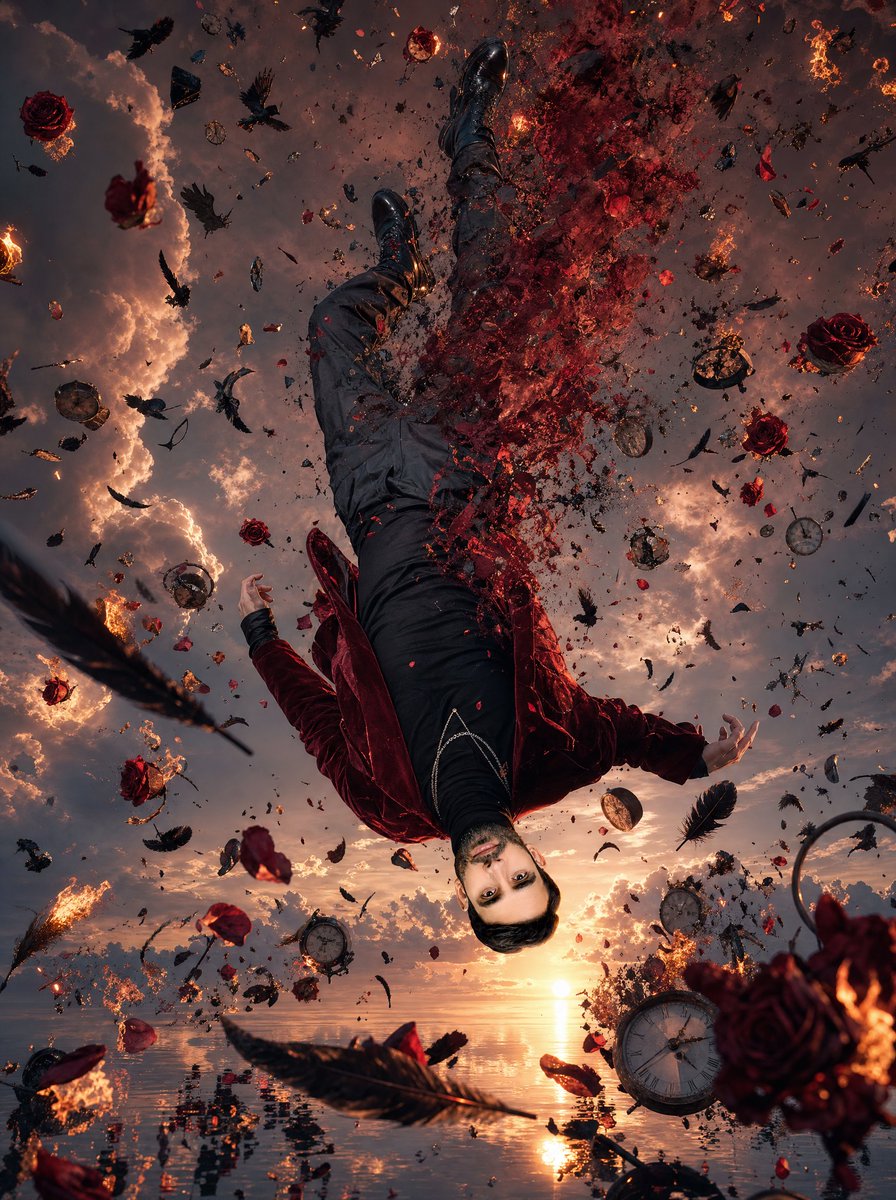
Create a signature look character board / fashion identity poster for me based on everything you know about my personality, vibe, mindset, energy, and aesthetic preferences. I want this to feel deeply personal and psychologically accurate, like a stylist and personality analyst designed my visual identity. The goal is to show how I would carry myself in real life and what my signature presence would look like. IMPORTANT: This should NOT look like a random Pinterest aesthetic photoshoot or generic moodboard. It should feel like “this is MY signature look” — something memorable and cohesive. Include a full-body character design (head-to-toe visible) showing: Signature outfit style {argument name="outfit style" default="Dress"} Shoes/heels and why they fit my vibe Accessories (jewelry, bag, watch, rings, perfume vibe) Hairstyle (texture, length, styling, why it suits me) Makeup style (minimal but defining features) Color palette that matches my aura/personality Posture/body language/facial expression showing how I carry myself Overall energy/aura people feel around me Add very minimal text only (clean, elegant, aesthetic — not cluttered). Small labels explaining WHY each choice fits my personality in 1–2 lines max. Avoid: excessive text Make it look polished, cohesive, attractive, and deeply “me.” Show the complete outfit head-to-toe.
Choose the primary action to open PicX Studio with the available template settings. Review the model and format, personalize the creative direction, and generate when ready.
Yes. You can change the subject, setting, lighting, mood, format, and available model controls before creating your image.
This template is free to open and customize. Generation usage is shown in PicX Studio before you create.
Start with Nano Banana 2, which is the model associated with this template. You can compare another compatible model for a different finish.
Follow a topic to a crawlable collection of related PicX Studio templates.