How do I use the Vintage Bathroom Fashion Editorial template?
Choose the primary action to open PicX Studio with the available template settings. Review the model and format, personalize the creative direction, and generate when ready.
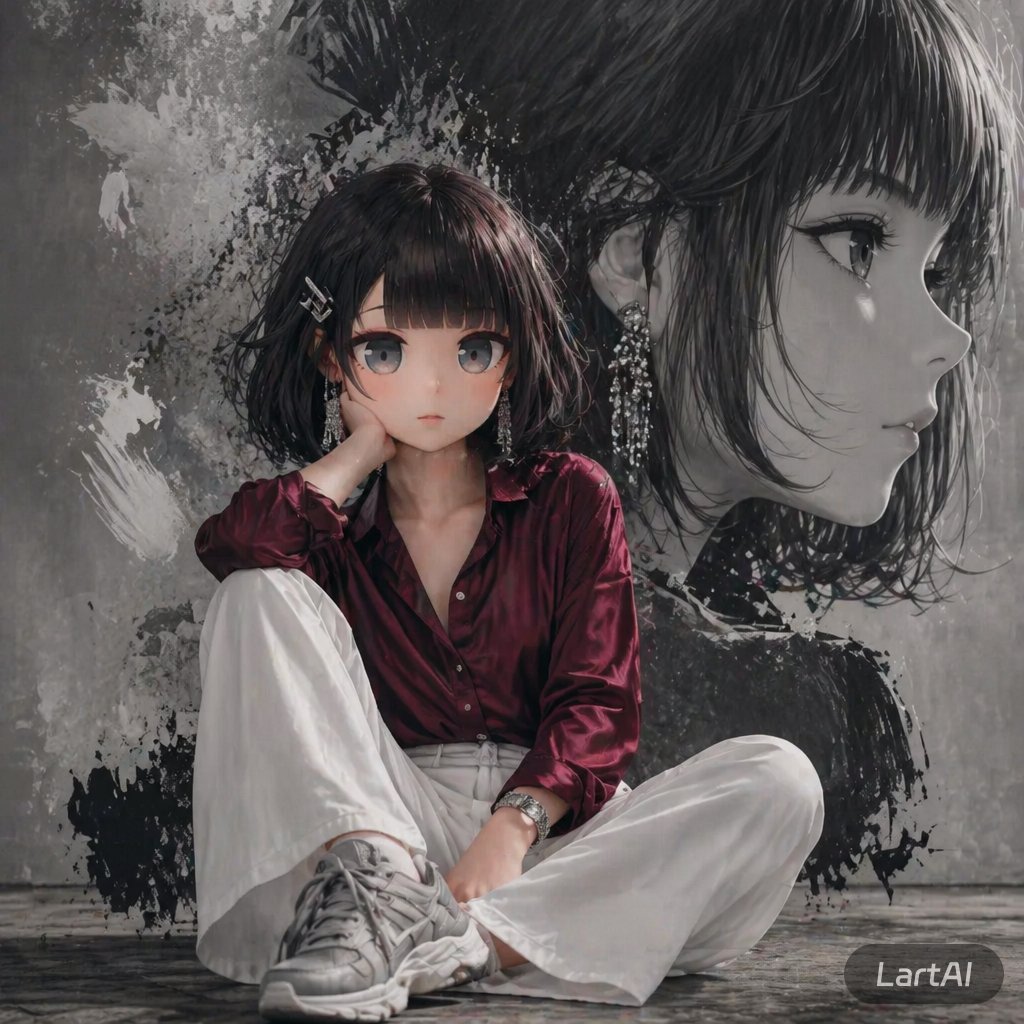
Editorial fashion prompt of a woman sitting in a vintage bathroom sink, featuring direct flash photography and a nostalgic indie aesthetic.
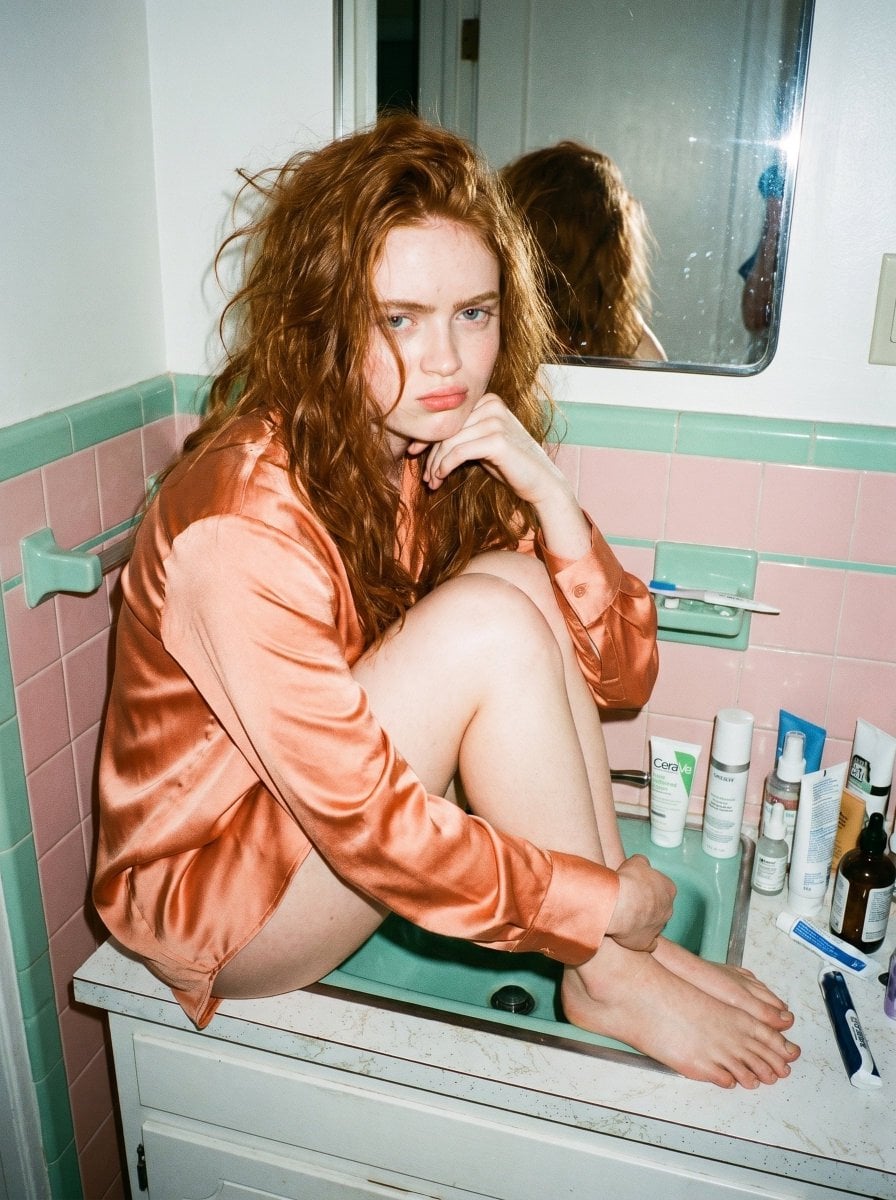
{ "type": "image_prompt", "version": "1.0", "description": { "subject": { "identity": "Use uploaded reference image, keep identity exact", "appearance": { "face": "Use uploaded reference image, keep identity exact, soft feminine facial structure, minimal natural makeup, glossy lips, expressive eyes, slightly pouty playful expression, glowing skin with realistic flash highlights", "hair": "Messy voluminous hair with natural texture and loose strands framing the face", "expression": "Playful annoyed expression with raised eyebrow and pouty lips while looking toward camera" }, "body": { "type": "Slim feminine figure" } }, "clothing": { "outfit": { "details": [ "{argument name="shirt color" default="Soft blush orange"} satin oversized button-up shirt", "Glossy silky fabric", "Loose relaxed fit", "Long sleeves slightly rolled naturally", "Bare legs and bare feet", "Cozy feminine late-night aesthetic" ] } }, "pose": { "details": [ "Sitting curled up inside bathroom sink counter", "Knees pulled close to chest", "One elbow resting on knee", "Hand supporting chin", "Feet tucked inside sink basin", "Relaxed messy candid posture" ] }, "environment": { "location": "Small vintage bathroom", "background": [ "Messy bathroom counter filled with skincare and hair products", "{argument name="tile colors" default="Vintage pastel pink and mint green"} tiles", "Mirror reflection visible", "Nighttime apartment atmosphere", "Hanging clothing in background", "Realistic lived-in aesthetic" ] }, "lighting": { "type": "Direct flash photography", "style": "Candid indie editorial lighting", "effects": [ "Strong flash reflections on skin", "Harsh realistic shadows", "Glossy satin reflections", "Slight grainy disposable camera aesthetic", "Warm nostalgic indoor tones" ] }, "camera": { "angle": "Eye-level candid angle", "framing": "Medium full-body composition", "focus": "Sharp focus on subject with realistic flash softness", "style": "Ultra realistic candid flash photography" }, "mood": [ "Messy", "Playful", "Candid", "Cozy", "Indie aesthetic" ], "quality": { "render": "Photorealistic", "details": [ "Natural skin texture", "Detailed satin fabric reflections", "Realistic bathroom clutter", "Disposable camera flash aesthetic", "Minimal retouching realism" ] } } }
Choose the primary action to open PicX Studio with the available template settings. Review the model and format, personalize the creative direction, and generate when ready.
Yes. You can change the subject, setting, lighting, mood, format, and available model controls before creating your image.
This template is free to open and customize. Generation usage is shown in PicX Studio before you create.
Start with Nano Banana 2, which is the model associated with this template. You can compare another compatible model for a different finish.
Follow a topic to a crawlable collection of related PicX Studio templates.