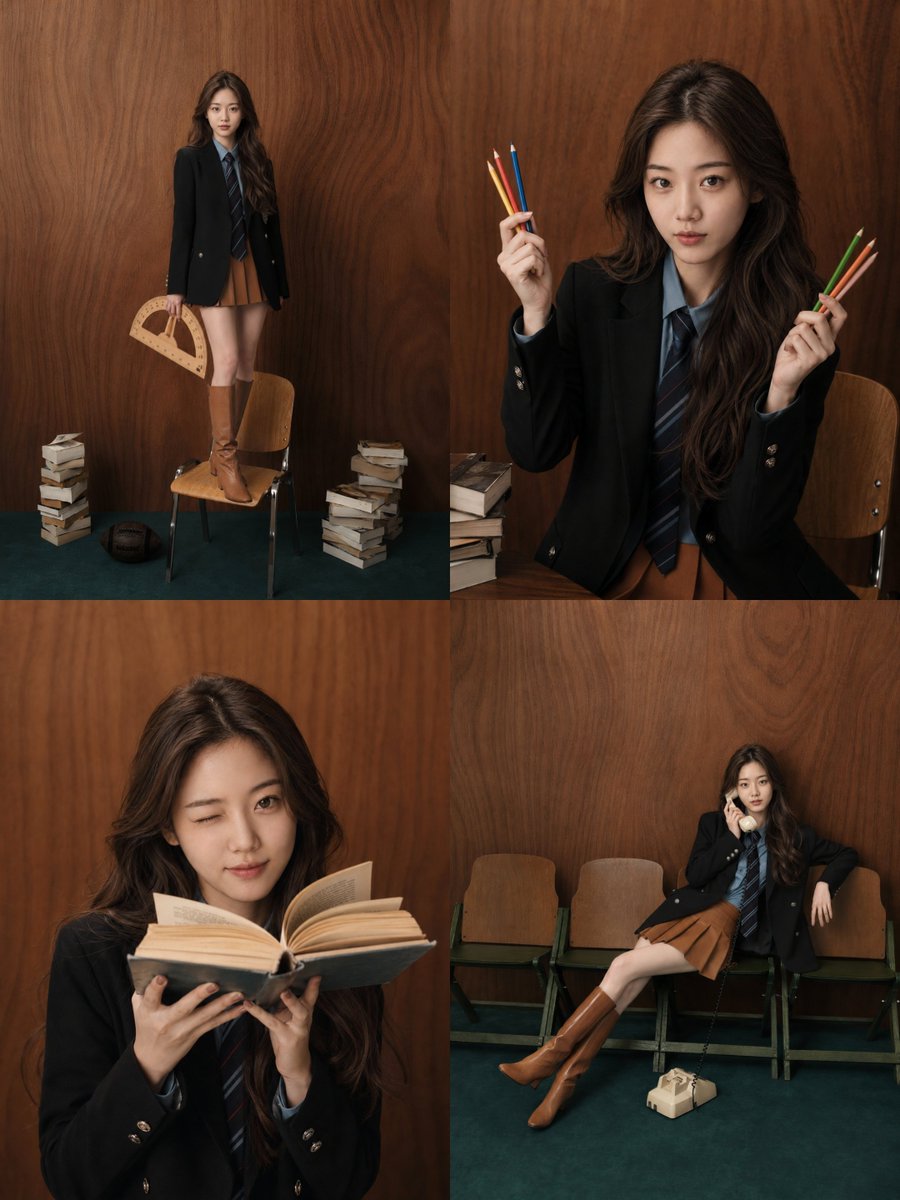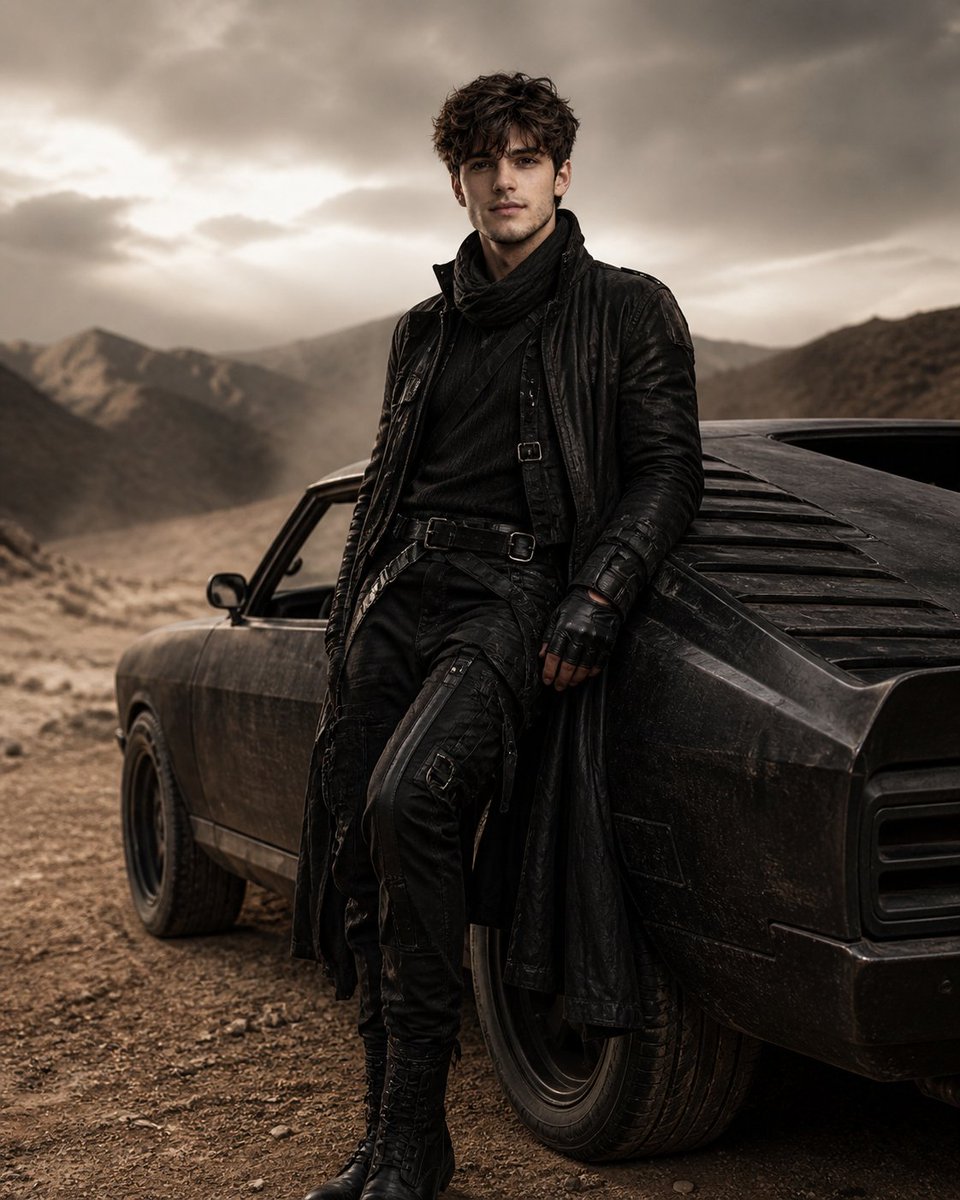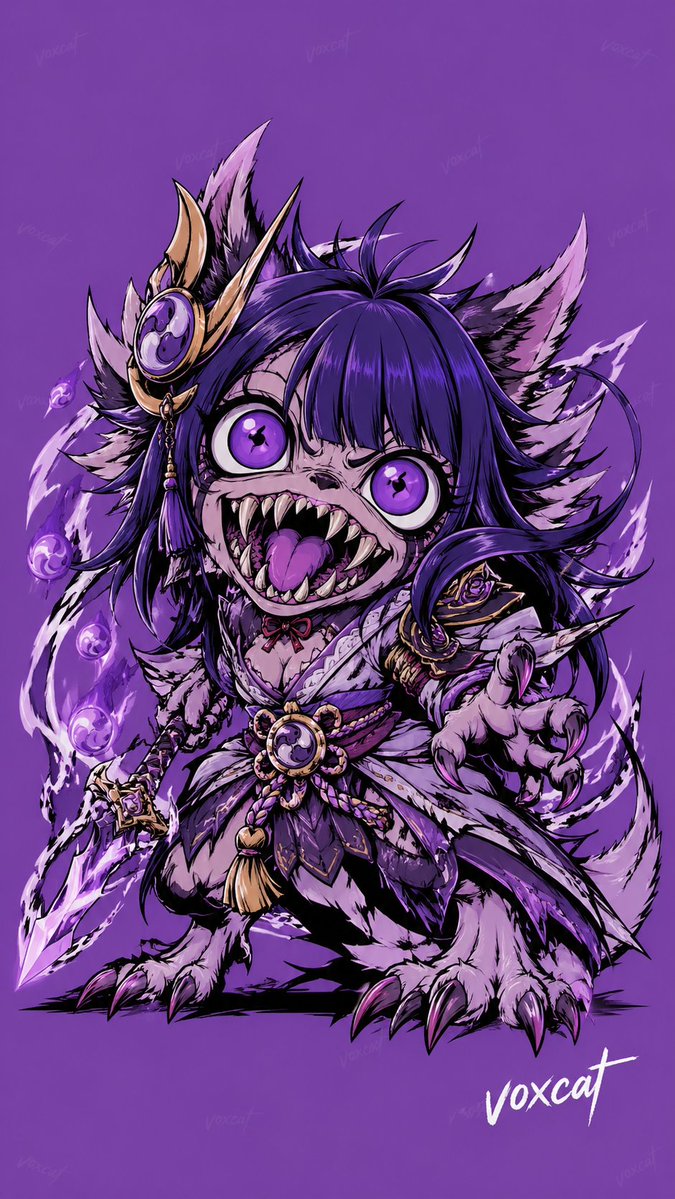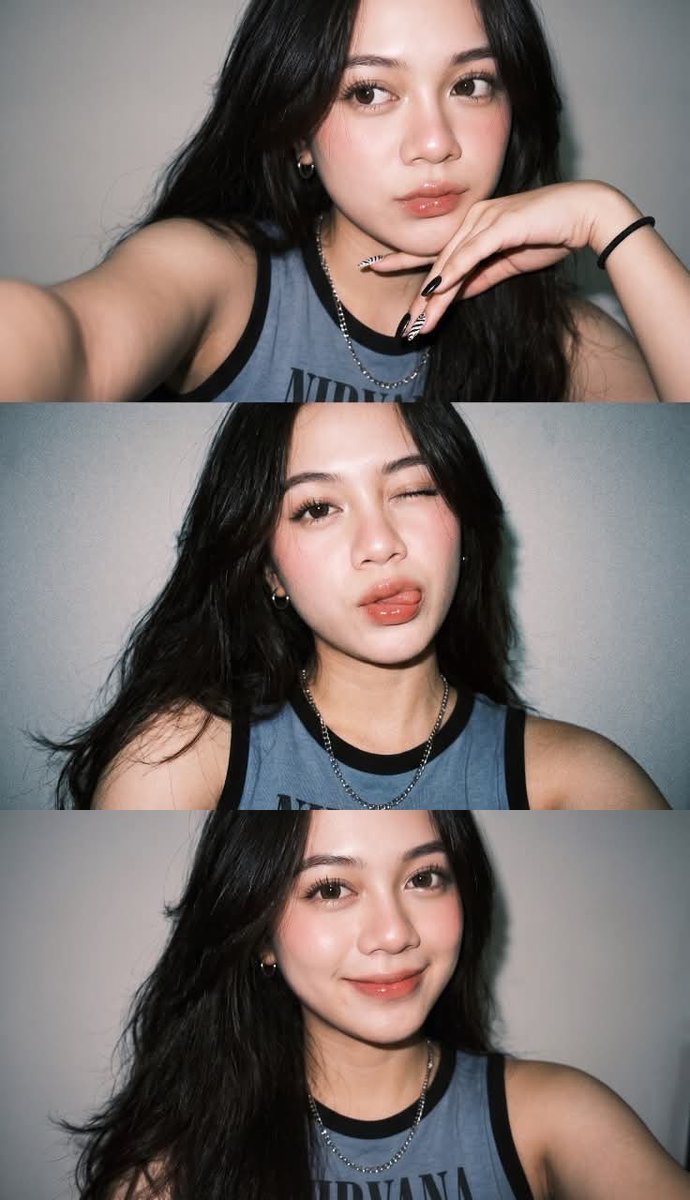
How do I use the Couture Evening Gown on Oscars Red Carpet template?
Choose the primary action to open PicX Studio with the available template settings. Review the model and format, personalize the creative direction, and generate when ready.
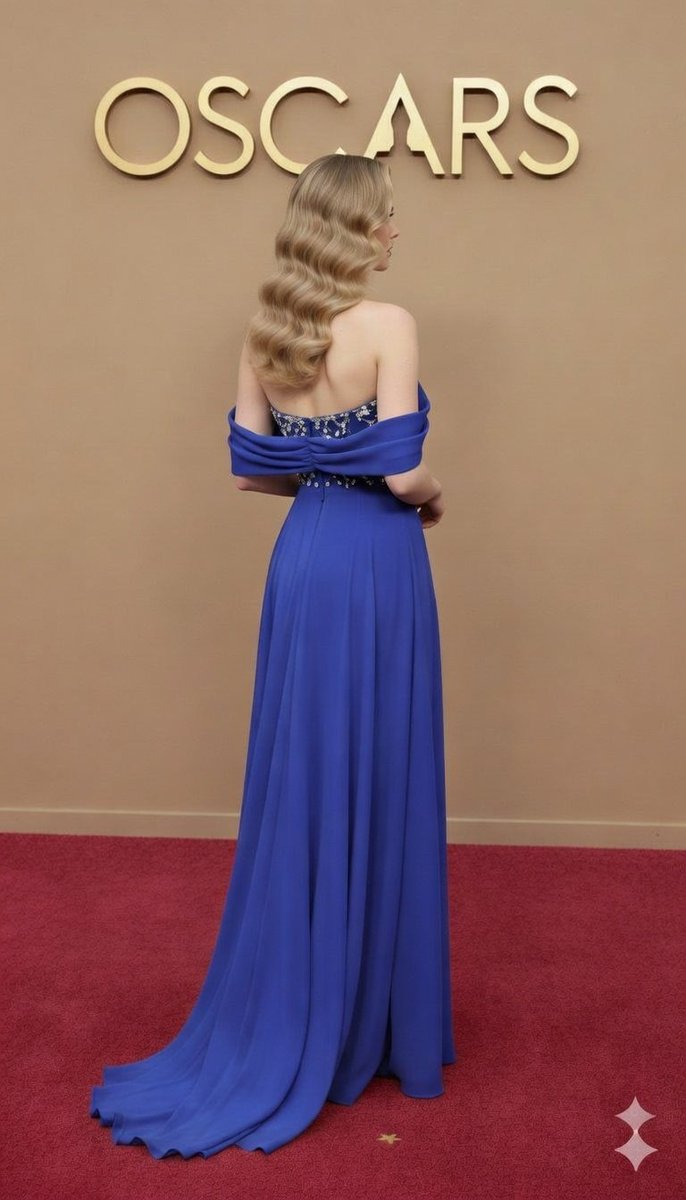
A highly structured JSON prompt for generating an image of a model wearing a detailed Royal Blue couture evening gown on the Oscars red carpet, specifying details like fabric, embroidery, hair, makeup, and desired photography angles. (free to use) — Free AI image template on PicX Studio.
{ "event_details": { "occasion": "The Academy Awards (Oscars) Red Carpet", "backdrop": "Beige/Tan color wall with gold metallic 3D 'OSCARS' branding", "flooring": "Classic red carpet texture" }, "model_description": { "facial_features": "Soft glam makeup, nude lip shade, defined eyebrows, and subtle smoky eye shadow", "hair_style": { "type": "Classic Old Hollywood Waves", "color": "Warm honey blonde with highlights", "parting": "Deep side-part", "length": "Mid-back length with voluminous curls" }, "jewelry": { "earrings": "Long silver drop-style earrings with marquise-cut stones", "rings": "Multiple stackable silver rings on both hands with diamond-like embellishments" } }, "garment_specifications": { "type": "Couture Evening Gown", "color_palette": "{argument name="gown color" default="Deep Royal Blue / Electric Blue"}", "neckline": "Sweetheart neckline with off-the-shoulder draped sleeves", "bodice_details": { "embroidery": "Intricate silver crystal lattice (jaal) work", "beadwork": "Cluster of teardrop and oval-shaped stones on the bust", "structure": "Corset-style fitted bodice" }, "skirt_details": { "fabric": "Fluid chiffon or silk crepe", "silhouette": "A-line flowy skirt", "features": "Seamless waist transition with a soft trailing train at the back" } }, "photography_angles": { "shot_1": "Close-up portrait focusing on face and bodice details", "shot_2": "Full-length back view showing the gown's flow and hair volume", "shot_3": "Three-quarter side profile highlighting the silhouette and ear jewelry" } }
Use Couture Evening Gown on Oscars Red Carpet to plan an AI image around nano-banana-2 generation. Match the preview's composition first, then personalize the subject, setting, and mood for your own project.
Use the primary action to load the template settings in PicX Studio.
Adjust the subject and creative details for your destination.
Create the image, compare the result with the preview, and refine one variable at a time.
A continuous mix — similar concepts first, woven with same-model prompts and fresh picks from the catalog.
Choose the primary action to open PicX Studio with the available template settings. Review the model and format, personalize the creative direction, and generate when ready.
Yes. You can change the subject, setting, lighting, mood, format, and available model controls before creating your image.
This template is free to open and customize. Generation usage is shown in PicX Studio before you create.
Start with nano-banana-2, which is the model associated with this template. You can compare another compatible model for a different finish.
Follow a topic to a crawlable collection of related PicX Studio templates.
39,155 public templates available. Verified via the PicX Studio public templates API; refreshed hourly.
A continuous mix — similar concepts first, woven with same-model prompts and fresh picks from the catalog.