
1980s Bedroom Mirror Snapshot
A nostalgic 1980s-style snapshot featuring an authentic bedroom mirror aesthetic with vintage camera artifacts and period-accurate clothing.
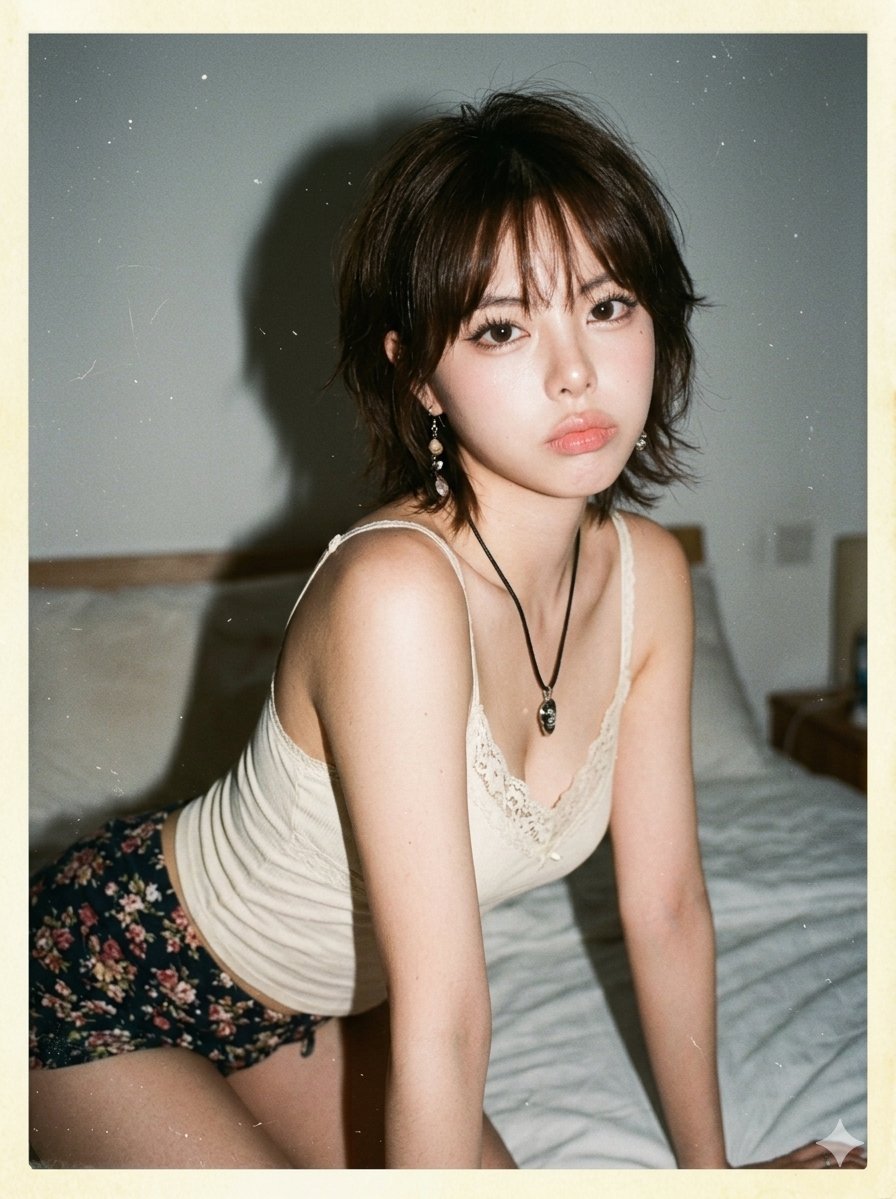
- Prompt included
- Model and format preset
- Free template
The prompt behind this image
Copy the exact prompt behind 1980s Bedroom Mirror Snapshot, or open it in the studio and make it yours.
Create image: A hyper-realistic {argument name="setting" default="1980s bedroom"} mirror snapshot of the same subject leaning forward on a bed, shoulder turned toward the camera, soft pout expression, candid personal-photo framing. Outfit: {argument name="clothing" default="cream lace-trim camisole with tie-front detail"}, dark floral high-waist shorts, black cord necklace with small pendant, dangling earrings. Hair: {argument name="hairstyle" default="dark 1980s shag haircut"} with wispy bangs, layered waves, slightly messy ends, soft flyaways. Makeup: bold thin black eyeliner, warm blush, matte rose-brown lipstick, powdery foundation, natural visible pores. Camera / era look: 1980s compact 35mm camera, direct flash, bright flash on face and shoulder, shadow behind subject, faded warm indoor colors, low dynamic range, soft focus, visible film grain. Old damage artifacts: looks like an old physical print scanned digitally, faint fold across the center, tiny cracks on highlight areas, dust particles, small scratches, yellowed border, slight paper wrinkle, worn corner, mild scanner reflection, faded emulsion, uneven paper texture. Negative prompt: modern selfie, phone quality, clean digital sharpness, beauty filter, modern makeup, modern bedroom, ultra-HD, HDR, editorial pose, AI smooth skin.
How to use 1980s Bedroom Mirror Snapshot in 3 steps
- 1
Open
The prompt is already in the box next to the preview, with the template's model and format selected.
- 2…a portrait of your subject in softgolden-hour light, 85mm…
Personalize
Edit the subject and creative details for your destination.
- 3Generate
Generate
Press Generate — your image is created in PicX Studio, so you can compare it with the original and refine one variable at a time.
More like this
Templates with the same subject, style or setup. Open one to see its prompt.












Make it yours
1980s Bedroom Mirror Snapshot works as-is. These are the safest ways to change it without losing the look.
Change one field
Copy a single group, rewrite it, and generate again so you can see what that field is doing.
Keep the frame, change the subject
Hold the composition and light of 1980s Bedroom Mirror Snapshot, then swap wardrobe, props or the person for a new take.
| If the result… | Why | Fix |
|---|---|---|
| The result drifts from the preview | Too many fields changed at once. | Reuse 1980s Bedroom Mirror Snapshot as-is first, then change one group — subject, light, or setting. |
| The model over-stylizes the scene | The prose prompt leaves finish and camera underspecified. | Add one camera or lighting sentence and stay on Nano Banana 2. |
More Nano Banana 2 templates
Other prompts made for Nano Banana 2.

Photorealistic Leaf Shaped Like a Dragon

K-Pop Idol Portrait Grid for Rapid Selection

Poetic Rain Forest Portrait During Golden Hour

Urban Street Portrait with Cartoon Inner Self Duo

Candid Nighttime Photo with Cat Prompt

High-Concept 3D Diorama Generation Prompt

Cinematic Futuristic Studio Portrait Template

Skincare Editorial Photography Collage Prompt

Hyper-Realistic Commercial Product Photography (Splash Effect)

Hyper-Realistic Nightclub Portrait Prompt
More image prompts
Fresh picks from across the catalog.
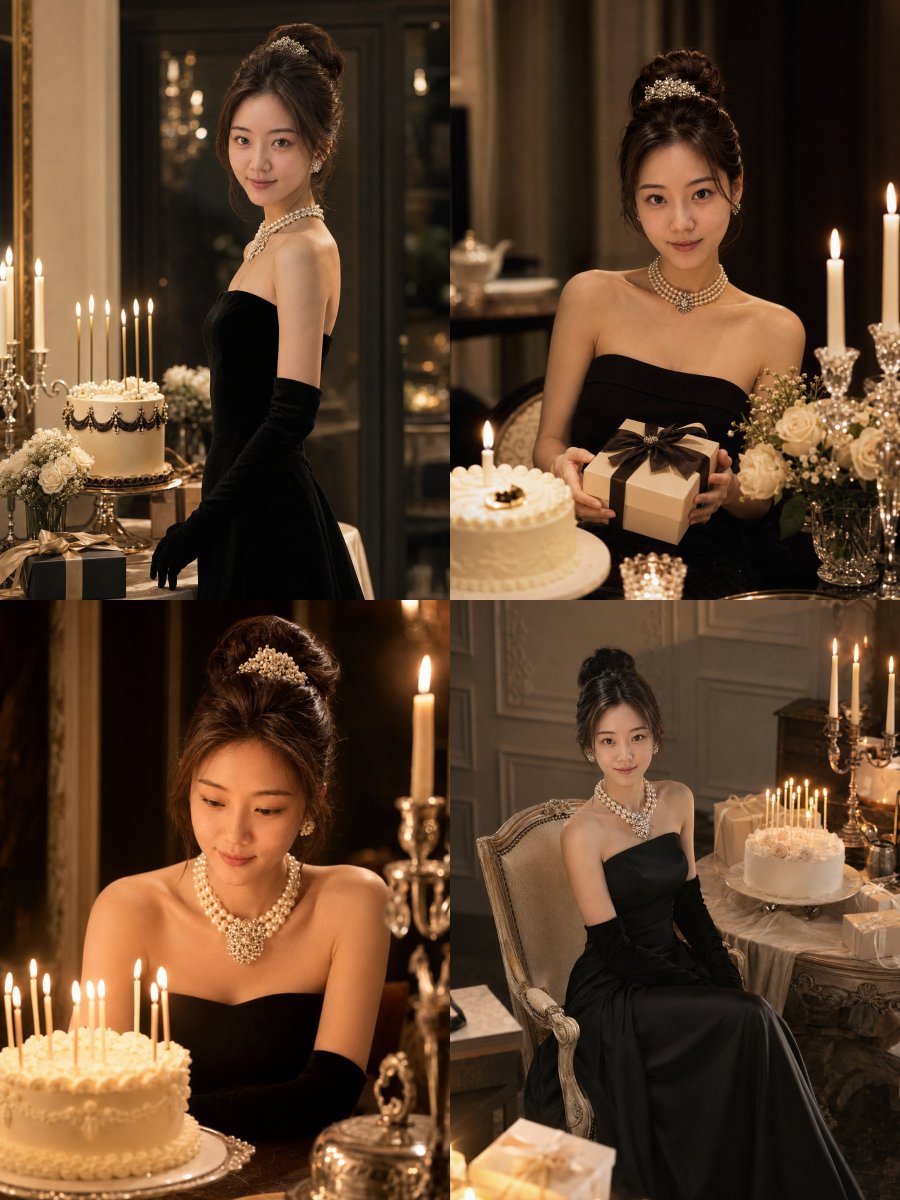
Audrey Hepburn Style Birthday Photoshoot
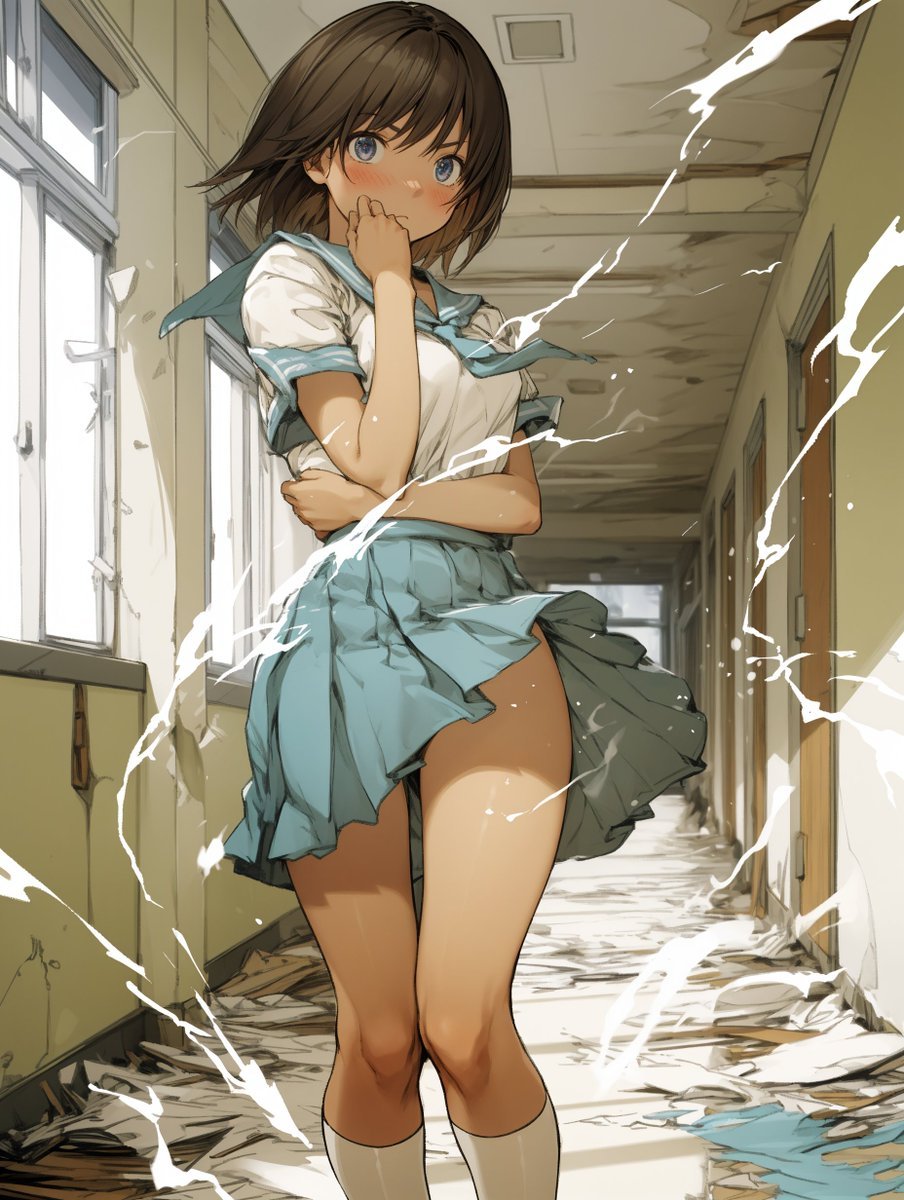
Two-Step Power Release Transformation Prompt (Japanese)
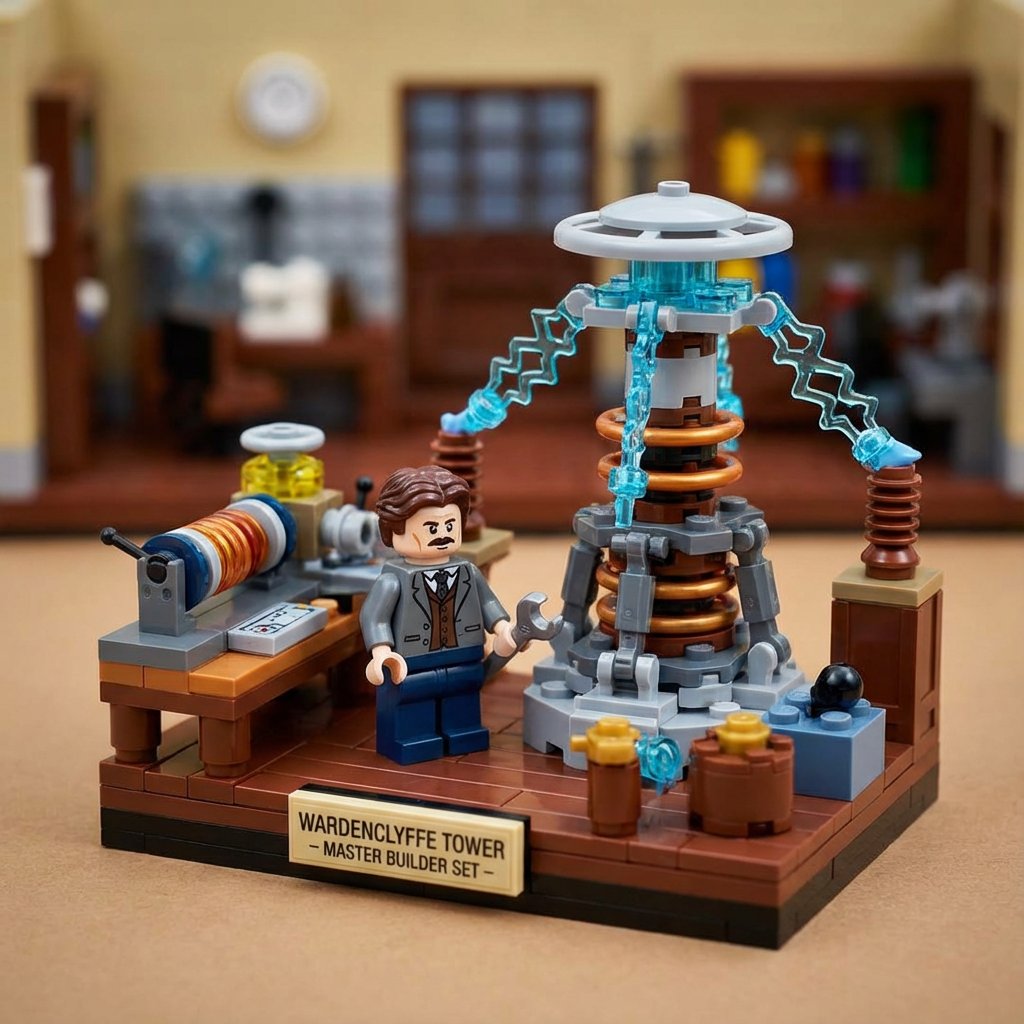
LEGO History Retelling Template
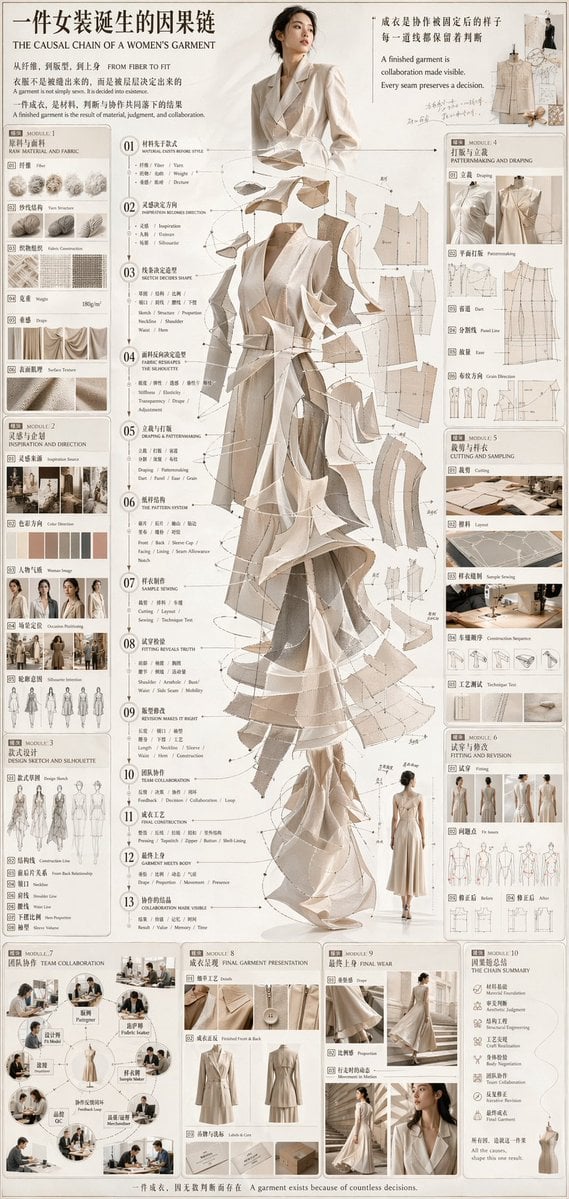
Couture Garment Process Infographic
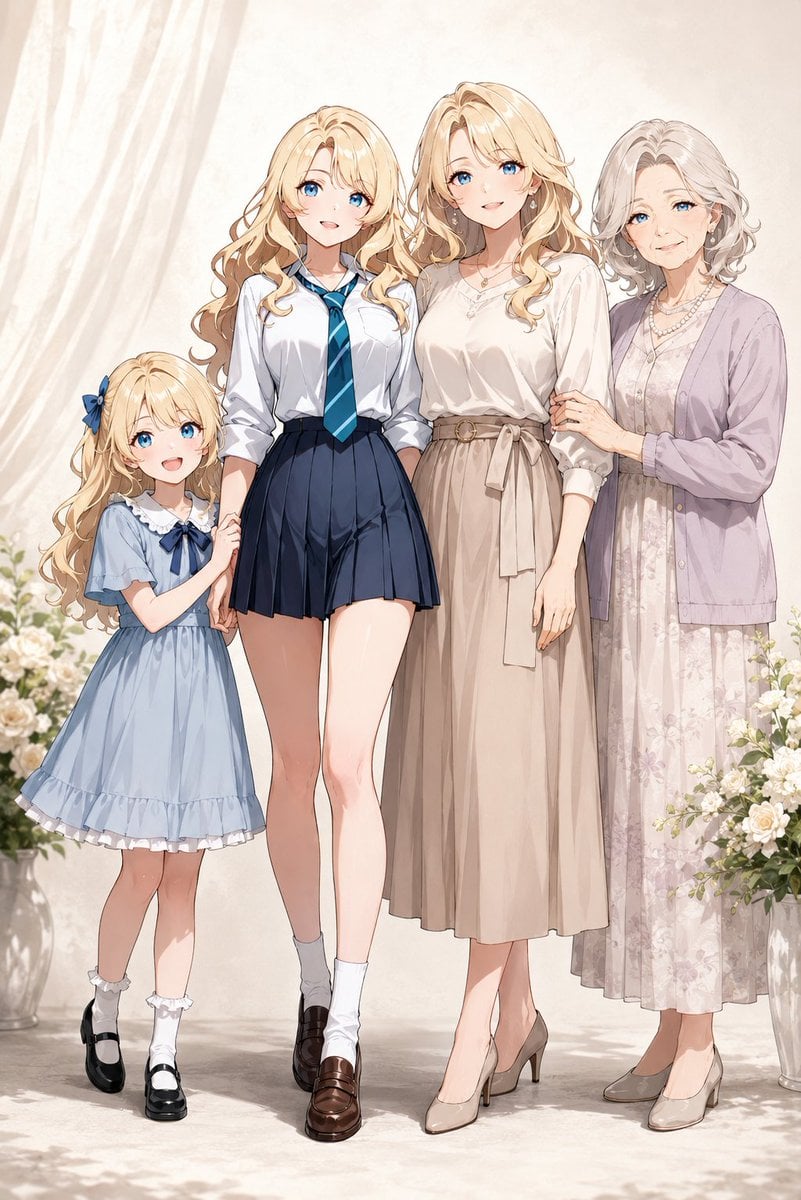
Four-Generation Family Portrait Prompt

Generating a Korean Idol Style Image
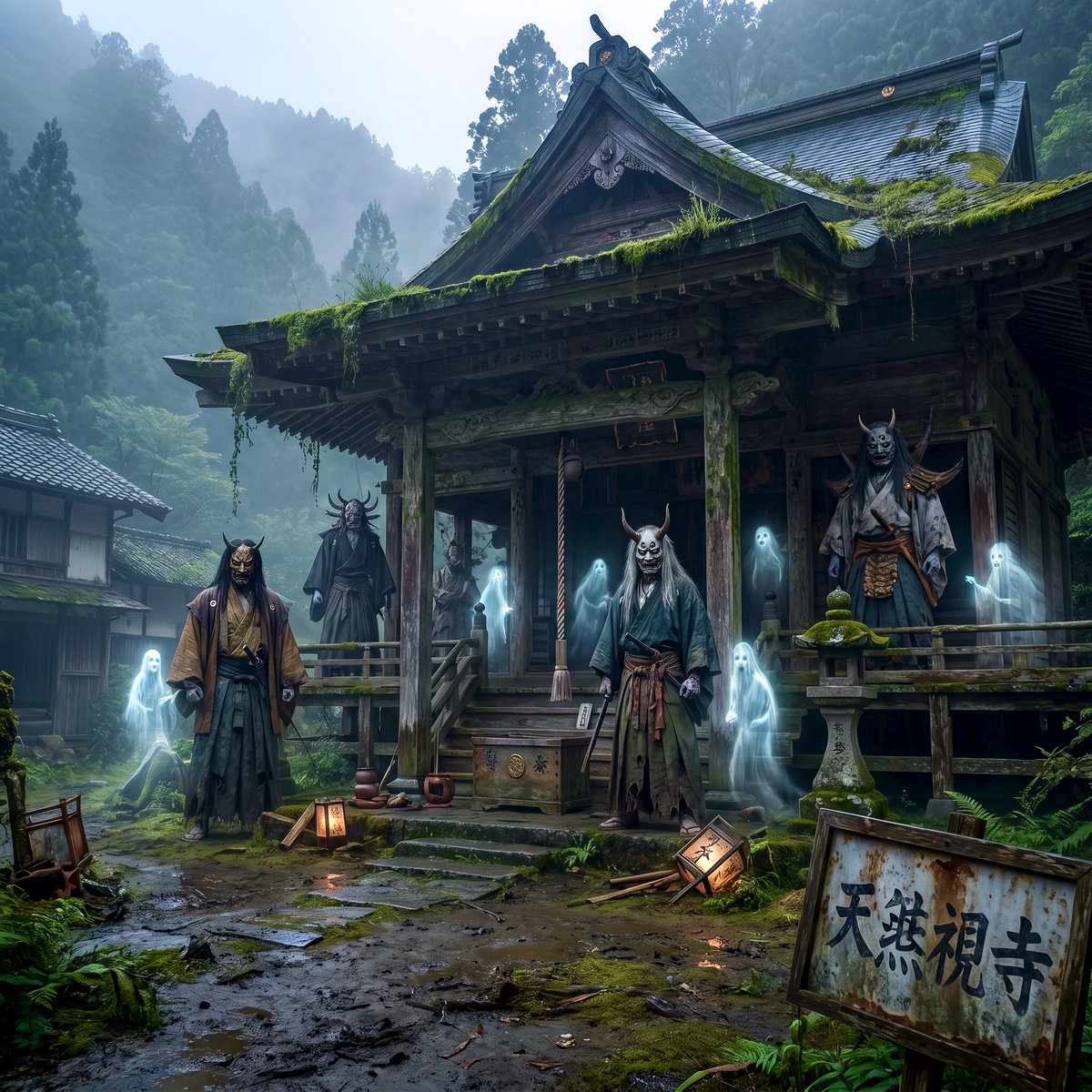
Old Japanese Haunted House
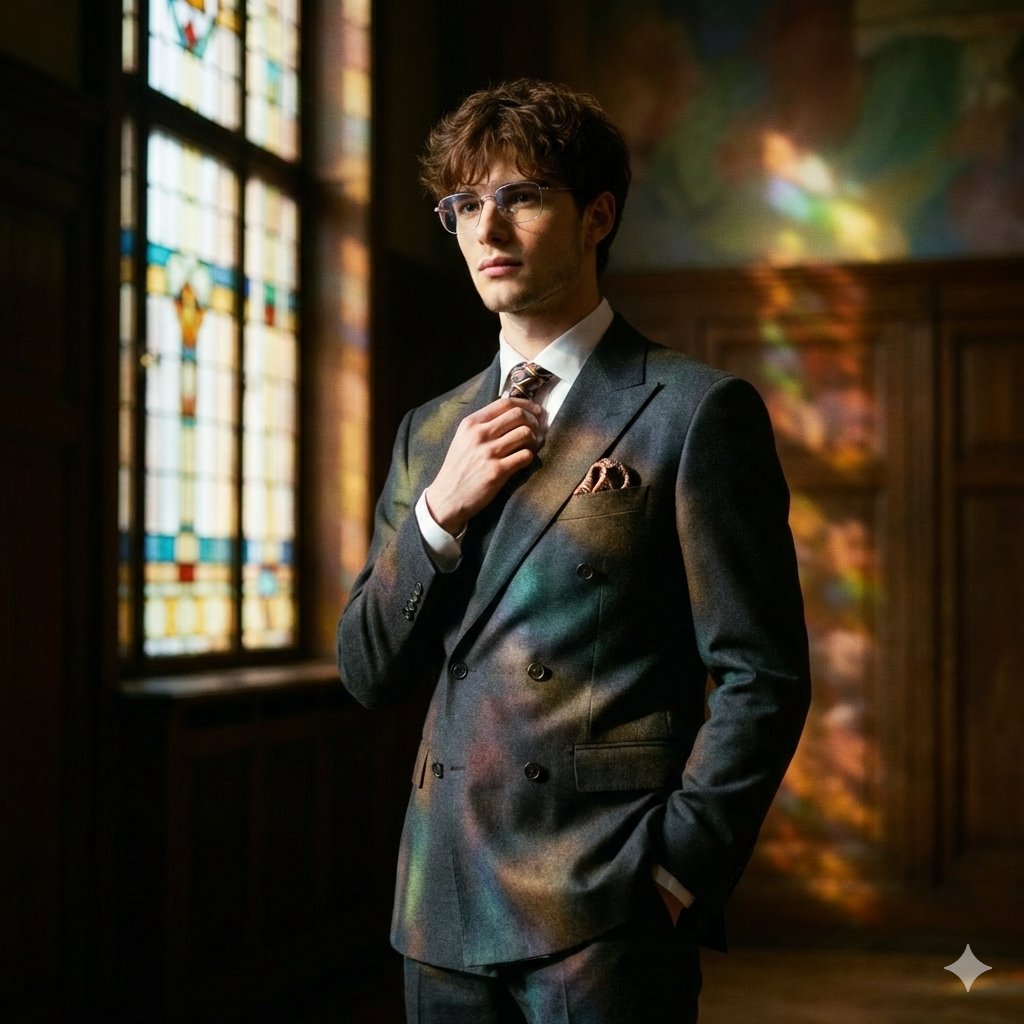
Retro Art Deco Suit Editorial

Historical Epic Scene: 1887 Yellow River Flood
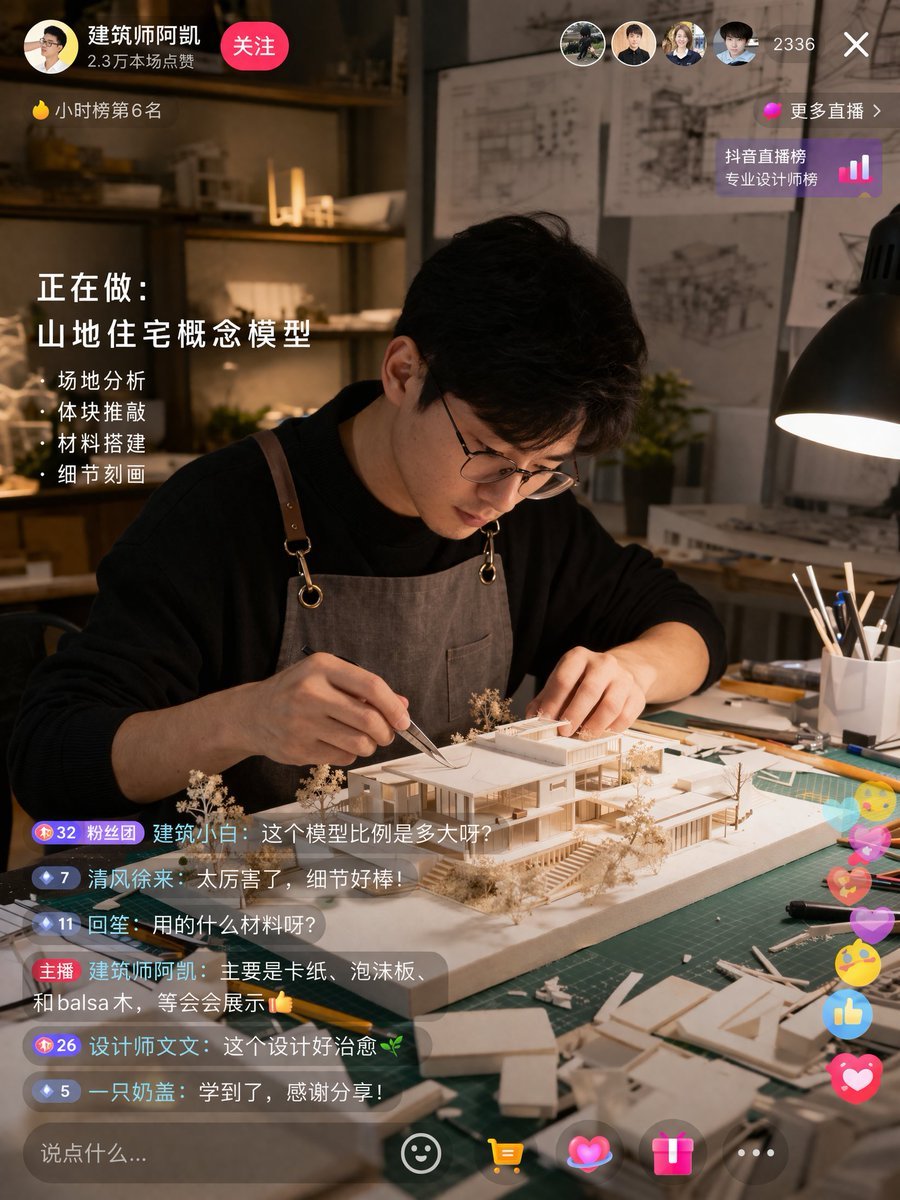
Architect Live Stream UI Mockup
Browse template categories
1980s Bedroom Mirror Snapshot questions
How do I use the 1980s Bedroom Mirror Snapshot template?
Add your photo if the template asks for one, edit the prompt if you like — the template's model and format are already selected — and press Generate. Your version opens in PicX Studio.
Can I customize the 1980s Bedroom Mirror Snapshot template?
Yes. You can change the subject, setting, lighting, mood, format, and available model controls before creating your image.
Is the 1980s Bedroom Mirror Snapshot template free?
Opening and editing this template is free. Generating uses credits, shown on the Generate button when you are signed in.
Which AI model should I use?
Start with Nano Banana 2, which is the model associated with this template. You can compare another compatible model for a different finish.
Looking for something else? Browse all templates.

Your photo, any look
Thousands of ready templates for every top image and video model, from one credit balance.