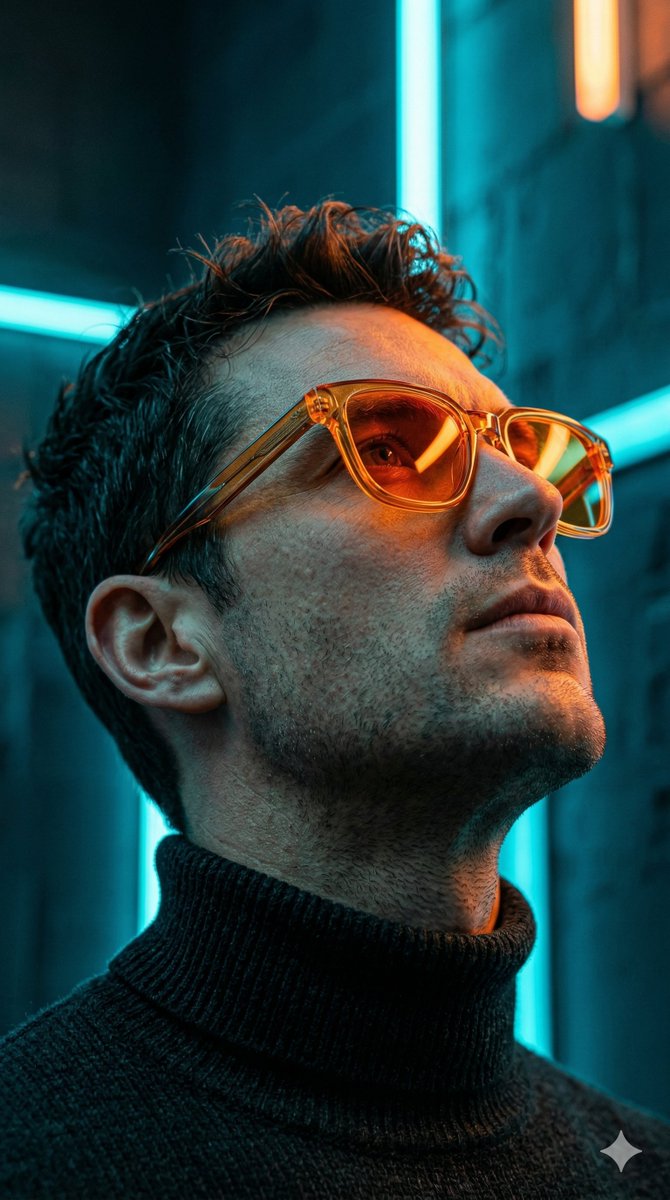
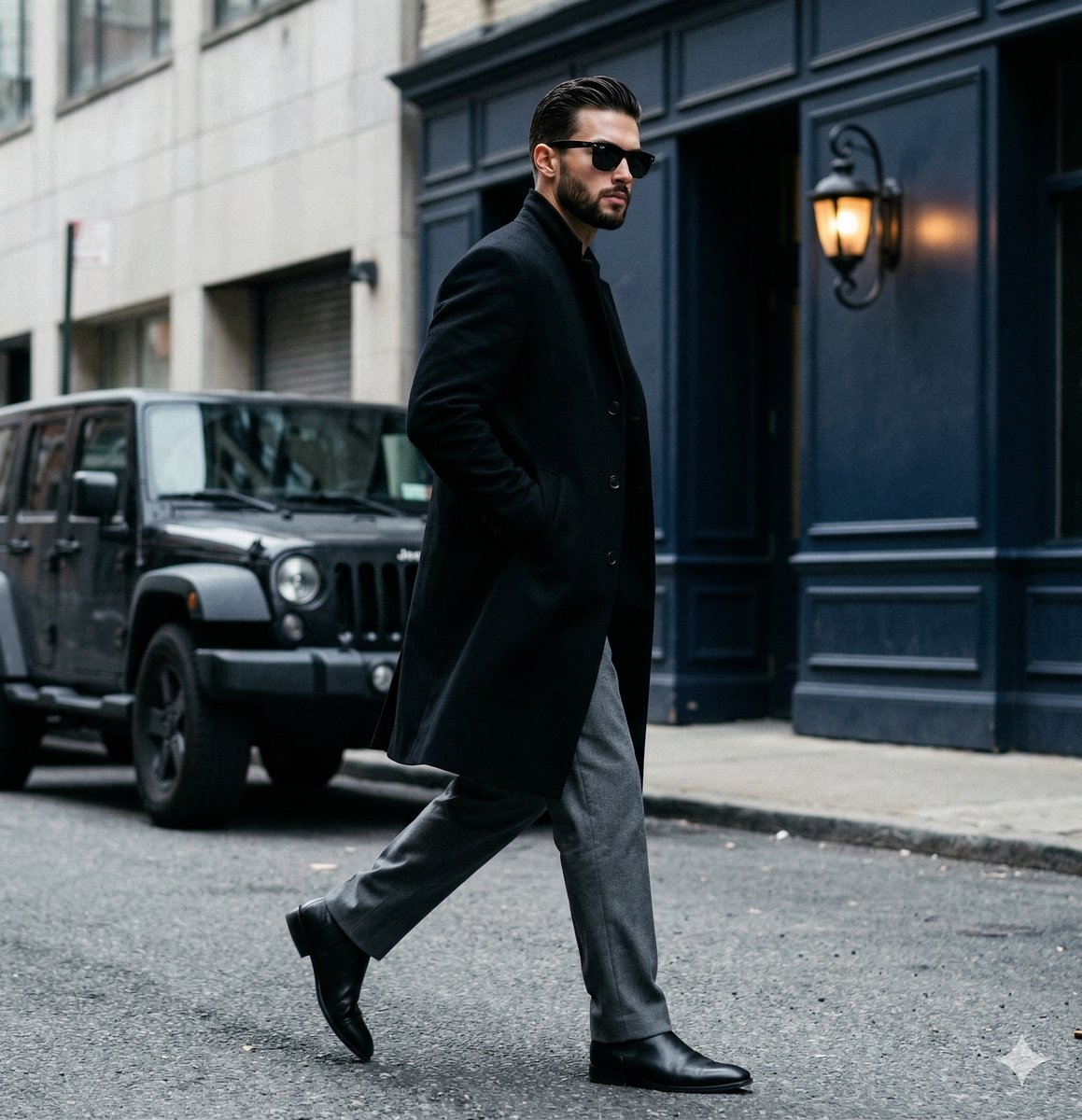
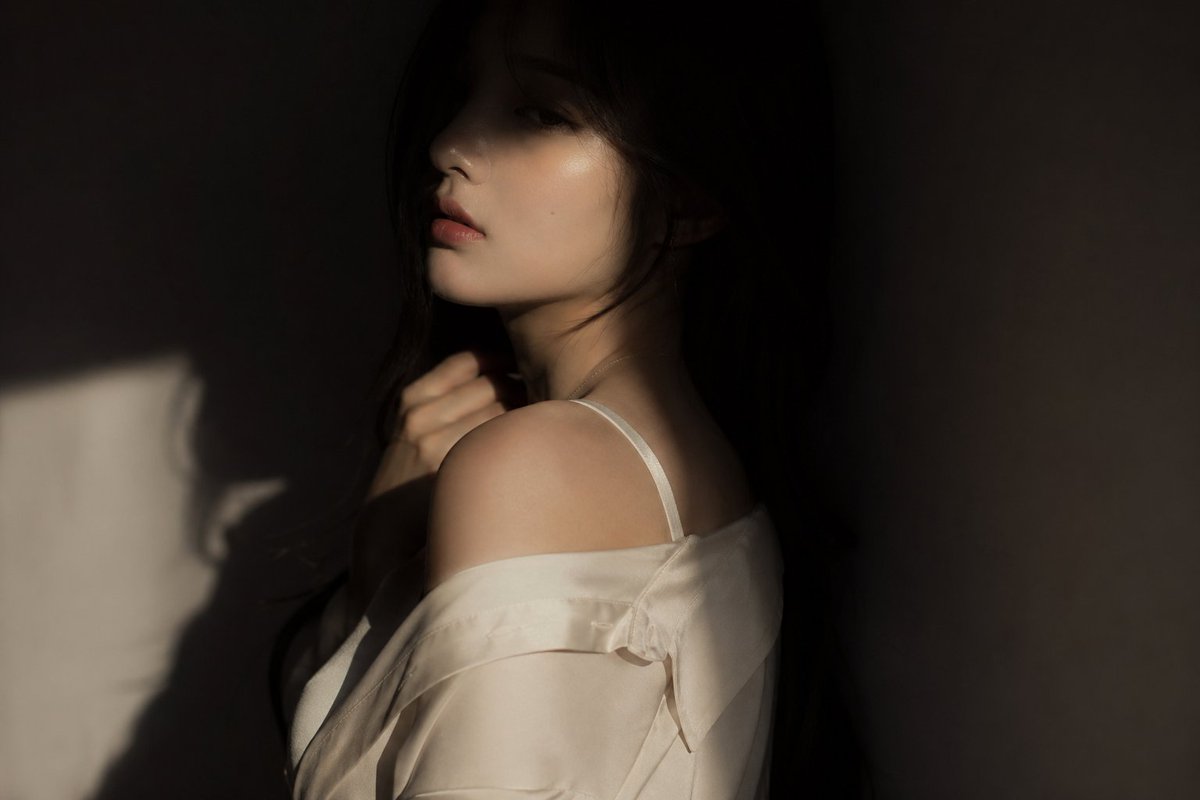
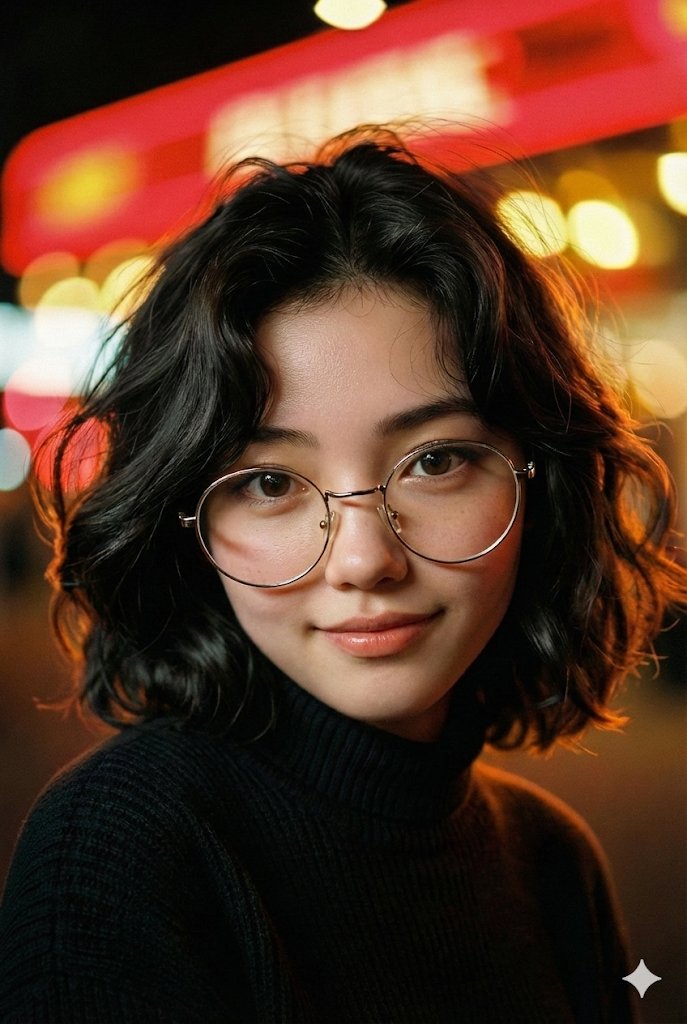
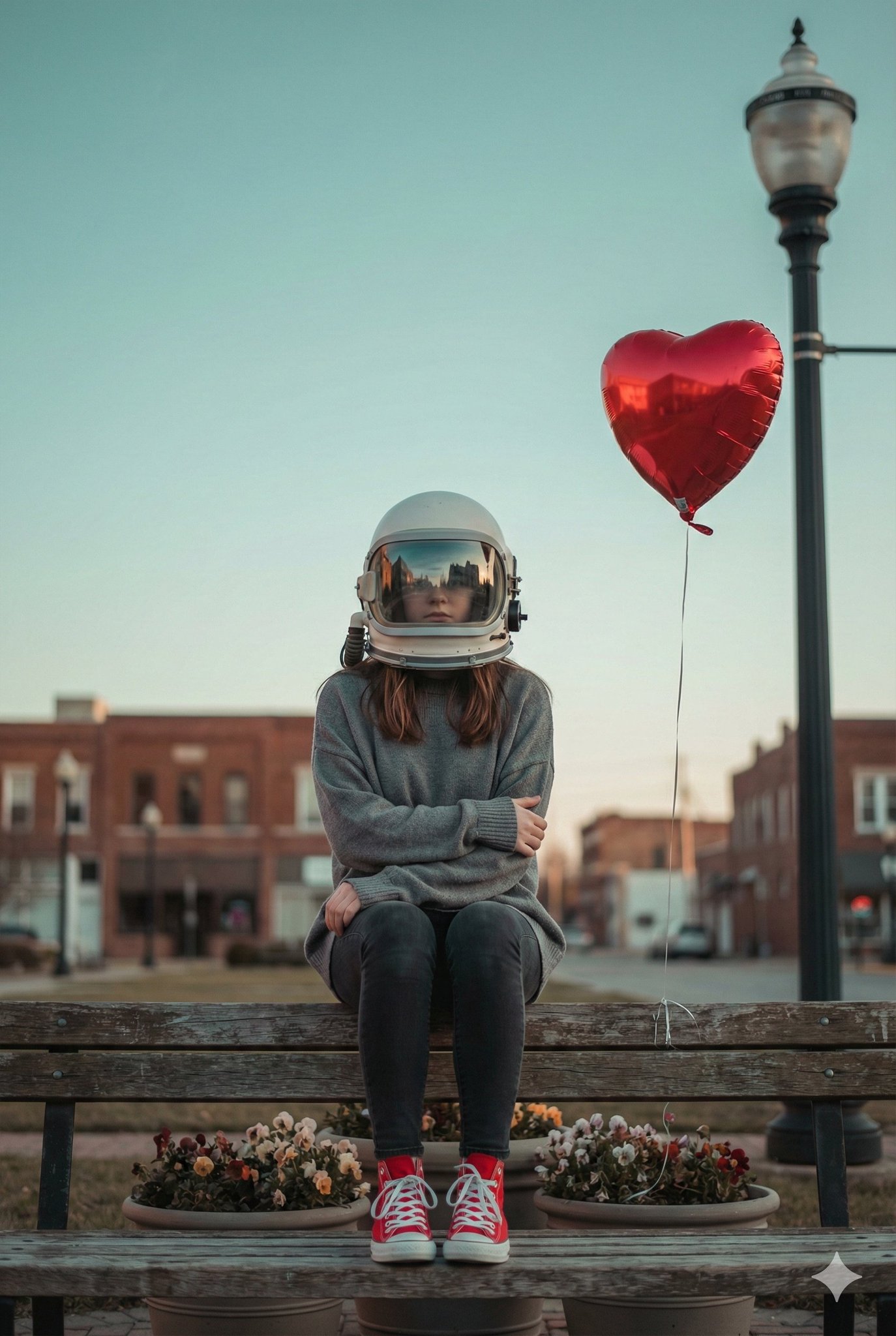
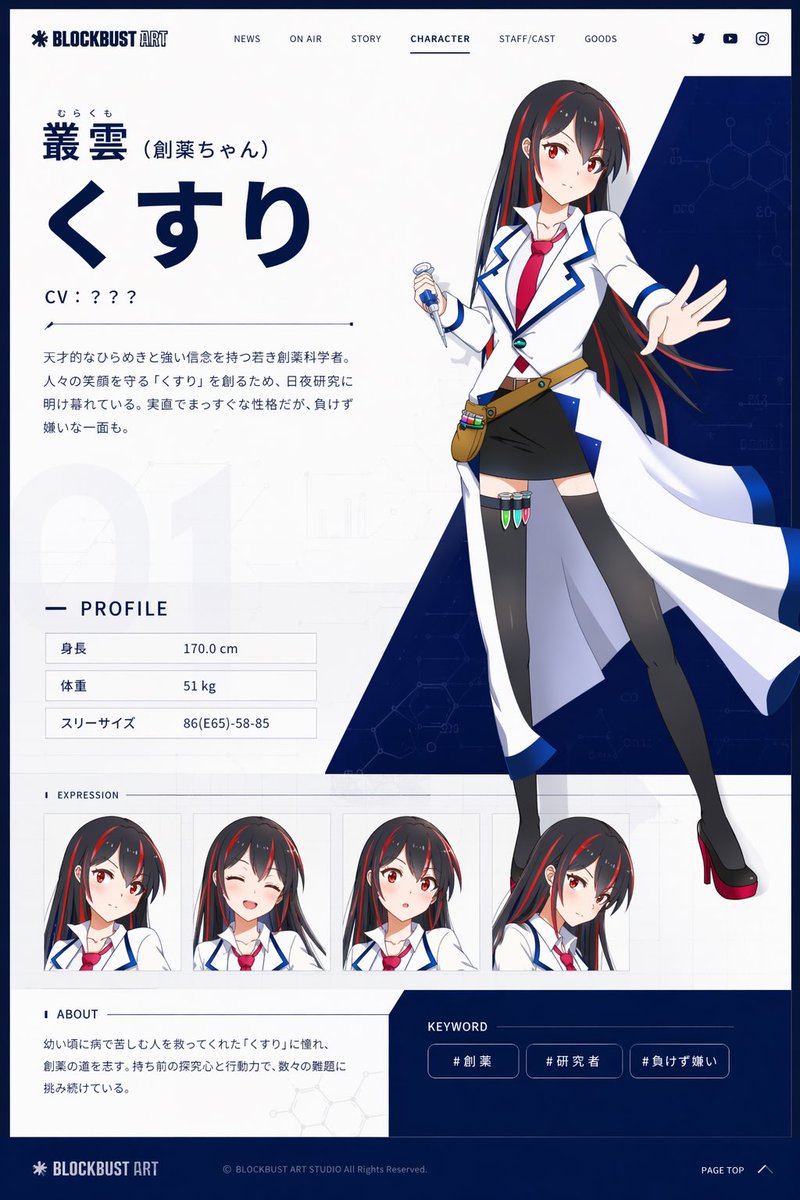
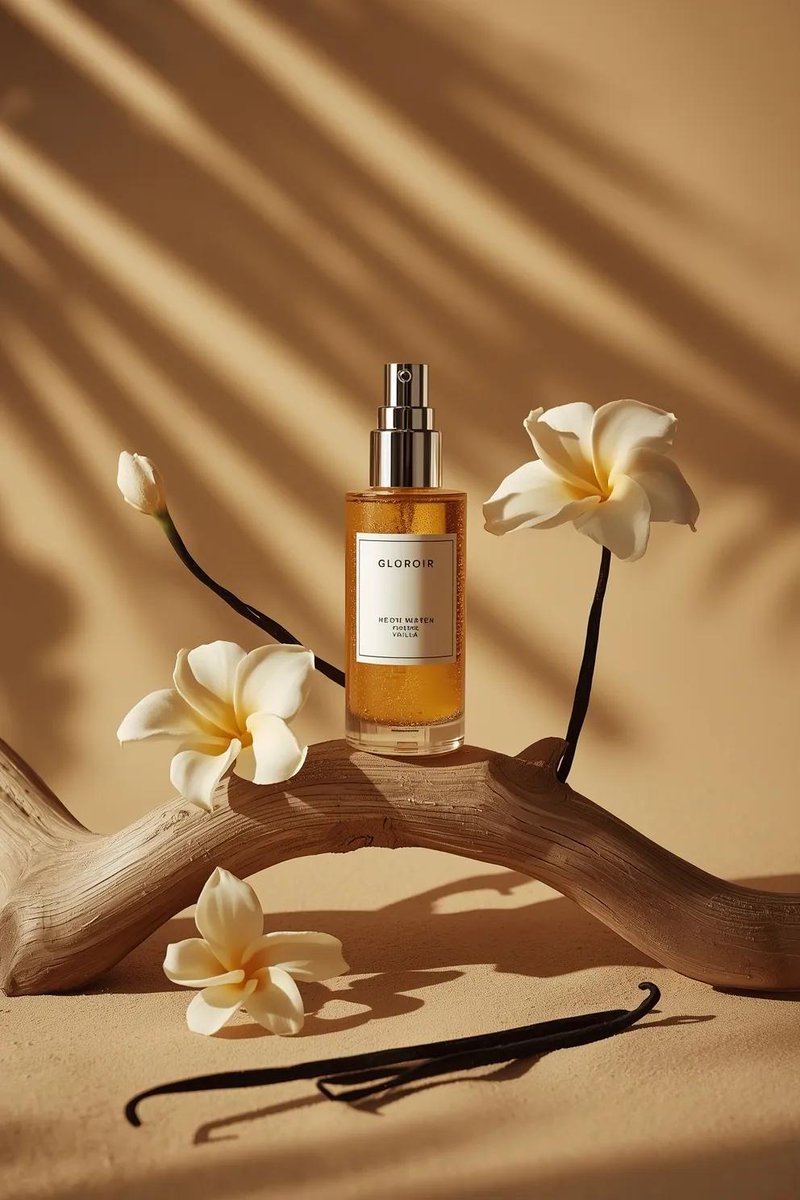
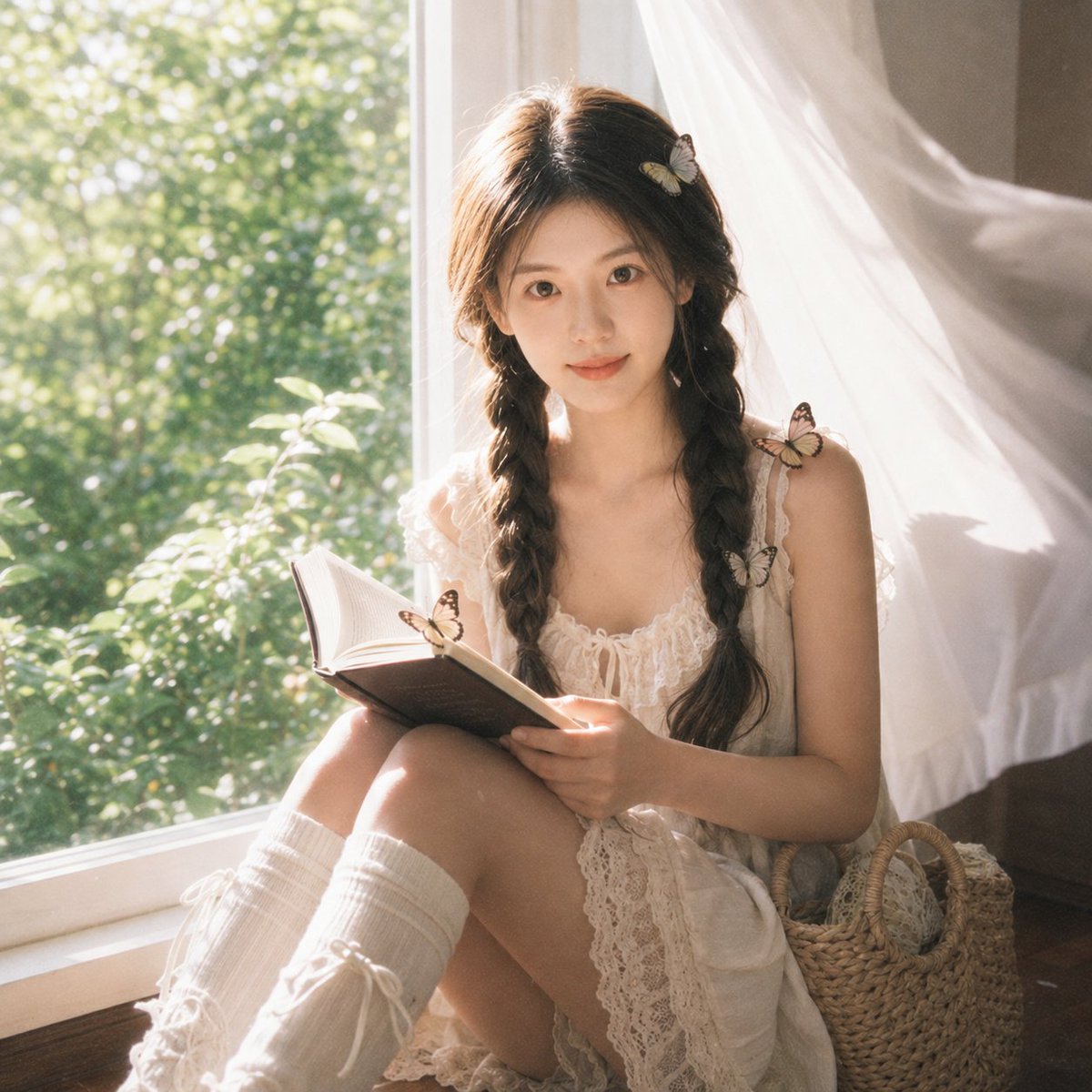
How do I use the Cinematic isolation street photography template?
Choose the primary action to open PicX Studio with the available template settings. Review the model and format, personalize the creative direction, and generate when ready.
A prompt for a cinematic shot of a subject in a crowded street with motion blur and golden hour lighting.
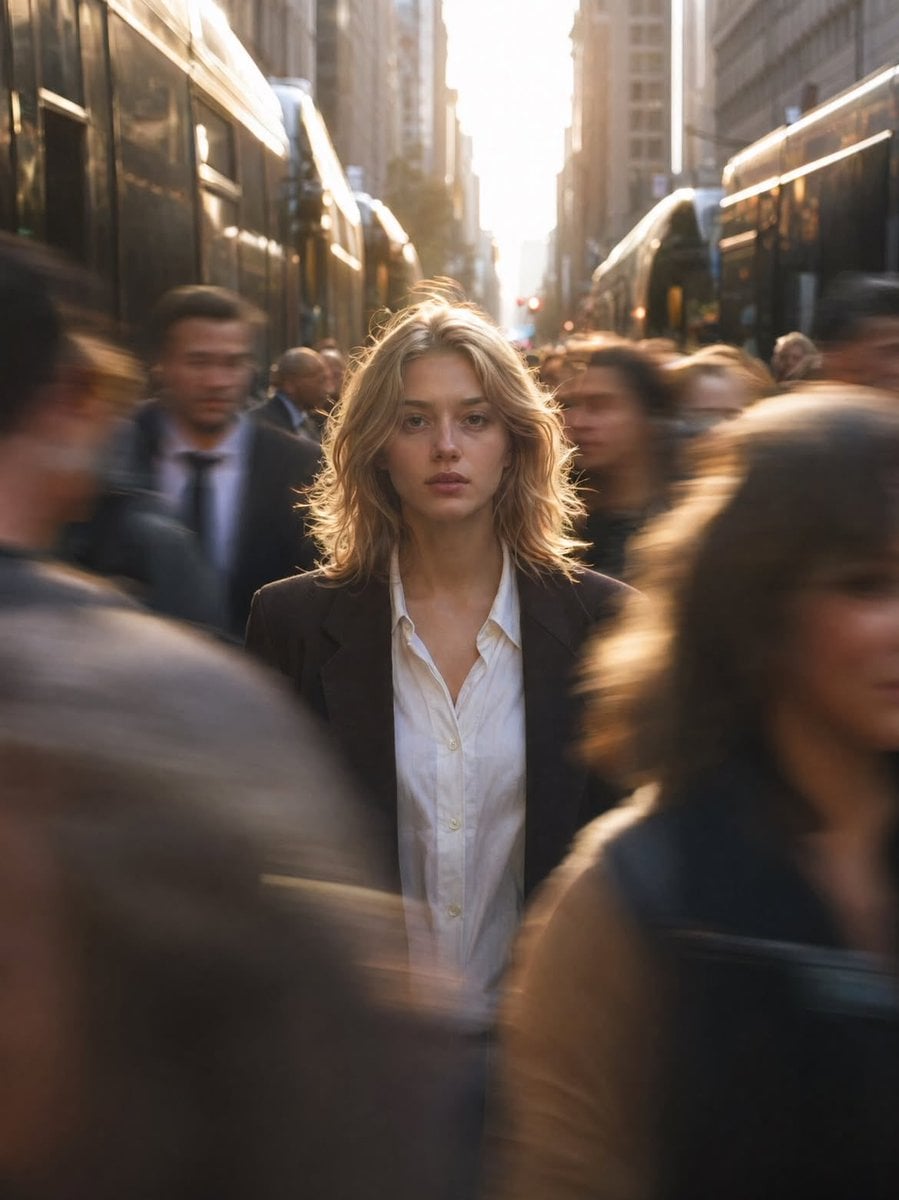
Cinematic street photography of a {argument name="subject" default="young woman"} standing still in the center of a crowded city street during {argument name="lighting" default="golden hour"}, sharp focus on her face while people rush past in motion blur, creating a sense of isolation and stillness in chaos. She has natural makeup, soft wavy blonde hair, wearing a {argument name="outfit" default="minimal white shirt and dark blazer"}. Background filled with tall urban buildings and buses on both sides, warm sunlight glowing from behind, backlighting her hair with a soft halo effect. Shallow depth of field, 50mm lens look, high dynamic range, realistic skin texture, subtle film grain, symmetrical composition, leading lines drawing toward subject, moody yet calm expression, ultra-realistic, editorial fashion photography style.
Choose the primary action to open PicX Studio with the available template settings. Review the model and format, personalize the creative direction, and generate when ready.
Yes. You can change the subject, setting, lighting, mood, format, and available model controls before creating your image.
This template is free to open and customize. Generation usage is shown in PicX Studio before you create.
Start with Nano Banana 2, which is the model associated with this template. You can compare another compatible model for a different finish.
Follow a topic to a crawlable collection of related PicX Studio templates.