How do I use the Seedance 2.0 Cola Commercial Video template?
Edit the prompt in the box under the preview — the template's model and format are already selected — and press Generate. Your version appears right on this page.
A comprehensive multi-scene video prompt for Seedance 2.0 that creates a high-energy commercial with consistent character features and creative transitions.
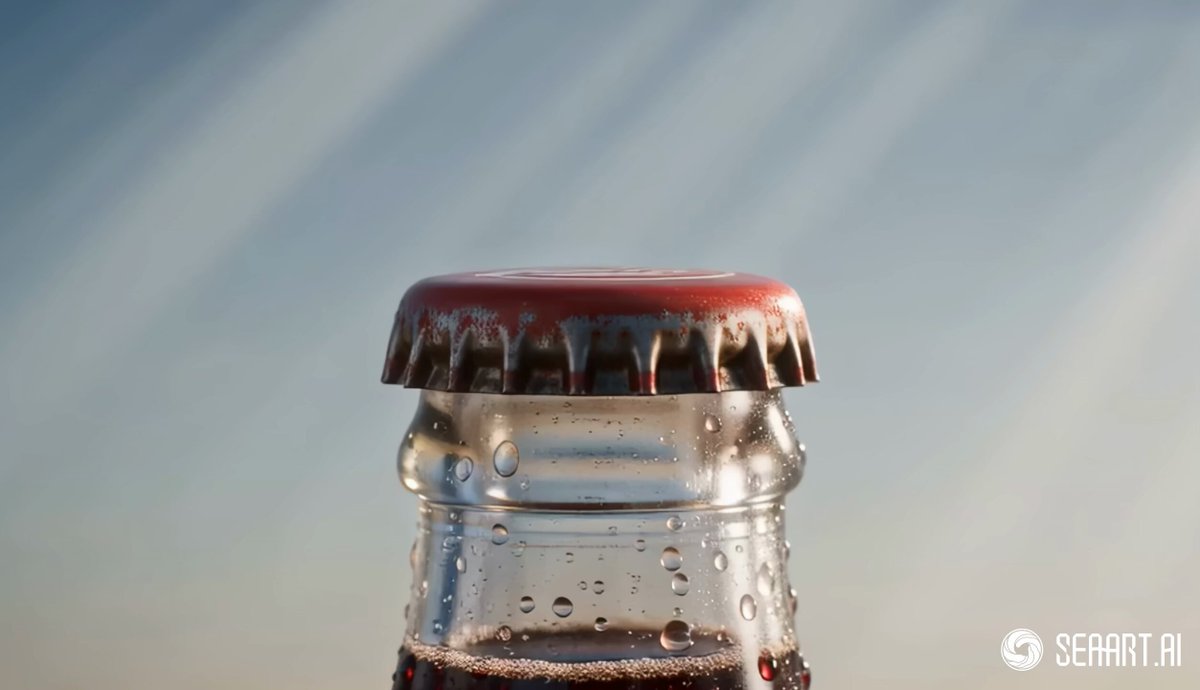
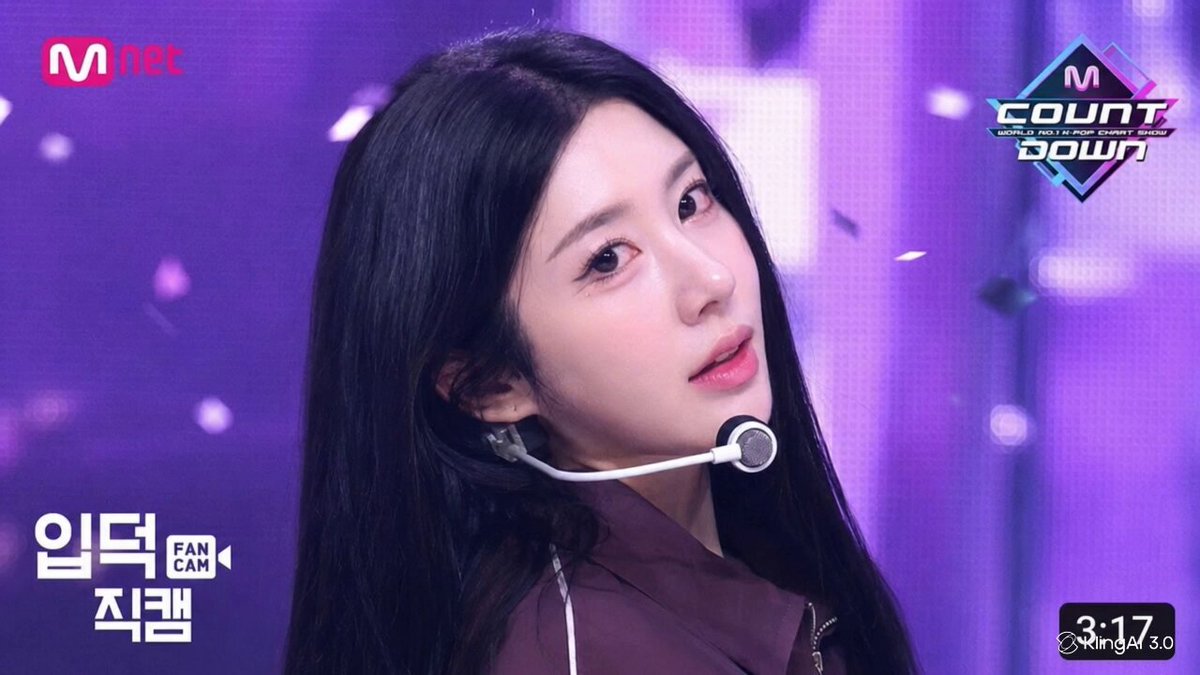
Referencing the face, hairstyle, and body proportions of image_1 — this exact young Asian woman with shoulder-length black hair with bangs, delicate features, and slender figure must remain 100% identical across all outfit changes. Face never changes. 9:16 vertical, 15 seconds, high-saturation commercial style: photo-realistic character on flat graphic animation backgrounds, red-black-white color palette. [0–1.7s] Pure white studio background. Full-body 35mm shot. Character wears simple grey-black outfit, faces camera, holds a transparent plastic cola bottle filled with deep-brown carbonated liquid, red label, red cap. She leans in and twists the cap open with effort. [1.7–2.2s] Cap pops off with a burst — dense bubbles rush upward, cold mist sprays out. Her face shows delighted surprise. A red flash wipes the frame. [2.2–3.5s] Background instantly transforms: deep crimson flat-design. A giant matte-black cola bottle silhouette dominates center frame. Character shrinks and stands inside the silhouette, tilts head back to drink. Bold red and black geometric shapes slide rapidly behind her. [3.5–4s] A giant condensation-covered cola bottle sweeps horizontally across the full frame at high speed with motion blur — TRANSITION 1. [4–6s] Bottle clears. OUTFIT 1 — sporty sweet: red-black cropped top, black shorts, red cap, black sneakers. Same face. She raises one leg, holds cola bottle, energetic jump pose. Floating props: red headphones, black camera, ice cubes, red bottle caps. [6–8s] Cola bubbles explode across frame — TRANSITION 2. OUTFIT 2 — street casual: black oversized tee with red graphic, black wide shorts, red jacket tied at waist, red-black sneakers. Same face. She spins, lands, turns back to camera and raises cola bottle with cool confidence. [8–10s] Giant red bottle cap spins into frame — TRANSITION 3. OUTFIT 3 — hot athletic: red off-shoulder crop top, black high-waist shorts, red-black wristbands, black ankle boots. Same face. She leaps sideways mid-air, one hand drinking from cola. Floating: skewers, straws, ice cubes, cola bubbles. [10–12s] Dark brown cola liquid splashes across body — TRANSITION 4. OUTFIT 4 — cool summer: black cropped top with red trim, red-black shorts, light summer shoes. Same face. Hair gently blown by air current. She floats sideways, holds cola bottle. Floating: red-black swim ring, sunglasses, walkman, small tote bag. [12–13s] A giant ice-frosted cola bottle rises fast from bottom of frame. Character shrinks, floats beside the bottle. Red-black accessories explode outward in a shockwave. Background: deep red and black diagonal geometric blocks. [13–15s] Cut to product close-up: cola bottle front view, transparent body filled with deep-brown carbonated liquid, dense fine bubbles rising continuously, real condensation droplets coating the glass, red label with clean white 'COLA' text only. Black ice cubes and red bottle cap float a
Referencing the face, hairstyle, and body proportions of image_1 — this exact young Asian woman with shoulder-length black hair with bangs, delicate features, and slender figure must remain 100% identical across all outfit changes. Face never changes. 9:16 vertical, 15 seconds, high-saturation commercial style: photo-realistic character on flat graphic animation backgrounds, red-black-white color palette. [0–1.7s] Pure white studio background. Full-body 35mm shot. Character wears simple grey-black outfit, faces camera, holds a transparent plastic cola bottle filled with deep-brown carbonated liquid, red label, red cap. She leans in and twists the cap open with effort. [1.7–2.2s] Cap pops off with a burst — dense bubbles rush upward, cold mist sprays out. Her face shows delighted surprise. A red flash wipes the frame. [2.2–3.5s] Background instantly transforms: deep crimson flat-design. A giant matte-black cola bottle silhouette dominates center frame. Character shrinks and stands inside the silhouette, tilts head back to drink. Bold red and black geometric shapes slide rapidly behind her. [3.5–4s] A giant condensation-covered cola bottle sweeps horizontally across the full frame at high speed with motion blur — TRANSITION 1. [4–6s] Bottle clears. OUTFIT 1 — sporty sweet: red-black cropped top, black shorts, red cap, black sneakers. Same face. She raises one leg, holds cola bottle, energetic jump pose. Floating props: red headphones, black camera, ice cubes, red bottle caps. [6–8s] Cola bubbles explode across frame — TRANSITION 2. OUTFIT 2 — street casual: black oversized tee with red graphic, black wide shorts, red jacket tied at waist, red-black sneakers. Same face. She spins, lands, turns back to camera and raises cola bottle with cool confidence. [8–10s] Giant red bottle cap spins into frame — TRANSITION 3. OUTFIT 3 — hot athletic: red off-shoulder crop top, black high-waist shorts, red-black wristbands, black ankle boots. Same face. She leaps sideways mid-air, one hand drinking from cola. Floating: skewers, straws, ice cubes, cola bubbles. [10–12s] Dark brown cola liquid splashes across body — TRANSITION 4. OUTFIT 4 — cool summer: black cropped top with red trim, red-black shorts, light summer shoes. Same face. Hair gently blown by air current. She floats sideways, holds cola bottle. Floating: red-black swim ring, sunglasses, walkman, small tote bag. [12–13s] A giant ice-frosted cola bottle rises fast from bottom of frame. Character shrinks, floats beside the bottle. Red-black accessories explode outward in a shockwave. Background: deep red and black diagonal geometric blocks. [13–15s] Cut to product close-up: cola bottle front view, transparent body filled with deep-brown carbonated liquid, dense fine bubbles rising continuously, real condensation droplets coating the glass, red label with clean white 'COLA' text only. Black ice cubes and red bottle cap float a
Edit the prompt in the box under the preview — the template's model and format are already selected — and press Generate. Your version appears right on this page.
Yes. You can change the subject, setting, lighting, mood, format, and available model controls before creating your video.
Opening and editing this template is free. Generating uses credits, shown on the Generate button when you are signed in.
Start with Seedance 2.0, which is the model associated with this template. You can compare another compatible model for a different finish.
Follow a topic to a crawlable collection of related PicX Studio templates.