
City Walk OOTD Travel Collage
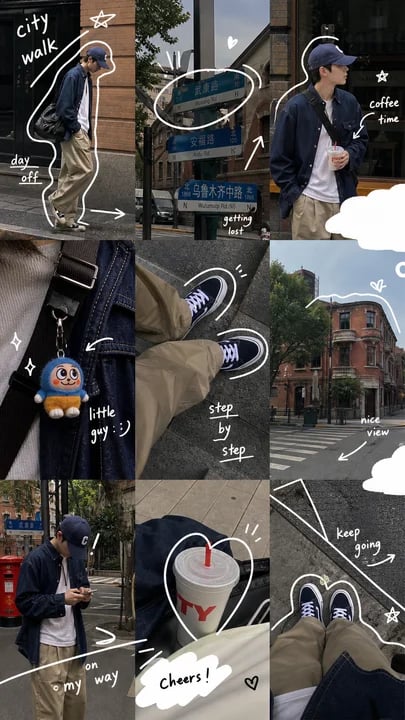
Creates a 9-panel candid streetwear travel diary collage with urban photos and playful white handwritten doodles for social media posts.
- Prompt included
- Model and format preset
- Premium template
The prompt behind this image
Copy the exact prompt behind City Walk OOTD Travel Collage, or open it in the studio and make it yours.
Goal: Create a vertical 3×3 lifestyle photo collage for social media, combining candid streetwear OOTD, city-walk travel details, and playful white hand-drawn diary annotations. Canvas: Vertical 9:16 smartphone story format, about 504×896 px. Use a casual urban travel aesthetic with muted colors, natural daylight, slight film grain, and realistic smartphone photography. Layout: Arrange exactly 9 photo panels in a tight grid with thin or no gutters. The panels should feel like a curated travel朋友圈 / Instagram story collage. Subject details: Feature one young adult man, {argument name="main subject" default="a slim young man in a navy baseball cap, dark navy overshirt jacket, white T-shirt, loose khaki trousers, black canvas sneakers with white laces, and a black crossbody bag"}. He appears in multiple candid poses: walking, standing with a drink, looking at his phone, and shown from his own POV. Panel count and contents: Include exactly 9 panels: 1. Top-left: full-body side view of the man walking beside a brick wall and dark shopfront, slightly hunched with hands near pockets; add white doodles reading “city walk” at top left and “day off” near bottom left, with an outlined silhouette around his body, an arrow near his shoes, and a small star. 2. Top-center: close-up of blue bilingual street direction signs on a pole in a city street, with brick buildings and trees behind; add curved white arrows, a small heart, emphasis marks, and the handwritten words “getting lost” near the lower right. 3. Top-right: medium shot of the man standing outside a brick storefront holding an iced coffee; add a white outline around his silhouette, a curved arrow pointing to the drink, handwritten text “coffee time,” and a small star. 4. Middle-left: close-up of the crossbody strap and denim/navy fabric with a small plush keychain charm; add sparkles, a curved arrow, and handwritten text “little guy :)”. 5. Middle-center: downward POV of khaki pants and black sneakers on grey pavement while walking; add white oval motion doodles around both shoes and text “step by step”. 6. Middle-right: street corner view with a red-brick building, trees, crosswalk, and blue sky; add a thick white cloud doodle along the bottom edge, a white wavy line tracing the rooftop, a small heart, and handwritten text “nice view” with an arrow. 7. Bottom-left: candid full-body/three-quarter shot of the man standing on a sidewalk looking down at his phone, with street signs and a red post box or utility box in the background; add sweeping white line doodles and text “on my way”. 8. Bottom-center: close-up of a white takeaway cup with red straw and large red letters, held while walking; add a white circle around the cup, small accent lines, a cloud-shaped white label at the bottom reading “cheers!”, and a tiny heart. 9. Bottom-right: downward seated or standing POV of sneakers, khaki pants, and dark jacket on asphalt with painted road markings; add a white outline around the shoes, a large hand-drawn road-line shape, a small star, and text “keep going” with an arrow. Visual style: Realistic candid photography mixed with hand-drawn white marker graphics. Use high-contrast white doodles, casual handwritten lettering, arrows, hearts, sparkles, cloud cutouts, curved lines, and silhouette outlines. Overall mood should be relaxed, aesthetic, urban, and travel-diary-like. Setting: Use {argument name="city setting" default="a leafy historic brick-building neighborhood with storefronts, road signs, crosswalks, and grey pavement"}. Keep lighting natural and slightly overcast with soft shadows. Text content: Include these exact 9 handwritten English phrases: “city walk”, “day off”, “getting lost”, “coffee time”, “little guy :)”, “step by step”, “nice view”, “on my way”, “cheers!”, and “keep going”. The street signs may contain small bilingual Chinese/English-style text but should remain secondary and realistic. Color and mood: Muted navy, khaki, brick red, grey asphalt, soft green trees, white doodles. Make it feel like {argument name="social media mood" default="an effortless weekend city walk travel diary"}. Constraints: Do not create a polished studio shoot. Avoid extra panels, extra people, heavy filters, neon colors, or excessive text. Keep all doodles white and hand-drawn, integrated naturally over the photos.
How to use City Walk OOTD Travel Collage in 3 steps
- 1Upload ImagePNG, JPG or paste
Add your photo
Upload the photo the template builds on. The prompt, model and format are already set.
- 2…a portrait of your subject in softgolden-hour light, 85mm…
Personalize
Edit the subject and creative details for your destination.
- 3Generate
Generate
Press Generate — your image is created in PicX Studio, so you can compare it with the original and refine one variable at a time.
More like this
Templates with the same subject, style or setup. Open one to see its prompt.

Travel Poster Graphic Collage

Nano Banana Pro 2.0 — 3x3 Travel Profile Grid

Paris Travel Collage Grid - Face Reference

Boardwalk Fashion Portrait
Paper Cut City Chase
![Nano Banana — One Day In [CITY] Travel Route](https://cdn.picxstudio.com/cdn-cgi/image/format=auto,quality=85,fit=scale-down,onerror=redirect,width=3840,metadata=none/uploads/ai_gezgini_travel_d9a86f2e-c1f5-41a8-a4ef-5d96a8a7a023.jpg)
Nano Banana — One Day In [CITY] Travel Route

City Posters by Nano Banana Pro

Japan Travel Brochure Poster

Cozy Knit Sweater Window Portrait

Miniature Travel Diorama Postcard
Woman Walking on City Sidewalk

Paper Cut Finale Fireworks
Make it yours
City Walk OOTD Travel Collage works as-is. These are the safest ways to change it without losing the look.
Change one field
Copy a single group, rewrite it, and generate again so you can see what that field is doing.
Keep the frame, change the subject
Hold the composition and light of City Walk OOTD Travel Collage, then swap wardrobe, props or the person for a new take.
| If the result… | Why | Fix |
|---|---|---|
| The result drifts from the preview | Too many fields changed at once. | Reuse City Walk OOTD Travel Collage as-is first, then change one group — subject, light, or setting. |
| The model over-stylizes the scene | The prose prompt leaves finish and camera underspecified. | Add one camera or lighting sentence and stay on GPT Image 2. |
More GPT Image 2 templates
Other prompts made for GPT Image 2.

Six VTuber Japanese Logo Sheet

Realistic Portrait of Woman and Deer

The Vista Modular Condo Poster

AI Model Routing Comparison Infographic

2.5D Anime Art Board

Isometric Productivity Desk Scene

New York Double Exposure Poster

Four-Panel AI Landscape Comparison

Japanese Tatami Lifestyle Magazine Cover

NESCAFÉ Coffee Map Poster
More image prompts
Fresh picks from across the catalog.
Candid series of Indonesian president photos
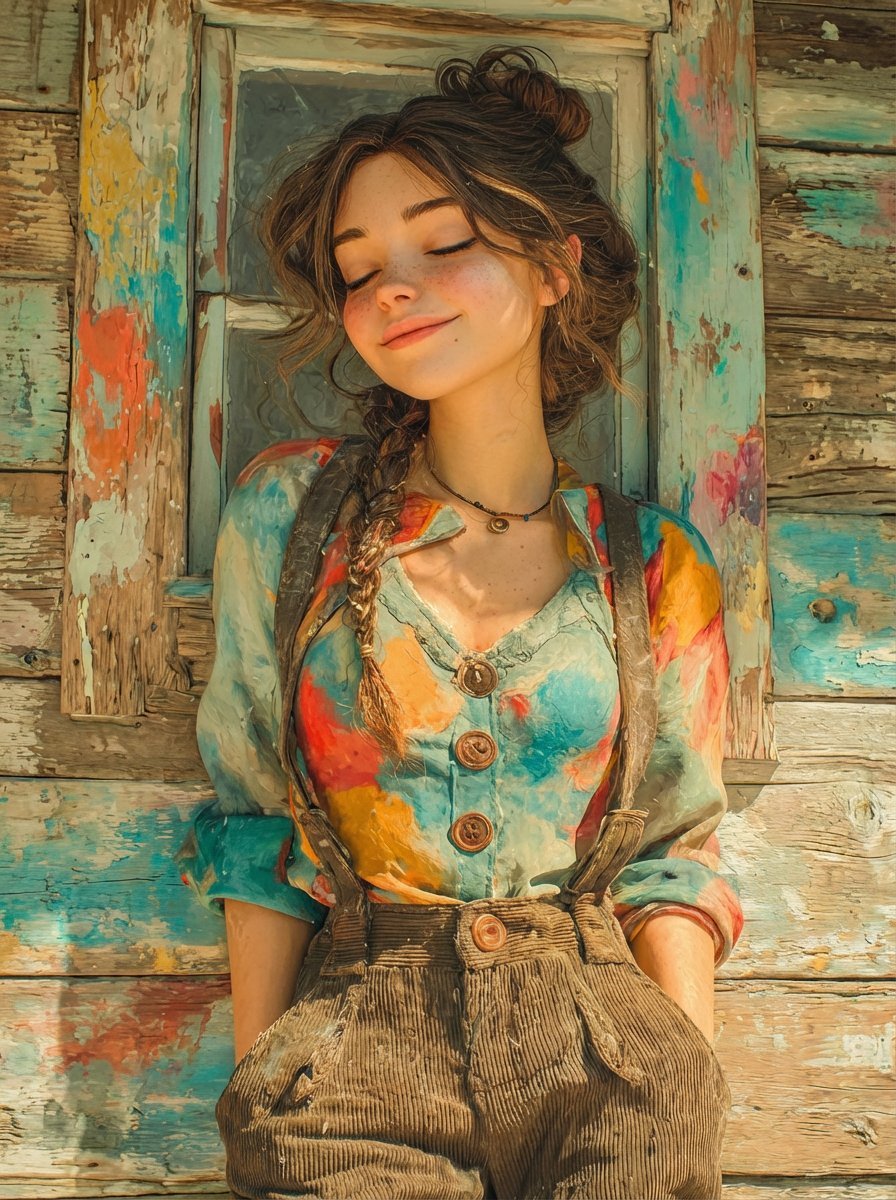
Dual Prompts: Painterly Portrait and Pixar-Style 3D Character
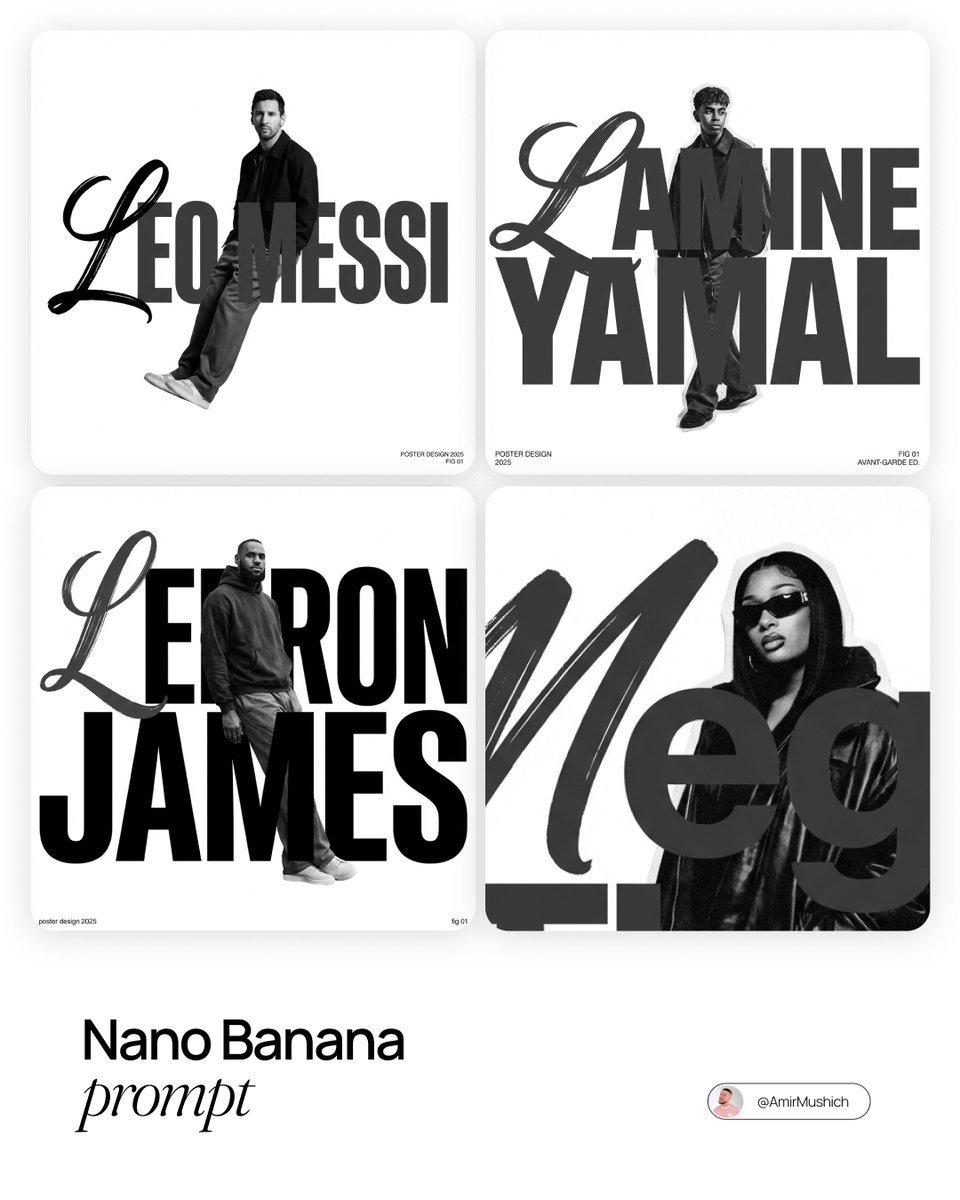
Asymmetric Grid Poster Design Prompt
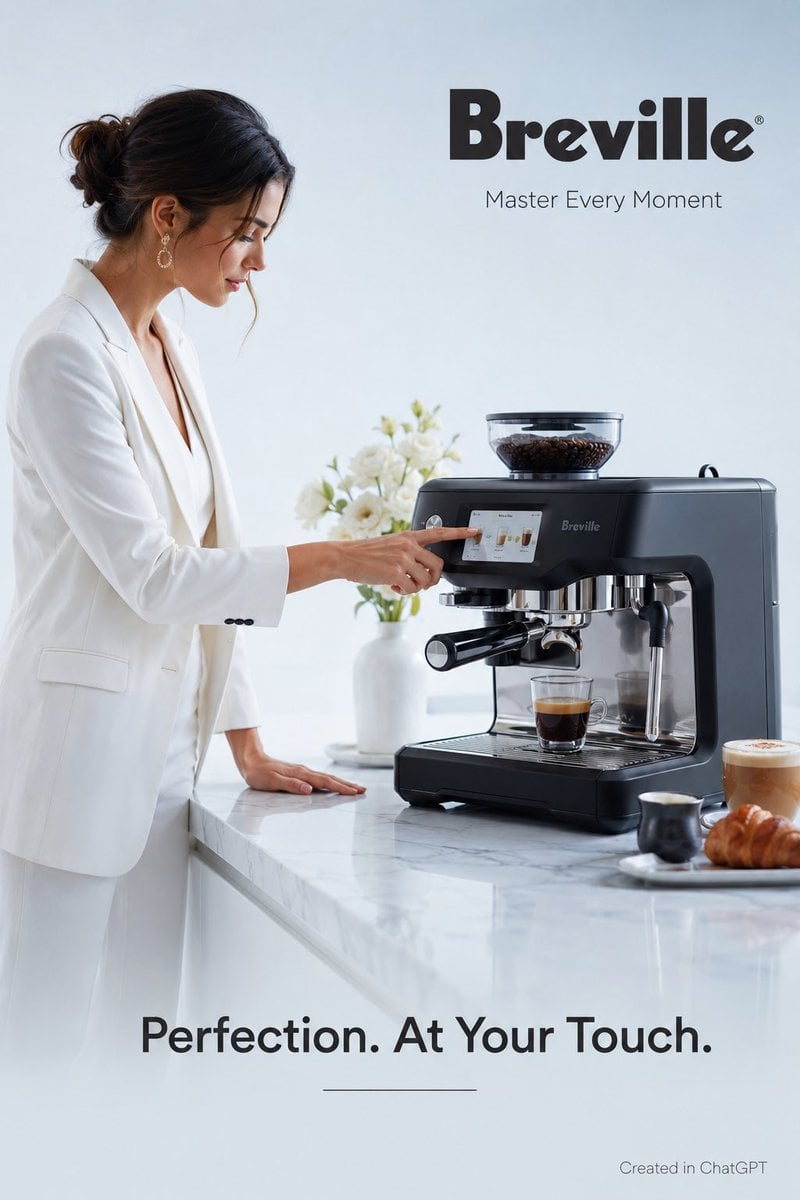
Luxury Espresso Machine Ad
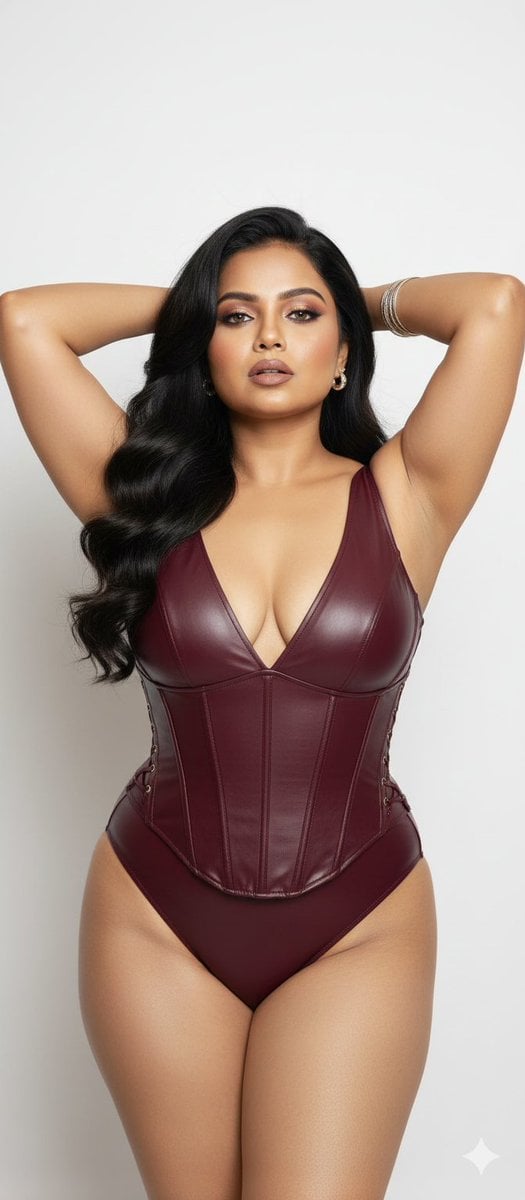
Glamorous Photo Prompt for Gemini Nano Banana Creation
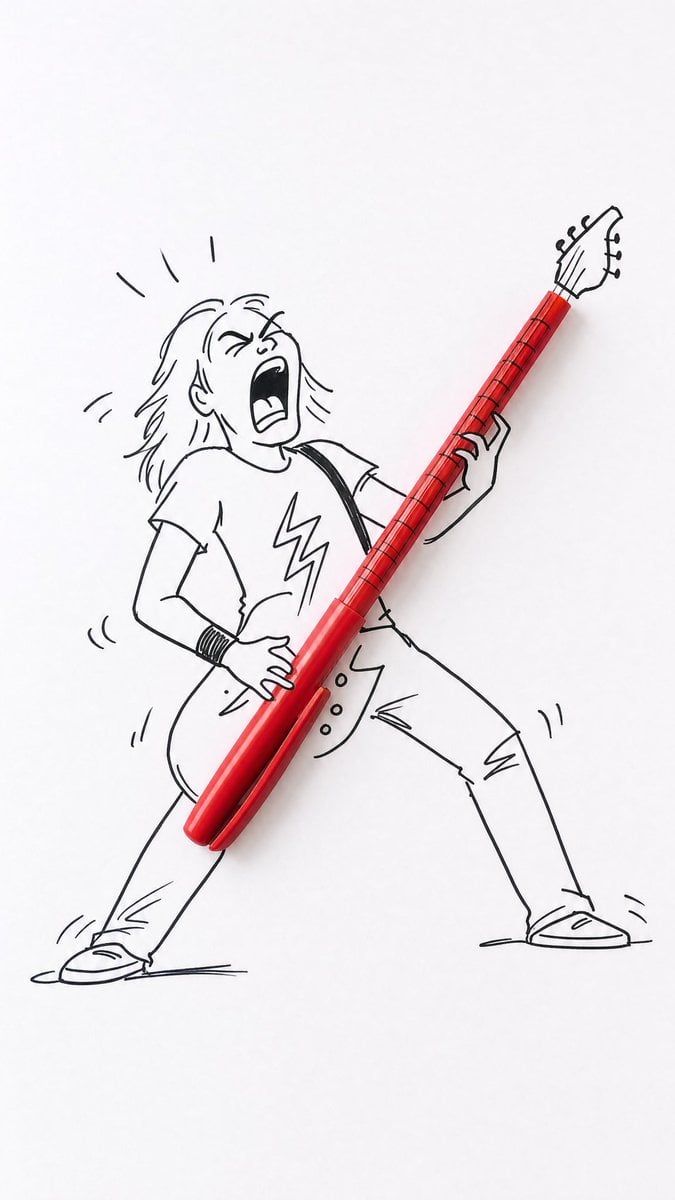
Real Object and Doodle Composite Art
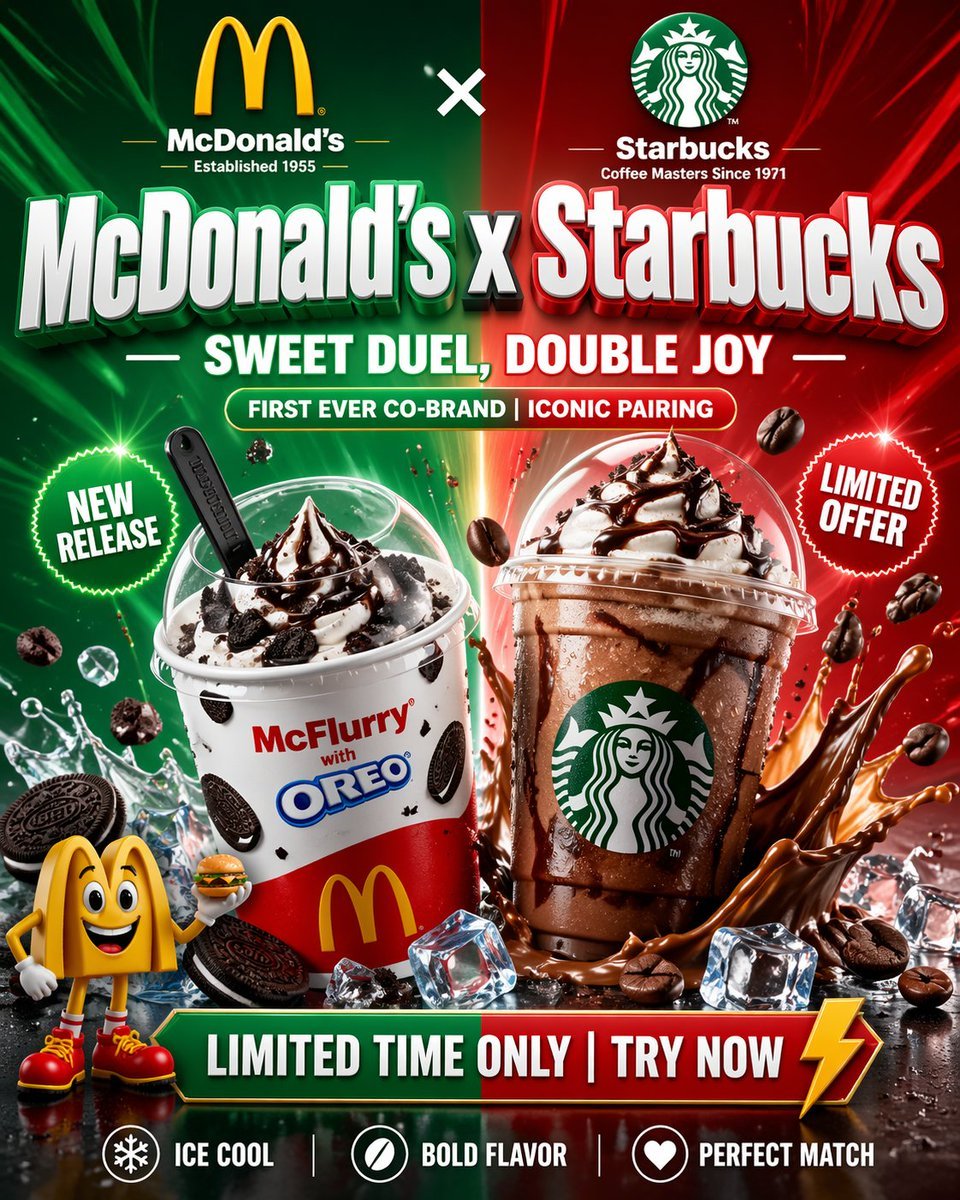
McDonald's x Starbucks Promo Poster
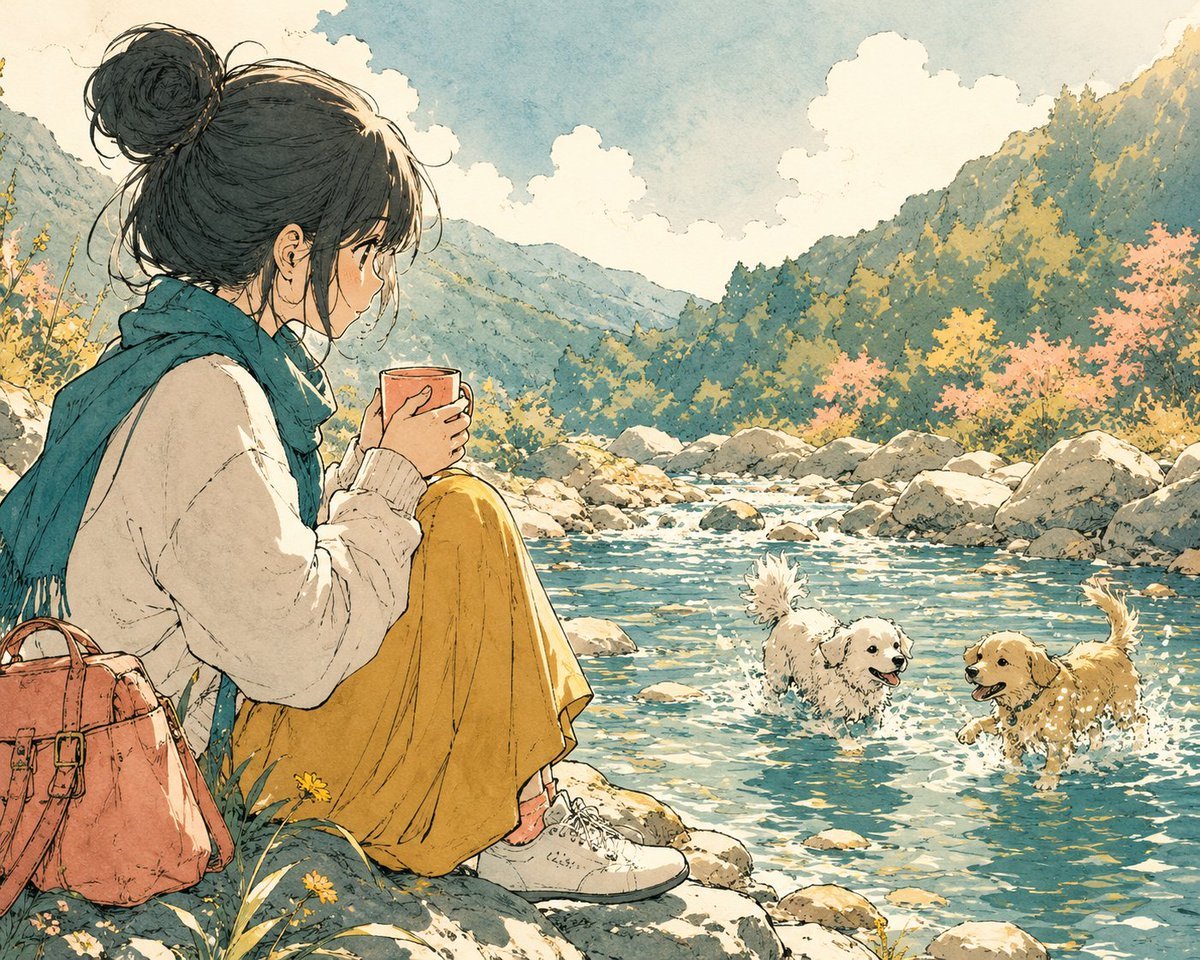
Anime Girl by River with Coffee
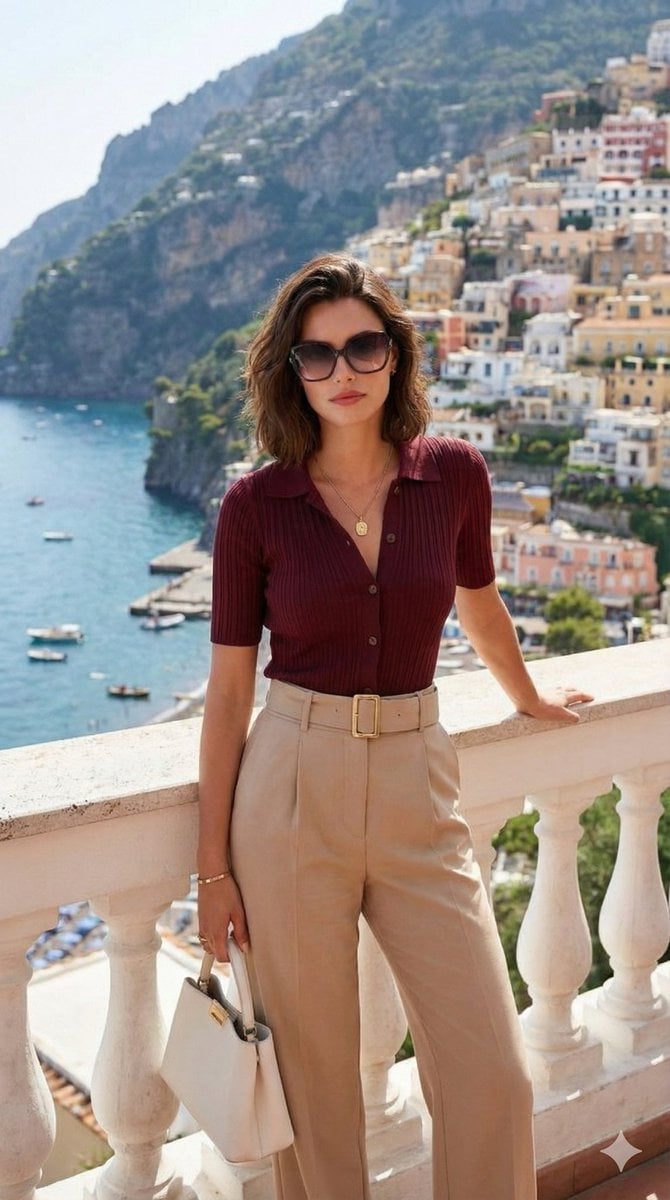
Quiet Luxury Travel Photography (Amalfi Coast)
Isometric 3D World Render
Browse template categories
City Walk OOTD Travel Collage questions
How do I use the City Walk OOTD Travel Collage template?
Add your photo if the template asks for one, edit the prompt if you like — the template's model and format are already selected — and press Generate. Your version opens in PicX Studio.
Can I customize the City Walk OOTD Travel Collage template?
Yes. You can change the subject, setting, lighting, mood, format, and available model controls before creating your image.
Is the City Walk OOTD Travel Collage template free?
Opening and editing this template is free. Generating uses credits, shown on the Generate button when you are signed in.
Which AI model should I use?
Start with GPT Image 2, which is the model associated with this template. You can compare another compatible model for a different finish.
Looking for something else? Browse all templates.

Your photo, any look
Thousands of ready templates for every top image and video model, from one credit balance.