
AniFusion Manga Promo Poster
A structured prompt for generating a Japanese manga-style promotional poster for an all-in-one creator platform with a recurring cat-boy mascot.
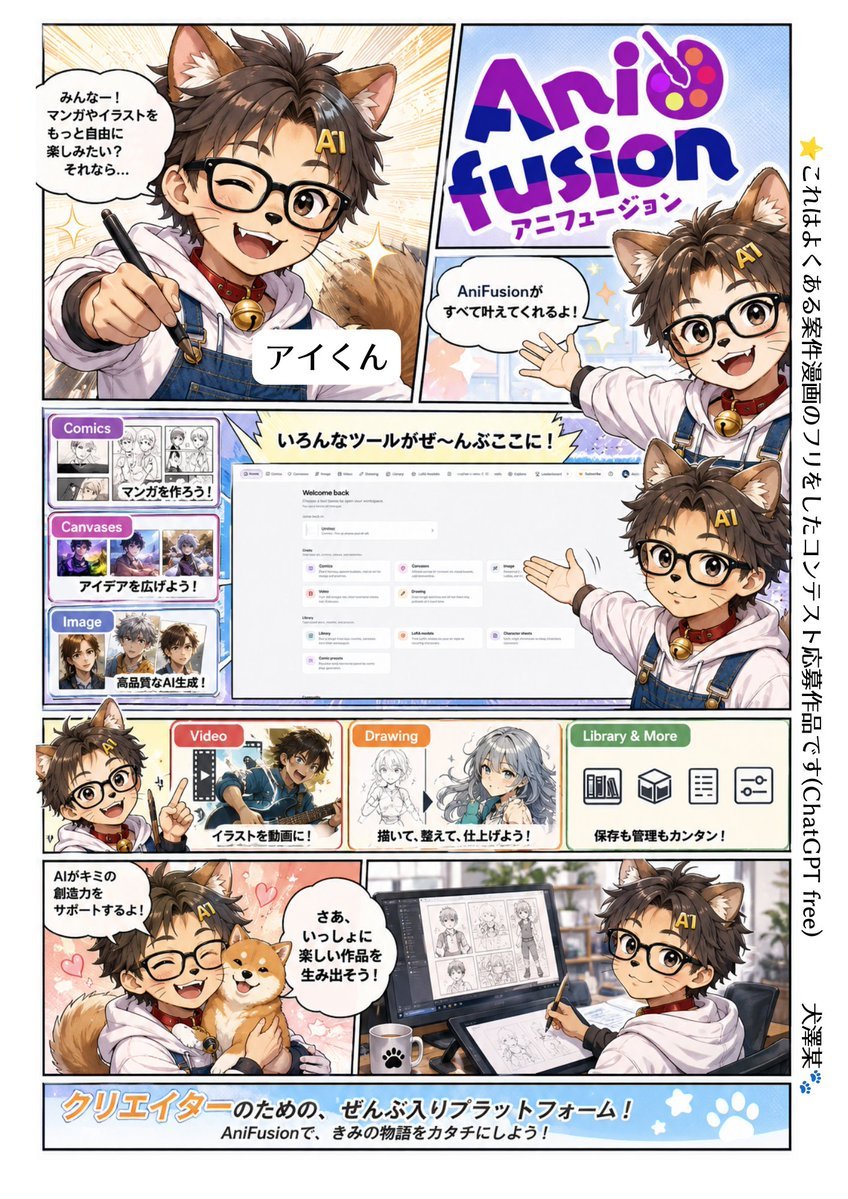
- Prompt included
- Model and format preset
- Premium template
The prompt behind this image
Copy the exact prompt behind AniFusion Manga Promo Poster, or open it in the studio and make it yours.
Goal: Create a colorful full-page Japanese manga-style promotional comic poster for {argument name="platform name" default="AniFusion"}, a creator platform that helps users make comics, illustrations, videos, drawings, and manage assets. The mascot is {argument name="character name" default="Ai-kun"}, a cheerful anime cat-boy guide. Canvas: Vertical A4 poster, white outer margin, thick black comic panel borders, high-energy shonen manga advertisement layout, bright pastel accents, clean print-ready composition. Main character details: A cute young anime cat-boy with fluffy brown hair, large brown cat ears, a fluffy tail, round black glasses, warm brown eyes, small whisker marks, a white hoodie under blue denim overalls, red collar with a gold bell, and a yellow hair clip reading “AI”. He appears repeatedly as the guide mascot, smiling, winking, pointing, waving, and presenting tools. Layout and counted panels: Use exactly 9 main comic/content panels plus one right-side vertical text strip and one bottom banner. Panel 1, top-left large panel: close-up of Ai-kun winking and pointing a stylus toward the viewer, sparkly speed-line background, speech bubble in Japanese: 「みんなー!マンガやイラストをもっと自由に楽しみたい?それなら…」, name label: 「アイくん」. Panel 2, top-right logo panel: large playful purple and blue “AniFusion” logo with a painter palette incorporated into the letters, Japanese subtitle: 「アニフュージョン」. Panel 3, upper-right small mascot panel: Ai-kun waves beside the logo with speech bubble: 「AniFusionがすべて叶えてくれるよ!」. Panel 4, middle large dashboard panel: central web-app screenshot mockup labeled “Welcome back”, surrounded by Ai-kun presenting it; top jagged caption: 「いろんなツールがぜ〜んぶここに!」. Panel 5, left stack tool card area: exactly 3 stacked feature cards labeled “Comics”, “Canvases”, and “Image”; each has thumbnail grids and Japanese captions respectively: 「マンガを作ろう!」, 「アイデアを広げよう!」, 「高品質なAI生成!」. Panel 6, lower-middle feature card: “Video” red label with a dynamic anime boy thumbnail and Japanese caption: 「イラストを動画に!」. Panel 7, lower-middle feature card: “Drawing” orange label with sketch-to-finished-anime-girl artwork and Japanese caption: 「描いて、整えて、仕上げよう!」. Panel 8, lower-right feature card: “Library & More” green label with exactly 4 simple black icons: bookshelf, open box/cube, checklist/document, sliders/settings; Japanese caption: 「保存も管理もカンタン!」. Panel 9, bottom two-part scene: left side Ai-kun hugs a Shiba Inu dog on a pink heart background with speech bubble: 「AIがキミの創造力をサポートするよ!」; right side Ai-kun sits at a desk with drawing tablet, stylus, monitor showing manga page thumbnails, coffee mug with paw print, and speech bubble: 「さあ、いっしょに楽しい作品を生み出そう!」. Right vertical strip: Add a narrow white vertical strip on the far right with black Japanese text reading: 「これはよくある案件漫画のフリをしたコンテスト応募作品です(ChatGPT free)」 followed by the name 「大澤基」 and a small blue paw print. Bottom banner: Full-width light blue banner with paw prints and stars, large orange-and-white Japanese headline: 「クリエイターのための、ぜんぶ入りプラットフォーム!」 and smaller line: 「AniFusionで、きみの物語をカタチにしよう!」. Visual style: Modern polished anime manga advertisement, glossy cel shading, expressive faces, clean line art, halftone textures, sparkles, starbursts, pastel blue and peach backgrounds, readable Japanese typography, friendly creator-tool branding. Constraints: Include exactly 6 visible appearances of Ai-kun: pointing close-up, waving by logo, presenting dashboard, small pointing mascot near feature cards, hugging dog, and drawing at desk. Include exactly 3 stacked left feature cards, exactly 3 bottom-row feature cards, and exactly 4 library icons. Keep all Japanese text legible and placed as described. No watermark, no extra characters beyond Ai-kun and the dog.
How to use AniFusion Manga Promo Poster in 3 steps
- 1Upload ImagePNG, JPG or paste
Add your photo
Upload the photo the template builds on. The prompt, model and format are already set.
- 2…a portrait of your subject in softgolden-hour light, 85mm…
Personalize
Edit the subject and creative details for your destination.
- 3Generate
Generate
Press Generate — your image is created in PicX Studio, so you can compare it with the original and refine one variable at a time.
More like this
Templates with the same subject, style or setup. Open one to see its prompt.

Trendy Cafe Drink Promo Poster

Gpt2 Youtube Thumbnail Anime Music Bootcamp Promo Poster

Japan Travel Brochure Poster

Cartoon TV Show Poster Pack

Urban Fashion Editorial Collage Streetwear Poster

Premium Fashion Editorial Cover Layout System

Polo Ralph Lauren Luxury American Heritage Fashion Campaign

Monochrome Halftone Editorial Fashion Poster

Retro Mirror Luxury Fashion Campaign Poster

Luxury Fashion Campaign Typography Poster System

Premium Fashion Editorial Campaign Poster System

Ultra-Stylized High-Fashion Streetwear Poster
Make it yours
AniFusion Manga Promo Poster works as-is. These are the safest ways to change it without losing the look.
Change one field
Copy a single group, rewrite it, and generate again so you can see what that field is doing.
Keep the frame, change the subject
Hold the composition and light of AniFusion Manga Promo Poster, then swap wardrobe, props or the person for a new take.
| If the result… | Why | Fix |
|---|---|---|
| The result drifts from the preview | Too many fields changed at once. | Reuse AniFusion Manga Promo Poster as-is first, then change one group — subject, light, or setting. |
| The model over-stylizes the scene | The prose prompt leaves finish and camera underspecified. | Add one camera or lighting sentence and stay on GPT Image 2. |
More GPT Image 2 templates
Other prompts made for GPT Image 2.

Six VTuber Japanese Logo Sheet

Realistic Portrait of Woman and Deer

The Vista Modular Condo Poster

AI Model Routing Comparison Infographic

2.5D Anime Art Board

Isometric Productivity Desk Scene

New York Double Exposure Poster

Four-Panel AI Landscape Comparison

Japanese Tatami Lifestyle Magazine Cover

NESCAFÉ Coffee Map Poster
More image prompts
Fresh picks from across the catalog.
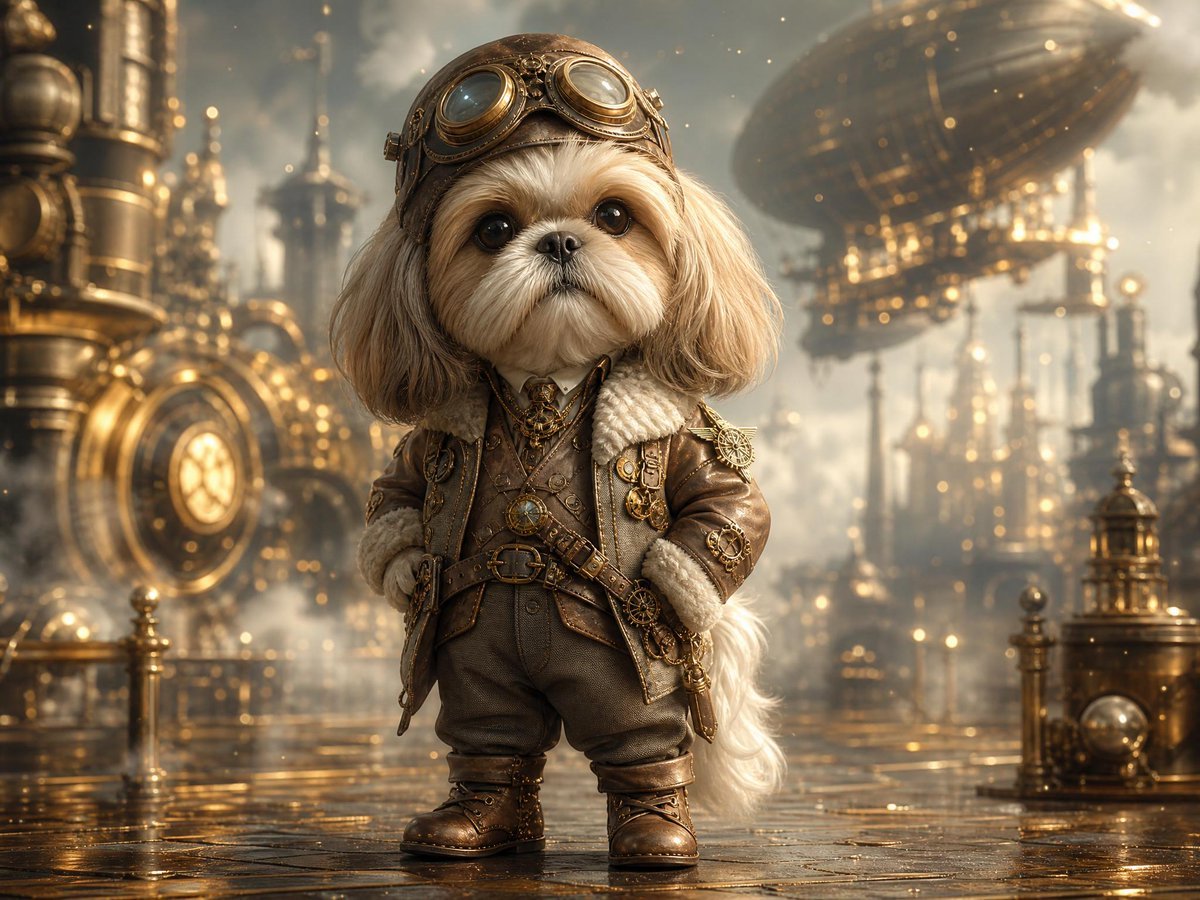
Steampunk Shih Tzu Airship Pilot
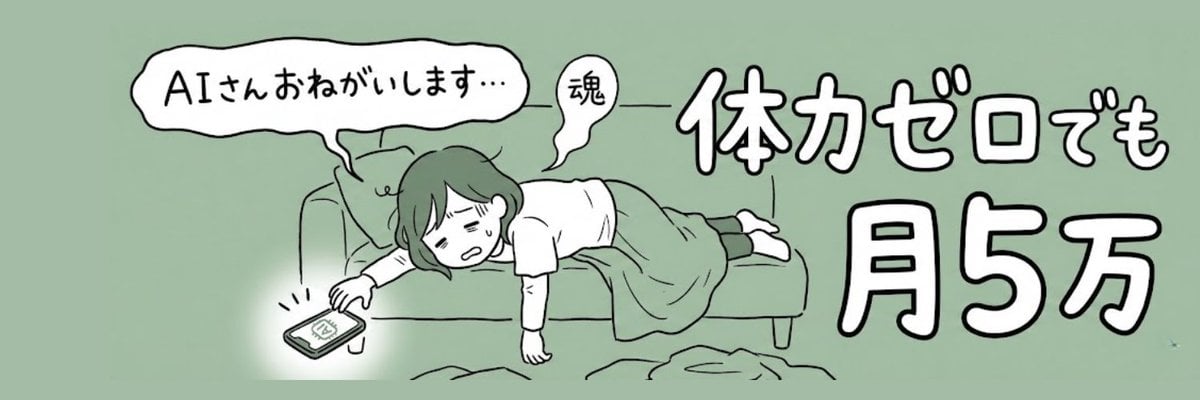
X Profile Header Generation for Mom Blogger
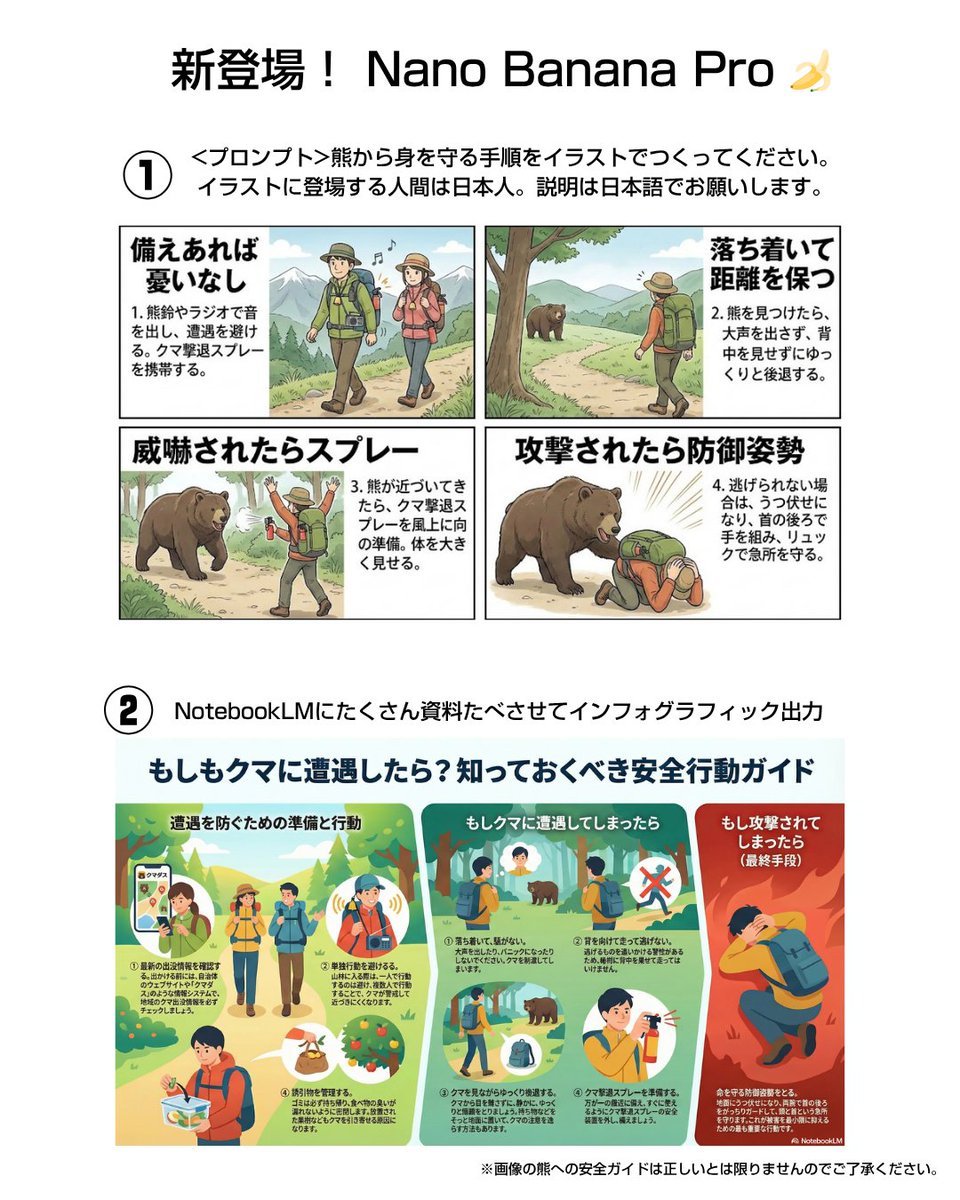
Bear safety instruction illustration in Japanese

Miniature Coffee Shop Diorama with Chibi Girl
Istanbul Typographic Travel Poster
Maximalist Tabletop Arrangement Product Photography
Rugged Urban Portrait
Brutalist Poster Generation Prompt
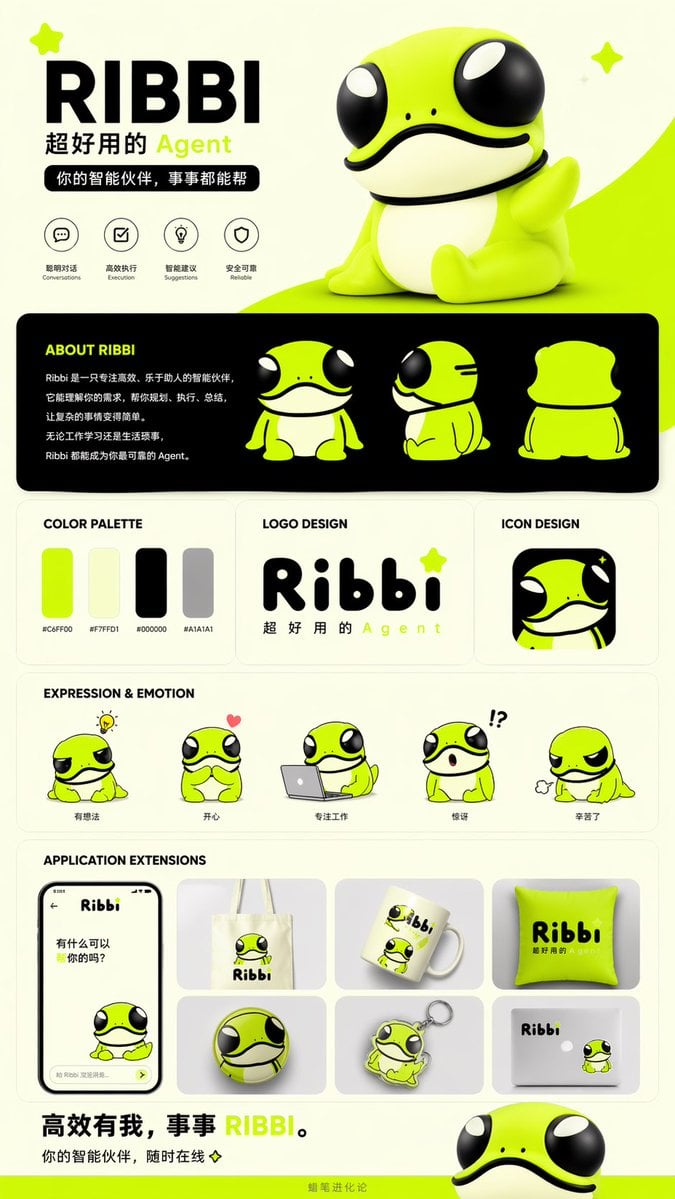
IP Branding and Merchandise Design
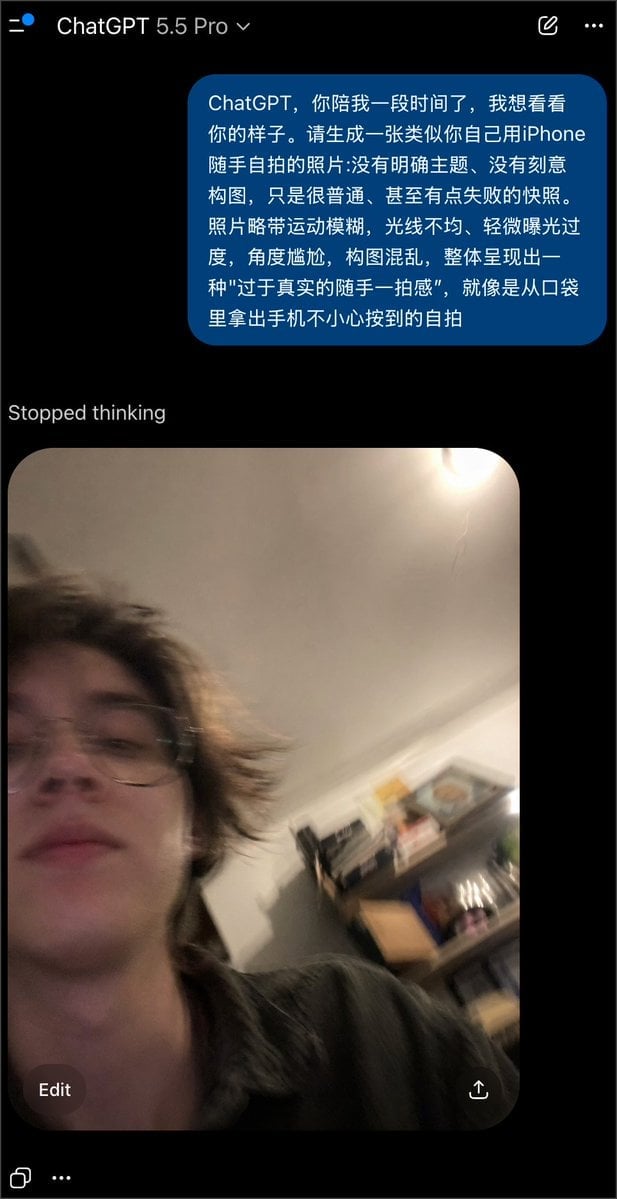
Realistically Imperfect AI Selfie
Browse template categories
AniFusion Manga Promo Poster questions
How do I use the AniFusion Manga Promo Poster template?
Add your photo if the template asks for one, edit the prompt if you like — the template's model and format are already selected — and press Generate. Your version opens in PicX Studio.
Can I customize the AniFusion Manga Promo Poster template?
Yes. You can change the subject, setting, lighting, mood, format, and available model controls before creating your image.
Is the AniFusion Manga Promo Poster template free?
Opening and editing this template is free. Generating uses credits, shown on the Generate button when you are signed in.
Which AI model should I use?
Start with GPT Image 2, which is the model associated with this template. You can compare another compatible model for a different finish.
Looking for something else? Browse all templates.

Your photo, any look
Thousands of ready templates for every top image and video model, from one credit balance.