
Imperial Steampunk Library Poster
A richly detailed vertical anime steampunk poster of a witch librarian in the Imperial Central Library, useful for fantasy worldbuilding location cards.
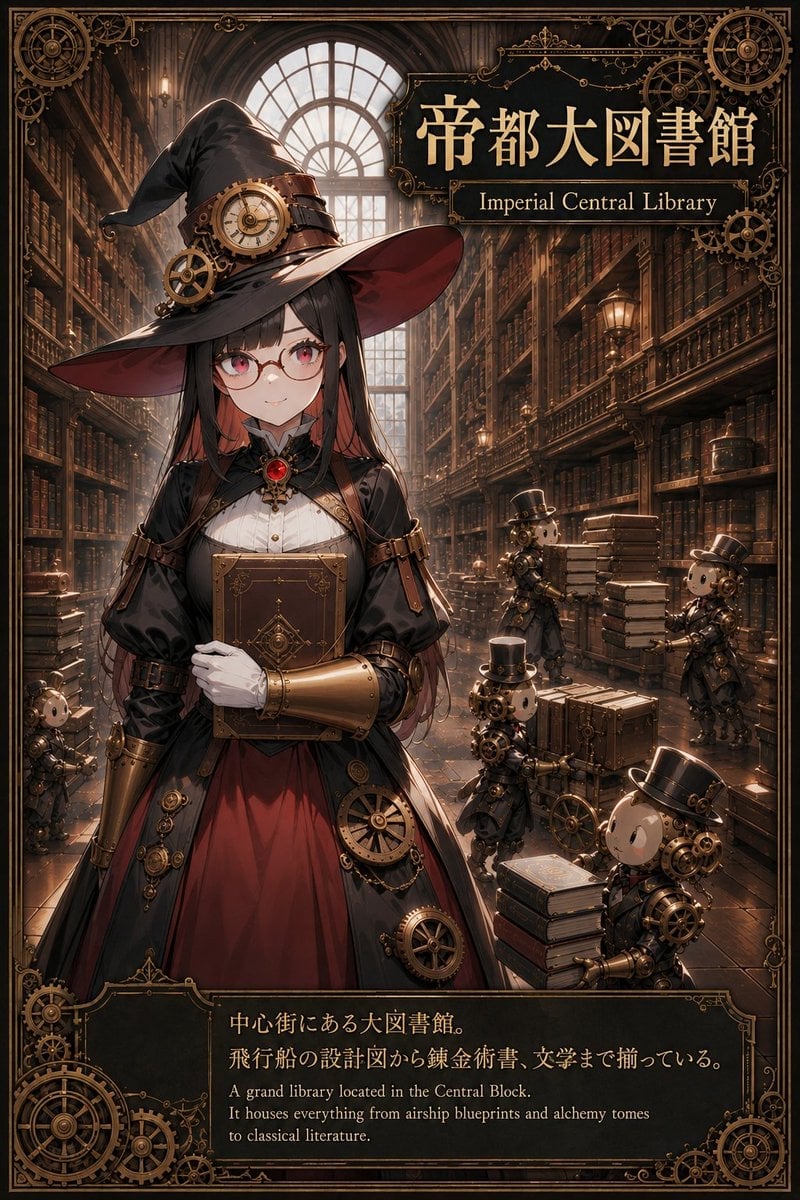
- Prompt included
- Model and format preset
- Premium template
The prompt behind this image
Copy the exact prompt behind Imperial Steampunk Library Poster, or open it in the studio and make it yours.
Goal: Create an ornate vertical steampunk anime poster for {argument name="location name" default="Imperial Central Library"}, presenting a grand fantasy library and its mascot character as if it were a worldbuilding location card. Canvas: Vertical 2:3 poster, richly detailed, warm sepia and brass palette, high-resolution anime illustration with cinematic depth and elaborate Victorian ornamentation. Add a thin black-and-bronze decorative border around the entire image with gears, compass-like circles, filigree corners, and fine mechanical linework. Main setting: A vast imperial library interior with towering bookshelves on both sides, dark polished wood, long perspective aisle, arched glass window glowing at the back, ladders, balcony rails, old lamps, stacked books, crates, trunks, and subtle dust motes in warm light. The atmosphere should feel like a grand central archive containing airship blueprints, alchemy tomes, and classical literature. Main character: In the front-left/center foreground, show one young anime librarian-witch girl with long {argument name="hair color" default="black hair with dark red inner highlights"}, pale skin, soft red eyes, small round glasses, and a calm confident smile. She wears a large black pointed witch hat with a red underside, leather straps, a brass clock face, and exposed gears on the hatband. Her outfit is a black Victorian steampunk dress with puff sleeves, white blouse front, red skirt panel, high collar, red gemstone brooch, leather belts, brass gear ornaments, and metallic gold forearm gauntlets. She holds one large ornate brown book against her chest with white-gloved hands. Discrete visible characters and machines: Include exactly 1 main witch-librarian girl and exactly 5 small steampunk automaton librarians. The 5 automatons are: 1 small partial automaton at the lower left near the aisle, 1 automaton in the mid-background beside stacked books, 1 automaton standing on the right near a tall stack of books, 1 automaton in the lower center pushing or standing beside wheeled crates, and 1 larger foreground automaton at the lower right with a top hat beside stacked books. Give the automatons round doll-like heads, brass mechanical bodies, gears, pipes, small arms, and black top hats. Title plaque: In the upper-right area, place a dark rectangular ornamental sign with gold trim and filigree. Large Japanese title text: 「帝都大図書館」. Beneath it, smaller English subtitle: “Imperial Central Library”. Use elegant serif lettering in gold. Bottom caption panel: Add a dark ornate information plaque across the bottom with gold border and gear decorations. Include Japanese text on two lines: 「中心街にある大図書館。飛行船の設計図から錬金術書、文学まで揃っている。」 Beneath it, include the English translation in small serif type: “A grand library located in the Central Block. It houses everything from airship blueprints and alchemy tomes to classical literature.” Visual style: Detailed Japanese anime character art blended with realistic fantasy background painting, steampunk brass mechanics, intricate gears, warm backlighting, polished wood reflections, elegant poster composition, premium collectible card feel. Constraints: Keep all visible text sharp and legible, do not add extra characters beyond the exact counts, avoid modern technology, avoid sci-fi neon, avoid watermark or logo, maintain a balanced composition with the character in the foreground and the library aisle receding behind her.
How to use Imperial Steampunk Library Poster in 3 steps
- 1Upload ImagePNG, JPG or paste
Add your photo
Upload the photo the template builds on. The prompt, model and format are already set.
- 2…a portrait of your subject in softgolden-hour light, 85mm…
Personalize
Edit the subject and creative details for your destination.
- 3Generate
Generate
Press Generate — your image is created in PicX Studio, so you can compare it with the original and refine one variable at a time.
More like this
Templates with the same subject, style or setup. Open one to see its prompt.

Japan Travel Brochure Poster

Cartoon TV Show Poster Pack

Trendy Cafe Drink Promo Poster

Urban Fashion Editorial Collage Streetwear Poster

Premium Fashion Editorial Cover Layout System

Polo Ralph Lauren Luxury American Heritage Fashion Campaign

Monochrome Halftone Editorial Fashion Poster

Retro Mirror Luxury Fashion Campaign Poster

Luxury Fashion Campaign Typography Poster System

Premium Fashion Editorial Campaign Poster System

Ultra-Stylized High-Fashion Streetwear Poster

Urban Fashion Editorial Collage Poster
Make it yours
Imperial Steampunk Library Poster works as-is. These are the safest ways to change it without losing the look.
Change one field
Copy a single group, rewrite it, and generate again so you can see what that field is doing.
Keep the frame, change the subject
Hold the composition and light of Imperial Steampunk Library Poster, then swap wardrobe, props or the person for a new take.
| If the result… | Why | Fix |
|---|---|---|
| The result drifts from the preview | Too many fields changed at once. | Reuse Imperial Steampunk Library Poster as-is first, then change one group — subject, light, or setting. |
| The model over-stylizes the scene | The prose prompt leaves finish and camera underspecified. | Add one camera or lighting sentence and stay on GPT Image 2. |
More GPT Image 2 templates
Other prompts made for GPT Image 2.

Six VTuber Japanese Logo Sheet

Realistic Portrait of Woman and Deer

The Vista Modular Condo Poster

AI Model Routing Comparison Infographic

2.5D Anime Art Board

Isometric Productivity Desk Scene

New York Double Exposure Poster

Four-Panel AI Landscape Comparison

Japanese Tatami Lifestyle Magazine Cover

NESCAFÉ Coffee Map Poster
More image prompts
Fresh picks from across the catalog.
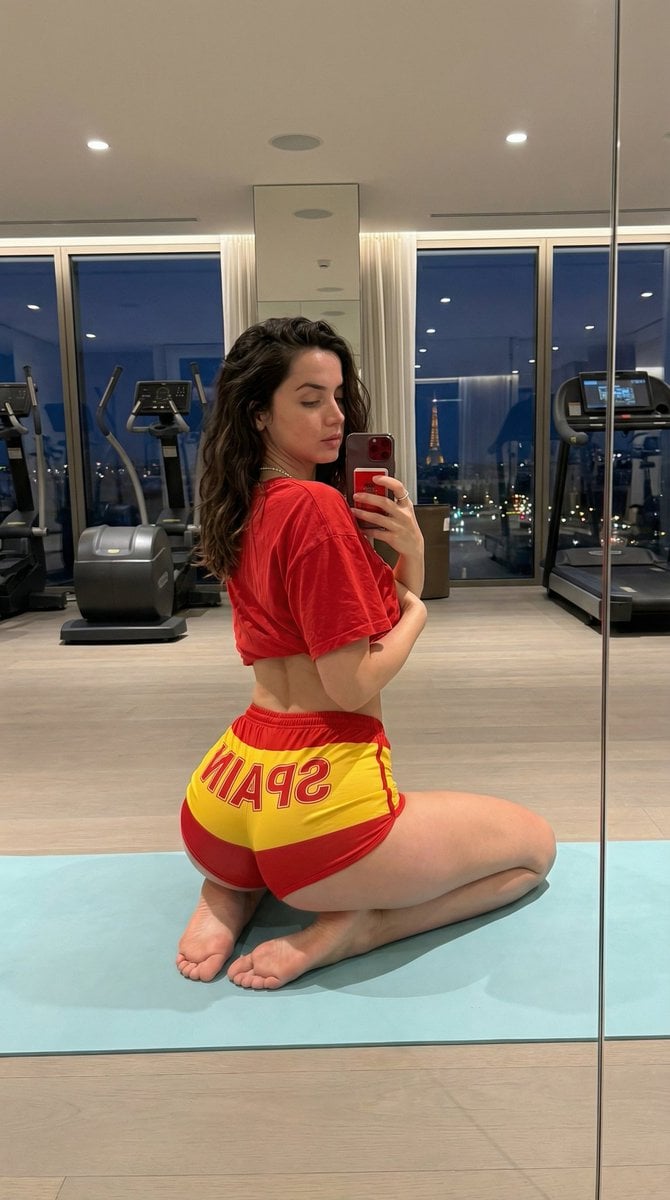
Exaggerated Physique Gym Mirror Selfie Prompt (Spain Theme)
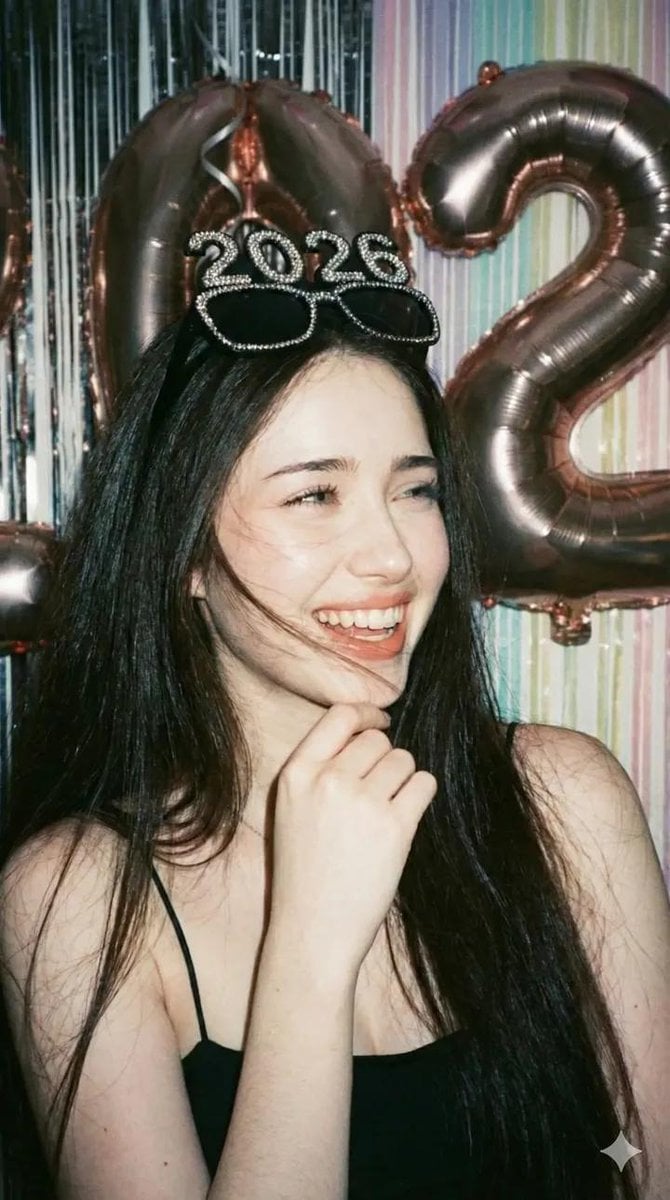
Disposable Camera Party Portrait Prompt
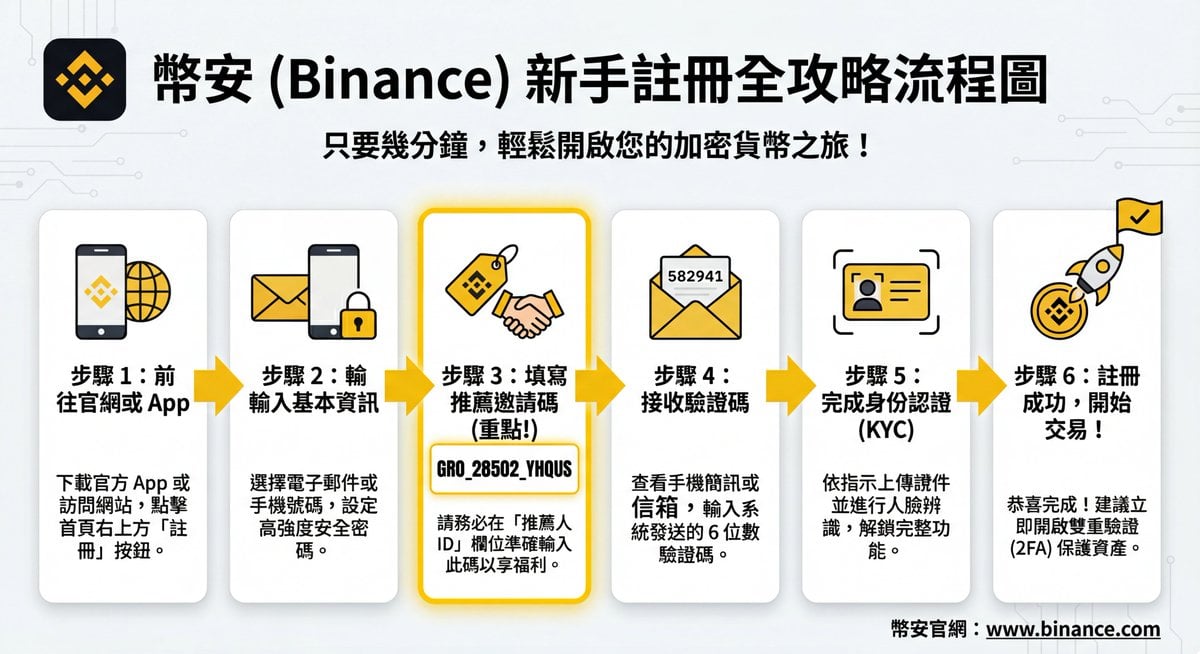
Image DM for a project using fetched info
Animation Style - Framer Motion
Photorealistic Watermelon Fruit Carving Prompt
Low-quality disposable camera high school snapshot prompt
Exploded View Disassembly of Apple Watch Ultra and iPhone
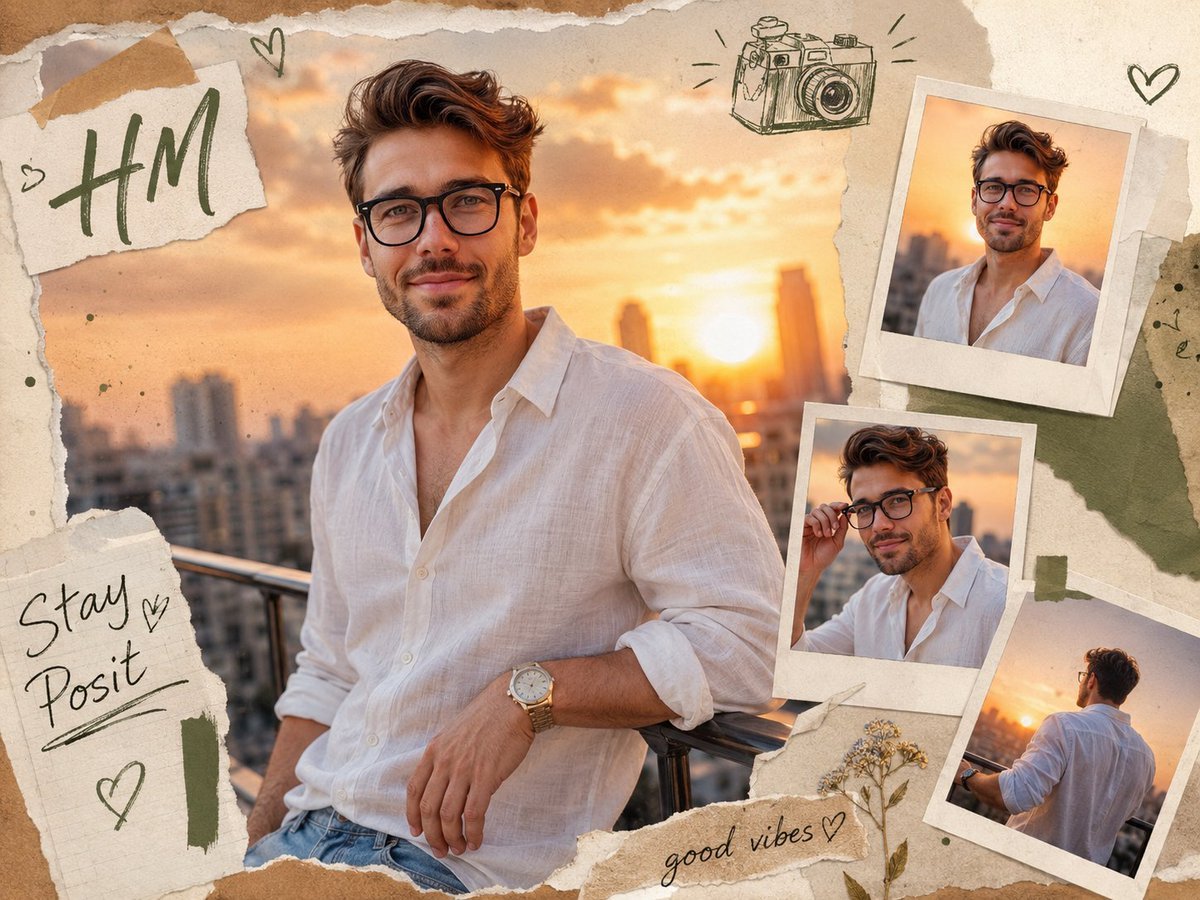
Scrapbook Photo Collage Portrait
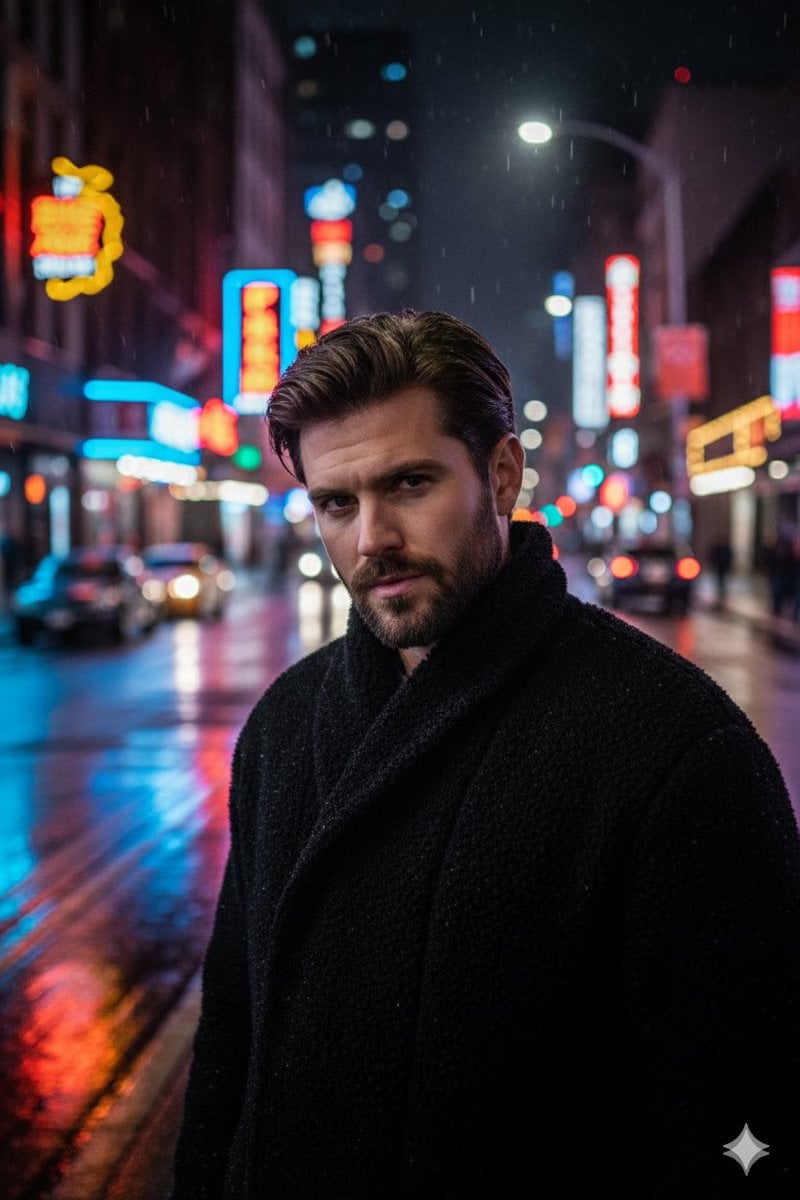
Cinematic Neon Night Street Portrait

Ultra-Realistic Studio Haircut Portrait
Browse template categories
Imperial Steampunk Library Poster questions
How do I use the Imperial Steampunk Library Poster template?
Add your photo if the template asks for one, edit the prompt if you like — the template's model and format are already selected — and press Generate. Your version opens in PicX Studio.
Can I customize the Imperial Steampunk Library Poster template?
Yes. You can change the subject, setting, lighting, mood, format, and available model controls before creating your image.
Is the Imperial Steampunk Library Poster template free?
Opening and editing this template is free. Generating uses credits, shown on the Generate button when you are signed in.
Which AI model should I use?
Start with GPT Image 2, which is the model associated with this template. You can compare another compatible model for a different finish.
Looking for something else? Browse all templates.

Your photo, any look
Thousands of ready templates for every top image and video model, from one credit balance.