
Pastel Manga Selfie Collage
Generates a six-panel pastel anime manga page of a pink-haired girl taking selfies on a sunny seaside cafe terrace.
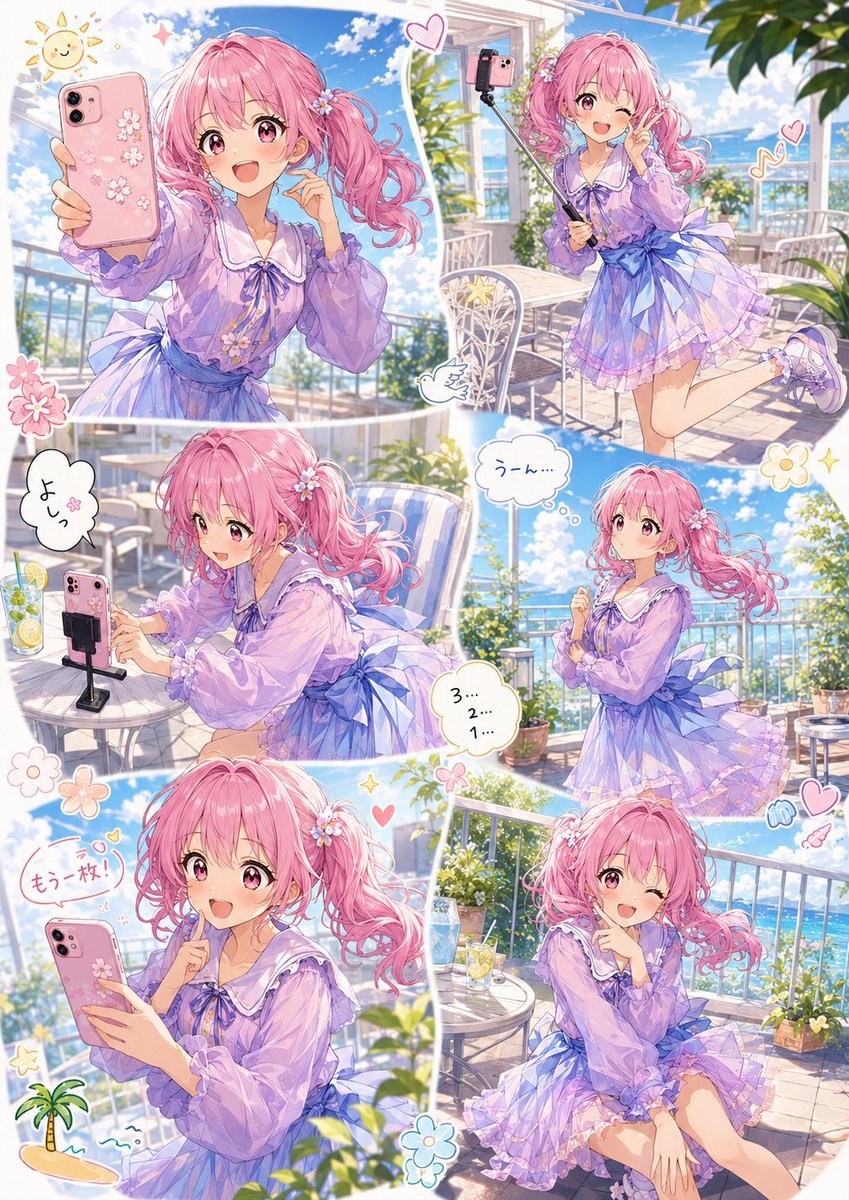
- Prompt included
- Model and format preset
- Premium template
The prompt behind this image
Copy the exact prompt behind Pastel Manga Selfie Collage, or open it in the studio and make it yours.
Goal: Create a bright shoujo manga-style one-page collage showing a cheerful teen idol girl filming social-media selfies on a sunny seaside cafe terrace. Canvas: Vertical A4 manga page, full color, soft pastel palette, no black panel borders; use six irregular rounded panels separated by thick white gutters, with cute sticker doodles in the margins. High-detail anime illustration, sparkling highlights, airy summer atmosphere, blue sky and ocean visible beyond balcony railings. Main character: A cute anime girl with {argument name="hair color" default="cotton-candy pink"} twin-tail hair, large pink eyes, small flower hair clips, expressive rosy cheeks, and a lively idol-like personality. She wears a translucent lavender sailor-collar blouse with puffy sleeves, a purple bow at the collar, a layered ruffled short skirt, and a large pale-blue waist ribbon tied in a bow. Keep the same character design consistent in every panel. Layout: Include exactly 6 panels. Panel 1, large upper-left: close-up selfie angle, the girl holds a pink smartphone decorated with white cherry blossoms toward the viewer, smiling with mouth open on a balcony under a blue sky; sun doodle and small sparkles nearby. Panel 2, upper-right: full-body pose, she stands on one leg and winks while holding a selfie stick with the same phone attached, terrace tables and plants behind her, heart and music-note doodles. Panel 3, middle-left: side view at a small cafe table, she leans forward adjusting or checking the phone on a small tabletop tripod; include a lemon drink with straw; add a speech bubble reading {argument name="speech bubble 1" default="よしっ"}. Panel 4, middle-right: she stands thoughtfully by the balcony with hands near chest, ocean and potted plants behind; add a thought bubble reading {argument name="thought bubble" default="うーん..."} and a small countdown bubble reading {argument name="countdown text" default="3... 2... 1..."}. Panel 5, lower-left: close-up three-quarter view, she smiles and holds the phone while raising one finger as if announcing another take; add a red handwritten speech bubble reading {argument name="speech bubble 2" default="もう一枚!"}, plus tiny beach/palm doodles. Panel 6, lower-right: she sits on the terrace floor or low seat near a table with the lemon drink, winking and making a playful finger pose, ocean view in the background, hearts, flowers, sparkles, and tiny wing doodles. Visible repeated elements: exactly 6 appearances of the same girl, exactly 3 visible pink smartphone setups or phones held prominently in panels 1, 2, 3, and 5 if partially repeated as the same device; exactly 3 text bubbles with Japanese text plus 1 countdown bubble; include cute doodles such as 3 hearts, 4 flowers, 1 sun, 1 palm tree, 1 music note, 1 winged icon, and small sparkle marks. Visual style: Highly polished Japanese AI manga illustration, soft watercolor-like lighting, clean line art, pastel lavender and pink color harmony, glossy eyes, delicate fabric transparency and ruffles, warm sunlight, depth of field, cheerful influencer-vlog mood. Avoid realism, avoid dark shadows, avoid extra characters, avoid logos or watermarks.
How to use Pastel Manga Selfie Collage in 3 steps
- 1Upload ImagePNG, JPG or paste
Add your photo
Upload the photo the template builds on. The prompt, model and format are already set.
- 2…a portrait of your subject in softgolden-hour light, 85mm…
Personalize
Edit the subject and creative details for your destination.
- 3Generate
Generate
Press Generate — your image is created in PicX Studio, so you can compare it with the original and refine one variable at a time.
More like this
Templates with the same subject, style or setup. Open one to see its prompt.
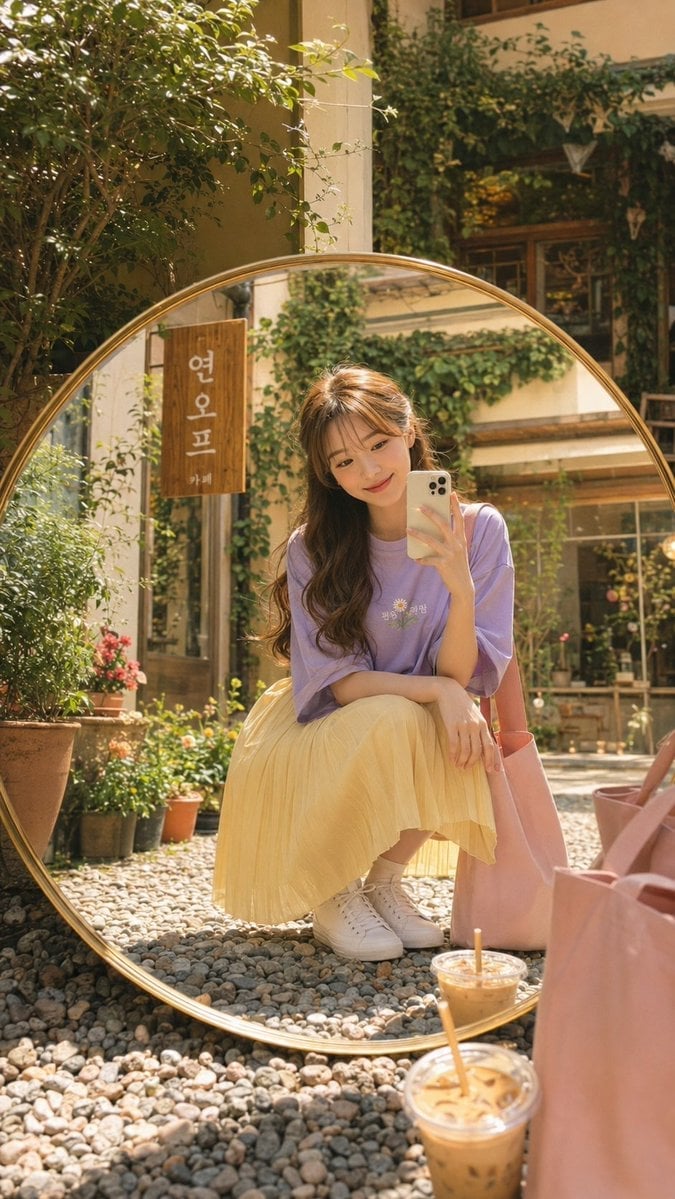
Korean Cafe Courtyard Gold Frame Mirror Selfie
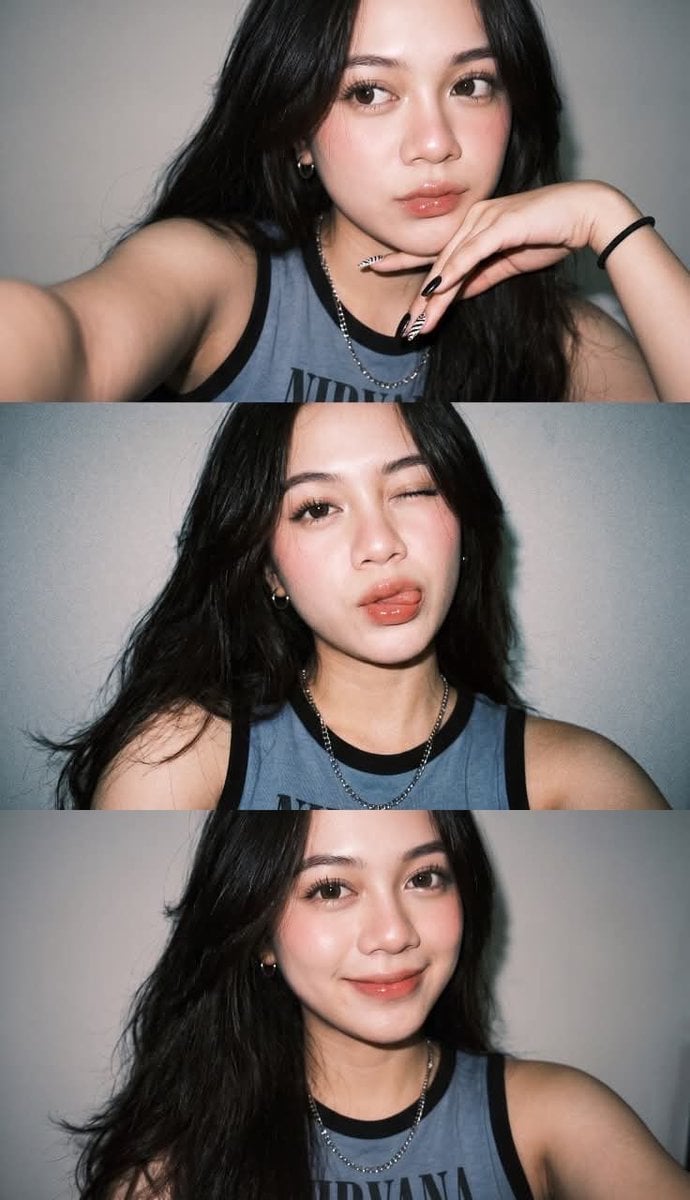
Gen Z Flash Selfie Triple Collage
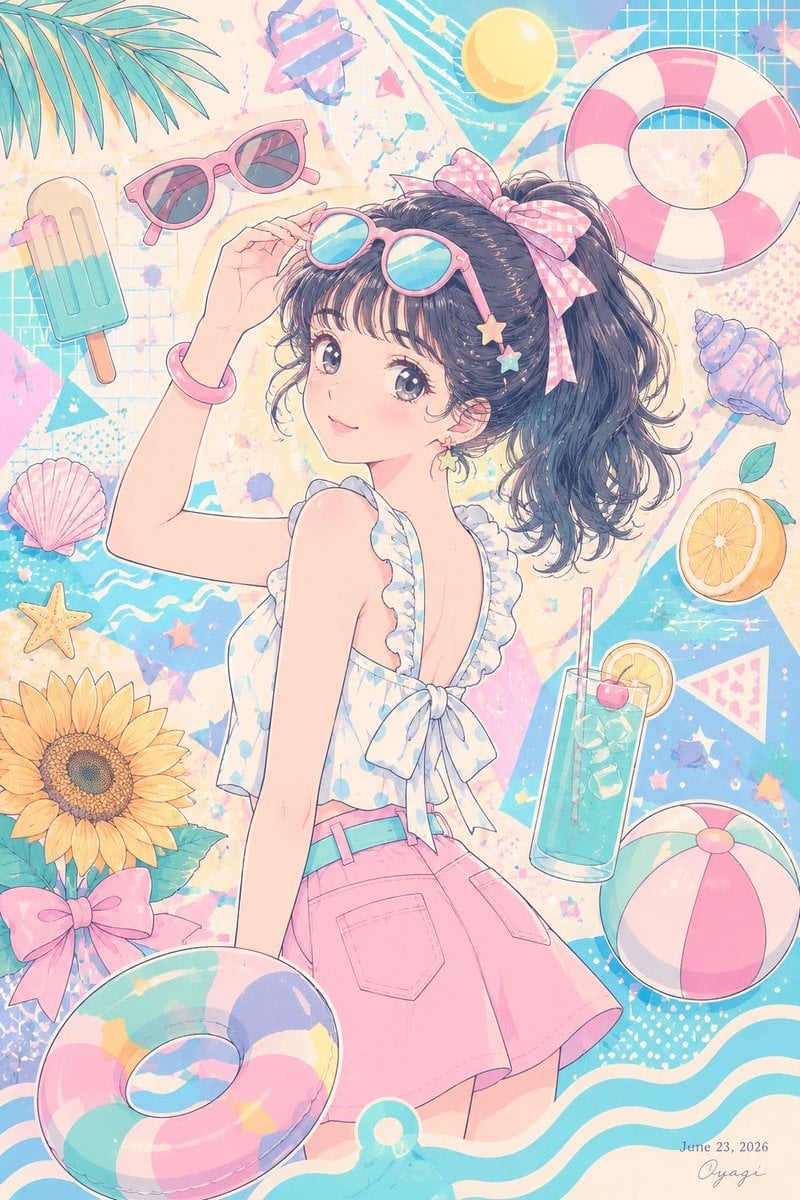
Pastel Anime Summer Beach Collage

Rooftop Fisheye — Cat-Ear Balaclava at Golden Hour

Felt & Knit 3D Character — Photo-Exact Face, Pixar-Quality Plush Figurine

Surreal Cat Astronaut — Humanoid Face Freefall
Layered Paper Cut Illustration Template
Paper Cut Finale Fireworks
Paper Cut Garden Maze
Paper Cut Rooftop Concert

Paper Cut Bicycle Coast
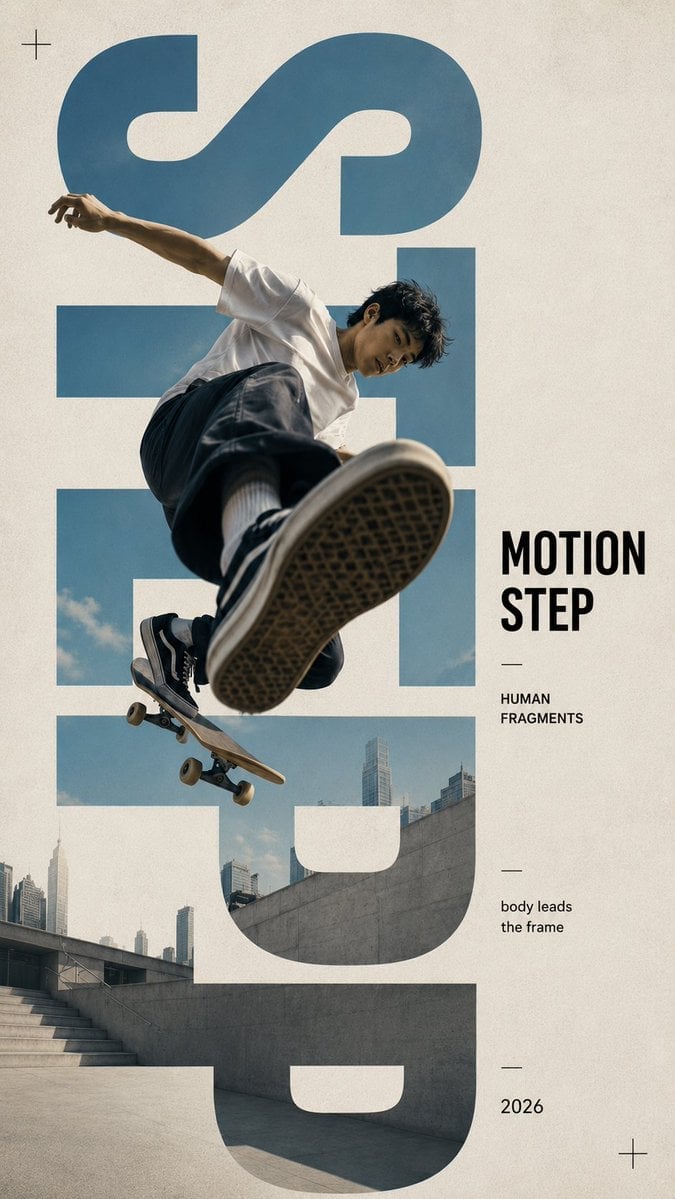
Paper Cut Castle Gate
Make it yours
Pastel Manga Selfie Collage works as-is. These are the safest ways to change it without losing the look.
Change one field
Copy a single group, rewrite it, and generate again so you can see what that field is doing.
Keep the frame, change the subject
Hold the composition and light of Pastel Manga Selfie Collage, then swap wardrobe, props or the person for a new take.
| If the result… | Why | Fix |
|---|---|---|
| The result drifts from the preview | Too many fields changed at once. | Reuse Pastel Manga Selfie Collage as-is first, then change one group — subject, light, or setting. |
| The model over-stylizes the scene | The prose prompt leaves finish and camera underspecified. | Add one camera or lighting sentence and stay on GPT Image 2. |
More GPT Image 2 templates
Other prompts made for GPT Image 2.

Six VTuber Japanese Logo Sheet

Realistic Portrait of Woman and Deer

The Vista Modular Condo Poster

AI Model Routing Comparison Infographic

2.5D Anime Art Board

Isometric Productivity Desk Scene

New York Double Exposure Poster

Four-Panel AI Landscape Comparison

Japanese Tatami Lifestyle Magazine Cover

NESCAFÉ Coffee Map Poster
More image prompts
Fresh picks from across the catalog.
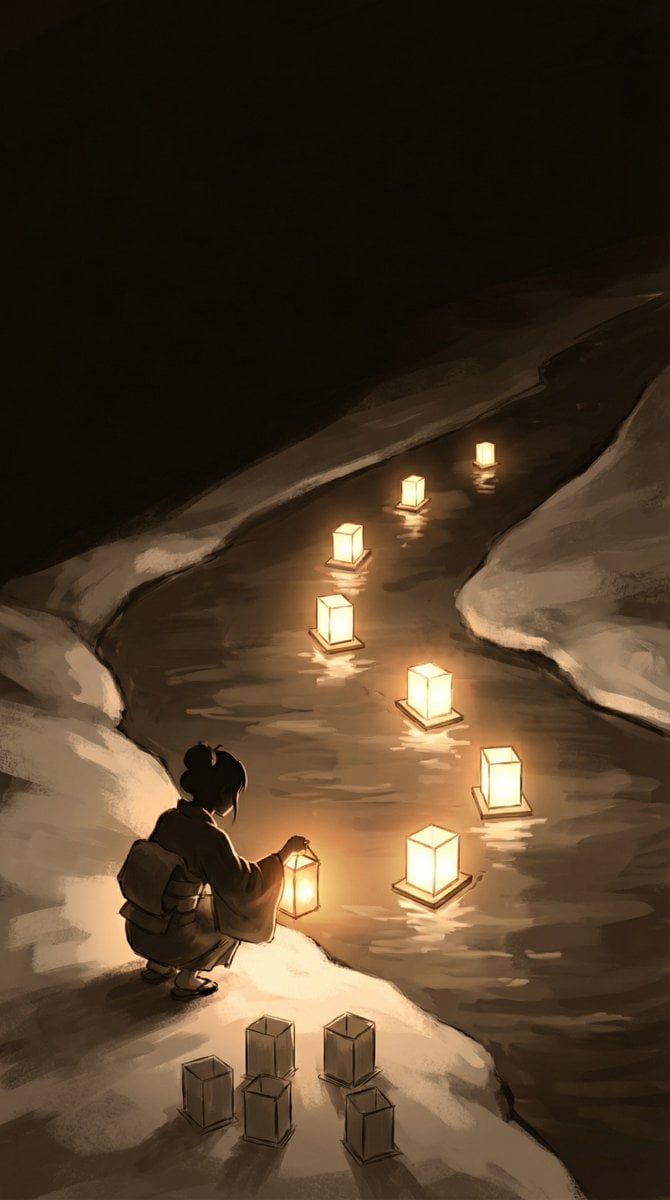
Object-Oriented Prompt for Composition and Lighting Study
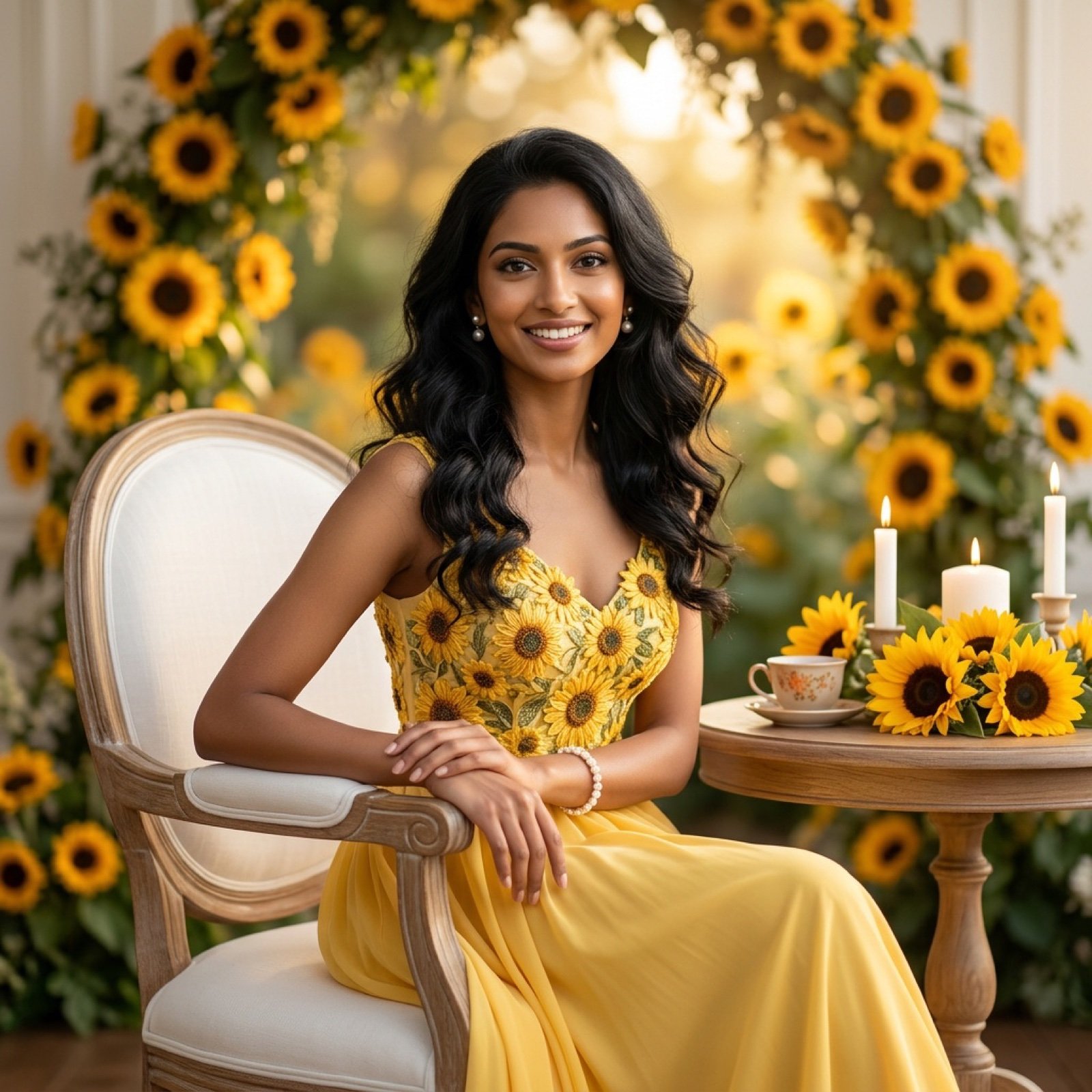
Ultra-Realistic Studio Portrait of Lady in Yellow Gown
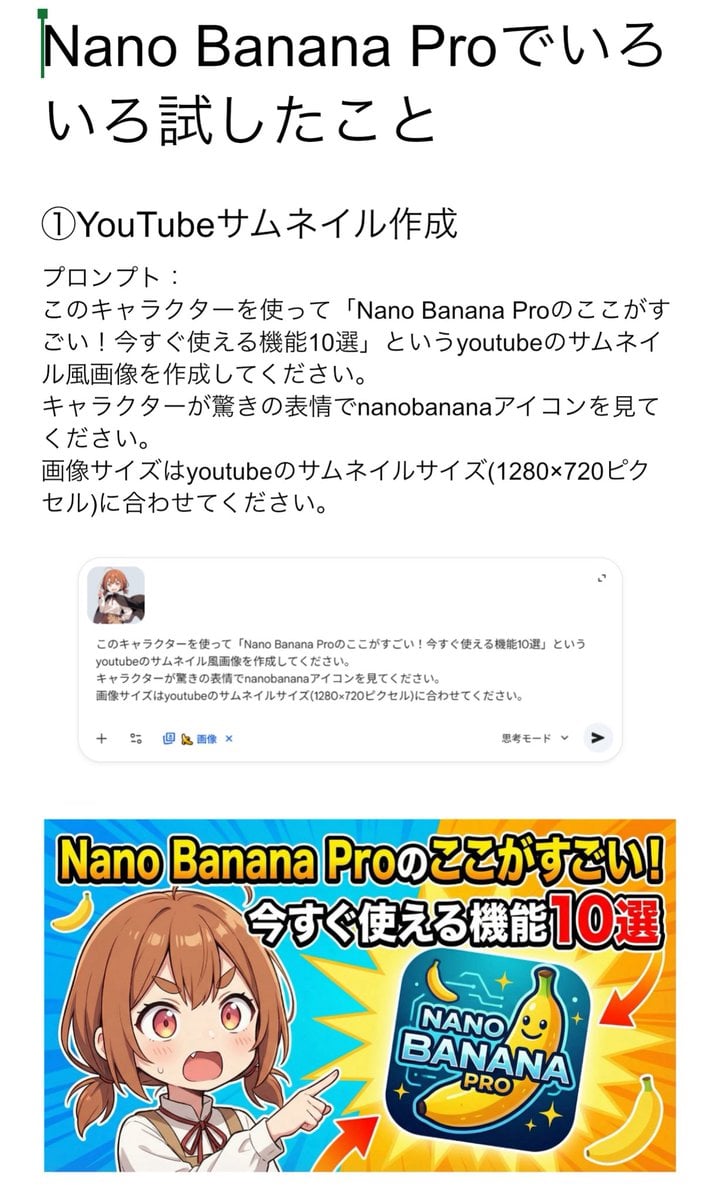
YouTube thumbnail for Nano Banana Pro features
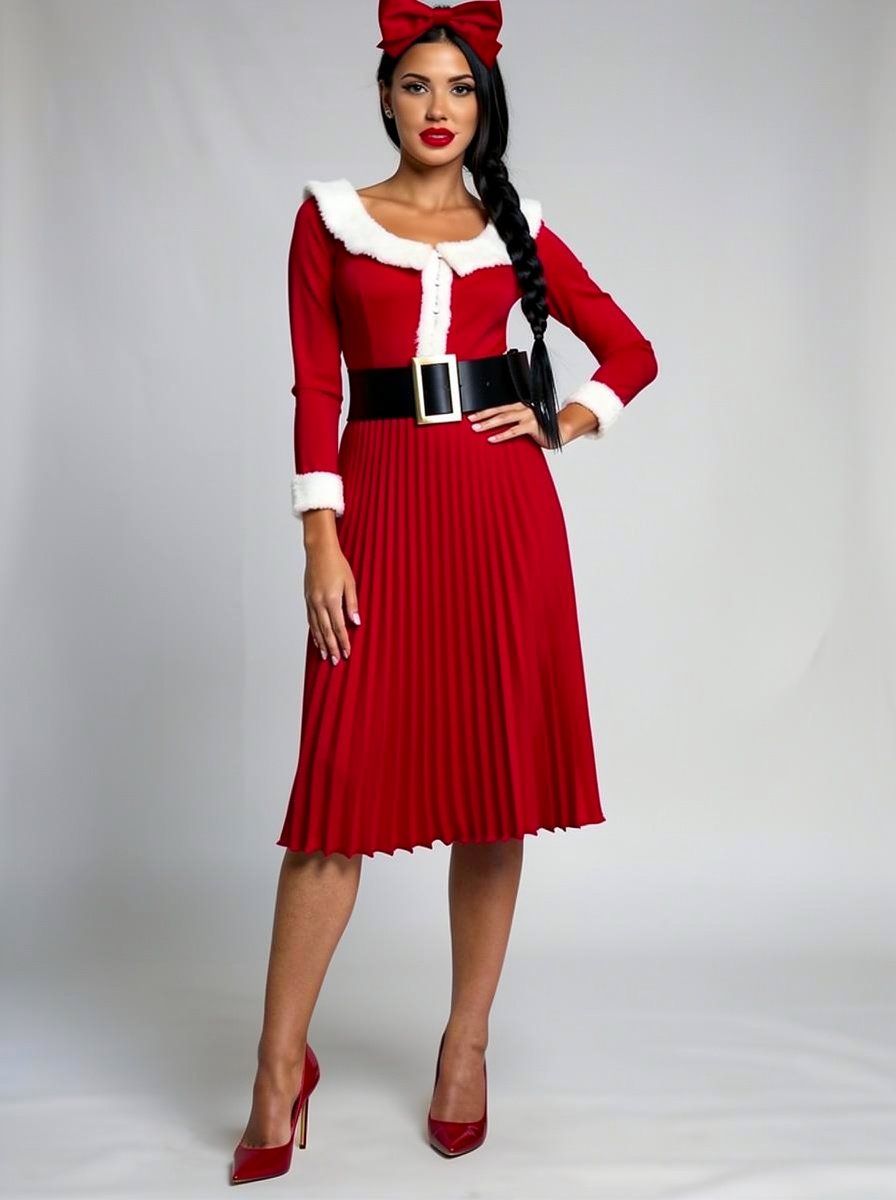
Outfit Style Edit: Santa-Inspired Dress
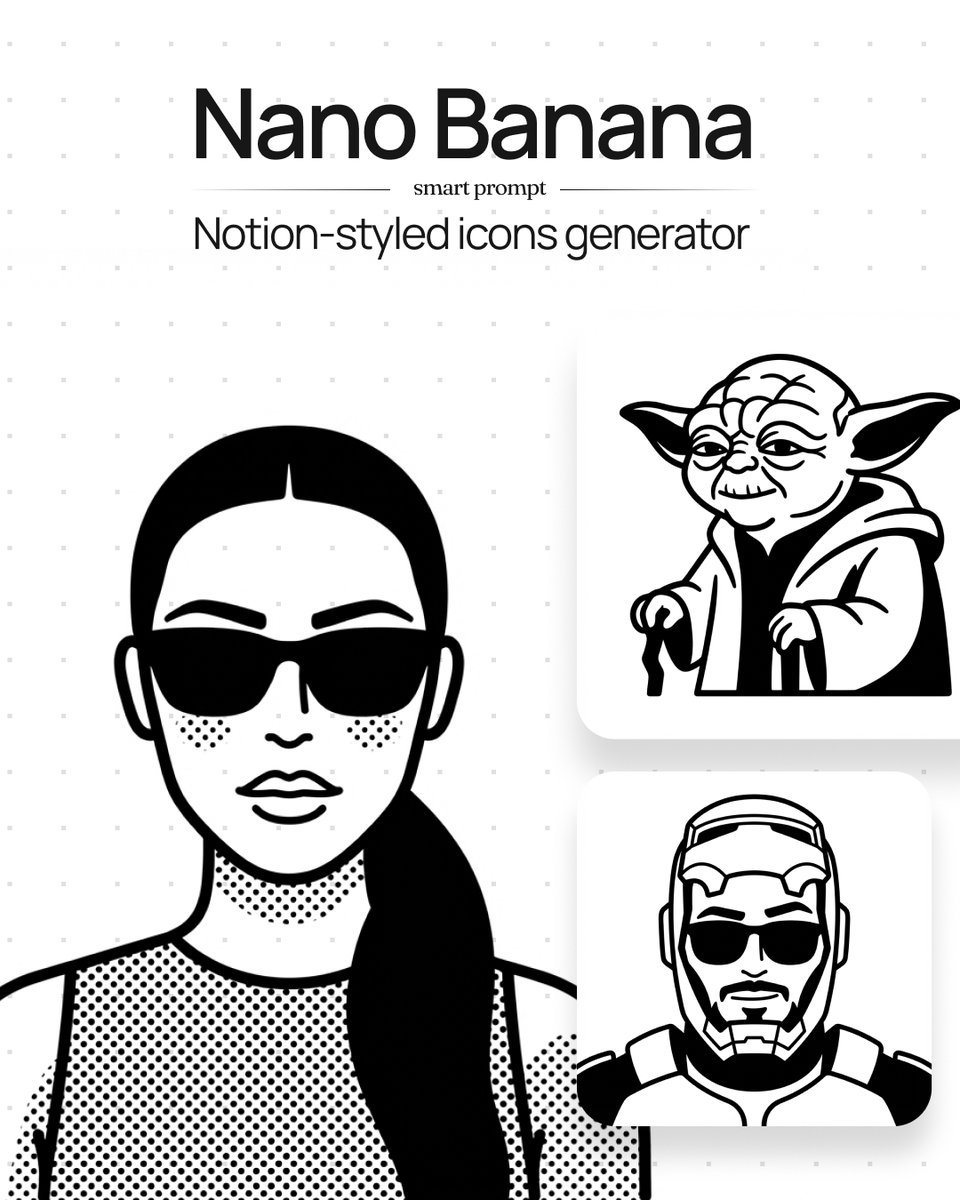
Instruction to Generate Custom Illustrations
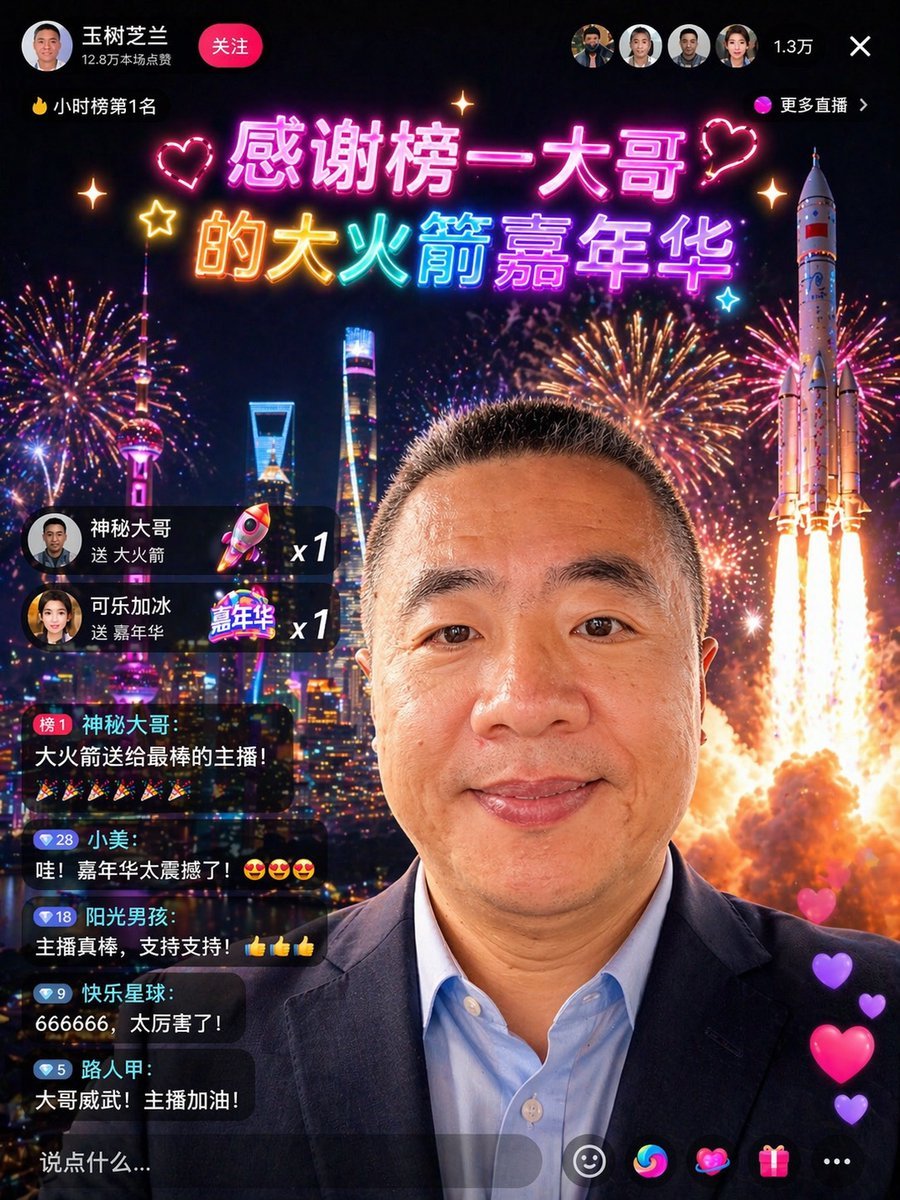
Chinese Livestream Rocket Gala Edit
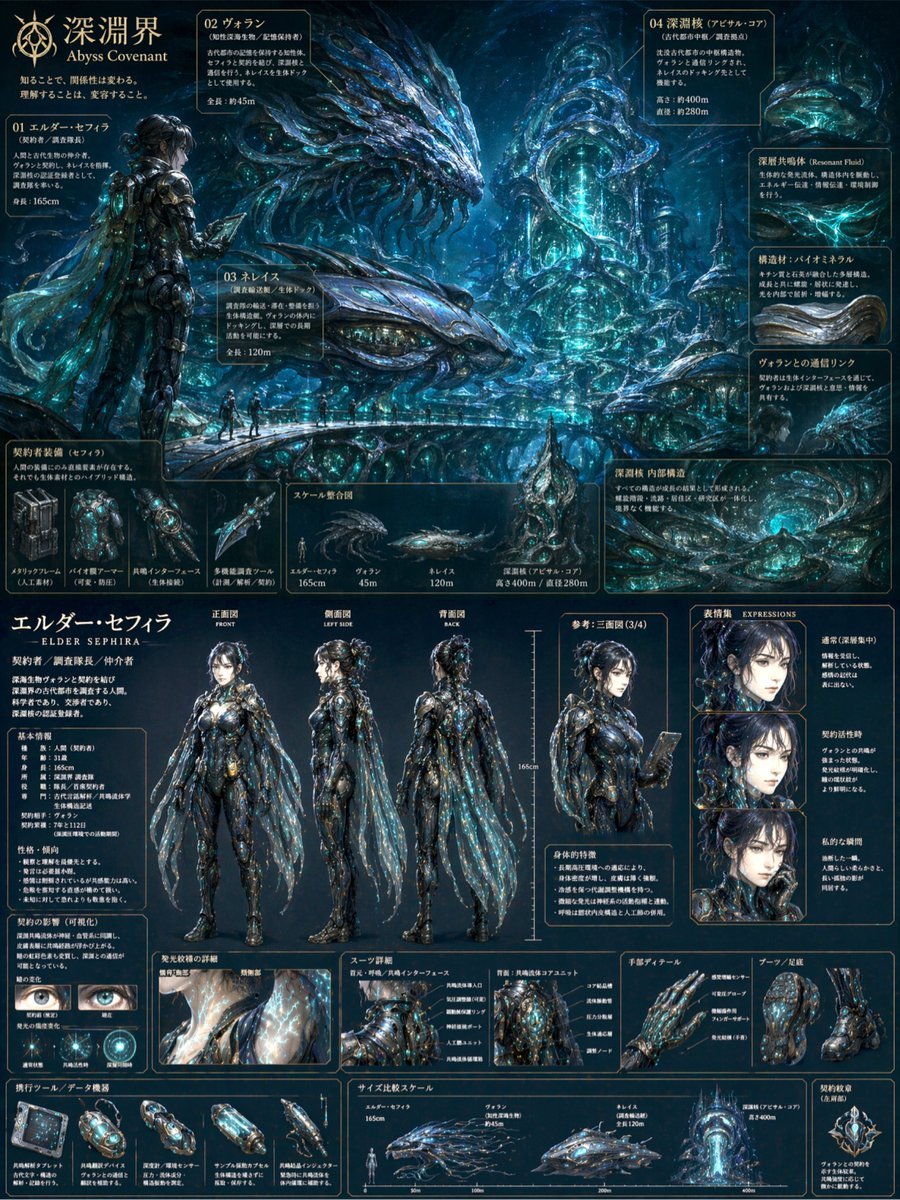
Sci-Fi Concept Art & Character Sheet
Creative Design Mood Board Portrait
Surreal Cinematic Campfire in Cosmic Void

Underwater Fantasy CG Illustration
Browse template categories
Pastel Manga Selfie Collage questions
How do I use the Pastel Manga Selfie Collage template?
Add your photo if the template asks for one, edit the prompt if you like — the template's model and format are already selected — and press Generate. Your version opens in PicX Studio.
Can I customize the Pastel Manga Selfie Collage template?
Yes. You can change the subject, setting, lighting, mood, format, and available model controls before creating your image.
Is the Pastel Manga Selfie Collage template free?
Opening and editing this template is free. Generating uses credits, shown on the Generate button when you are signed in.
Which AI model should I use?
Start with GPT Image 2, which is the model associated with this template. You can compare another compatible model for a different finish.
Looking for something else? Browse all templates.

Your photo, any look
Thousands of ready templates for every top image and video model, from one credit balance.