
Ultra-Realistic Streetwear Café Portrait
Generates a high-quality fashion portrait of a woman in baggy streetwear within a luxury café lounge at night, featuring cinematic lighting and detailed textures.
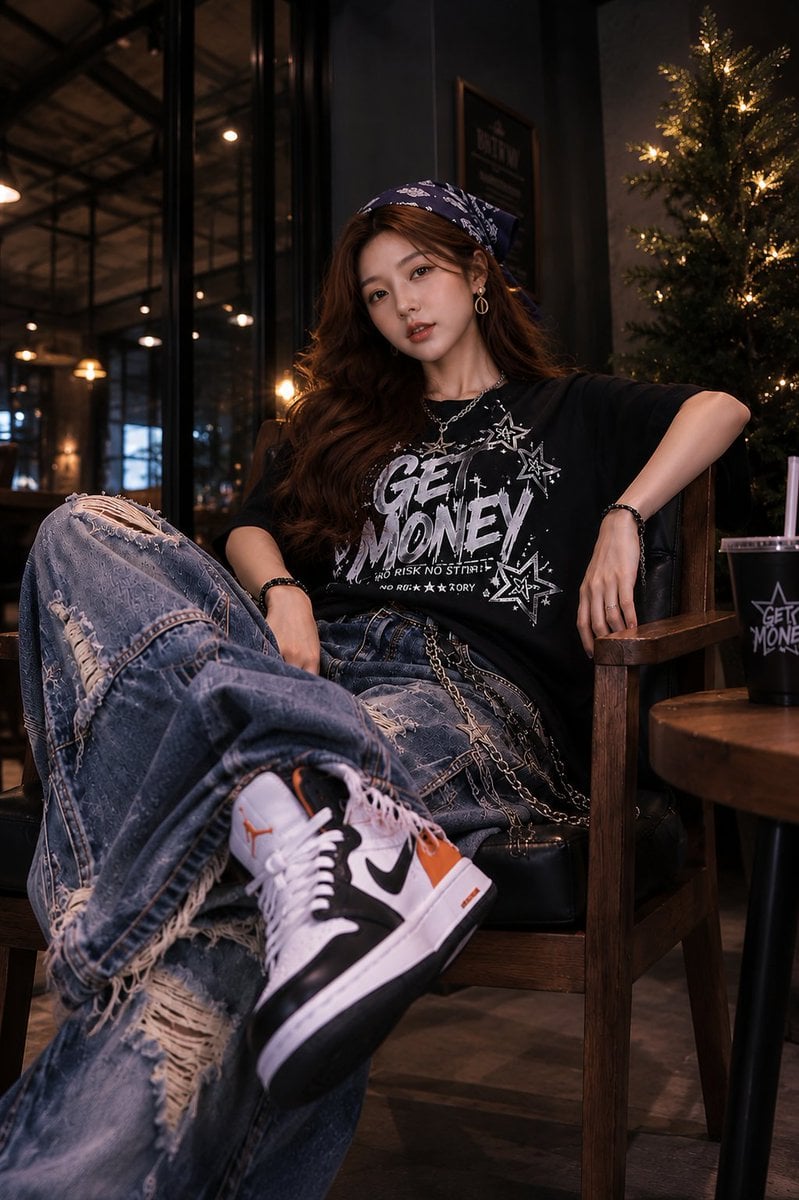
- Prompt included
- Model and format preset
- Premium template
The prompt behind this image
Copy the exact prompt behind Ultra-Realistic Streetwear Café Portrait, or open it in the studio and make it yours.
Ultra-realistic fashion portrait of a stylish young woman relaxing in a premium café lounge at night, sitting deep in a black leather armchair with one leg crossed forward toward the camera, oversized distressed blue baggy jeans with heavy rips and frayed details, black oversized graphic t-shirt with bold white typography and star illustrations, white-black-orange high-top sneakers, long wavy dark brown hair, navy paisley bandana headscarf, silver necklace and bracelets, confident relaxed expression, warm cinematic café lighting, glowing bokeh lights in background, wooden furniture, Christmas tree with fairy lights beside her, shallow depth of field, low-angle perspective, foreground shoe enlarged by perspective, luxury streetwear editorial photography, ultra detailed skin texture, photorealistic, 85mm lens, f/1.8, warm amber tones, dramatic contrast, magazine-quality fashion campaign, 8K. Ultra-realistic overhead fashion photography, stylish young woman seated in a black leather armchair inside a modern café, camera looking down from above, one arm resting behind head, oversized black graphic tee, distressed oversized denim jeans with chains, white-black-orange sneakers, navy paisley headscarf, elegant jewelry, coffee cup on wooden side table, sunglasses and small black handbag beside cup, warm ambient café lights, luxury lifestyle atmosphere, rich wood textures, cinematic lighting, clean composition, soft shadows, premium streetwear campaign, highly detailed face, realistic skin, sharp focus, 35mm lens, high-angle perspective, editorial magazine cover quality, depth and realism, 8K. Photorealistic street fashion portrait, young woman sitting casually in a wooden armchair, one hand behind her head and the other resting naturally, oversized ripped jeans, black graphic t-shirt with bold lettering and stars, layered silver chains, navy bandana, white-orange-black sneakers, coffee table with drink and accessories nearby, warm luxury café interior, decorative illuminated tree in background, high-angle three-quarter camera view, soft cinematic lighting, beautiful facial features, detailed hair strands, premium urban fashion advertisement, realistic shadows, shallow depth of field, professional fashion photography, 85mm lens, ultra sharp focus, 8K. Ultra-realistic front-facing fashion portrait of a trendy young woman sitting comfortably in a leather armchair inside a cozy upscale coffee shop, both hands positioned behind her head, relaxed confident pose, oversized black streetwear t-shirt with graphic text, distressed baggy jeans with chain accessories, white-black-orange high-top sneakers, long flowing brown hair, navy paisley bandana, warm indoor lighting, glowing café ambience, wooden tables, coffee cup on side table, decorative illuminated tree, luxurious lifestyle mood, cinematic color grading, detailed skin and eyes, natural makeup, editorial fashion campaign, shallow depth of field, professional photography, 85mm lens, f/2.0, ultra realistic, 8K HDR, Vogue-style fashion shoot.
How to use Ultra-Realistic Streetwear Café Portrait in 3 steps
- 1
Open
The prompt is already in the box next to the preview, with the template's model and format selected.
- 2…a portrait of your subject in softgolden-hour light, 85mm…
Personalize
Edit the subject and creative details for your destination.
- 3Generate
Generate
Press Generate — your image is created in PicX Studio, so you can compare it with the original and refine one variable at a time.
More like this
Templates with the same subject, style or setup. Open one to see its prompt.












Make it yours
Ultra-Realistic Streetwear Café Portrait works as-is. These are the safest ways to change it without losing the look.
Change one field
Copy a single group, rewrite it, and generate again so you can see what that field is doing.
Keep the frame, change the subject
Hold the composition and light of Ultra-Realistic Streetwear Café Portrait, then swap wardrobe, props or the person for a new take.
| If the result… | Why | Fix |
|---|---|---|
| The result drifts from the preview | Too many fields changed at once. | Reuse Ultra-Realistic Streetwear Café Portrait as-is first, then change one group — subject, light, or setting. |
| The model over-stylizes the scene | The prose prompt leaves finish and camera underspecified. | Add one camera or lighting sentence and stay on GPT Image 2. |
More GPT Image 2 templates
Other prompts made for GPT Image 2.

Six VTuber Japanese Logo Sheet

Realistic Portrait of Woman and Deer

The Vista Modular Condo Poster

AI Model Routing Comparison Infographic

2.5D Anime Art Board

Isometric Productivity Desk Scene

New York Double Exposure Poster

Four-Panel AI Landscape Comparison

Japanese Tatami Lifestyle Magazine Cover

NESCAFÉ Coffee Map Poster
More image prompts
Fresh picks from across the catalog.
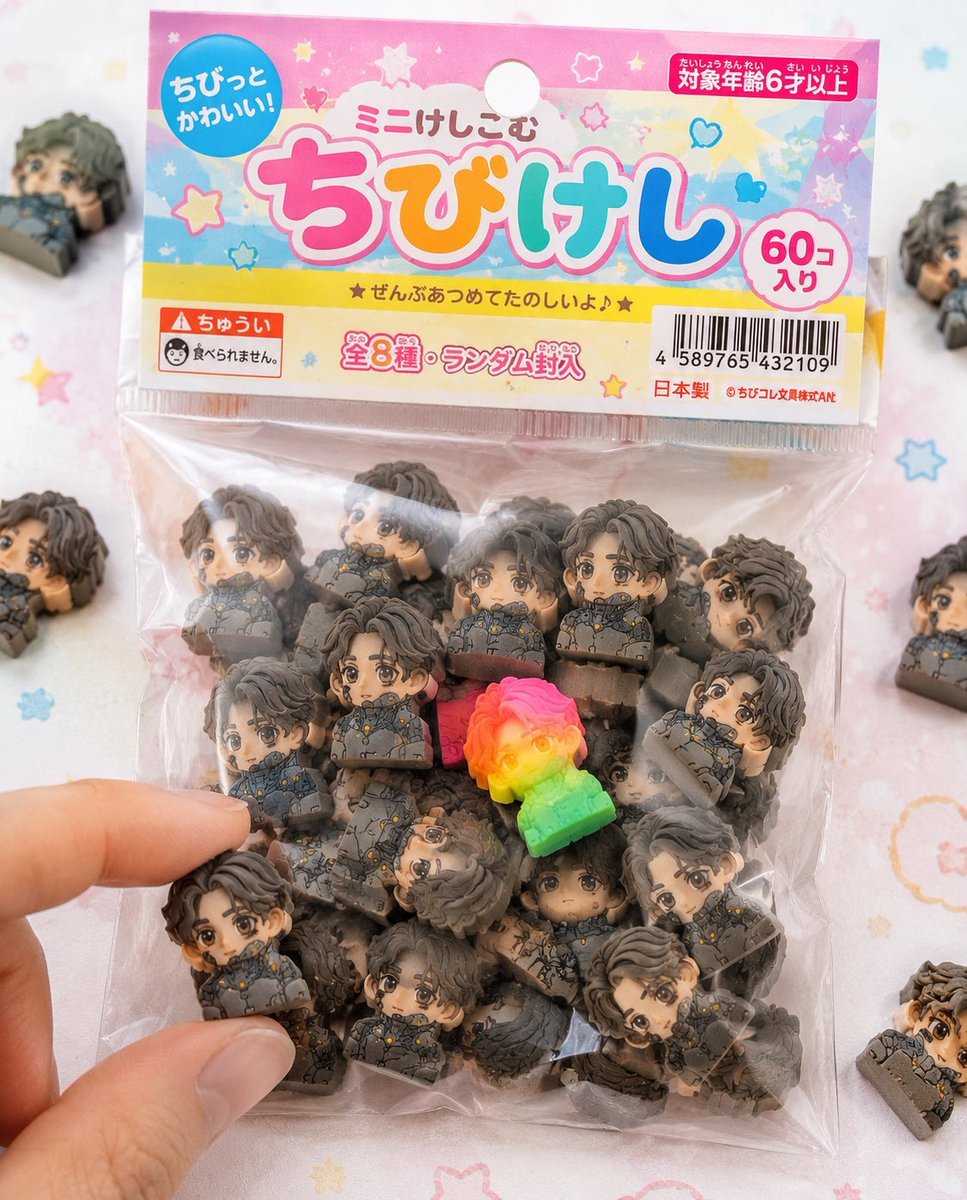
Chibi Eraser Product Photography
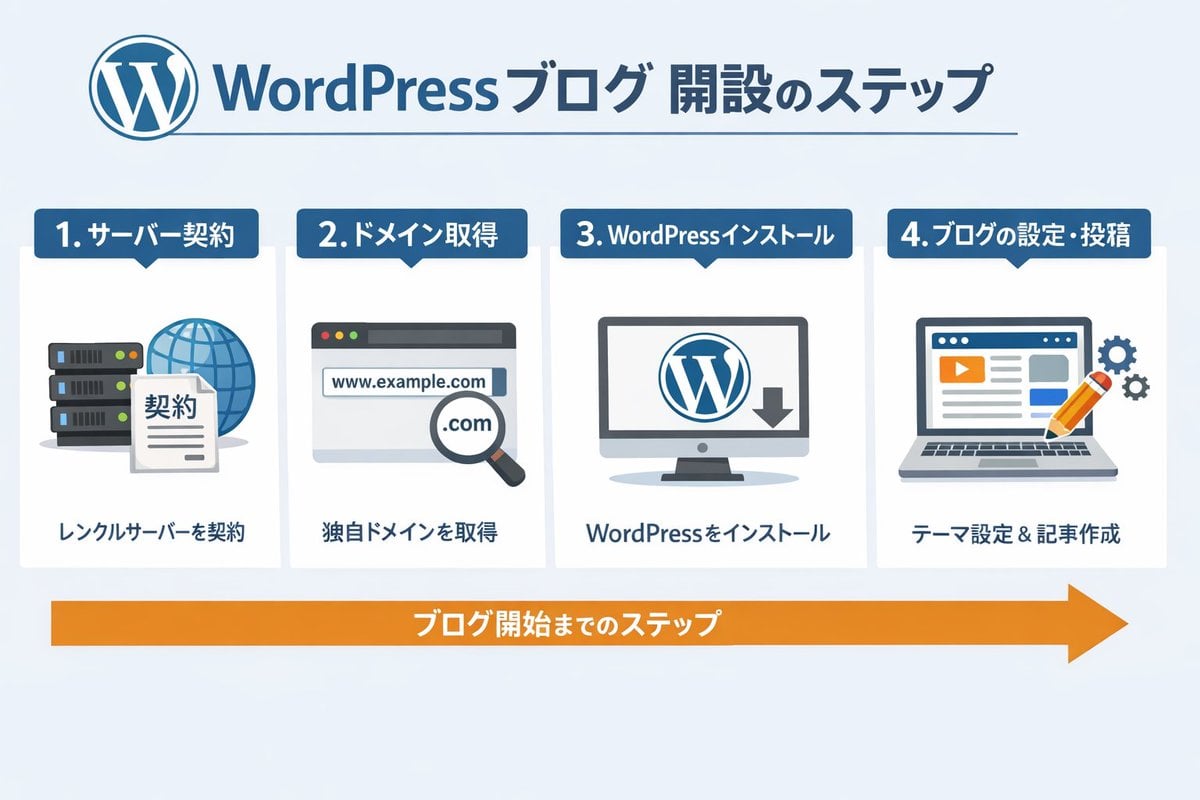
WordPress Blog Setup Diagram Generation Prompt
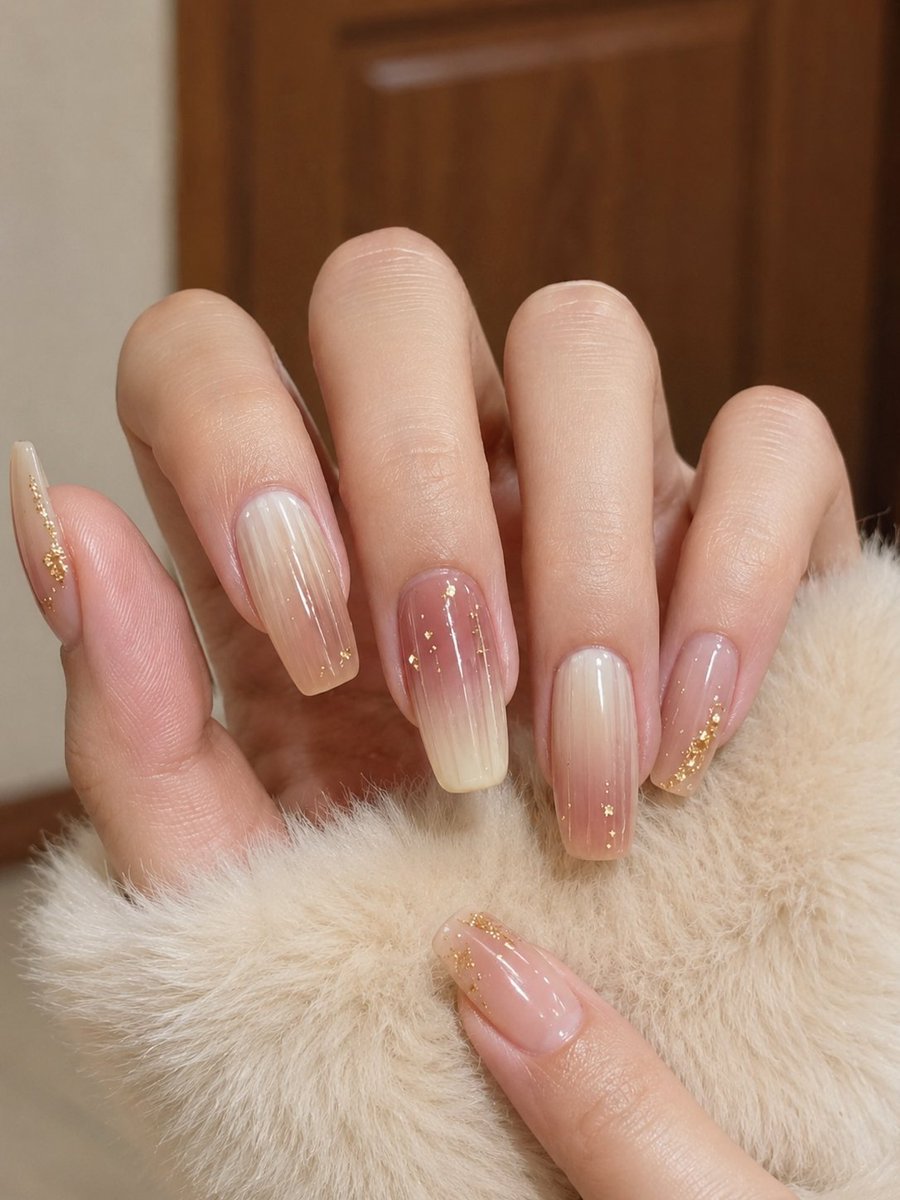
Realistic Manicure Hand Retouch
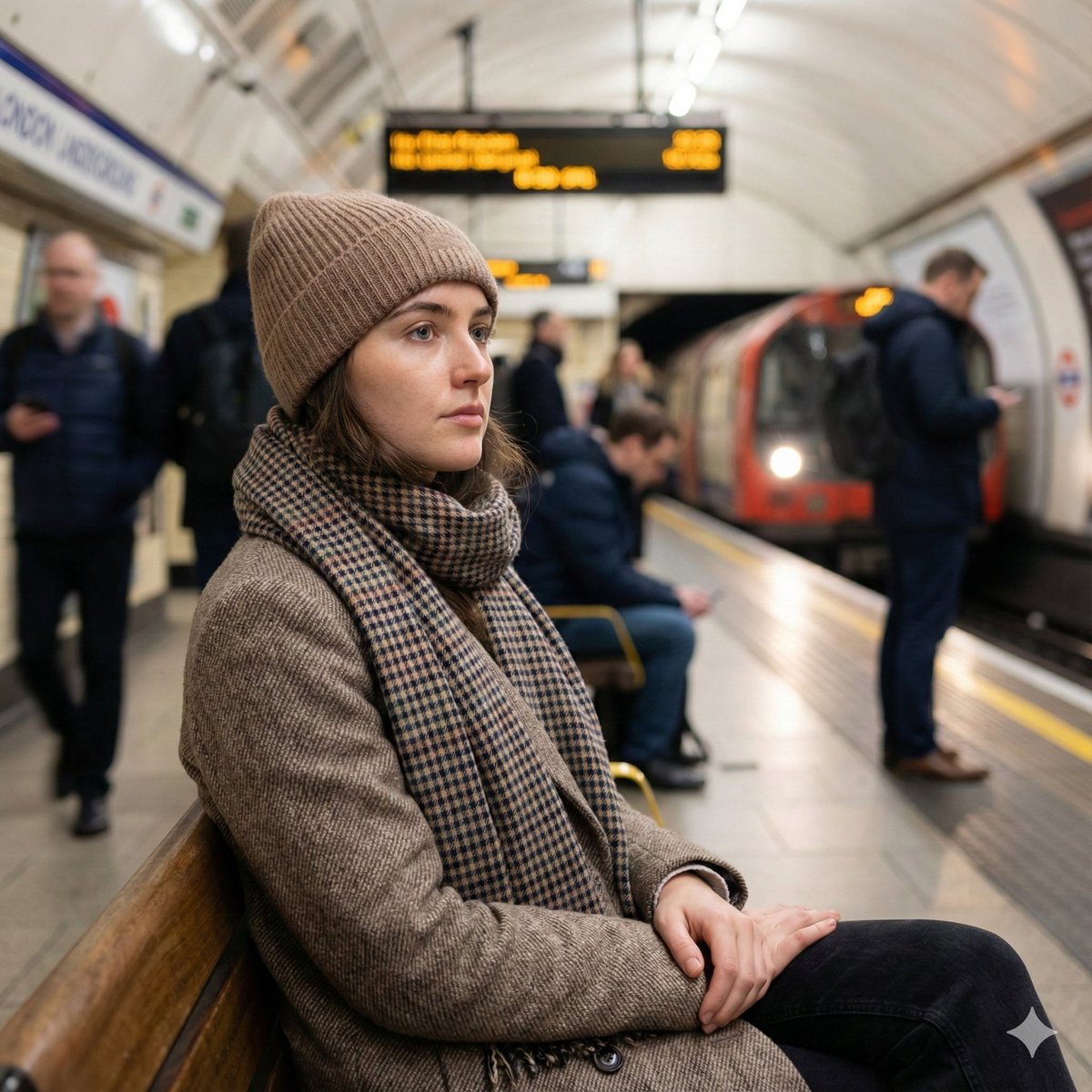
Introspective London Underground Portrait
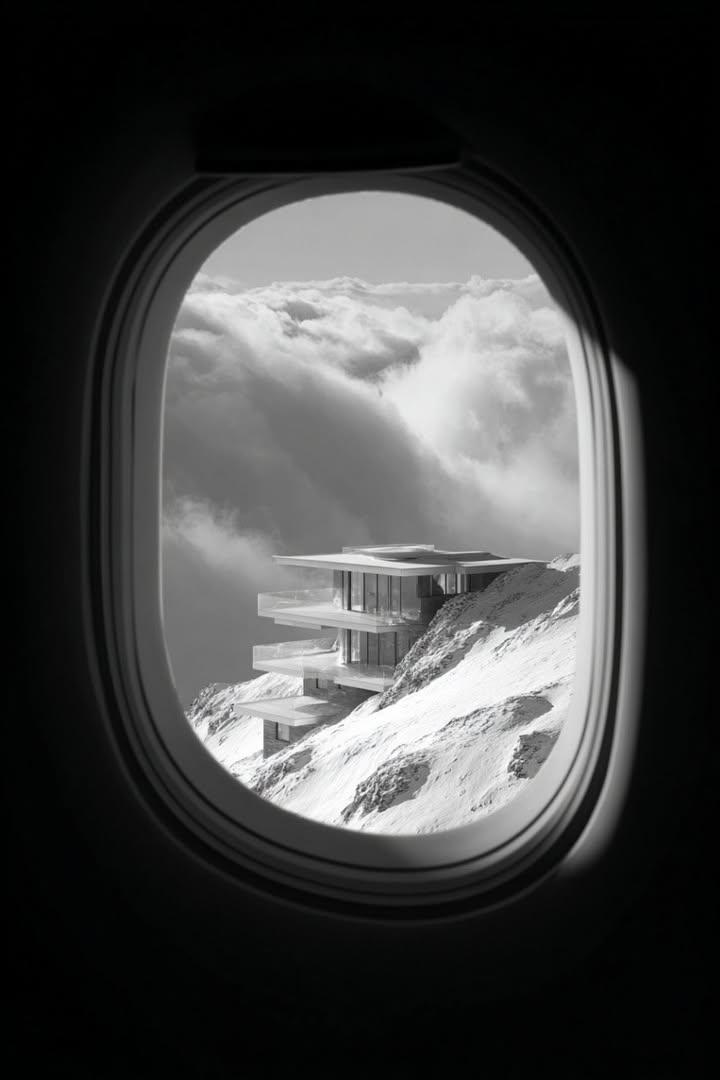
Black and White Futuristic House from Airplane Window
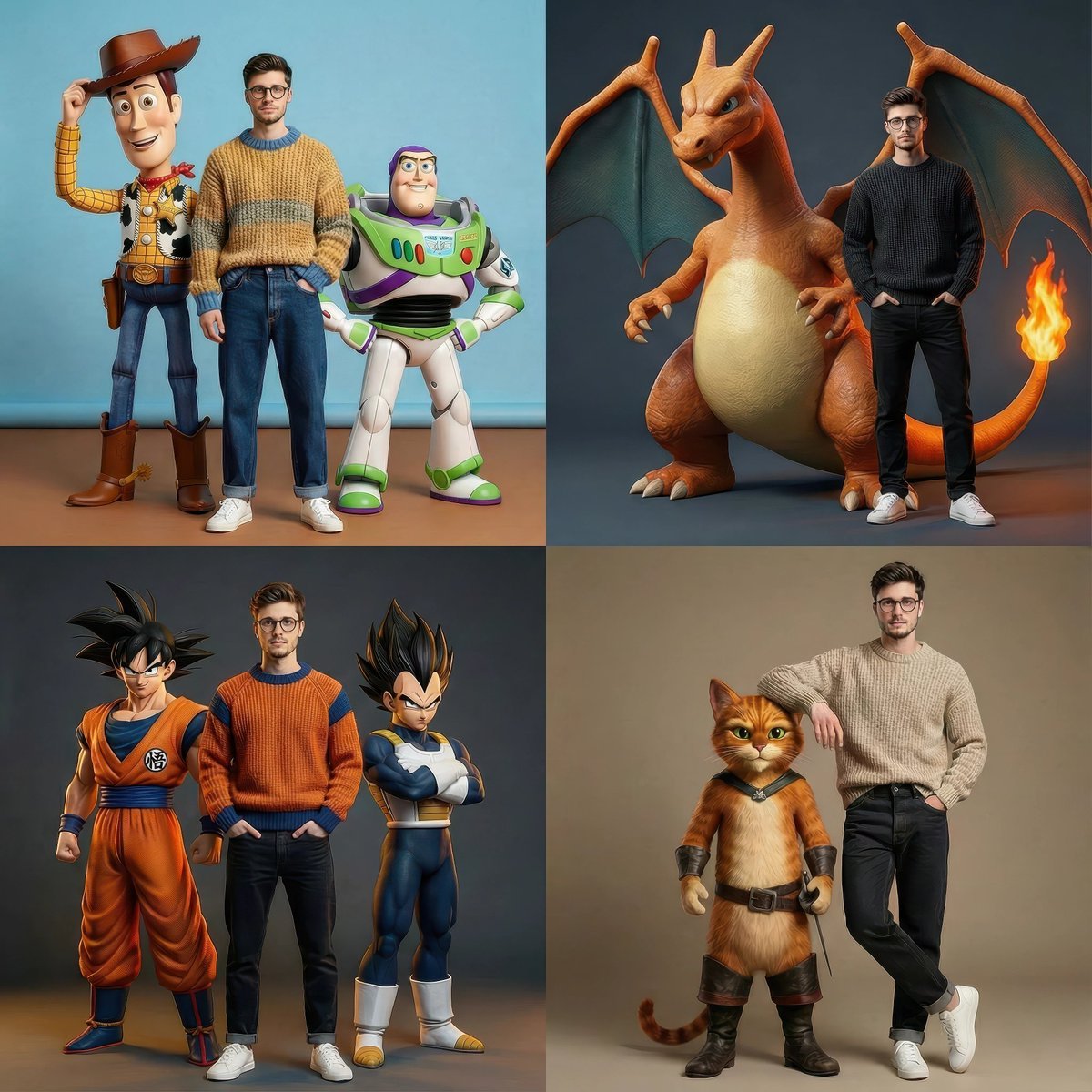
Hyperrealistic Fashion Editorial with Animated Characters
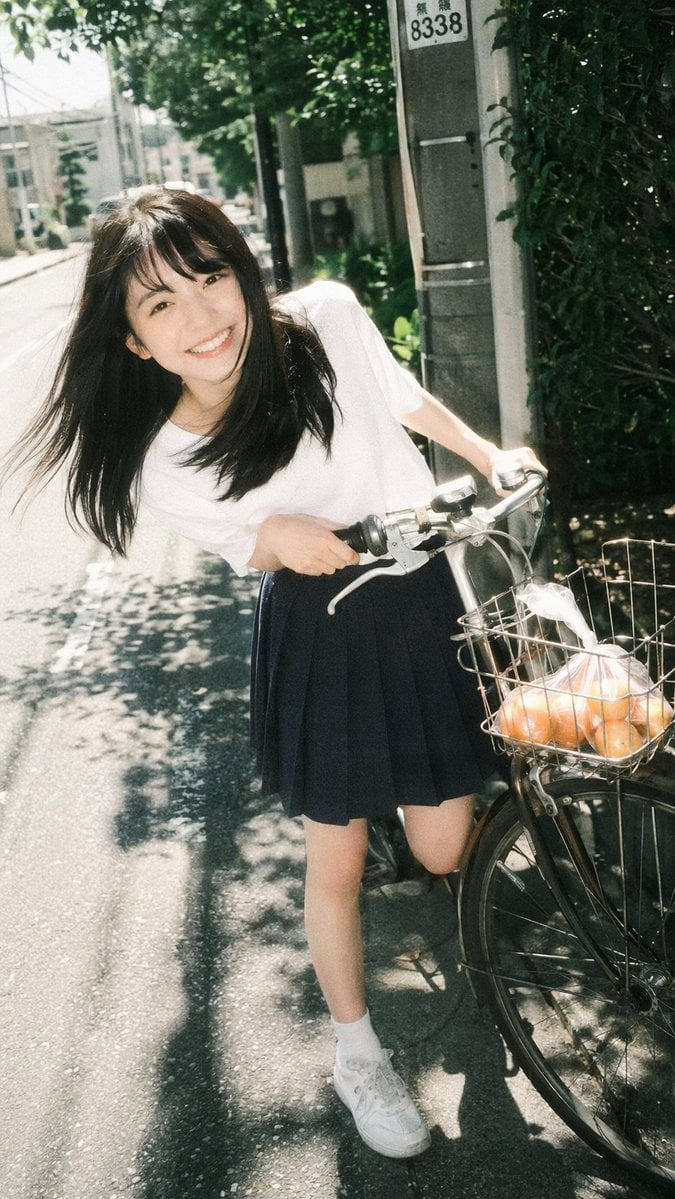
Vintage Film Portrait of Girl with Bicycle
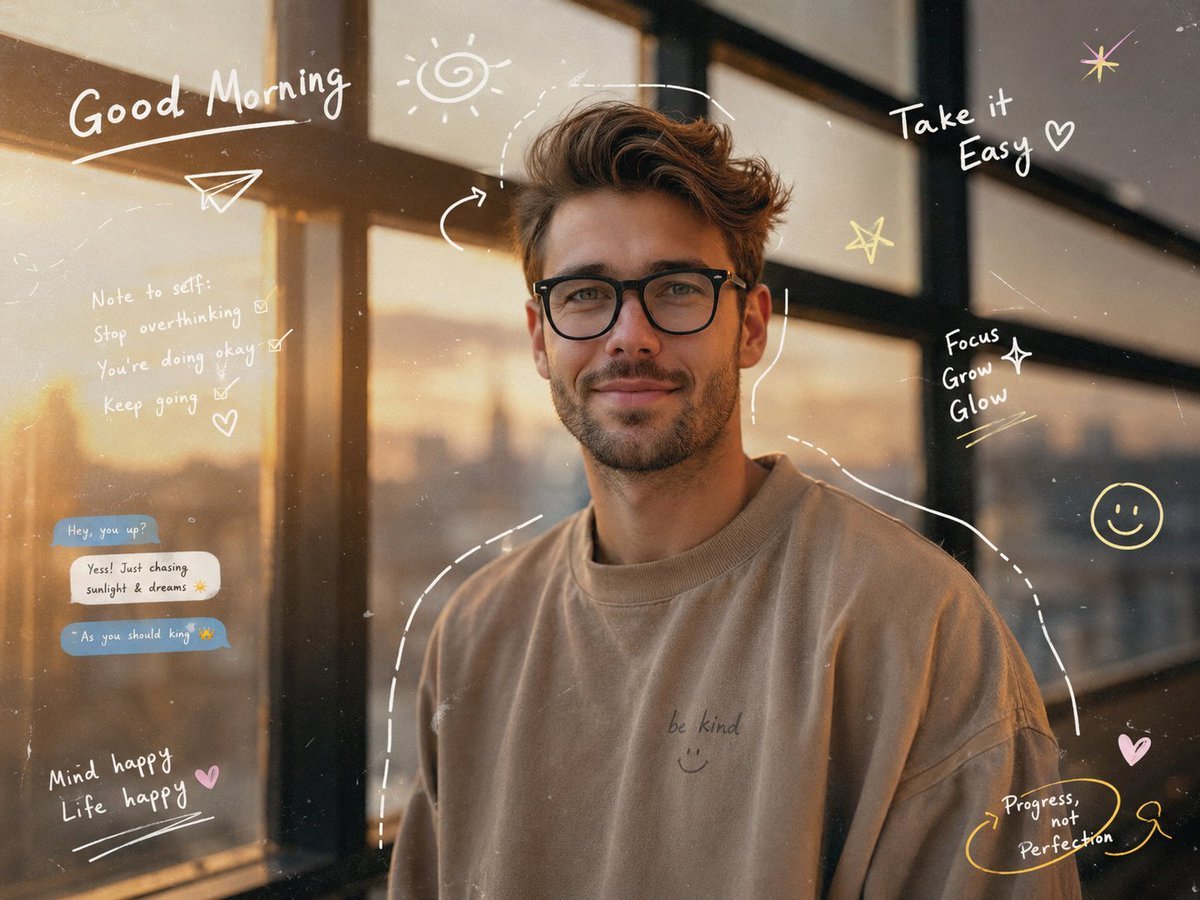
Gen-Z Aesthetic Doodle Portrait
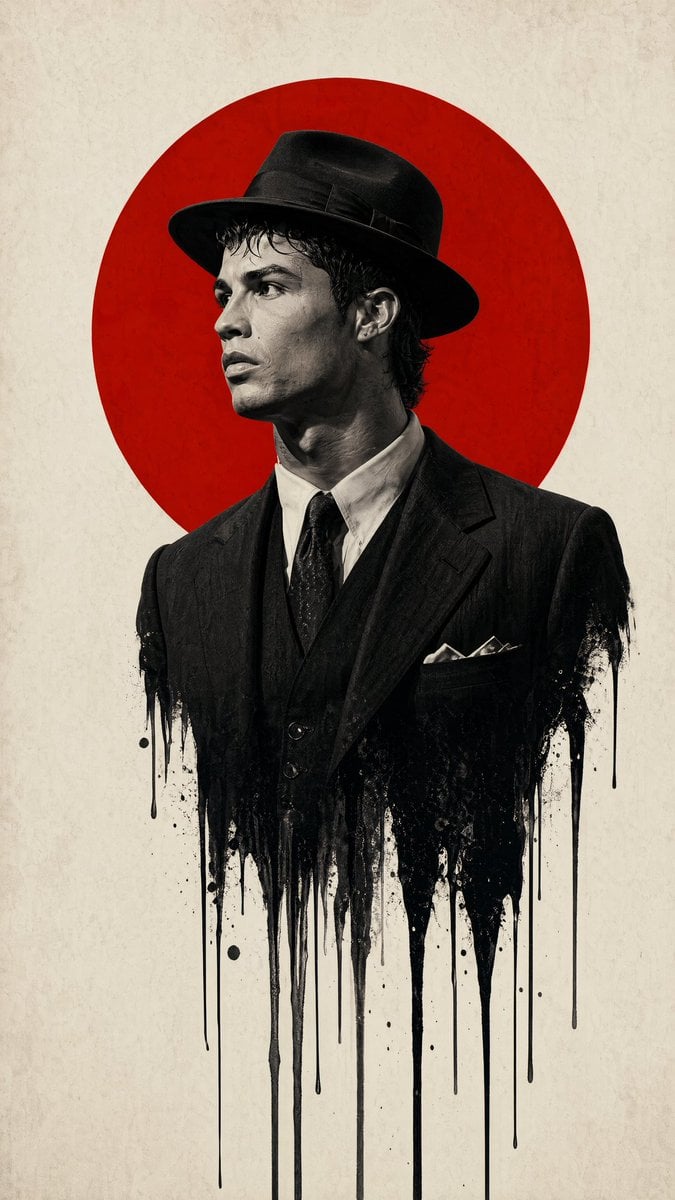
Minimalist Film Noir Poster
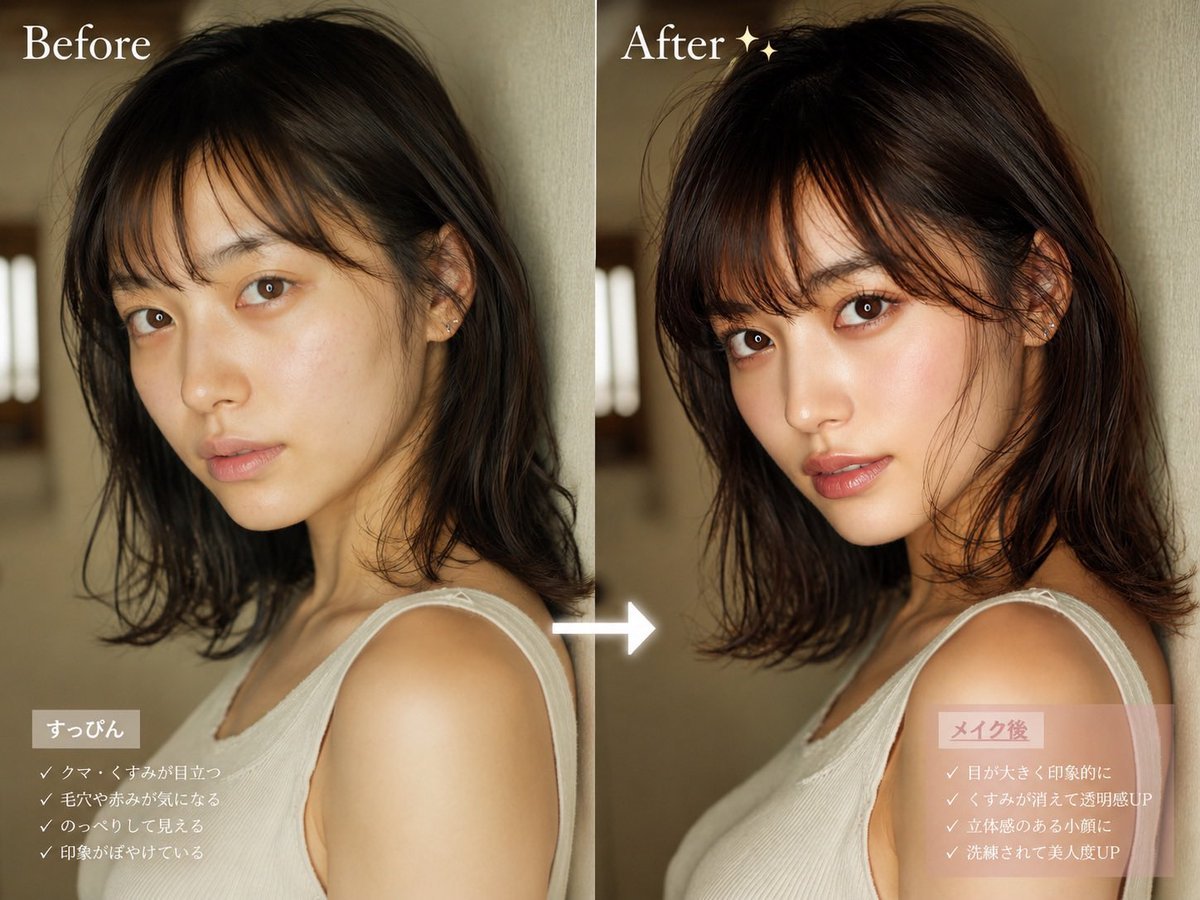
Before After Makeup Transformation
Browse template categories
Ultra-Realistic Streetwear Café Portrait questions
How do I use the Ultra-Realistic Streetwear Café Portrait template?
Add your photo if the template asks for one, edit the prompt if you like — the template's model and format are already selected — and press Generate. Your version opens in PicX Studio.
Can I customize the Ultra-Realistic Streetwear Café Portrait template?
Yes. You can change the subject, setting, lighting, mood, format, and available model controls before creating your image.
Is the Ultra-Realistic Streetwear Café Portrait template free?
Opening and editing this template is free. Generating uses credits, shown on the Generate button when you are signed in.
Which AI model should I use?
Start with GPT Image 2, which is the model associated with this template. You can compare another compatible model for a different finish.
Looking for something else? Browse all templates.

Your photo, any look
Thousands of ready templates for every top image and video model, from one credit balance.