
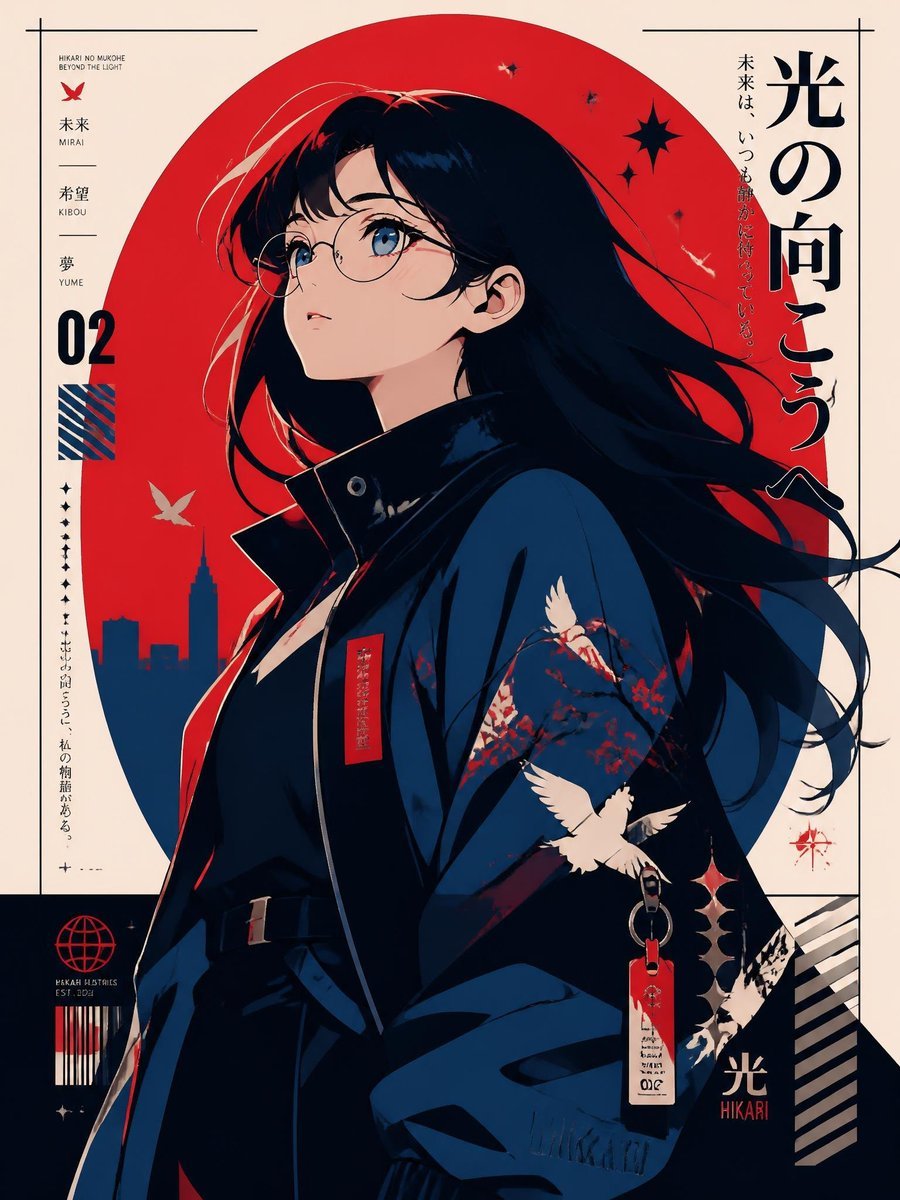
Modern Anime Hikari Poster
Generates a vertical Japanese-style anime poster featuring a glasses girl, red sun backdrop, crane motifs, and bold editorial typography.
- Prompt included
- Model and format preset
- Premium template
The prompt behind this image
Copy the exact prompt behind Modern Anime Hikari Poster, or open it in the studio and make it yours.
Create a modern anime poster illustration of a stylish glasses girl, rendered like a high-end Japanese editorial poster. The main subject is a young woman with {argument name="hair color" default="long flowing black hair"}, pale skin, blue eyes, and round thin-frame eyeglasses, shown in a three-quarter side profile looking upward and to the left with a calm, hopeful expression. She wears a dark navy high-collared coat or kimono-inspired jacket with glossy shadows, a belted waist, red accent tags, a dangling keychain label, and decorative white cranes with red blossom branches printed on the sleeve. Use a dramatic limited palette of cream, deep navy, black, vivid red, and small white highlights. Place her in front of a huge flat red sun circle centered behind her head and hair, with a navy city skyline silhouette at the lower left inside the circle, a few white birds, black starburst shapes, tiny sparkles, and wind-swept hair strands crossing the composition. Design the image as a vertical poster with a clean cream background and thin black border guide lines near the edges. Add strong Japanese typographic poster elements: a large vertical title on the upper right reading {argument name="main Japanese title" default="光の向こうへ"}, smaller vertical Japanese tagline text beside it, and a left-side information column containing small text blocks, a red butterfly icon, the labels “MIRAI”, “KIBOU”, “YUME”, a large bold number {argument name="poster number" default="02"}, a small diagonal striped blue-and-red square, tiny vertical annotation marks, and barcode-like decorative elements near the bottom. Include exactly 5 prominent bird silhouettes or illustrations: one red butterfly-like icon in the left column, one small white bird near the red sun, one white crane on the sleeve print, one larger white crane flying over the sleeve, and one partial white bird motif near the lower right sleeve area. Add exactly 3 main starburst decorations: one black starburst near the upper right of the red sun, one small black sparkle nearby, and one red compass-like sparkle near the lower right. The bottom area should include a dark navy block with small futuristic emblem graphics, a red globe icon, barcode stripes, diagonal cream stripes at the lower right, and a small label reading “HIKARI”. Overall style: crisp anime line art, cinematic lighting, posterized flat shapes, elegant graphic design, subtle print texture, sharp composition, no photorealism, no watermark.
How to use Modern Anime Hikari Poster in 3 steps
- 1Upload ImagePNG, JPG or paste
Add your photo
Upload the photo the template builds on. The prompt, model and format are already set.
- 2…a portrait of your subject in softgolden-hour light, 85mm…
Personalize
Edit the subject and creative details for your destination.
- 3Generate
Generate
Press Generate — your image is created in PicX Studio, so you can compare it with the original and refine one variable at a time.
More like this
Templates with the same subject, style or setup. Open one to see its prompt.
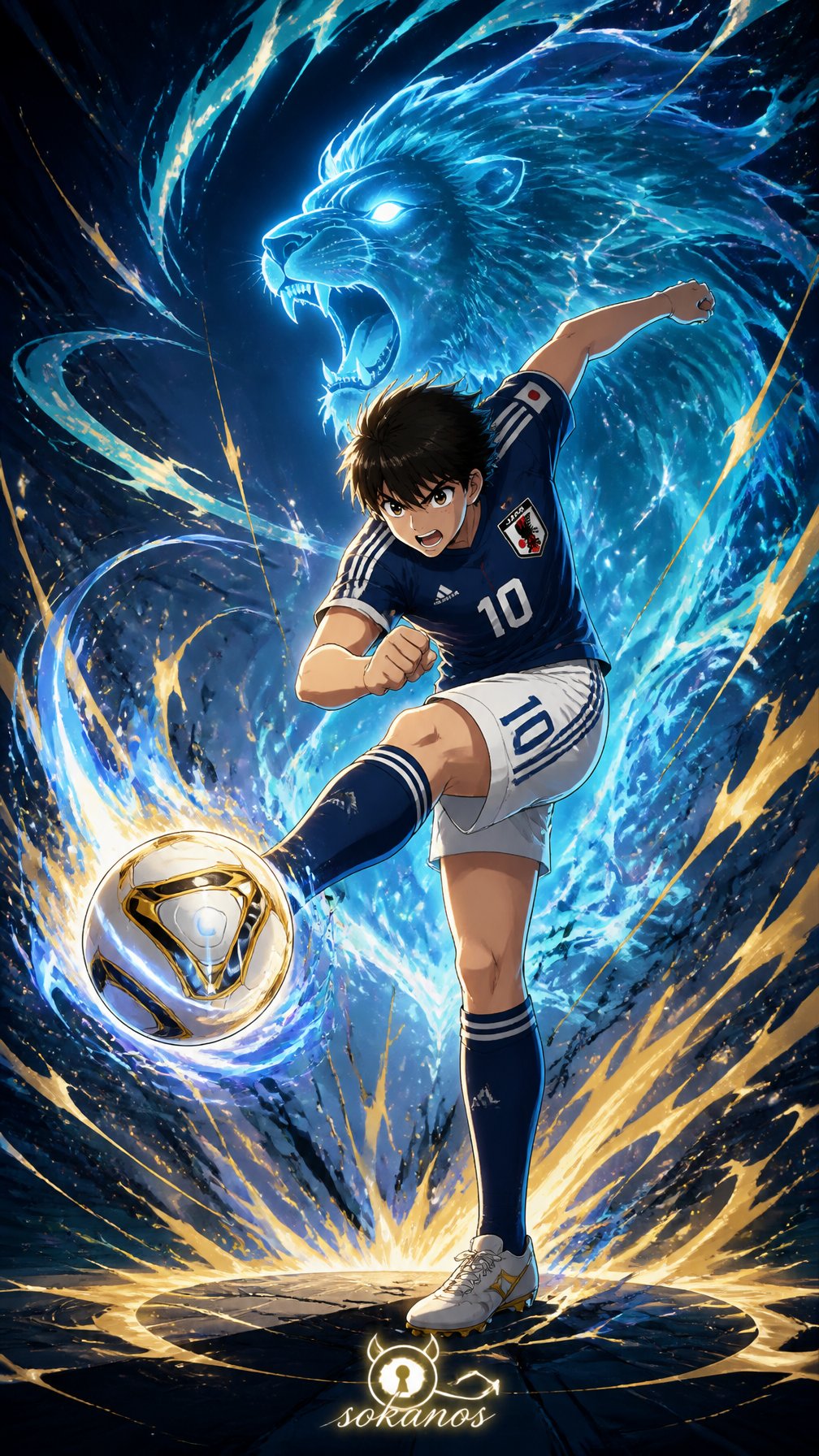
Captain Tsubasa Anime World Cup Poster
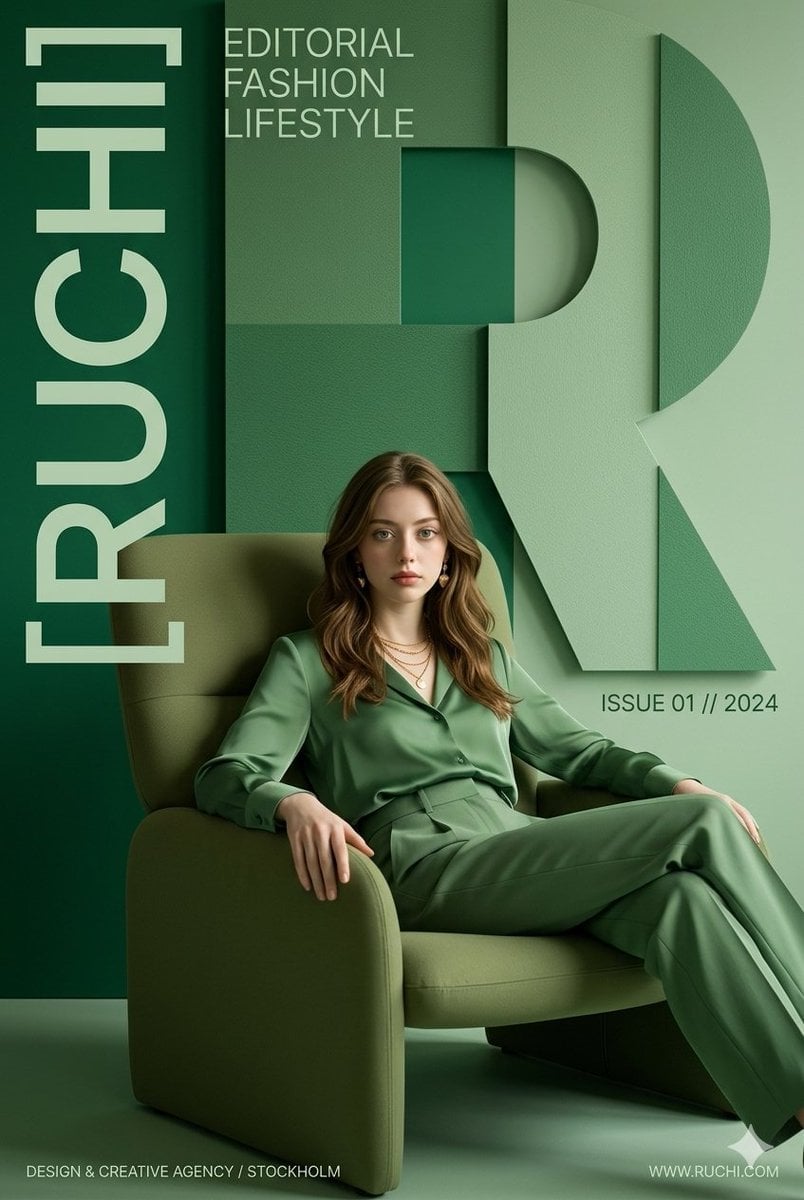
Premium Editorial Branding Poster Charcoal Green
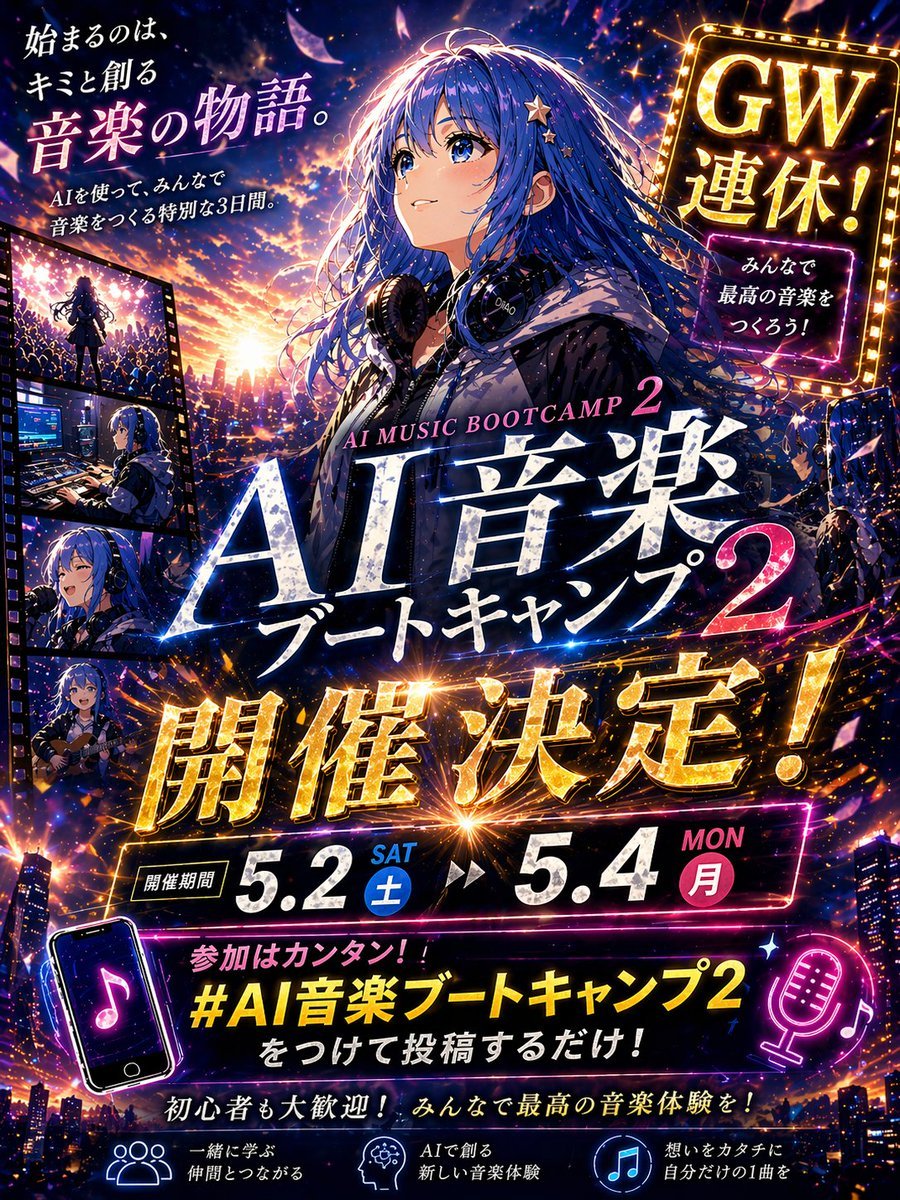
Gpt2 Youtube Thumbnail Anime Music Bootcamp Promo Poster

Japan Travel Brochure Poster
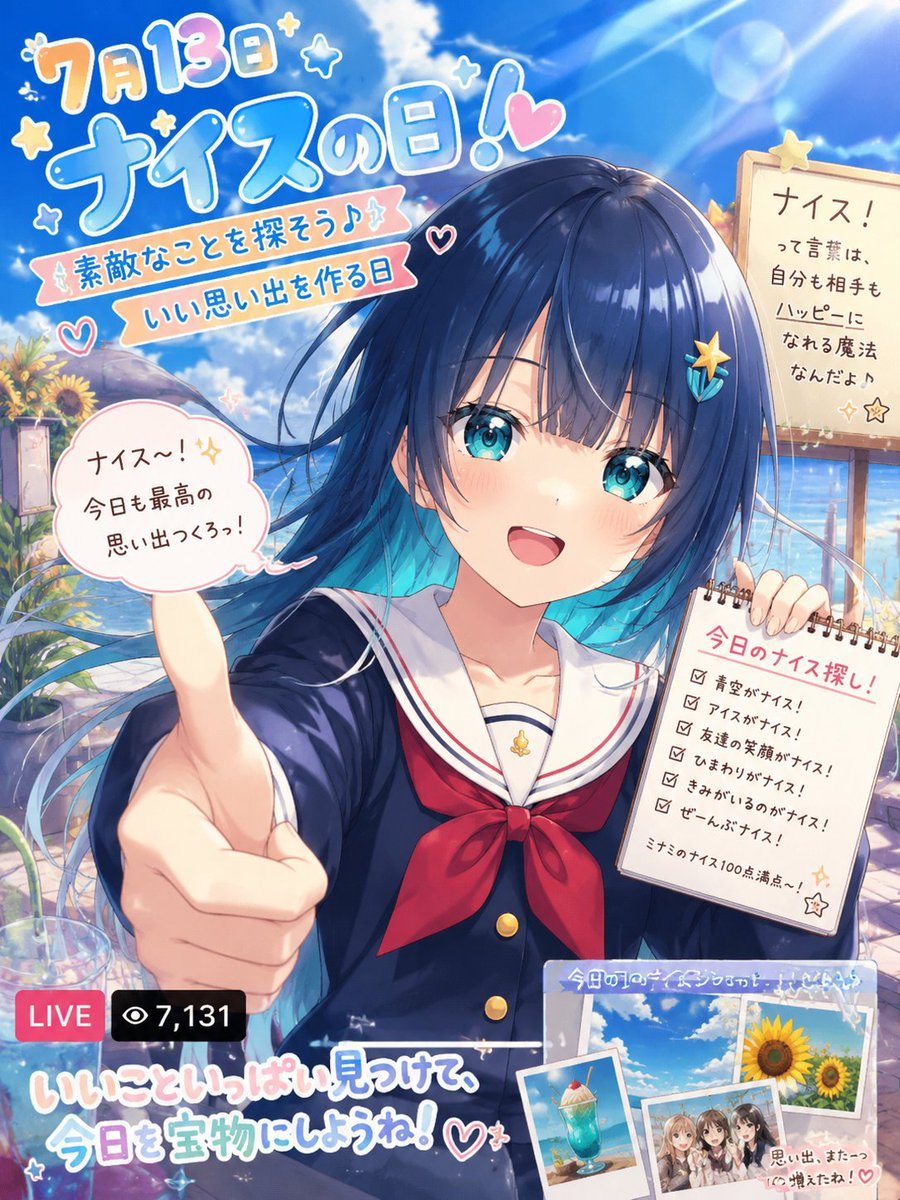
Nice Day Anime Poster
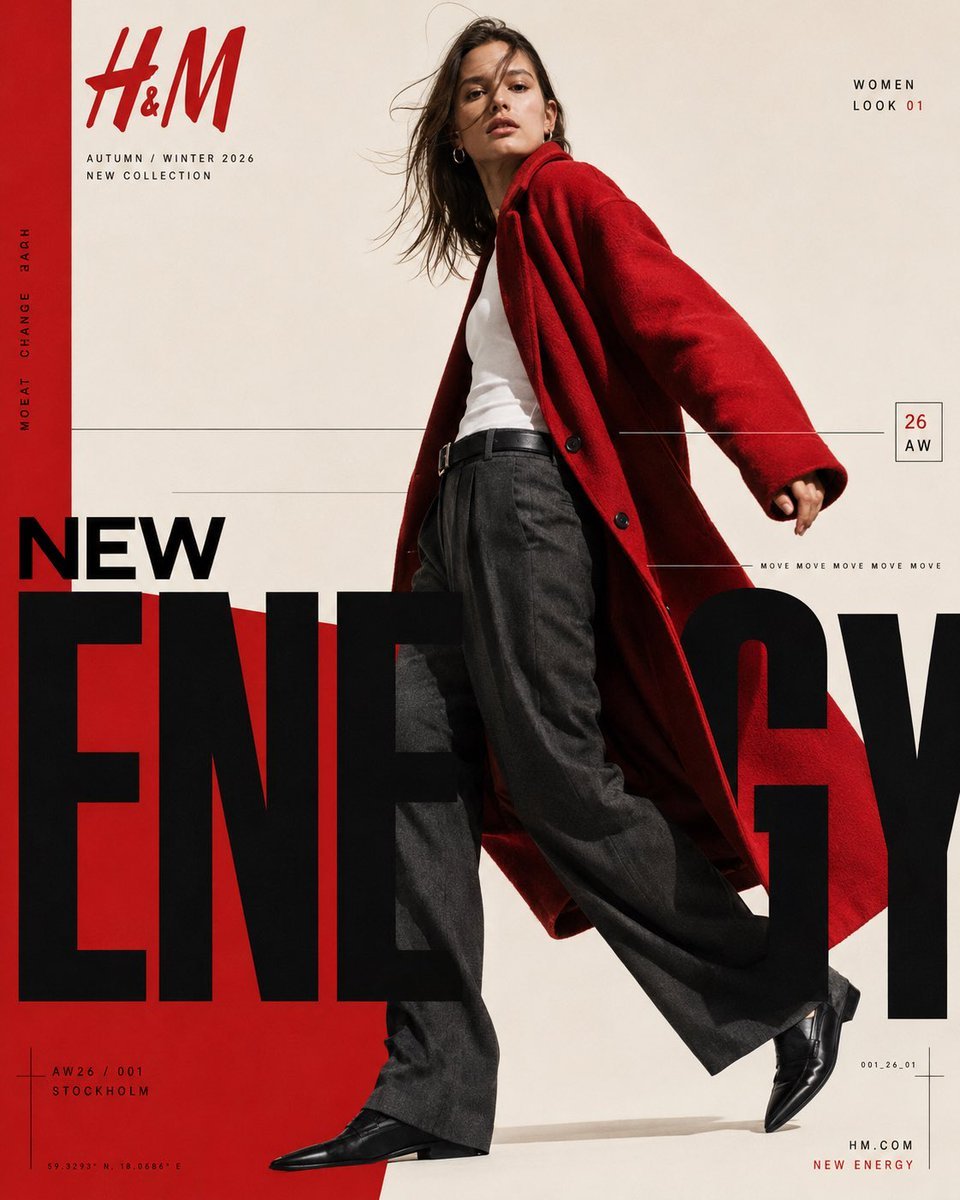
Modern Fashion Editorial Poster
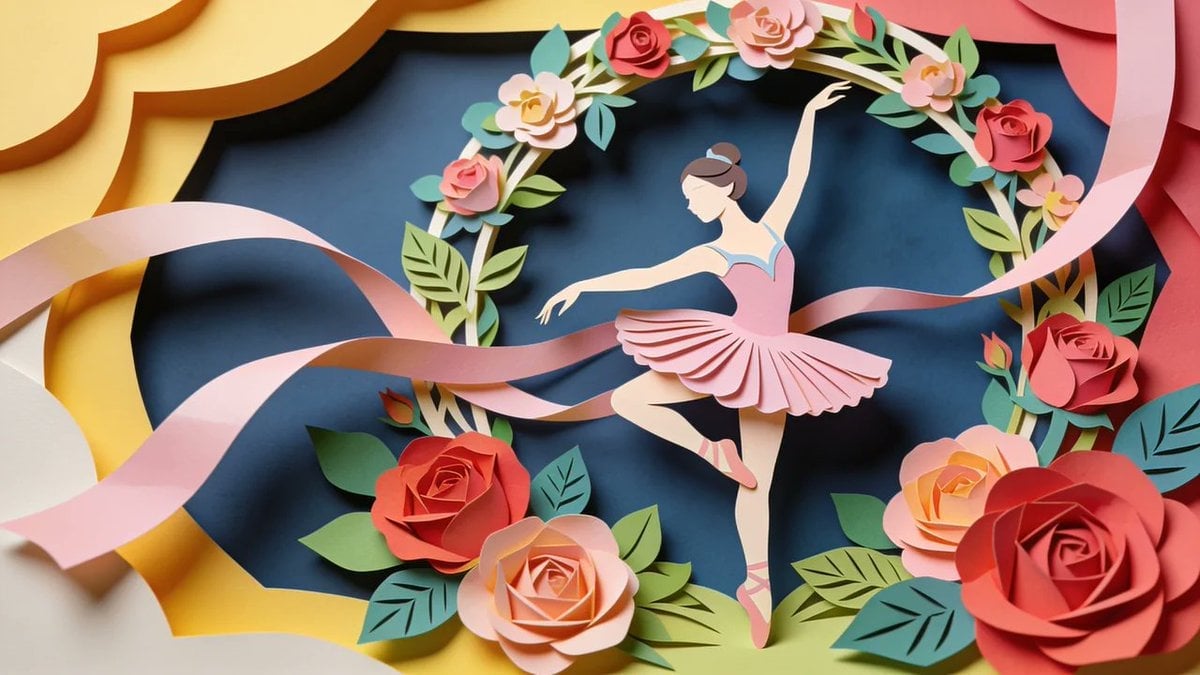
Paper Cut Craft Illustration
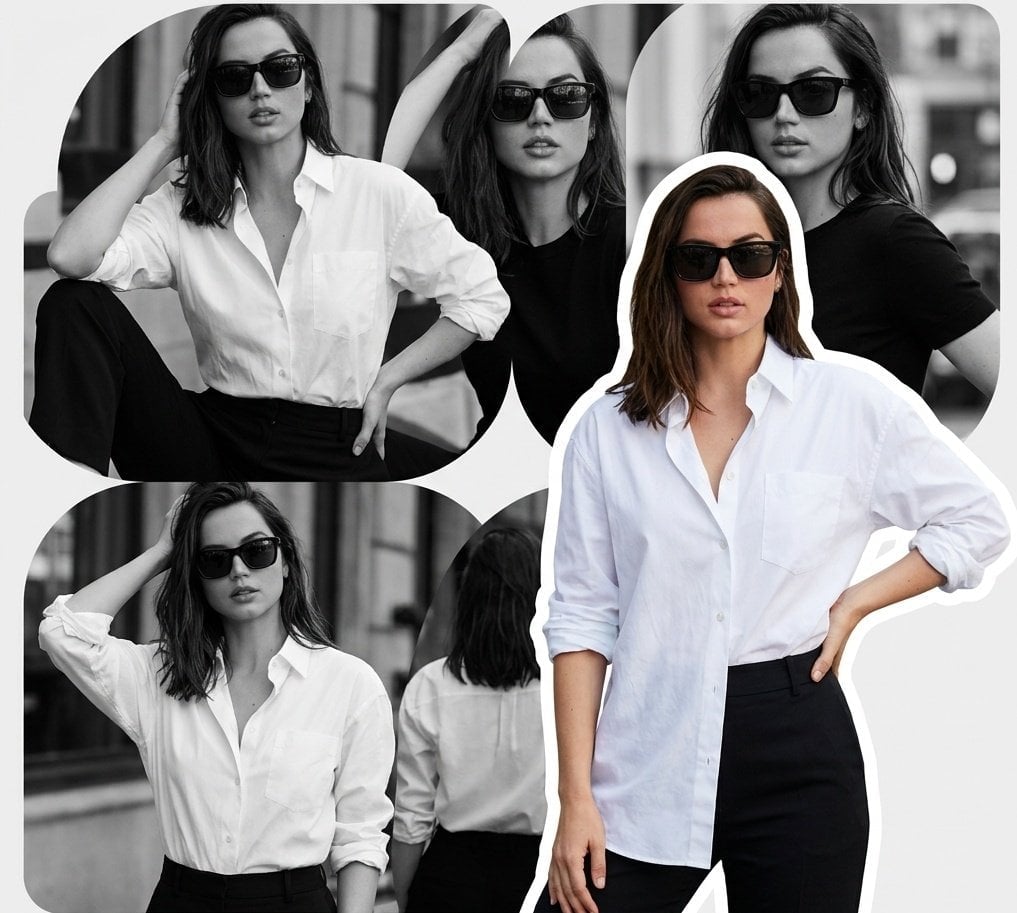
Modern Fashion Editorial Collage Poster

Cel 2D Finale Fireworks

Cel 2D Garden Maze
Cel 2D Rooftop Concert
Cel 2D Bicycle Coast
Make it yours
Modern Anime Hikari Poster works as-is. These are the safest ways to change it without losing the look.
Change one field
Copy a single group, rewrite it, and generate again so you can see what that field is doing.
Keep the frame, change the subject
Hold the composition and light of Modern Anime Hikari Poster, then swap wardrobe, props or the person for a new take.
| If the result… | Why | Fix |
|---|---|---|
| The result drifts from the preview | Too many fields changed at once. | Reuse Modern Anime Hikari Poster as-is first, then change one group — subject, light, or setting. |
| The model over-stylizes the scene | The prose prompt leaves finish and camera underspecified. | Add one camera or lighting sentence and stay on GPT Image 2. |
More GPT Image 2 templates
Other prompts made for GPT Image 2.

Six VTuber Japanese Logo Sheet

Realistic Portrait of Woman and Deer

The Vista Modular Condo Poster

AI Model Routing Comparison Infographic

2.5D Anime Art Board

Isometric Productivity Desk Scene

New York Double Exposure Poster

Four-Panel AI Landscape Comparison

Japanese Tatami Lifestyle Magazine Cover

NESCAFÉ Coffee Map Poster
More image prompts
Fresh picks from across the catalog.
FACS Facial Expression Control
Stylish Japanese Summer Fan Illustration

WhatsApp Group Profile Avatar
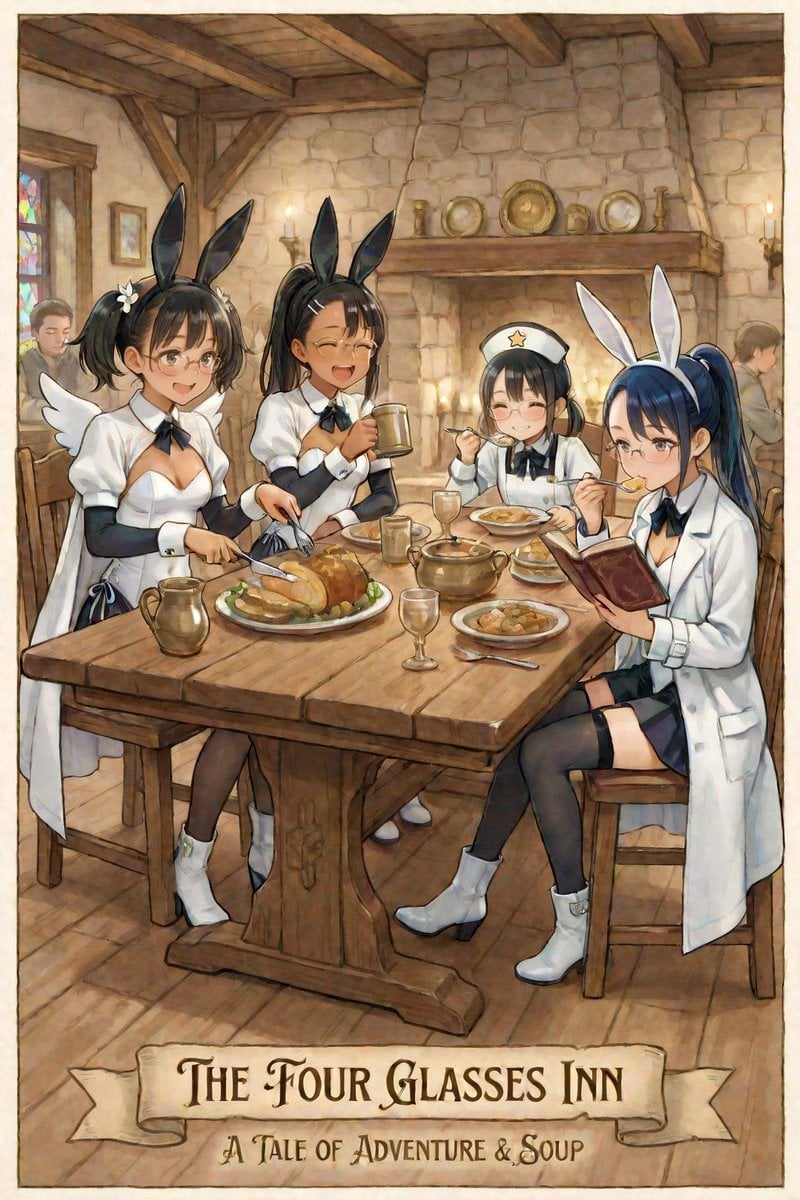
AI Illustration of a Girl at an Inn

Golden Hour Desert Photo of Woman and Cheetah
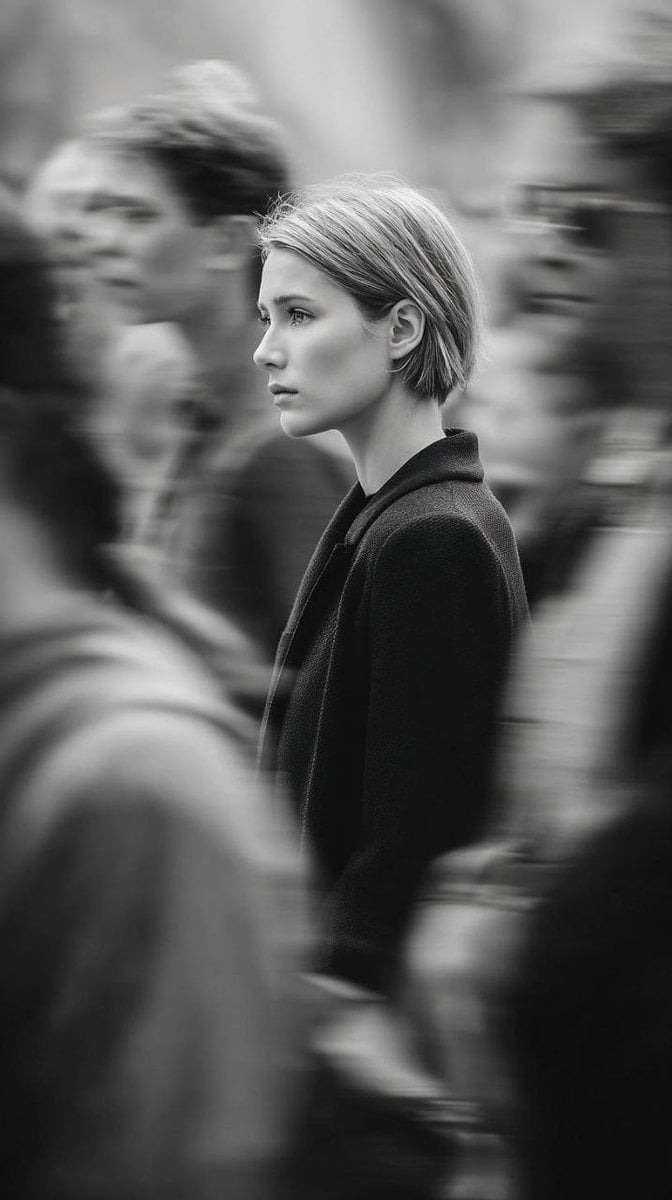
Editorial Monochrome Street Photograph (Leica SL3)
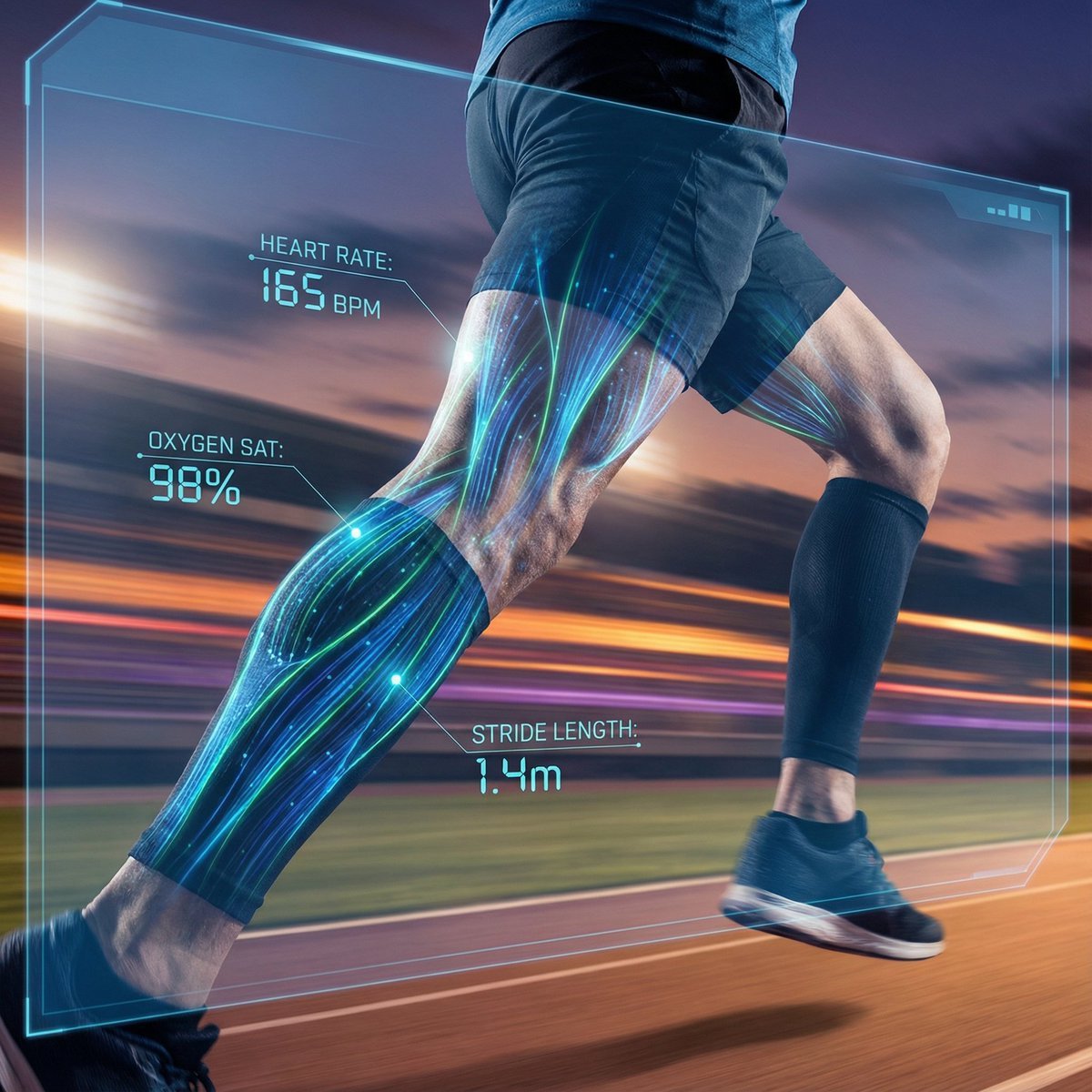
AI Vision Augmented Reality Overlay Concept
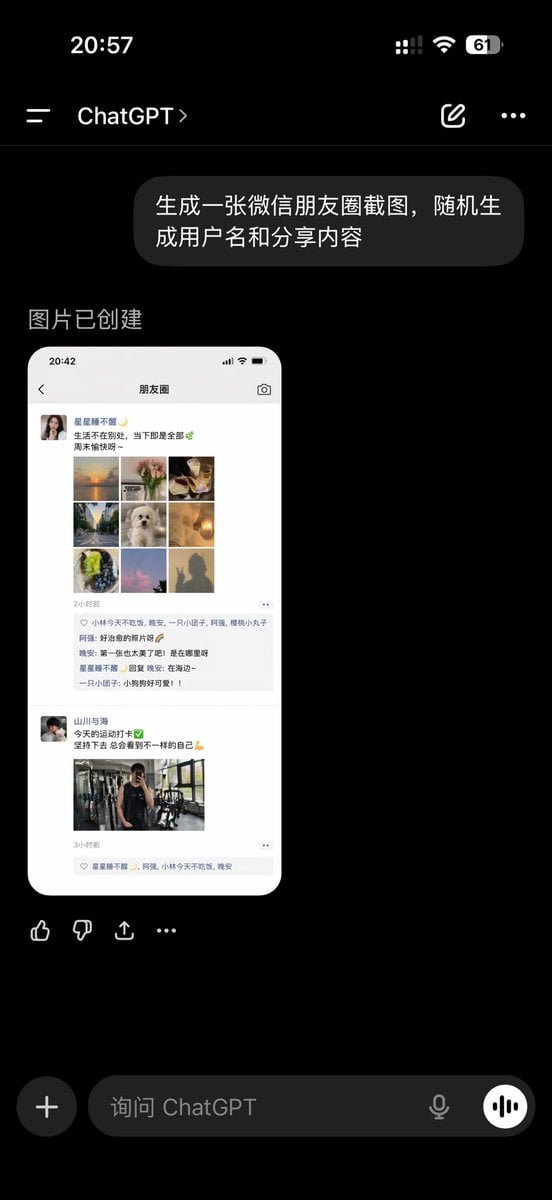
ChatGPT App Showing WeChat Moments Screenshot
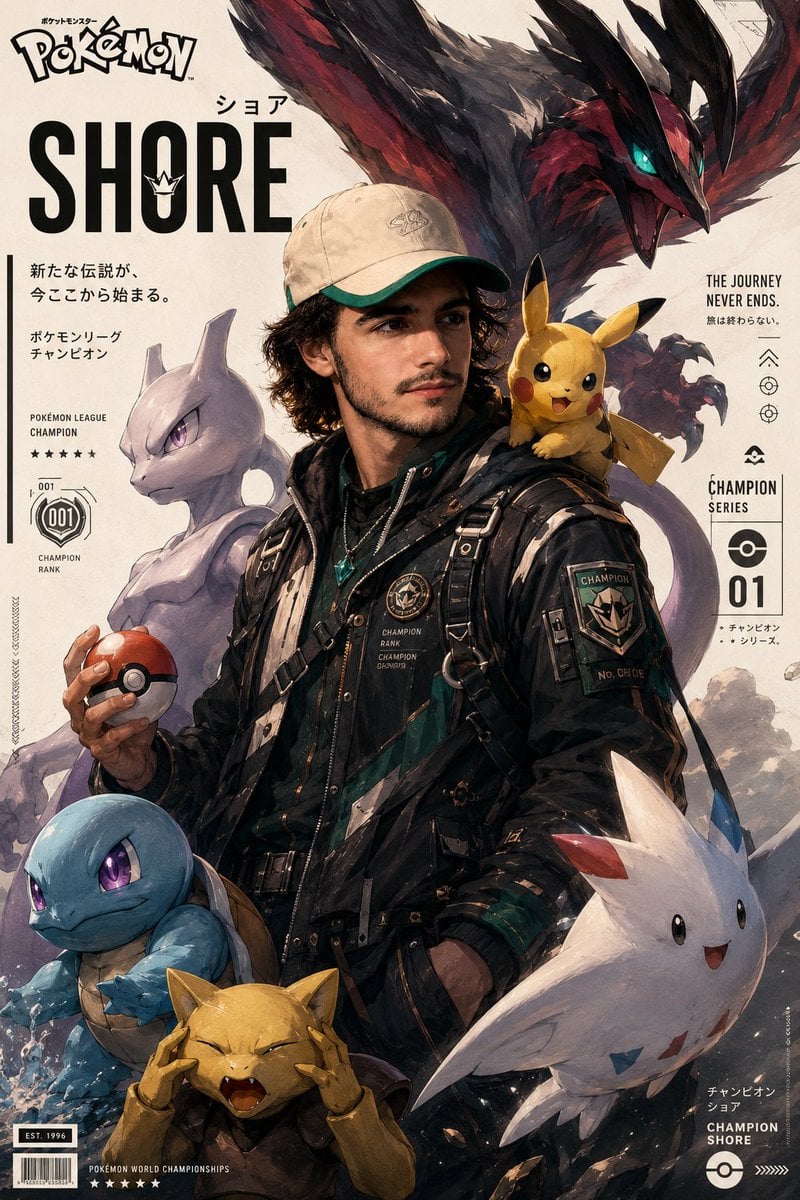
Cinematic Pokémon trainer poster
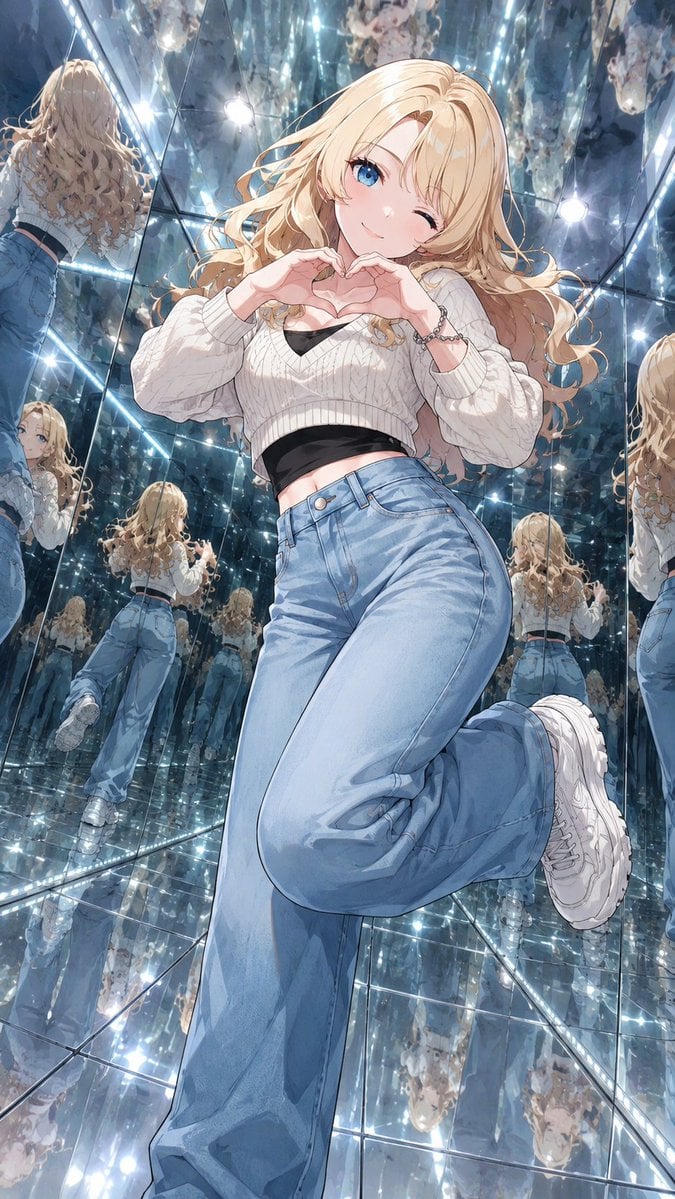
Anime Girl in Mirror Room
Browse template categories
Modern Anime Hikari Poster questions
How do I use the Modern Anime Hikari Poster template?
Add your photo if the template asks for one, edit the prompt if you like — the template's model and format are already selected — and press Generate. Your version opens in PicX Studio.
Can I customize the Modern Anime Hikari Poster template?
Yes. You can change the subject, setting, lighting, mood, format, and available model controls before creating your image.
Is the Modern Anime Hikari Poster template free?
Opening and editing this template is free. Generating uses credits, shown on the Generate button when you are signed in.
Which AI model should I use?
Start with GPT Image 2, which is the model associated with this template. You can compare another compatible model for a different finish.
Looking for something else? Browse all templates.

Your photo, any look
Thousands of ready templates for every top image and video model, from one credit balance.