
Cinematic Fine-Art Portrait Series
A set of four professional-grade prompts for generating atmospheric, cinematic portraits in diverse outdoor settings ranging from windy meadows to foggy mornings, with specific camera and film grain settings.
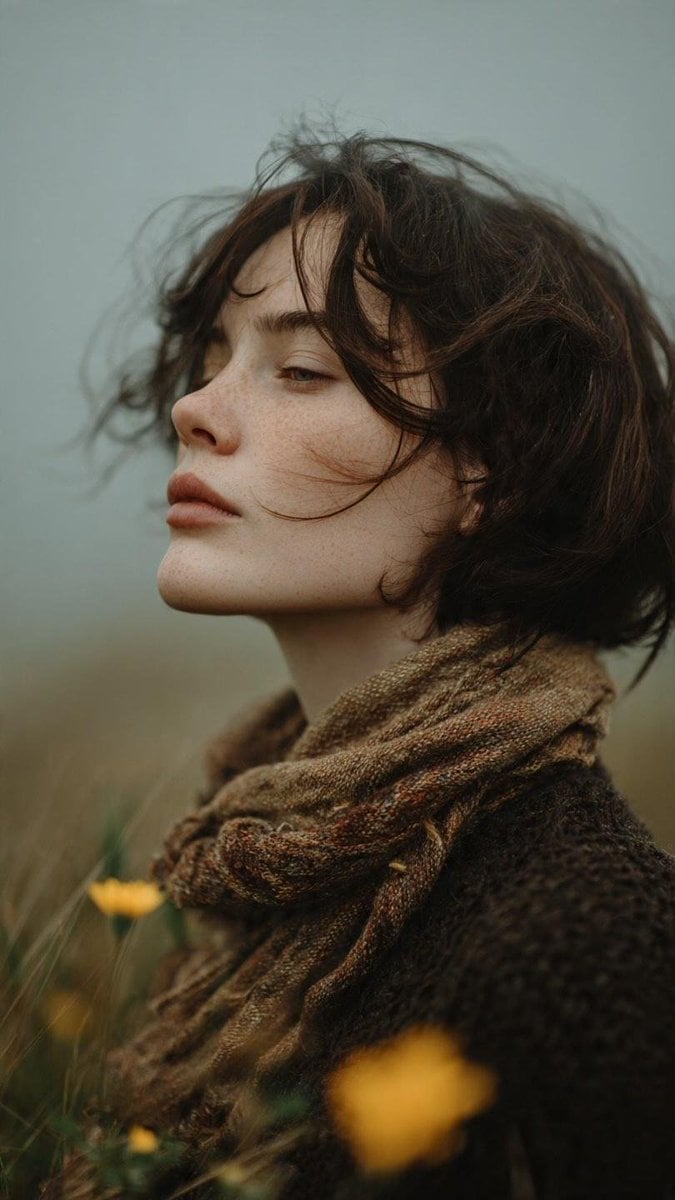
- Prompt included
- Model and format preset
- Premium template
The prompt behind this image
Copy the exact prompt behind Cinematic Fine-Art Portrait Series, or open it in the studio and make it yours.
Prompt 1 – Windy Meadow Portrait Ultra-realistic cinematic fine-art portrait of a {argument name="subject" default="young woman with short tousled dark hair and soft freckles"}, wearing a {argument name="clothing" default="thick knitted brown sweater with a textured wool scarf"}, standing in a {argument name="setting" default="windswept wildflower meadow"}, eyes gently closed, soft wind blowing loose strands of hair across her face, muted earthy color palette, overcast sky, shallow depth of field, creamy foreground bokeh with yellow wildflowers, natural skin texture, subtle Kodak Portra 400 film colors, soft atmospheric haze, captured on a Leica M11, 50mm Summilux f/1.4, analog film grain, poetic storytelling composition, photorealistic, 8K. Prompt 2 – Autumn Wildflowers Dreamy cinematic portrait of a young woman with shoulder-length chestnut hair standing among blooming autumn wildflowers, wearing a rust-colored linen dress with a high ruffled collar, soft contemplative expression, misty countryside, gentle breeze moving her hair, creamy floral foreground bokeh, warm muted oranges and soft greens, Kodak Gold 200 film aesthetic, natural light, realistic skin texture, ultra-shallow depth of field, captured on a Canon EOS R5, 85mm f/1.2L, analog film grain, ethereal editorial photography, photorealistic, 8K. Prompt 3 – Foggy Morning Portrait Atmospheric cinematic portrait of a young woman with dark wavy hair and pale green eyes, wrapped in a textured brown wool coat, standing in dense morning fog, wind softly lifting strands of hair, melancholy expression, minimalist misty landscape, cool blue-gray tones, soft diffused natural light, cinematic haze, realistic freckles and skin texture, Kodak Vision3 film look, captured on a Sony A7R V, 135mm GM f/1.8, extremely shallow depth of field, fine analog grain, timeless fine-art portrait, photorealistic, HDR, 8K. Prompt 4 – Golden Hour Light Luxury cinematic portrait of a young red-haired woman with soft freckles looking upward into warm golden sunlight, loose windswept hair glowing with backlight, wearing a dark wool coat, dramatic sun rays, soft lens flare, golden-hour atmosphere beside a quiet lake, warm amber highlights balanced with cool shadows, Leica natural color science, realistic skin texture, creamy background bokeh, captured on a Nikon Z8, 105mm f/1.4, ultra-shallow depth of field, Kodak Portra 800 film grading, fine film grain, editorial fine-art photography, photorealistic, 8K.
How to use Cinematic Fine-Art Portrait Series in 3 steps
- 1
Open
The prompt is already in the box next to the preview, with the template's model and format selected.
- 2…a portrait of your subject in softgolden-hour light, 85mm…
Personalize
Edit the subject and creative details for your destination.
- 3Generate
Generate
Press Generate — your image is created in PicX Studio, so you can compare it with the original and refine one variable at a time.
More like this
Templates with the same subject, style or setup. Open one to see its prompt.
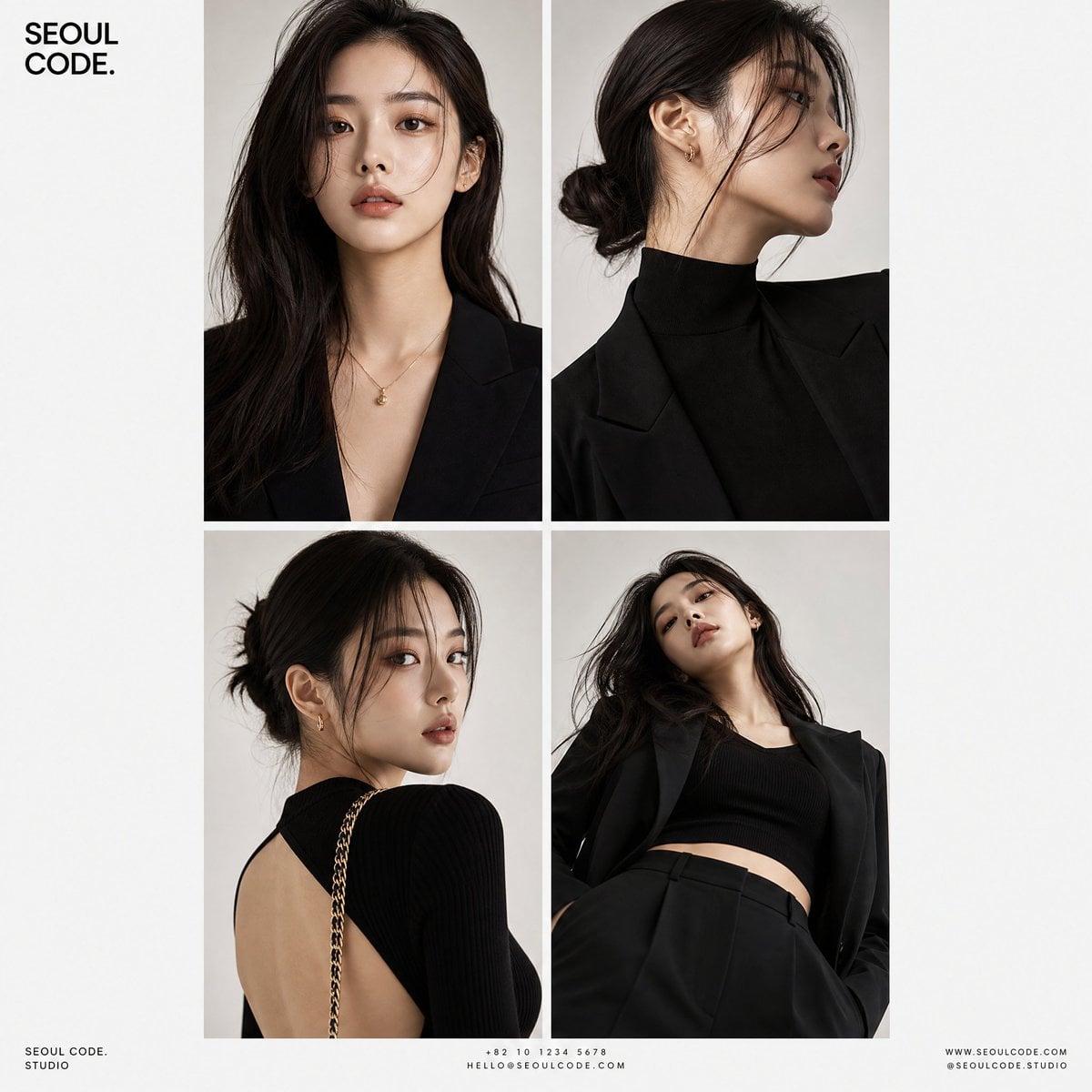
Korean Luxury Fashion Editorial 2x2 Grid Series
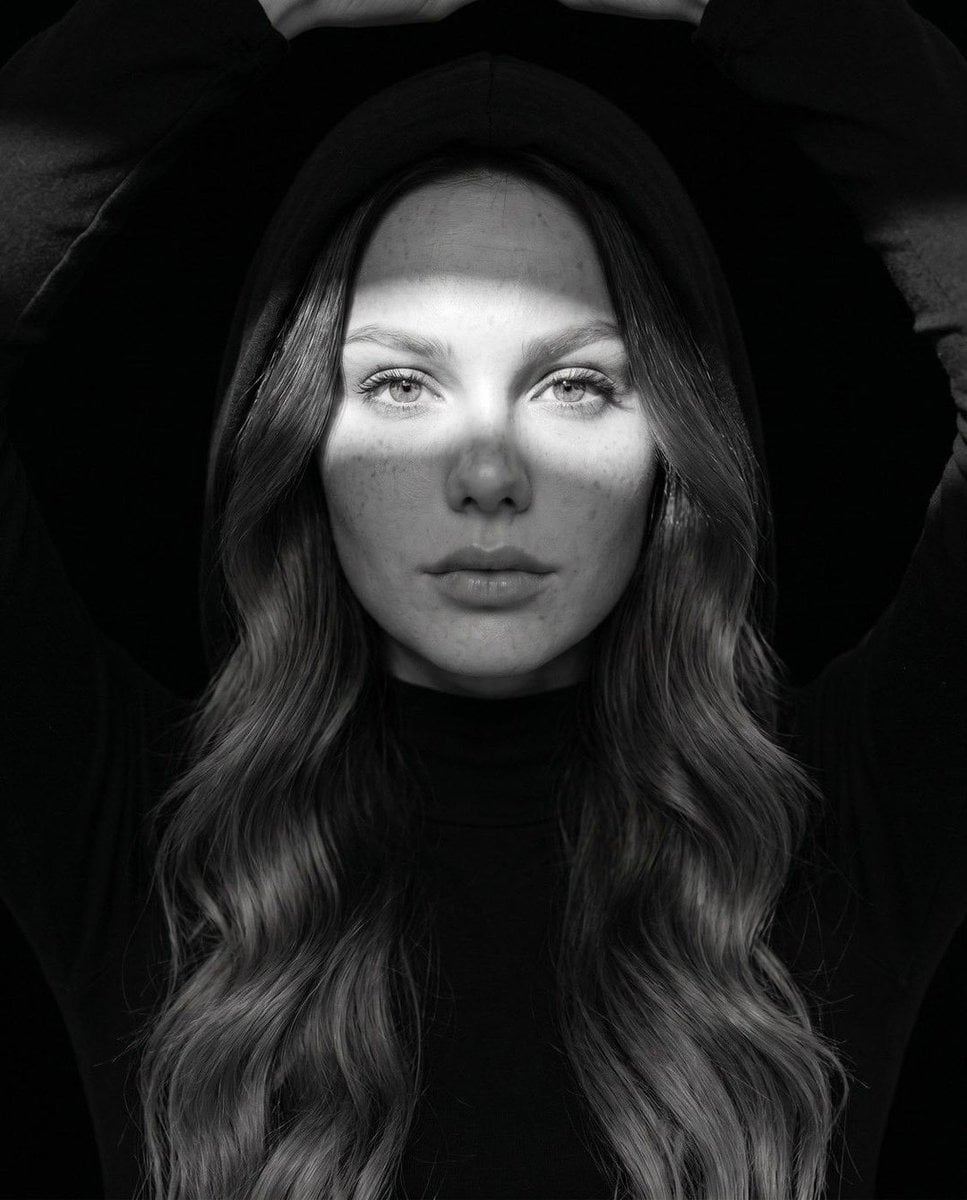
Fine Art Monochrome Fashion Portrait
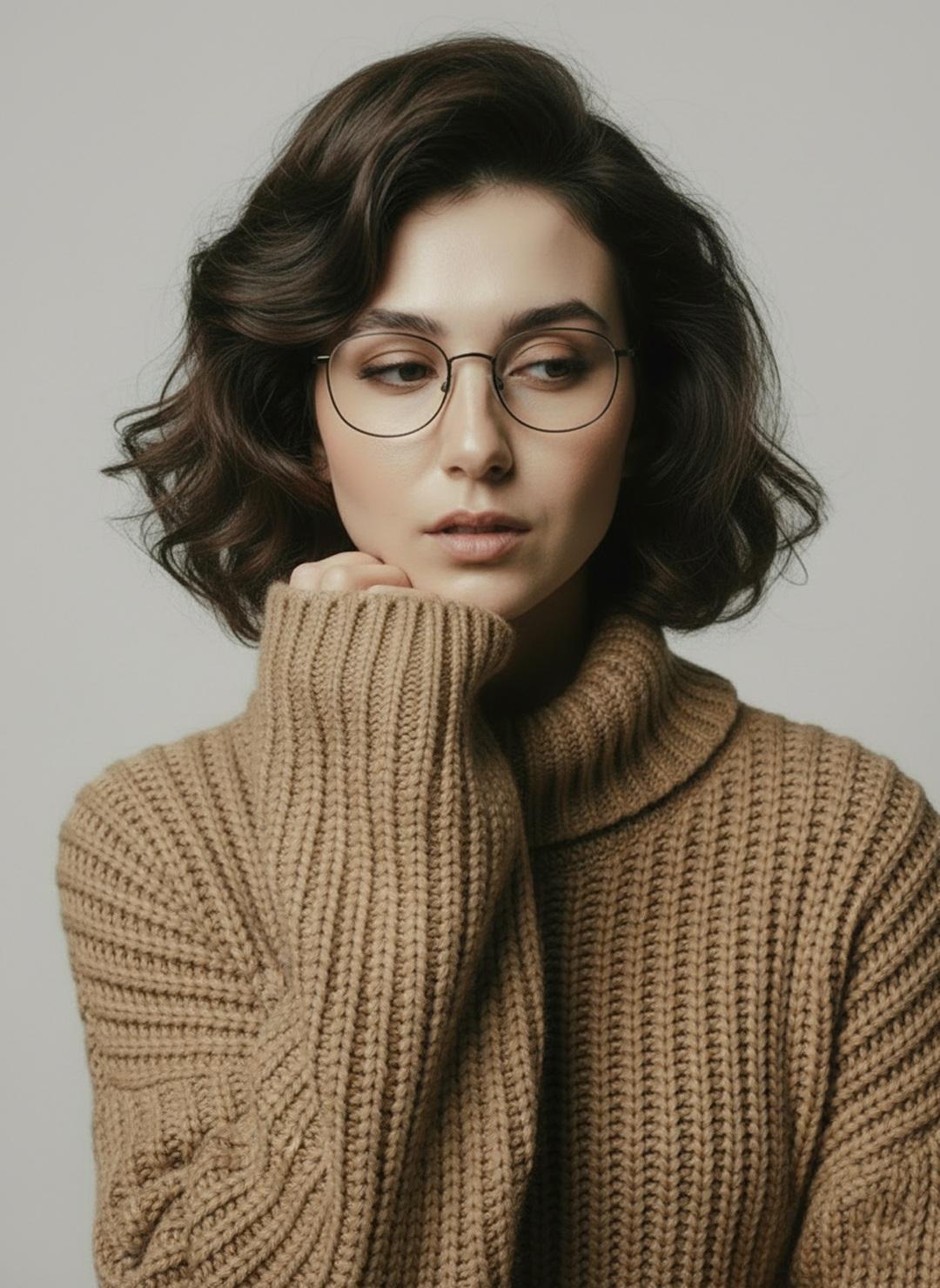
Minimalist Scandinavian Editorial Fashion Portrait Series

Found Photograph: Us, 1970

80s Couple Studio Portrait

80s Bollywood Star

80s Golden Hour Cinema

Me in 1985

1985 Studio Portrait

Hyper-Realistic Minecraft POV Portrait

Rooftop Fisheye — Cat-Ear Balaclava at Golden Hour

Rainy Café Window Moody Portrait
Make it yours
Cinematic Fine-Art Portrait Series works as-is. These are the safest ways to change it without losing the look.
Change one field
Copy a single group, rewrite it, and generate again so you can see what that field is doing.
Keep the frame, change the subject
Hold the composition and light of Cinematic Fine-Art Portrait Series, then swap wardrobe, props or the person for a new take.
| If the result… | Why | Fix |
|---|---|---|
| The result drifts from the preview | Too many fields changed at once. | Reuse Cinematic Fine-Art Portrait Series as-is first, then change one group — subject, light, or setting. |
| The model over-stylizes the scene | The prose prompt leaves finish and camera underspecified. | Add one camera or lighting sentence and stay on GPT Image 2. |
More GPT Image 2 templates
Other prompts made for GPT Image 2.

Six VTuber Japanese Logo Sheet

Realistic Portrait of Woman and Deer

The Vista Modular Condo Poster

AI Model Routing Comparison Infographic

2.5D Anime Art Board

Isometric Productivity Desk Scene

New York Double Exposure Poster

Four-Panel AI Landscape Comparison

Japanese Tatami Lifestyle Magazine Cover

NESCAFÉ Coffee Map Poster
More image prompts
Fresh picks from across the catalog.
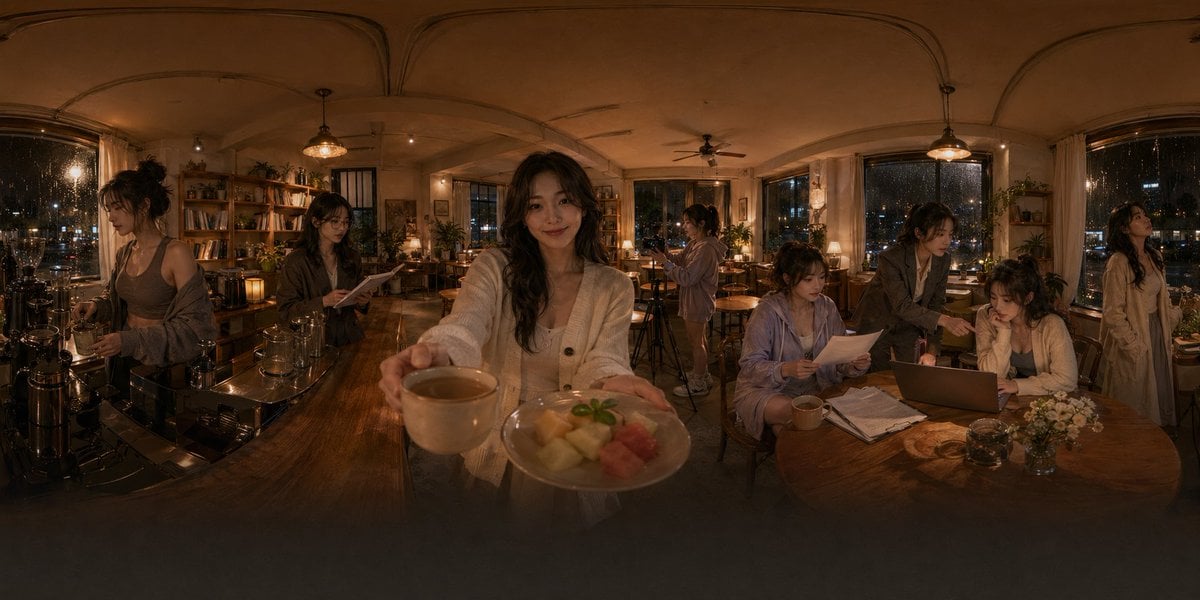
Rainy Night Café 360 Panorama
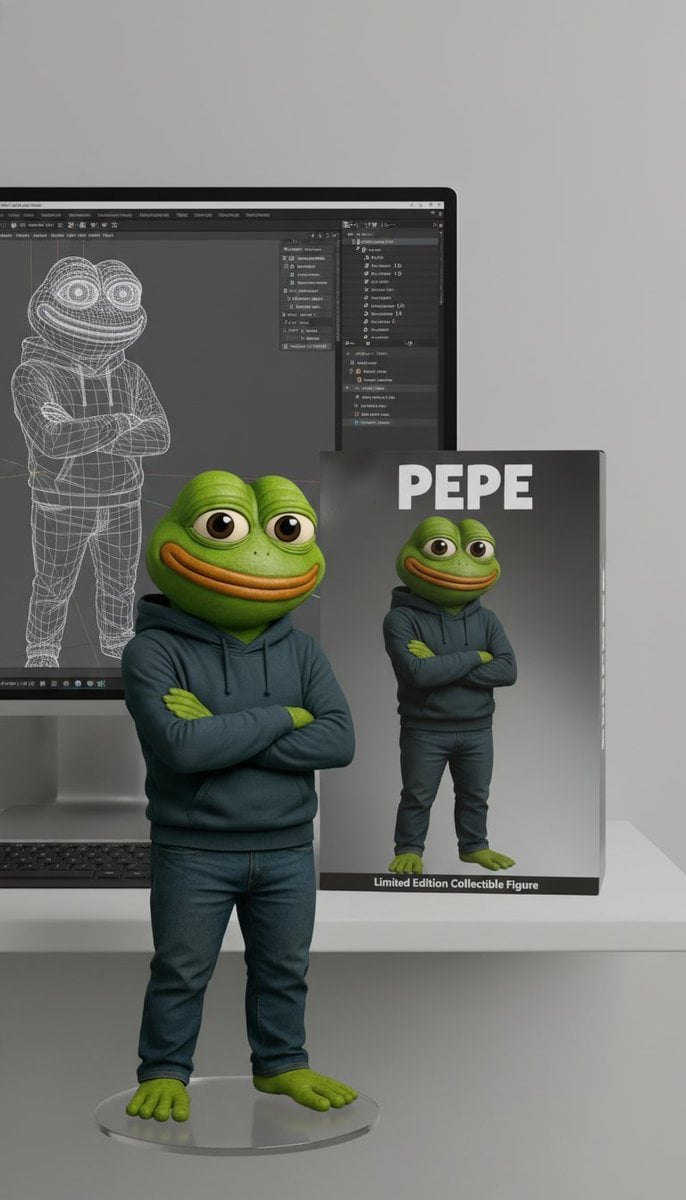
Collectible Figure Product Showcase Prompt
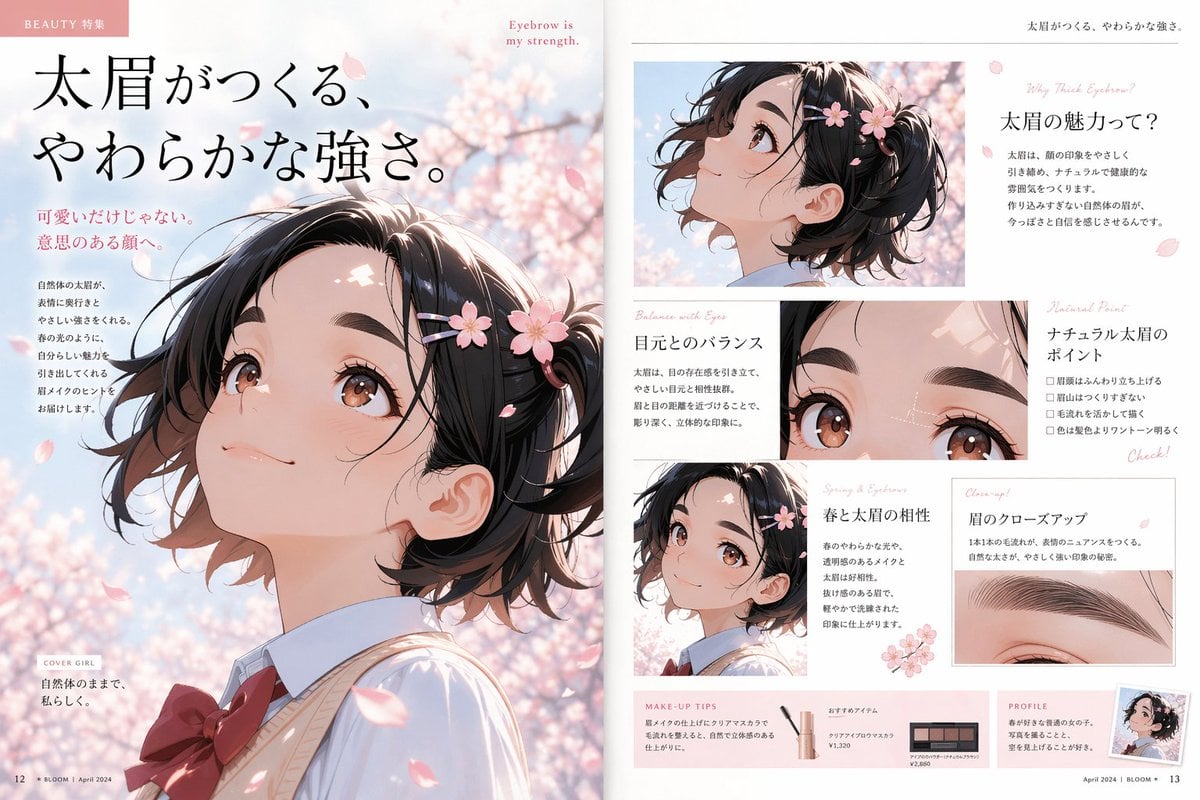
Anime Beauty Magazine Eyebrow Feature

Samurai Ink Wash Painting
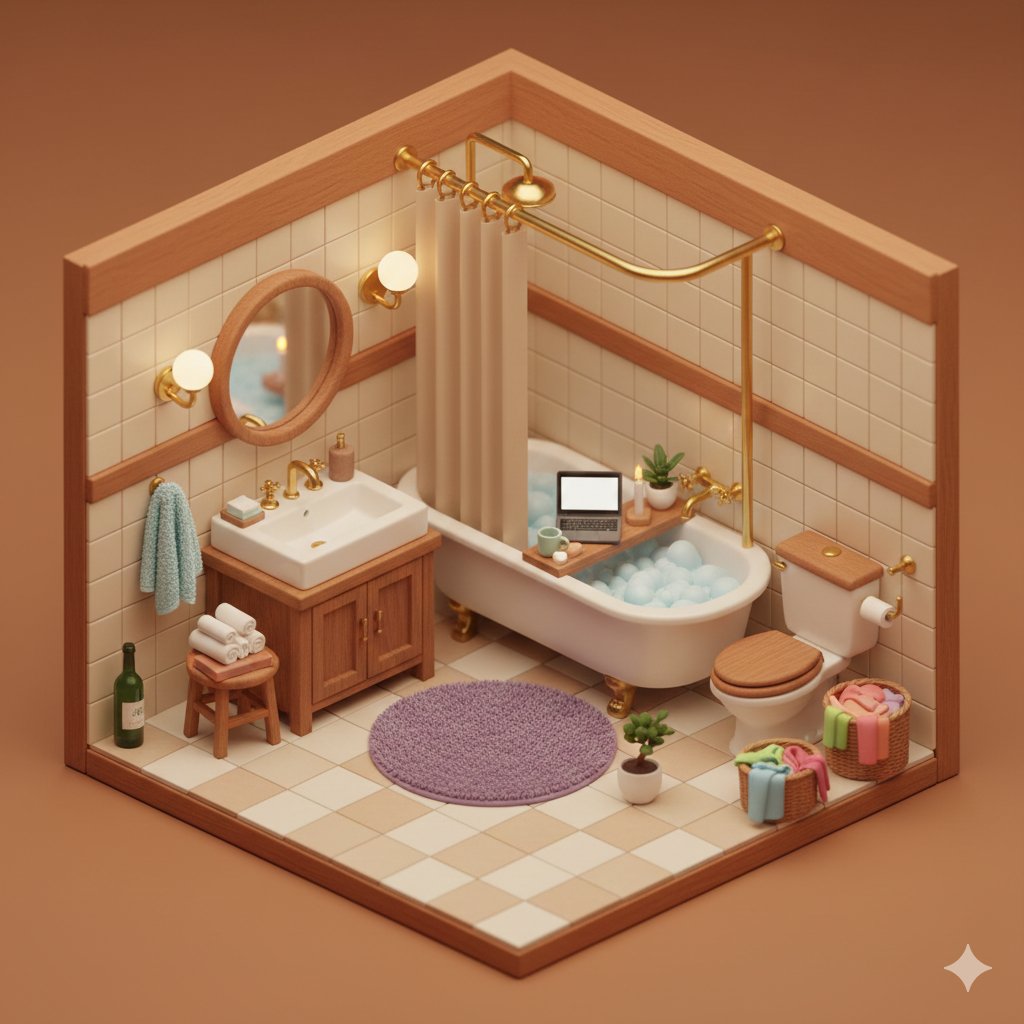
Isometric Cozy Bathroom Diorama Prompt
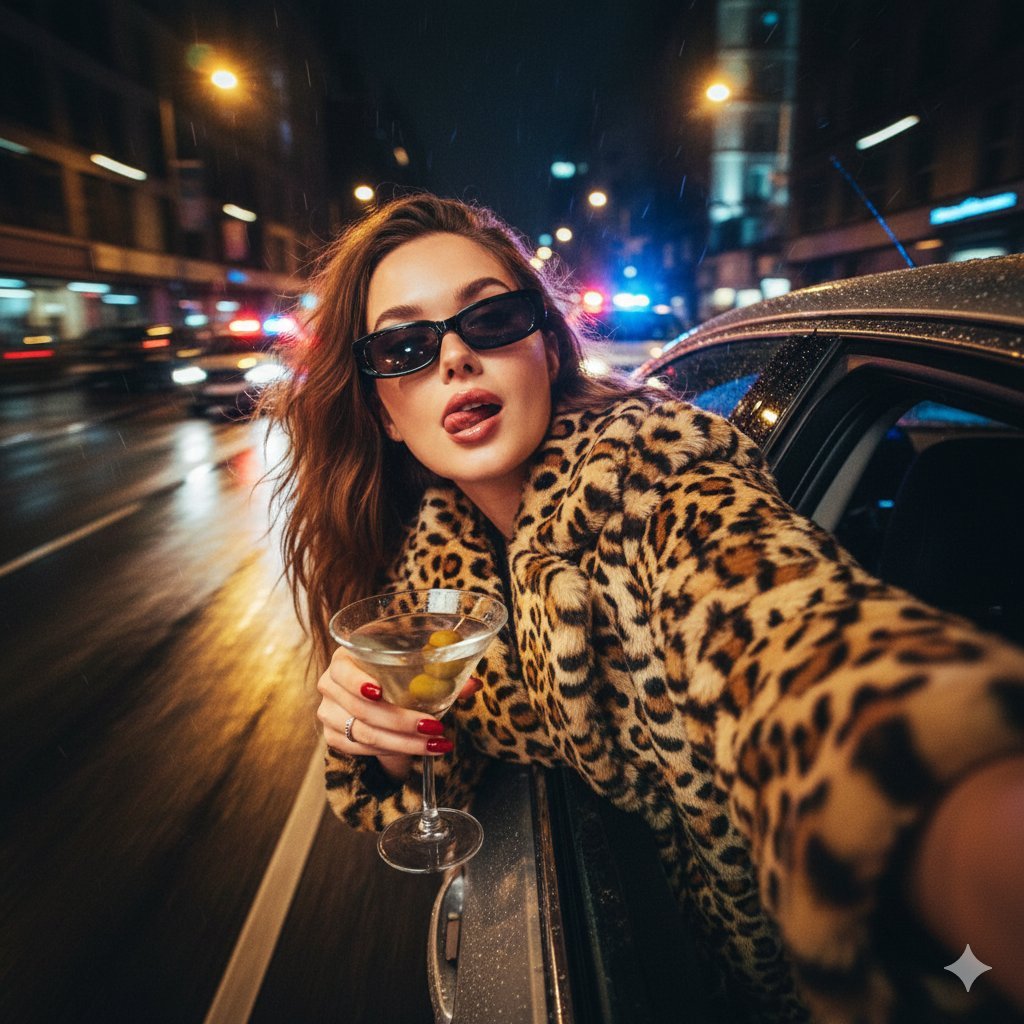
Ultra-Realistic Cinematic Night Street Selfie Prompt
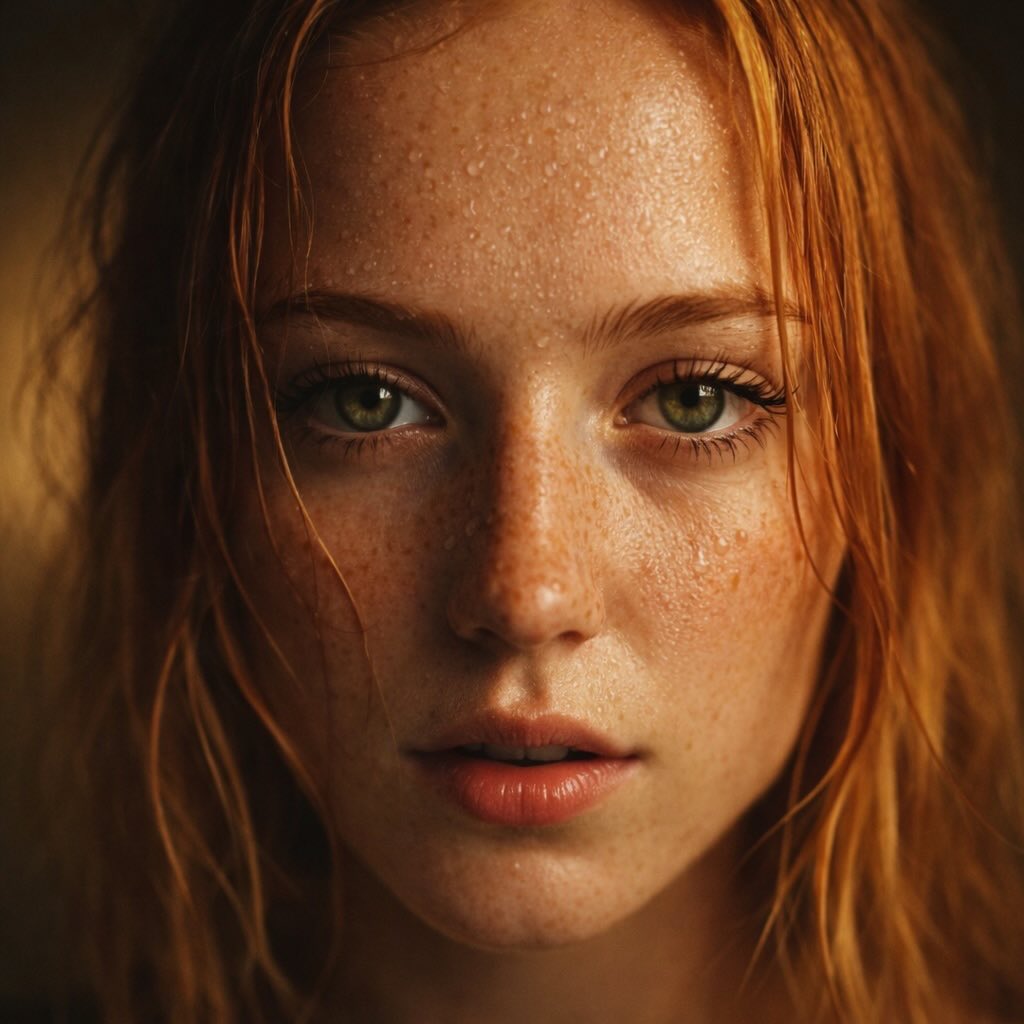
Red-Haired Woman Cinematic Close-Up Portraits
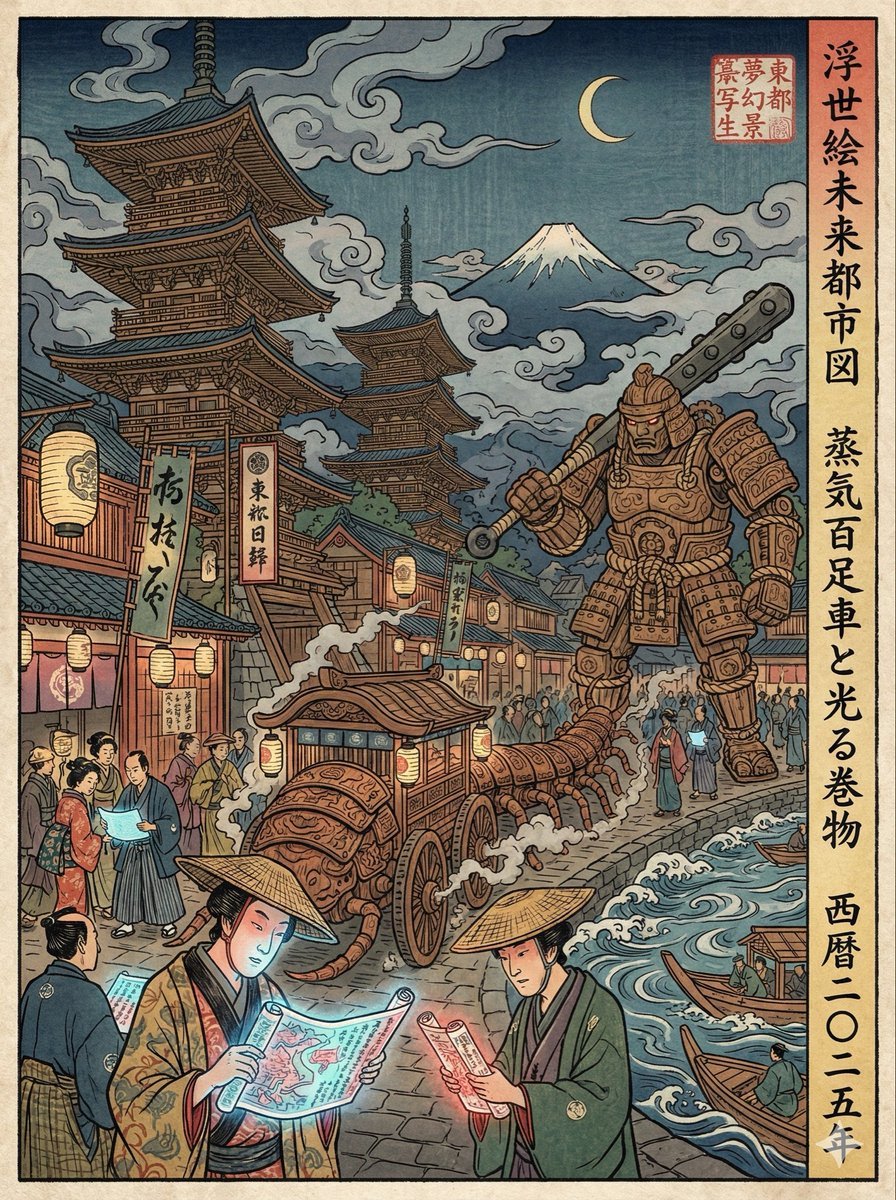
Edo-period Ukiyo-e reinterpretation of a modern scene
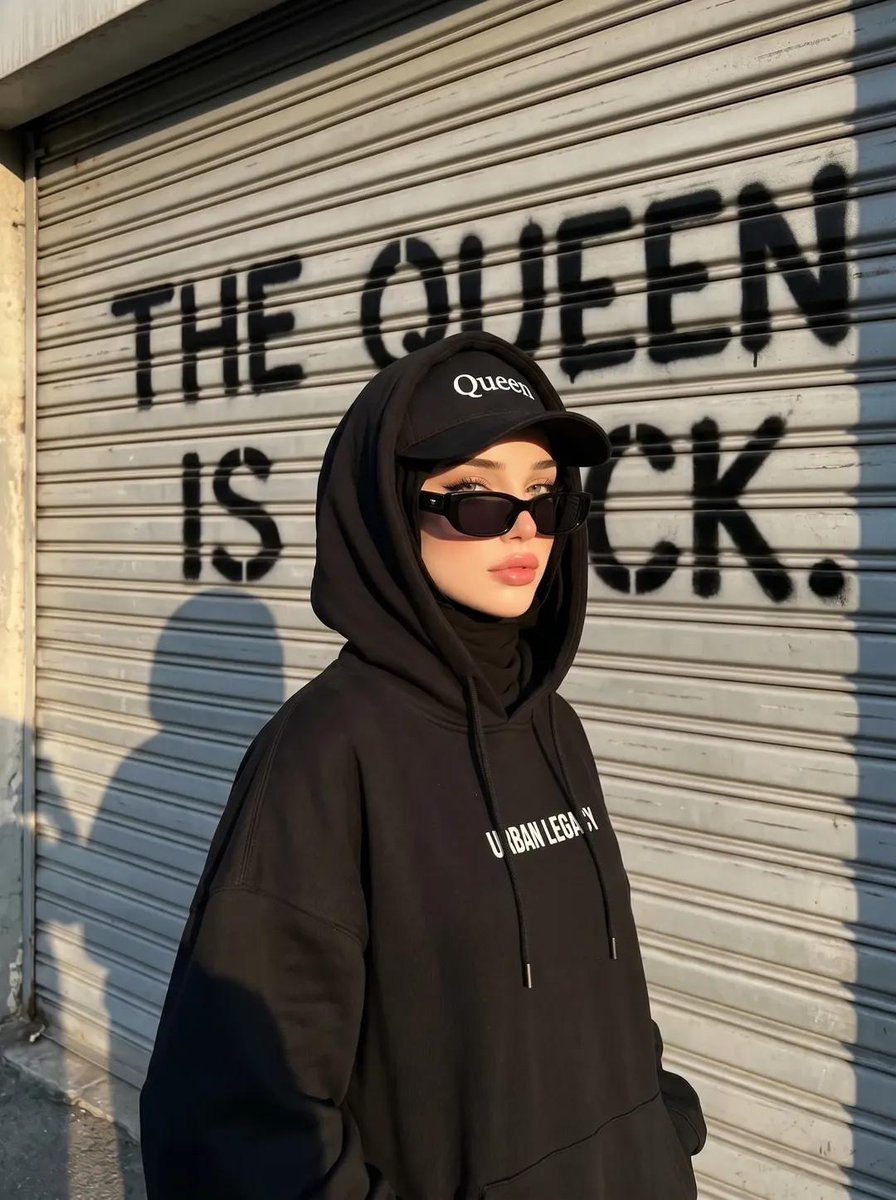
Edgy Street-Style Hijabi Portrait
Line Art Illustration Style
Browse template categories
Cinematic Fine-Art Portrait Series questions
How do I use the Cinematic Fine-Art Portrait Series template?
Add your photo if the template asks for one, edit the prompt if you like — the template's model and format are already selected — and press Generate. Your version opens in PicX Studio.
Can I customize the Cinematic Fine-Art Portrait Series template?
Yes. You can change the subject, setting, lighting, mood, format, and available model controls before creating your image.
Is the Cinematic Fine-Art Portrait Series template free?
Opening and editing this template is free. Generating uses credits, shown on the Generate button when you are signed in.
Which AI model should I use?
Start with GPT Image 2, which is the model associated with this template. You can compare another compatible model for a different finish.
Looking for something else? Browse all templates.

Your photo, any look
Thousands of ready templates for every top image and video model, from one credit balance.