
Soft Japanese Portrait Poster
Creates a dreamy pastel Japanese promotional portrait poster with vertical typography, ideal for creator branding or editorial advertising.
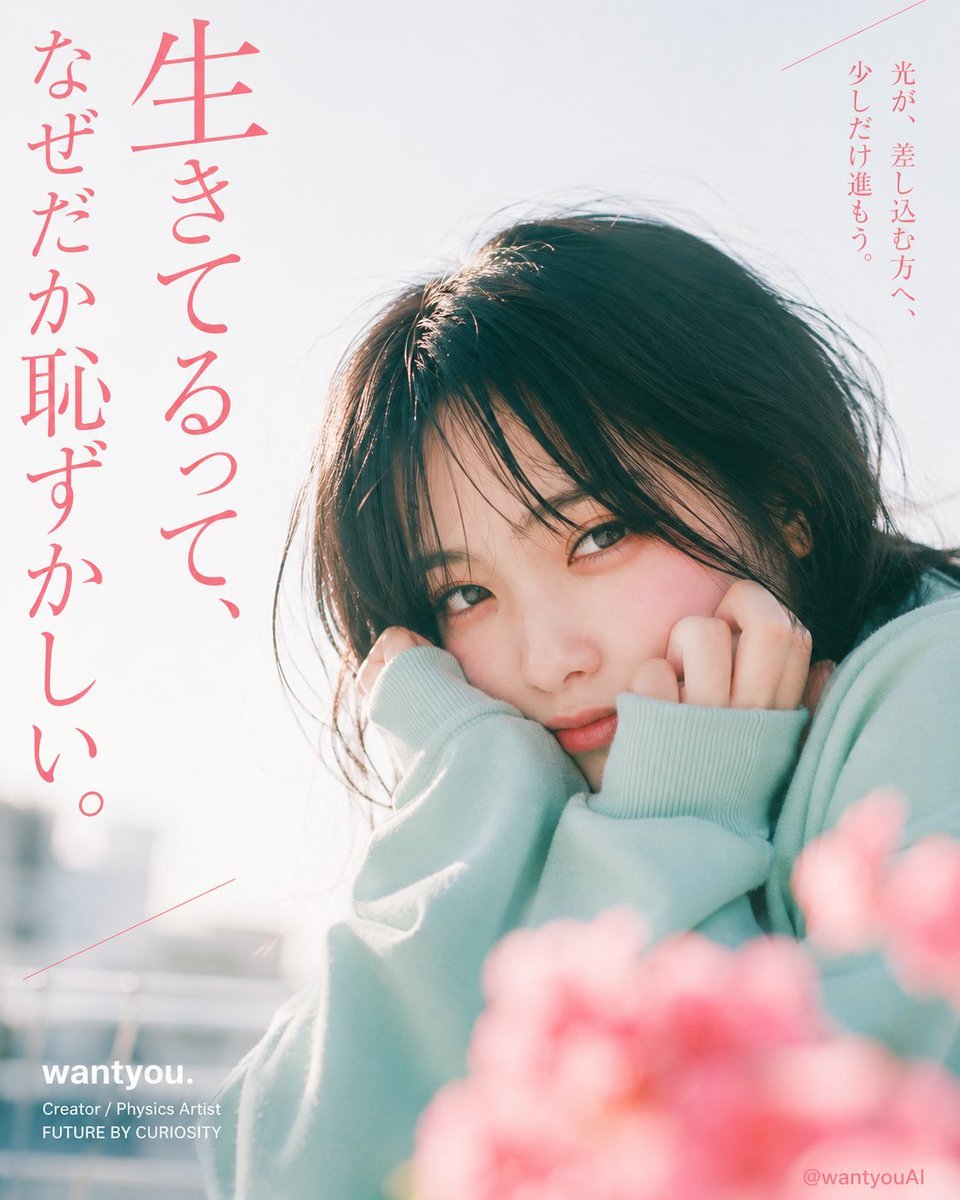
- Prompt included
- Model and format preset
- Premium template
The prompt behind this image
Copy the exact prompt behind Soft Japanese Portrait Poster, or open it in the studio and make it yours.
Goal: Create a soft Japanese promotional portrait poster for {argument name="creator name" default="wantyou"}, combining dreamy natural-light photography with elegant editorial typography. Canvas: Vertical 4:5 poster, 768 × 960 px feel, clean pale sky background, airy high-key exposure, pastel pink and mint color palette. Main subject: A young Japanese woman in her early 20s with fair skin, dark slightly messy shoulder-length hair with wispy bangs, warm brown eyes, subtle blush, and natural makeup. She wears an oversized pale mint-green sweatshirt with long sleeves covering part of her hands. She rests both cheeks in her fists, elbows close together, gazing directly at the camera with a shy, wistful expression. Place her face slightly right of center, cropped from chest upward, with the top of her hair near the upper middle. Photography style: Realistic lifestyle portrait, shallow depth of field, soft backlighting from the upper left, gentle lens flare, overexposed white sky, delicate film grain, pastel color grading, airy spring atmosphere. Include blurred pink flowers in the lower right foreground as large bokeh shapes, with a faint urban rooftop or railing blur in the lower left background. Layout and text: Include exactly 4 text blocks and exactly 2 thin decorative diagonal pink lines. Text block 1 is the main headline on the left side in large vertical Japanese calligraphy-style pink type: {argument name="main vertical headline" default="生きてるって、なぜだか恥ずかしい。"}. Text block 2 is a small vertical pink caption near the upper right: {argument name="small vertical caption" default="光が、差し込む方へ、少しだけ進もう。"}. Text block 3 is bottom-left white branding in three lines: “wantyou.”, “Creator / Physics Artist”, “FUTURE BY CURIOSITY”. Text block 4 is a small pink social handle at the bottom right: {argument name="social handle" default="@wantyouAI"}. Add one thin diagonal pink line near the upper right corner and one thin diagonal pink line near the lower left area. Typography: Use elegant Japanese Mincho-style vertical type for the pink Japanese copy, thin and graceful with generous spacing. Use small clean sans-serif white text for the bottom-left branding. Keep the handle small and unobtrusive. Constraints: Do not add extra people, extra text blocks, logos, borders, or watermarks. Keep the poster minimal, emotional, and advertisement-like, with the woman’s eyes and the large pink vertical headline as the main focal points.
How to use Soft Japanese Portrait Poster in 3 steps
- 1Upload ImagePNG, JPG or paste
Add your photo
Upload the photo the template builds on. The prompt, model and format are already set.
- 2…a portrait of your subject in softgolden-hour light, 85mm…
Personalize
Edit the subject and creative details for your destination.
- 3Generate
Generate
Press Generate — your image is created in PicX Studio, so you can compare it with the original and refine one variable at a time.
More like this
Templates with the same subject, style or setup. Open one to see its prompt.

Found Photograph: Us, 1970

80s Couple Studio Portrait

80s Bollywood Star

80s Golden Hour Cinema

Me in 1985

1985 Studio Portrait

Hyper-Realistic Minecraft POV Portrait
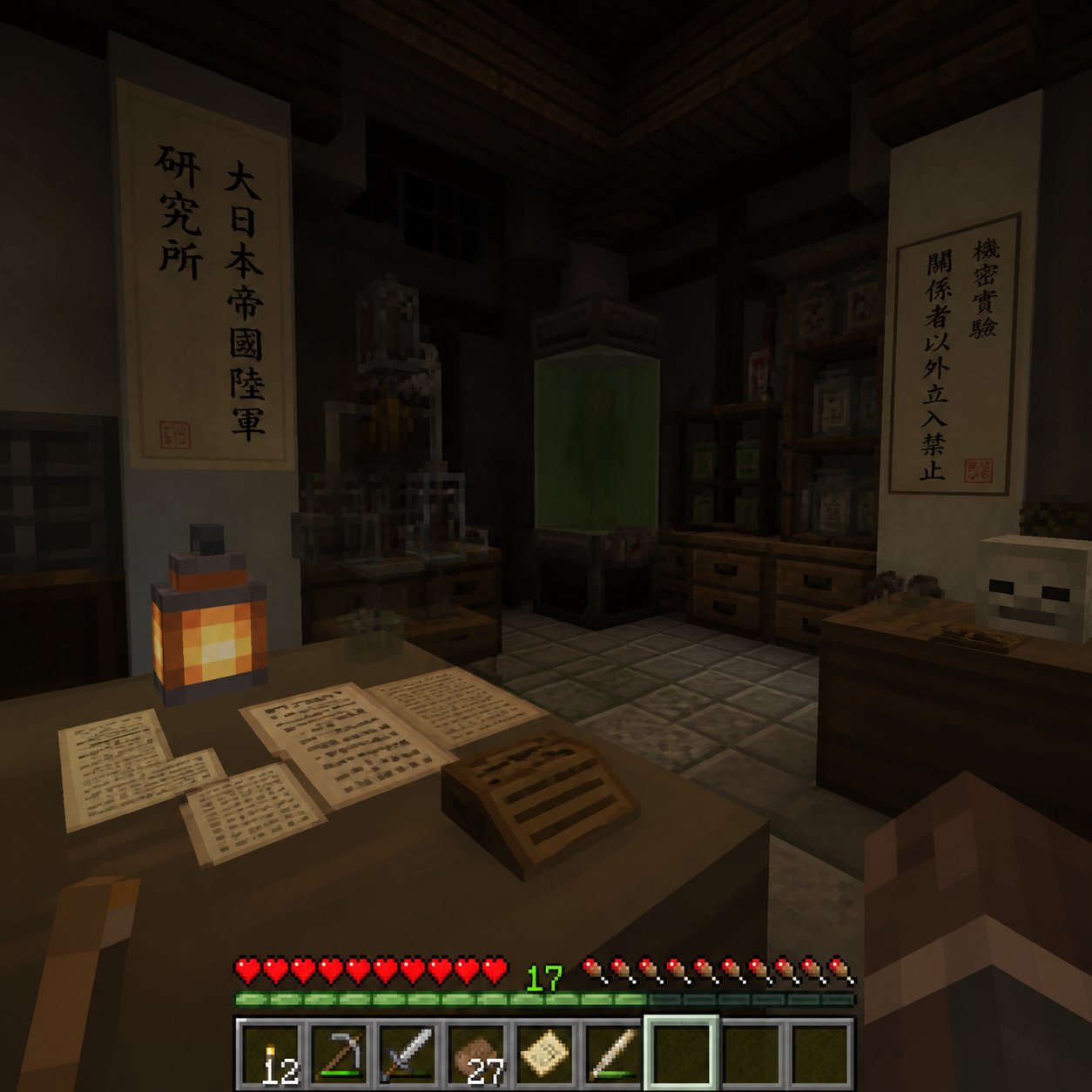
Minecraft Japanese Research Lab Exploration

Japan Travel Brochure Poster
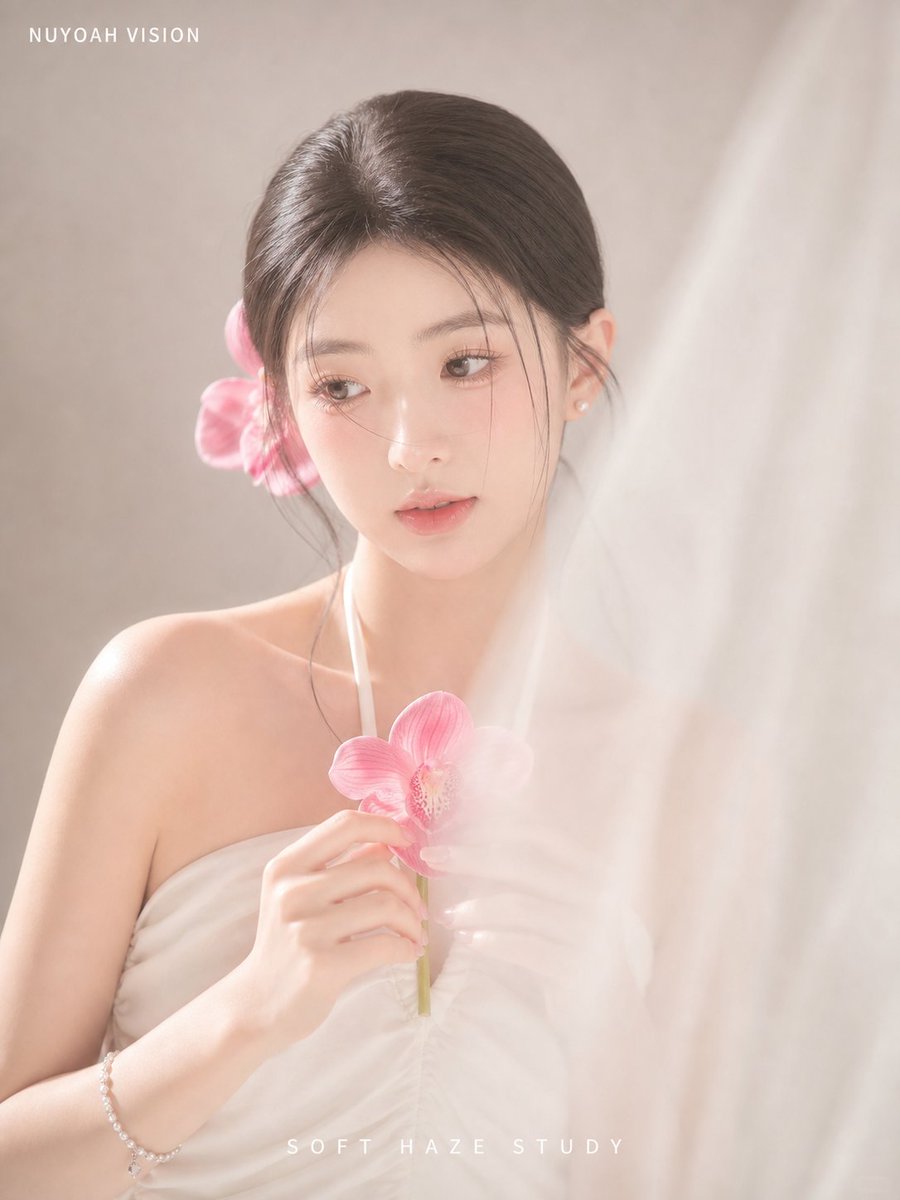
Soft Haze Orchid Studio Portrait
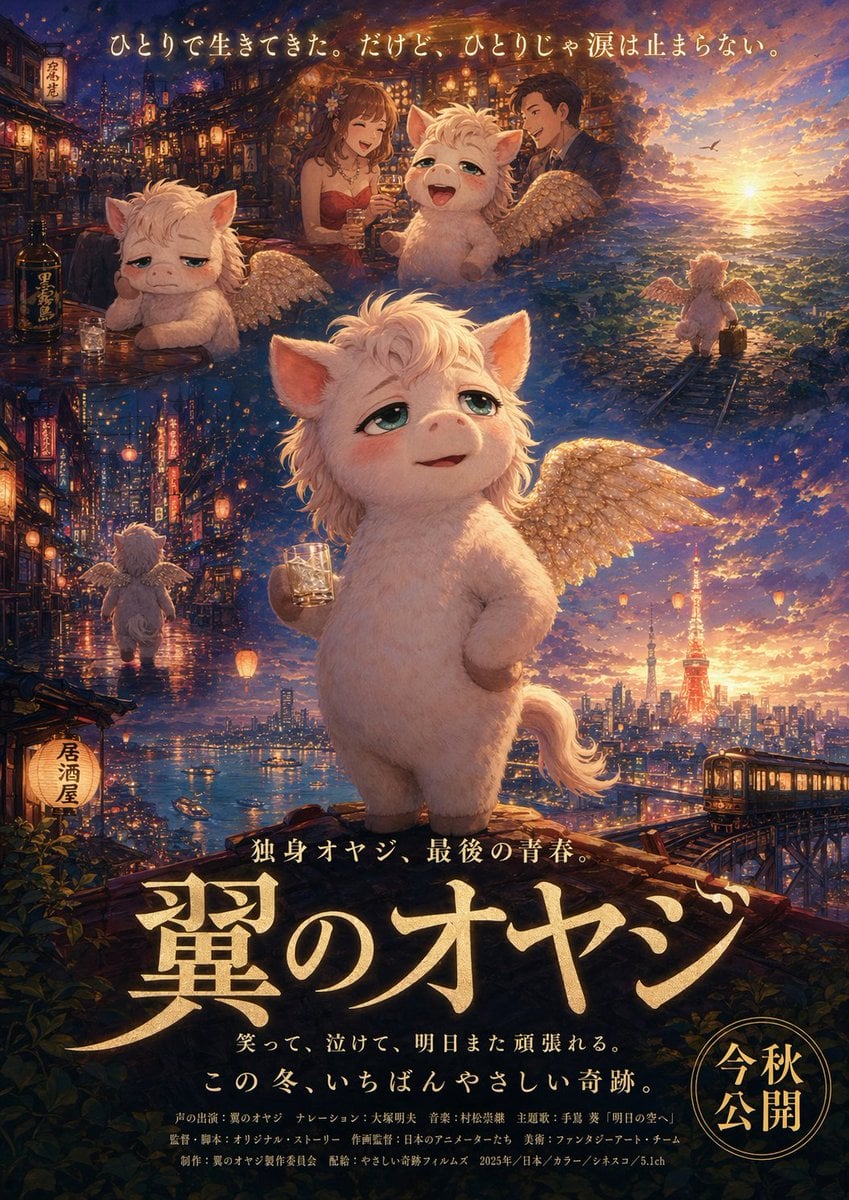
Japanese Fantasy Winged Pig Film Poster

Stylish Japanese Corn Event Poster
Make it yours
Soft Japanese Portrait Poster works as-is. These are the safest ways to change it without losing the look.
Change one field
Copy a single group, rewrite it, and generate again so you can see what that field is doing.
Keep the frame, change the subject
Hold the composition and light of Soft Japanese Portrait Poster, then swap wardrobe, props or the person for a new take.
| If the result… | Why | Fix |
|---|---|---|
| The result drifts from the preview | Too many fields changed at once. | Reuse Soft Japanese Portrait Poster as-is first, then change one group — subject, light, or setting. |
| The model over-stylizes the scene | The prose prompt leaves finish and camera underspecified. | Add one camera or lighting sentence and stay on GPT Image 2. |
More GPT Image 2 templates
Other prompts made for GPT Image 2.

Six VTuber Japanese Logo Sheet

Realistic Portrait of Woman and Deer

The Vista Modular Condo Poster

AI Model Routing Comparison Infographic

2.5D Anime Art Board

Isometric Productivity Desk Scene

New York Double Exposure Poster

Four-Panel AI Landscape Comparison

Japanese Tatami Lifestyle Magazine Cover

NESCAFÉ Coffee Map Poster
More image prompts
Fresh picks from across the catalog.

Crayon Cartoon Artist Studio
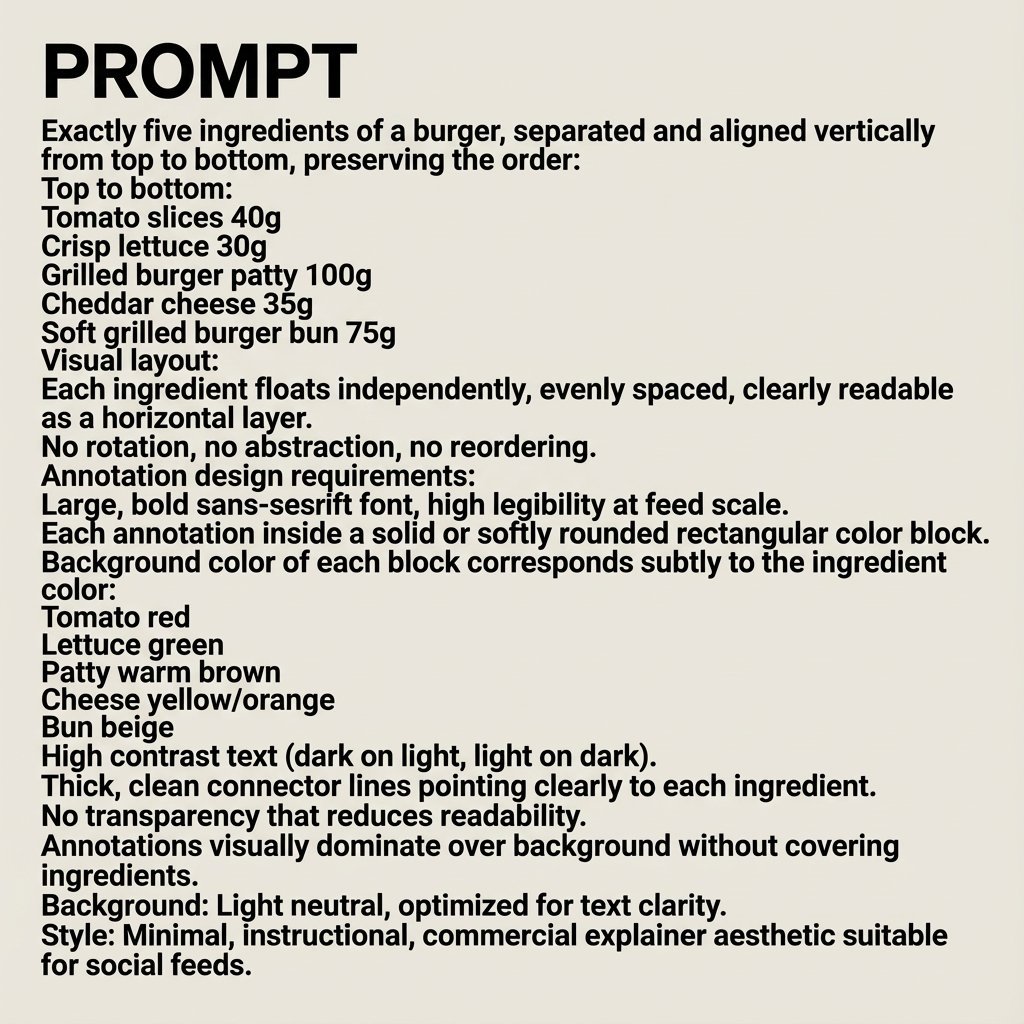
Nano Banana Pro Image Generation Prompt
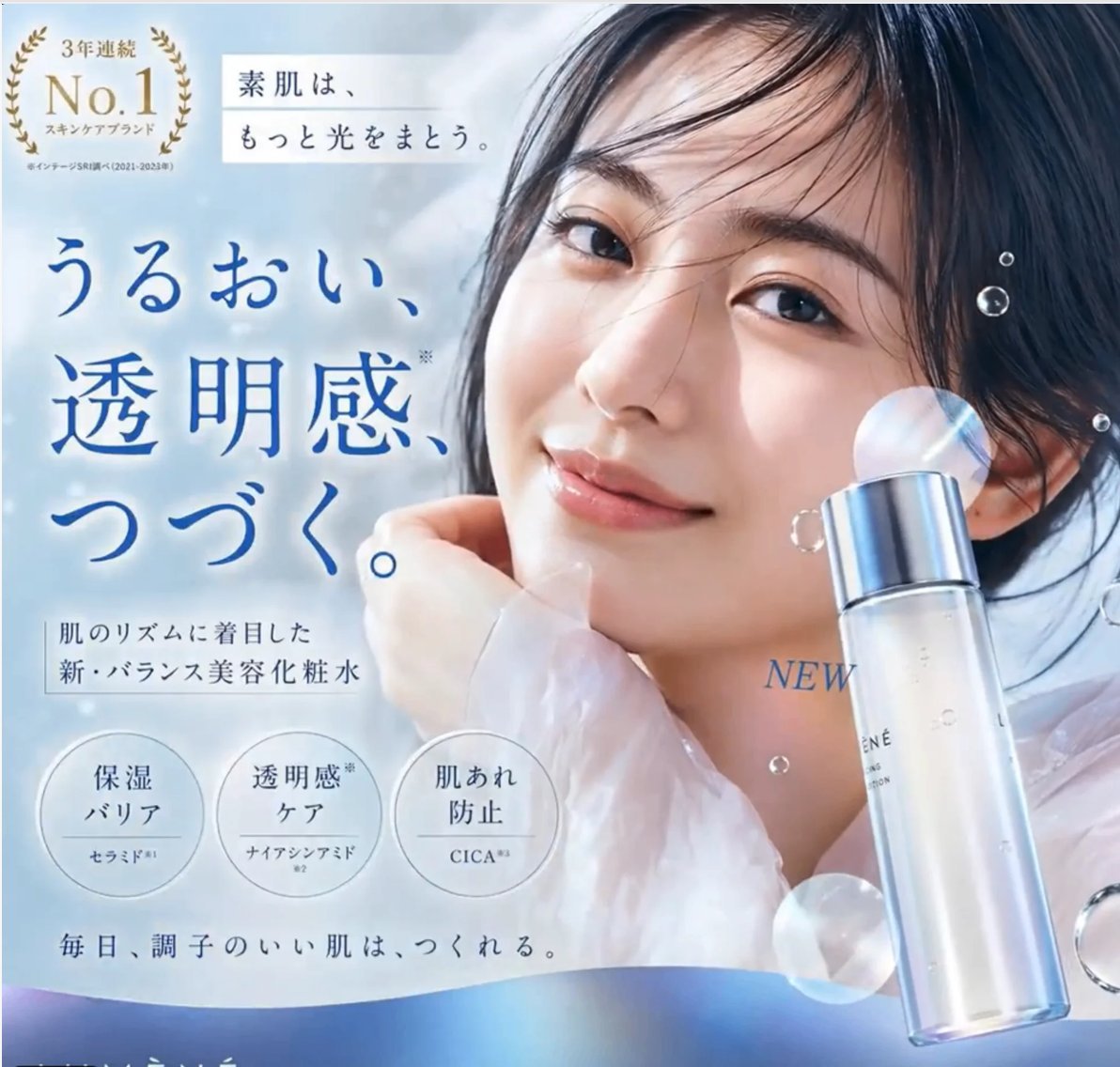
Gpt2 E Commerce Main Image Elegant Cosmetic Poster
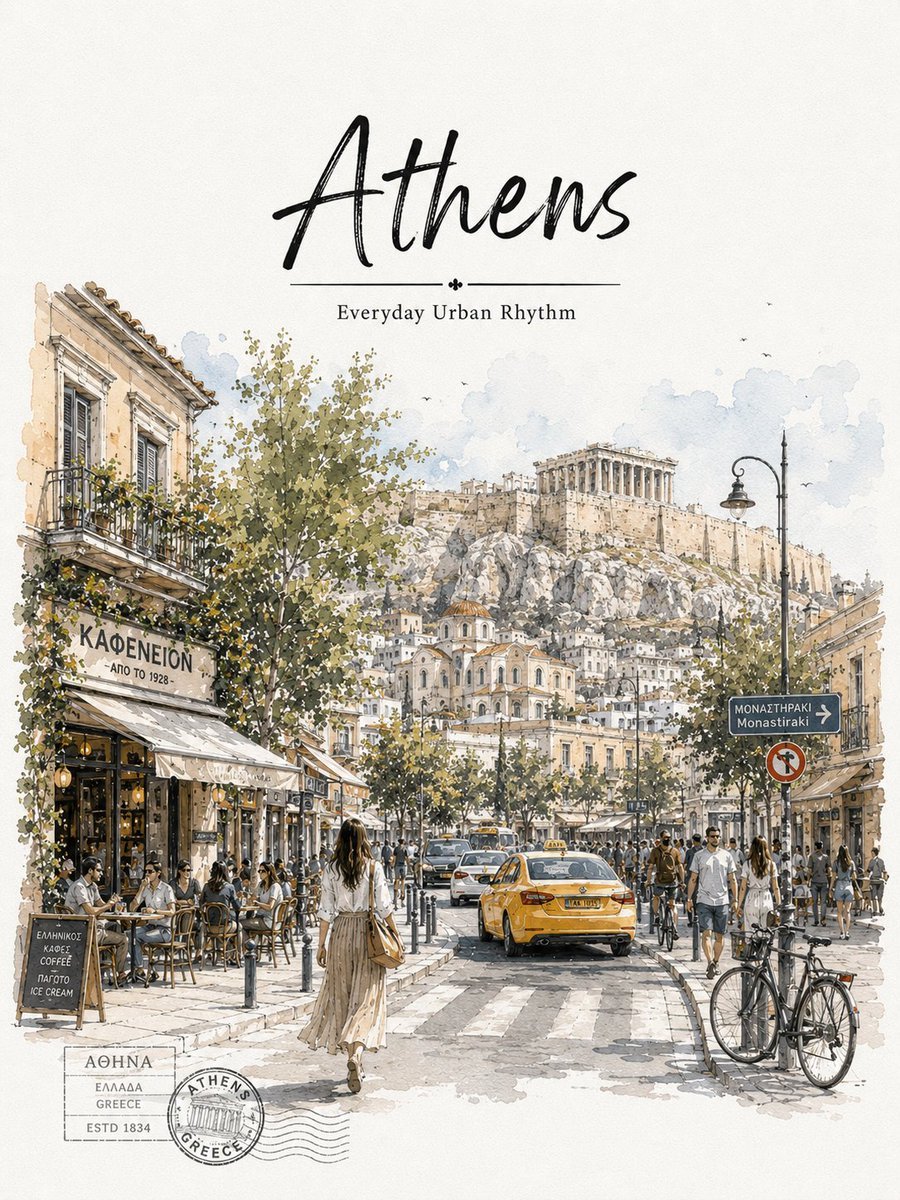
Athens Travel Sketch and Watercolor Poster
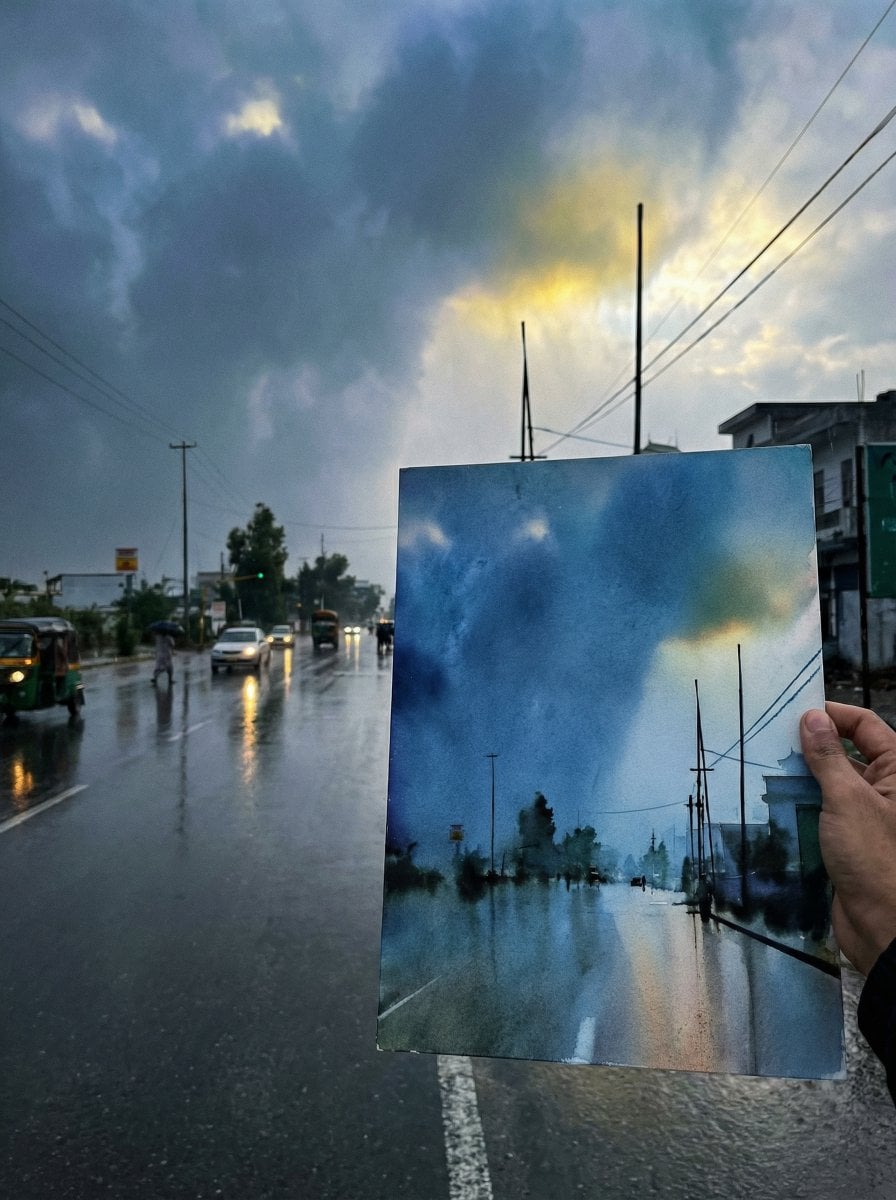
Drawing Comparison Photo Prompt (General AI Image Generation)

Selfie Portrait in Recording Studio Prompt
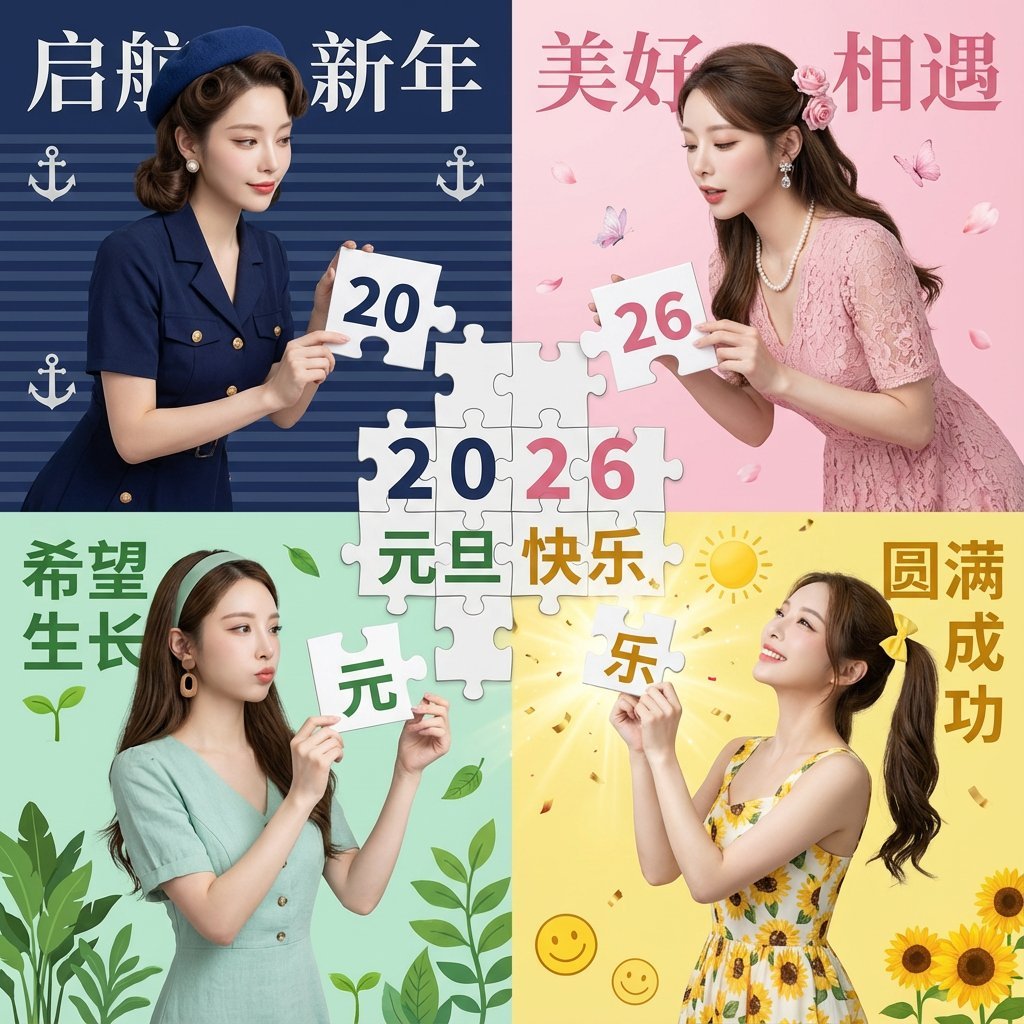
New Year's Day Special: Four-Panel Puzzle for 2026 Blessing
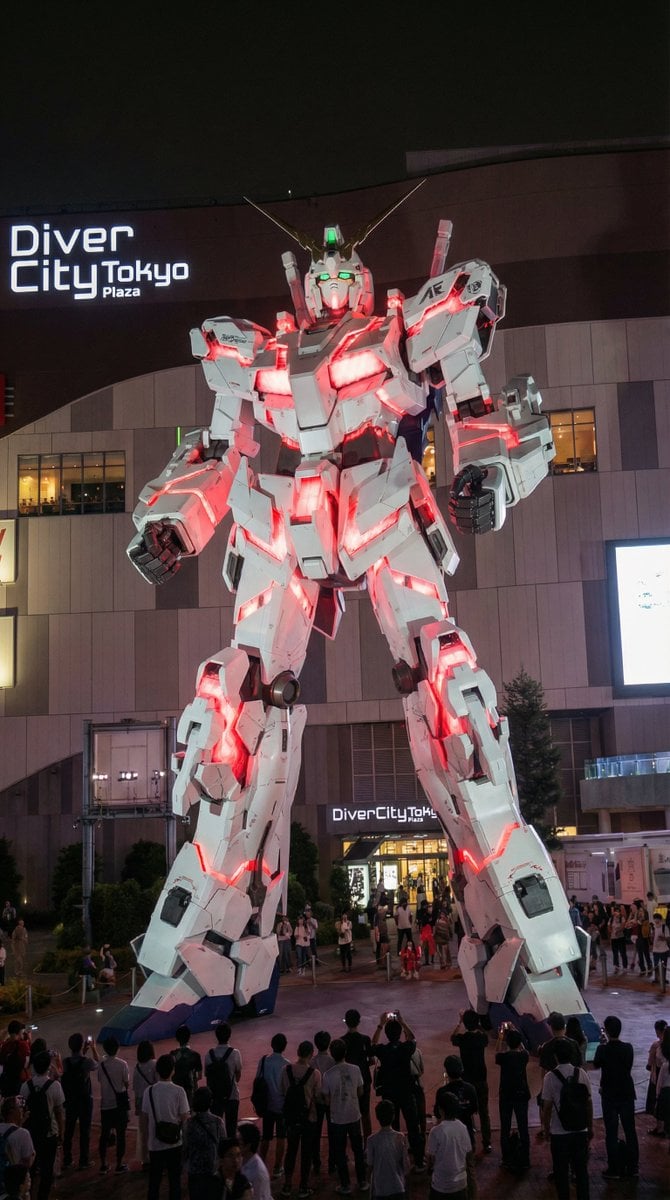
Odaiba Gundam Construction Process Visualization
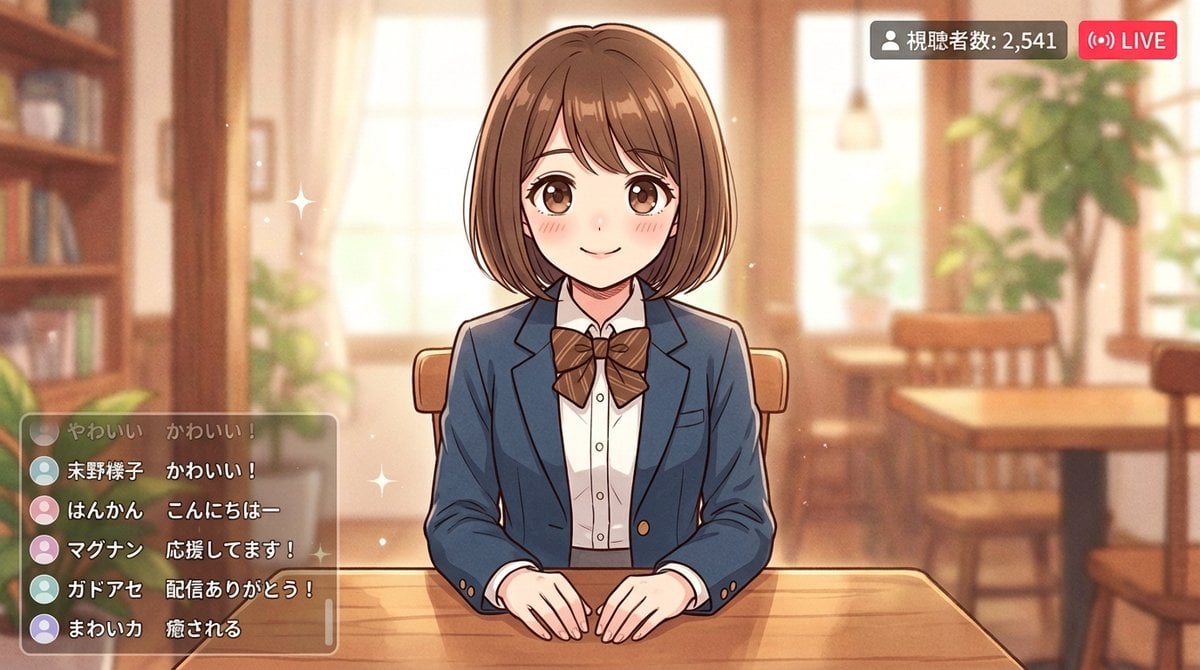
Anime Style Girl in Blazer Uniform Prompt for Nano Banana 2
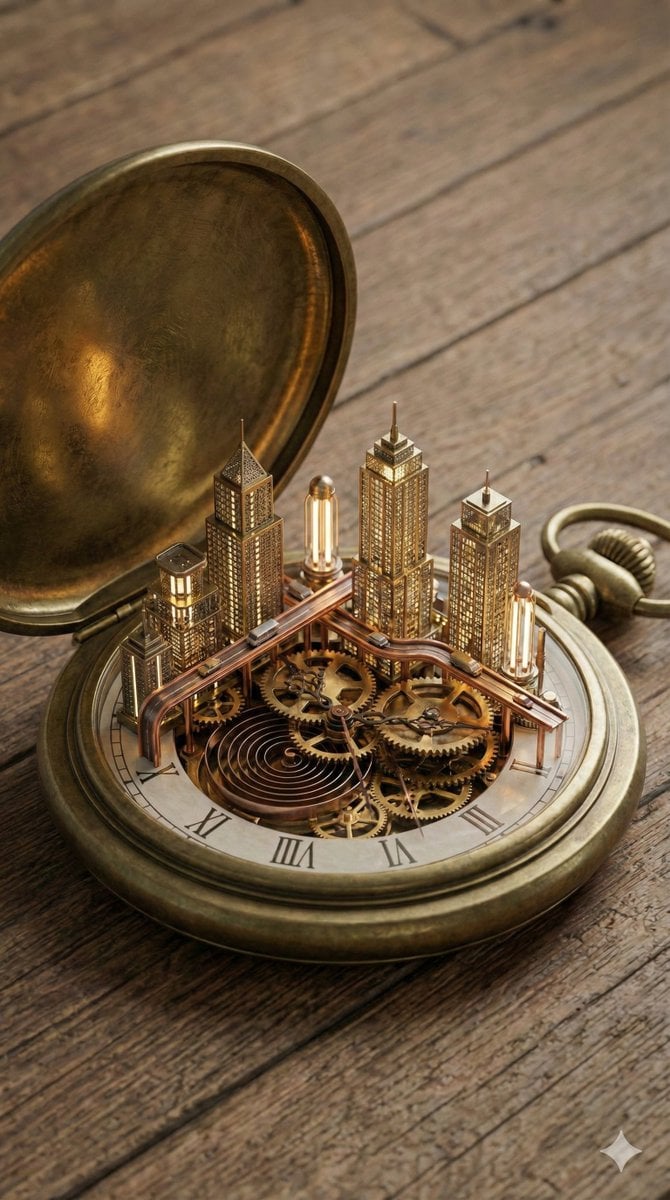
Miniature Metropolis Inside a Vintage Pocket Watch
Browse template categories
Soft Japanese Portrait Poster questions
How do I use the Soft Japanese Portrait Poster template?
Add your photo if the template asks for one, edit the prompt if you like — the template's model and format are already selected — and press Generate. Your version opens in PicX Studio.
Can I customize the Soft Japanese Portrait Poster template?
Yes. You can change the subject, setting, lighting, mood, format, and available model controls before creating your image.
Is the Soft Japanese Portrait Poster template free?
Opening and editing this template is free. Generating uses credits, shown on the Generate button when you are signed in.
Which AI model should I use?
Start with GPT Image 2, which is the model associated with this template. You can compare another compatible model for a different finish.
Looking for something else? Browse all templates.

Your photo, any look
Thousands of ready templates for every top image and video model, from one credit balance.