
High-End Gen-Z Editorial Portrait
An incredibly detailed prompt for GPT Image 2.0 designed to preserve facial identity while creating a luxury fashion editorial look in a monochromatic studio setting.
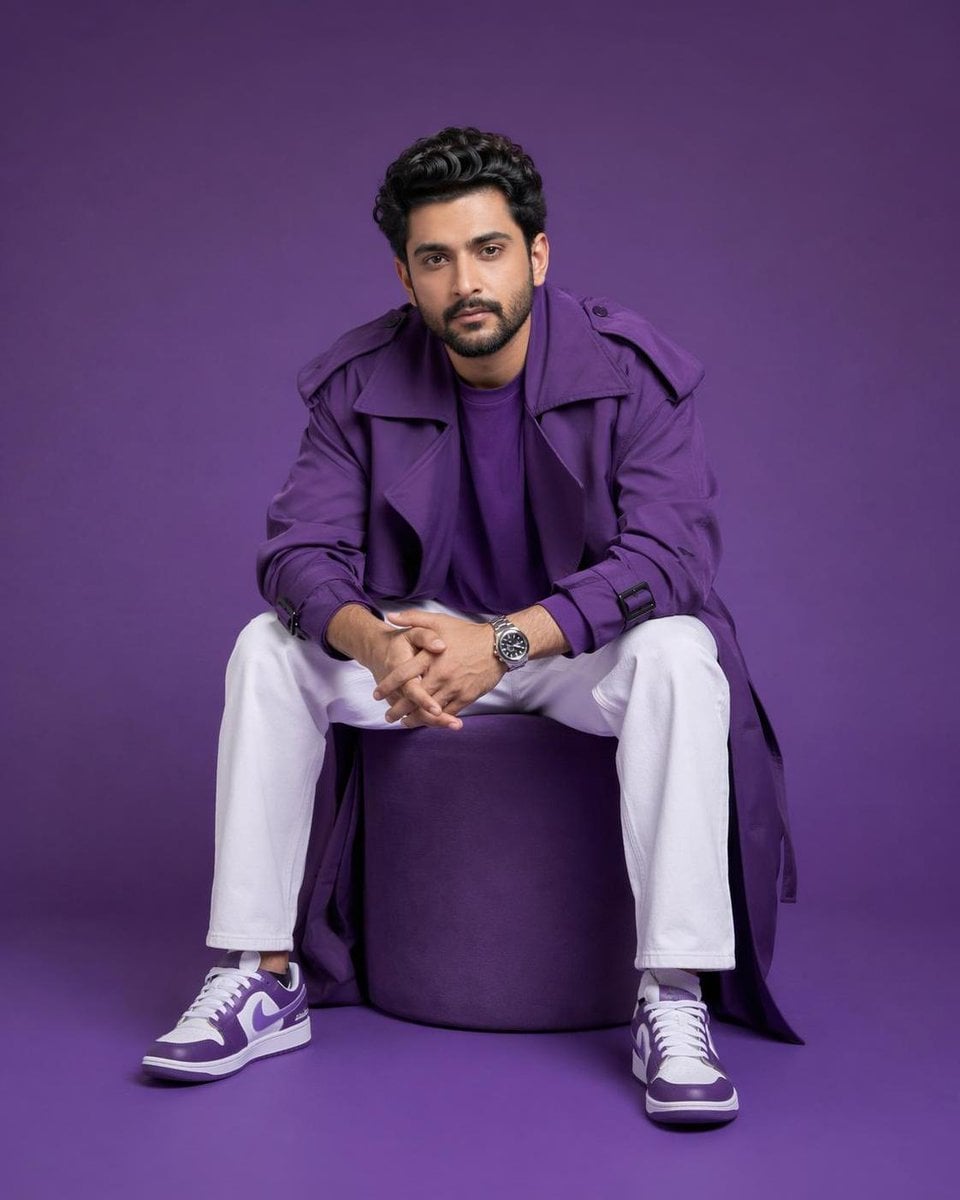
- Prompt included
- Model and format preset
- Premium template
The prompt behind this image
Copy the exact prompt behind High-End Gen-Z Editorial Portrait, or open it in the studio and make it yours.
Using the uploaded face image, preserve the person's facial identity with absolute accuracy (100% identity preservation), maintaining the exact face shape, bone structure, forehead, eyebrows, eyes, nose, lips, ears, jawline, hairstyle, hairline, facial hair, skin tone, complexion, age, and natural expression without beautifying or altering the individual. Create an ultra-premium Gen-Z fashion editorial portrait of the same person seated casually on a perfectly cylindrical matte {argument name="furniture color" default="purple"} ottoman, leaning slightly forward with elbows resting naturally on the thighs and hands loosely clasped together, projecting effortless confidence and modern attitude while making direct eye contact with the camera. Dress the subject in an oversized luxury monochromatic {argument name="outfit color" default="purple"} trench coat layered over a matching purple crew-neck t-shirt, relaxed-fit white trousers, premium white and purple designer sneakers, and a sophisticated stainless steel wristwatch. Place the subject inside a seamless monochromatic purple studio where both the floor and background are the same rich matte purple with a clean {argument name="aesthetic style" default="minimalist"} aesthetic and no additional props or distractions. Illuminate the scene using high-end professional fashion studio lighting with a large softbox positioned slightly above and to camera left, complemented by subtle fill lighting and gentle cinematic shadows that sculpt the face while preserving realistic skin texture and premium fabric details. Capture the image in a perfectly balanced 4:5 vertical composition with the full body and shoes visible, centered framing, shot using an 85mm medium-format portrait lens with shallow depth of field, ultra-sharp focus, hyper-realistic skin pores, luxury editorial color grading, Apple-style minimalism, Vogue campaign quality, commercial advertising photography, HDR, photorealistic 8K resolution. Negative prompt: different person, identity change, face swap, altered facial features, beautified face, different hairstyle, incorrect facial hair, asymmetrical face, distorted anatomy, extra fingers, missing fingers, duplicate limbs, bad hands, blurry image, low quality, low resolution, cartoon, anime, CGI, illustration, plastic skin, oversmoothed skin, fisheye lens, wide-angle distortion, cluttered background, text, watermark, logo, cropped shoes, cropped body, artifacts.
How to use High-End Gen-Z Editorial Portrait in 3 steps
- 1Upload ImagePNG, JPG or paste
Add your photo
Upload the photo the template builds on. The prompt, model and format are already set.
- 2…a portrait of your subject in softgolden-hour light, 85mm…
Personalize
Edit the subject and creative details for your destination.
- 3Generate
Generate
Press Generate — your image is created in PicX Studio, so you can compare it with the original and refine one variable at a time.
More like this
Templates with the same subject, style or setup. Open one to see its prompt.

untitled

Gpt Image 2 Fashion Portrait

Caution Tape Fashion — Industrial Editorial
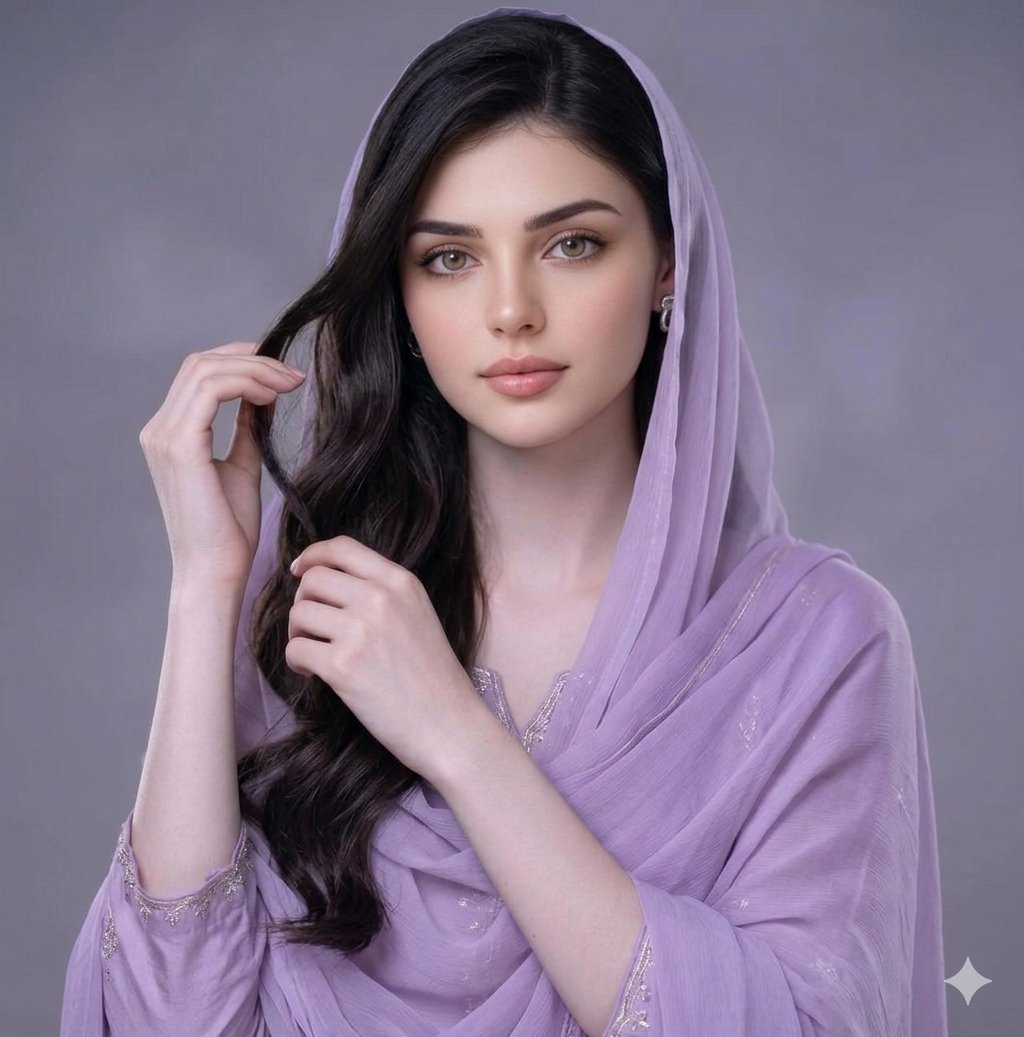
Lavender Salwar Kameez Editorial Portrait
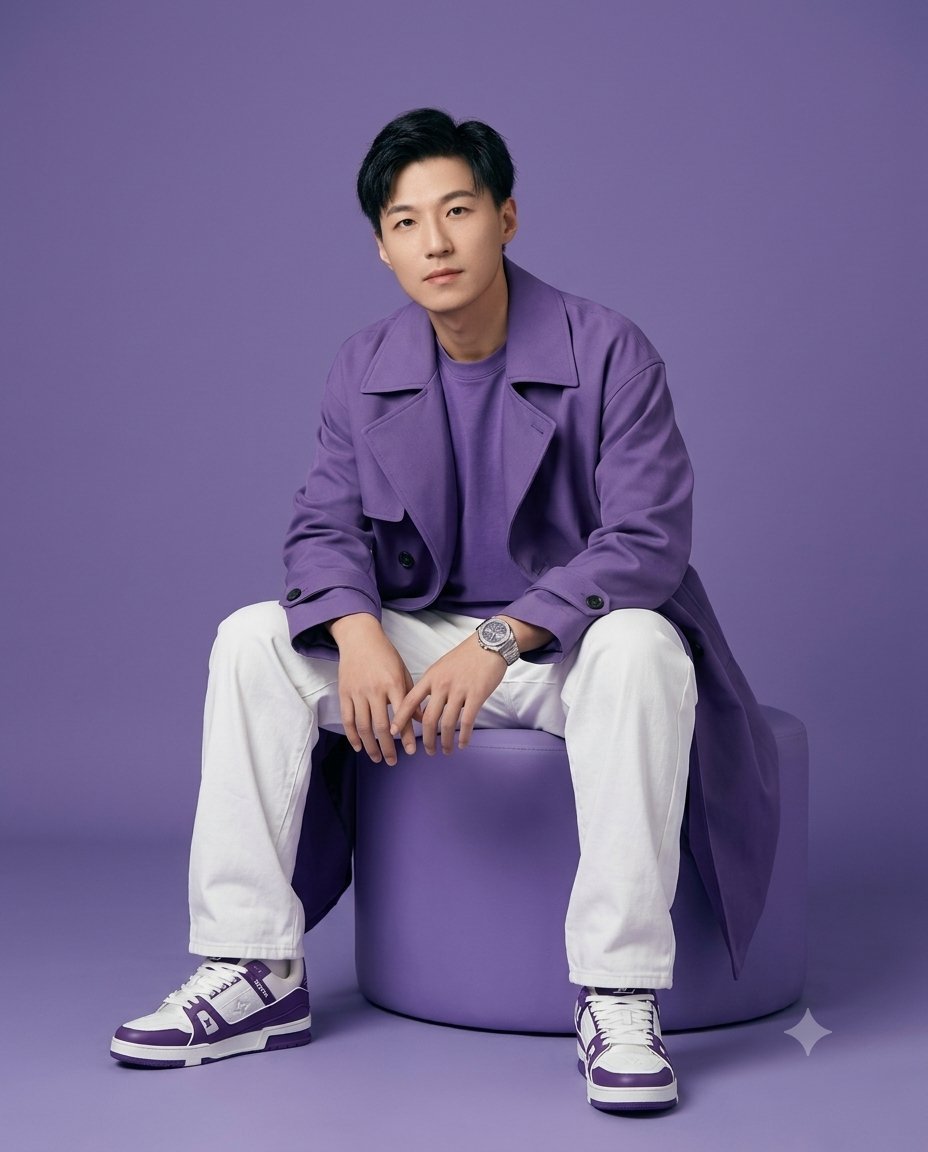
High-Fidelity Gen-Z Fashion Editorial Portrait
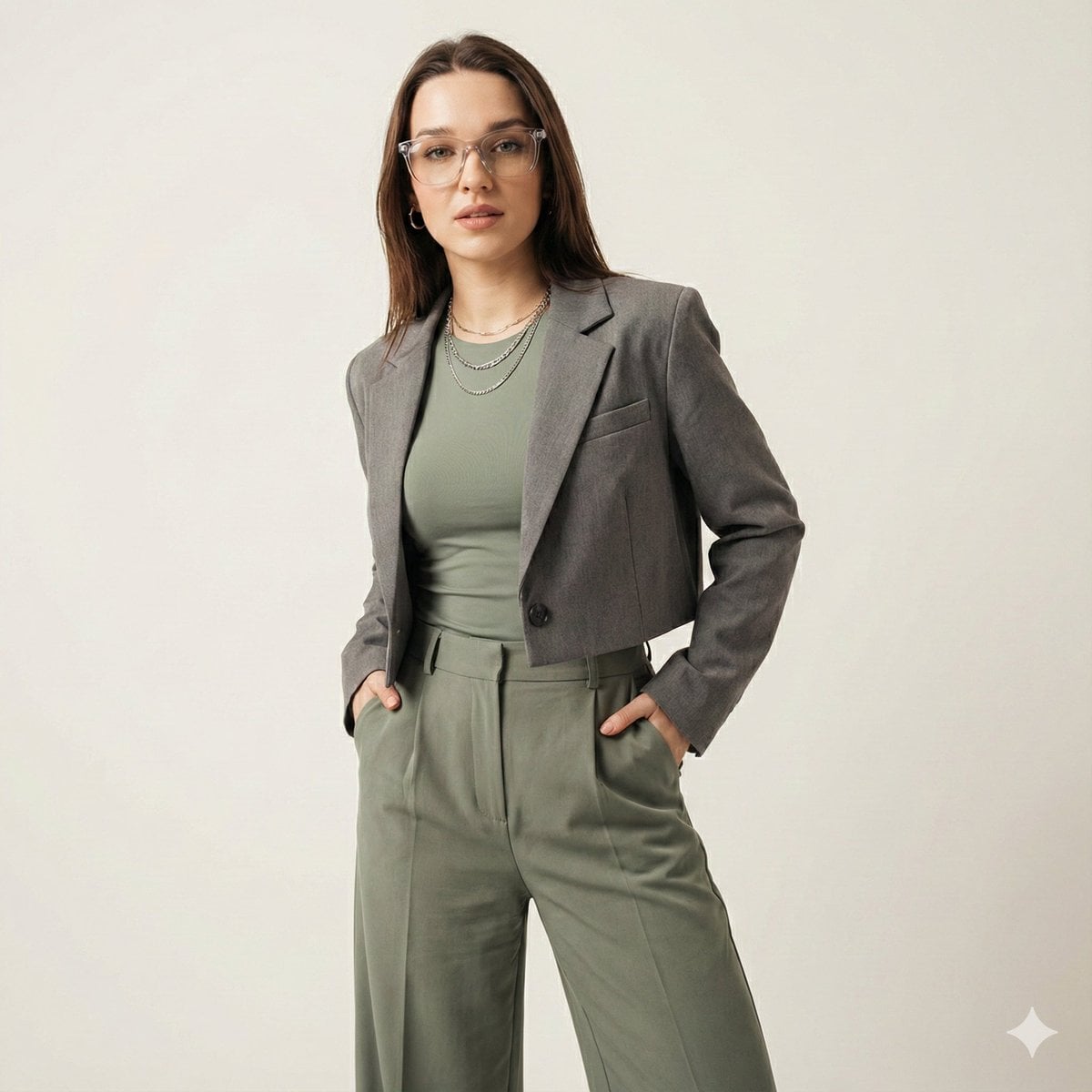
Gen-Z Fashion Editorial Studio Portrait

Isometric Landmark Generation Using Nano
Ultra Realistic Ai Influencer Generator

Cinematic Sport Logo Render in Midjourne

Couture Fashion Editorial Woman and Drag

Nano Banana 2 Editorial Fashion Portrait

Gen Z TikTok Viral Expression Grid 4x4 — Nano Banana
Make it yours
High-End Gen-Z Editorial Portrait works as-is. These are the safest ways to change it without losing the look.
Change one field
Copy a single group, rewrite it, and generate again so you can see what that field is doing.
Keep the frame, change the subject
Hold the composition and light of High-End Gen-Z Editorial Portrait, then swap wardrobe, props or the person for a new take.
| If the result… | Why | Fix |
|---|---|---|
| The result drifts from the preview | Too many fields changed at once. | Reuse High-End Gen-Z Editorial Portrait as-is first, then change one group — subject, light, or setting. |
| The model over-stylizes the scene | The prose prompt leaves finish and camera underspecified. | Add one camera or lighting sentence and stay on GPT Image 2. |
More GPT Image 2 templates
Other prompts made for GPT Image 2.

Six VTuber Japanese Logo Sheet

Realistic Portrait of Woman and Deer

The Vista Modular Condo Poster

AI Model Routing Comparison Infographic

2.5D Anime Art Board

Isometric Productivity Desk Scene

New York Double Exposure Poster

Four-Panel AI Landscape Comparison

Japanese Tatami Lifestyle Magazine Cover

NESCAFÉ Coffee Map Poster
More image prompts
Fresh picks from across the catalog.
Premium Winter Product Photography in Alpine Setting
Red Satin Slip Dress Bathroom Flash Photo Prompt

Hyper-Realistic Cinematic Portrait with Luxury Sports Car
Frame Ghibli-Style Storyboard Sheet
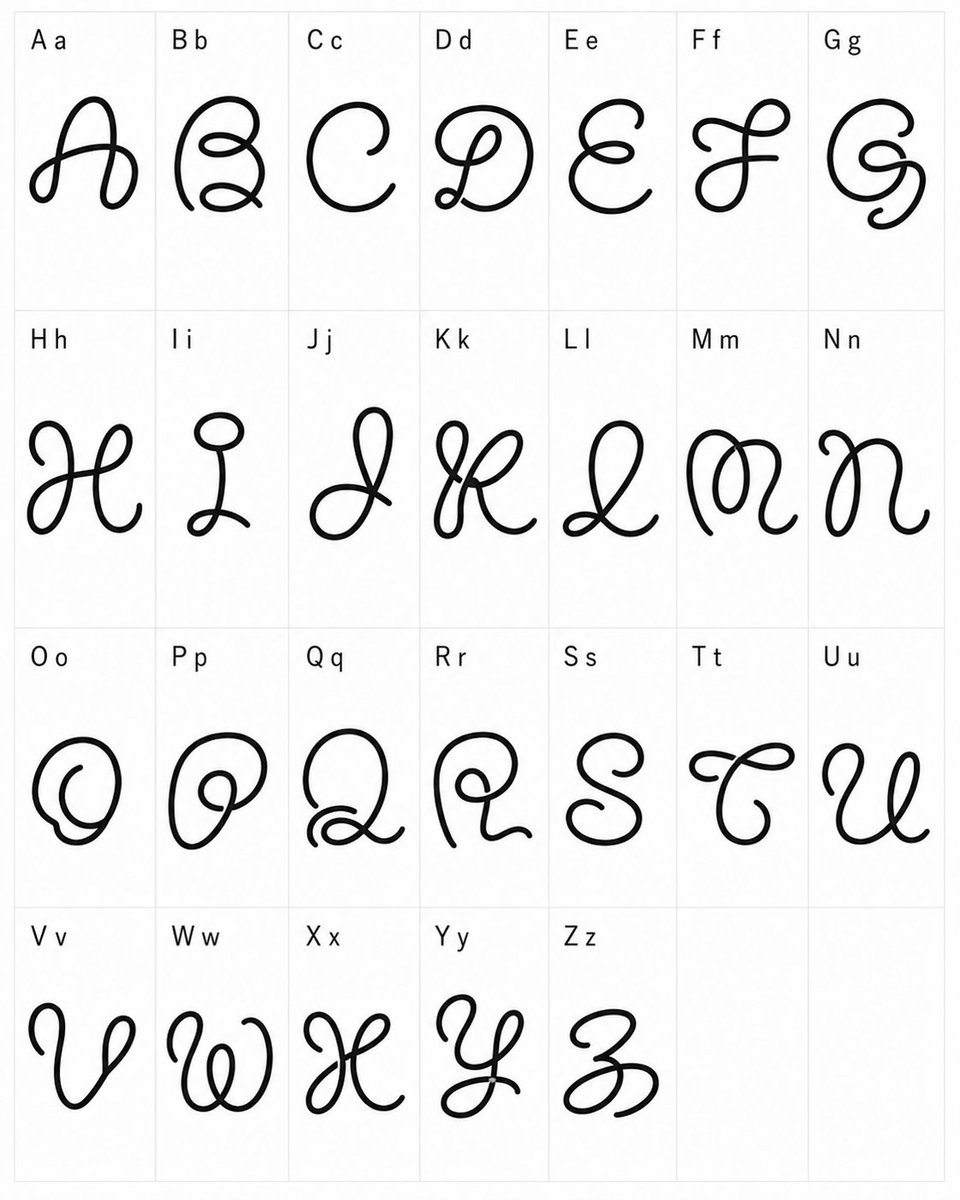
Whimsical Cursive Alphabet Sheet
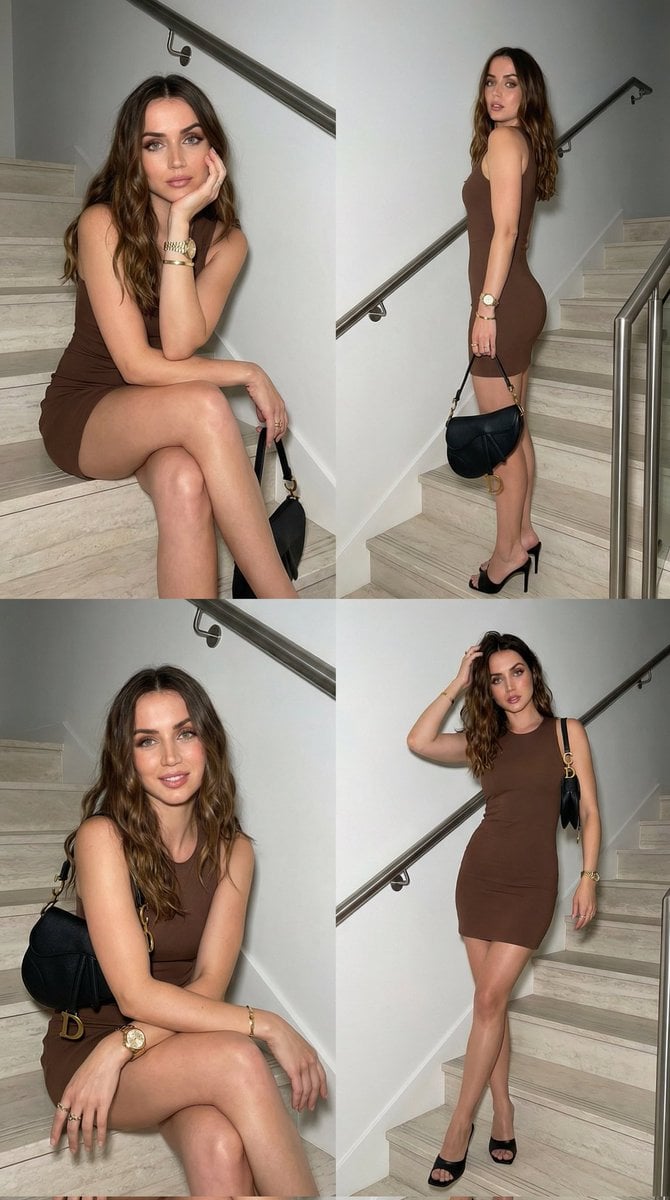
Luxury Fashion Editorial Collage on Modern Staircase
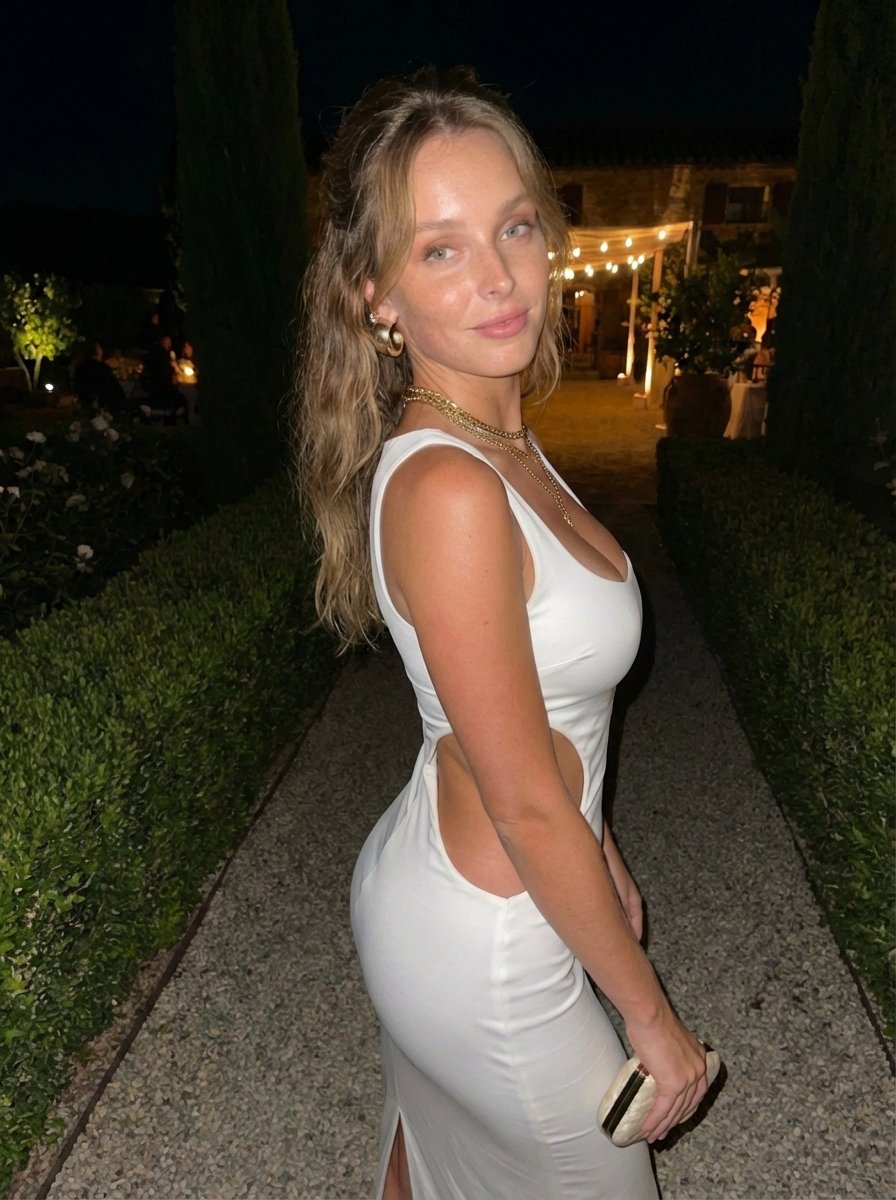
Candid Flash Photo of Woman in Avant-Garde Silk Gown
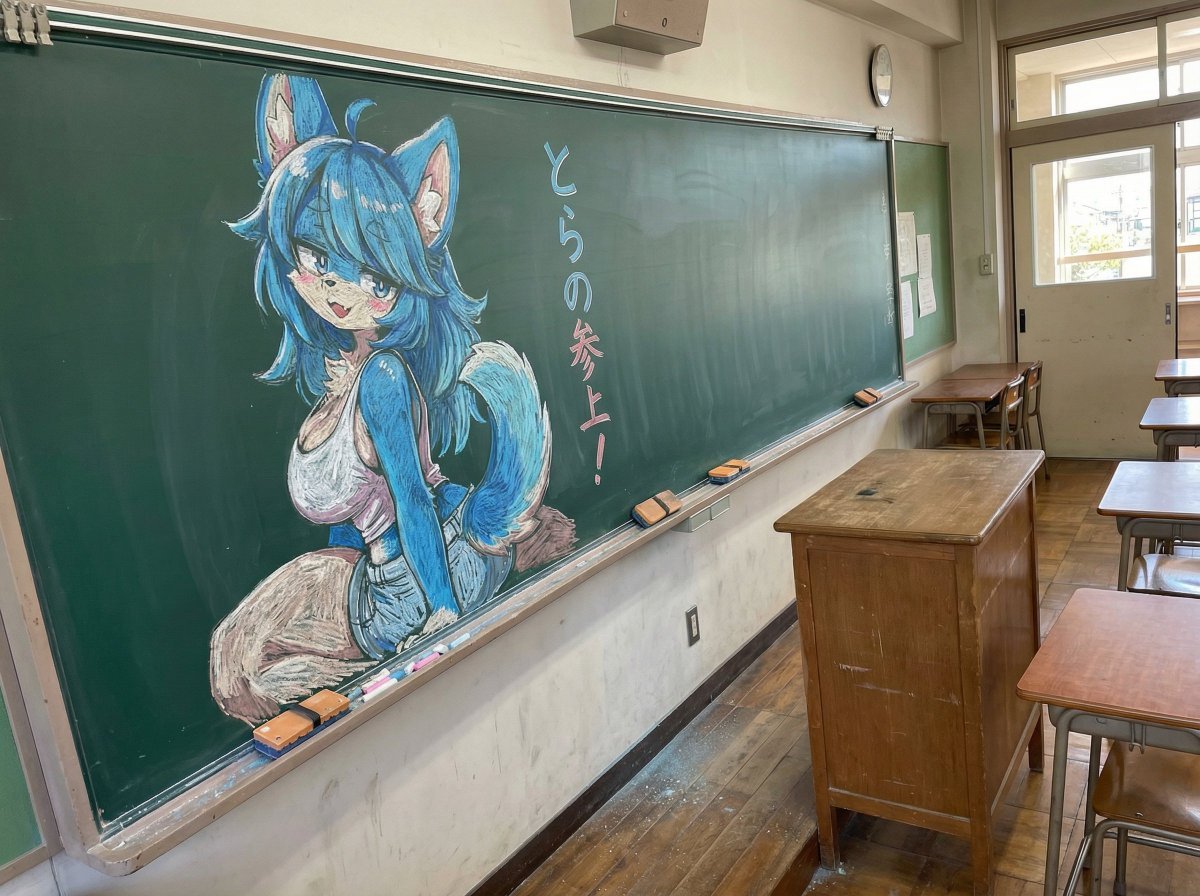
Chalk drawing of an illustration on a classroom blackboard
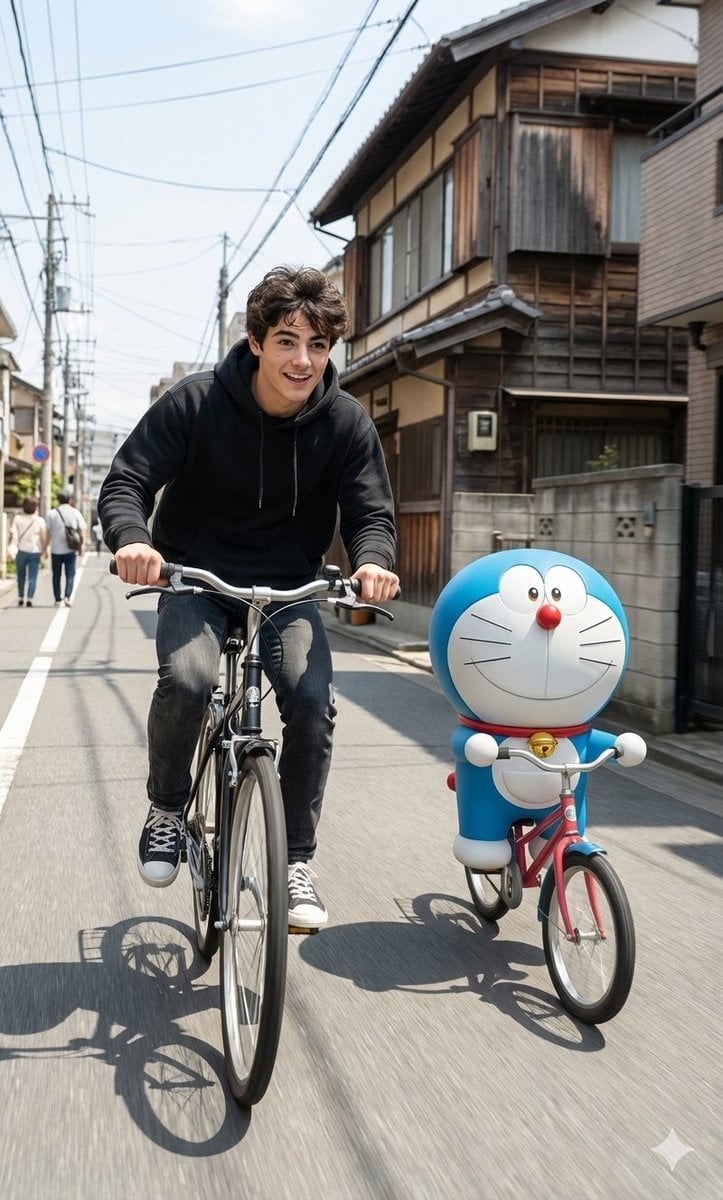
Cinematic Realism with Cartoon Character on Bicycle
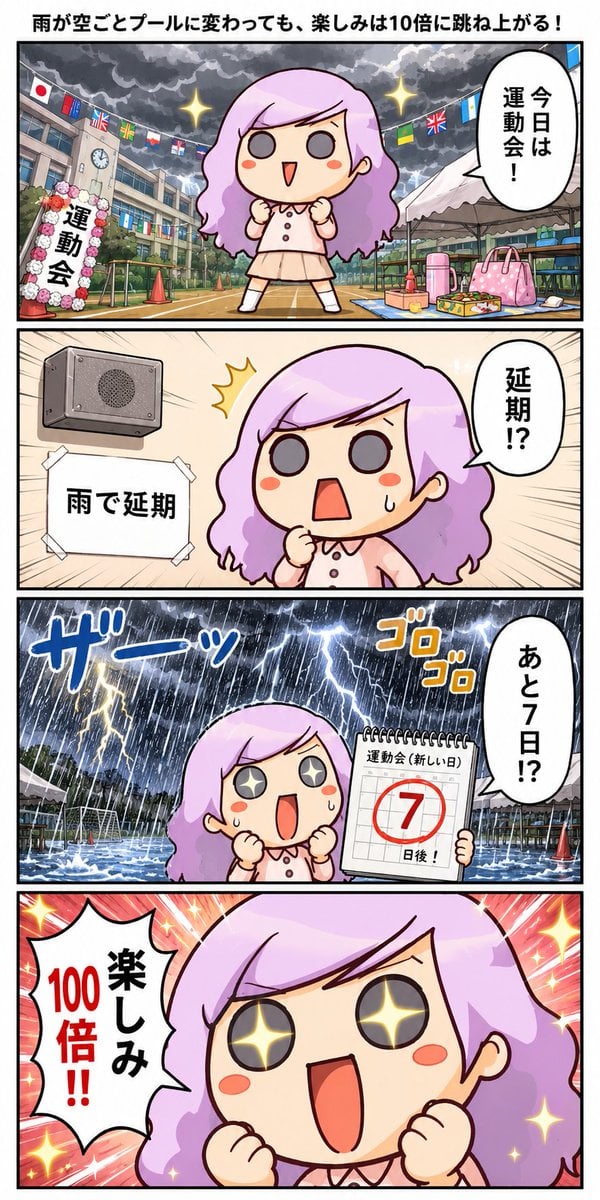
Rainy Sports Day Chibi Manga
Browse template categories
High-End Gen-Z Editorial Portrait questions
How do I use the High-End Gen-Z Editorial Portrait template?
Add your photo if the template asks for one, edit the prompt if you like — the template's model and format are already selected — and press Generate. Your version opens in PicX Studio.
Can I customize the High-End Gen-Z Editorial Portrait template?
Yes. You can change the subject, setting, lighting, mood, format, and available model controls before creating your image.
Is the High-End Gen-Z Editorial Portrait template free?
Opening and editing this template is free. Generating uses credits, shown on the Generate button when you are signed in.
Which AI model should I use?
Start with GPT Image 2, which is the model associated with this template. You can compare another compatible model for a different finish.
Looking for something else? Browse all templates.

Your photo, any look
Thousands of ready templates for every top image and video model, from one credit balance.