
Pixar-Style 3D Character Sticker Grid
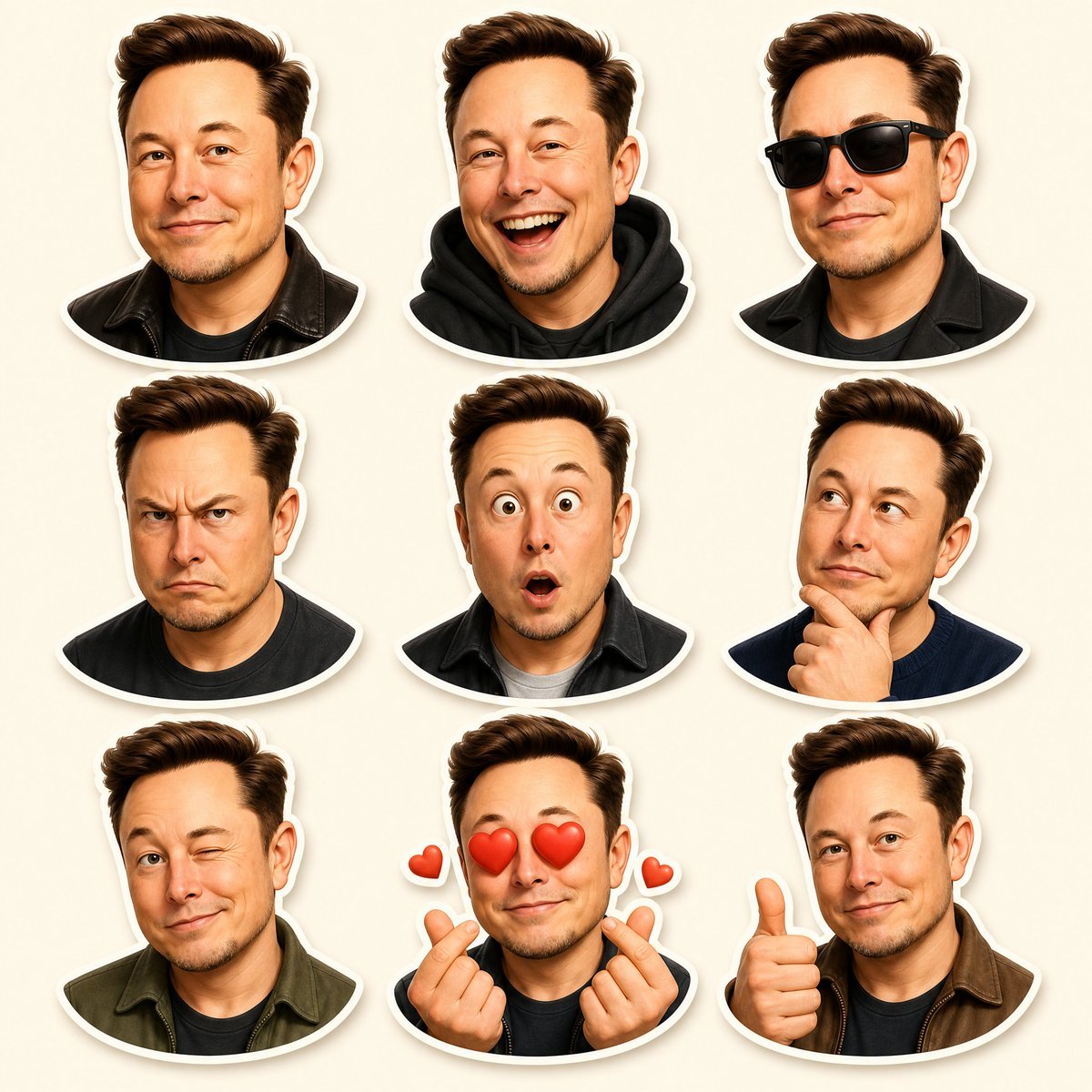
Generates a premium 3×3 Pixar-inspired 3D sticker sheet of one recognizable character with nine distinct expressions and gestures.
- Prompt included
- Model and format preset
- Premium template
The prompt behind this image
Copy the exact prompt behind Pixar-Style 3D Character Sticker Grid, or open it in the studio and make it yours.
Goal: Create a premium Pixar-inspired 3D character sticker sheet of the same recognizable adult male character, designed like high-quality messaging app stickers. Canvas: Vertical 4:5 composition, ultra high resolution, clean warm cream background, soft studio lighting, no text, no watermark. Layout: Arrange exactly 9 separate bust-up stickers in a clean 3×3 grid with even spacing. Each sticker has a thick white die-cut outline and a subtle soft drop shadow, as if printed vinyl stickers placed on the cream background. Character details: The character is {argument name="character identity" default="a recognizable Elon Musk-like middle-aged man"}, with fair skin, short voluminous swept-back {argument name="hair color" default="dark brown hair"}, rounded face, light stubble, expressive eyebrows, and a friendly Pixar-style 3D caricature look. Keep the same facial structure, hairstyle, age, and identity consistent across all 9 stickers. Sticker count and expressions: Include exactly 9 stickers, one per grid cell: 1. Top left: relaxed closed-mouth smile, wearing a black leather jacket. 2. Top center: big open-mouth laughing expression, wearing a black hoodie. 3. Top right: cool confident expression with black sunglasses, wearing a black coat. 4. Middle left: angry frowning expression with furrowed brows, wearing a dark shirt. 5. Middle center: surprised shocked face with wide eyes and small open mouth, wearing a dark jacket over a light shirt. 6. Middle right: thoughtful pose looking upward to the side, one hand on chin, wearing a navy sweater. 7. Bottom left: playful wink with slight smirk, wearing an olive-green jacket. 8. Bottom center: love-struck expression with red heart eyes, both hands making finger-heart gestures, plus exactly 2 small floating red heart icons, one on each side. 9. Bottom right: friendly thumbs-up gesture with a mild smile, wearing a brown jacket. Visual style: Premium polished 3D cartoon rendering, Pixar-like proportions, smooth skin shading, realistic but stylized hair, glossy eyes, warm highlights, crisp sticker edges, soft shadows, charming emoji-like personality. Constraints: Maintain a consistent head size and crop style across the grid; use bust portraits only; keep the background uncluttered; do not add captions, labels, logos, extra characters, or additional stickers.
How to use Pixar-Style 3D Character Sticker Grid in 3 steps
- 1Upload ImagePNG, JPG or paste
Add your photo
Upload the photo the template builds on. The prompt, model and format are already set.
- 2…a portrait of your subject in softgolden-hour light, 85mm…
Personalize
Edit the subject and creative details for your destination.
- 3Generate
Generate
Press Generate — your image is created in PicX Studio, so you can compare it with the original and refine one variable at a time.
More like this
Templates with the same subject, style or setup. Open one to see its prompt.
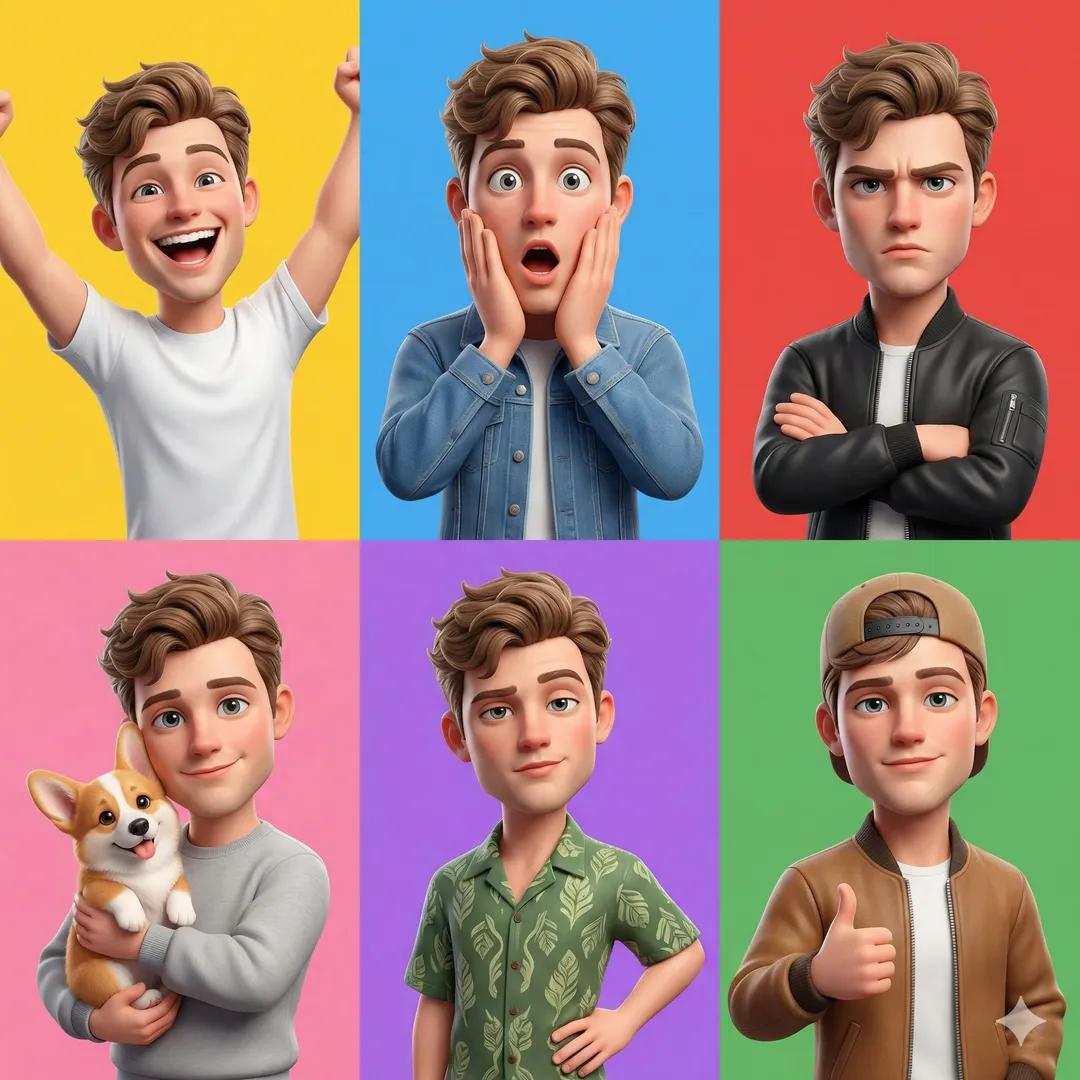
Pixar 6-Panel Streethero Expression Grid
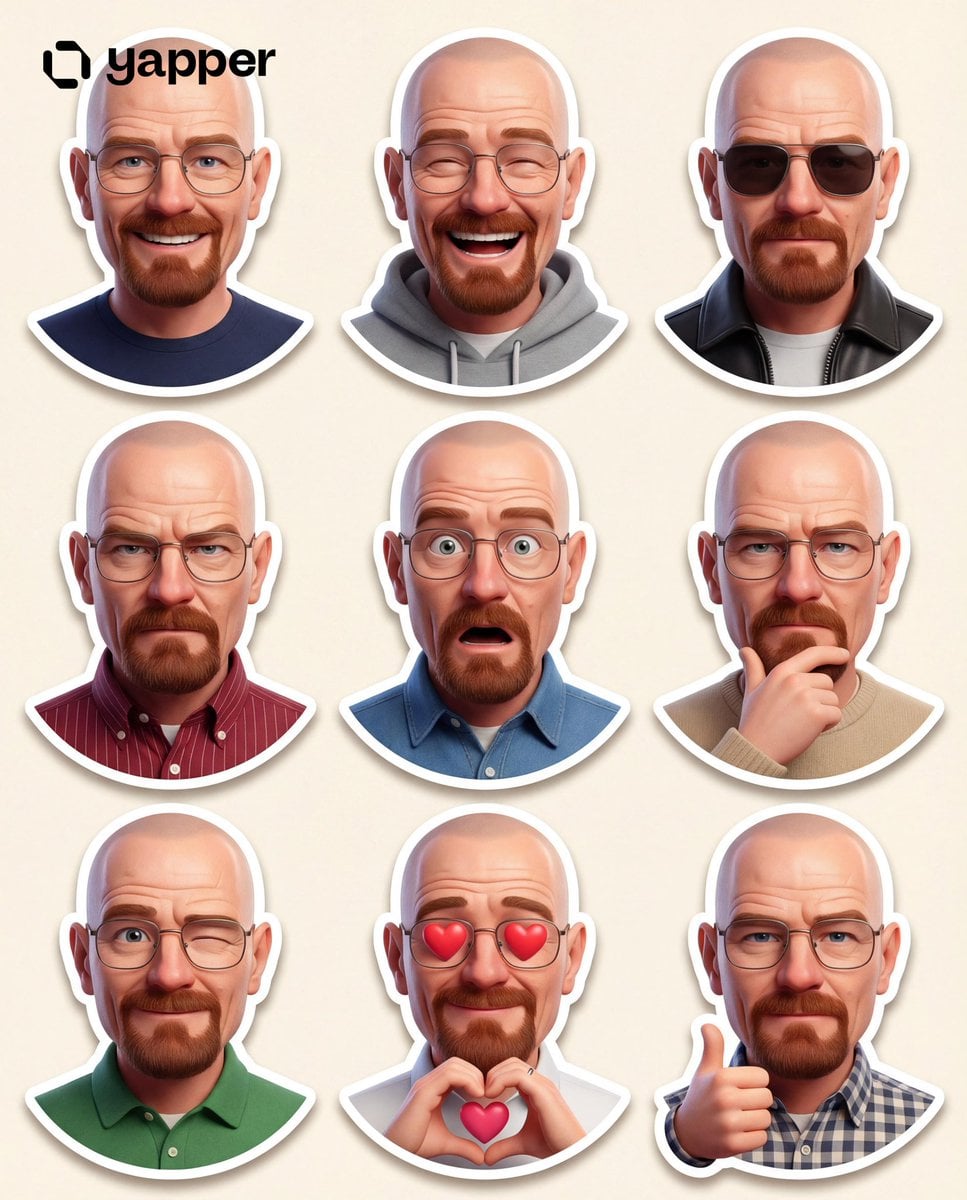
Pixar 3D Character Sticker Pack 3x3

Felt & Knit 3D Character — Photo-Exact Face, Pixar-Quality Plush Figurine

CGI 3D Finale Fireworks
CGI 3D Garden Maze
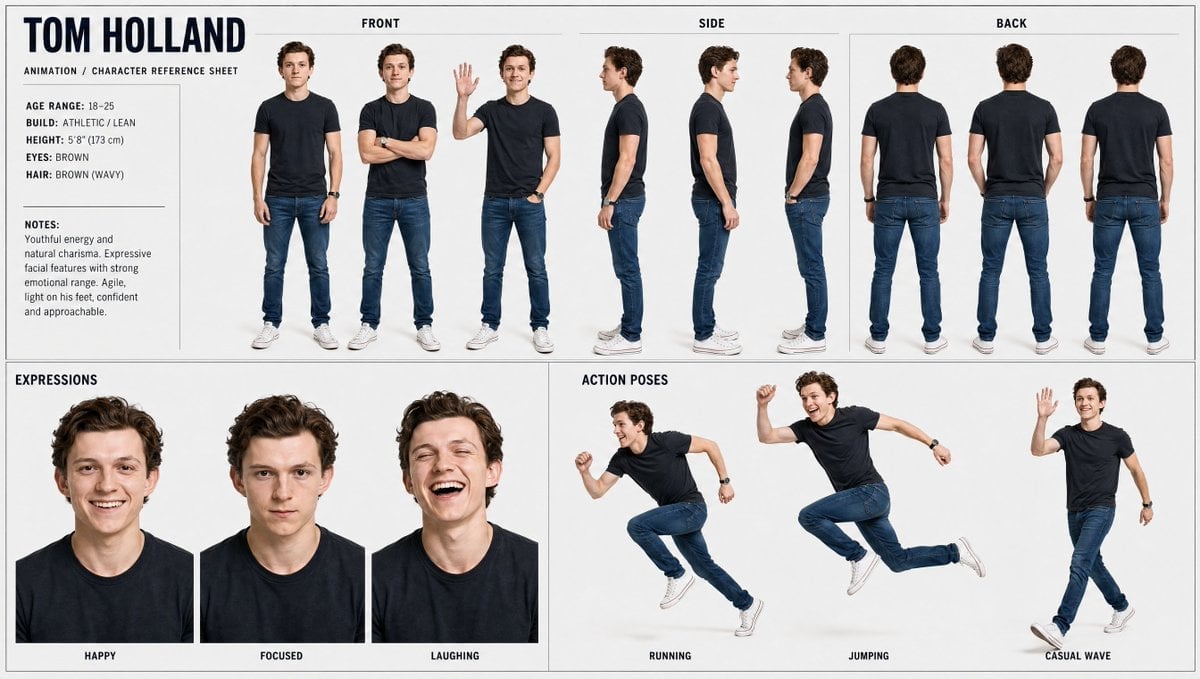
CGI 3D Rooftop Concert
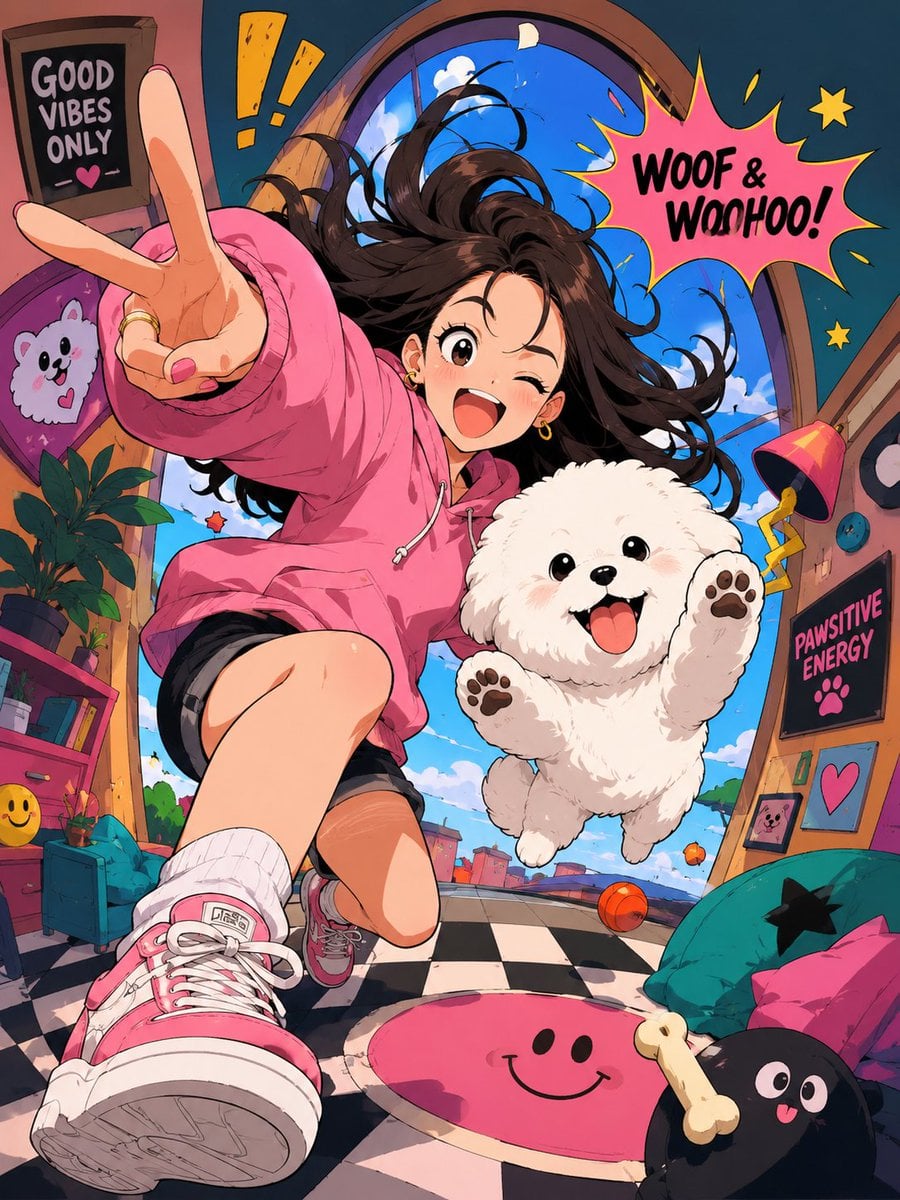
CGI 3D Bicycle Coast
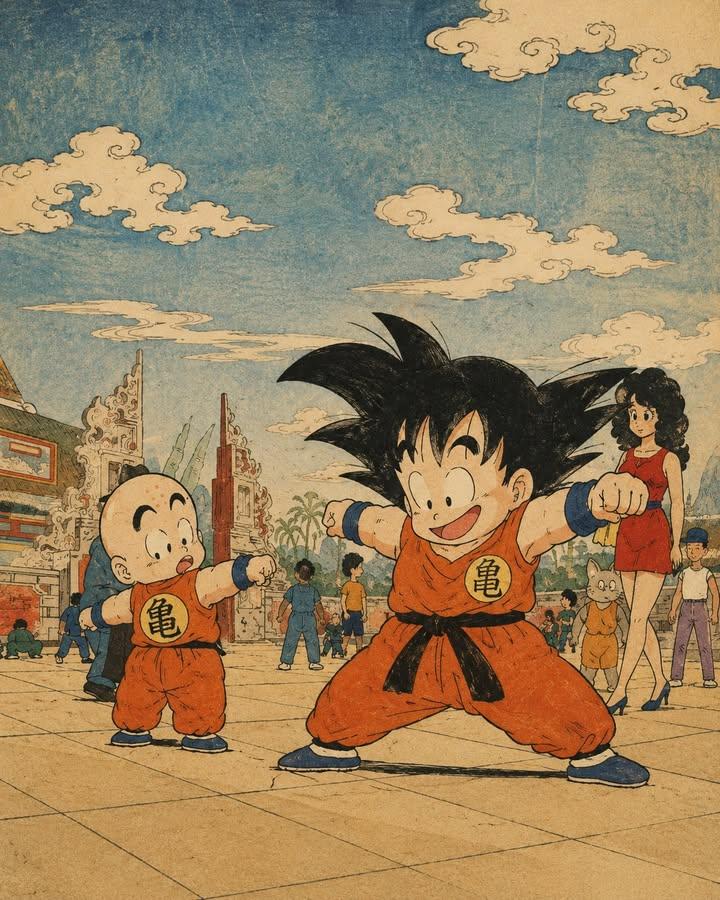
CGI 3D Castle Gate
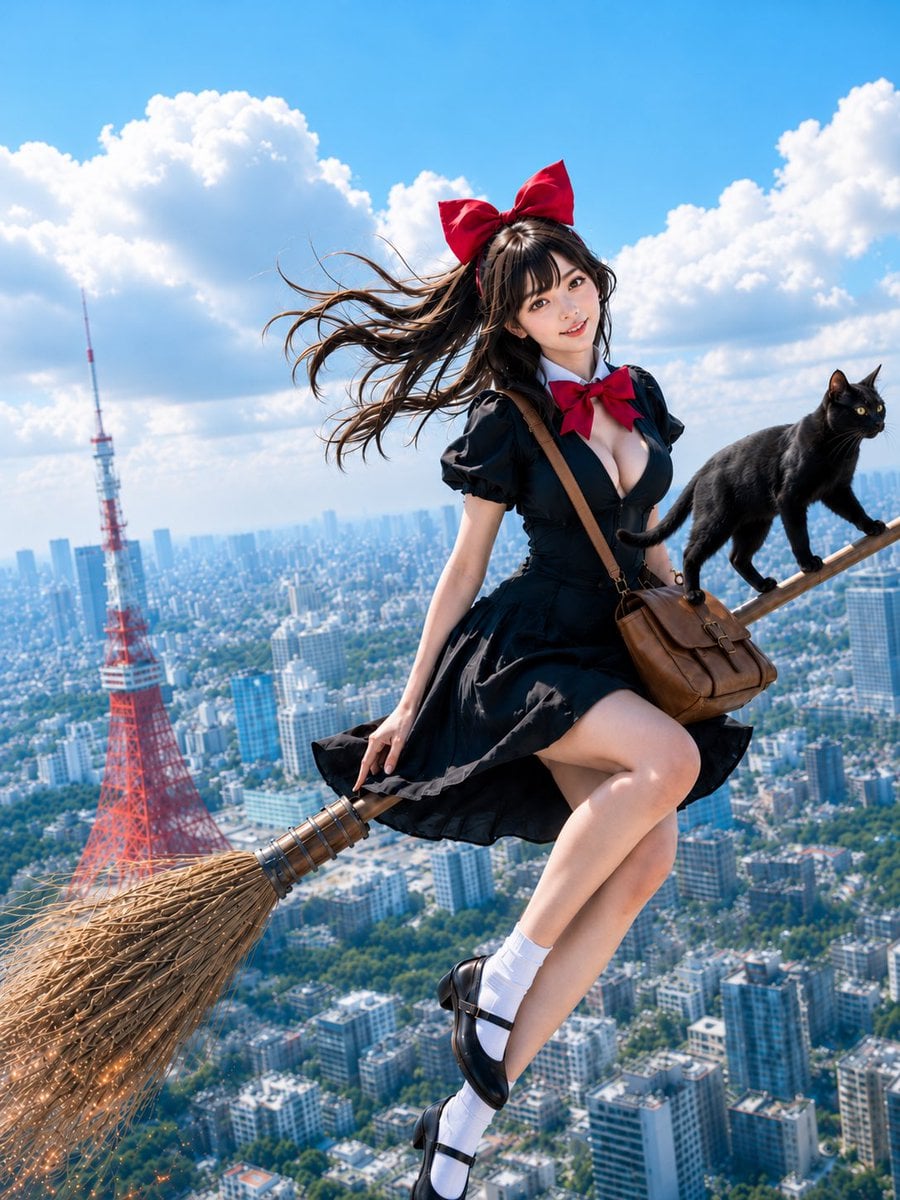
CGI 3D Kitchen Chaos
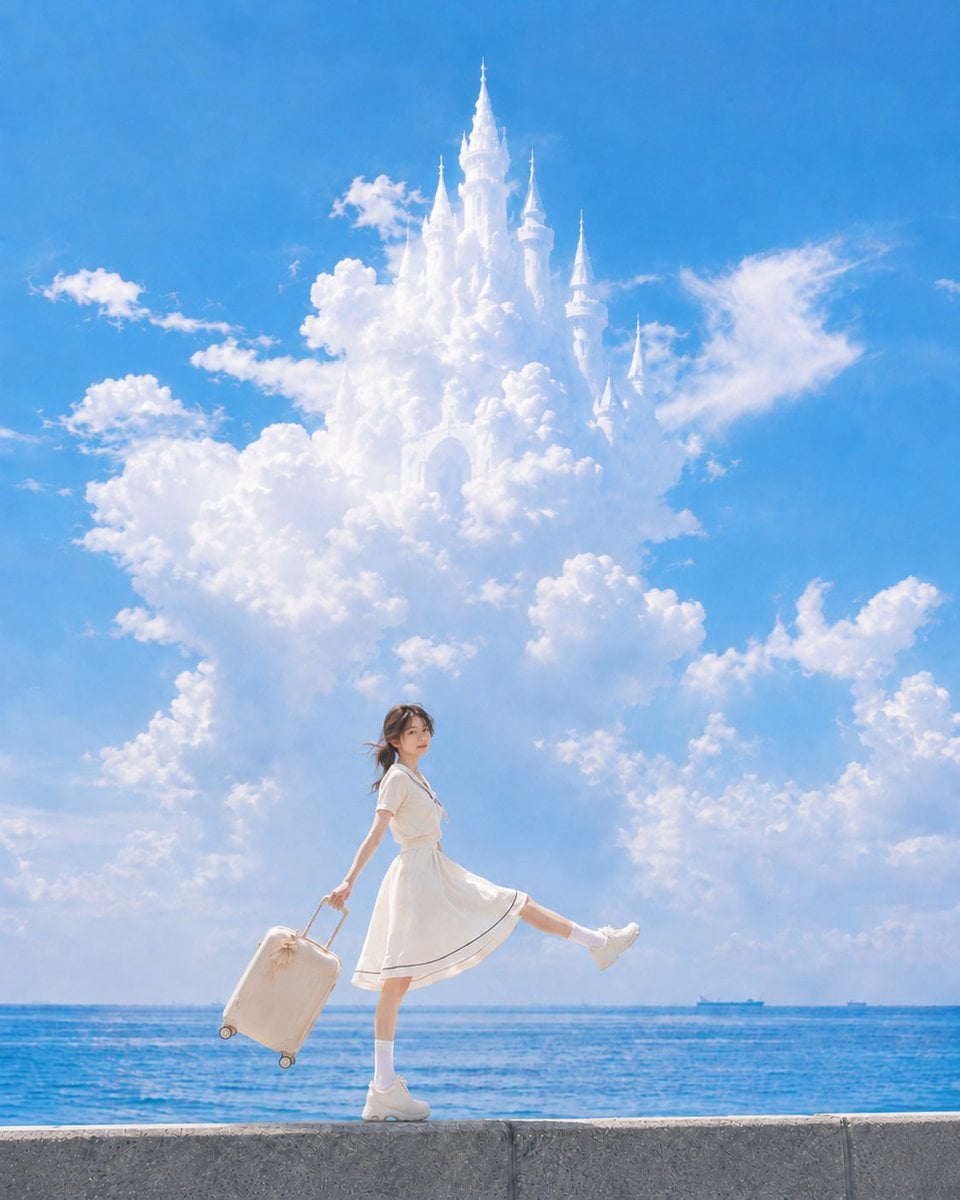
CGI 3D Carnival Ride
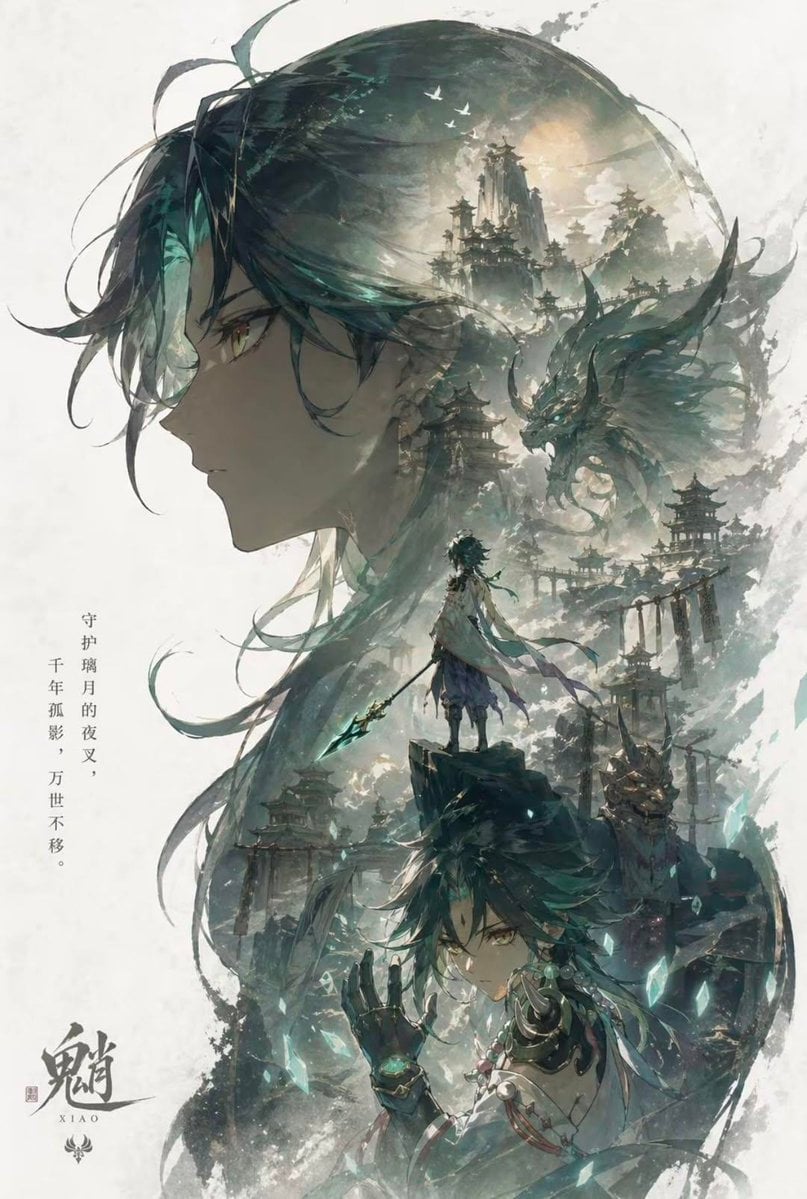
CGI 3D Rainy Bus Stop
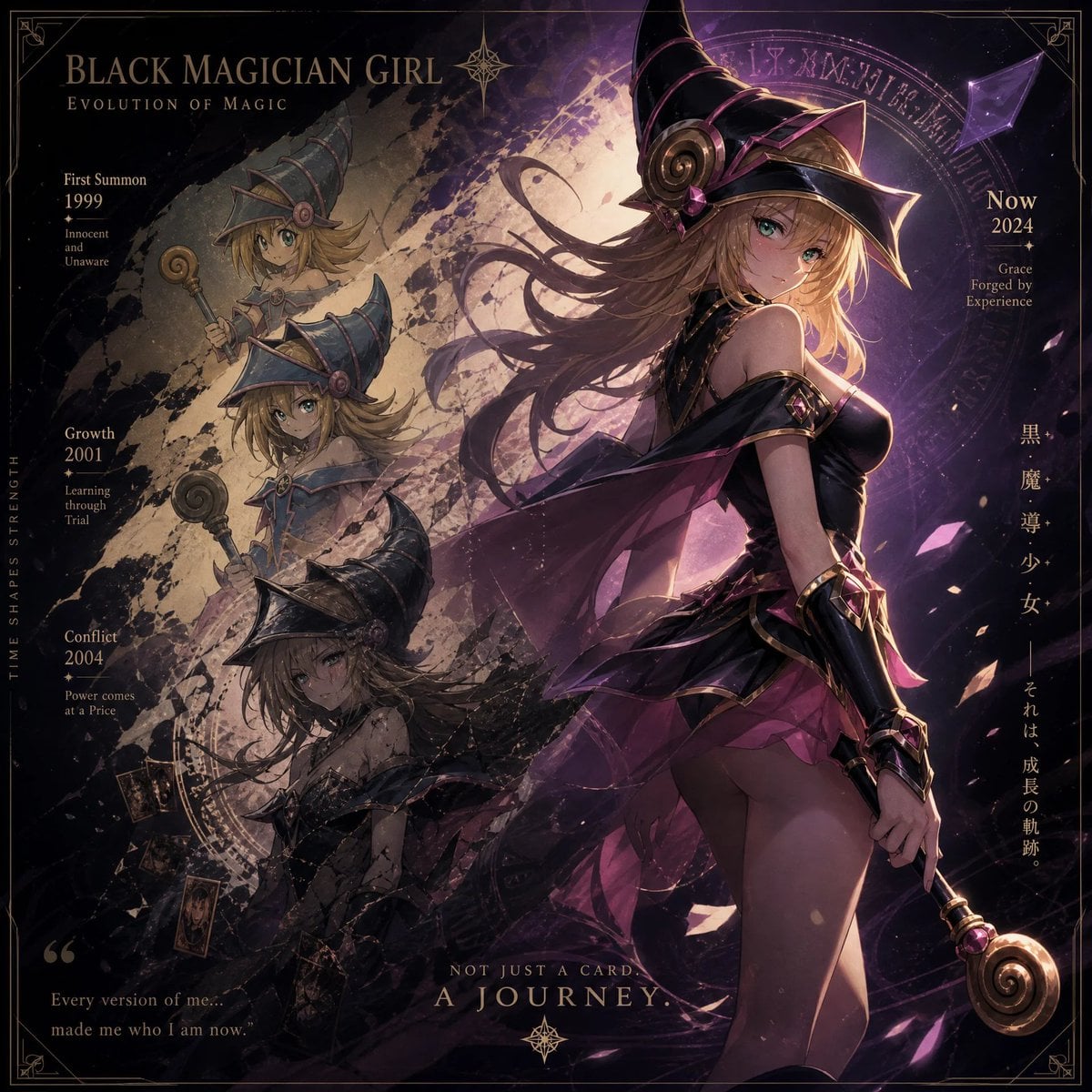
CGI 3D Space Dock
Make it yours
Pixar-Style 3D Character Sticker Grid works as-is. These are the safest ways to change it without losing the look.
Change one field
Copy a single group, rewrite it, and generate again so you can see what that field is doing.
Keep the frame, change the subject
Hold the composition and light of Pixar-Style 3D Character Sticker Grid, then swap wardrobe, props or the person for a new take.
| If the result… | Why | Fix |
|---|---|---|
| The result drifts from the preview | Too many fields changed at once. | Reuse Pixar-Style 3D Character Sticker Grid as-is first, then change one group — subject, light, or setting. |
| The model over-stylizes the scene | The prose prompt leaves finish and camera underspecified. | Add one camera or lighting sentence and stay on GPT Image 2. |
More GPT Image 2 templates
Other prompts made for GPT Image 2.

Six VTuber Japanese Logo Sheet

Realistic Portrait of Woman and Deer

The Vista Modular Condo Poster

AI Model Routing Comparison Infographic

2.5D Anime Art Board

Isometric Productivity Desk Scene

New York Double Exposure Poster

Four-Panel AI Landscape Comparison

Japanese Tatami Lifestyle Magazine Cover

NESCAFÉ Coffee Map Poster
More image prompts
Fresh picks from across the catalog.
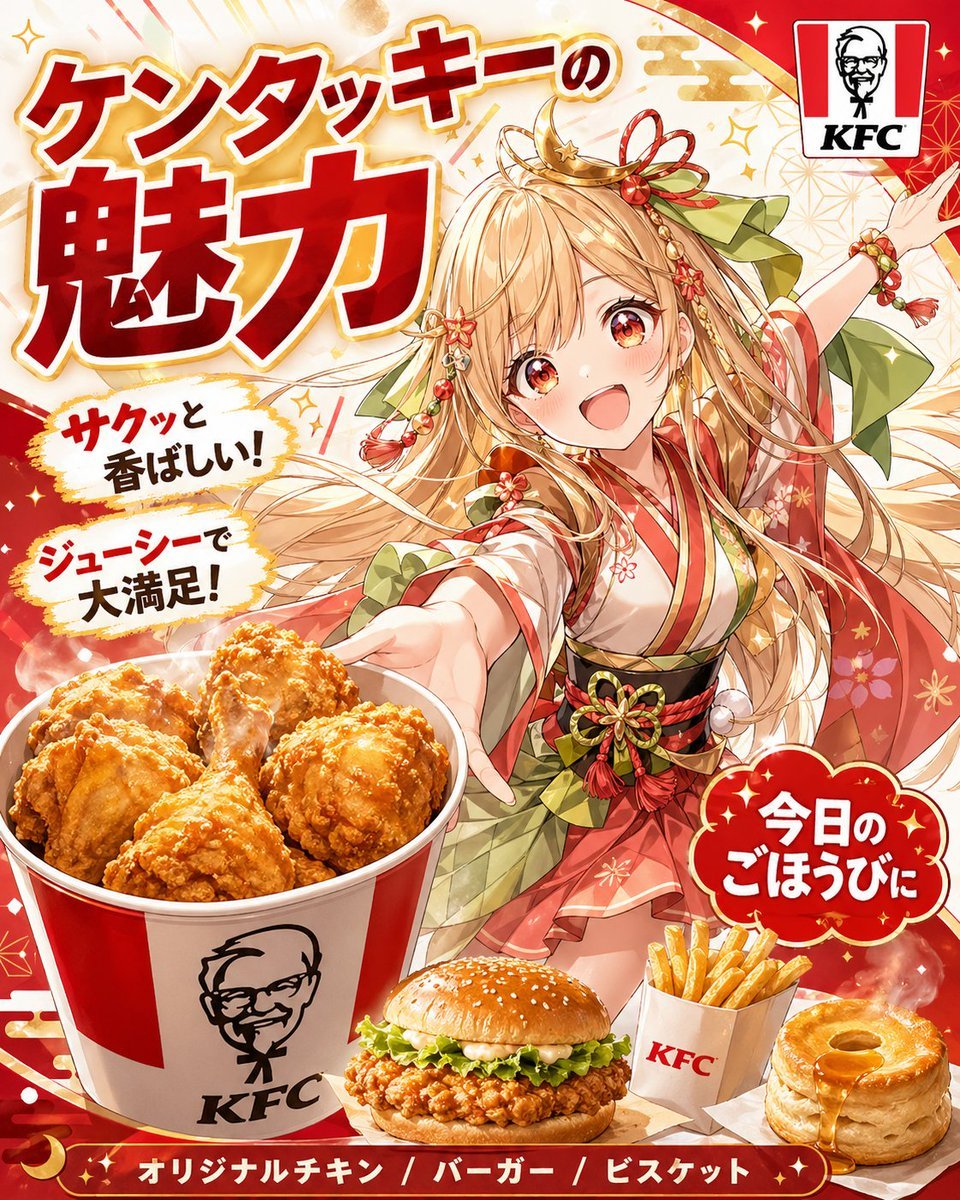
Anime KFC Princess Promo Poster
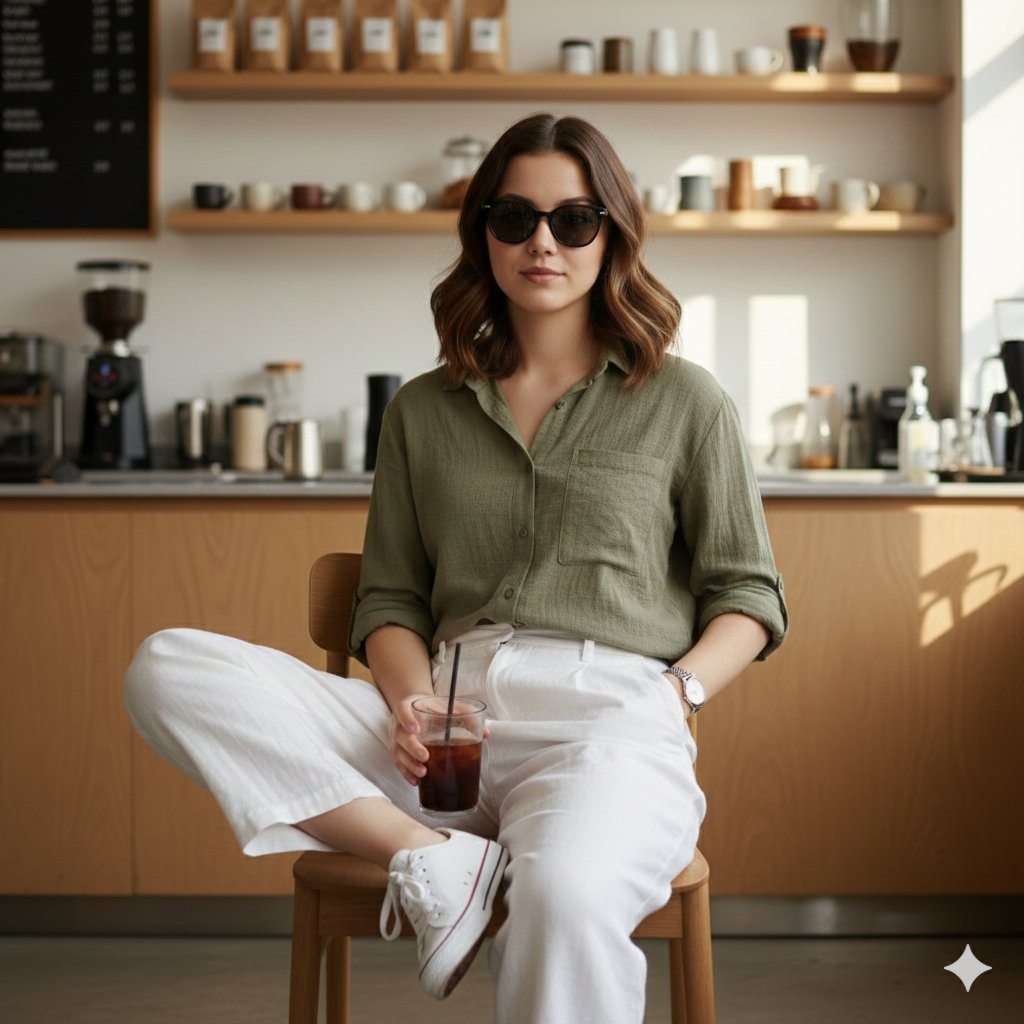
Fashion Editorial Reconstruction Image Generation Prompt
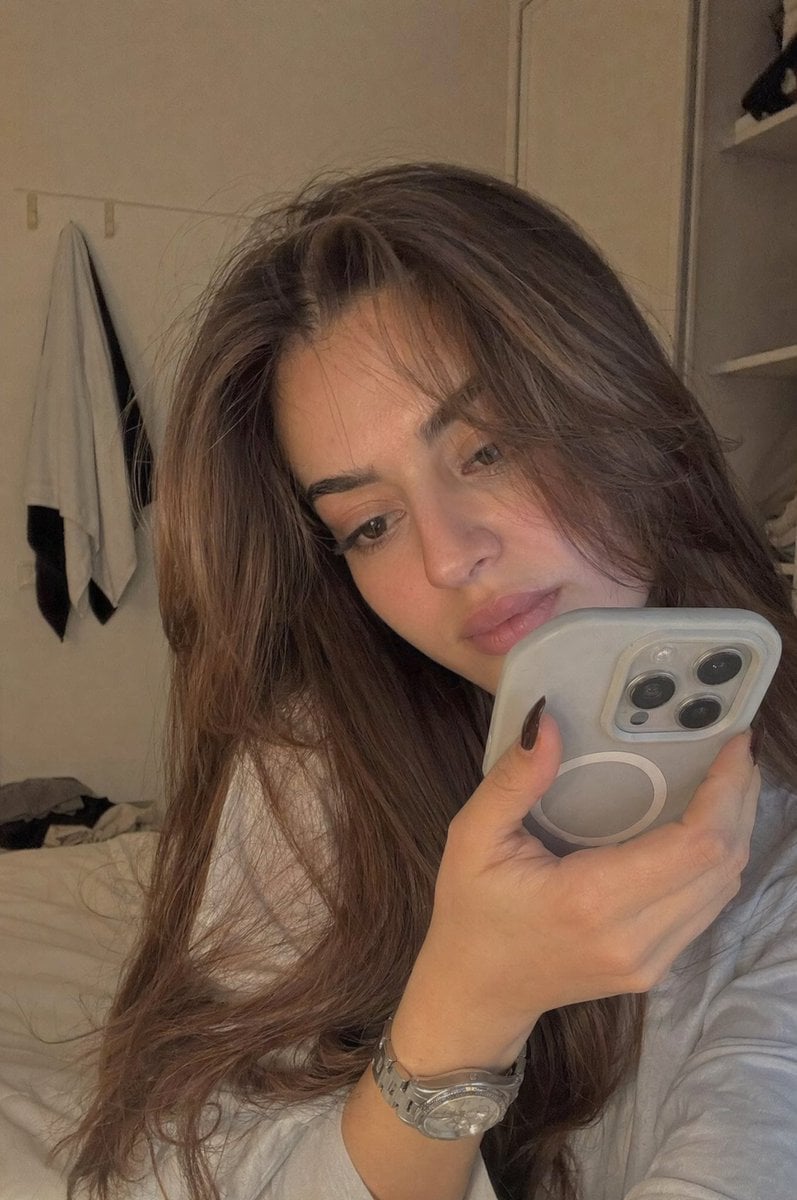
Realistic Bedroom Phone Recording Style
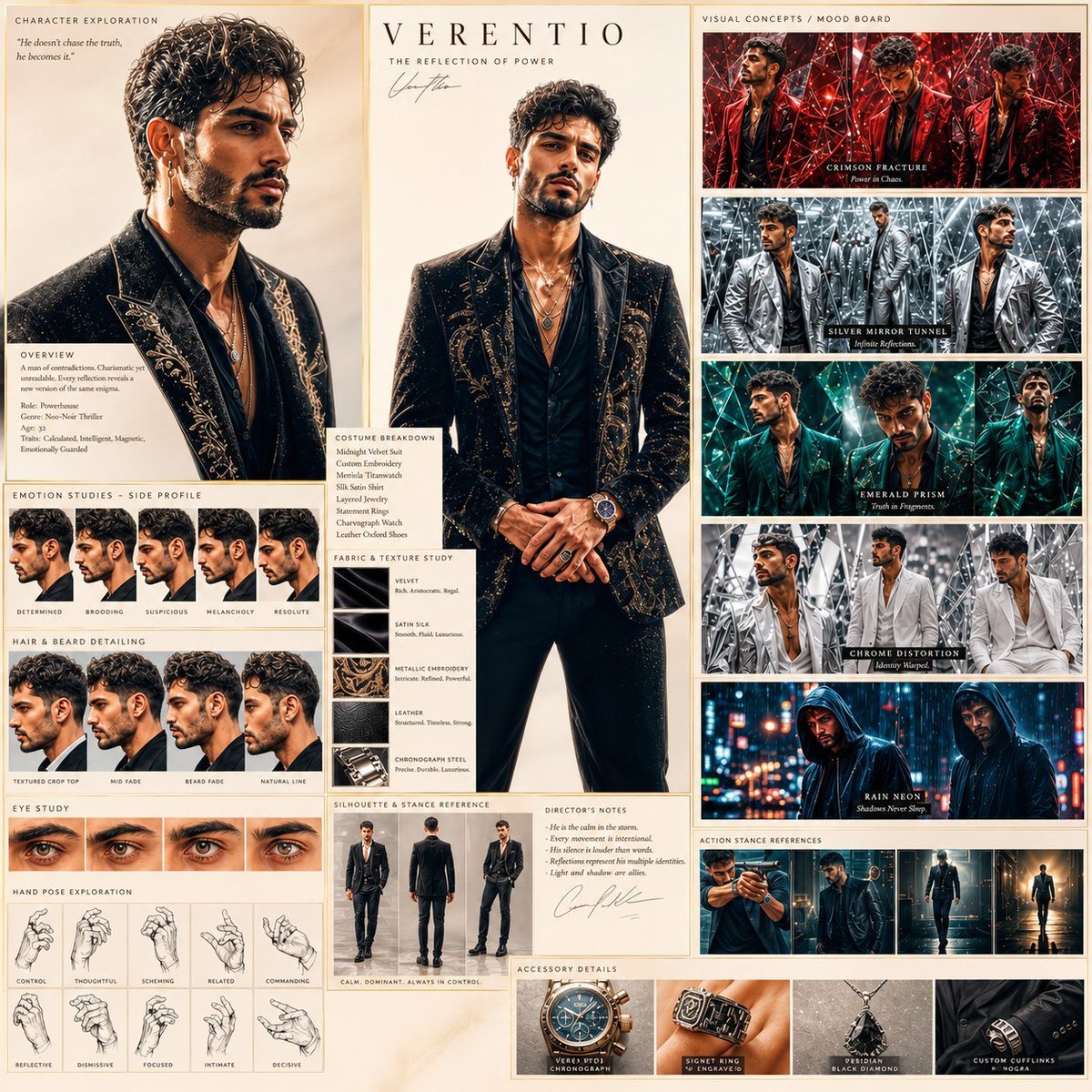
Neo-Noir Character Exploration Sheet
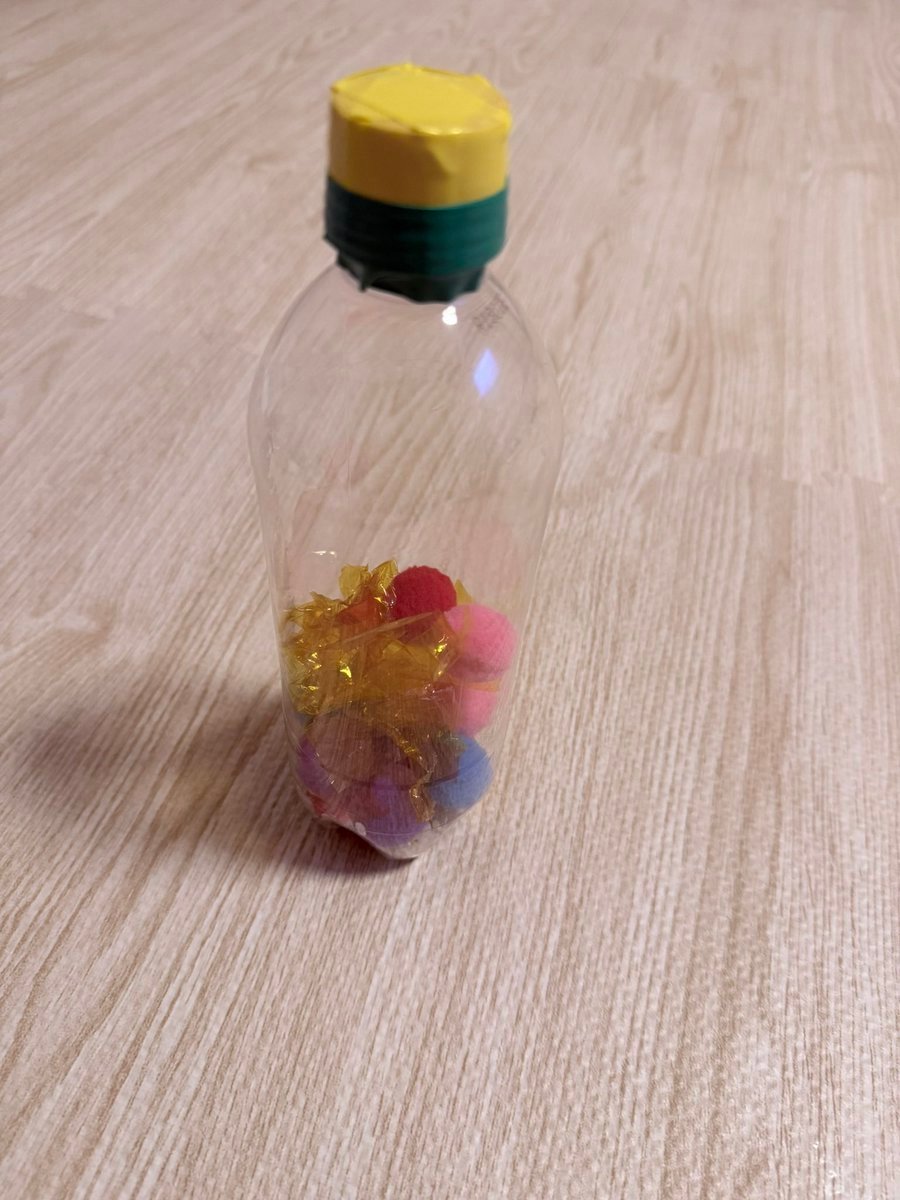
Finished Baby Sensory Bottle
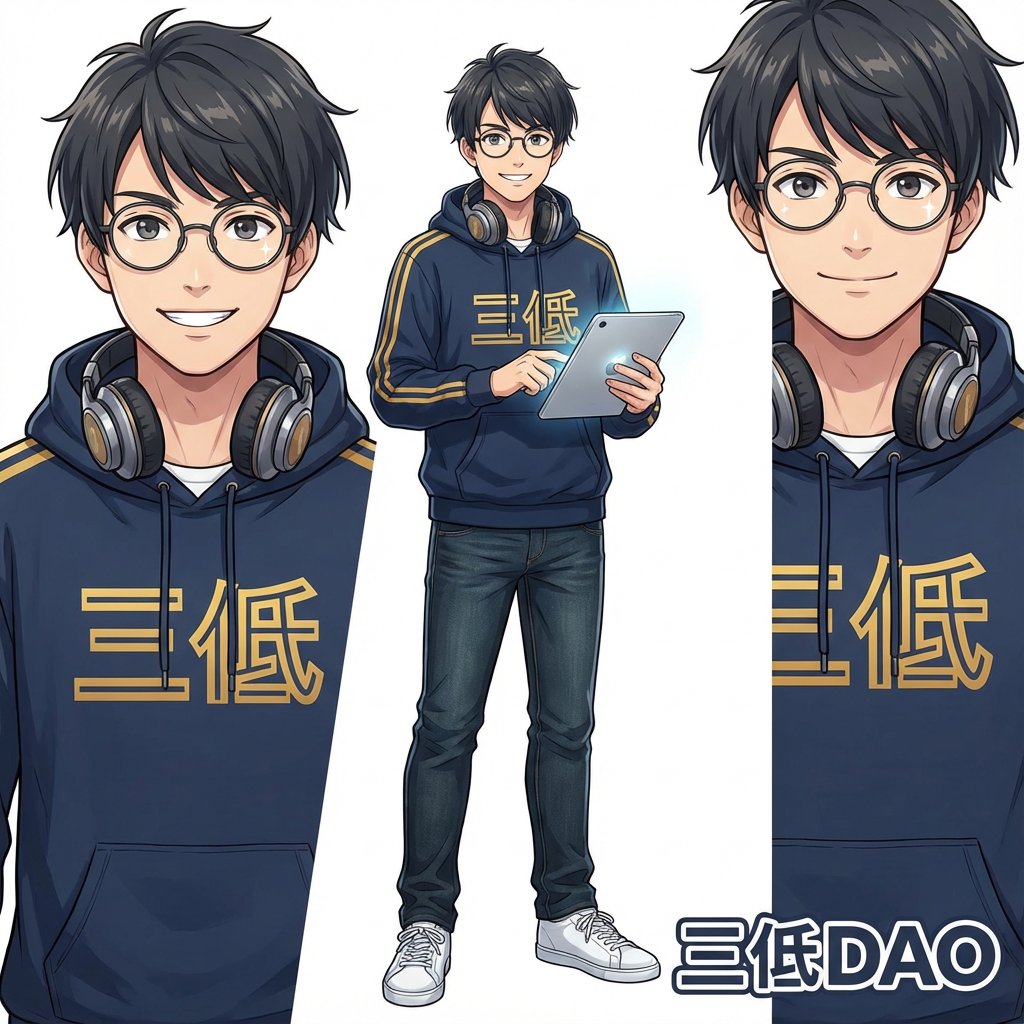
Nano Banana Pro Generation from Cropped Image Center
Text Rendering Control Template and Example Prompt
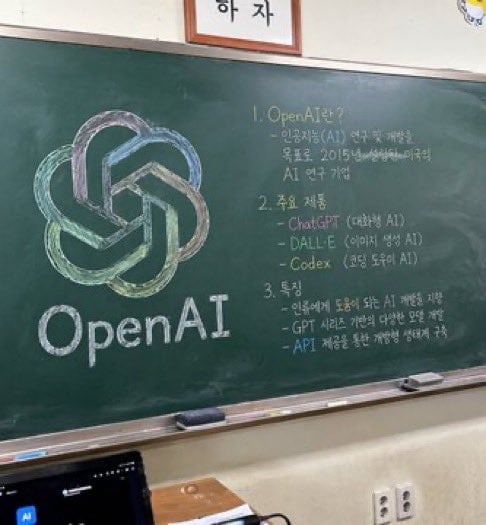
Classroom Chalkboard Lesson
Luxury Snapchat Neon Fashion Portrait
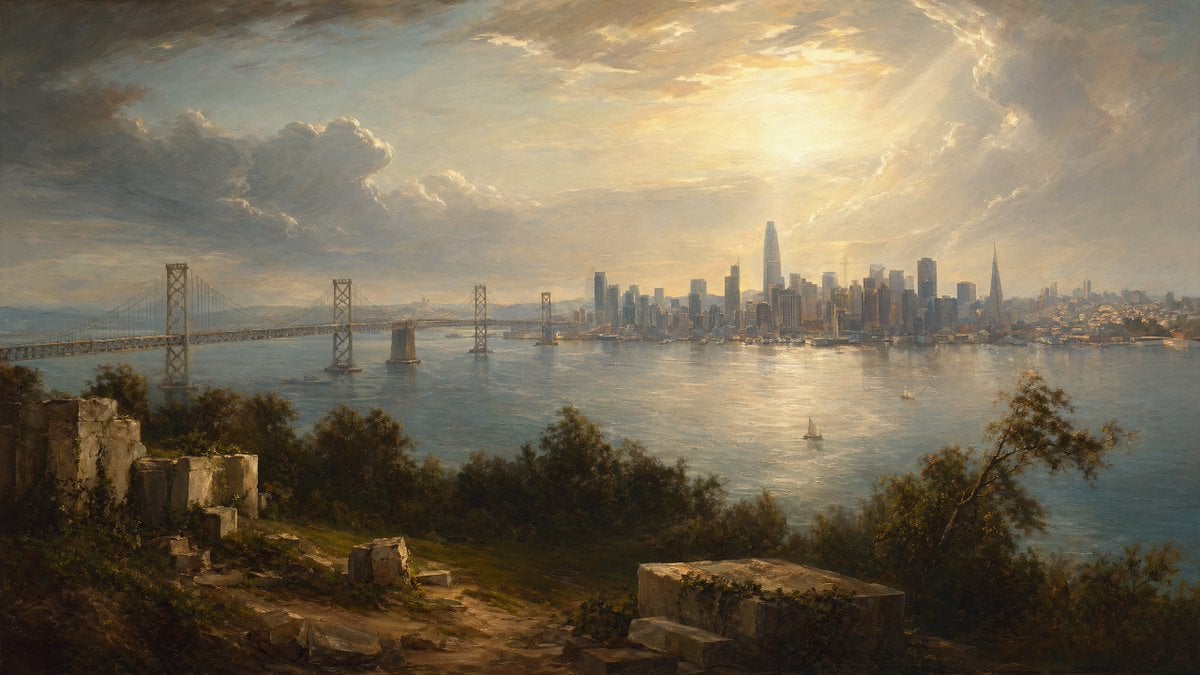
Golden Bay City Romantic Landscape
Browse template categories
Pixar-Style 3D Character Sticker Grid questions
How do I use the Pixar-Style 3D Character Sticker Grid template?
Add your photo if the template asks for one, edit the prompt if you like — the template's model and format are already selected — and press Generate. Your version opens in PicX Studio.
Can I customize the Pixar-Style 3D Character Sticker Grid template?
Yes. You can change the subject, setting, lighting, mood, format, and available model controls before creating your image.
Is the Pixar-Style 3D Character Sticker Grid template free?
Opening and editing this template is free. Generating uses credits, shown on the Generate button when you are signed in.
Which AI model should I use?
Start with GPT Image 2, which is the model associated with this template. You can compare another compatible model for a different finish.
Looking for something else? Browse all templates.

Your photo, any look
Thousands of ready templates for every top image and video model, from one credit balance.