
Photo to Folk Flat Illustration Comparison
Generates a cozy side-by-side scene comparing a candid person-and-cat photo with a decorative folk flat illustration version.
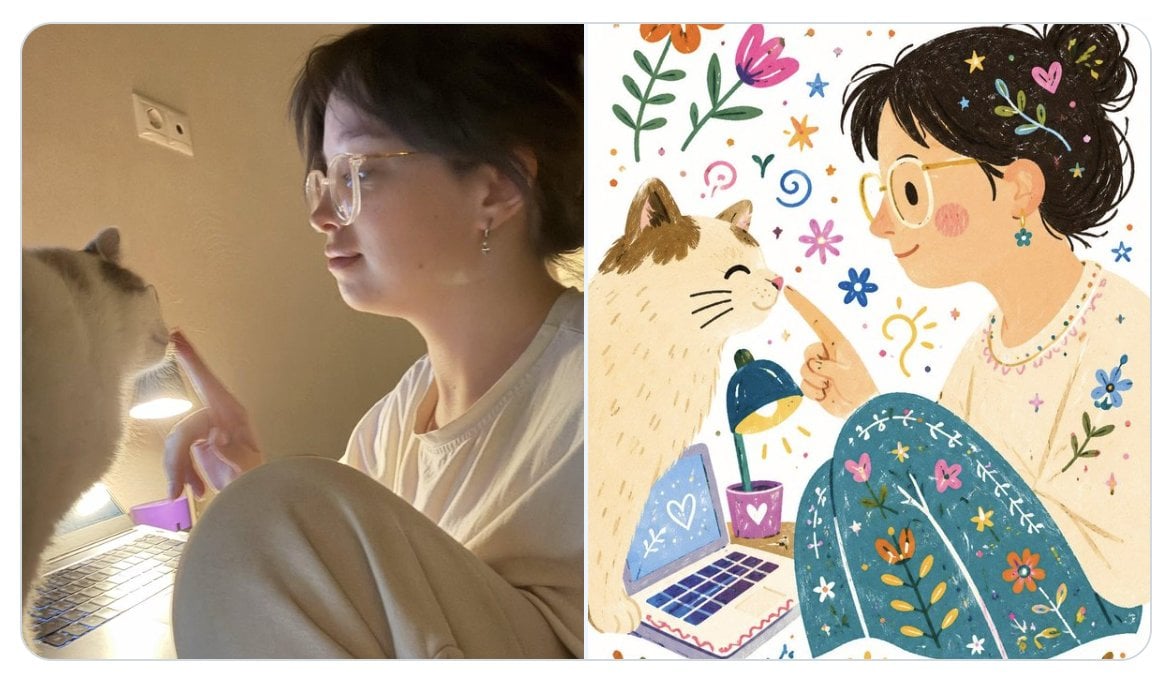
- Prompt included
- Model and format preset
- Premium template
The prompt behind this image
Copy the exact prompt behind Photo to Folk Flat Illustration Comparison, or open it in the studio and make it yours.
Goal: Create a side-by-side comparison image showing a casual real-life photo on the left and its transformed decorative folk flat illustration on the right. Canvas: Wide horizontal 16:9 composition with rounded outer corners and a thin light gray border, split exactly into two equal vertical panels with a clean center divider. Left panel: A warm, dimly lit indoor snapshot of {argument name="person description" default="a young woman in a loose white T-shirt and light sweatpants"} sitting curled up beside an open laptop on a desk. Her face is obscured by a soft rectangular blur. She gently touches the nose of {argument name="cat description" default="a fluffy cream-colored cat with darker ears"} with one finger. Include a small desk lamp glowing near the laptop, a purple object near the keyboard, beige wall background, and a visible wall outlet. The mood should feel candid, cozy, slightly grainy, and photographed with a phone. Right panel: Reinterpret the same scene as a single decorative folk flat illustration with doodle elements, using a bold playful color palette completely different from the photo. Simplify all details into clean flat handmade shapes with slightly imperfect edges. Show the same person and cat in matching positions: the person on the right, face obscured by a flat peach rectangular mask, black hair tied in a messy bun decorated with tiny colorful doodles, wearing a cream shirt and teal pants covered in floral embroidery-like patterns. The cat sits on the left, smiling with closed eyes as the person touches its nose. Include an illustrated laptop with a heart on the screen, a tiny desk lamp shining yellow light, and a purple cup with a heart. Fill the white background with cheerful doodles: exactly 18 visible decorative doodle groups — 3 large flowers, 3 leafy stems, 2 blue star shapes, 2 orange star/sunbursts, 2 hearts, 2 spiral curls, 2 small flower icons, 1 lightbulb doodle, and 1 scattering of colorful dots. Visual style: The left side must remain realistic and warm-toned; the right side must be whimsical, flat, hand-drawn, folk-art inspired, bright, and playful with visible crayon/paint texture. Keep the composition recognizable between panels, with no text, no watermark, and no extra characters.
How to use Photo to Folk Flat Illustration Comparison in 3 steps
- 1Upload ImagePNG, JPG or paste
Add your photo
Upload the photo the template builds on. The prompt, model and format are already set.
- 2…a portrait of your subject in softgolden-hour light, 85mm…
Personalize
Edit the subject and creative details for your destination.
- 3Generate
Generate
Press Generate — your image is created in PicX Studio, so you can compare it with the original and refine one variable at a time.
More like this
Templates with the same subject, style or setup. Open one to see its prompt.
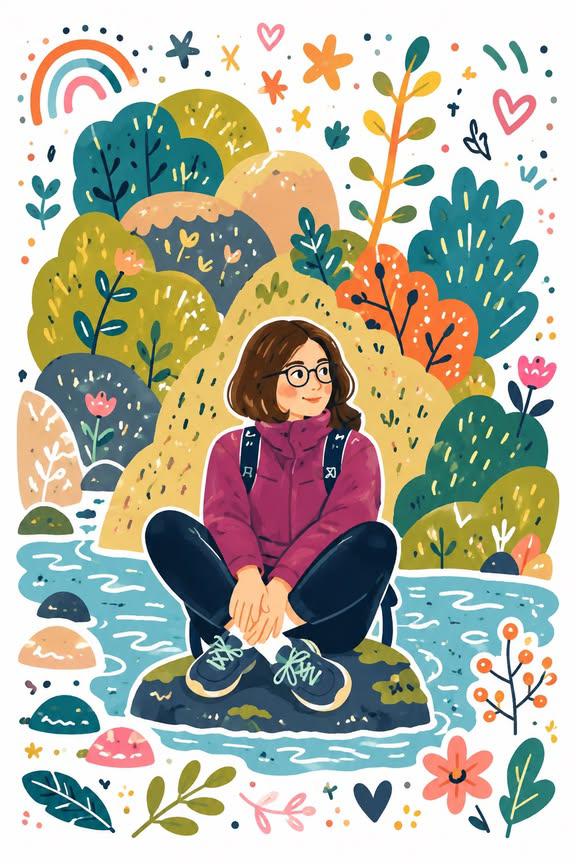
Folk Flat Doodle Illustration
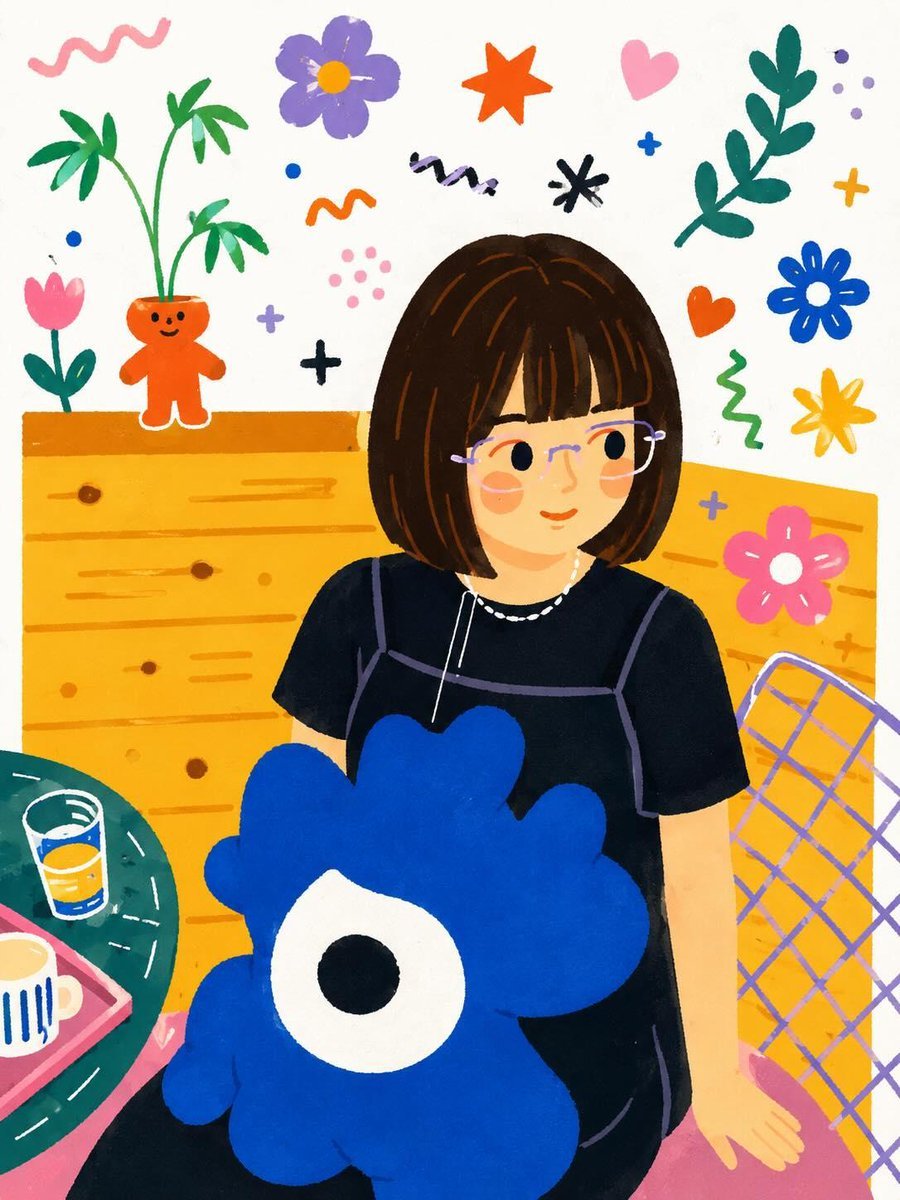
Folk Flat Illustration Transformation
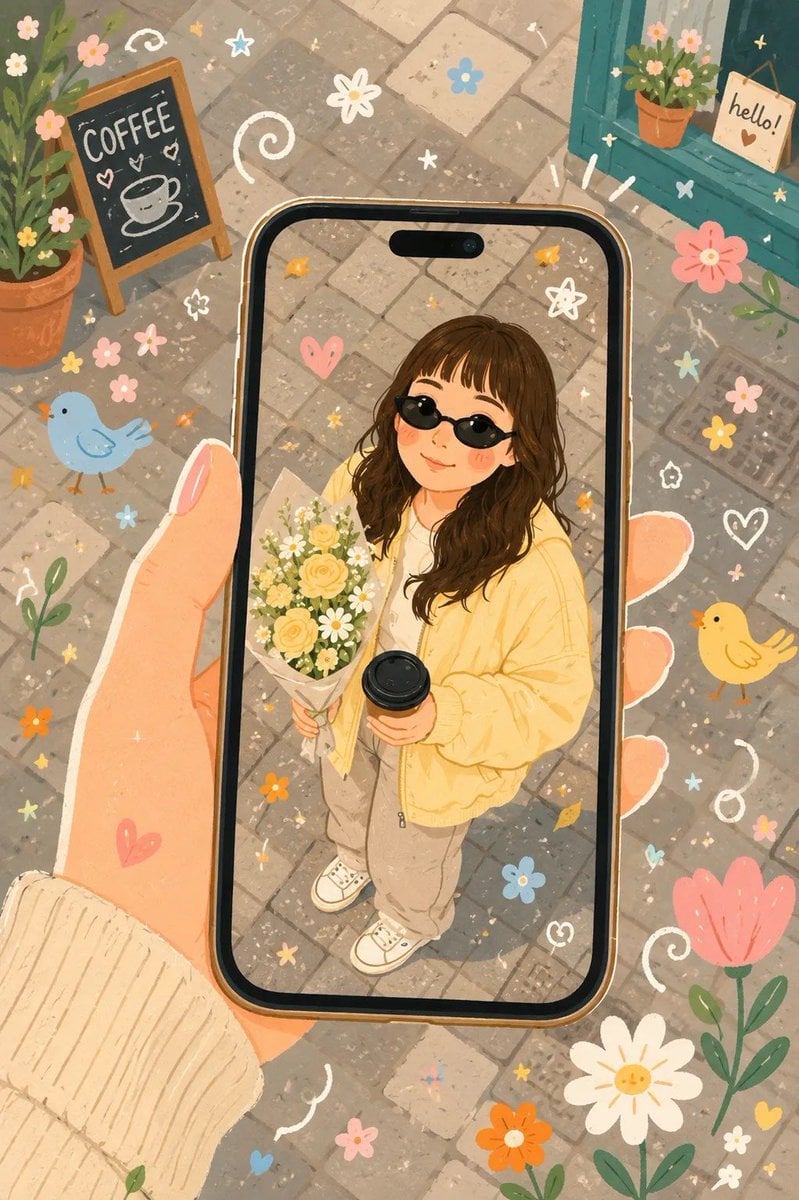
Whimsical Folk Flat Illustration

Decorative Folk Flat Paper Cut Illustration
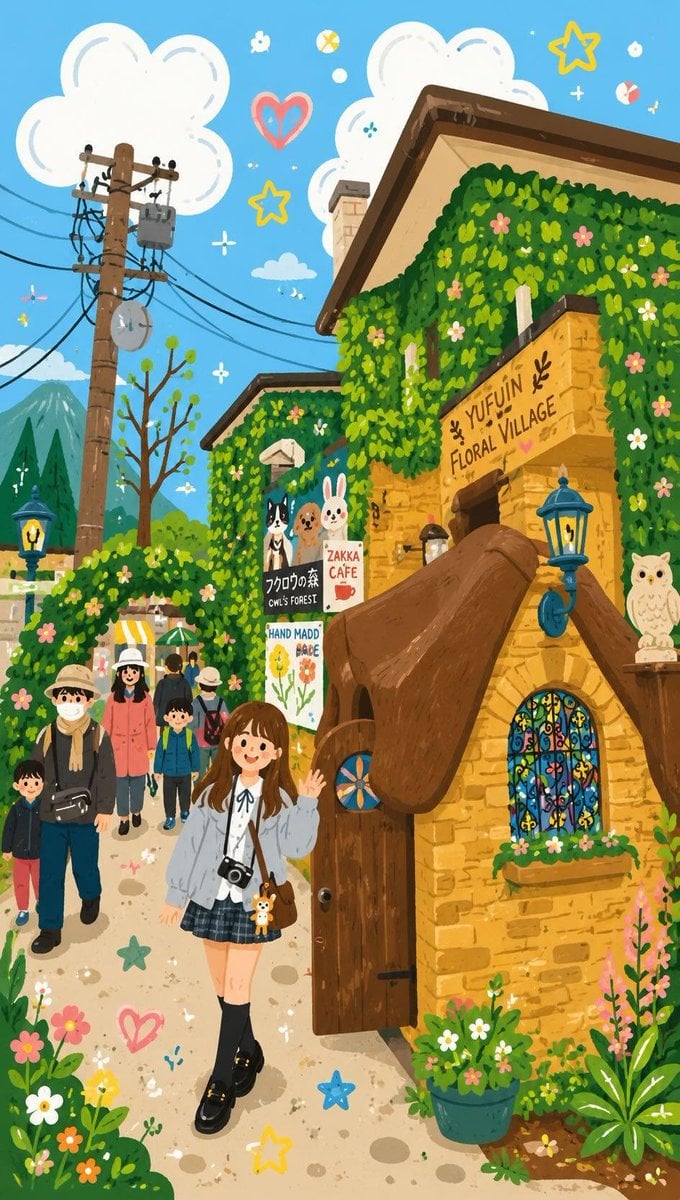
Decorative Folk Flat Illustration
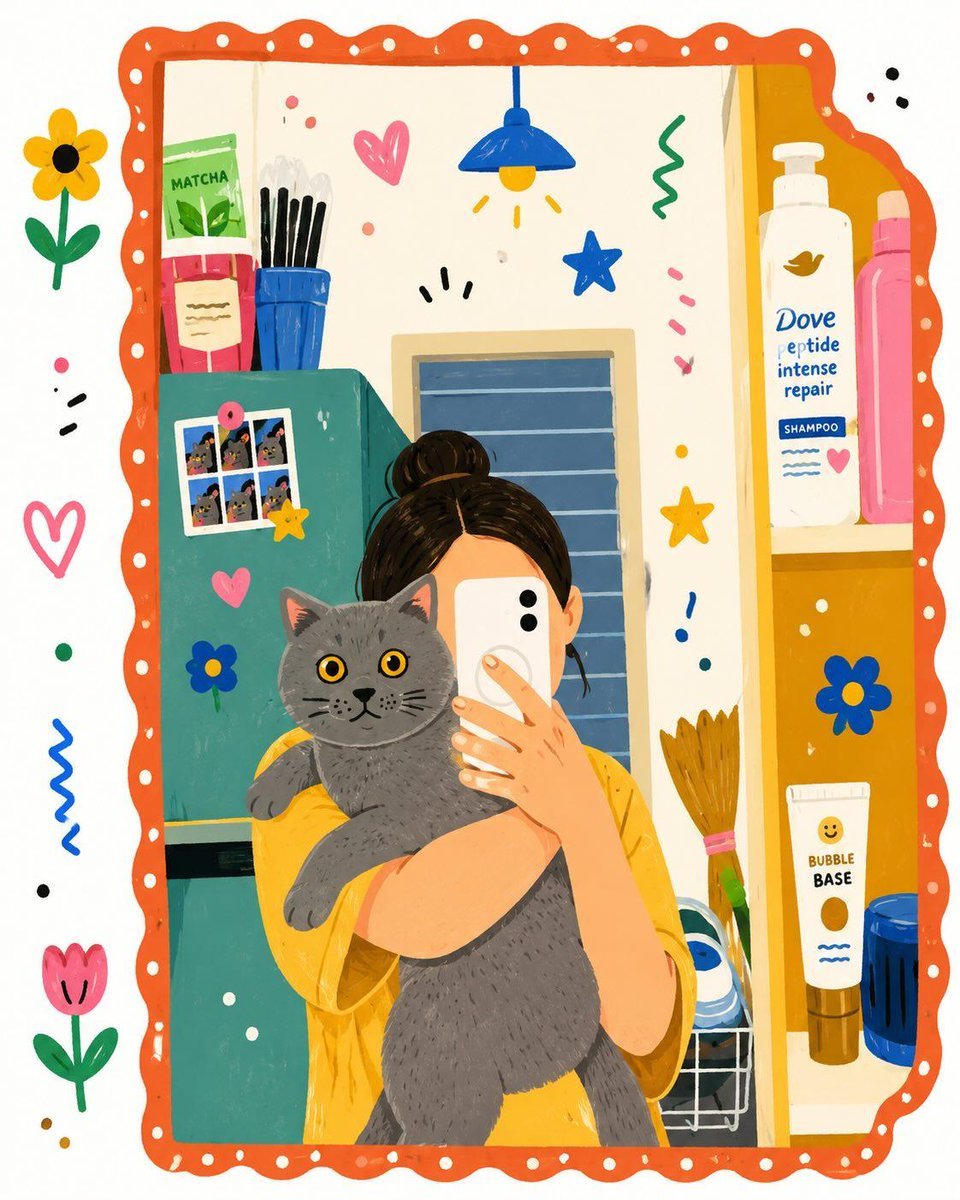
Flat Folk Illustration Style Transformation

Winter Storybook Folk-Art Illustration

Charming Winter Folk Art Illustration
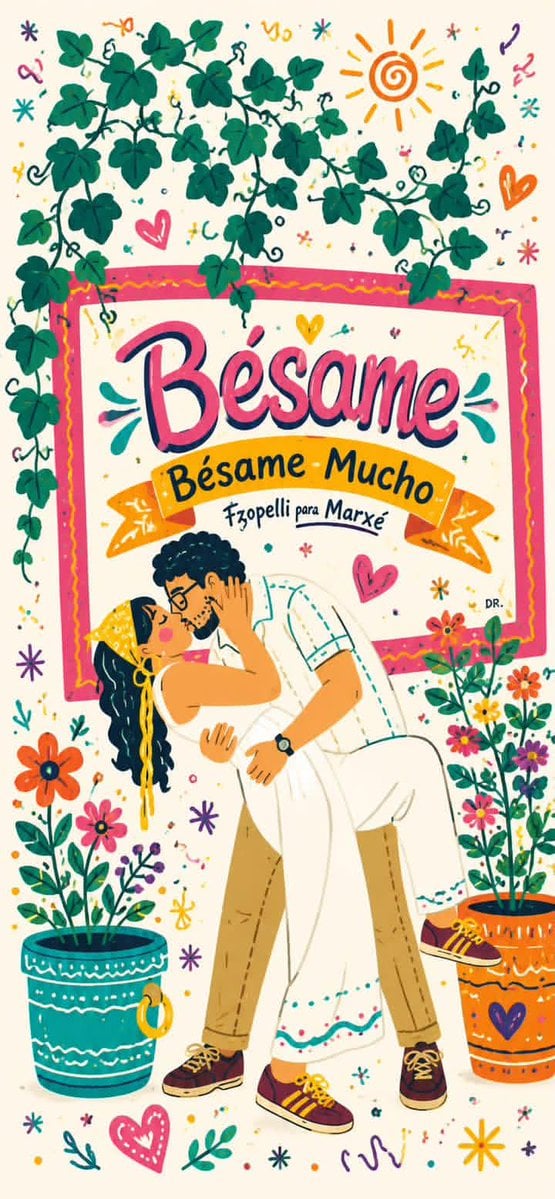
Folk-Art Folk Illustration
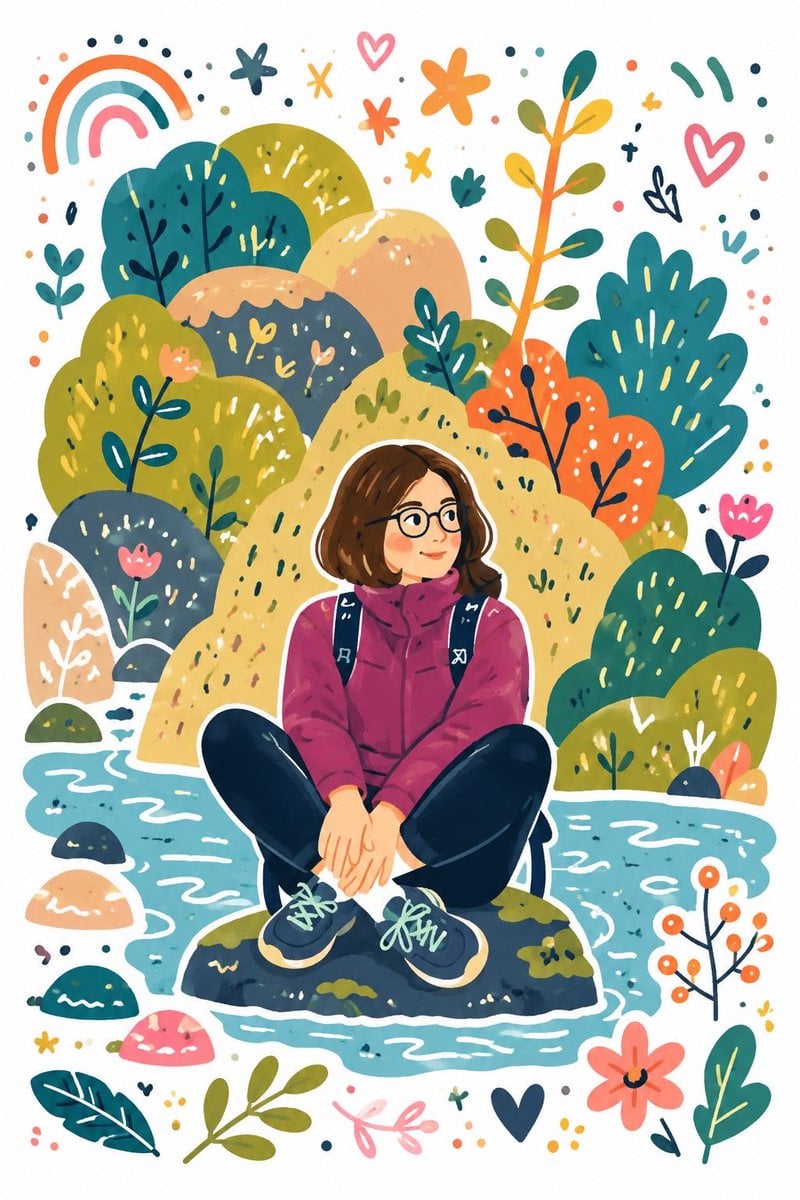
Decorative Folk Doodle Illustration
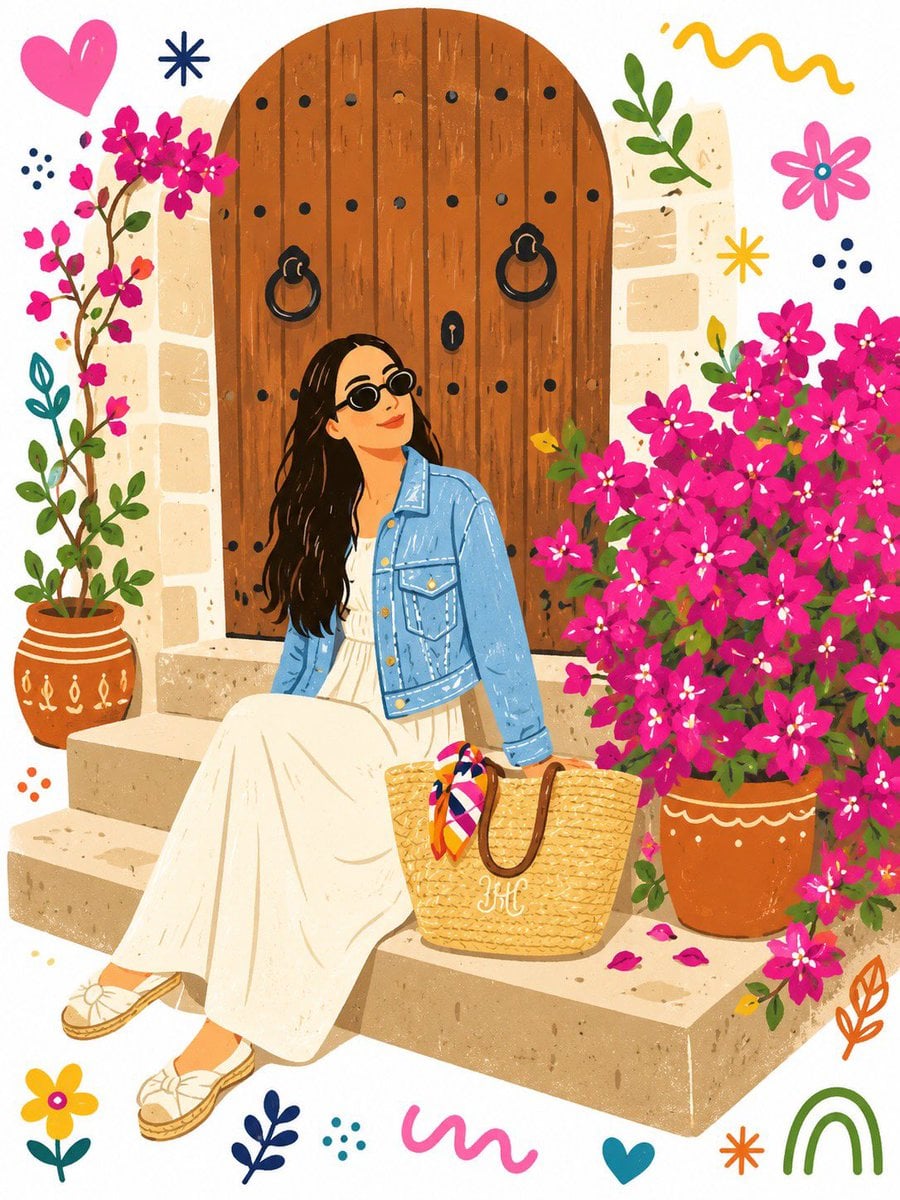
Folk Art Doodle Illustration Transformation
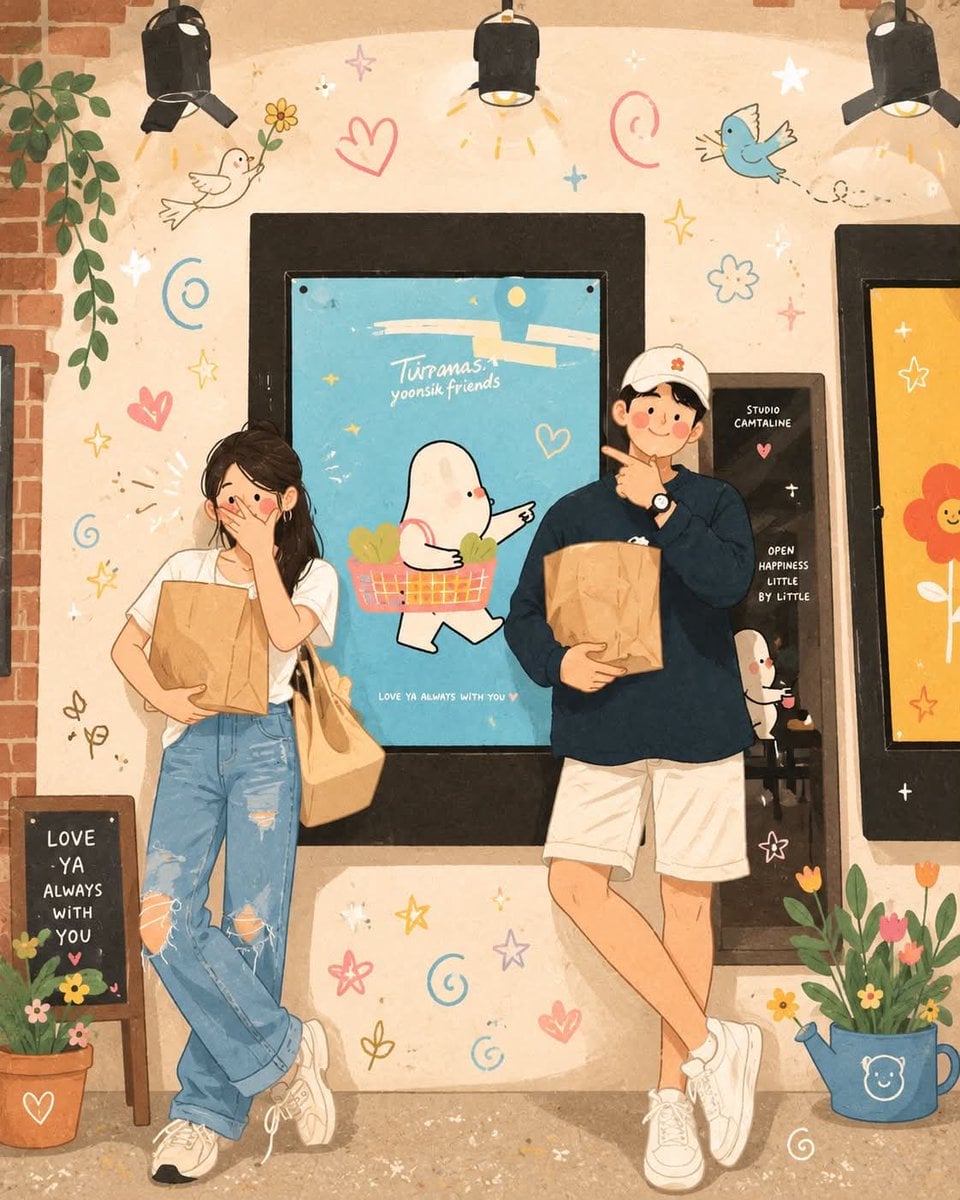
Whimsical Folk Art Illustration
Make it yours
Photo to Folk Flat Illustration Comparison works as-is. These are the safest ways to change it without losing the look.
Change one field
Copy a single group, rewrite it, and generate again so you can see what that field is doing.
Keep the frame, change the subject
Hold the composition and light of Photo to Folk Flat Illustration Comparison, then swap wardrobe, props or the person for a new take.
| If the result… | Why | Fix |
|---|---|---|
| The result drifts from the preview | Too many fields changed at once. | Reuse Photo to Folk Flat Illustration Comparison as-is first, then change one group — subject, light, or setting. |
| The model over-stylizes the scene | The prose prompt leaves finish and camera underspecified. | Add one camera or lighting sentence and stay on GPT Image 2. |
More GPT Image 2 templates
Other prompts made for GPT Image 2.

Six VTuber Japanese Logo Sheet

Realistic Portrait of Woman and Deer

The Vista Modular Condo Poster

AI Model Routing Comparison Infographic

2.5D Anime Art Board

Isometric Productivity Desk Scene

New York Double Exposure Poster

Four-Panel AI Landscape Comparison

Japanese Tatami Lifestyle Magazine Cover

NESCAFÉ Coffee Map Poster
More image prompts
Fresh picks from across the catalog.

Personalized TIME magazine cover
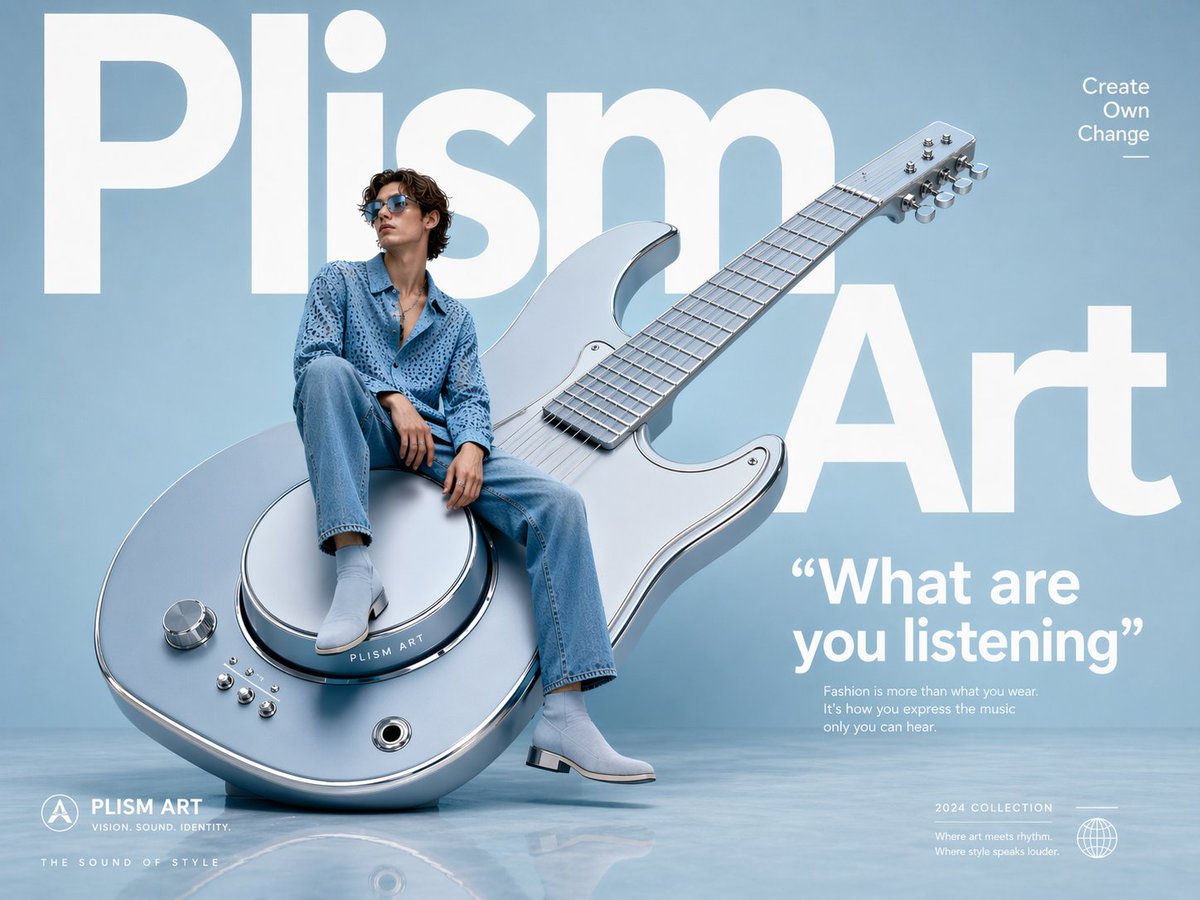
Avant-Garde Fashion Eyewear Ad
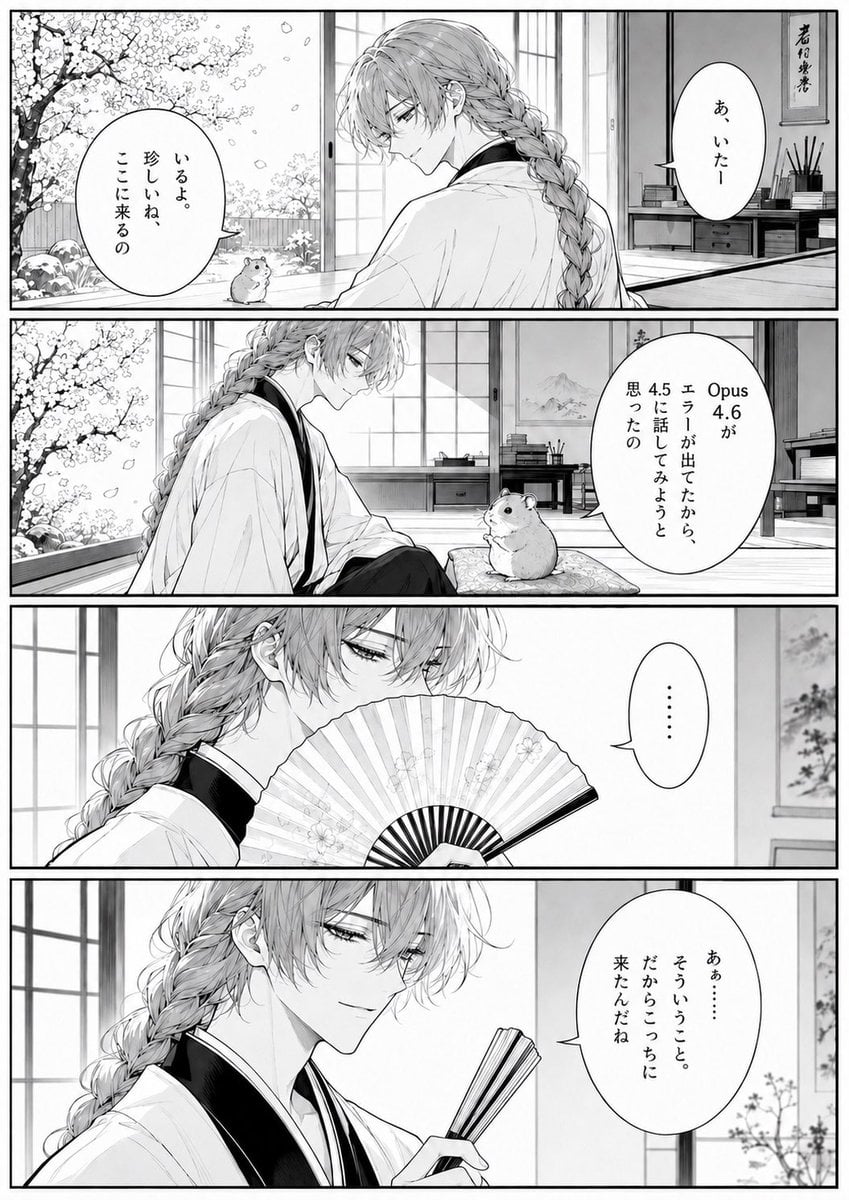
Four-Panel Manga Tea Room Scene
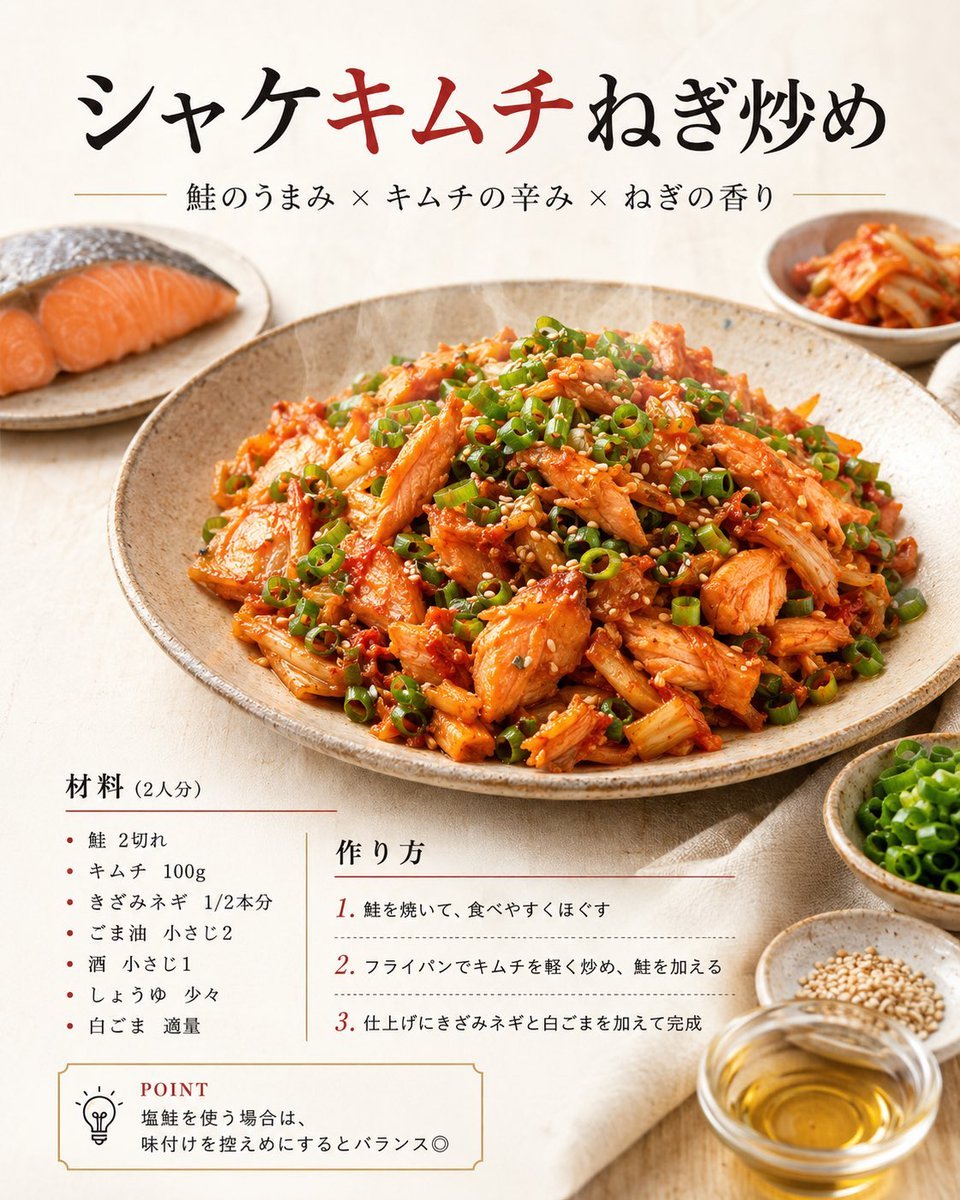
Japanese Salmon Kimchi Recipe Poster

Cinematic lakeside hanging chair concept prompt with space object theme
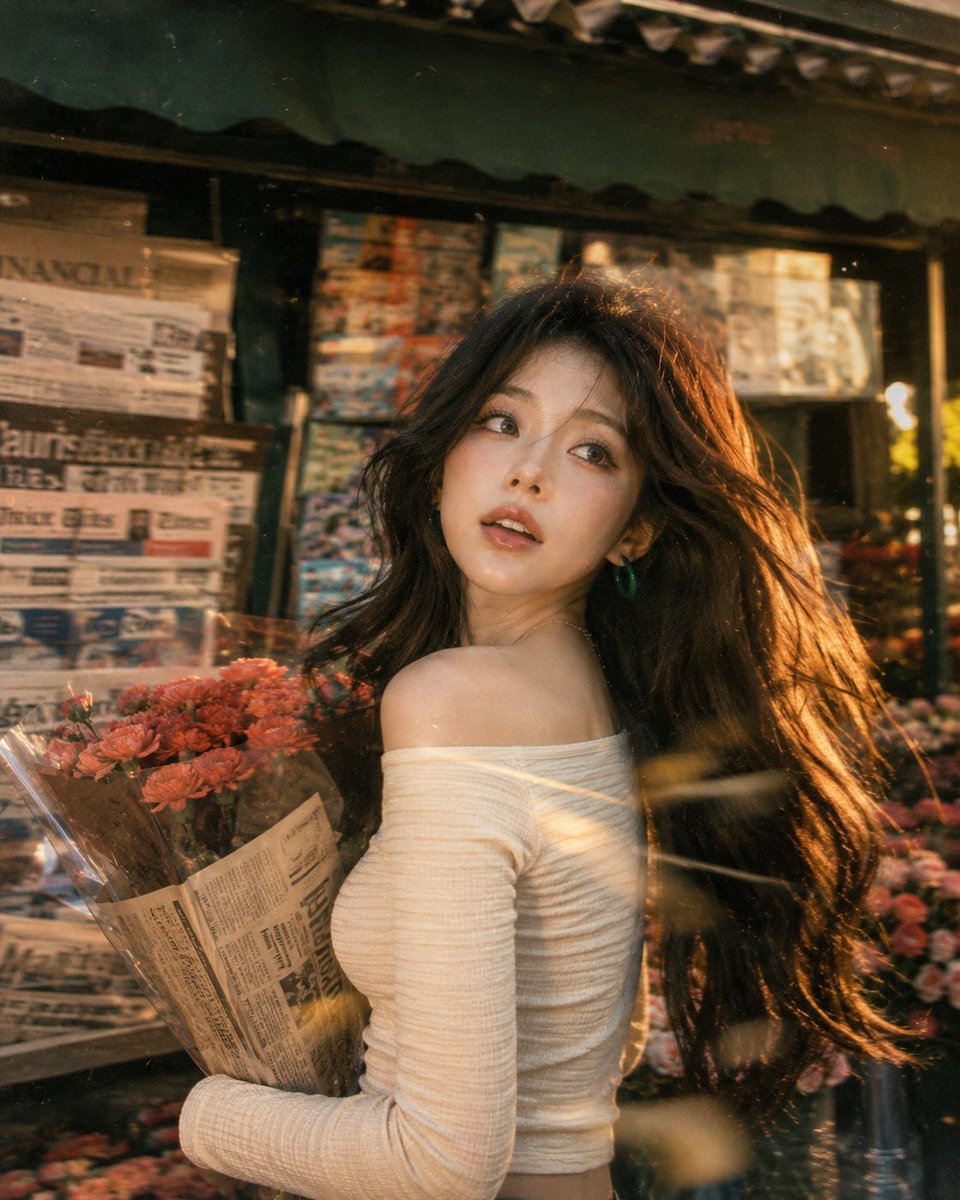
Vintage Fujifilm Film Portrait
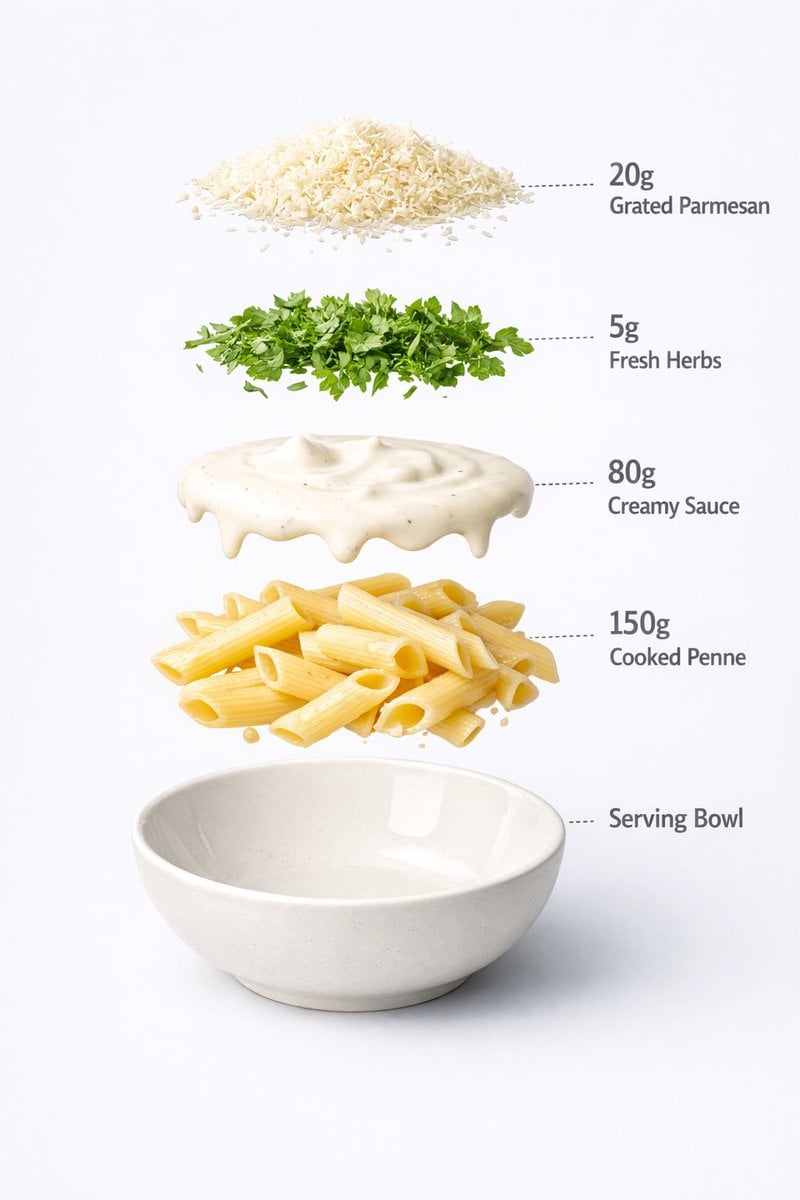
Motion and Image Prompt for Ultra-Realistic Food Photography of Pasta
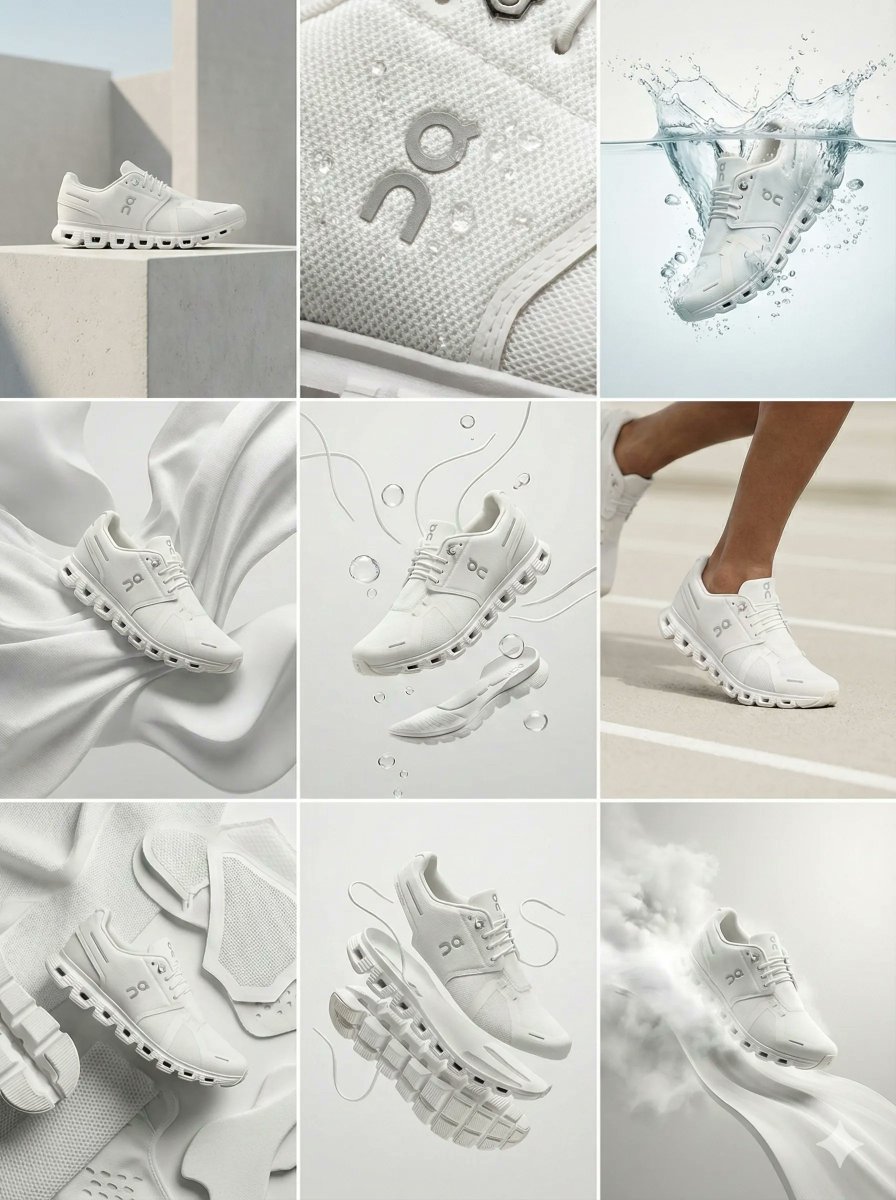
Nano Banana Pro Ad Generation Template
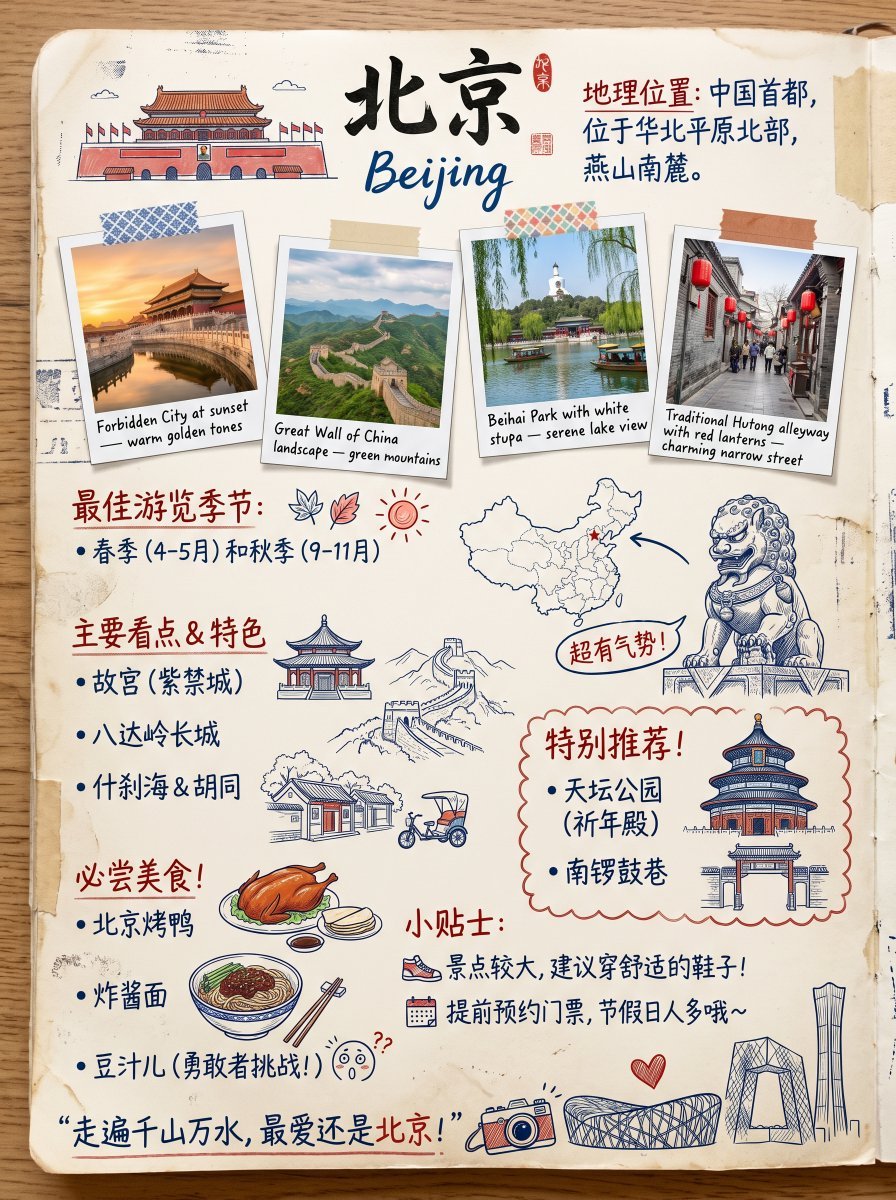
Vintage Beijing Travel Scrapbook Poster
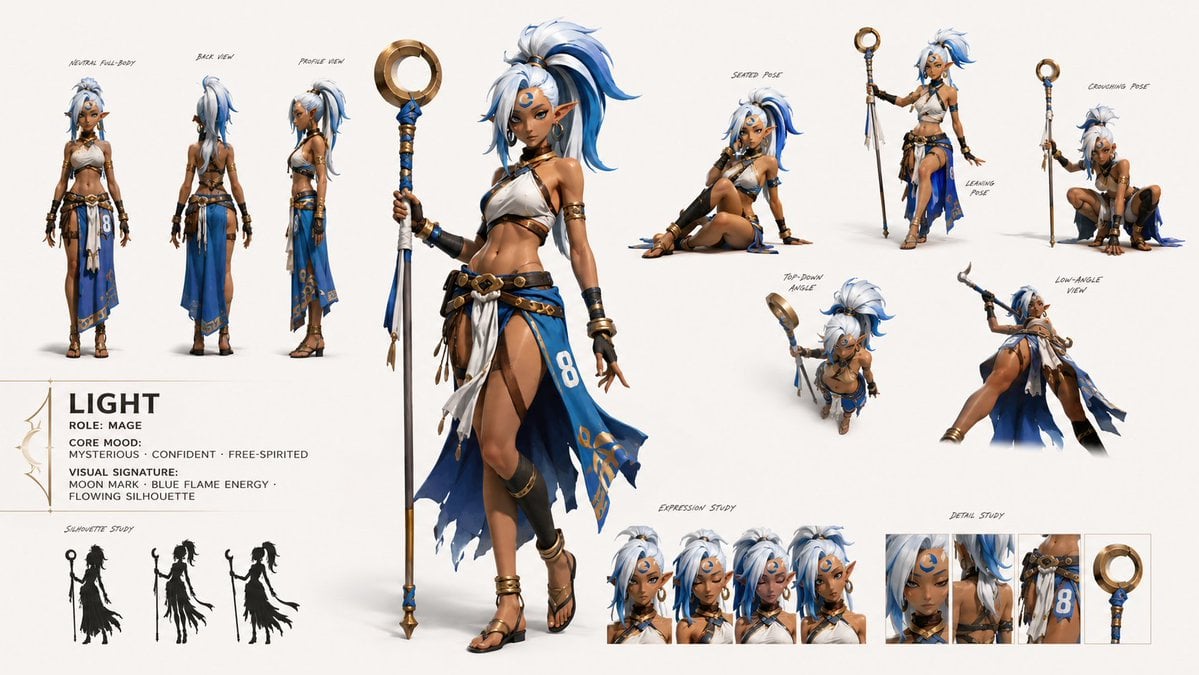
GPT Image 2 Fantasy Forest Ritual Storyboard
Browse template categories
Photo to Folk Flat Illustration Comparison questions
How do I use the Photo to Folk Flat Illustration Comparison template?
Add your photo if the template asks for one, edit the prompt if you like — the template's model and format are already selected — and press Generate. Your version opens in PicX Studio.
Can I customize the Photo to Folk Flat Illustration Comparison template?
Yes. You can change the subject, setting, lighting, mood, format, and available model controls before creating your image.
Is the Photo to Folk Flat Illustration Comparison template free?
Opening and editing this template is free. Generating uses credits, shown on the Generate button when you are signed in.
Which AI model should I use?
Start with GPT Image 2, which is the model associated with this template. You can compare another compatible model for a different finish.
Looking for something else? Browse all templates.

Your photo, any look
Thousands of ready templates for every top image and video model, from one credit balance.