
Neon Robot Walker by Mountain Lake
A cinematic vertical prompt for generating a consistent futuristic neon-helmeted streetwear character walking through a golden-hour lakeside forest.
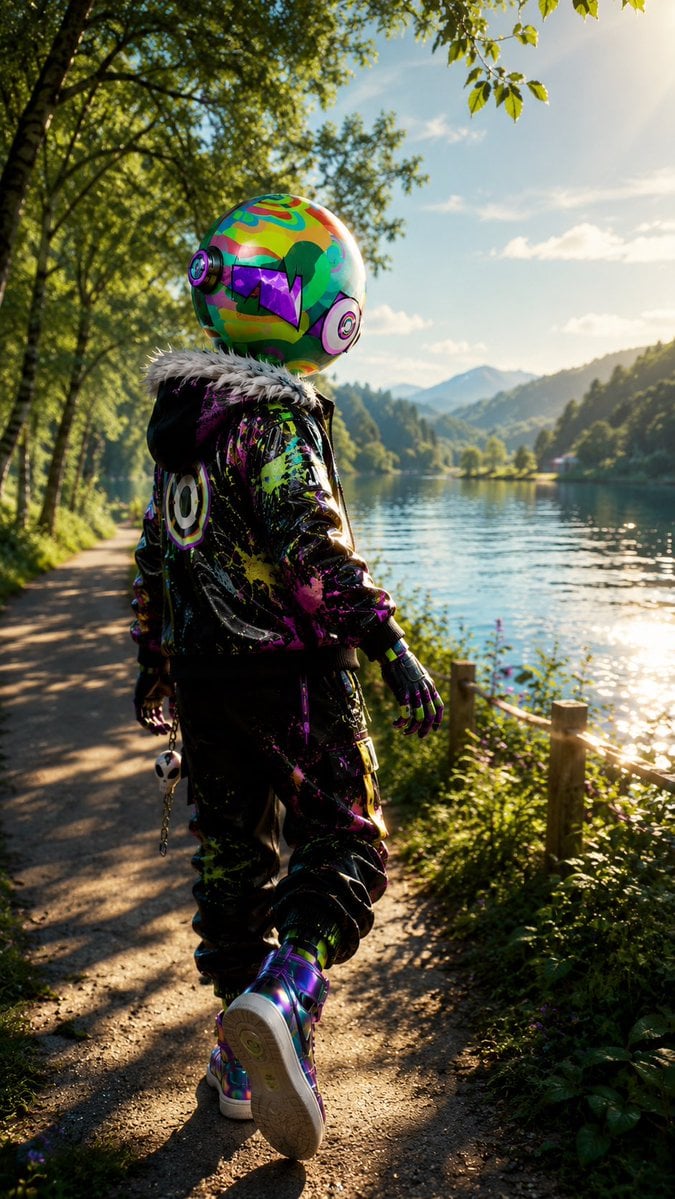
- Prompt included
- Model and format preset
- Premium template
The prompt behind this image
Copy the exact prompt behind Neon Robot Walker by Mountain Lake, or open it in the studio and make it yours.
Create a vertical cinematic full-body rear-view portrait of a single futuristic streetwear character walking along a lakeside forest path at golden hour. The character is {argument name="character type" default="a humanoid figure with a glossy oversized spherical robot helmet"}, kept exactly consistent in face/helmet design and outfit: a colorful psychedelic helmet covered in neon green, orange, teal, purple and magenta patterns, round headphone-like ear modules on both sides, a black visor shaped like jagged purple angular sunglasses, and a small green hair-like graphic patch on the side. The figure wears a black glossy bomber jacket with a fluffy white faux-fur collar, bright splattered paint in neon pink, lime, yellow, purple and blue, a circular smiley/target emblem on the back, black baggy pants with matching neon paint splatters, black gloves with colorful accents, and iridescent high-top sneakers; one visible accessory is a dangling skull keychain clipped near the hip. Show the character mid-step from behind, slightly turned toward a calm lake on the right, with relaxed arms and one foot lifted, occupying the lower center of the frame. The environment is {argument name="setting" default="a peaceful mountain lake trail bordered by birch trees and wild greenery"}, with a dirt walking path on the left, a rustic wooden fence and plants on the right, shimmering water reflecting sunlight, distant forested hills and blue mountains, leafy branches overhead, and a bright sun flare in the upper right. Use photorealistic 3D rendering with ultra-detailed textures, high dynamic range lighting, shallow depth of field, soft bokeh foliage, long warm shadows, realistic fabric shine, reflective helmet and shoes, vibrant cyberpunk colors contrasted with natural scenery, no text, no watermark, no extra characters. Mood: {argument name="mood" default="adventurous, whimsical, serene, and futuristic"}. Camera: {argument name="camera style" default="low eye-level trailing shot, 9:16 vertical composition, 35mm cinematic lens"}. Color palette: {argument name="color palette" default="neon rainbow streetwear against warm green forest and golden sunlight"}.
How to use Neon Robot Walker by Mountain Lake in 3 steps
- 1Upload ImagePNG, JPG or paste
Add your photo
Upload the photo the template builds on. The prompt, model and format are already set.
- 2…a portrait of your subject in softgolden-hour light, 85mm…
Personalize
Edit the subject and creative details for your destination.
- 3Generate
Generate
Press Generate — your image is created in PicX Studio, so you can compare it with the original and refine one variable at a time.
More like this
Templates with the same subject, style or setup. Open one to see its prompt.
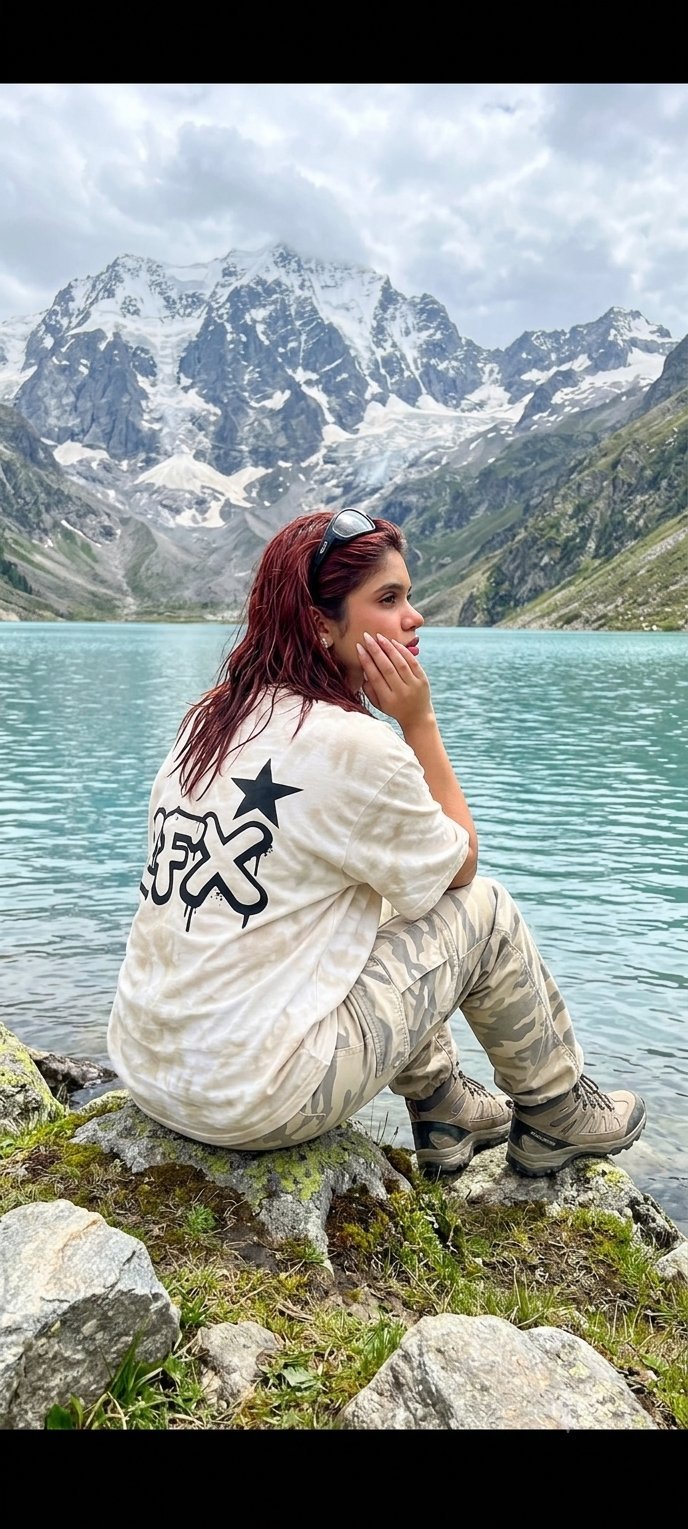
Teen Girl Alpine Lake Mountain View
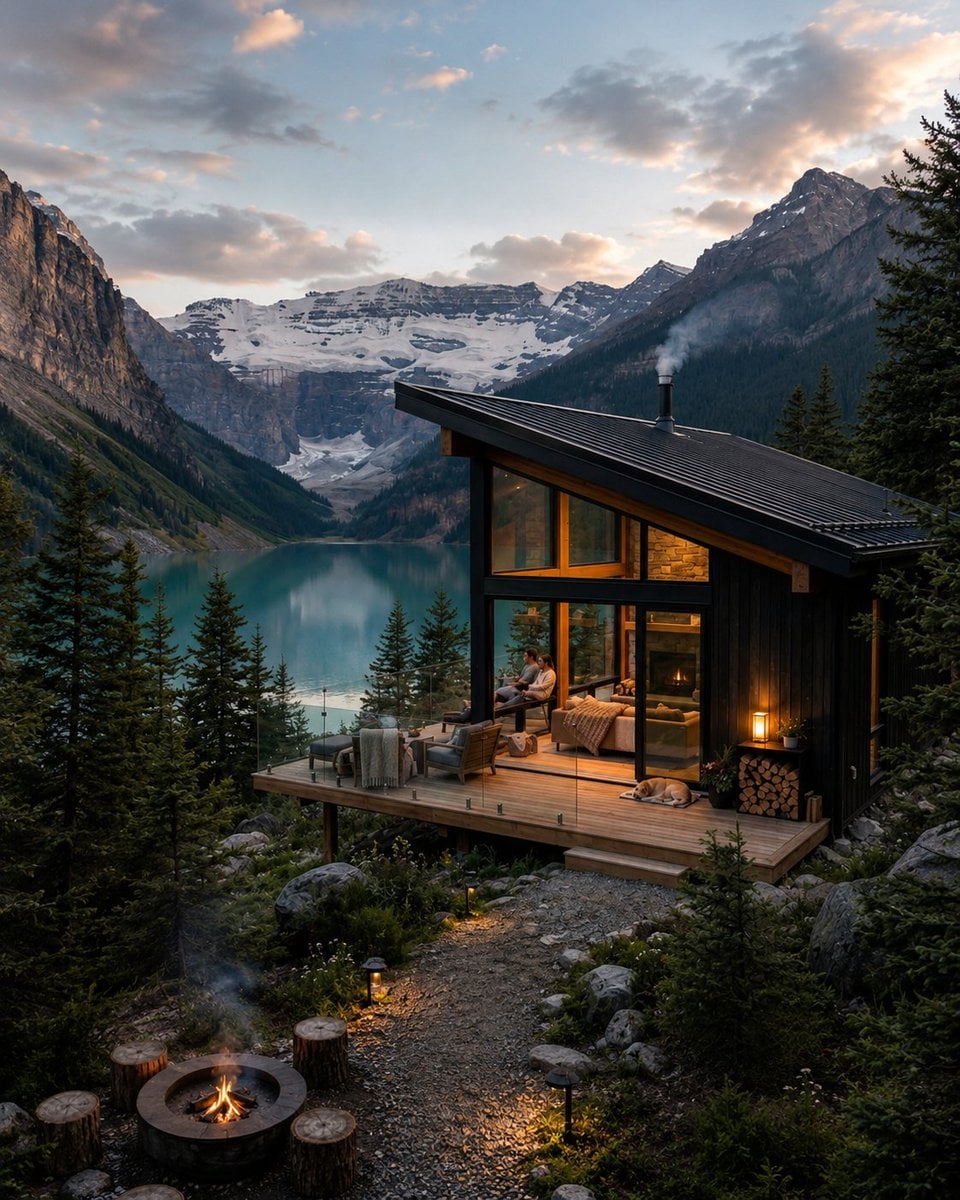
Mountain Lake Sunset Landscape
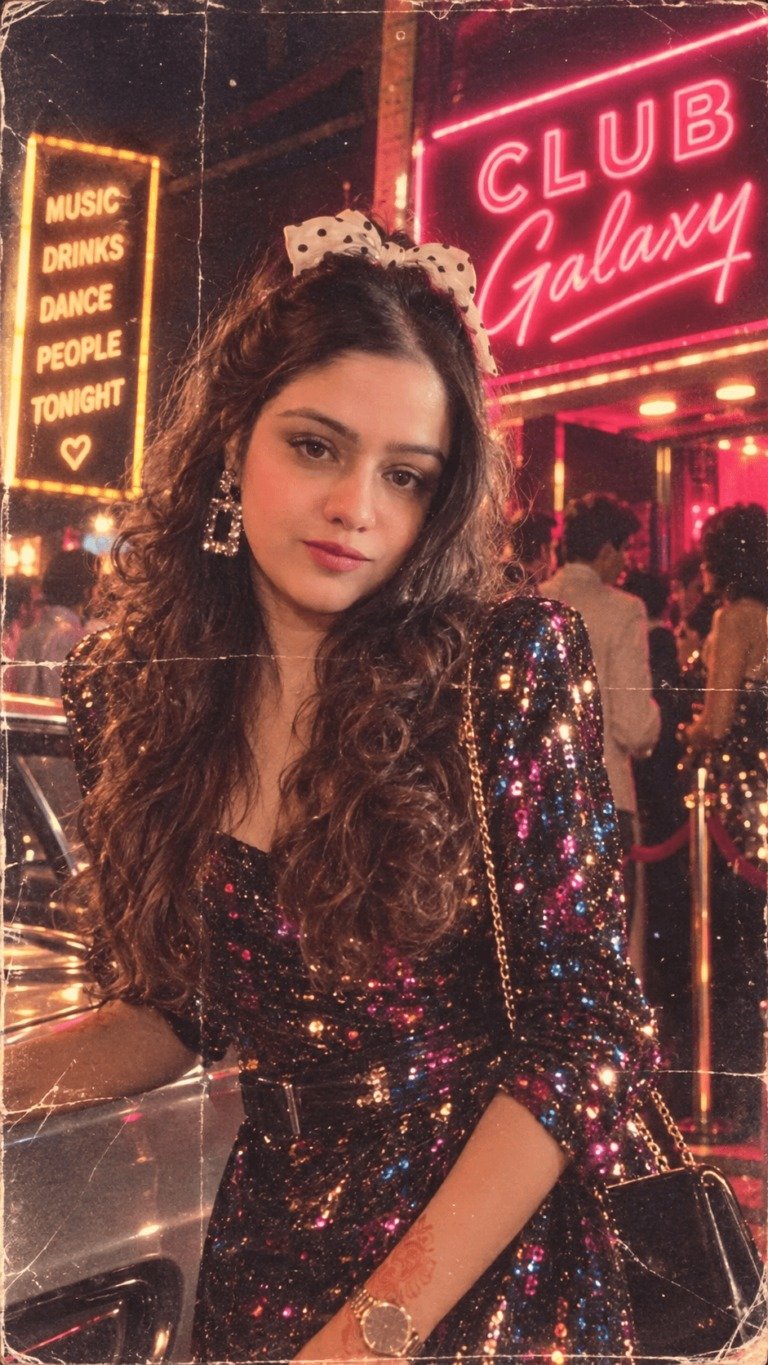
80s Neon Disco Night
Alpine Lake Candid — Mountain Air Moment

Cartoon TV Show Poster Pack
Premium Vintage Travel Poster Landscape
Rainy Night Android Cyberpunk Portrait
Korean Idol Partial Shadow Editorial Portrait
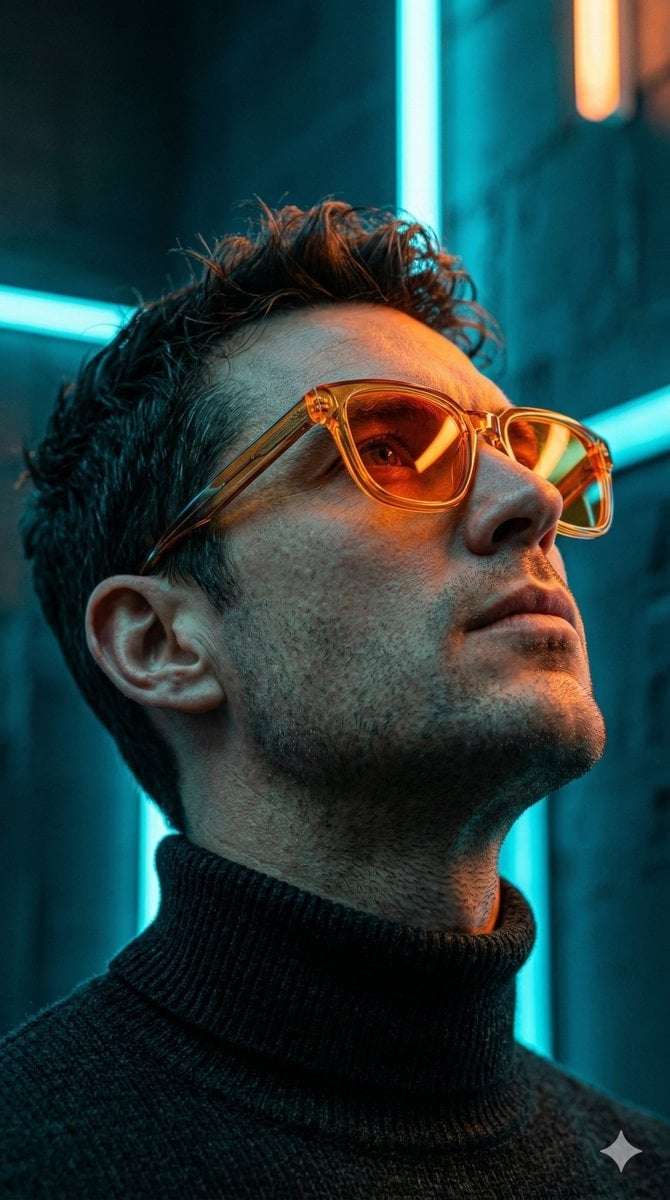
Cyberpunk Neon Profile Fashion Portrait
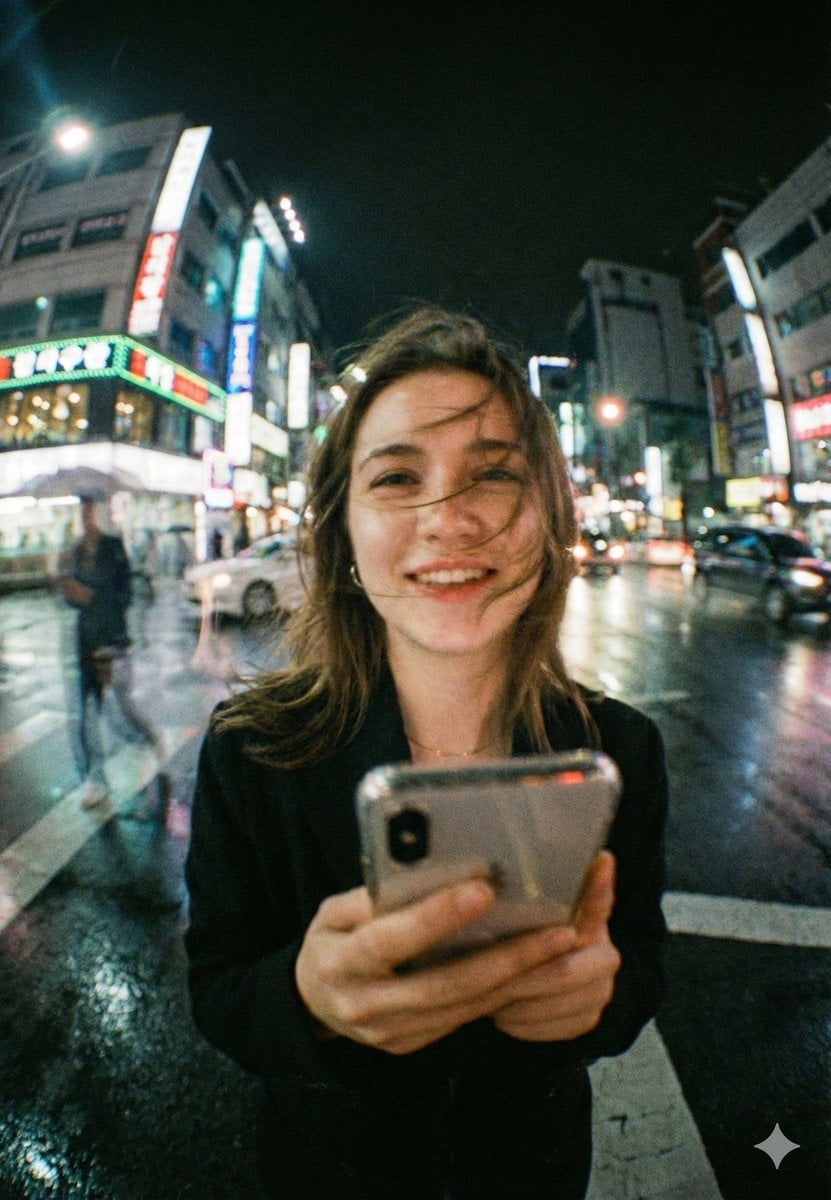
Neon Night Crosswalk Candid Portrait
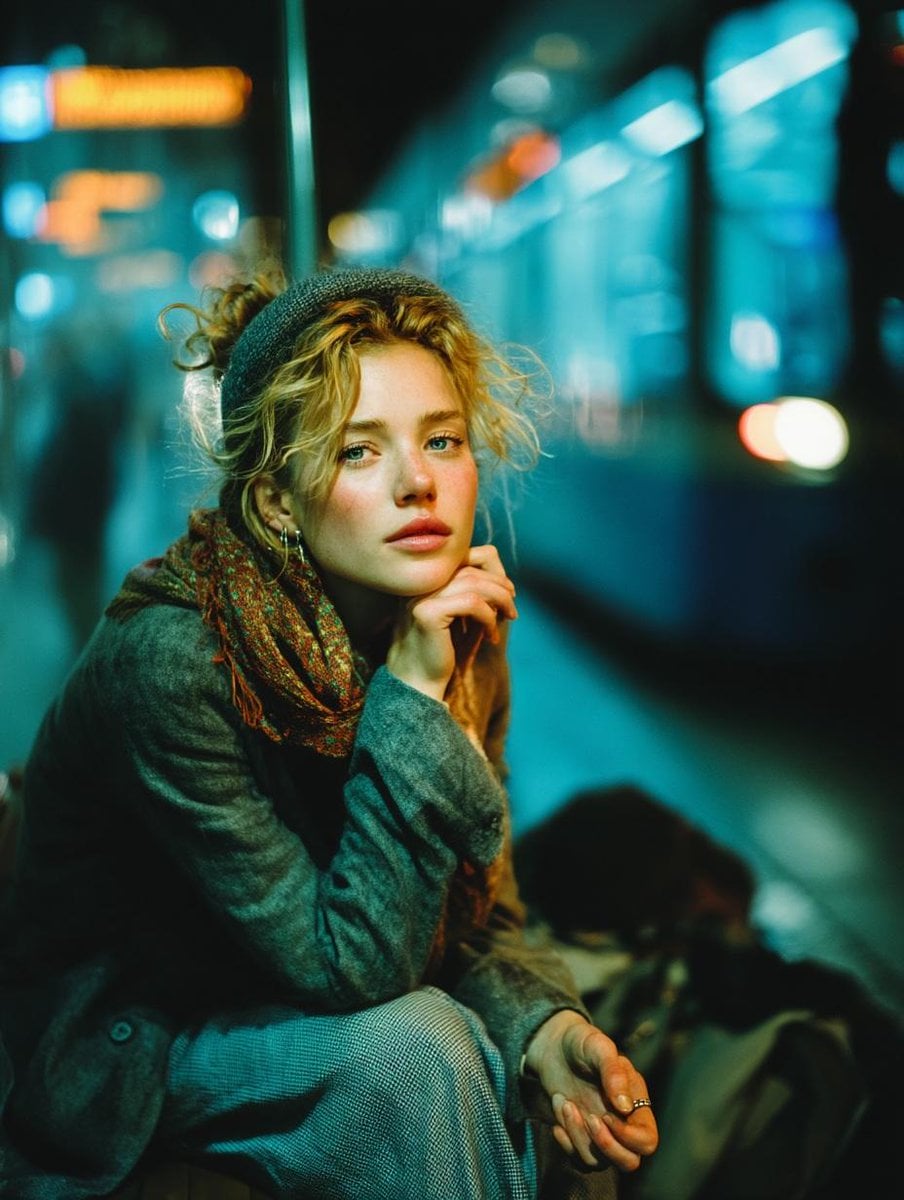
Subway Platform Quiet Introspective Portrait
Rainy Night Android Cyberpunk Portrait
Make it yours
Neon Robot Walker by Mountain Lake works as-is. These are the safest ways to change it without losing the look.
Change one field
Copy a single group, rewrite it, and generate again so you can see what that field is doing.
Keep the frame, change the subject
Hold the composition and light of Neon Robot Walker by Mountain Lake, then swap wardrobe, props or the person for a new take.
| If the result… | Why | Fix |
|---|---|---|
| The result drifts from the preview | Too many fields changed at once. | Reuse Neon Robot Walker by Mountain Lake as-is first, then change one group — subject, light, or setting. |
| The model over-stylizes the scene | The prose prompt leaves finish and camera underspecified. | Add one camera or lighting sentence and stay on GPT Image 2. |
More GPT Image 2 templates
Other prompts made for GPT Image 2.

Six VTuber Japanese Logo Sheet

Realistic Portrait of Woman and Deer

The Vista Modular Condo Poster

AI Model Routing Comparison Infographic

2.5D Anime Art Board

Isometric Productivity Desk Scene

New York Double Exposure Poster

Four-Panel AI Landscape Comparison

Japanese Tatami Lifestyle Magazine Cover

NESCAFÉ Coffee Map Poster
More image prompts
Fresh picks from across the catalog.
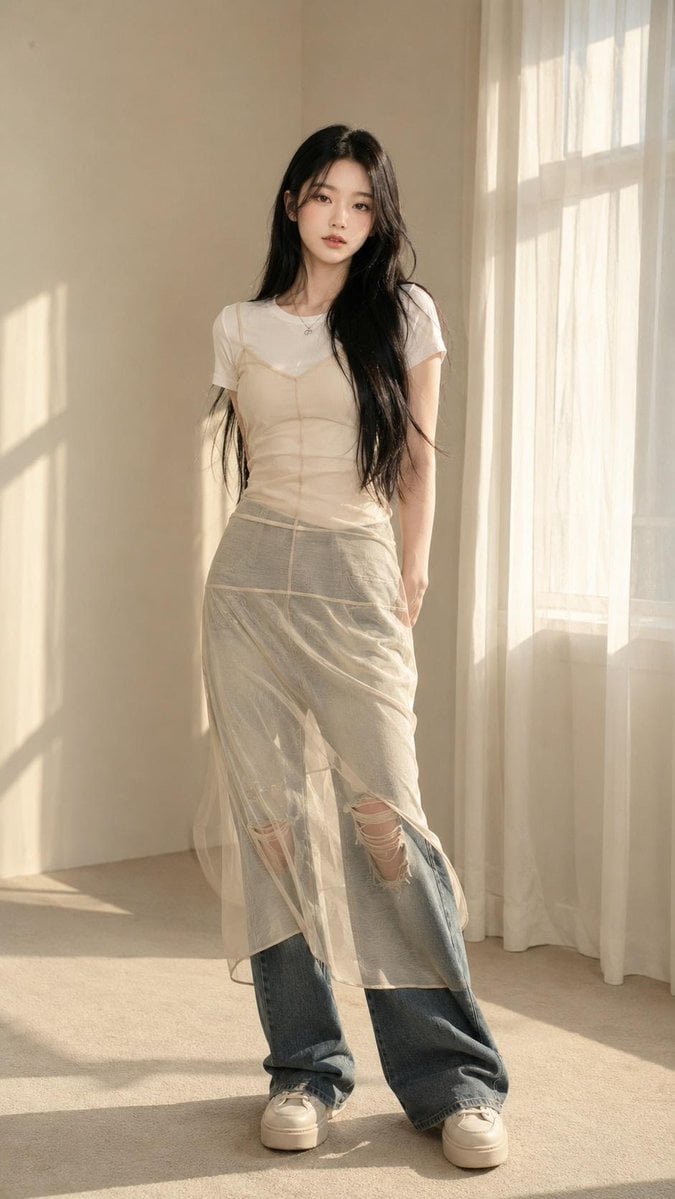
Korean Editorial Fashion Portrait

Flashy Gold AI Income Thumbnail
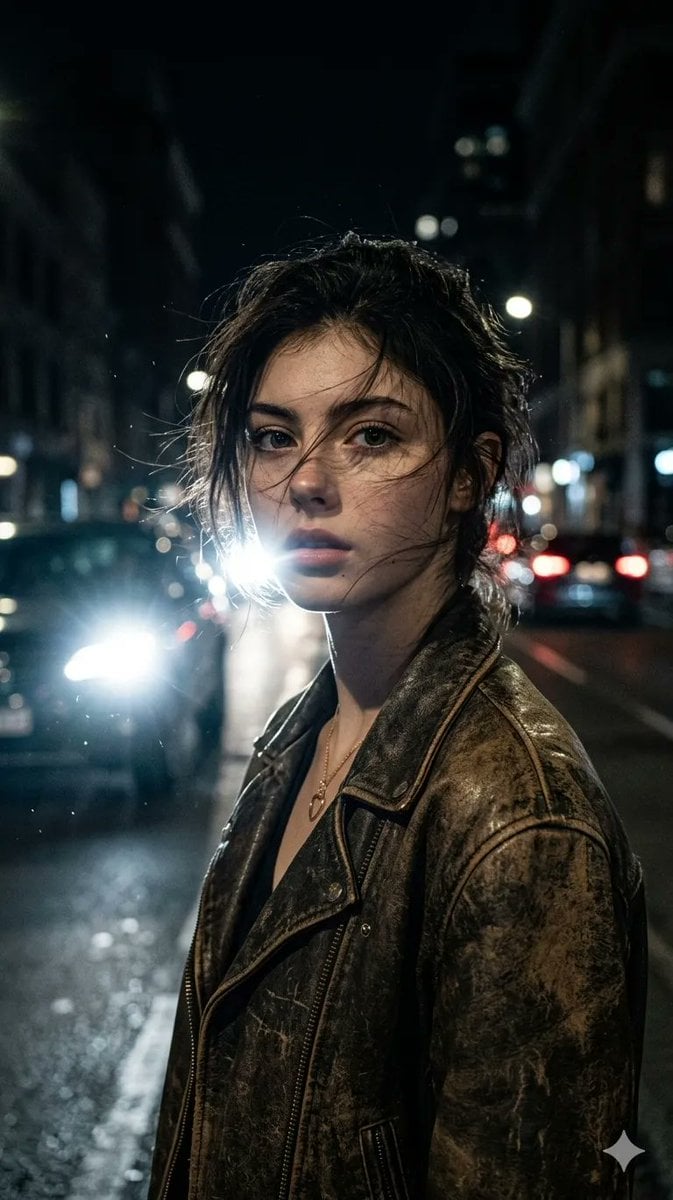
Cinematic Urban Night Portrait
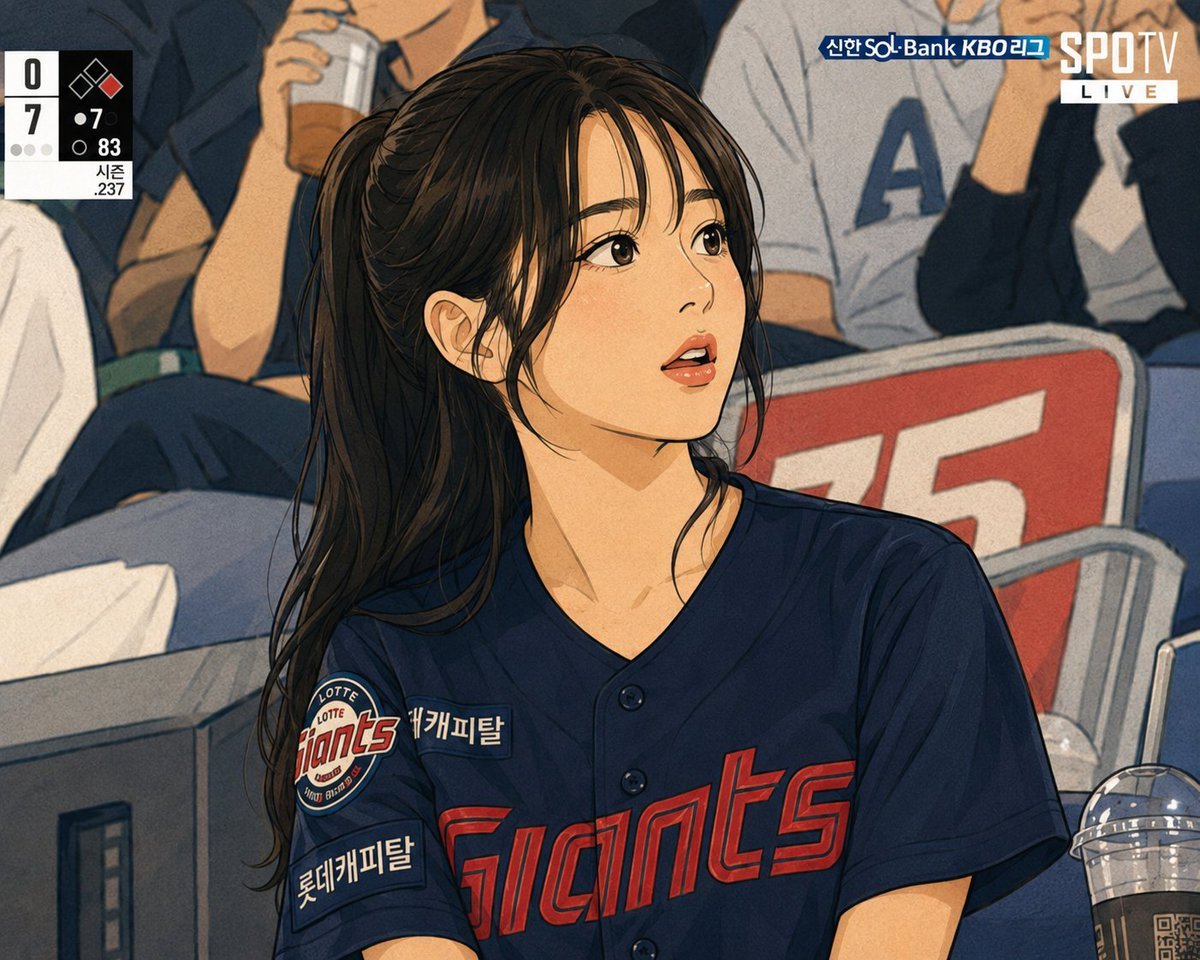
Line Stamp Style and Instagram Doodles

untitled
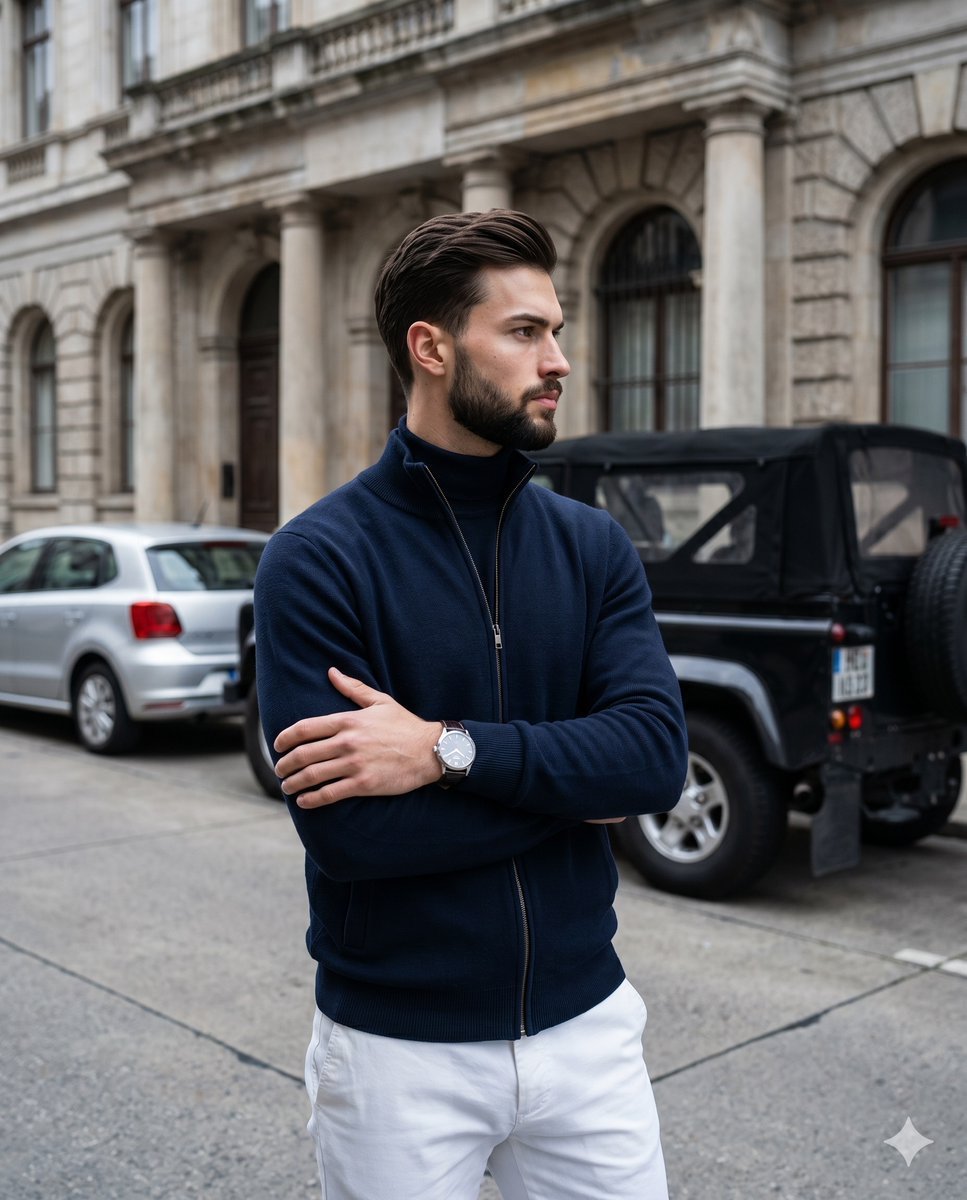
Luxury Menswear Street Portrait
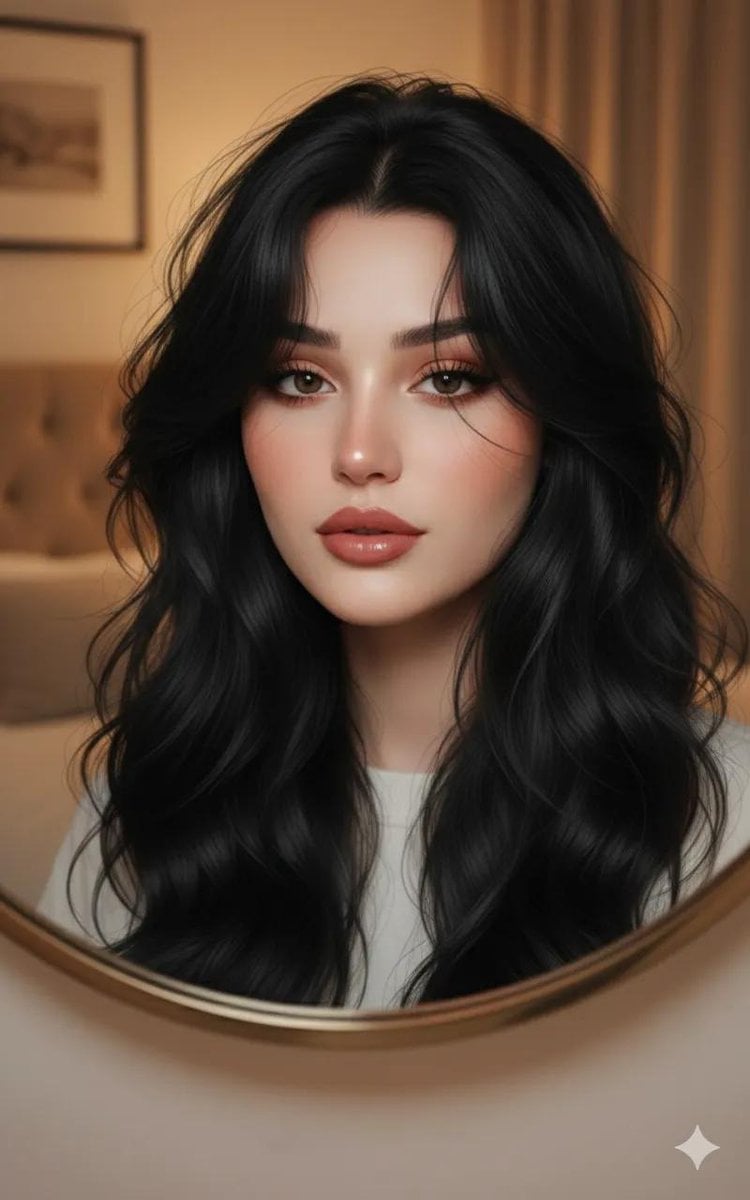
Ultra-Realistic Portrait through a Round Mirror
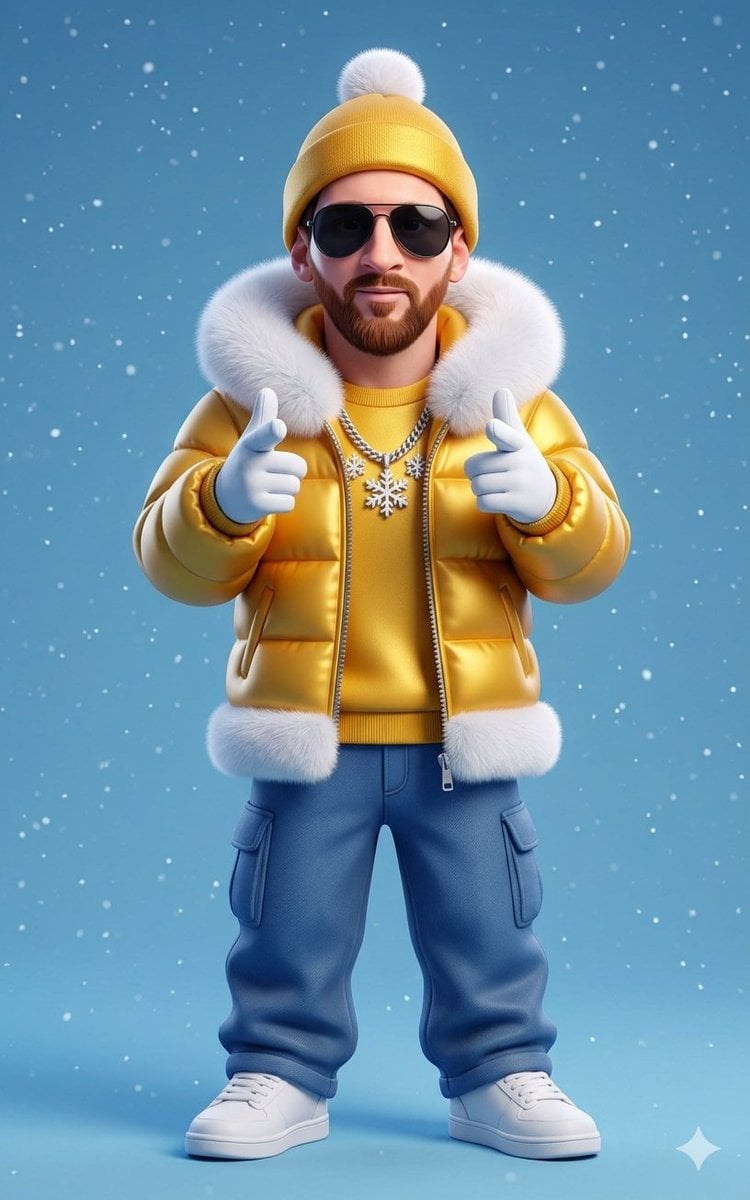
Stylized 3D Cartoon Man in Streetwear
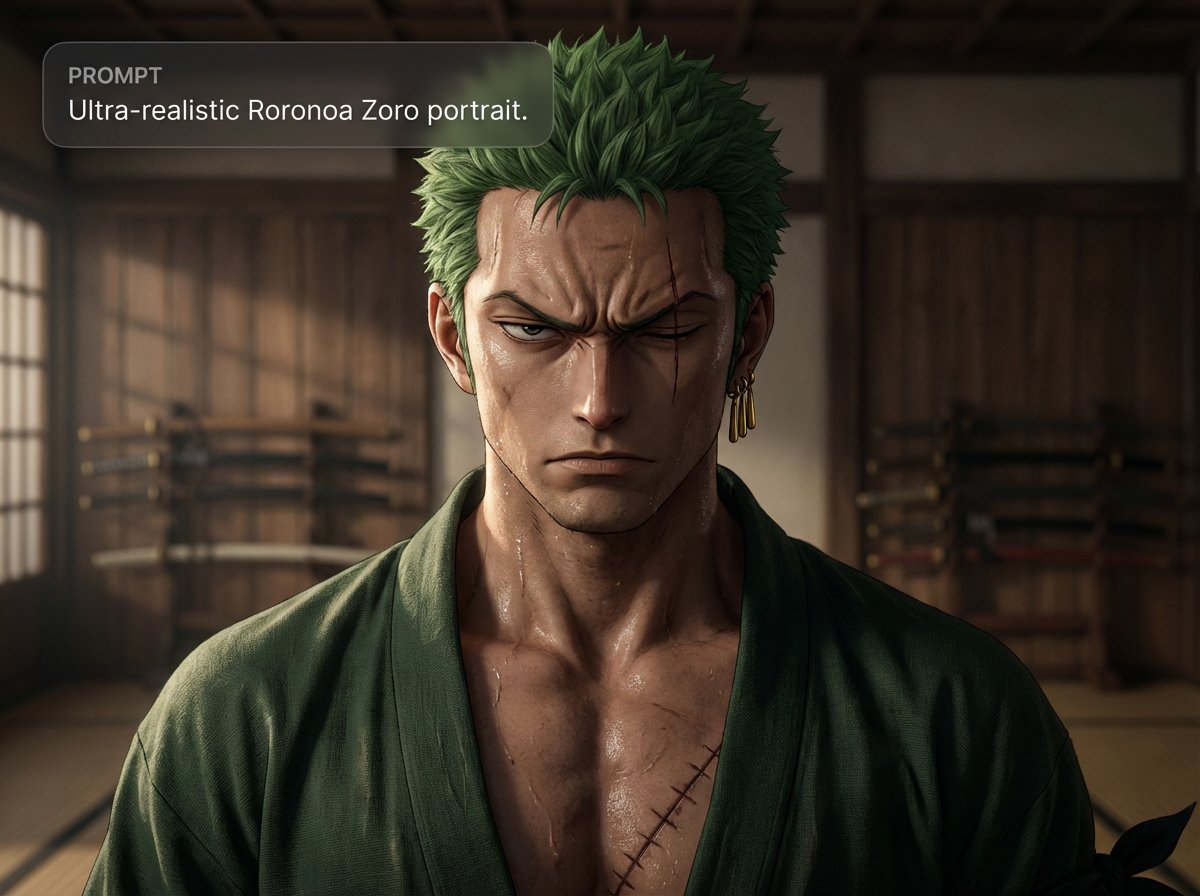
Ultra-realistic Roronoa Zoro portrait
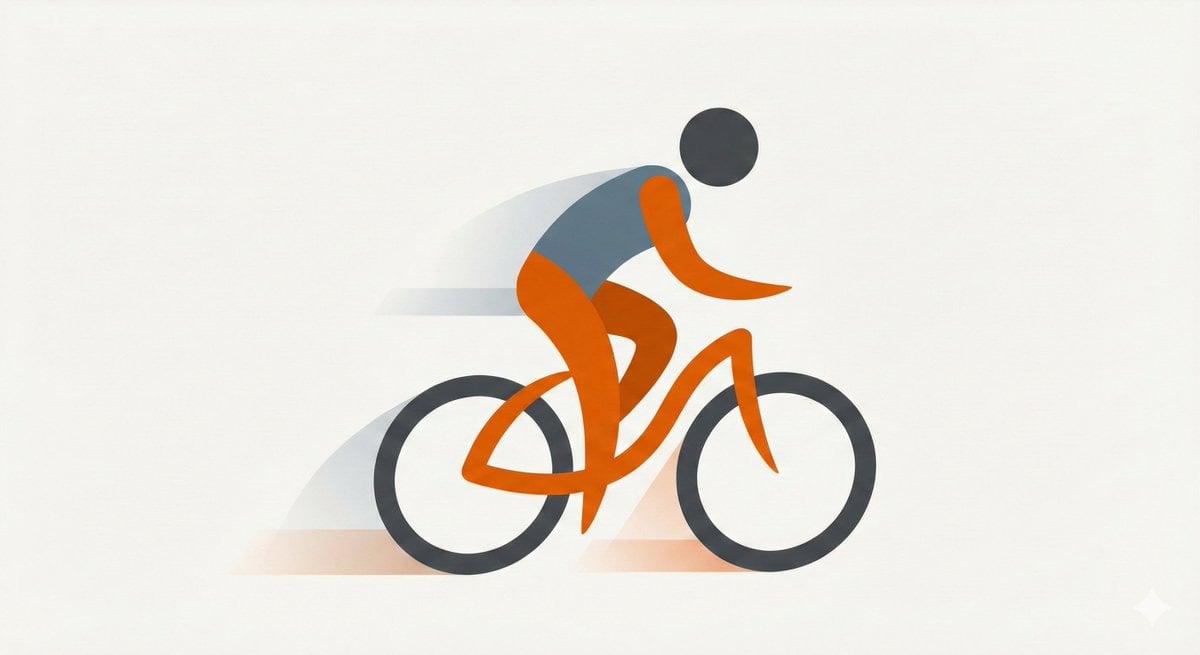
Minimal Flat Geometry Illustration Prompt
Browse template categories
Neon Robot Walker by Mountain Lake questions
How do I use the Neon Robot Walker by Mountain Lake template?
Add your photo if the template asks for one, edit the prompt if you like — the template's model and format are already selected — and press Generate. Your version opens in PicX Studio.
Can I customize the Neon Robot Walker by Mountain Lake template?
Yes. You can change the subject, setting, lighting, mood, format, and available model controls before creating your image.
Is the Neon Robot Walker by Mountain Lake template free?
Opening and editing this template is free. Generating uses credits, shown on the Generate button when you are signed in.
Which AI model should I use?
Start with GPT Image 2, which is the model associated with this template. You can compare another compatible model for a different finish.
Looking for something else? Browse all templates.

Your photo, any look
Thousands of ready templates for every top image and video model, from one credit balance.