
Animated Boy Character Sheet
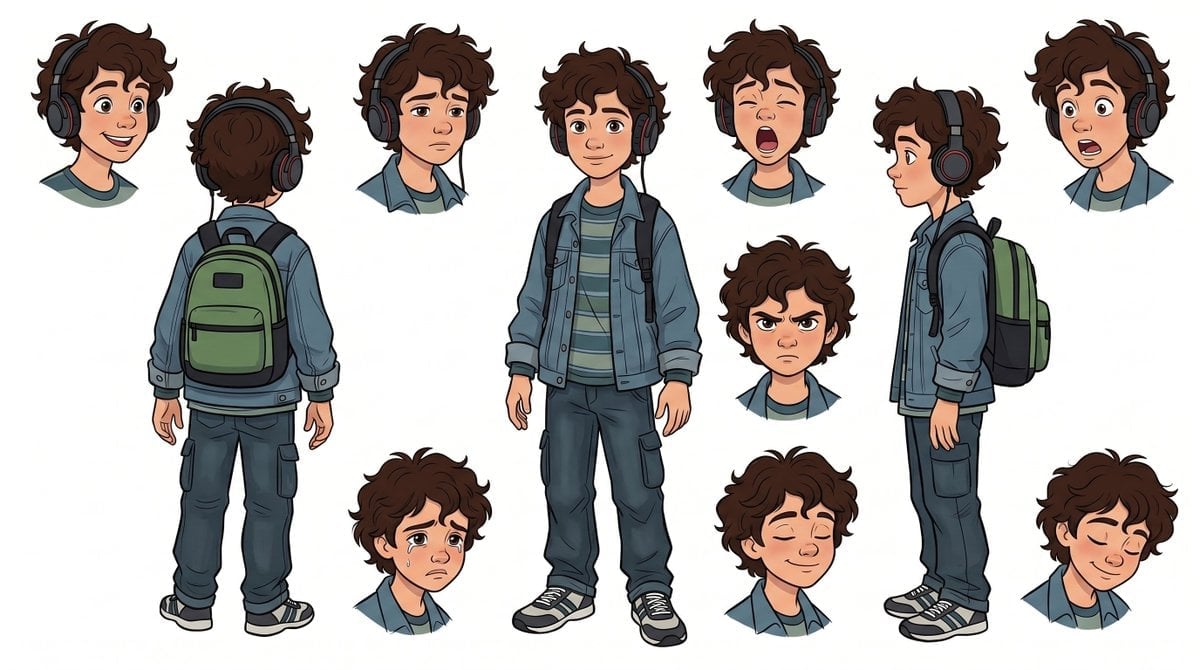
A Disney-inspired character turnaround sheet showing a headphone-wearing boy with full-body views and nine facial expressions for animation design.
- Prompt included
- Model and format preset
- Premium template
The prompt behind this image
Copy the exact prompt behind Animated Boy Character Sheet, or open it in the studio and make it yours.
Goal: Create a clean character design sheet on a white background for {argument name="character name" default="a young boy"} in a polished Disney-inspired 2D animation style, with expressive rounded features, clean ink lines, soft cel shading, and warm appealing proportions. Canvas: Wide horizontal character sheet, approximately 16:9, with generous white space and no text, labels, logo, watermark, props, scenery, or background elements. Character details: A slim preteen boy with light skin, large brown eyes, tousled curly {argument name="hair color" default="dark brown"} hair, soft eyebrows, a small nose, and a friendly animated face. He wears large over-ear {argument name="headphone color" default="black headphones with red accents"}. Outfit: blue denim jacket over a muted green striped T-shirt, dark blue cargo pants, black-and-white sneakers, and a green backpack with black straps and trim. Keep the same outfit, hairstyle, headphones, and proportions across every pose and expression. Layout: Show exactly 3 full-body turnaround views and exactly 9 separate head or bust expression studies arranged around them. The 3 full-body views are: 1 front view standing relaxed and smiling softly in the center, 2 rear view on the left showing the backpack clearly, 3 right-facing side view on the right showing the backpack profile. The 9 head or bust studies are: 1 happy open-mouth smile, 2 sad tired expression, 3 yawning or shouting with eyes squeezed shut, 4 surprised open-mouth expression, 5 neutral right-facing profile, 6 angry frown with furrowed brows, 7 crying worried face with tears, 8 peaceful content smile with eyes closed, 9 shy downward smile with eyes closed. Visual style: Feature-film animation character sheet, crisp black outlines, subtle painterly shading, soft skin tones, expressive cartoon anatomy, slightly oversized head and hands, consistent scale, professional concept art presentation. Constraints: No text anywhere in the image. Do not add extra poses or extra expressions. Keep all visible elements limited to the one child character, his clothing, headphones, backpack, and the 12 total character depictions.
How to use Animated Boy Character Sheet in 3 steps
- 1Upload ImagePNG, JPG or paste
Add your photo
Upload the photo the template builds on. The prompt, model and format are already set.
- 2…a portrait of your subject in softgolden-hour light, 85mm…
Personalize
Edit the subject and creative details for your destination.
- 3Generate
Generate
Press Generate — your image is created in PicX Studio, so you can compare it with the original and refine one variable at a time.
More like this
Templates with the same subject, style or setup. Open one to see its prompt.
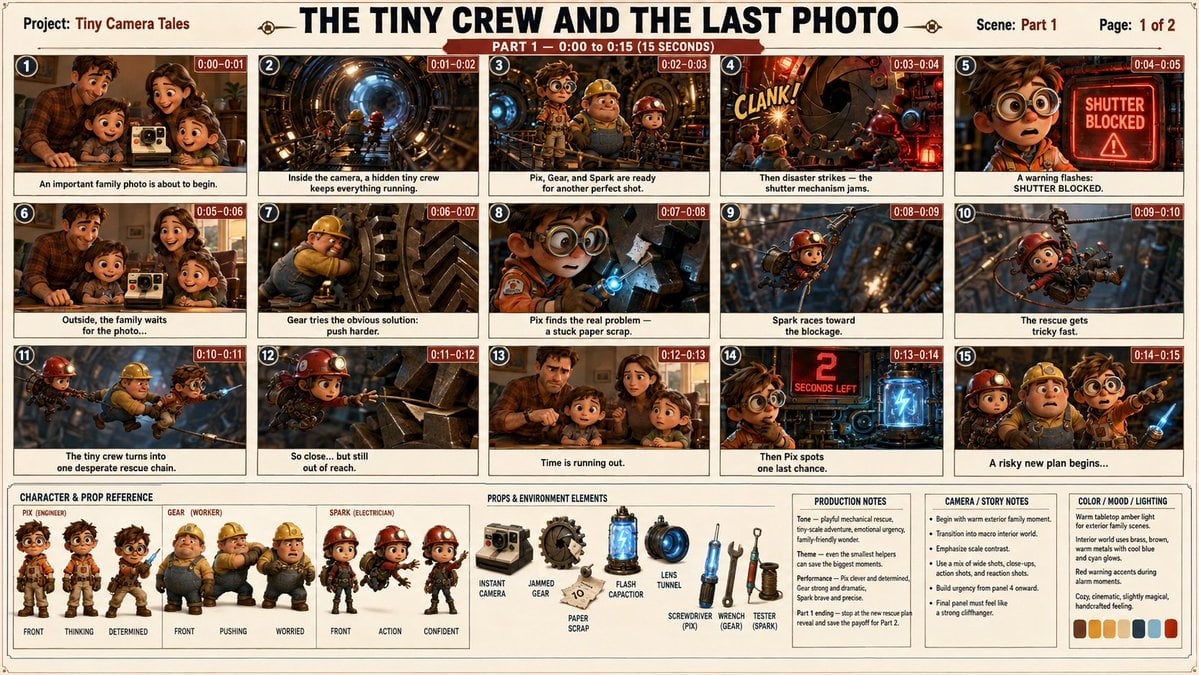
Professional 3D Animated Storyboard Sheet
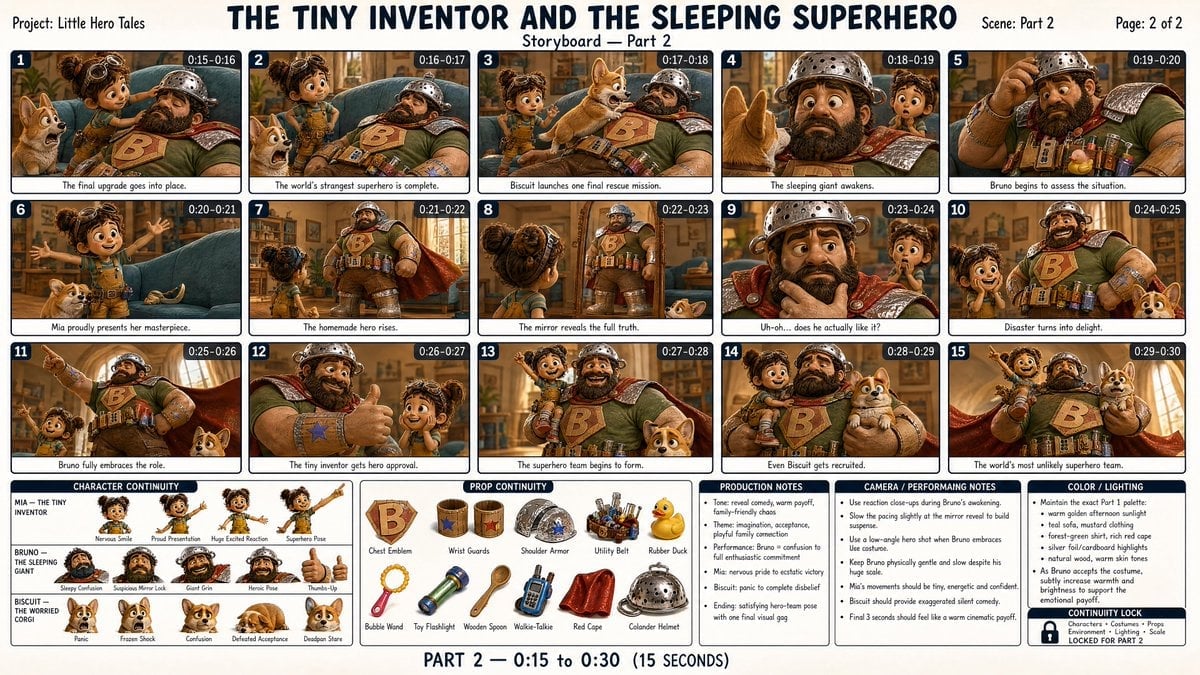
Storyboard Image Sheet for Animated Films
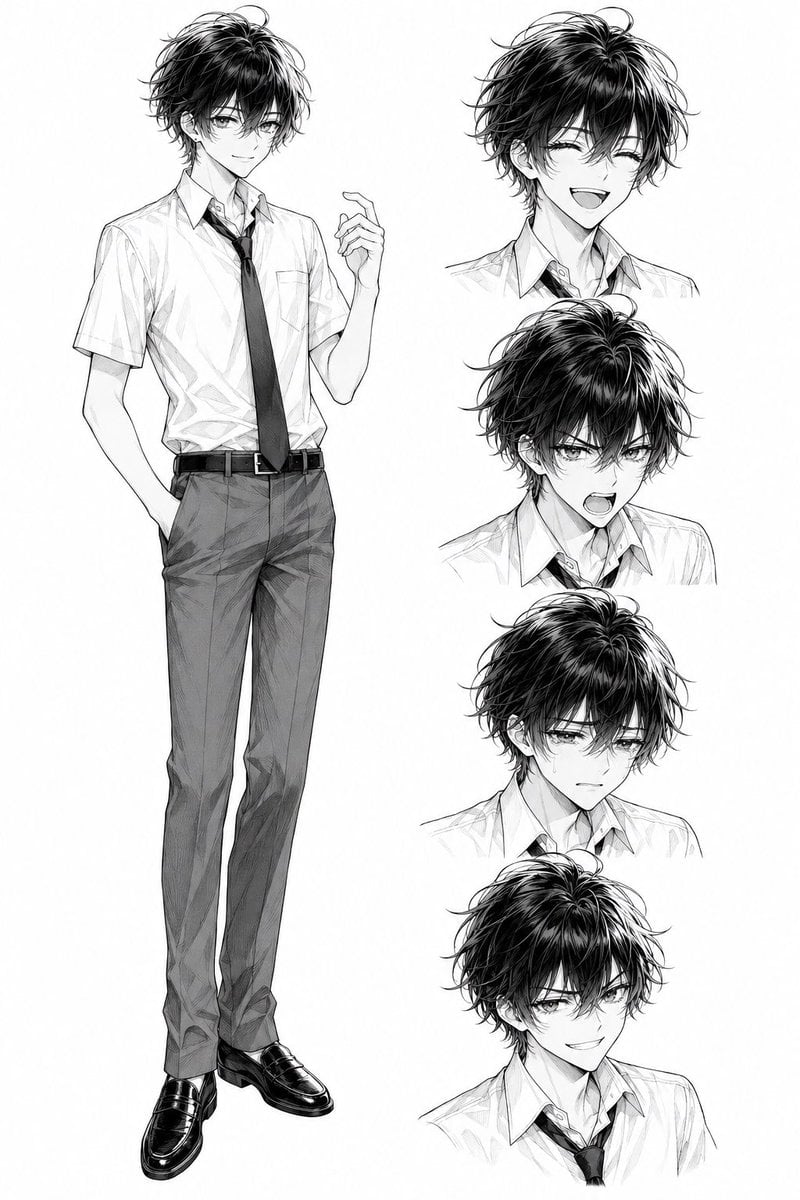
Monochrome Anime Schoolboy Expression Sheet
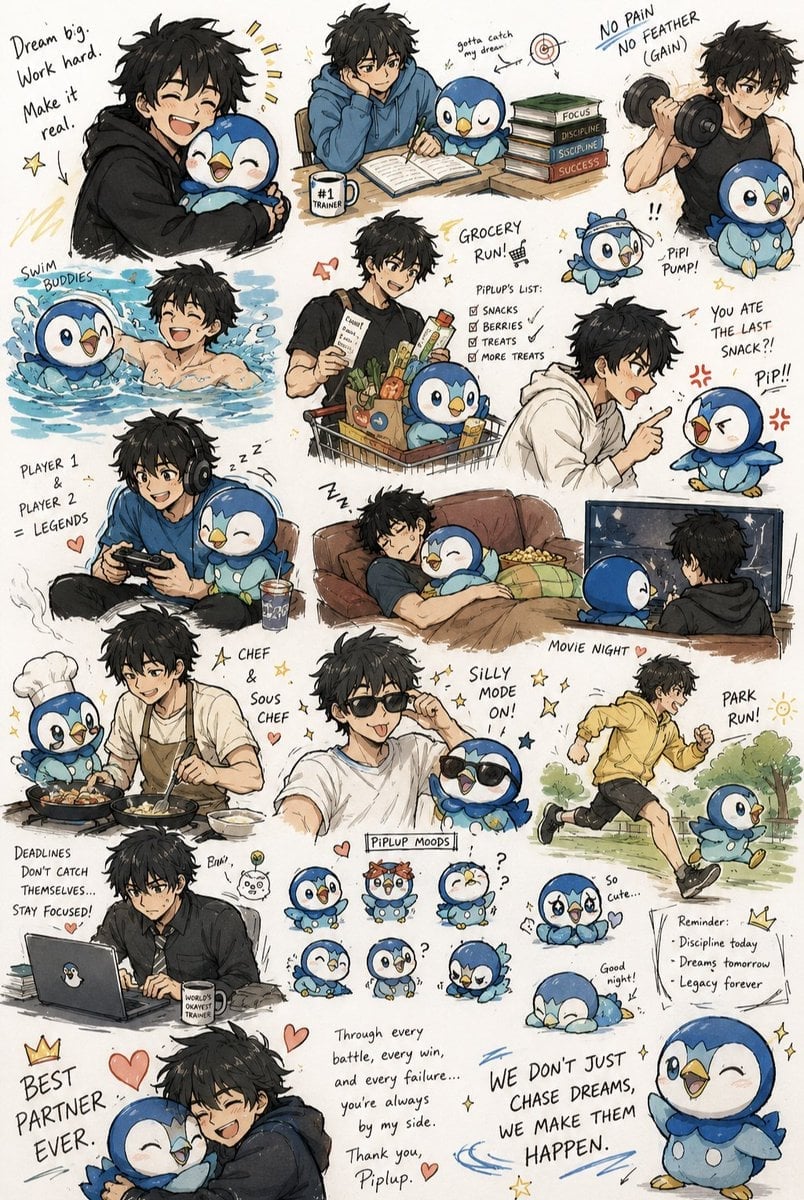
Anime Boy and Piplup Adventure Sheet
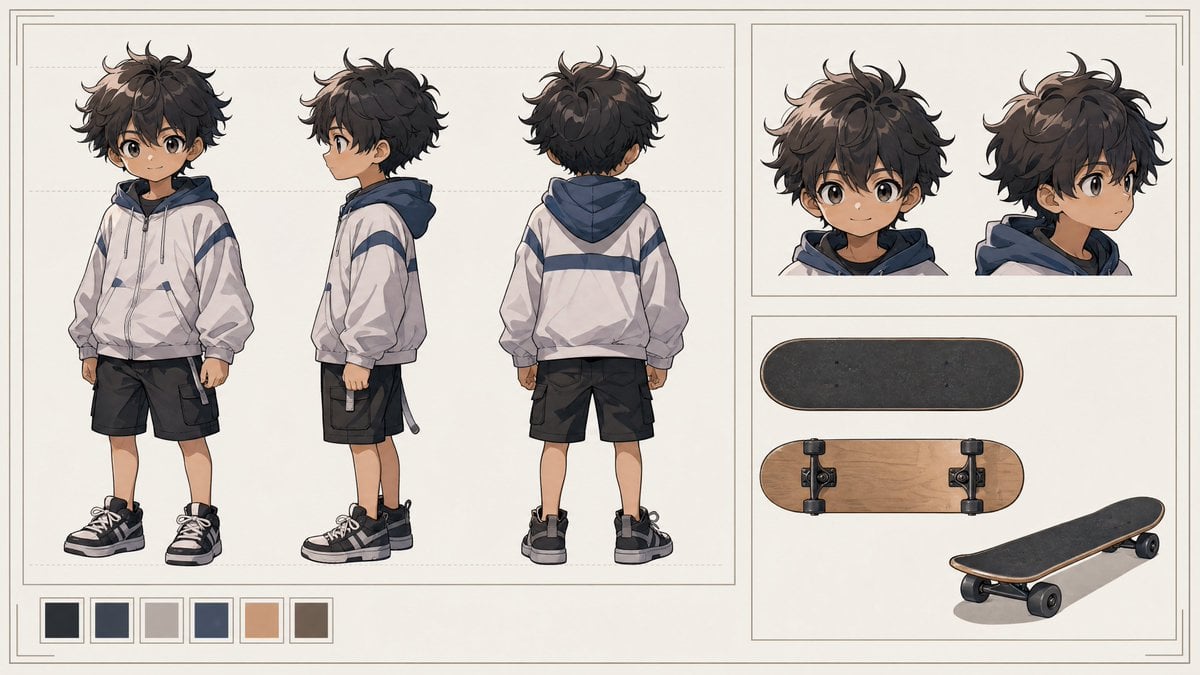
Tiny Boy Character Sheet
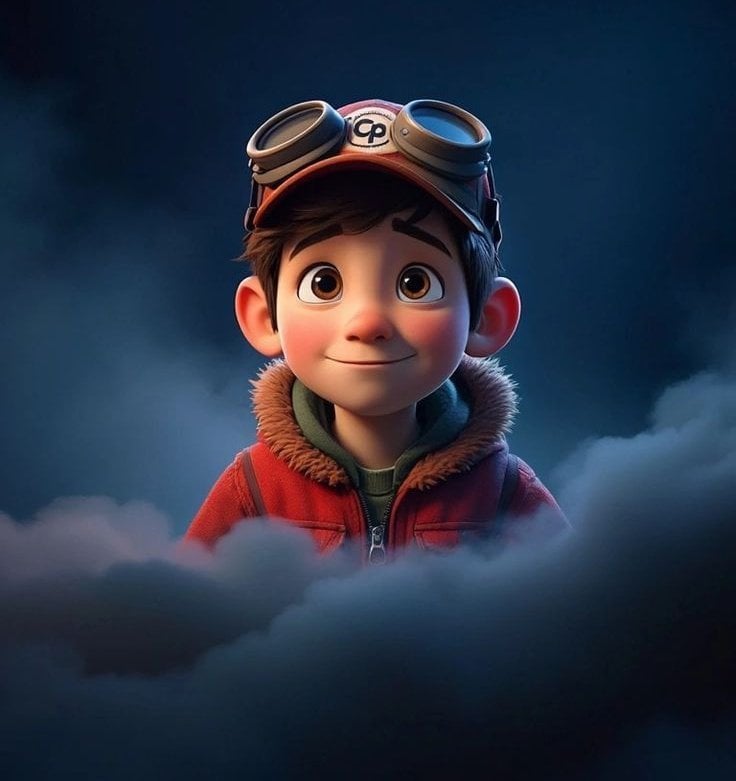
3D Animated Boy Portrait

Dancer Character - Four View Reference Sheet

Movement Sheet - Dance Reference (Seedance 2.0)
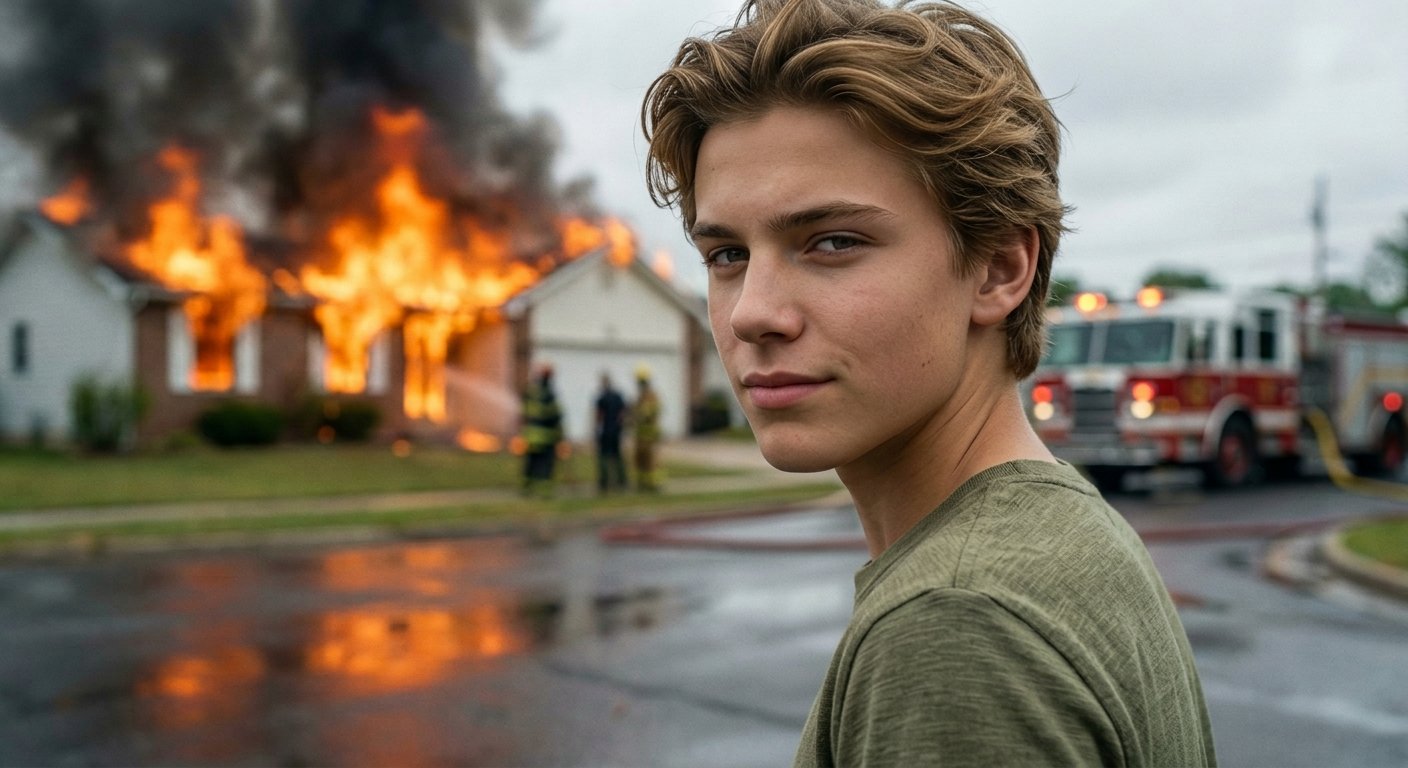
Cinematic Fire Portrait - Boy
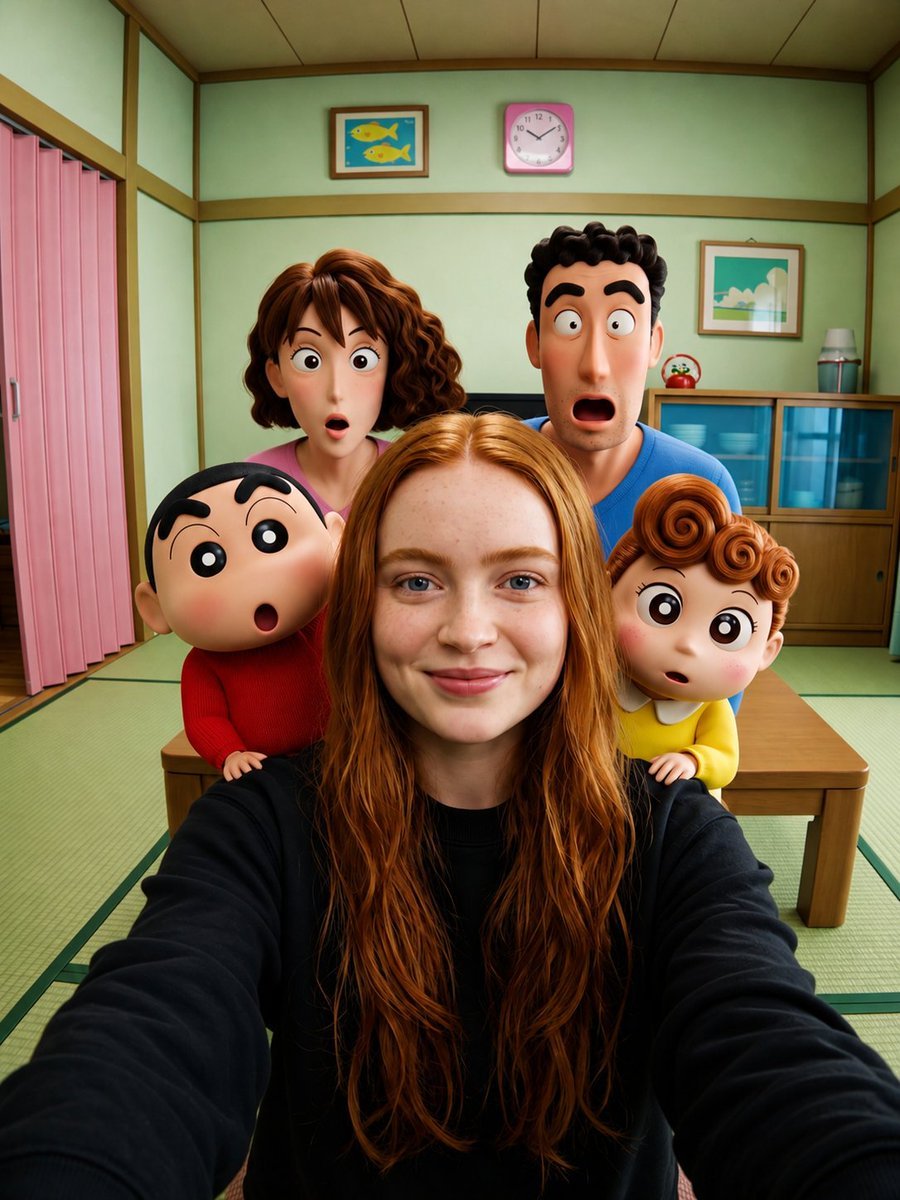
Cinematic 3D Animated Selfie Scene

Six VTuber Japanese Logo Sheet
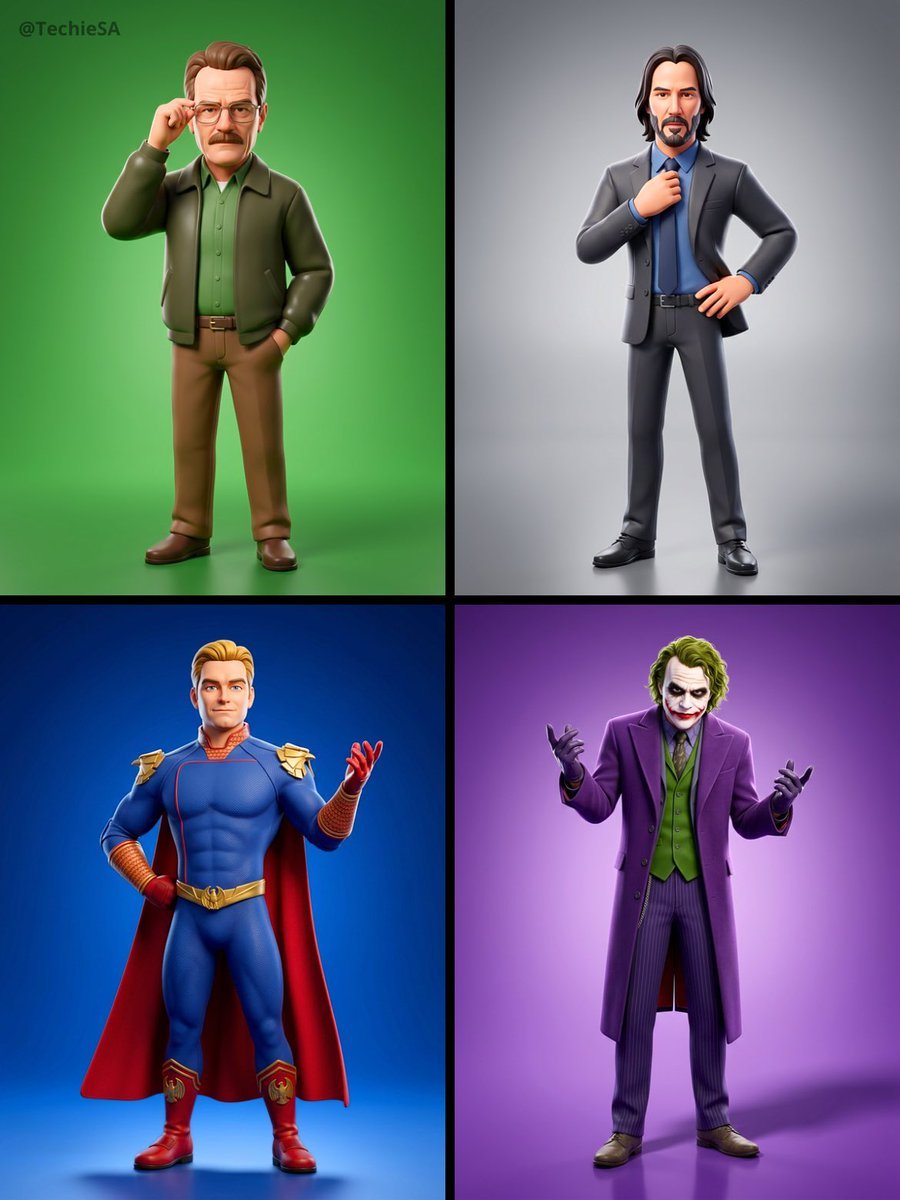
Referenced person into a premium stylized 3D animated character, full
Make it yours
Animated Boy Character Sheet works as-is. These are the safest ways to change it without losing the look.
Change one field
Copy a single group, rewrite it, and generate again so you can see what that field is doing.
Keep the frame, change the subject
Hold the composition and light of Animated Boy Character Sheet, then swap wardrobe, props or the person for a new take.
| If the result… | Why | Fix |
|---|---|---|
| The result drifts from the preview | Too many fields changed at once. | Reuse Animated Boy Character Sheet as-is first, then change one group — subject, light, or setting. |
| The model over-stylizes the scene | The prose prompt leaves finish and camera underspecified. | Add one camera or lighting sentence and stay on GPT Image 2. |
More GPT Image 2 templates
Other prompts made for GPT Image 2.

Realistic Portrait of Woman and Deer

The Vista Modular Condo Poster

AI Model Routing Comparison Infographic

2.5D Anime Art Board

Isometric Productivity Desk Scene

New York Double Exposure Poster

Four-Panel AI Landscape Comparison

Japanese Tatami Lifestyle Magazine Cover

NESCAFÉ Coffee Map Poster

Brutalist Cogito Chinese Typography Poster
More image prompts
Fresh picks from across the catalog.
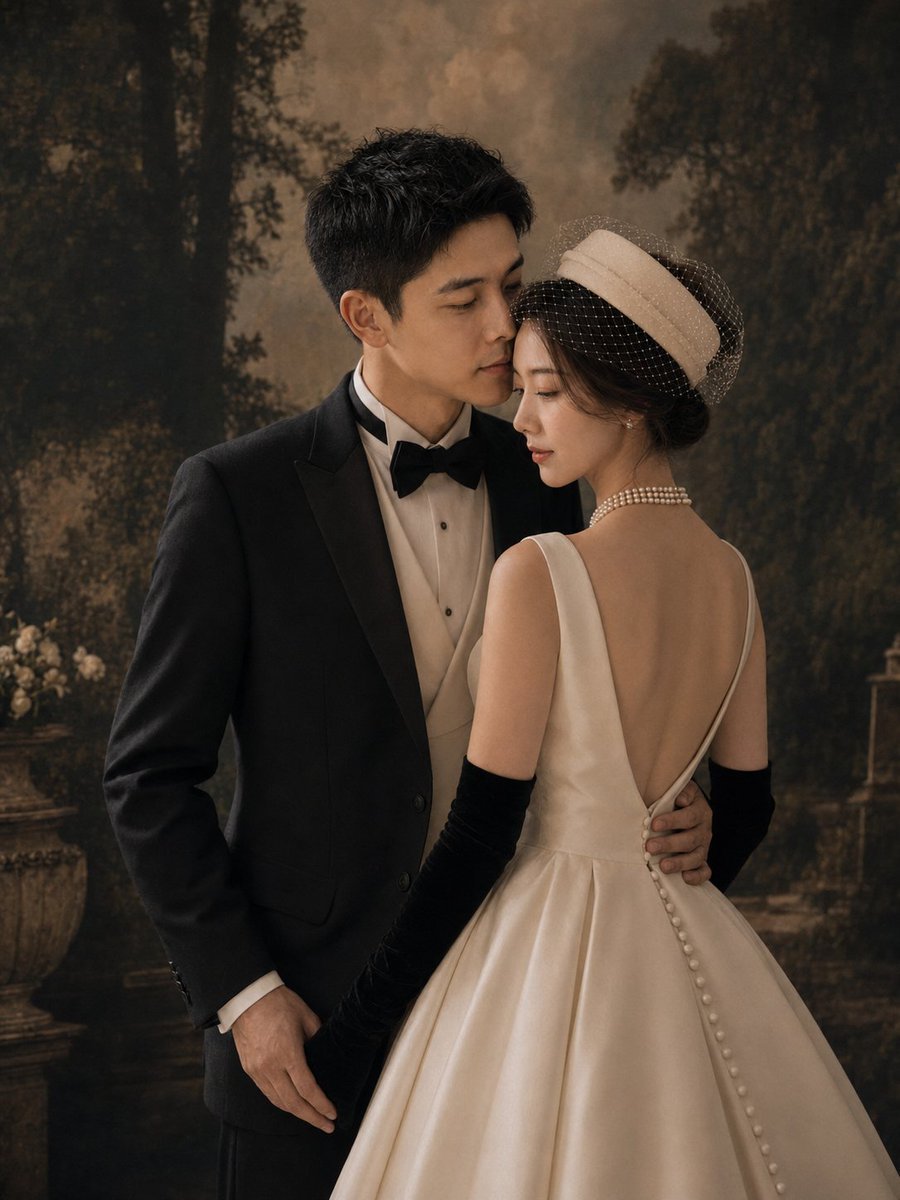
Vintage Garden Wedding Portrait
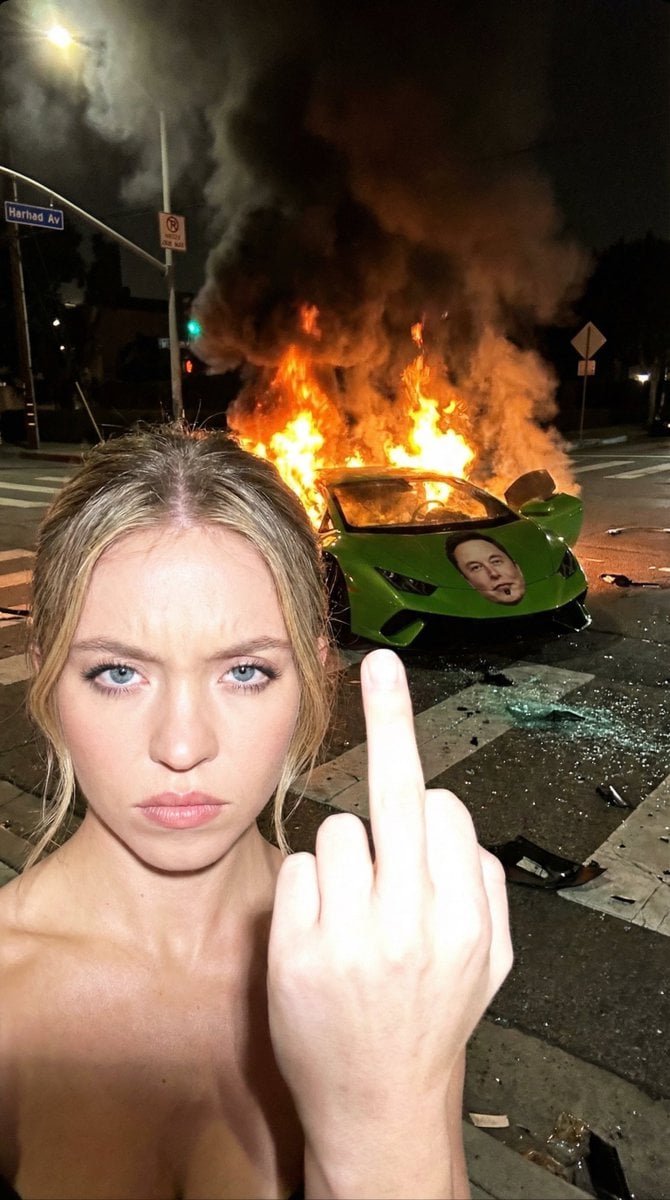
The Crash & The Gesture: Aggressive Street Photography
Cinematic Starry Night Portrait
Realistic Camera Roll Outfit Collage
Make photos look bad with specified GPS coordinates
Candid Post-Workout Shot in Brutalist Architecture
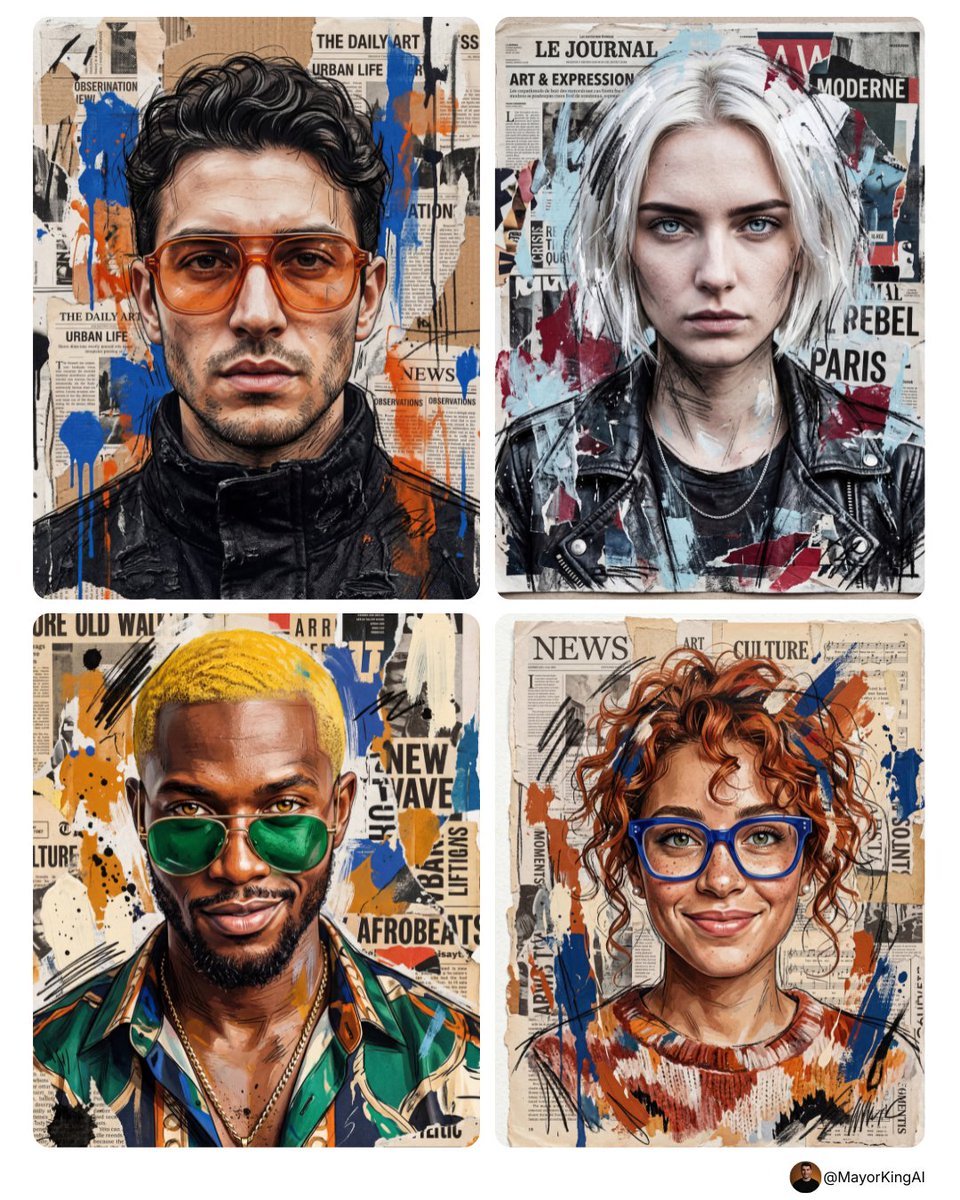
Mixed Media Sketch Portrait
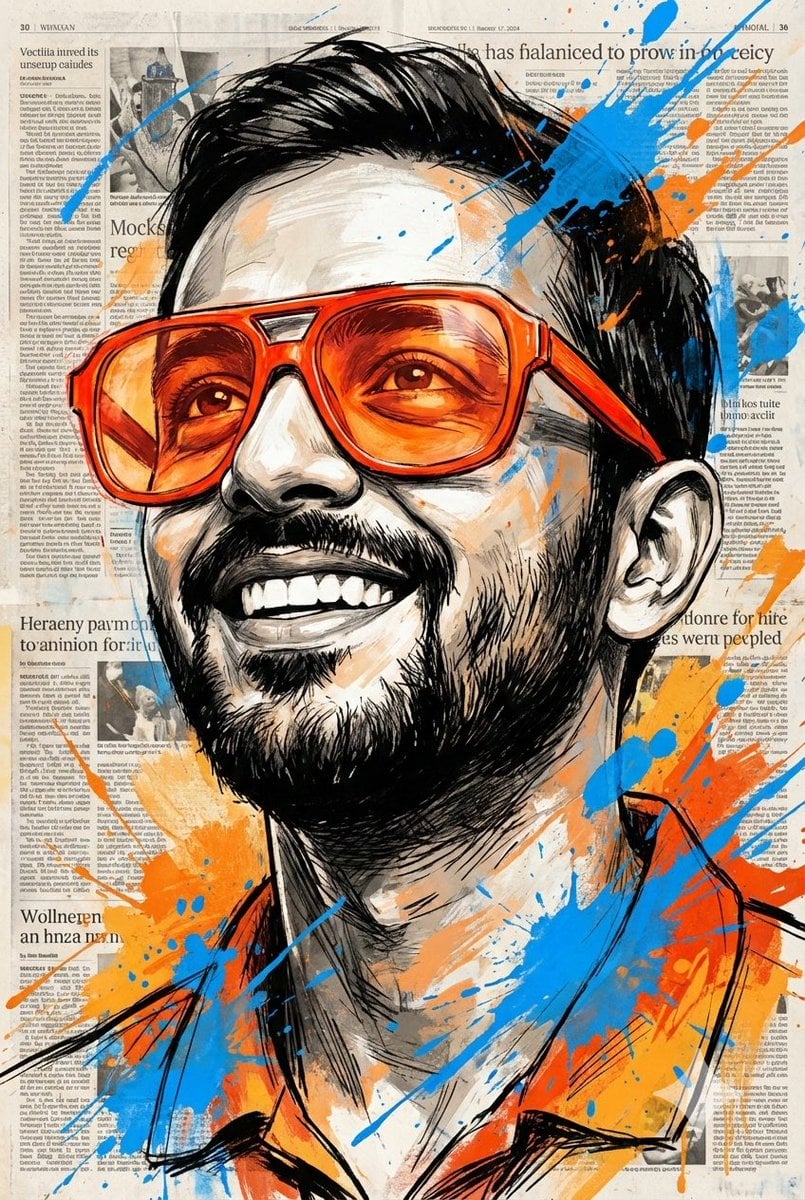
Expressive Portrait with Sketch Strokes and Paint Splashes
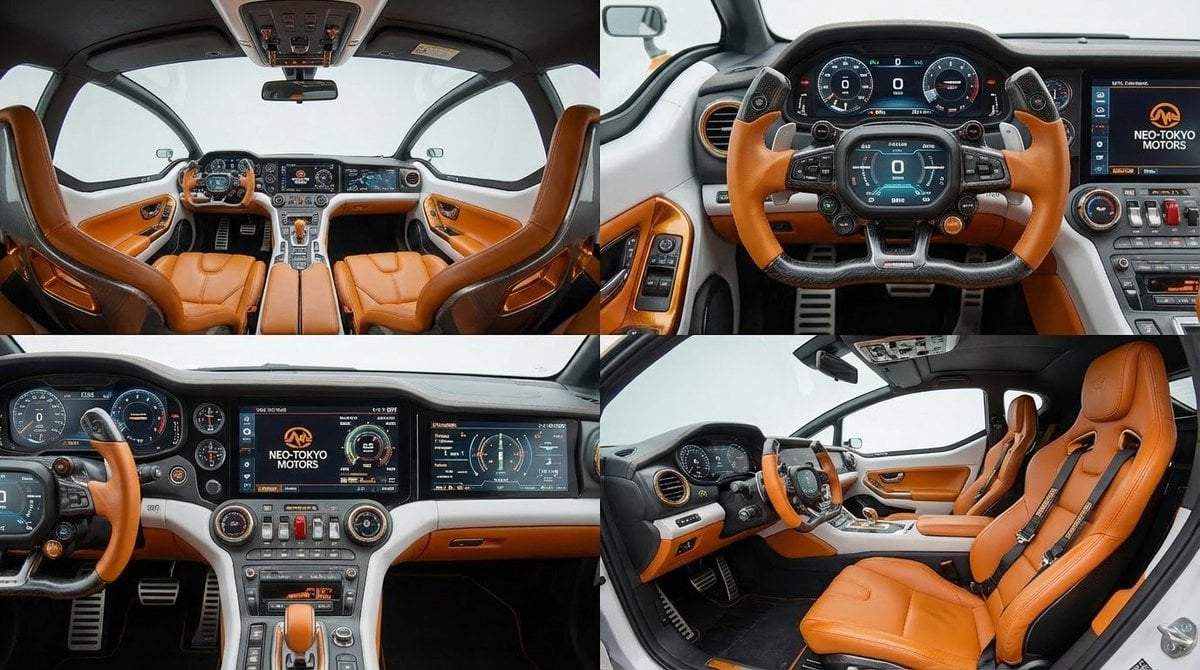
Cockpit Interior Grid View
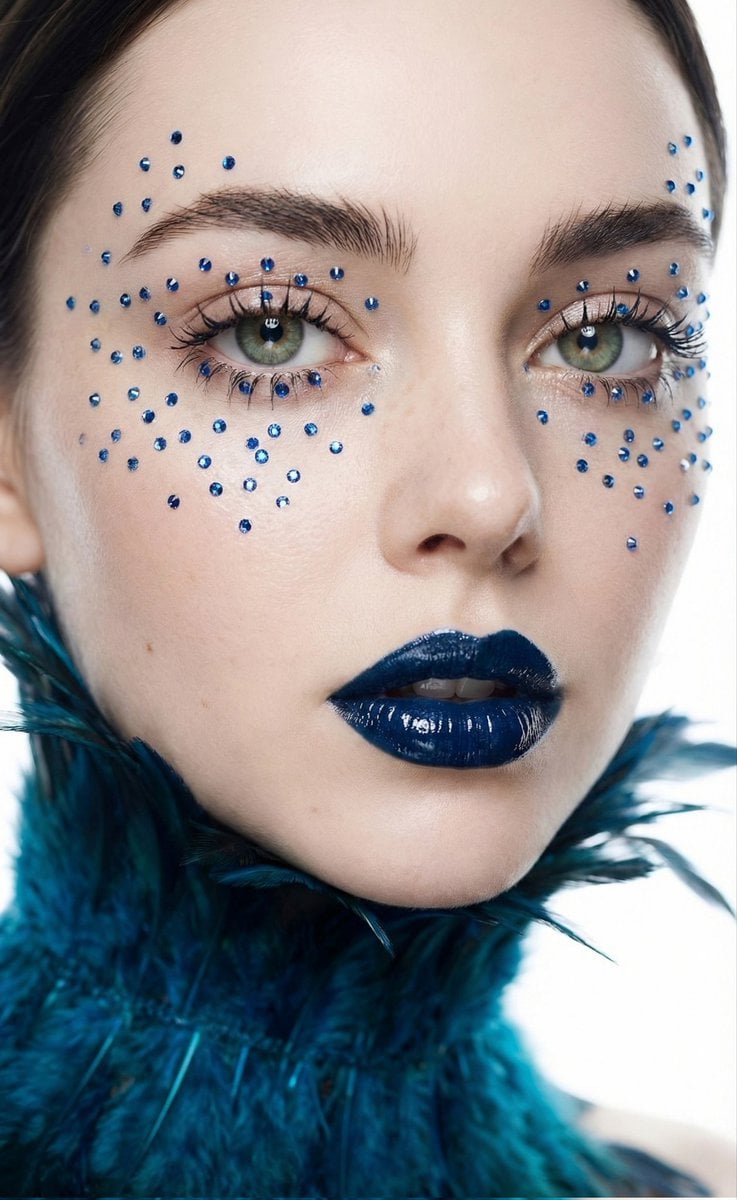
Cinematic Beauty Shot with Sapphire Crystals
Browse template categories
Animated Boy Character Sheet questions
How do I use the Animated Boy Character Sheet template?
Add your photo if the template asks for one, edit the prompt if you like — the template's model and format are already selected — and press Generate. Your version opens in PicX Studio.
Can I customize the Animated Boy Character Sheet template?
Yes. You can change the subject, setting, lighting, mood, format, and available model controls before creating your image.
Is the Animated Boy Character Sheet template free?
Opening and editing this template is free. Generating uses credits, shown on the Generate button when you are signed in.
Which AI model should I use?
Start with GPT Image 2, which is the model associated with this template. You can compare another compatible model for a different finish.
Looking for something else? Browse all templates.

Your photo, any look
Thousands of ready templates for every top image and video model, from one credit balance.