How do I use the Japanese Summer Magazine Portrait template?
Choose the primary action to open PicX Studio with the available template settings. Review the model and format, personalize the creative direction, and generate when ready.
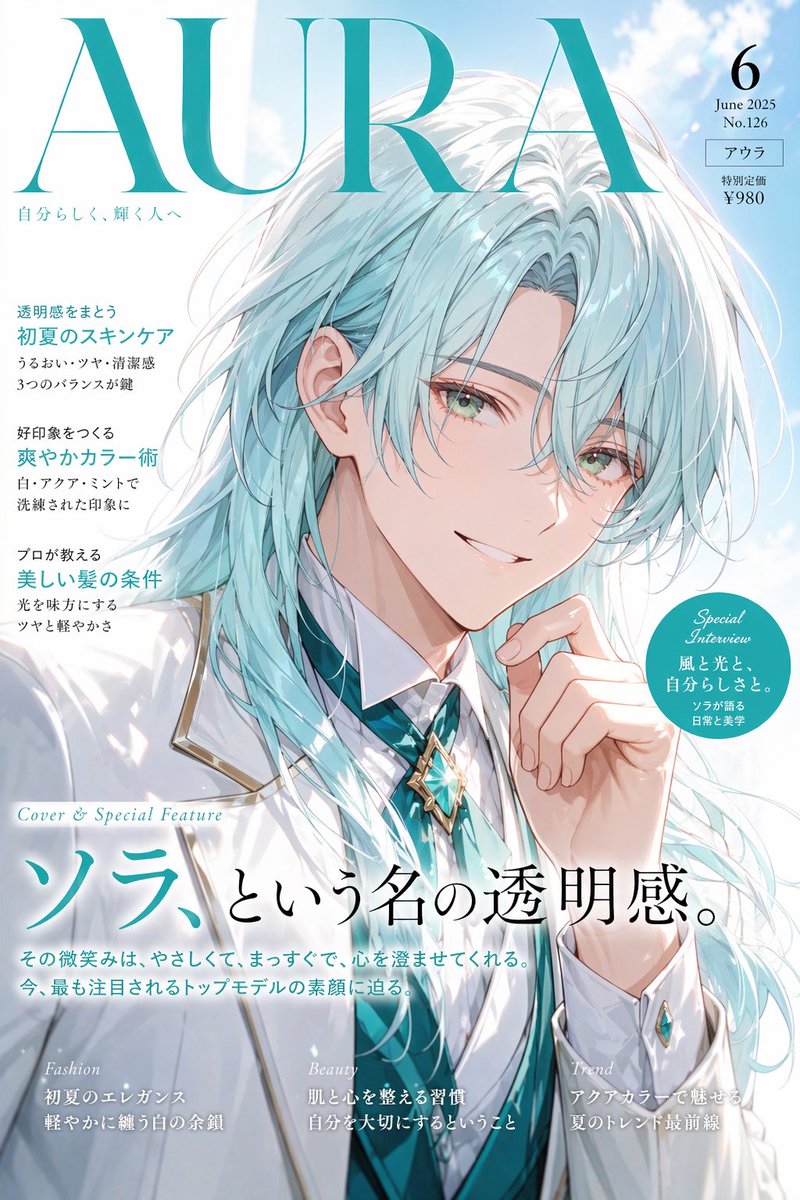
Generates a bright Japanese-style summer lifestyle magazine cover portrait with editorial typography and sunny outdoor scenery.
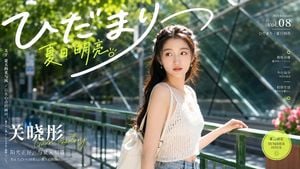
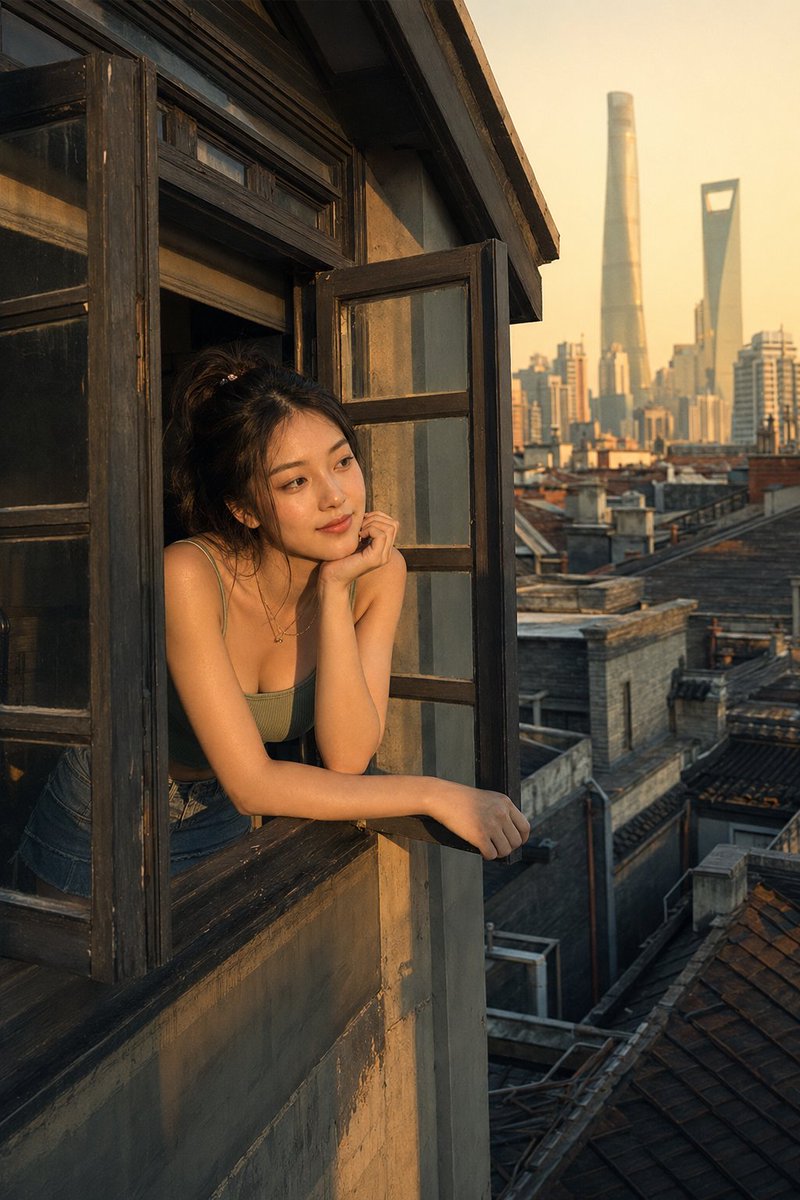
Create a bright Japanese summer magazine cover portrait featuring {argument name="character name" default="Guan Xiaotong"}, styled like a glossy lifestyle editorial. Wide horizontal 16:9 canvas, full-bleed outdoor street scene in warm midday sunlight with lush green tree bokeh, a green bridge railing, and an angular glass building facade in the background. The subject is a young East Asian woman standing slightly right of center, waist-up, turned three-quarters toward the camera with one hand resting lightly on the railing, looking softly off to the side. She has long dark wavy half-up hair, delicate earrings, natural fresh makeup, and a calm luminous expression. Outfit: white open-knit crochet camisole crop top, light blue high-waisted jeans, thin necklace, and a white shoulder bag strap over one shoulder. Photography style: Japanese summer portrait aesthetic, airy and bright, soft lens flare, shallow depth of field, high-resolution realistic skin texture, gentle highlights, clean editorial color grading with greens, whites, and lemon-yellow accents. Design it as a Japanese magazine cover with layered typography. Add a huge handwritten white Japanese masthead across the top reading 「ひだまり」, with a sweeping underline stroke. Under it, add lime-yellow handwritten text reading 「夏日明亮」 with a tiny doodled sun. On the left edge place vertical Chinese text about summer light and wind. At lower left add large white Chinese title text 「关晓彤」 with a lime handwritten romanization “Guan Xiaotong” overlapping it, plus two smaller lines beneath: 「阳光正好,与夏天相遇」 and 「ちょうどいい日差し、夏との出会い。」 On the upper right add small white magazine issue text: “2024 Summer”, “vol.08”, and 「ひだまり / 夏日明亮」. On the mid-right add exactly 3 small feature blurbs, each in white Japanese/Chinese text, separated with fine horizontal strokes and accented by exactly 2 lime circular ring icons. At bottom right add one lime circular badge with double outline that reads 「夏日限定」, “SUMMER ISSUE”, and a small sun icon. Keep all typography elegant, balanced, and readable while preserving a premium Japanese editorial layout. No extra people, no watermark, no logo.
Choose the primary action to open PicX Studio with the available template settings. Review the model and format, personalize the creative direction, and generate when ready.
Yes. You can change the subject, setting, lighting, mood, format, and available model controls before creating your image.
This template is free to open and customize. Generation usage is shown in PicX Studio before you create.
Start with GPT Image 2, which is the model associated with this template. You can compare another compatible model for a different finish.
Follow a topic to a crawlable collection of related PicX Studio templates.