
Wolf-Man and Little Red Riding Hood
A romantic anime fantasy scene of a gentle wolf-man offering flowers to Little Red Riding Hood in a lush woodland meadow.
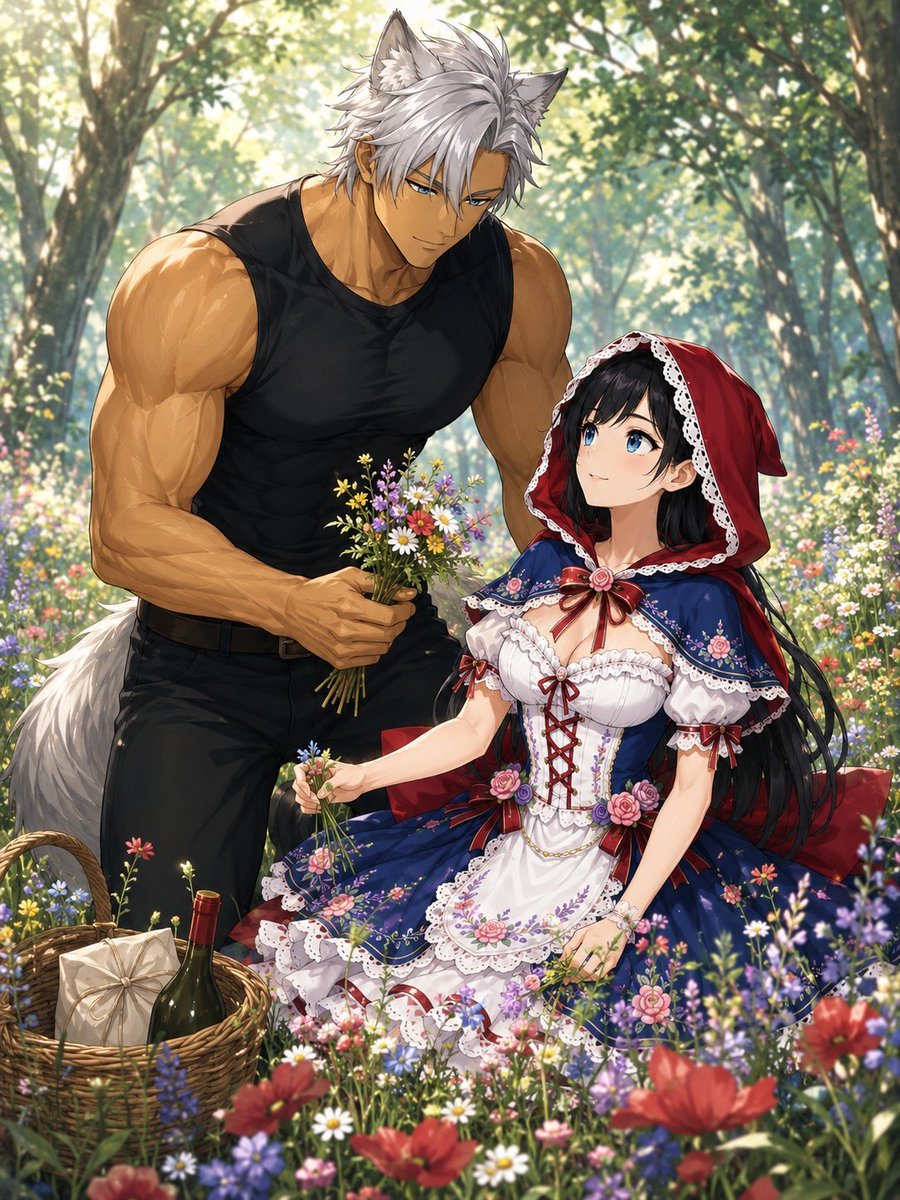
- Prompt included
- Model and format preset
- Premium template
The prompt behind this image
Copy the exact prompt behind Wolf-Man and Little Red Riding Hood, or open it in the studio and make it yours.
Create a romantic anime-style fantasy illustration in a sunlit forest meadow filled with wildflowers. Show exactly two main characters: a very tall, muscular wolf-man with gray wolf ears, spiky silver hair, tanned skin, a fluffy gray-white tail, a fitted black sleeveless tank top, black pants, and a brown belt; and a petite young woman dressed as an ornate Little Red Riding Hood. The wolf-man is standing on the left, leaning gently toward her and offering her a small hand-picked bouquet of wildflowers, appearing shyly devoted and helpful. The woman sits on the right among the flowers, looking up at him with a sweet, surprised romantic mood, holding a few flower stems in one hand. Her outfit is a richly detailed red hooded cape with white lace trim, a navy-blue floral dress, white corset bodice with red crisscross lacing, puff sleeves, ribbons, rose decorations, lace apron, and layered frilled skirt. Include exactly one picnic basket in the lower left foreground containing exactly two visible items: one wrapped parcel and one dark green wine bottle with a red cap. The environment should be a lush magical woodland clearing with tall trees, dappled golden sunlight, soft bokeh, and dense colorful flowers including red poppies, daisies, lavender-purple blossoms, tiny yellow flowers, and pink wildflowers. Use polished high-detail Japanese anime illustration style, soft romantic lighting, vibrant colors, delicate lace and floral embroidery, cinematic composition, vertical 4:5 framing, no text, no watermark. Customize the characters as {argument name="wolf man appearance" default="very tall muscular gray wolf-man with silver hair, tanned skin, wolf ears and tail"}, {argument name="girl outfit" default="ornate Little Red Riding Hood dress with red hood, navy floral skirt, white lace corset and rose ribbons"}, {argument name="setting" default="sunlit forest meadow full of wildflowers"}, {argument name="romantic action" default="the wolf-man offers a freshly picked bouquet while the girl sits flower-picking"}, and {argument name="art style" default="high-detail romantic Japanese anime fantasy illustration"}.
How to use Wolf-Man and Little Red Riding Hood in 3 steps
- 1Upload ImagePNG, JPG or paste
Add your photo
Upload the photo the template builds on. The prompt, model and format are already set.
- 2…a portrait of your subject in softgolden-hour light, 85mm…
Personalize
Edit the subject and creative details for your destination.
- 3Generate
Generate
Press Generate — your image is created in PicX Studio, so you can compare it with the original and refine one variable at a time.
More like this
Templates with the same subject, style or setup. Open one to see its prompt.
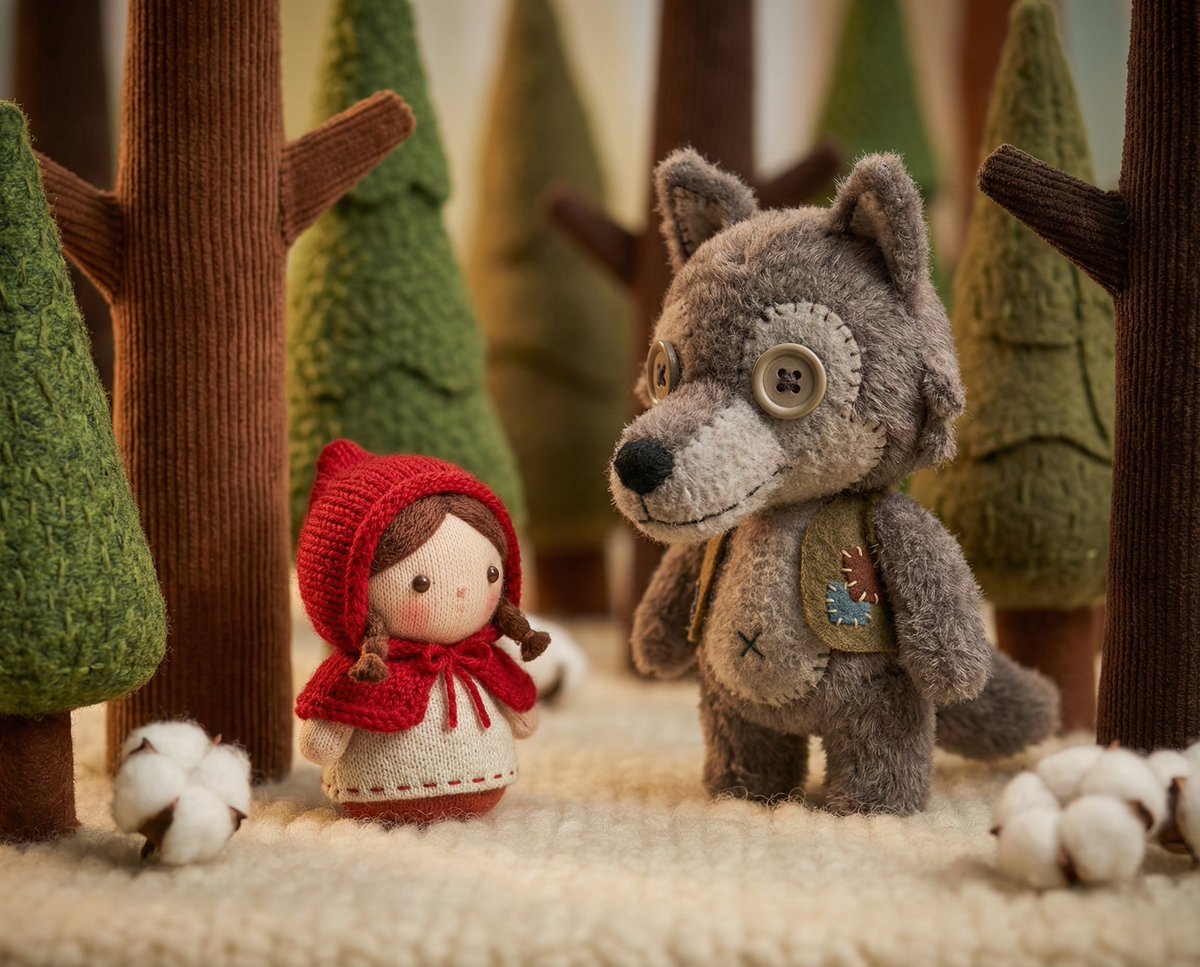
Whimsical Plush Toy Diorama of Little Red Riding Hood
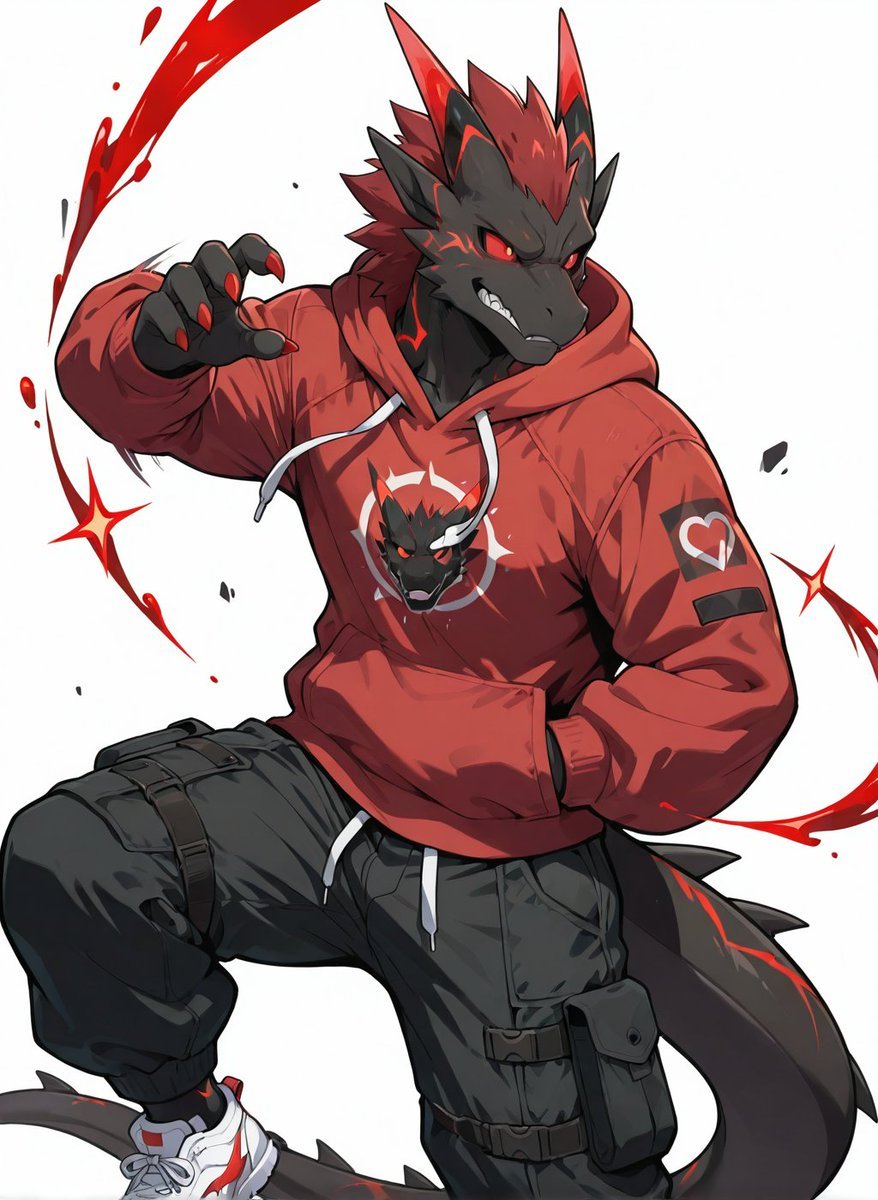
Red Hoodie Dragon-Wolf Warrior
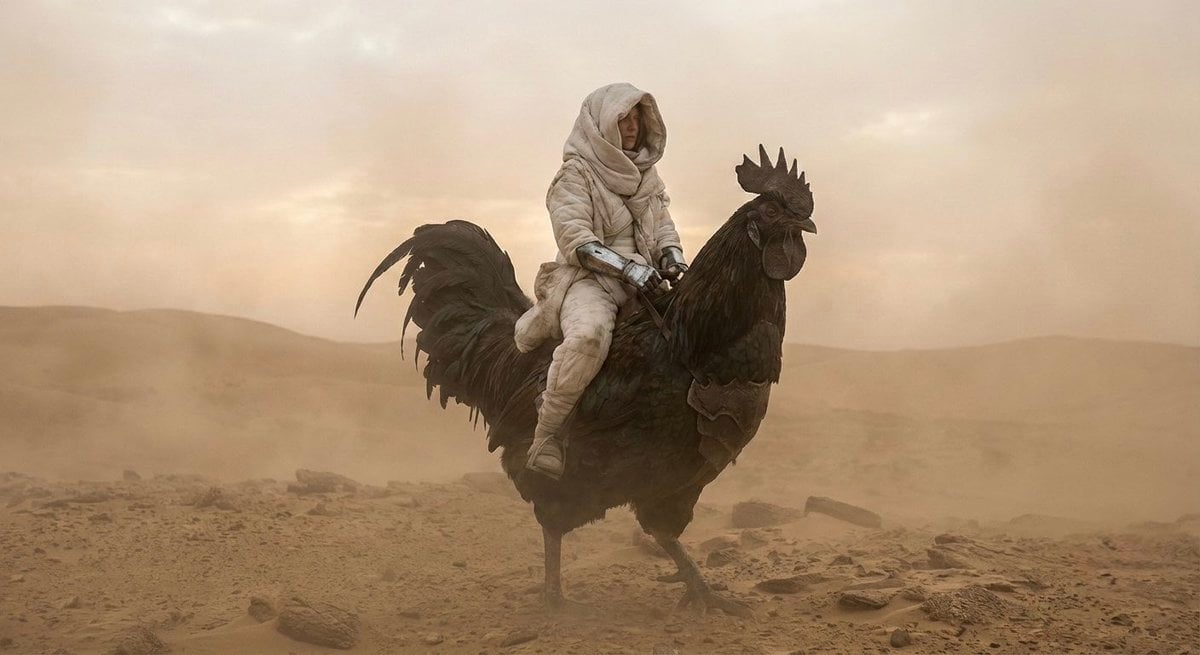
Dune-Inspired Epic Scene with Woman Riding a Giant Rooster
Dark Hooded Spider-Man Portrait
White Suit Man in Hooded Crowd
Hooded Rogue with Blurred Face
A realistic cinematic photograph of a handsome man riding a bicycle
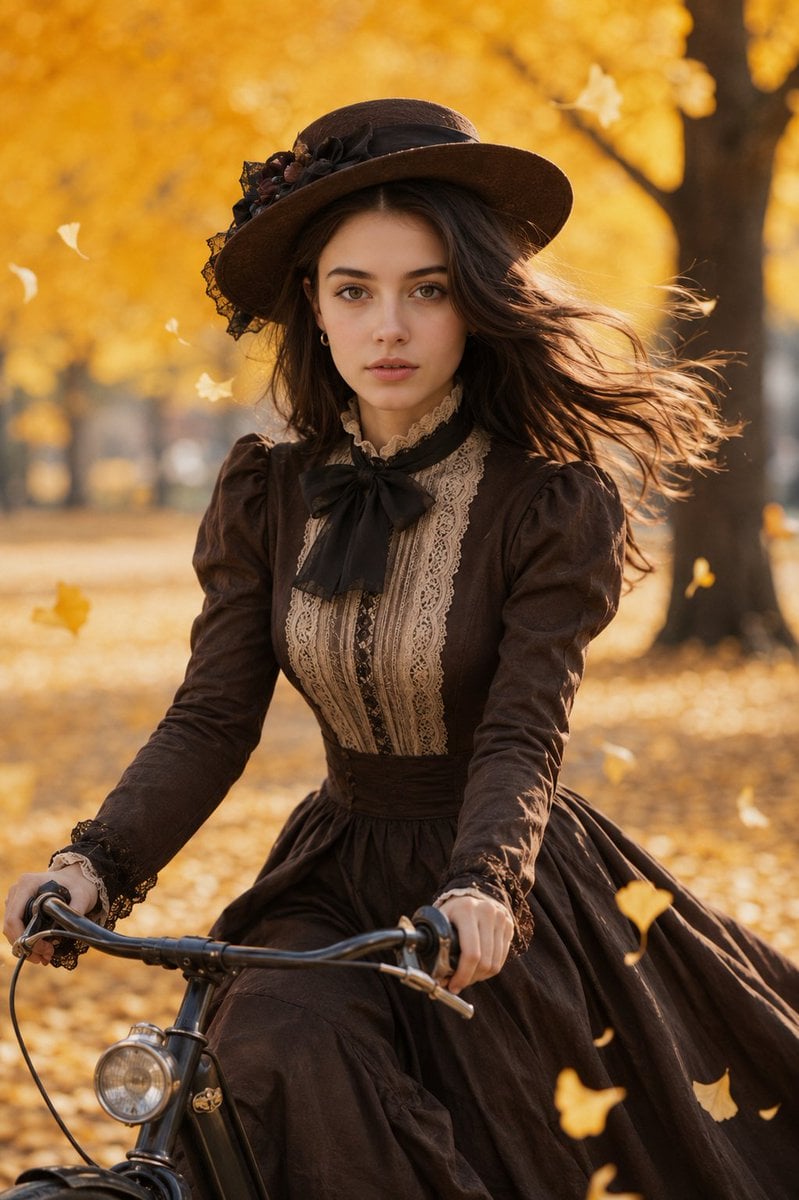
Victorian Woman Riding Vintage Bicycle
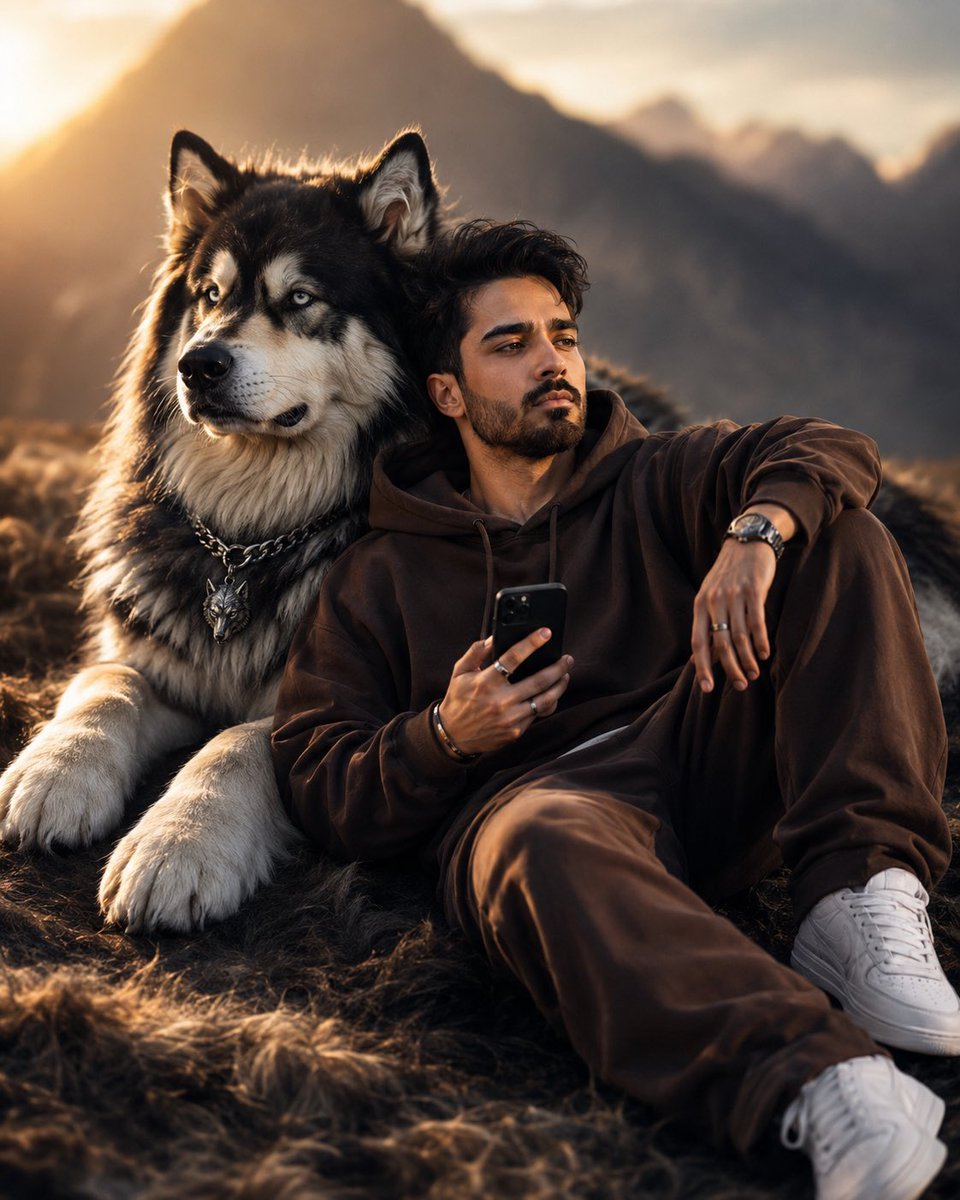
Cinematic Man and Giant Wolf Companion

Bold Red Contrast Fashion Editorial Newspaper Room

Panning Motion Soccer Kick Poster
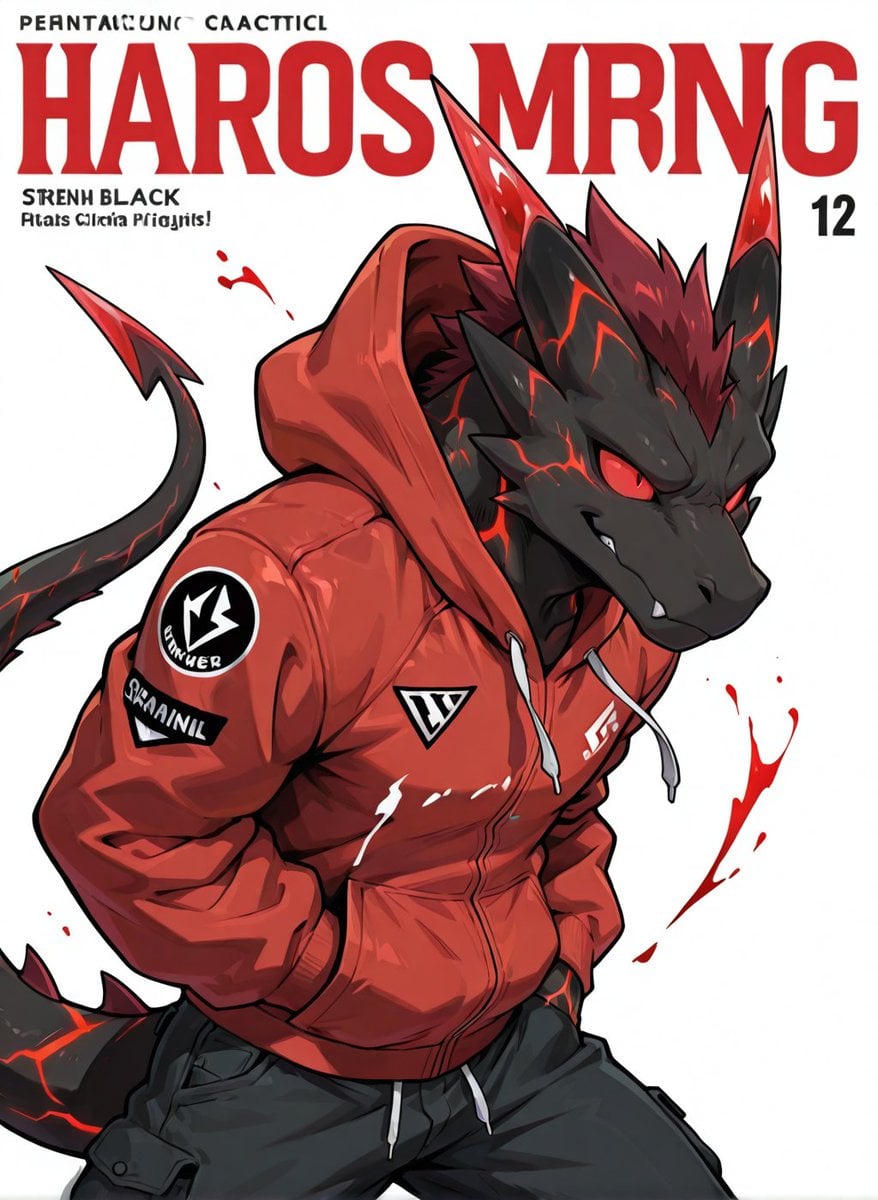
Red Hoodie Lava Dragon Poster
Make it yours
Wolf-Man and Little Red Riding Hood works as-is. These are the safest ways to change it without losing the look.
Change one field
Copy a single group, rewrite it, and generate again so you can see what that field is doing.
Keep the frame, change the subject
Hold the composition and light of Wolf-Man and Little Red Riding Hood, then swap wardrobe, props or the person for a new take.
| If the result… | Why | Fix |
|---|---|---|
| The result drifts from the preview | Too many fields changed at once. | Reuse Wolf-Man and Little Red Riding Hood as-is first, then change one group — subject, light, or setting. |
| The model over-stylizes the scene | The prose prompt leaves finish and camera underspecified. | Add one camera or lighting sentence and stay on GPT Image 2. |
More GPT Image 2 templates
Other prompts made for GPT Image 2.

Six VTuber Japanese Logo Sheet

Realistic Portrait of Woman and Deer

The Vista Modular Condo Poster

AI Model Routing Comparison Infographic

2.5D Anime Art Board

Isometric Productivity Desk Scene

New York Double Exposure Poster

Four-Panel AI Landscape Comparison

Japanese Tatami Lifestyle Magazine Cover

NESCAFÉ Coffee Map Poster
More image prompts
Fresh picks from across the catalog.
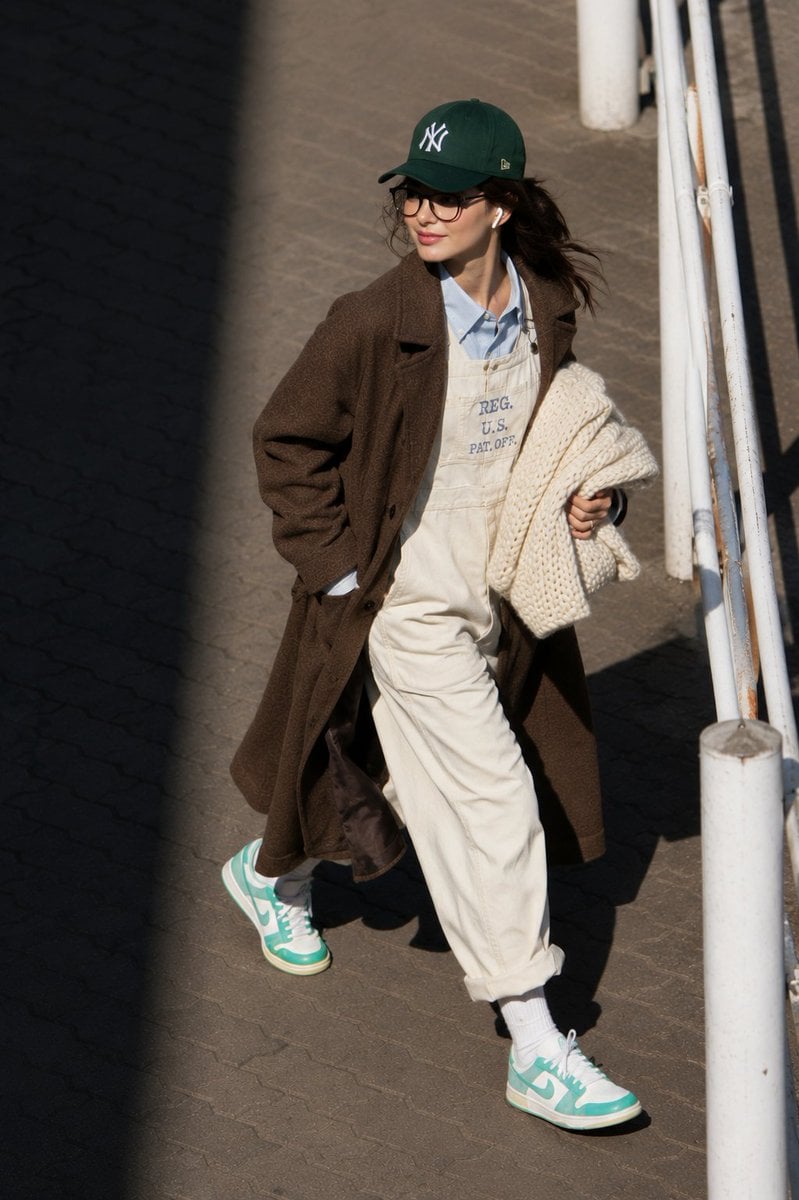
@itsPolloAI Prompt : Ultra-realistic candid street
Mixed-Media Portrait with CGI Mascot in Candy Store
Identity Preserving Portrait Generation
Alexandra Daddario Mirror Selfie Prompt
Sheep Girl Pop-Up Storybook
Hard-Lock Lounge Pose Reconstruction Prompt
Magazine Collage Brand Visuals
Editorial Fashion Contact Sheet with Perspective Distortion
Four-Generation Family Portrait Prompt
Whimsical Cartoon Milkshake with City Skyline Background
Browse template categories
Wolf-Man and Little Red Riding Hood questions
How do I use the Wolf-Man and Little Red Riding Hood template?
Add your photo if the template asks for one, edit the prompt if you like — the template's model and format are already selected — and press Generate. Your version opens in PicX Studio.
Can I customize the Wolf-Man and Little Red Riding Hood template?
Yes. You can change the subject, setting, lighting, mood, format, and available model controls before creating your image.
Is the Wolf-Man and Little Red Riding Hood template free?
Opening and editing this template is free. Generating uses credits, shown on the Generate button when you are signed in.
Which AI model should I use?
Start with GPT Image 2, which is the model associated with this template. You can compare another compatible model for a different finish.
Looking for something else? Browse all templates.

Your photo, any look
Thousands of ready templates for every top image and video model, from one credit balance.