
Lost in Russia Travel Collage
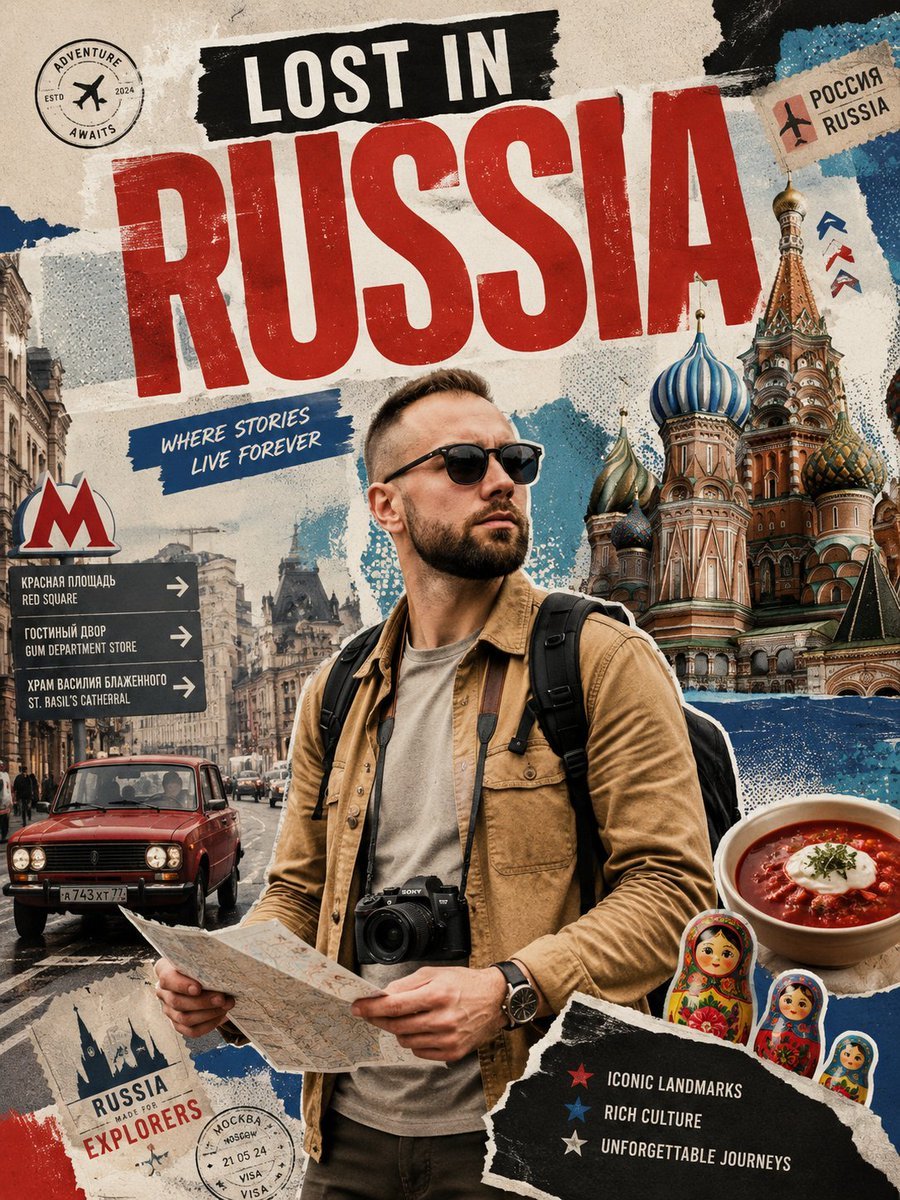
A detailed prompt for creating a vintage scrapbook-style Russia travel poster featuring a tourist, Moscow landmarks, maps, stamps, food, and bold typography.
- Prompt included
- Model and format preset
- Premium template
The prompt behind this image
Copy the exact prompt behind Lost in Russia Travel Collage, or open it in the studio and make it yours.
Create a vertical vintage travel-poster collage about a solo traveler in Russia, using a gritty torn-paper scrapbook aesthetic, muted beige paper texture, halftone dots, rough paint strokes, distressed print grain, and high-contrast editorial photomontage. The main headline should dominate the top half: a black torn strip with white uppercase text “LOST IN” above enormous distressed red block letters “RUSSIA”. Center foreground: a stylish male tourist in his early 30s with short brown hair, trimmed beard, black sunglasses, tan overshirt jacket, gray T-shirt, black backpack straps, wristwatch, and a black camera hanging from his neck; he holds an unfolded paper map at waist level and looks confidently toward the right. Background and collage elements: on the right, large colorful onion domes of St. Basil’s Cathedral; on the left, an urban Moscow street scene with old buildings, pedestrians, and a red vintage car driving forward; include a red Moscow Metro “M” sign and a dark directional signboard with exactly 3 arrows labeled “RED SQUARE”, “GUM DEPARTMENT STORE”, and “ST. BASIL’S CATHEDRAL” with smaller Russian text above each English line. Add a blue brush-stroke caption near the upper left-center reading “WHERE STORIES LIVE FOREVER”. Include exactly 3 travel stamp/sticker elements: a round “ADVENTURE AWAITS” airplane stamp in the upper left, a small tan “RUSSIA” postage sticker in the upper right with Cyrillic text, and a round visa/passport stamp near the lower left. Add exactly 3 cultural/food stickers in the lower right: a bowl of red borscht with sour cream, and 3 nested matryoshka dolls grouped beside it. Add a torn black note panel in the bottom right with exactly 3 bullet lines: red star “ICONIC LANDMARKS”, blue star “RICH CULTURE”, white star “UNFORGETTABLE JOURNEYS”. Add a bottom-left torn label reading “RUSSIA MADE FOR EXPLORERS”. Keep the composition busy but readable, with layered ripped paper edges, blue and red paint accents, realistic photographic subject, poster-like typography, and no extra logos or watermarks.
How to use Lost in Russia Travel Collage in 3 steps
- 1Upload ImagePNG, JPG or paste
Add your photo
Upload the photo the template builds on. The prompt, model and format are already set.
- 2…a portrait of your subject in softgolden-hour light, 85mm…
Personalize
Edit the subject and creative details for your destination.
- 3Generate
Generate
Press Generate — your image is created in PicX Studio, so you can compare it with the original and refine one variable at a time.
More like this
Templates with the same subject, style or setup. Open one to see its prompt.

Travel Poster Graphic Collage

Paris Travel Collage Grid - Face Reference

Japan Travel Brochure Poster

Miniature Travel Diorama Postcard

Boardwalk Fashion Portrait

Paper Cut Finale Fireworks

Paper Cut Garden Maze

Paper Cut Rooftop Concert

Paper Cut Bicycle Coast

Paper Cut Castle Gate

Paper Cut Kitchen Chaos

Paper Cut Carnival Ride
Make it yours
Lost in Russia Travel Collage works as-is. These are the safest ways to change it without losing the look.
Change one field
Copy a single group, rewrite it, and generate again so you can see what that field is doing.
Keep the frame, change the subject
Hold the composition and light of Lost in Russia Travel Collage, then swap wardrobe, props or the person for a new take.
| If the result… | Why | Fix |
|---|---|---|
| The result drifts from the preview | Too many fields changed at once. | Reuse Lost in Russia Travel Collage as-is first, then change one group — subject, light, or setting. |
| The model over-stylizes the scene | The prose prompt leaves finish and camera underspecified. | Add one camera or lighting sentence and stay on GPT Image 2. |
More GPT Image 2 templates
Other prompts made for GPT Image 2.

Six VTuber Japanese Logo Sheet

Realistic Portrait of Woman and Deer

The Vista Modular Condo Poster

AI Model Routing Comparison Infographic

2.5D Anime Art Board

Isometric Productivity Desk Scene

New York Double Exposure Poster

Four-Panel AI Landscape Comparison

Japanese Tatami Lifestyle Magazine Cover

NESCAFÉ Coffee Map Poster
More image prompts
Fresh picks from across the catalog.
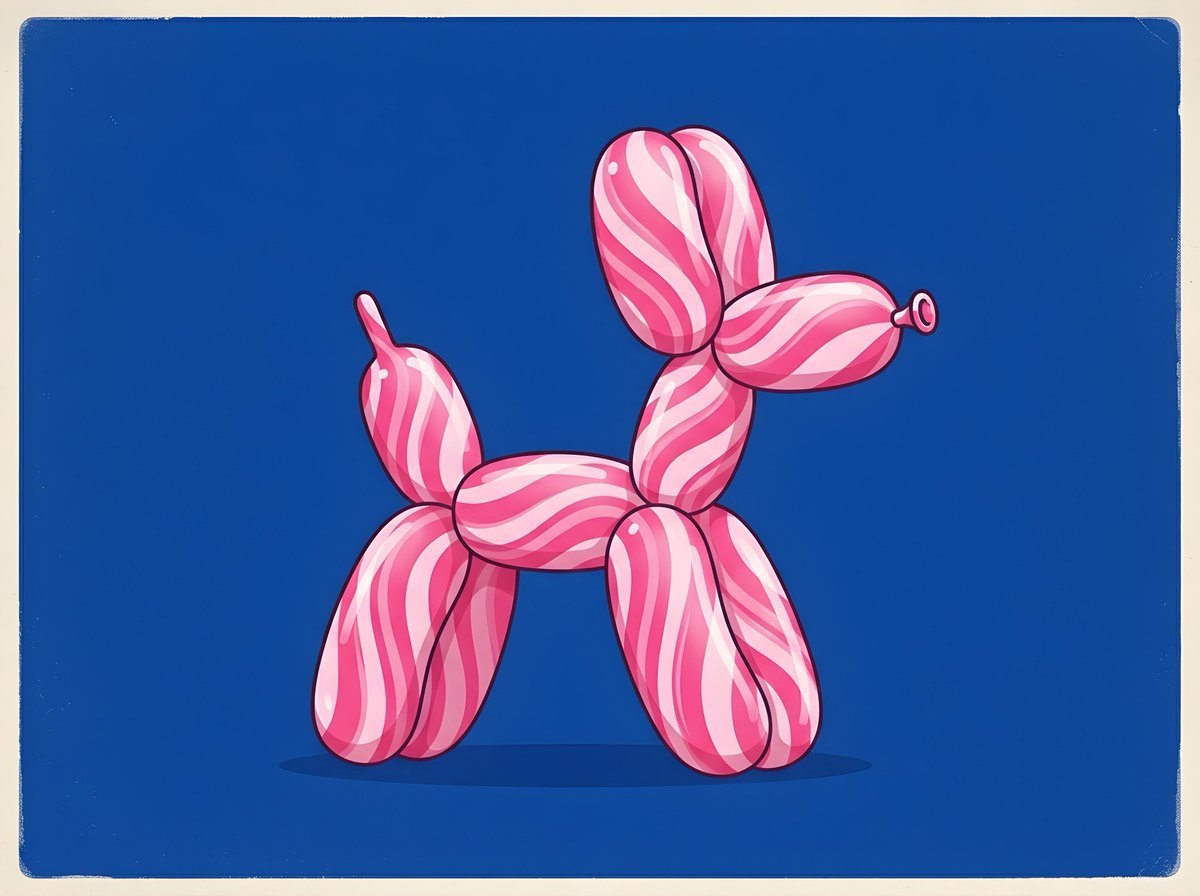
Retro Minimalist Balloon Dog Illustration
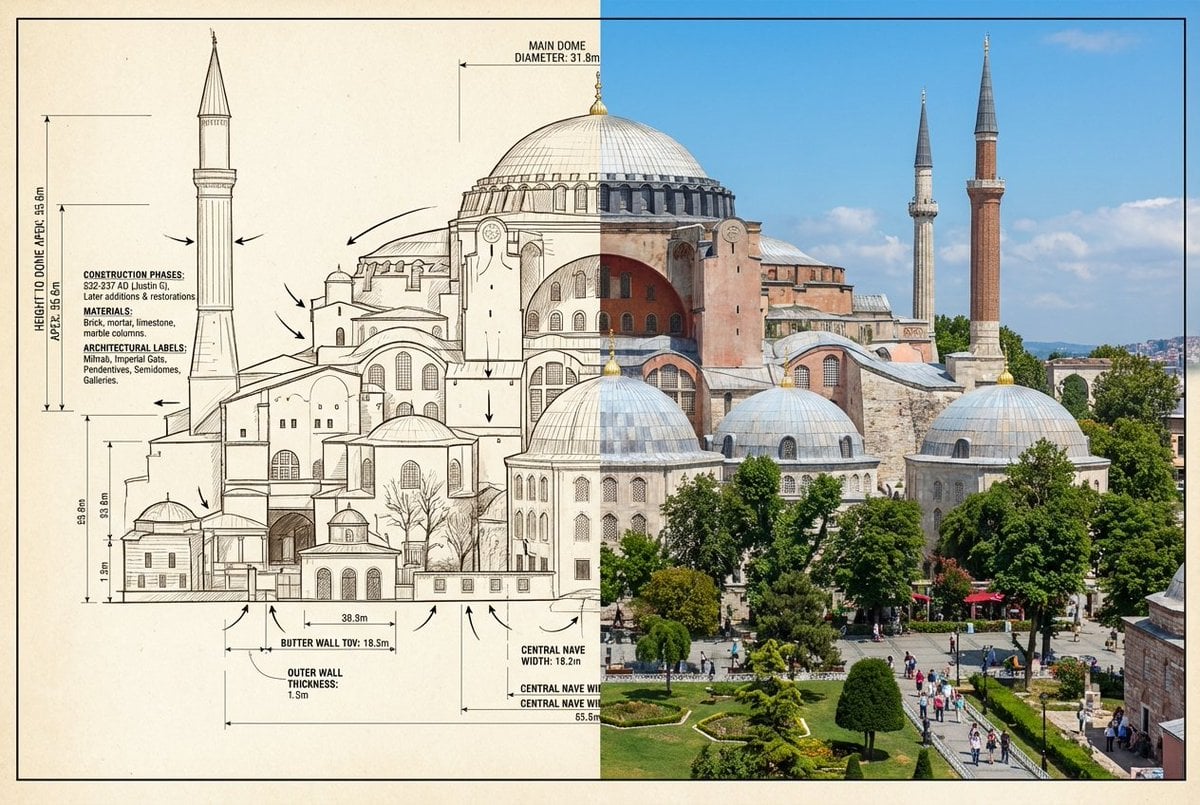
Side-by-Side Architectural Comparison of Hagia Sophia
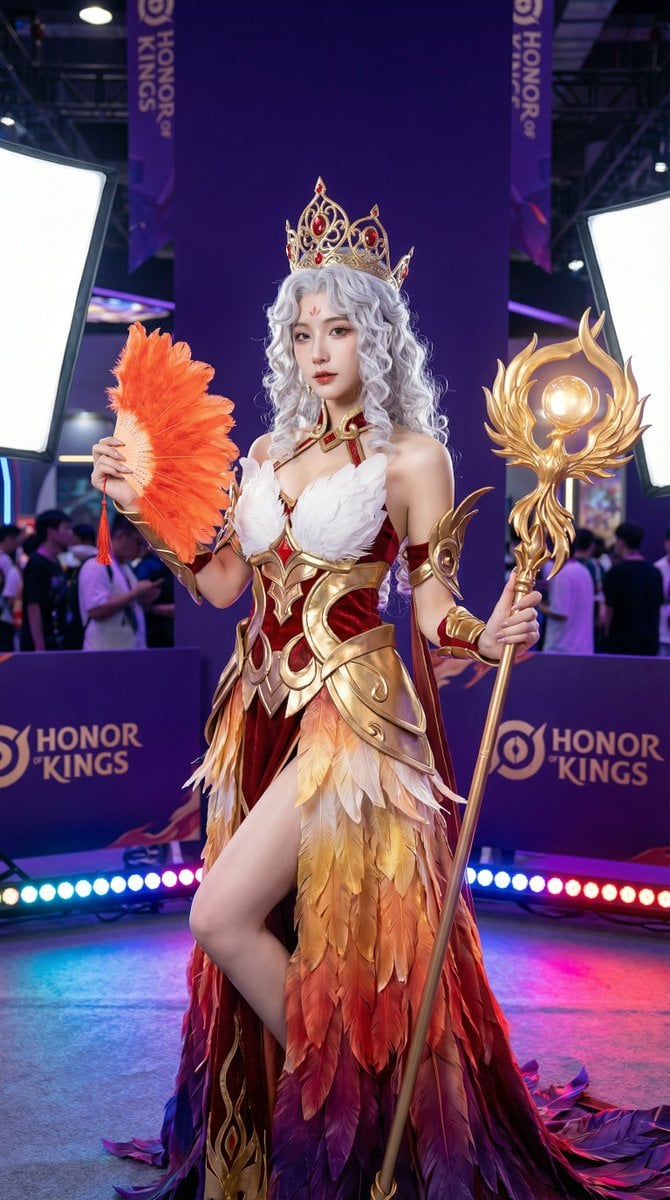
Detailed Photorealistic Cosplay Portrait Prompt: Phoenix Theme
Surrealist Rolex Advertisement Poster
Origami Living Room Architecture Concept
Japanese Idol Concert Portrait
Pastel Maruko Dollhouse Diorama
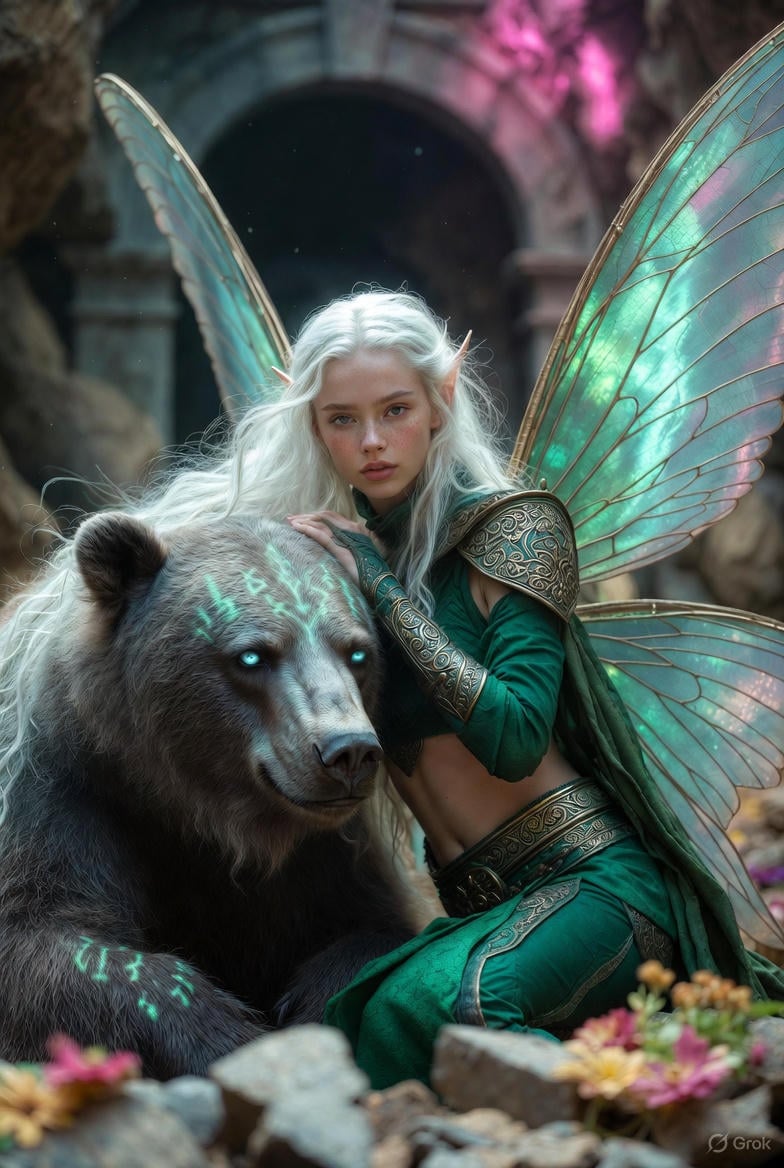
Photorealistic Fantasy Scene: Fairy and Muscular Bear in Cavern
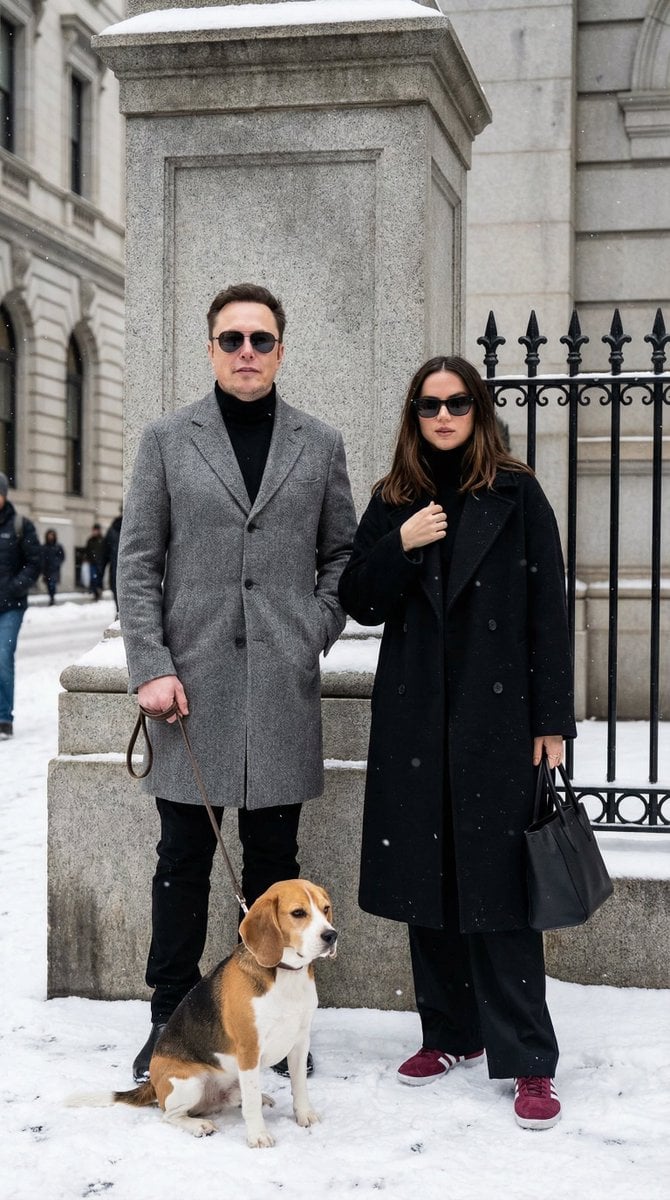
Sophisticated Urban Winter Couple Portrait
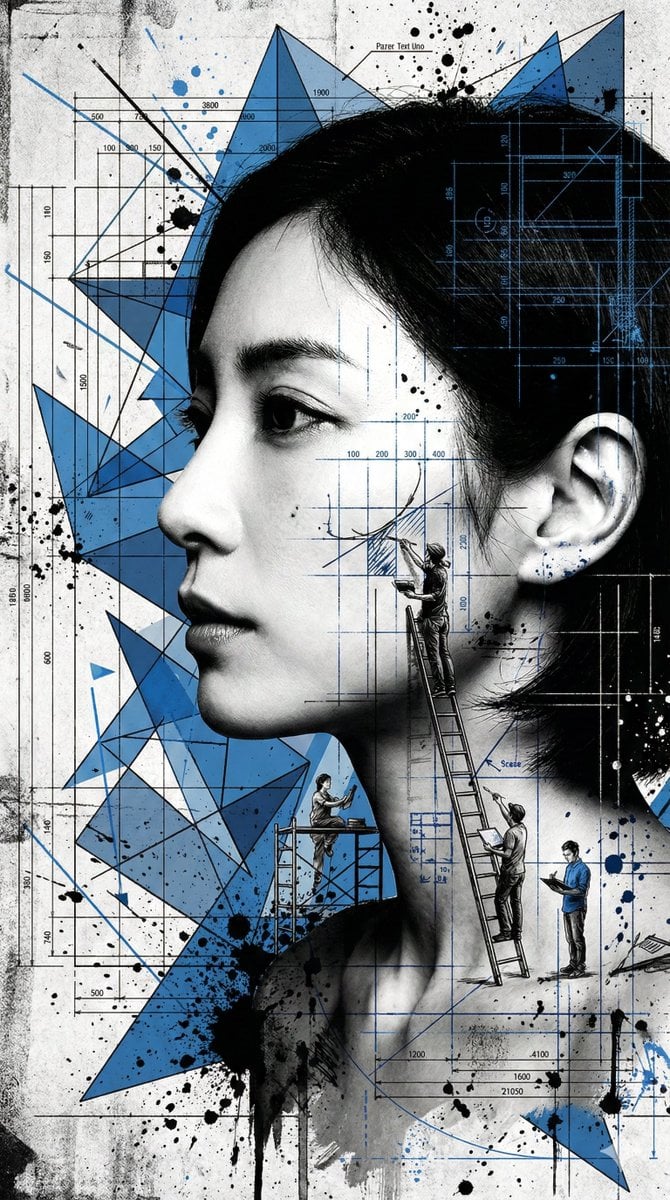
Nanobanana Pro Banana Image Generation
Browse template categories
Lost in Russia Travel Collage questions
How do I use the Lost in Russia Travel Collage template?
Add your photo if the template asks for one, edit the prompt if you like — the template's model and format are already selected — and press Generate. Your version opens in PicX Studio.
Can I customize the Lost in Russia Travel Collage template?
Yes. You can change the subject, setting, lighting, mood, format, and available model controls before creating your image.
Is the Lost in Russia Travel Collage template free?
Opening and editing this template is free. Generating uses credits, shown on the Generate button when you are signed in.
Which AI model should I use?
Start with GPT Image 2, which is the model associated with this template. You can compare another compatible model for a different finish.
Looking for something else? Browse all templates.

Your photo, any look
Thousands of ready templates for every top image and video model, from one credit balance.