
Luxury Streetwear Café Portrait
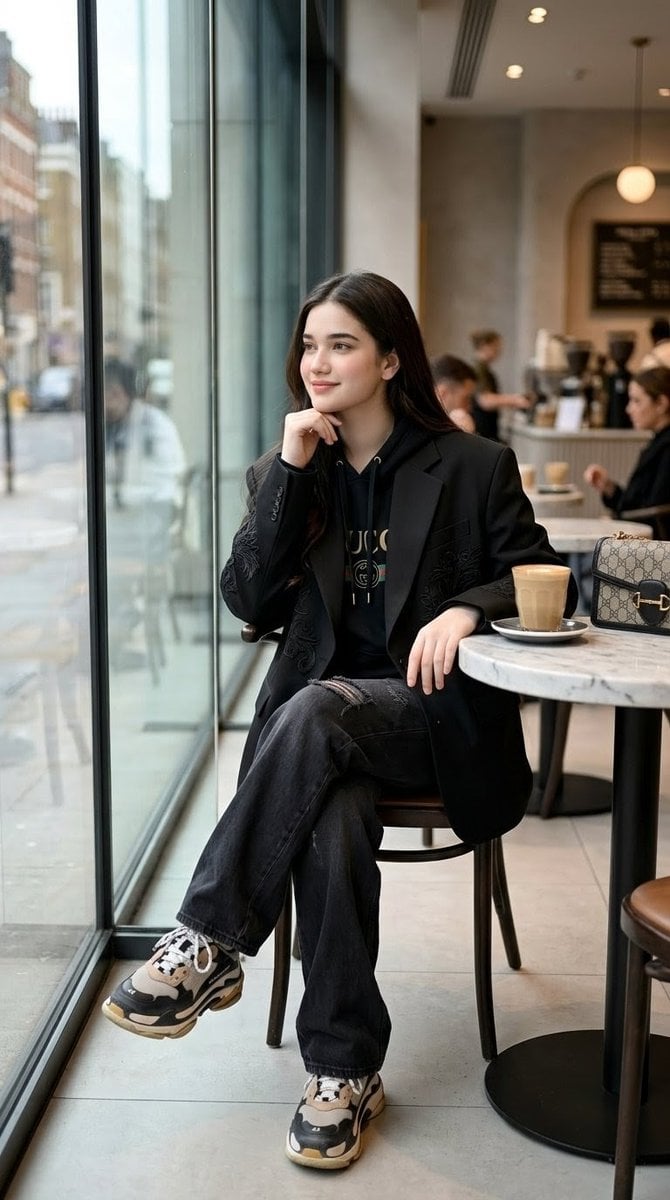
A hyper-realistic vertical fashion editorial portrait of a young woman in luxury streetwear seated by a café window.
- Prompt included
- Model and format preset
- Free template
The prompt behind this image
Copy the exact prompt behind Luxury Streetwear Café Portrait, or open it in the studio and make it yours.
Create a hyper-realistic full-body vertical fashion editorial portrait in a 9:16 aspect ratio, shot like a Vogue luxury streetwear café spread. The subject is a {argument name="character description" default="young woman with long dark brown hair"} sitting elegantly on a chair beside a large floor-to-ceiling glass window in a stylish modern city café. She is posed with one leg crossed over the other, her right elbow resting near her body with her hand touching her chin in a thoughtful fashion-model pose, and her left hand relaxed on the edge of a small round marble café table. Her face should be softly anonymized with a realistic rectangular blur/mask while preserving natural hair, head shape, and body proportions. Outfit: oversized black tailored blazer with subtle embroidered detailing on the sleeves, black luxury logo hoodie underneath, loose dark washed black jeans with a small distressed rip at one knee, and chunky black-white-beige designer sneakers. On the table to her right are exactly 2 visible items: a tall latte in a clear glass on a saucer and a beige monogram luxury handbag with black trim and gold hardware. The café interior includes exactly 4 background people, softly blurred: two seated customers on the right side, one barista/person working at the counter, and one person farther back near the counter. Include a softly blurred menu board, coffee equipment, warm pendant lights, pale tile floor, marble tabletop, black table base, and brown café chairs. Through the glass window on the left, show a rainy or overcast urban street with muted buildings, sidewalk reflections, and soft city blur. Use natural window light mixed with warm indoor café lighting, shallow depth of field, realistic lens perspective, high-end editorial color grading, crisp clothing textures, 8K detail, vertical composition, full-body framing from head to shoes. Avoid extra text, logos that are too legible, distorted hands, extra limbs, duplicate cups, or additional table objects.
How to use Luxury Streetwear Café Portrait in 3 steps
- 1Upload ImagePNG, JPG or paste
Add your photo
Upload the photo the template builds on. The prompt, model and format are already set.
- 2…a portrait of your subject in softgolden-hour light, 85mm…
Personalize
Edit the subject and creative details for your destination.
- 3Generate
Generate
Press Generate — your image is created in PicX Studio, so you can compare it with the original and refine one variable at a time.
More like this
Templates with the same subject, style or setup. Open one to see its prompt.











Make it yours
Luxury Streetwear Café Portrait works as-is. These are the safest ways to change it without losing the look.
Change one field
Copy a single group, rewrite it, and generate again so you can see what that field is doing.
Keep the frame, change the subject
Hold the composition and light of Luxury Streetwear Café Portrait, then swap wardrobe, props or the person for a new take.
| If the result… | Why | Fix |
|---|---|---|
| The result drifts from the preview | Too many fields changed at once. | Reuse Luxury Streetwear Café Portrait as-is first, then change one group — subject, light, or setting. |
| The model over-stylizes the scene | The prose prompt leaves finish and camera underspecified. | Add one camera or lighting sentence and stay on GPT Image 2. |
More GPT Image 2 templates
Other prompts made for GPT Image 2.

Six VTuber Japanese Logo Sheet

Realistic Portrait of Woman and Deer

The Vista Modular Condo Poster

AI Model Routing Comparison Infographic

2.5D Anime Art Board

Isometric Productivity Desk Scene

New York Double Exposure Poster

Four-Panel AI Landscape Comparison

Japanese Tatami Lifestyle Magazine Cover

NESCAFÉ Coffee Map Poster
More image prompts
Fresh picks from across the catalog.
One Piece Devil Fruit Image Generation Prompt Template
Ultra-Realistic Cinematic Street Photography Prompt
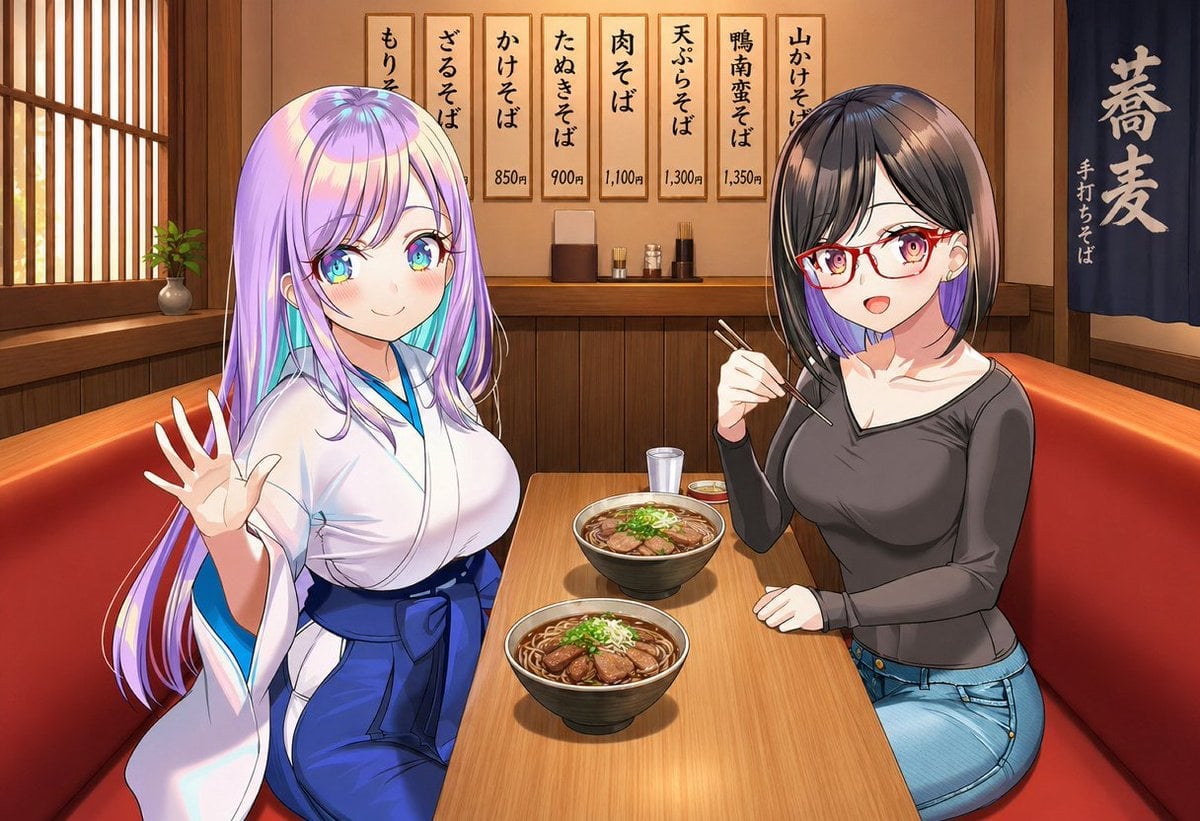
Anime Friends Eating Soba
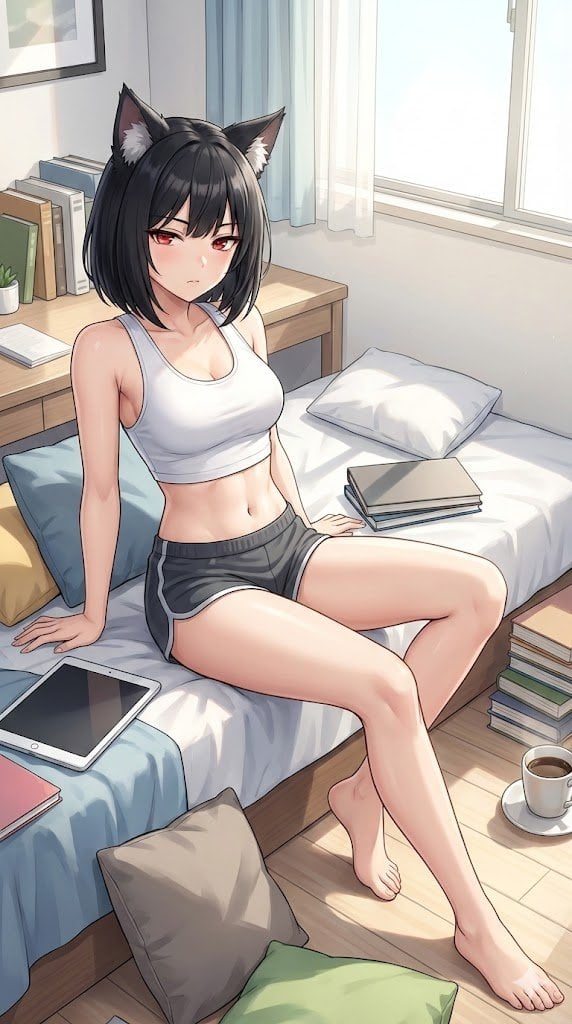
Prompt for Generating 'Hot White Girl in Prom Dress' (Failure Case)
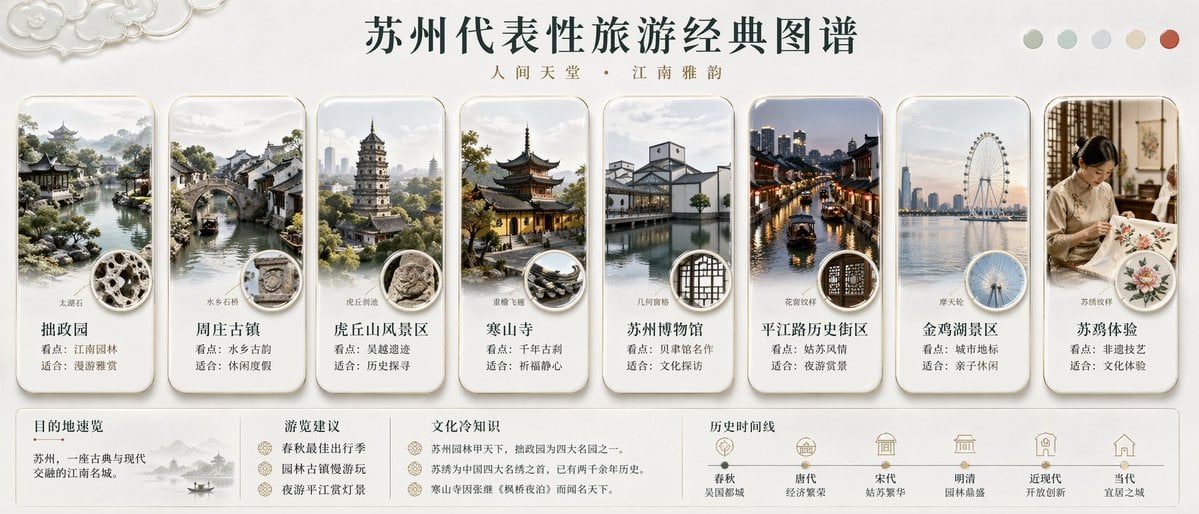
Suzhou Classic Travel Infographic
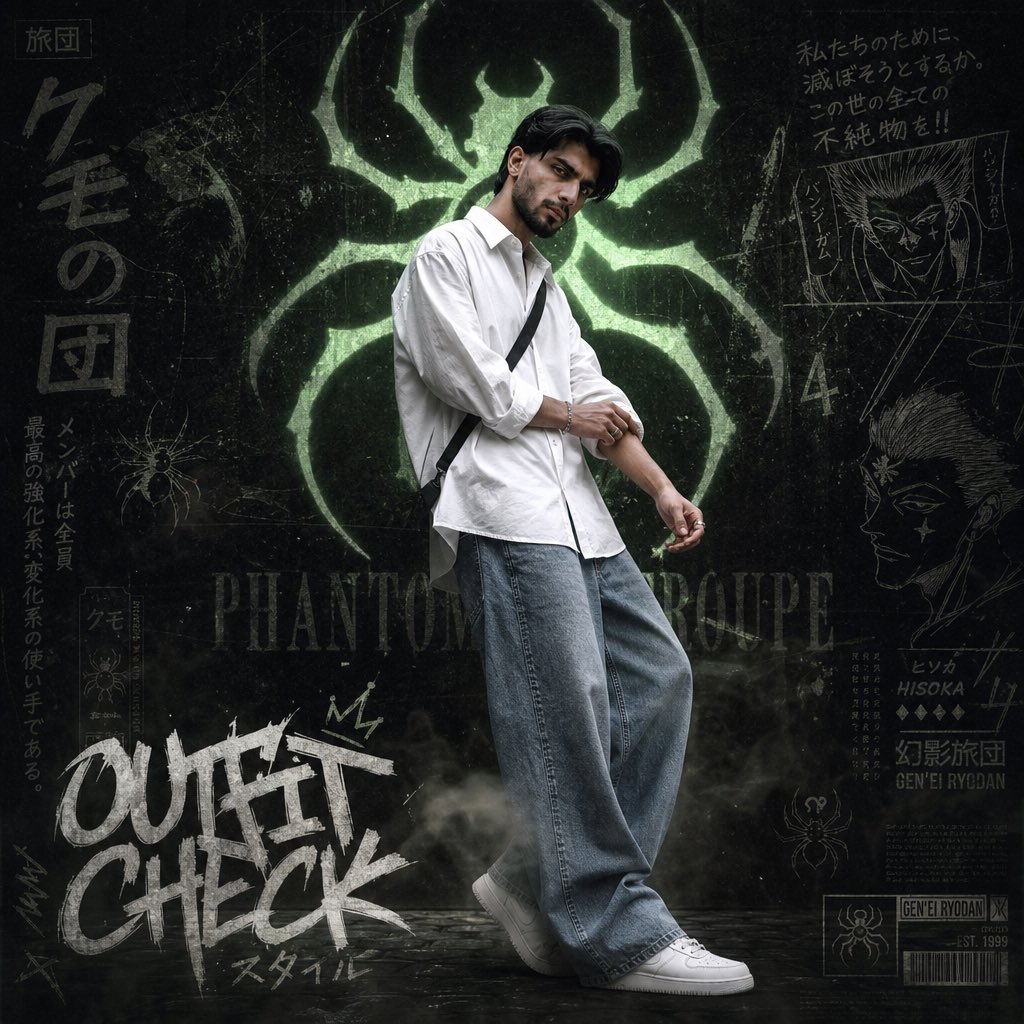
Anime Streetwear Poster
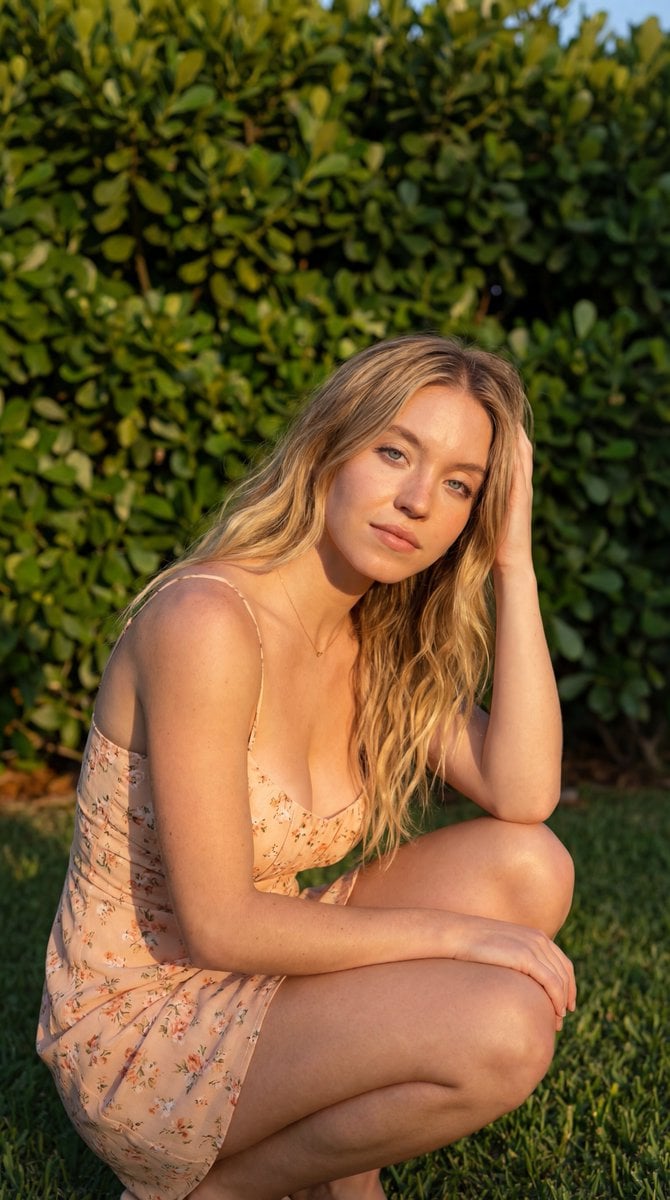
Golden Hour Outdoor Portrait
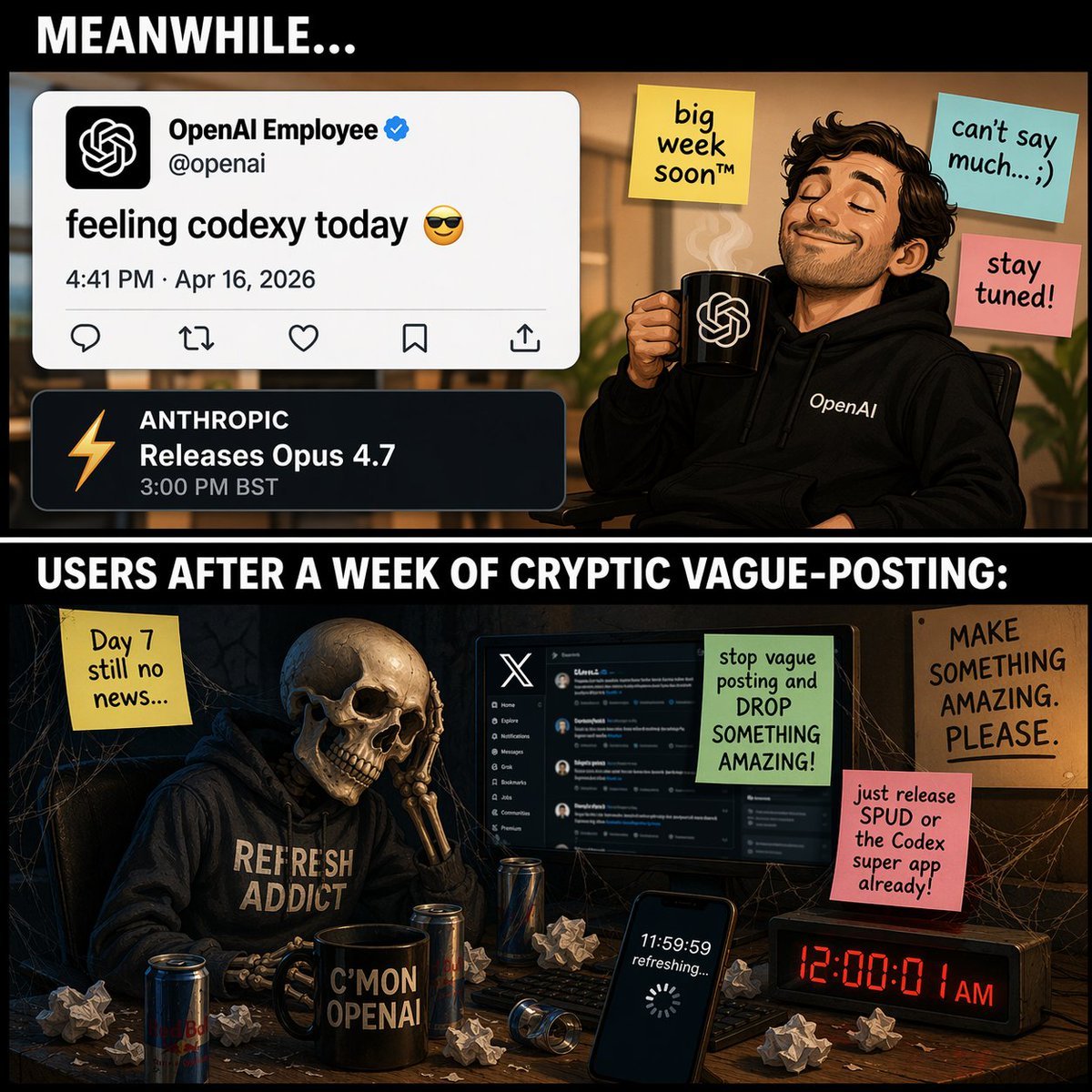
Two-Panel Tech Meme Comic
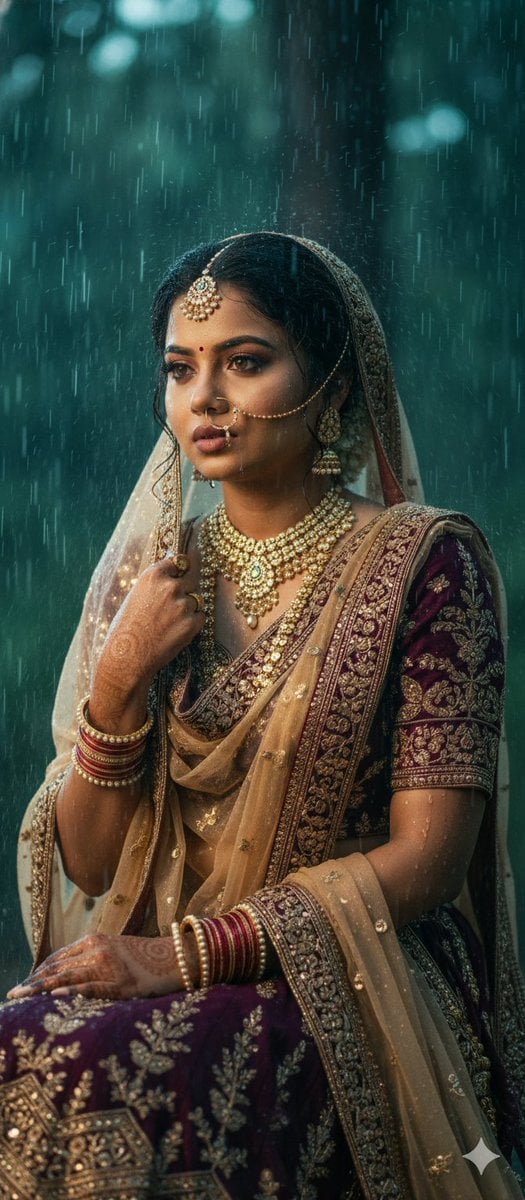
Kollywood Cinematic Film Post Photo Prompt
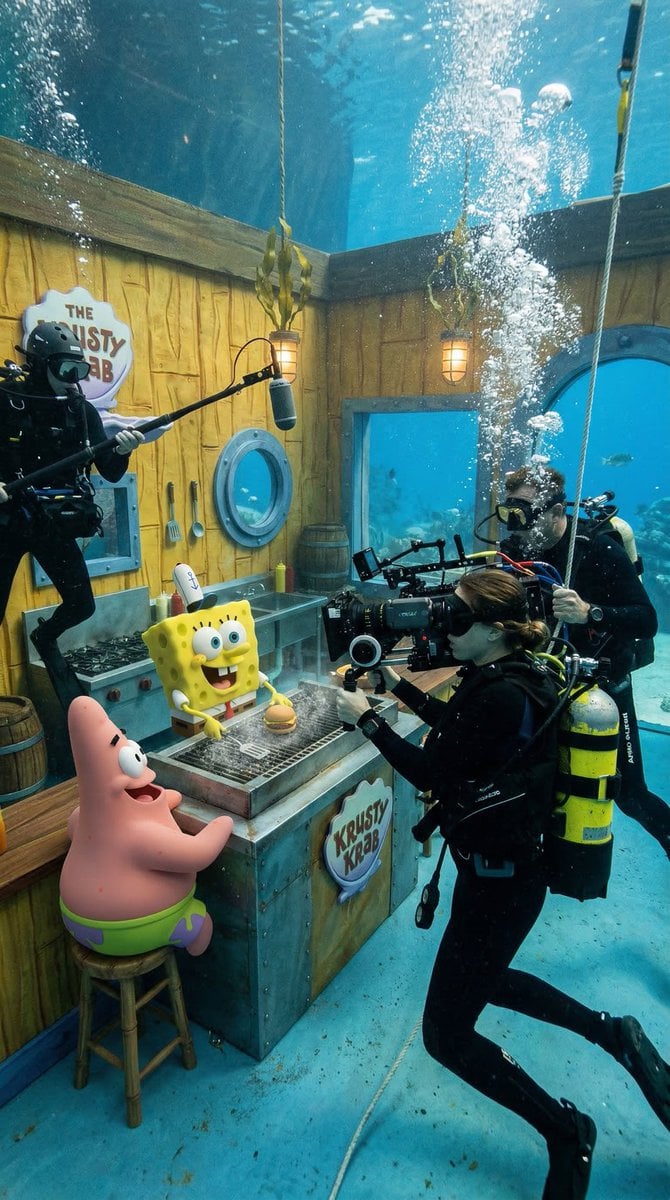
Photorealistic BTS SpongeBob Scene
Browse template categories
Luxury Streetwear Café Portrait questions
How do I use the Luxury Streetwear Café Portrait template?
Add your photo if the template asks for one, edit the prompt if you like — the template's model and format are already selected — and press Generate. Your version opens in PicX Studio.
Can I customize the Luxury Streetwear Café Portrait template?
Yes. You can change the subject, setting, lighting, mood, format, and available model controls before creating your image.
Is the Luxury Streetwear Café Portrait template free?
Opening and editing this template is free. Generating uses credits, shown on the Generate button when you are signed in.
Which AI model should I use?
Start with GPT Image 2, which is the model associated with this template. You can compare another compatible model for a different finish.
Looking for something else? Browse all templates.

Your photo, any look
Thousands of ready templates for every top image and video model, from one credit balance.